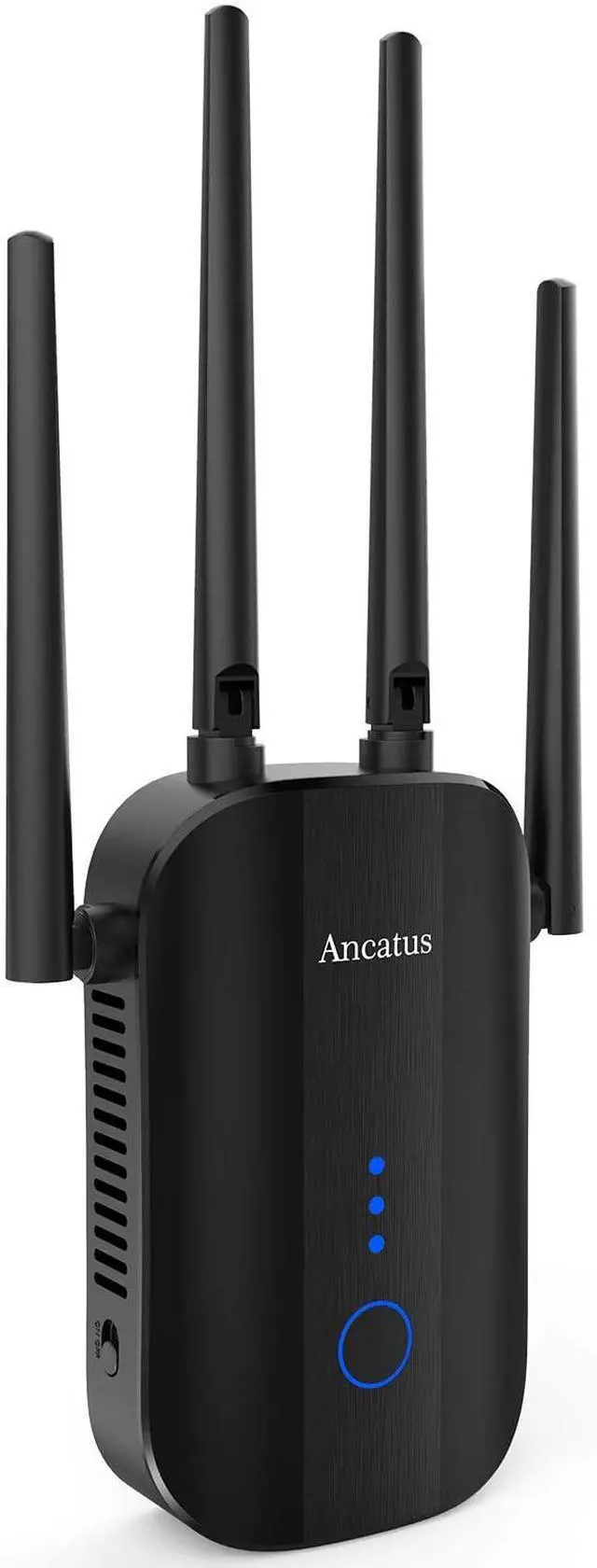
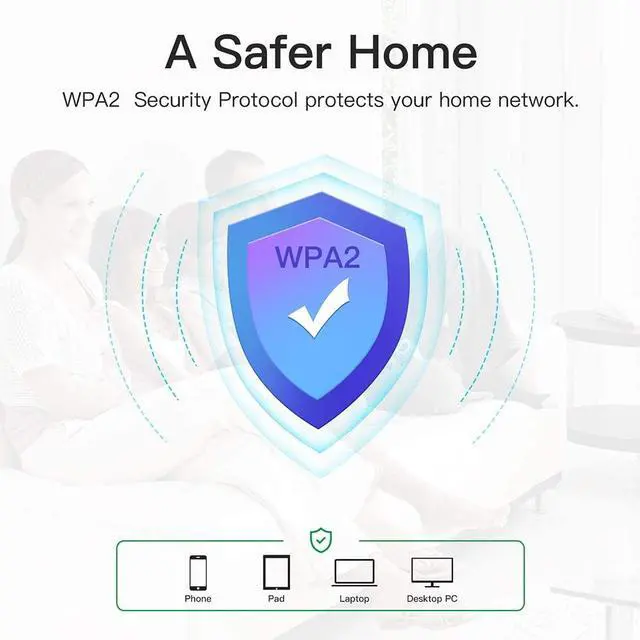
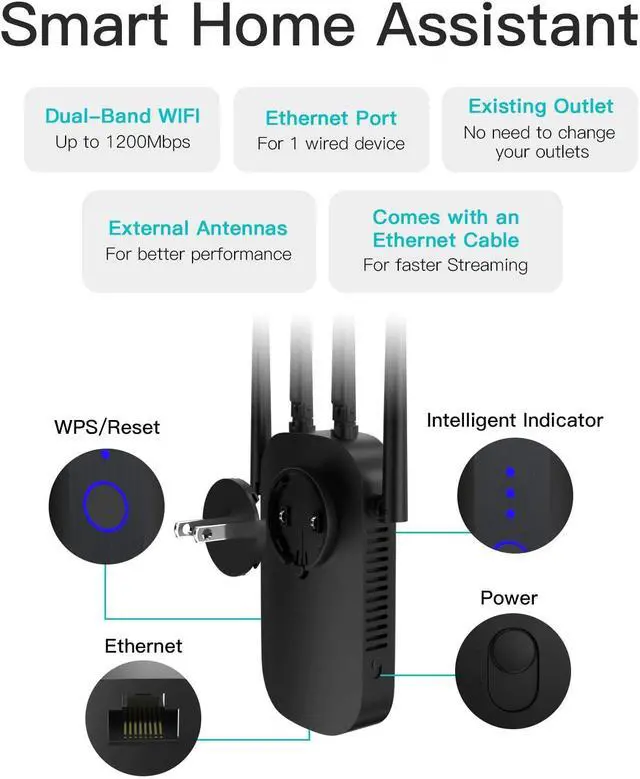
Connects up to 25 Devices
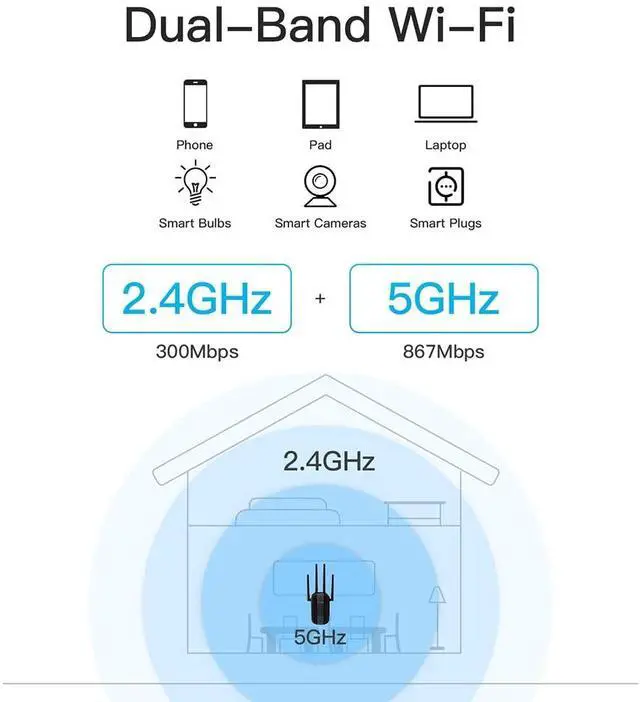
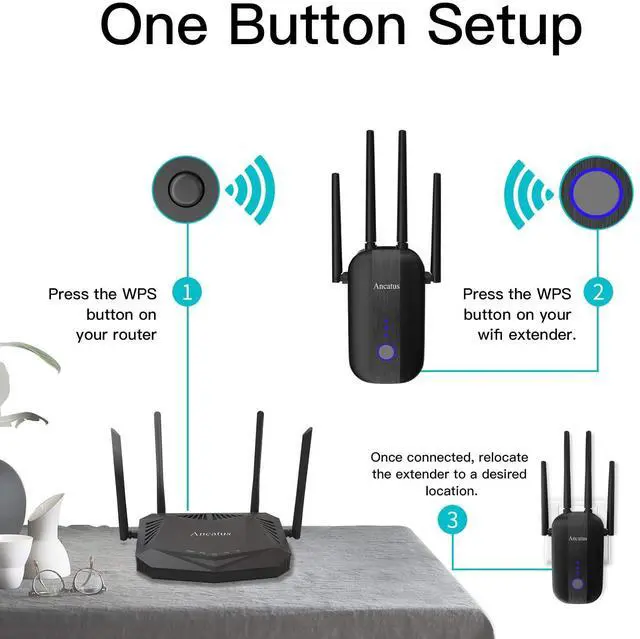
A2 connects up to 25 devices and flexibly selects between dual bands to maximize speed for your smart devices. One Button Setup
For WPS compatible routers, use the WPS button to easily set up and extend your WiFi. Setup and Manage via Web UI
For alternative routers, trouble-free setup in 5 minutes with our web UI (phones o PC).
We offer 4 working modes
: Relay Mode, Bridge mode, AP mode and Routing mode. You can customize your settings according to your needs. Intelligent Signal Indicator
Three intelligent signal indicator direct you to the optimal location to place your extender and effortlessly connect to your new wifi in minutes. (For better performance, make sure that 2 of 3 leds are on) For a Wired Device,
One 10/100M Ethernet port lets you easily connect a wired device for faster steaming and gaming. Universally Compatible
The wifi extender is compatible with standards 802.11 a/b/ac/n/g, 99% of routers, access points and gateways, as well as internet service providers as AT&T, T-Mobile, Verizon and Sprin and 90 more. Setup steps for routers that do not support WPS
1. Power on the repeater, in 60 sec click one of the two new wifi names “Ancatus_XXXX-2G” or “Ancatus_XXXX-5G”. The login page wiill pop up automatically, if not, please enter " 192.168. 10.1" in your browser. 2. enter “admin” as password 3. Click the wifi that you want to extend, then enter the password of your router network, click “Save setting”.
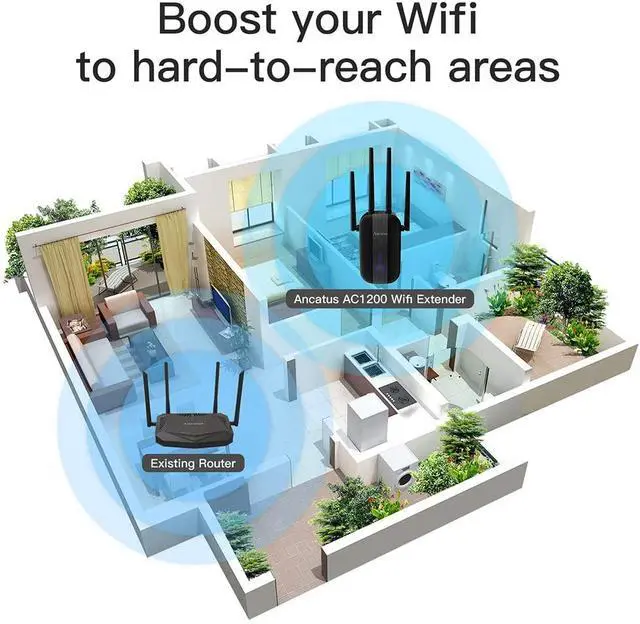
4. In your wifi page, you will see two new wifi names with suffix “_2G” and “_5G”(in case of “Combine wifi”, there will be only one new wifi name with suffix_2G_5G), choose the one that has stronger signal, then enter the password of your router network. Place the wifi extender in a place between your router and wifi dead zone, make sure that 2 of 3 leds are on.