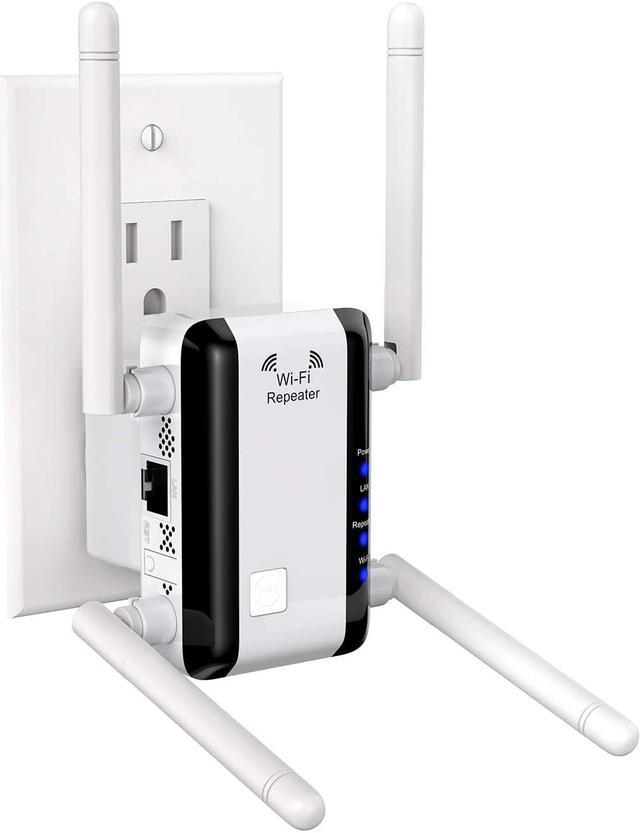
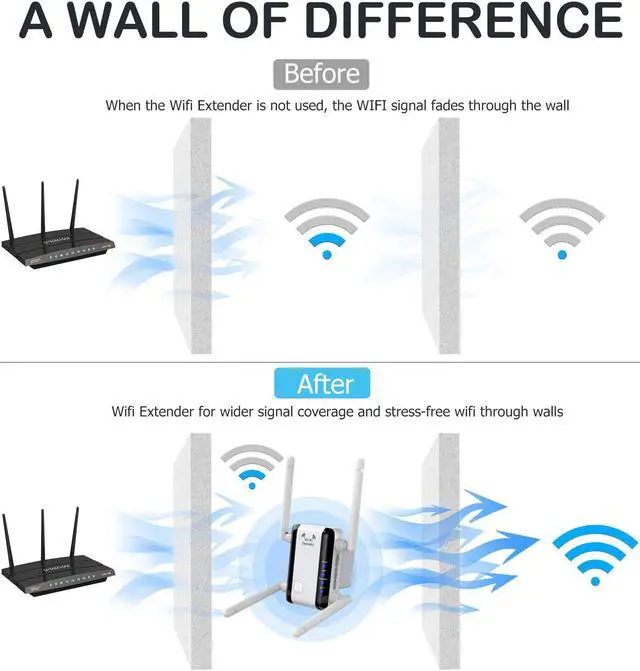
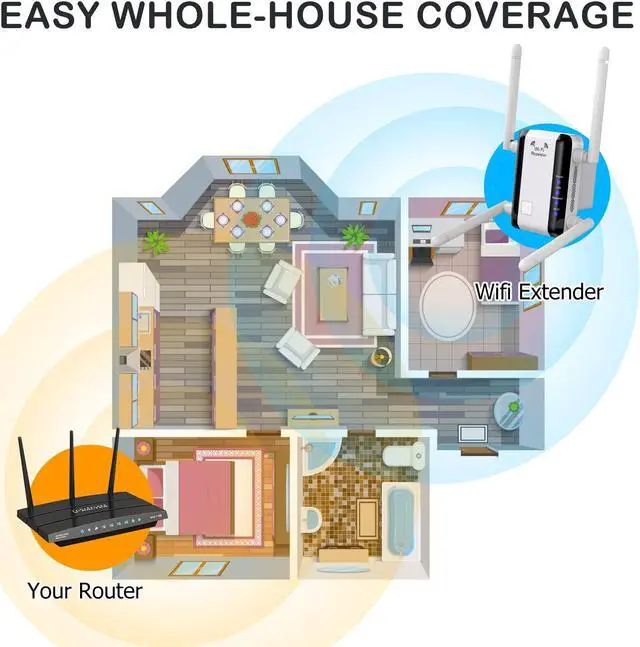
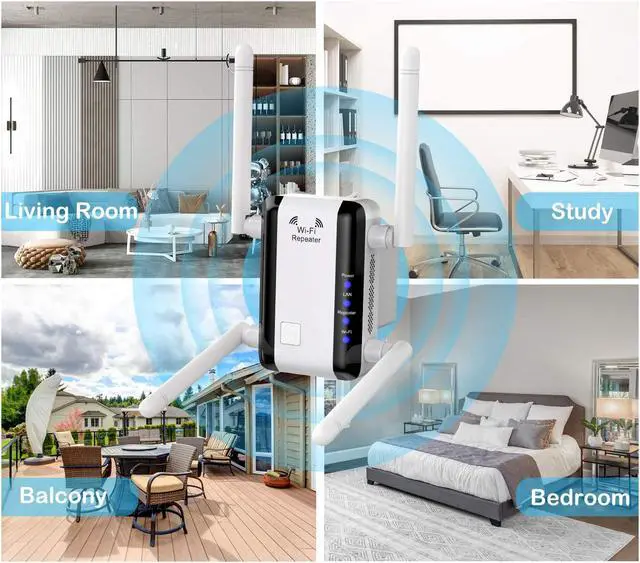
The Wi-Fi signal at home is too weak and it is disconnected without taking a few steps? You need a wifi signal repeater to enhance the signal so that you can connect to your home wifi in the bathroom, garage, balcony.
Installation steps: let you know how to find the enhanced wifi name
1. Plugin this extension Wifi Booster (Power on)
2. Find product SSID in the WLAN list and connect it
3. When linked on the browser pop up to the configuration page automatically
4. The WiFi Range Extender will scan the wifi router list automatically.
5. Select the home network wifi name (Main router SSID) and enter the password.
6. Default new SSID will be the Main Wifi SSID-EXT
7. When repeater ok, the WiFi Range Extender LED will light on
8. Return to WLAN list connect new SSID-EXT, and select it, and finish all settings.
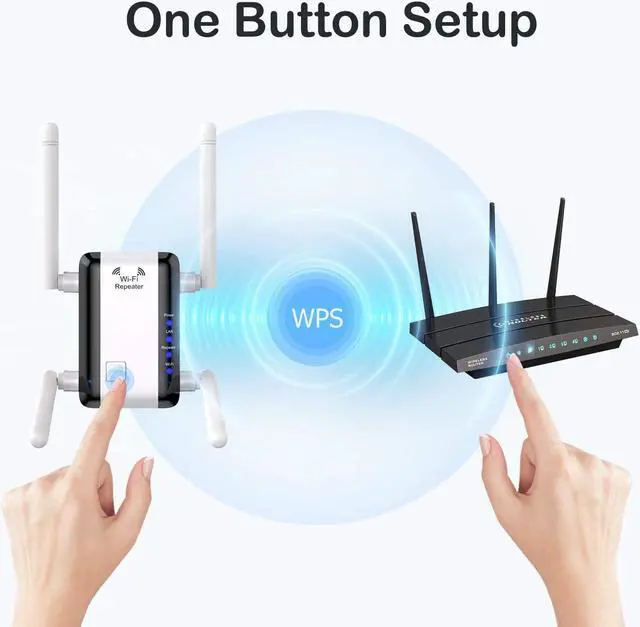
*If still unable to connect to the Extennnnal wifi, just press the router's WPS button, and press the WPS button, then all set.
Specifications:
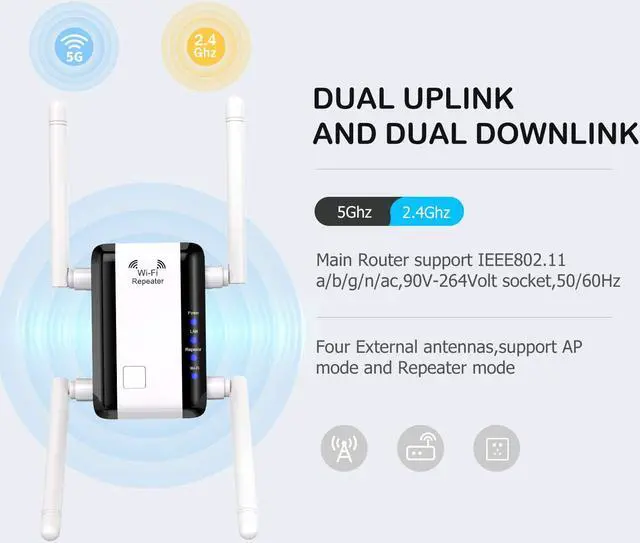
Wireless Standard: IEEE802.11b/g/n/ac
Wireless Rate: 1200Mbps
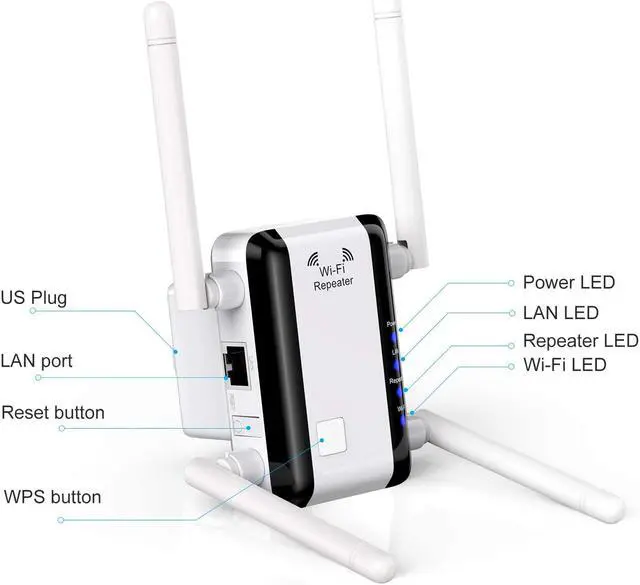
Interface: 1×10/100M LAN Port
Button: WPS Button,Reset Button
Indicator LED: Power LED,LAN LED,Repeater LED,Wi-Fi LED
Antenna: Four External antennas
Dimensions: 81*54*56mm(L*W*H, without antenna)
System Requirements:
90V-264Volt socket, 50/60Hz
The Main router and Wlan client must support at least WPA encryption standard and automatic IP address assignment (DHCP)
IPV4-based protocols/Address Resolution Protocol
SSID must be set to "visble"
Package Included:
1 x wifi extender
1 x use guide