
Built for How Business Buys.






MAIWO KC014 PCIe to dual USB3.1 USB C Type-C Expansion Card
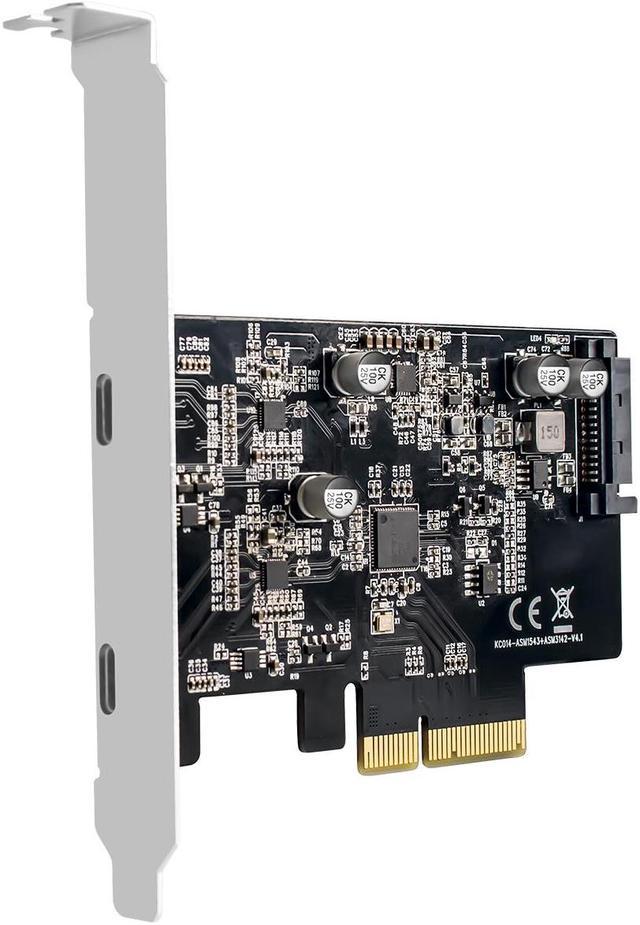
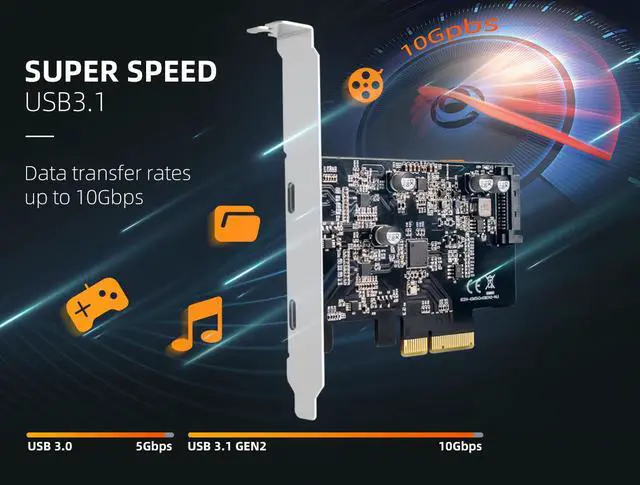
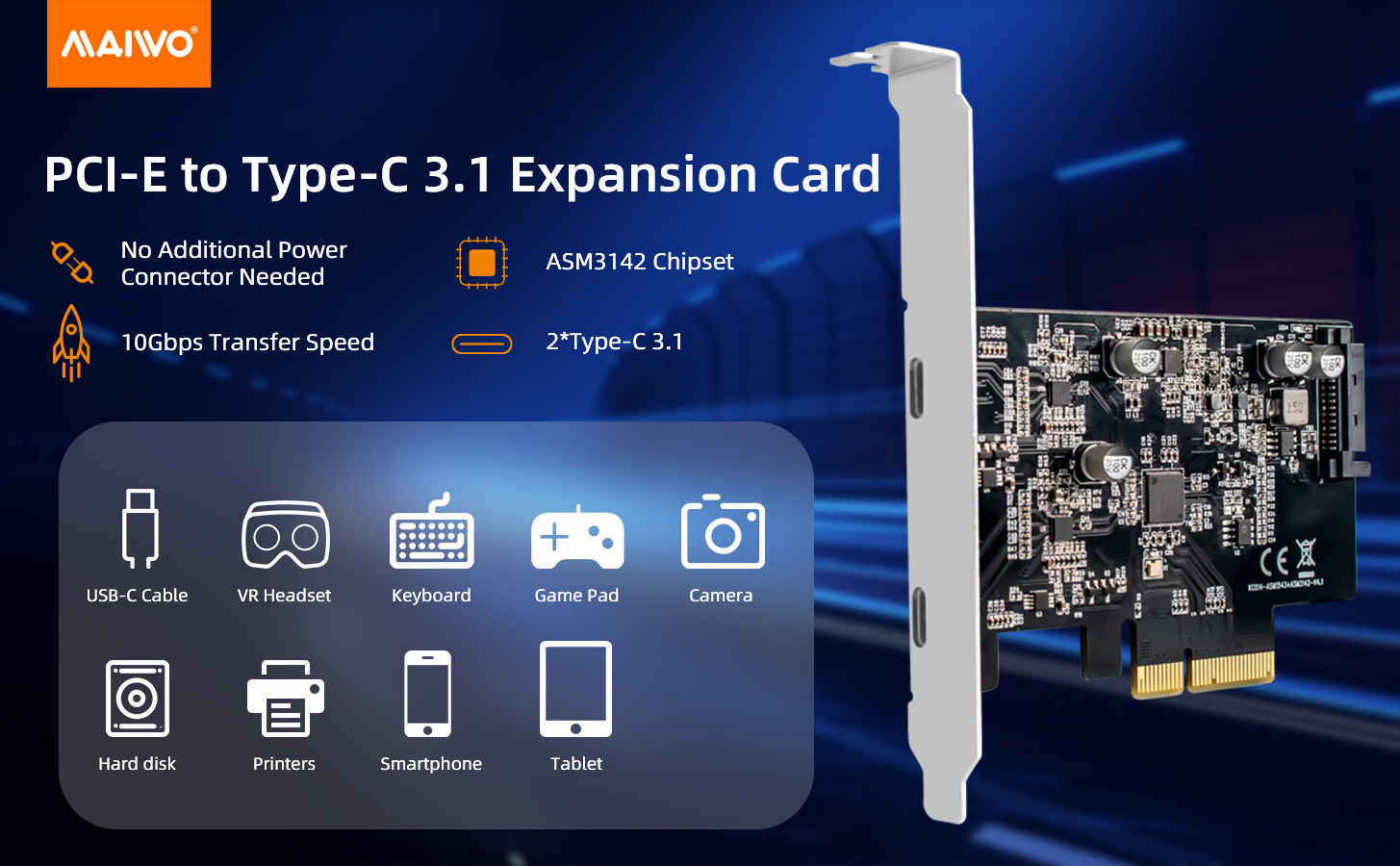
This PCIe to USB C expansion card allows users add 2-ports USB 3.1 Gen2 Type C on desktop computers by PCI Express X4 slot. The 2X USB 3.1 Gen2 type C ports can provide ultra speed 10Gbps max (16Gbps in total) data transfer for USB 3.1 gen2 peripheral device,such as SSD enclosure, external HDDs,flash drives,USB hubs etc.
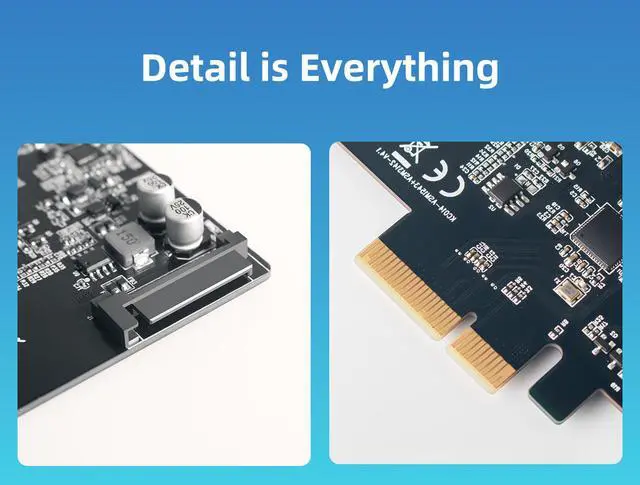
Built in Self-Powered Technology. No need to plug any power cables from power source, but get each USB port 5V/3A (5V/6A in total,NOT for fast charging) max power supply. Ensure all connected USB 3.1 Gen2 device running ultra speed 10Gbps max. Enjoy super easy installation with Plug & Play use.
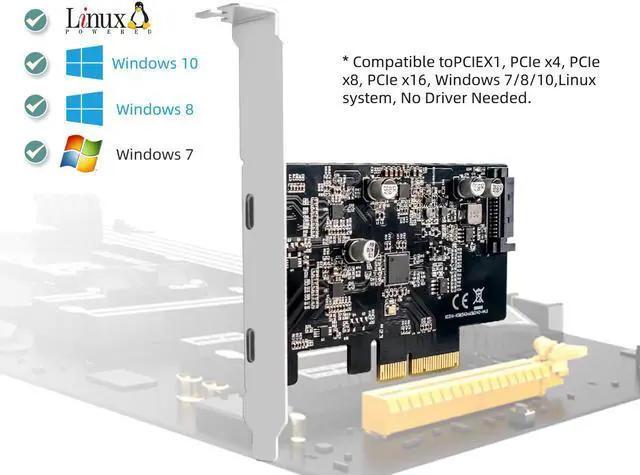
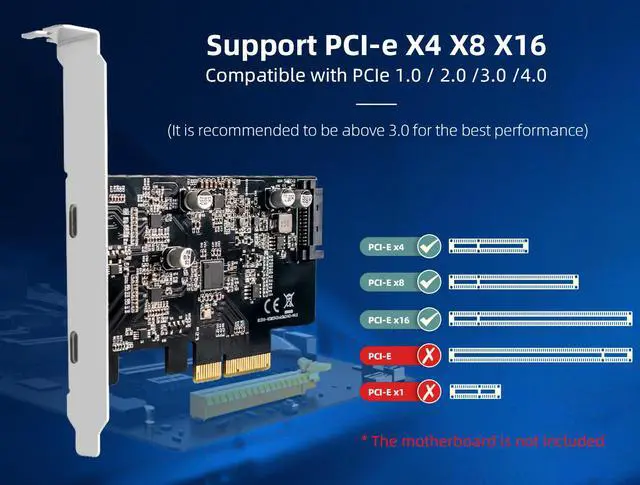
This PCIE expansion card is compatible with PCIE 3.0 PCIE 2.0 and PCIE 1.0 motherboards, Supports Operating System : Windows 7, 8, 10, Mac OS, Linux

PCIe to USB C Add On Card
Wide Applicaton
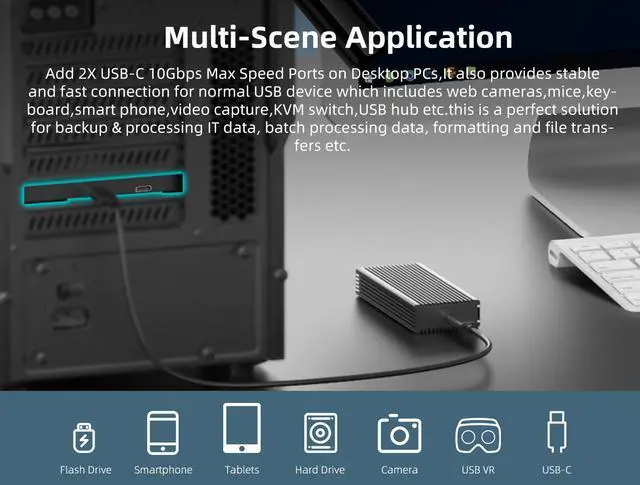
Update your computer to 2 ports USB3.1 Type C Gen 2, you can connect keyboard, mouse, external hard drives, CD/DVD drives, webcams, usb printers, scanners, game controllers,USB VR, digital cameras, etc.
USB 3.2 New Nomenclature:
1. USB3.2 Gen 1 = USB3.1 Gen 1 , Product transfer rate is up to 5Gbps, Marketing name: SuperSpeed USB
2. USB3.2 Gen 2 = USB3.1 Gen 2 , Product transfer rate is up to 10Gbps, Marketing name: SuperSpeed USB 10Gbps
3. USB3.2 Gen 2X2, Product transfer rate is up to 20Gbps, Marketing name: SuperSpeed USB 20Gbps
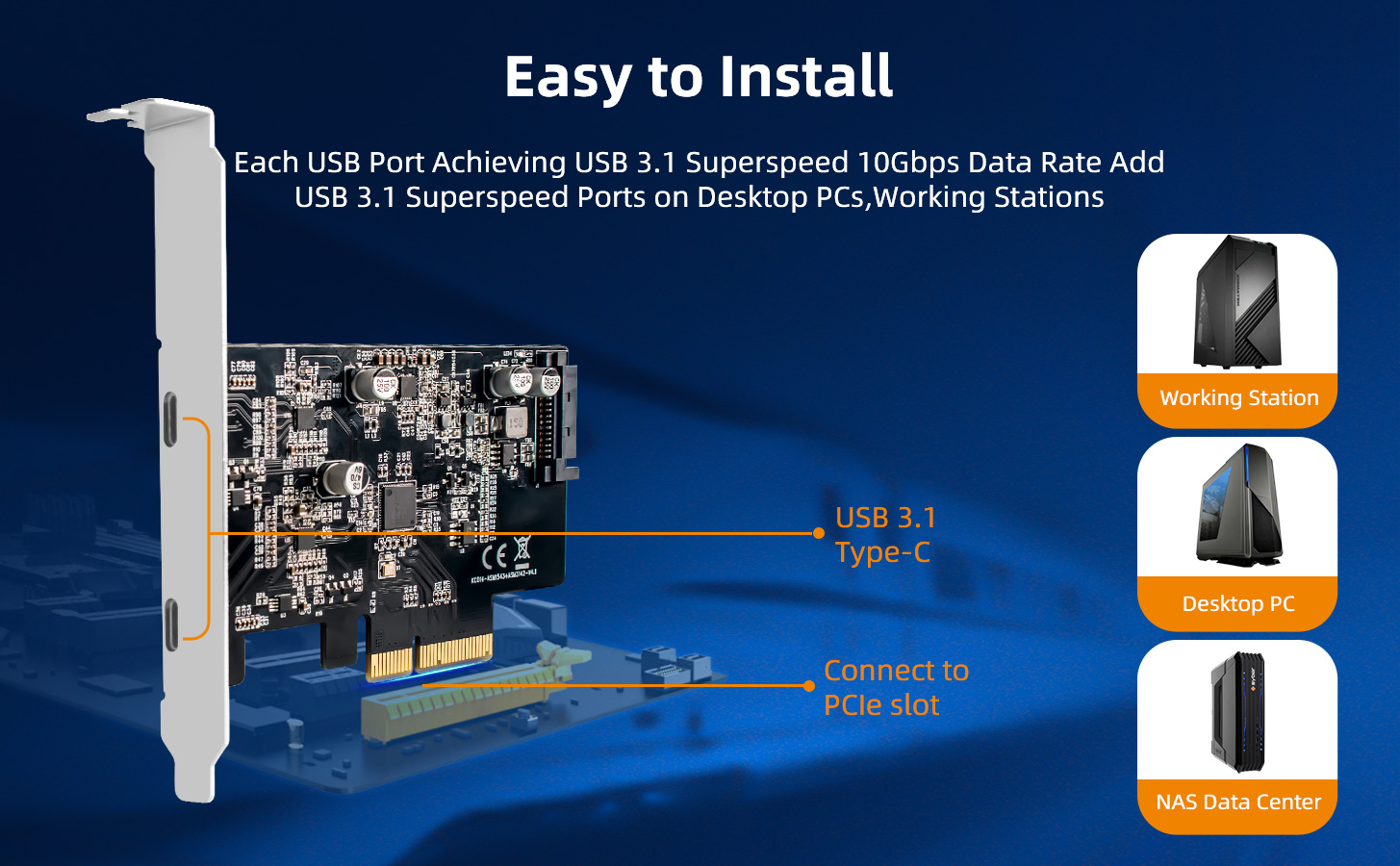
Easy Installation
1.Turn off the computer power, then remove the cover from the computer case.
2.Find the corresponding PCI-E card slot.
3.Insert the adapter card into an empty PCI Express slot.
4.Lock the screws.