



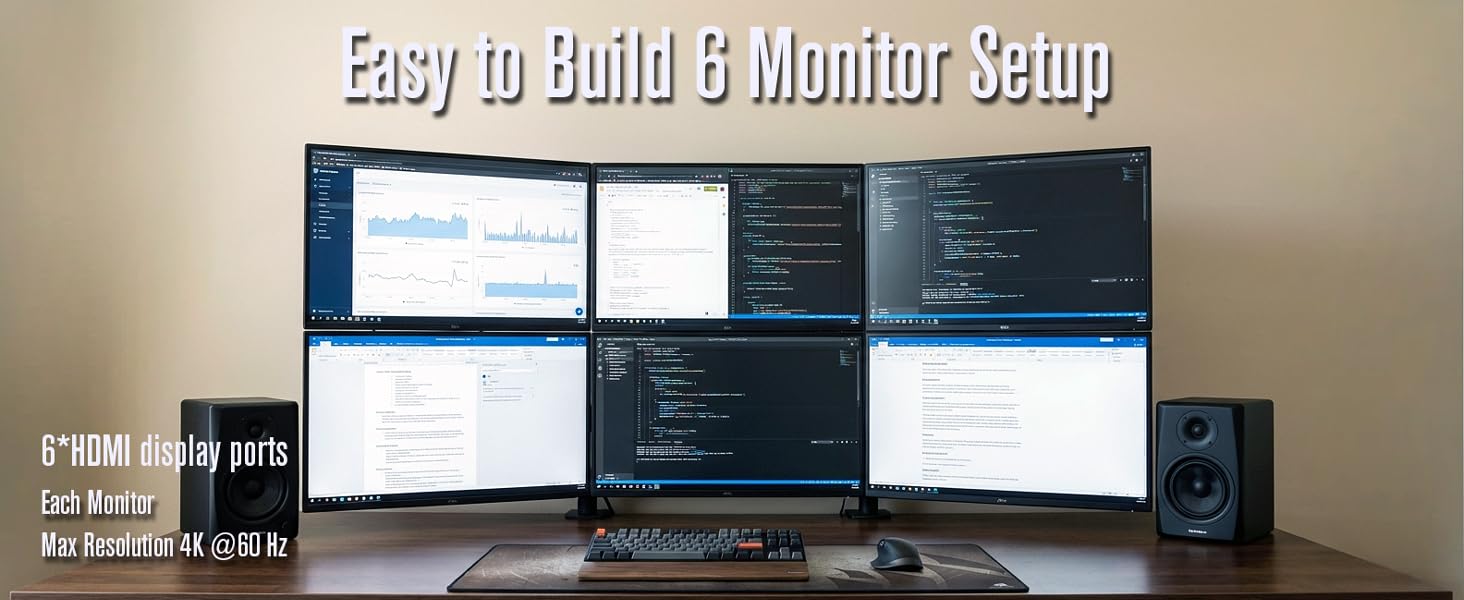
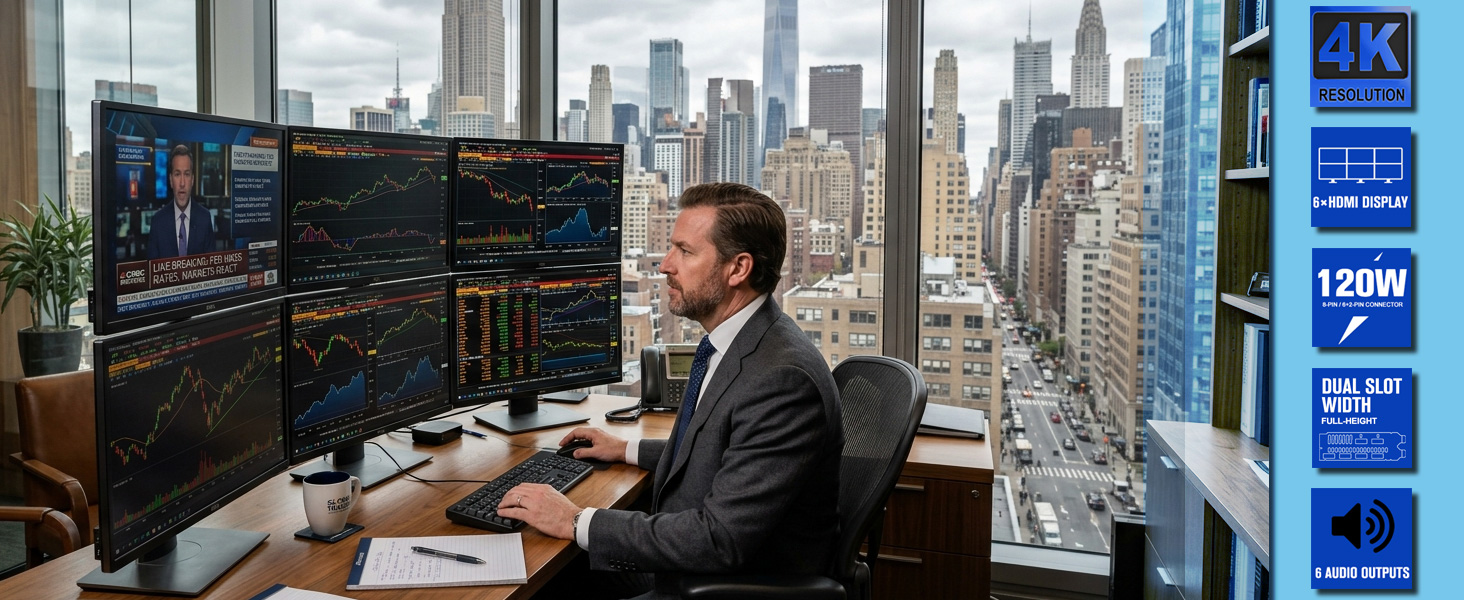
A six-monitor setup enhances multitasking, allowing users to manage several projects with ease. It's crucial for content creators, designers, programmers, traders, and gamers, boosting productivity and overall experience.
Checking list before you decide to order:
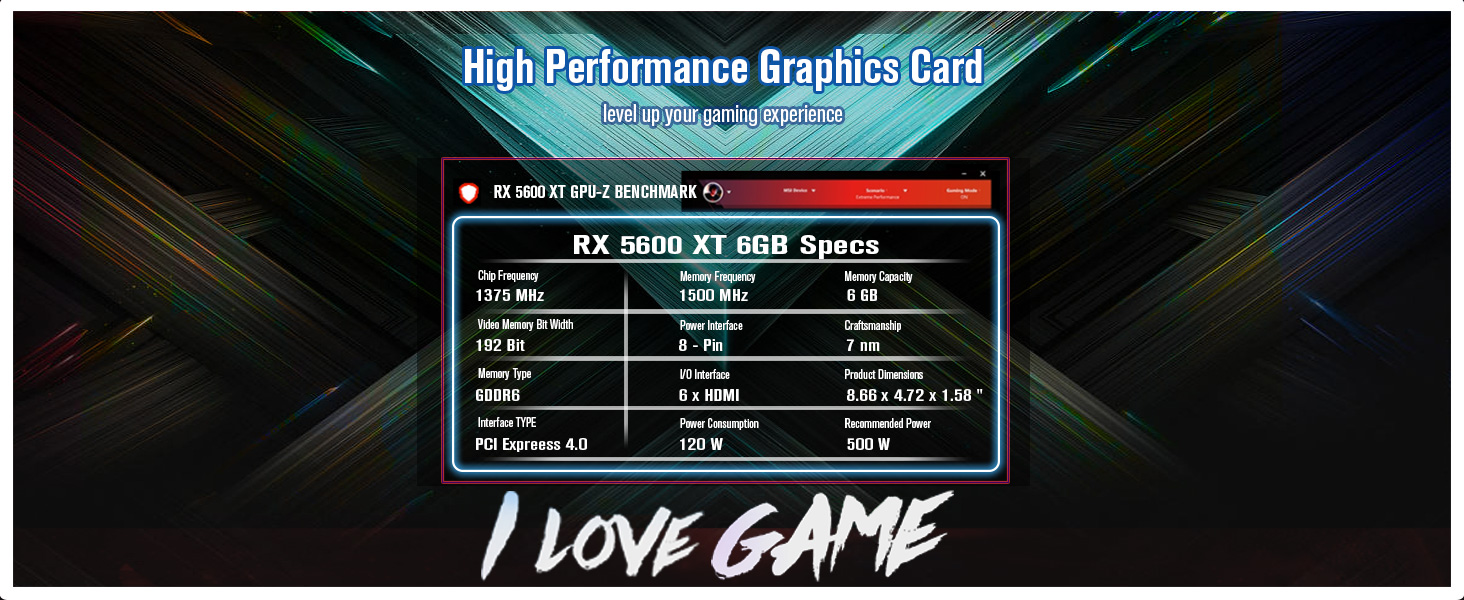
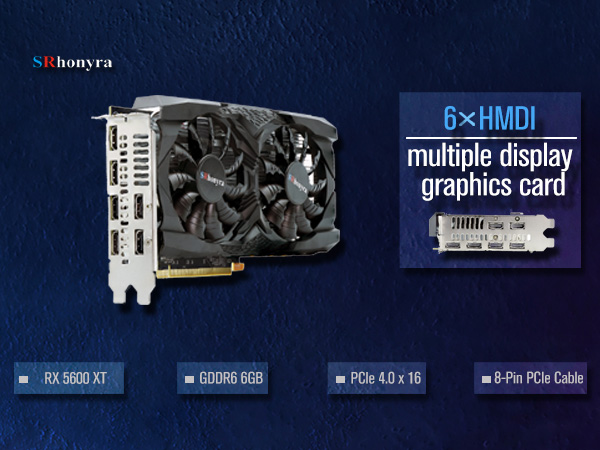
1. Check the size of your PC case – SFF case and ultra SFF not compatible; 2. Check the output of your PSU – Minimum Requirement 500 Watts; 3. Check whether there is a spare PCIe 8-Pin or 6 +2-Pin cable connector from your PSU – this video card needs external power; 4. Check the PCIe 4.0 x16 slot on your PC mainboard – Clean the PCIe slot and make sure it work
Troubleshooting:
Problem 1: Where to download the driver for this RX 5600 XT graphics card?
1) The Windows will detect this new device and identify it after installation in a few seconds, then automatically download the driver from the official site.
2) You can download the driver from the official site online by search engine.
Problem 2: Why no signal on my monitor after graphics card installed, I used integrated graphics card?
1) Set the discrete graphics card RX 5600 XT as the primary video output source if your PC has a integrated graphics card.
2) Make sure the connected cable has been hooked firmly with the output ports from the graphics card
SRhonyra Gaming Video Card Comparison Chart
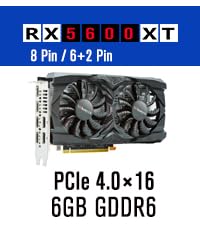 RX 5600 XT 6GB | 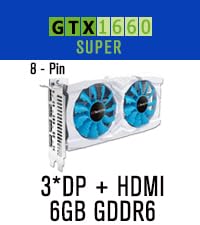 GTX 1660 Super 6GB | 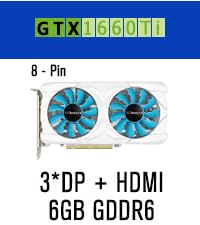 GTX 1660 Ti 6GB |  GTX 1060 3GB |  GTX 1050 4GB |  RX 580 8GB | 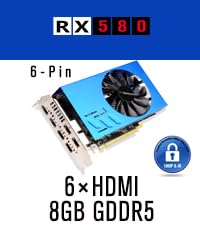 RX 580 8GB with EDID | |
|---|---|---|---|---|---|---|---|
Customer Reviews | — | — | — | — | — | — | — |
Price | — | — | — | — | — | — | — |
Graphics Coprocessor | RX 5600 XT | GTX 1660 Super | GTX 1660 Ti | GTX 1060 | GTX 1050 | RX 580 2048SP | RX 580 |
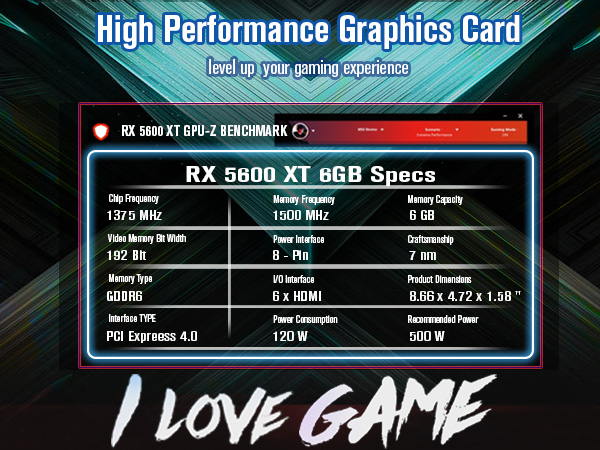
GPU Clock Speed | 1375 MHz | 1530 MHz | 1500 MHz | 1506 MHz | 1290 MHz | 1340 MHz | 1244 MHz |
Graphics RAM Type | GDDR 6 | GDDR 6 | GDDR 6 | GDDR 5 | GDDR 5 | GDDR 5 | GDDR 5 |
Graphics RAM Size | 6 GB | 6 GB | 6 GB | 3 GB | 4 GB | 8 GB | 8 GB |
Memory Clock Speed | 1500 MHz | 1750 MHz | 1750 MHz | 2002 MHz | 7 Gbps | 1750 MHz | 6Gbps |
Card Interface | PCIe 4.0 x16 | PCIe 3.0 x16 | PCIe 3.0 x16 | PCIe 3.0 x16 | PCIe 3.0 x16 | PCIe 3.0 x16 | PCIe 3.0 x16 |
Output Interface | 6*HDMI | 3*DisplayPort + 1*HDMI | 3*DisplayPort + 1*HDMI | 2*DisplayPort + 1*HDMI | HDMI, DisplayPort, DVI-D | HDMI, DisplayPort, DVI-D | 4*HDMI |
Power Interface | 8-Pin / 6+2-Pin connector | 8-Pin connector | 8-Pin connector | 6-Pin connector | PCIe slot | 6-Pin connector | 6-Pin connector |
PSU Recommend | Min. 500 W | Min. 400 W | Min. 400 W | Min. 400 W | Min. 400 W | Min. 400 W | Min. 400 W |
Dimensions (inches) | 8.66*4.72*1.57" | 8.66*4.72*1.57" | 8.66*4.72*1.57" | 8.26*4.33*1.57" | 6.61*4.37*1.57" | 8.89*4.45*1.57" | 7.32*4.37*1.42" |
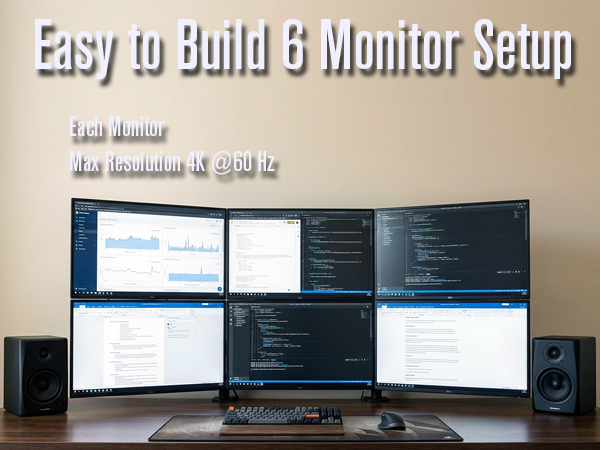

A six-monitor setup enhances multitasking, allowing users to manage several projects with ease. It's crucial for content creators, designers, programmers, traders, and gamers, boosting productivity and overall experience.
Checking list before you decide to order:
1. Check the size of your PC case – SFF case and ultra SFF not compatible; 2. Check the output of your PSU – Minimum Requirement 500 Watts; 3. Check whether there is a spare PCIe 8-Pin or 6 +2-Pin cable connector from your PSU – this video card needs external power; 4. Check the PCIe 4.0 x16 slot on your PC mainboard – Clean the PCIe slot and make sure it work
Troubleshooting:
Problem 1: Where to download the driver for this RX 5600 XT graphics card?
1) The Windows will detect this new device and identify it after installation in a few seconds, then automatically download the driver from the official site.
2) You can download the driver from the official site online by search engine.
Problem 2: Why no signal on my monitor after graphics card installed, I used integrated graphics card?
1) Set the discrete graphics card RX 5600 XT as the primary video output source if your PC has a integrated graphics card.
2) Make sure the connected cable has been hooked firmly with the output ports from the graphics card
SRhonyra Gaming Video Card Comparison Chart
RX 5600 XT 6GB | GTX 1660 Super 6GB | GTX 1660 Ti 6GB | GTX 1060 3GB | GTX 1050 4GB | RX 580 8GB | RX 580 8GB with EDID |
|---|---|---|---|---|---|---|
| Customer Reviews | ||||||
— | — | — | — | — | — | — |
| Price | ||||||
| — | — | — | — | — | — | — |
| Graphics Coprocessor | ||||||
| RX 5600 XT | GTX 1660 Super | GTX 1660 Ti | GTX 1060 | GTX 1050 | RX 580 2048SP | RX 580 |
| GPU Clock Speed | ||||||
| 1375 MHz | 1530 MHz | 1500 MHz | 1506 MHz | 1290 MHz | 1340 MHz | 1244 MHz |
| Graphics RAM Type | ||||||
| GDDR 6 | GDDR 6 | GDDR 6 | GDDR 5 | GDDR 5 | GDDR 5 | GDDR 5 |
| Graphics RAM Size | ||||||
| 6 GB | 6 GB | 6 GB | 3 GB | 4 GB | 8 GB | 8 GB |
| Memory Clock Speed | ||||||
| 1500 MHz | 1750 MHz | 1750 MHz | 2002 MHz | 7 Gbps | 1750 MHz | 6Gbps |
| Card Interface | ||||||
| PCIe 4.0 x16 | PCIe 3.0 x16 | PCIe 3.0 x16 | PCIe 3.0 x16 | PCIe 3.0 x16 | PCIe 3.0 x16 | PCIe 3.0 x16 |
| Output Interface | ||||||
| 6*HDMI | 3*DisplayPort + 1*HDMI | 3*DisplayPort + 1*HDMI | 2*DisplayPort + 1*HDMI | HDMI, DisplayPort, DVI-D | HDMI, DisplayPort, DVI-D | 4*HDMI |
| Power Interface | ||||||
| 8-Pin / 6+2-Pin connector | 8-Pin connector | 8-Pin connector | 6-Pin connector | PCIe slot | 6-Pin connector | 6-Pin connector |
| PSU Recommend | ||||||
| Min. 500 W | Min. 400 W | Min. 400 W | Min. 400 W | Min. 400 W | Min. 400 W | Min. 400 W |
| Dimensions (inches) | ||||||
| 8.66*4.72*1.57" | 8.66*4.72*1.57" | 8.66*4.72*1.57" | 8.26*4.33*1.57" | 6.61*4.37*1.57" | 8.89*4.45*1.57" | 7.32*4.37*1.42" |





