• $49.99
  • Free 30-day Returns
  • Ships from China.
    Sold by ZerKorr Power

    Shipped by ZerKorr Power

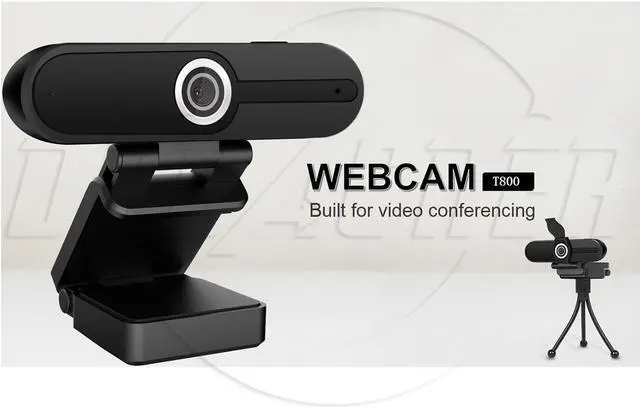
    SA 1080P Webcam with Microphone, Laptop Computer HD Video Conference Camera T800 Webcam for Streaming PC Gaming with Stand

    • Item #: 9SIVGEGKSZ4561
    • Mfr. Part #: Webcam-T800
    • Video Resolution:1920*1080
    • Fram rate:30FPS
    • Mic:Built in Mic
    • Pick-up Distance:6m
    • Audio Encoding Format:PCM
    • Audio bit rate:128kbps
    • Type:USB Intergration Camera (Data and Power intergration)
    • Data Interface:Micro USB2.0 Interface
    • Indicator Light:Power indicator light/ Status indicator light
    • Power Supply:USB power supply(DC5V)
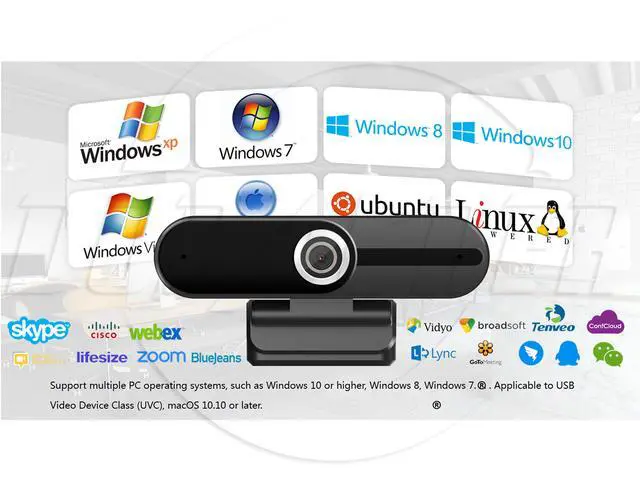
    • Compatible:Windows® 10 or later, Windows 8, Windows 7,
    • Works in USB Video Device Class (UVC) mode with supported applications:
    • omacOS® 10.10 or later
    • Chrome OS™
    • Power Cosumption:<1W
    • Work Temperature:?10?~50?
    • Work Humidity:<90%RH (non-condensing)
    • Weight:˜150g
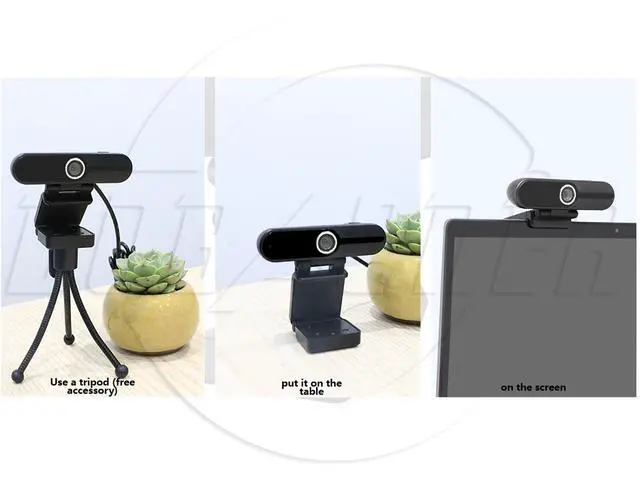
    • Installation:Clip on base
    • Continuous working hours:More than 24 hours
    • Indicator Light Status:Working: Light on. No working: light off
    +
    +
    Overview
    Specs
    Reviews
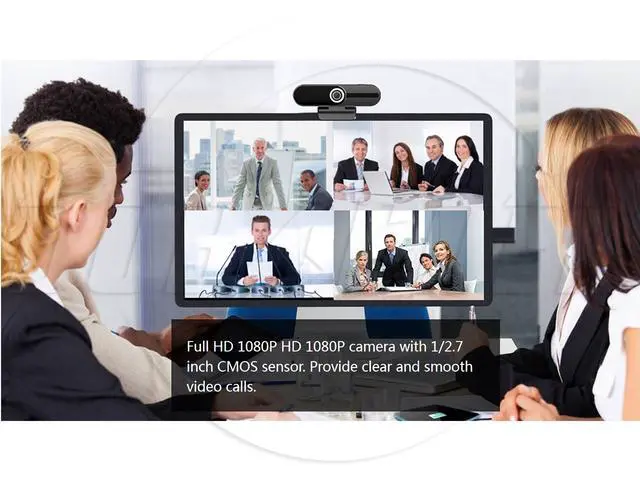
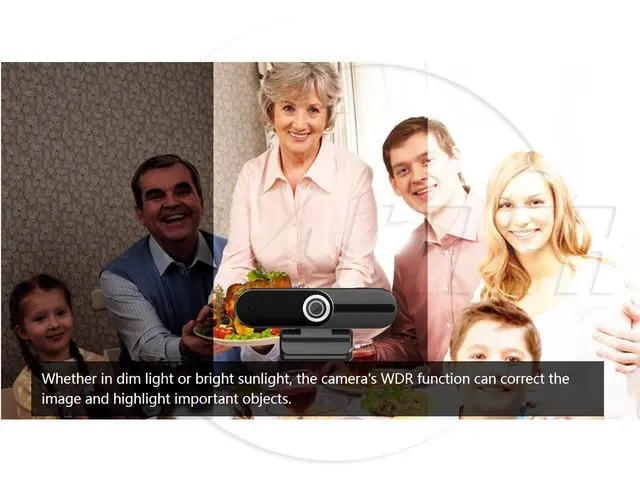
    Full HD 1080P HD 1080P camera with 1/ 2.7 inch CMOS sensor. Provide clear and smooth video calls. Whether in dim light or bright sunlight, the WDR function of the camera can correct the image and highlight important objects. No distortion-The camera uses a professional distortion-free lens and a unique algorithm to make the image sharper and cleaner. 90° field of view, no distortion. The screen can accommodate 3 to 4 people, which is very suitable for single face-to-face meetings or meetings with less than 4 people. The sound pickup distance is about 6 meters.

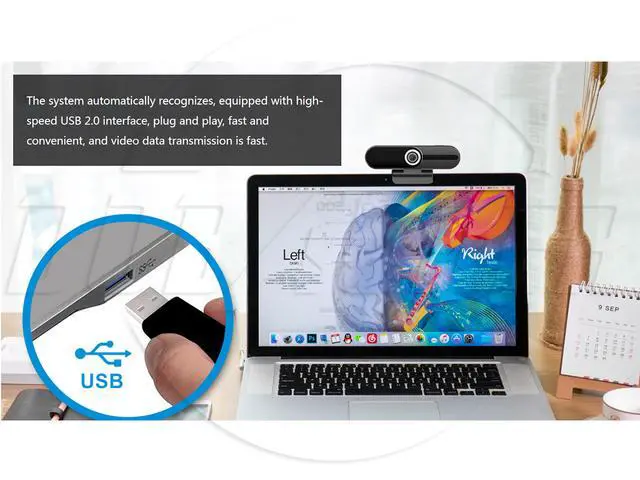
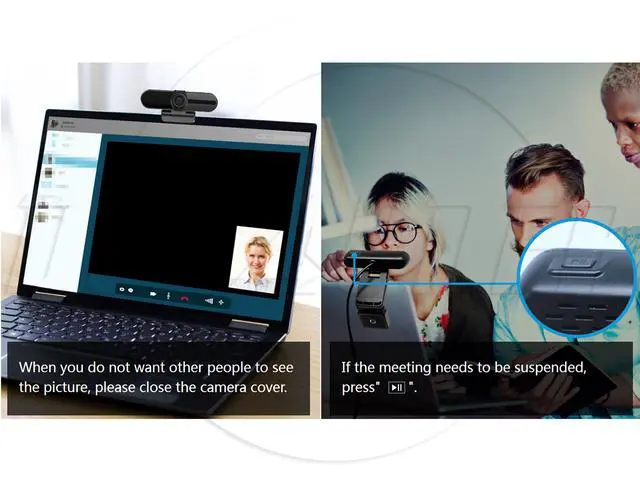
    The webcam can capture more realistic sounds from all angles, making your voice clear through the sound naturally. The system automatically recognizes, equipped with high-speed USB 2.0 interface, plug and play, fast and convenient, and video data transmission is fast. When you do not want other people to see the picture, please close the camera cover. If the meeting needs to be suspended, press Pause Support a variety of PC

    Warranty & Returns

    Warranty, Returns, And Additional Information

    Warranty

    • Please contact the Seller directly for warranty information. Warranty information may also be found on the Manufacturer's website.
    • CONTACT

    Return Policies

    Manufacturer Contact Info

    LOADING...