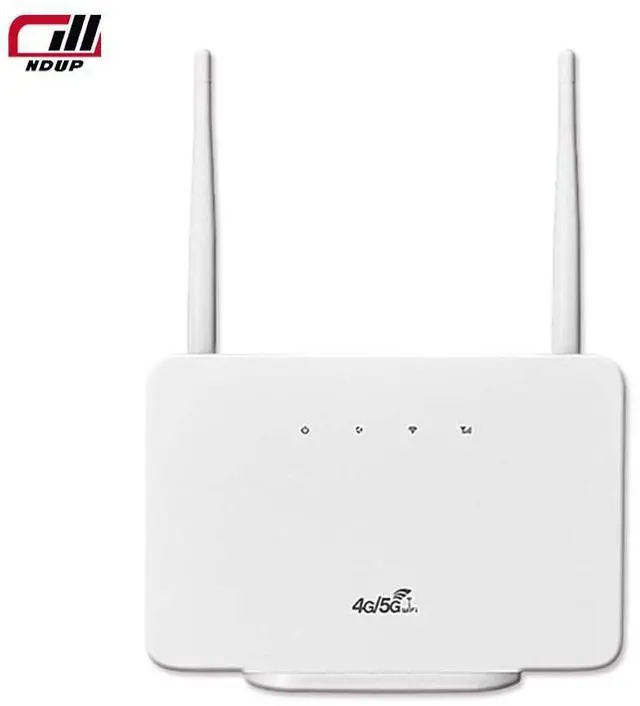
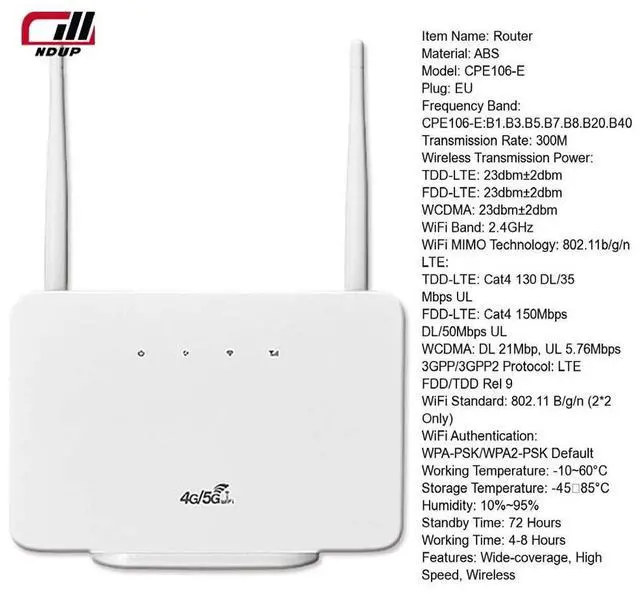
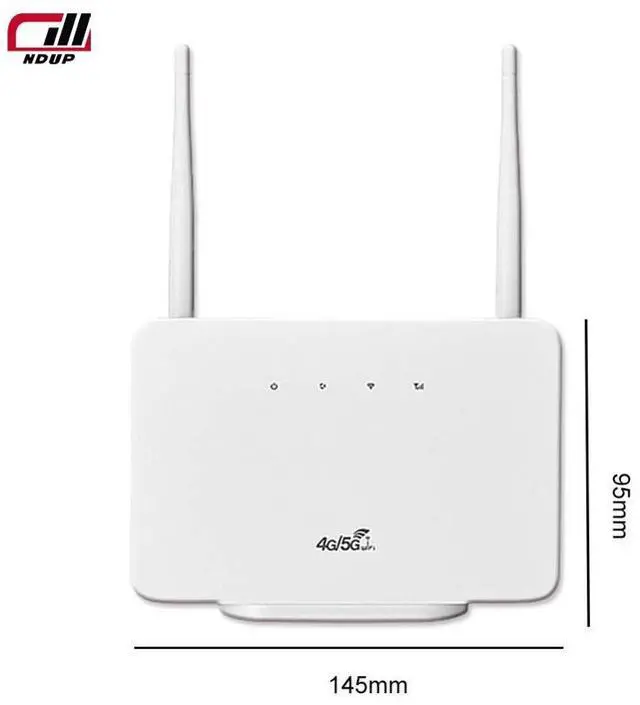
Introducing the NDUP H106 Wireless Router, an exceptional choice for seamless internet connectivity. Designed for both home and office environments, this advanced router supports 4G bands of 900, 1800, and 2100 MHz, ensuring robust and reliable network performance. With high-speed data capabilities, the NDUP H106 delivers up to 150Mbps download and 50Mbps upload speeds on LTE FDD networks, and up to 21Mbps download and 5.76M bps upload speeds on HSPA+ networks.
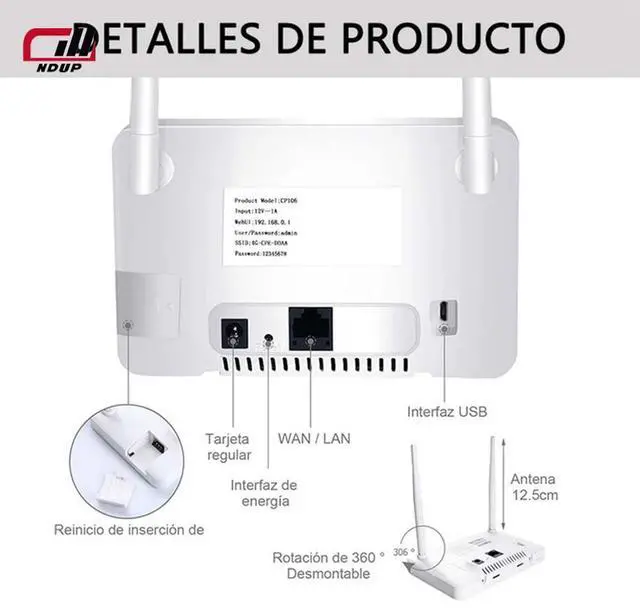
The NDUP H106 can effortlessly support up to 32 simultaneous devices, making it ideal for households or small businesses with multiple users. Additionally, it includes two LAN ports for direct connections to PCs or notebooks, offering versatility and convenience for your networking needs.
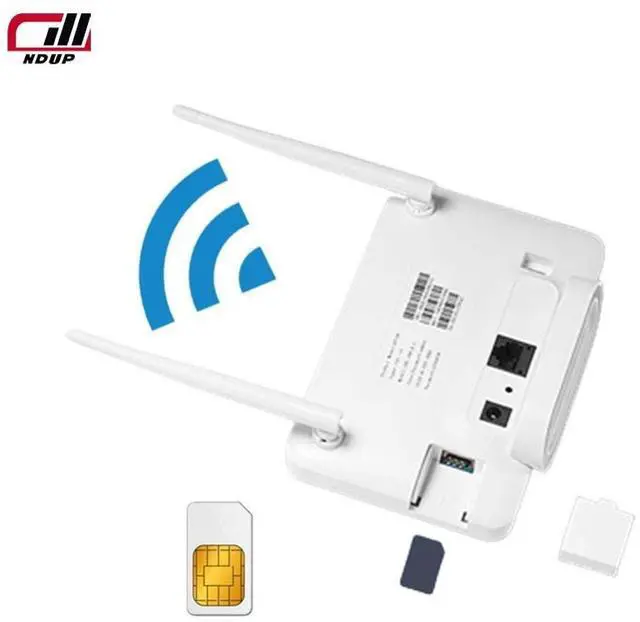
Setting up the NDUP H106 is straightforward. Simply insert your 4G SIM card into the designated slot, ensuring the chip is facing down and clicks into place. Connect the DC power supply, and once the POWER indicator shows a steady blue light, you are ready to connect to WiFi. The default WiFi name is 4G-CPE-xxxx, and the password is 12345678 (or no password).
For enhanced security, changing the WiFi password is simple. Connect to the WiFi, open a mobile browser, and enter " 192.168. 0.1" to log in with the username "admin" and password "admin. " This user-friendly interface allows you to customize your network settings with ease.
Choose the NDUP H106 Wireless Router for unparalleled speed, connectivity, and convenience.



 All Categories