


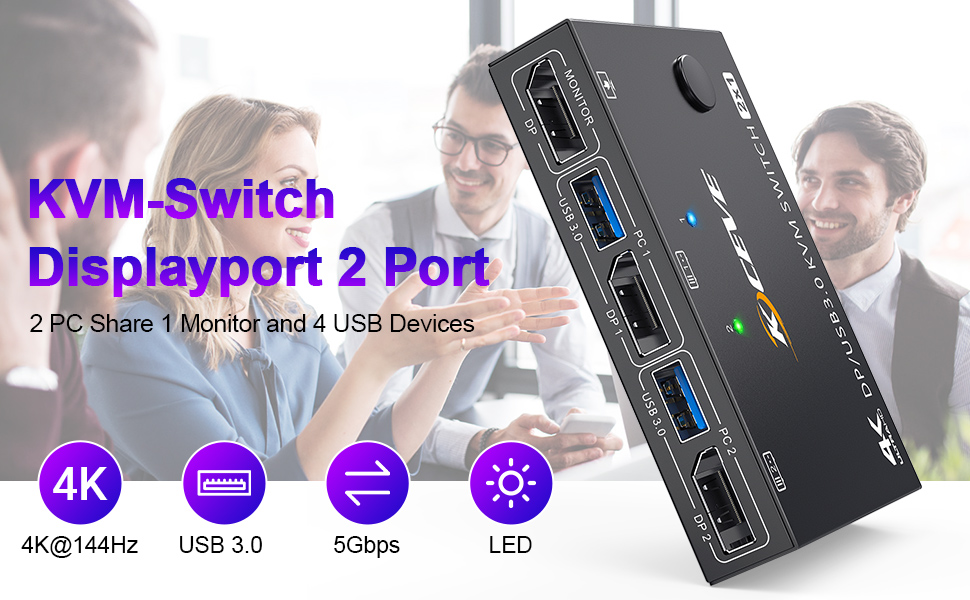
USB 3.0 DisplayPort 1.4 KVM Switch 2 PC 1 Monitor 4K@144Hz 8K@30Hz
- 2 Computers share a set of wired/wireless mouse, keyboard, printer, scanner, or webcam and display them on a monitor.
- KVM Switch DisplayPort supports keyboard and mouse with 2.4GHz wireless technology (does not support Bluetooth mouse)
- Support USB 3.0 technology and enjoy 5Gbps efficiency
- 2 switching methods: button switch and 1.5m long wired remote control
- Plug and play. No additional driver software required.
- LED lights indicate which computer is active
- Supports KVM switch, DisplayPort 1.4 and lower standard protocols.
- DP KVM switch supports most DP input devices: PC, laptop, TV box, Xbox One, A-p p-le TV, PS3, PS4, PS5, S0n-y Blu-ray player, projectors.
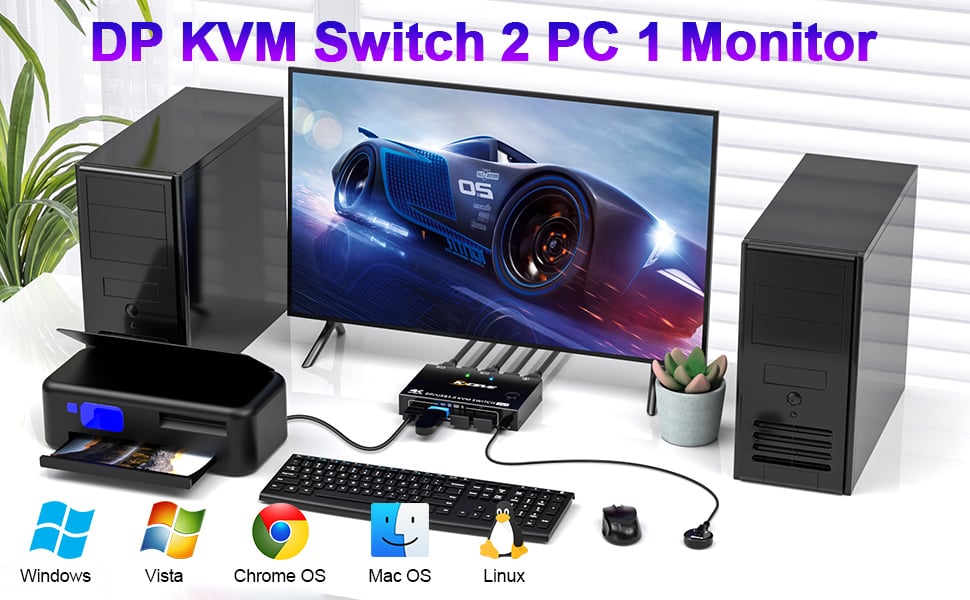
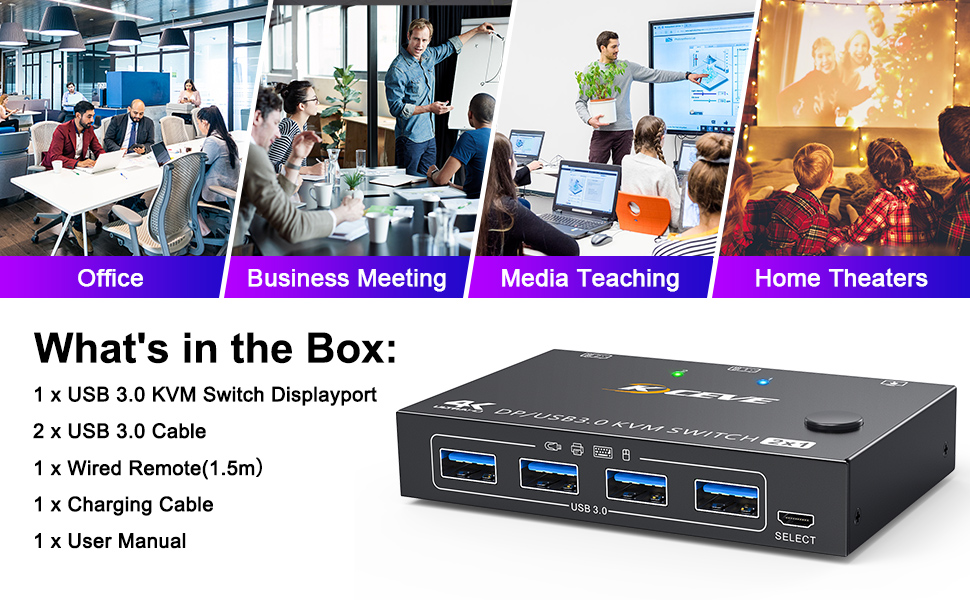
KVM Switch 2 PC is widely used in business seminars, media classrooms, offices, video conferencing, home theater, gaming entertainment, etc.
Visual enjoyment with 8K/4K UHD resolution:
KVM Switch DisplayPort 1.4 supports connecting to 8K and 4K high-resolution displays, 8K@30Hz, 4K@120Hz, 3440x1440@144Hz, 4K@60Hz, 2560×1440@144Hz, 1920x1080@144Hz, 1080P backward compatible with lower resolutions.
Please note: Using 8K cables will solve the problem of flickering and black screen.
Compatible with most systems:
This KVM switch display port is suitable for Windows, Windows XP, Mac OS, Vista, Linux, Android, etc
Wired remote control and button switch:
The DisplayPort KVM switch can be switched with this 1.5m wired control cable, and it can also be switched with one click of the button on the toggle panel.
Surface: black oxidation treatment
HDCP: 2.2, YUV: 4:4:4
Built-in: ESD protection system
Body material: metal, drop-resistant, high-temperature resistant
Power supply via 5 V DC power supply
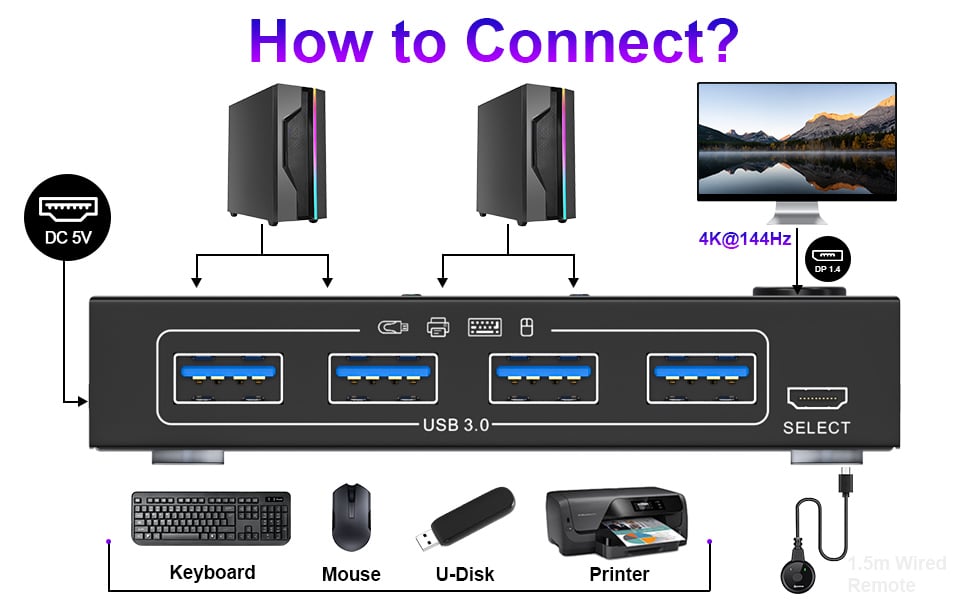
USB DisplayPort switch for 2 computers sharing 1 monitor and 4 USB 3.0 devices Connection steps for KVM switch DisplayPort 2 ports
How to connect the KVM switch:
Step 1: Connect 1 DisplayPort cable + 1 USB cable between Computer 1 and KVM Switch (USB 3.0, DP 1).
Step 2: Connect 1 DisplayPort cable + 1 USB cable between Computer 2 and KVM Switch (USB 3.0, DP 2).
Step 3: Connect a DisplayPort cable between the KVM switch (DP OUT) and a monitor.
Step 4: Connect your USB device (keyboard and mouse) to the USB port on the KVM switch. You can connect up to 4 USB 3.0 devices at the same time. Compatible with USB 3.0/2.0/1.1 devices.
Step 5: Plug the wired remote control into the "SELECT" port to switch between PC1 and PC2 freely.
Specification:
Input: 2 DisplayPort, 2 x USB
Video Output: 1 x DisplayPort (Monitor)
Down input: 4 x USB A, support USB HUB
DP USB switch size: 10.2 x 6.7 x 2 cm
Package weight: 380 g, USB DisplayPort switch weight: 150 g
Friendly reminder:
- Please make sure that the DisplayPort cables and USB cables of the computers are connected to the KVM switch.
- Please make sure that your computer is directly connected to the monitor and can output images normally.
- If your computer doesn't have a DisplayPort output, the solution is to use a USB-C to DP adapter. When using an adapter, the resolution decreases. It is recommended to use a monitor with a DisplayPort connector
- Since this KVM switch is a technological product and the systems and equipment on the market are constantly updated, please contact us as soon as possible if you encounter any problems while using the product. We will then solve the problem for you.
USB 3.0 KVM Switch Displayport 4K@144Hz, 2 Port Displayport KVM Switch for 2 PCs 1 Monitor 8K@30Hz, DP KVM Switch 2 in 1 Out for 2 PC Share 4 USB 3.0 Device Keyboard Mouse Monitor with Wired Remote





