Dual Monitor KVM Switch Dual Monitor HDMI KMV Switches KVM Dual Monitor KVM for Mac KVM Switch USB 3.0 KVM Switch 4K
Installation Step
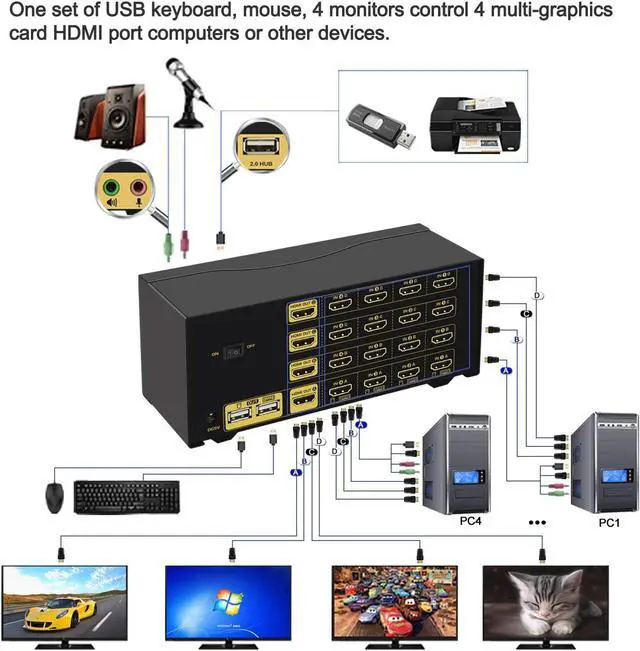
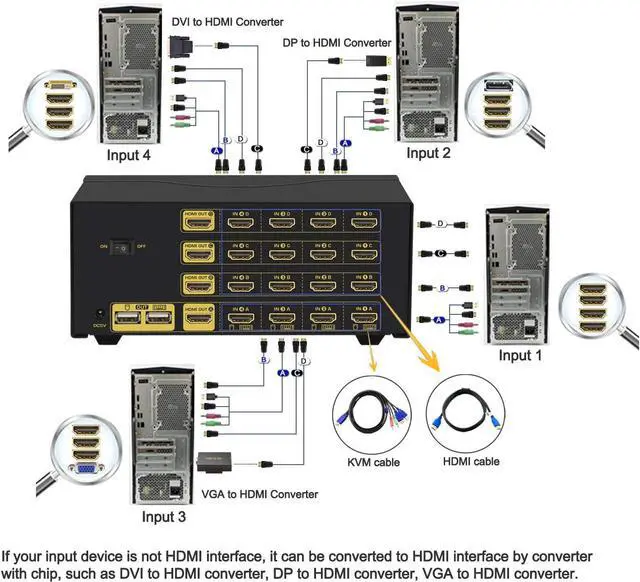
1. Turn off all devices and unplug all the cables;
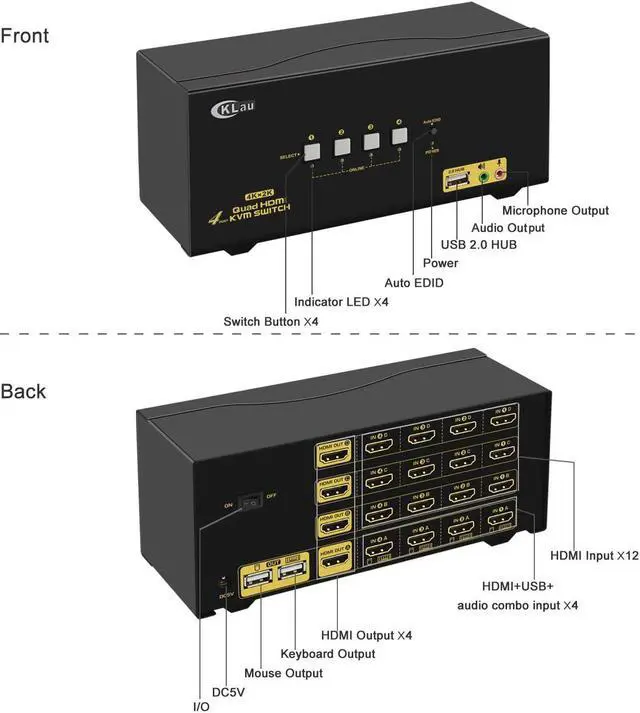
2. Plug DC5V 2A power adapter into KVM and AC socket;
3. Plug USB 3.0 cables, HDMI cables, VGA cables into KVM switch and your computers;
4. Plug HDMI cable, VGA cable into KVM switch and monitors;
5. Plug mouse into mouse slot of KVM switch, plug keyboard into keyboard slot of KVM switch;
6. Plug speaker or USB devices into KVM switch if needed;
7. Turn on KVM switch;
8. Turn on computers.
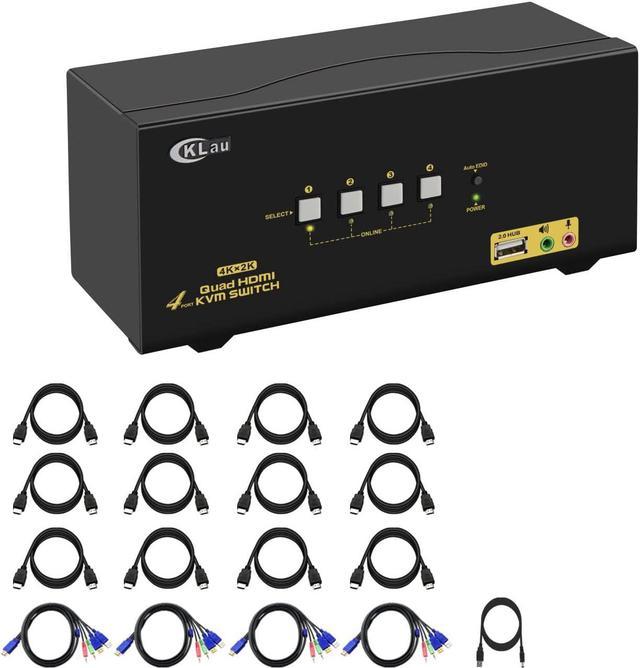
Package: 1 x 2 Port HDMI VGA KVM Switch + 2 x HDMI cable + 2 x VGA cable + 2 x USB 3.0 cable + 1 x User Manual + 1 x DC 5V 2A Power Adapter + 1 x wire remote push button switch