



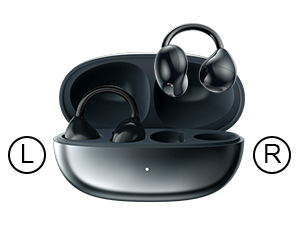
Step 1: Find Your “L” and “R”
Locate the small letters on each earbud. Matching them to your left and right ears ensures you get the full, balanced stereo sound.
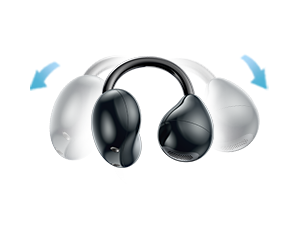
Step 2: Open the Clip
Gently pull open the flexible ear hook until it forms a wide “C” shape. It’s designed to be opened and adjusted easily.
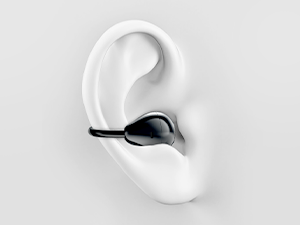
Step 3: Hook Around Your Ear
Place the hook comfortably around the top curve of your ear. Let the speaker rest naturally just outside your ear canal — not pushed inside.
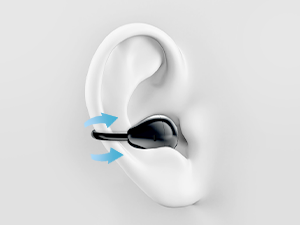
Step 4: Adjust for Comfort
Make small adjustments so the clip feels snug but never tight. You shouldn’t feel any pinching. The cable can also be tucked for a clean look.
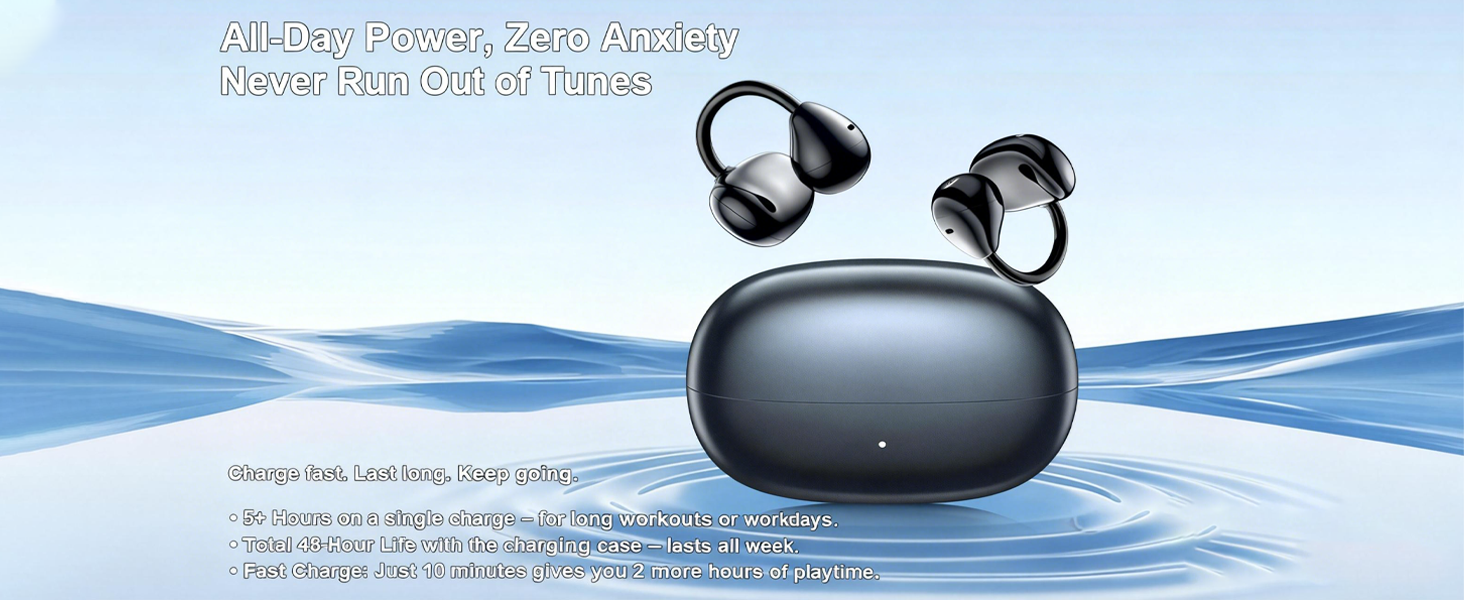
What is the Bluetooth range for these earbuds?
I found that the Bluetooth range on these open ear headphones is excellent! I can walk around my house and even go into another room without losing connection. It really enhances my listening experience.
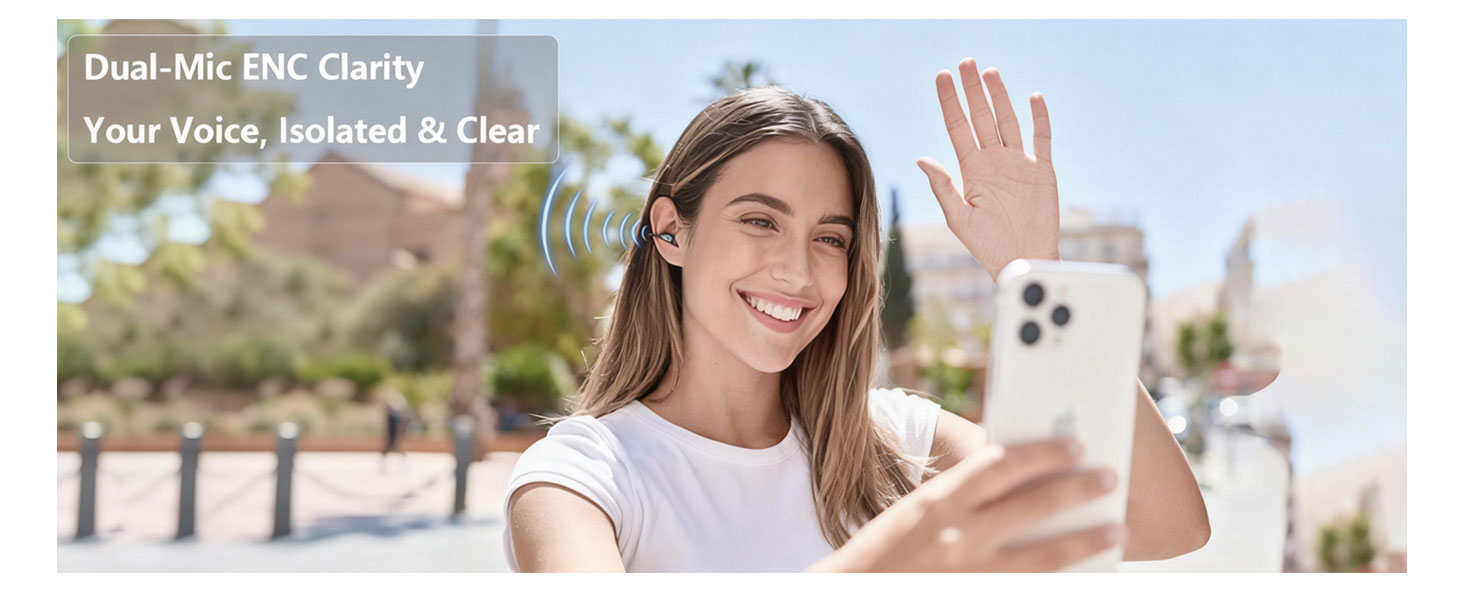
Can I use the earbuds for phone calls, and how is the call quality?
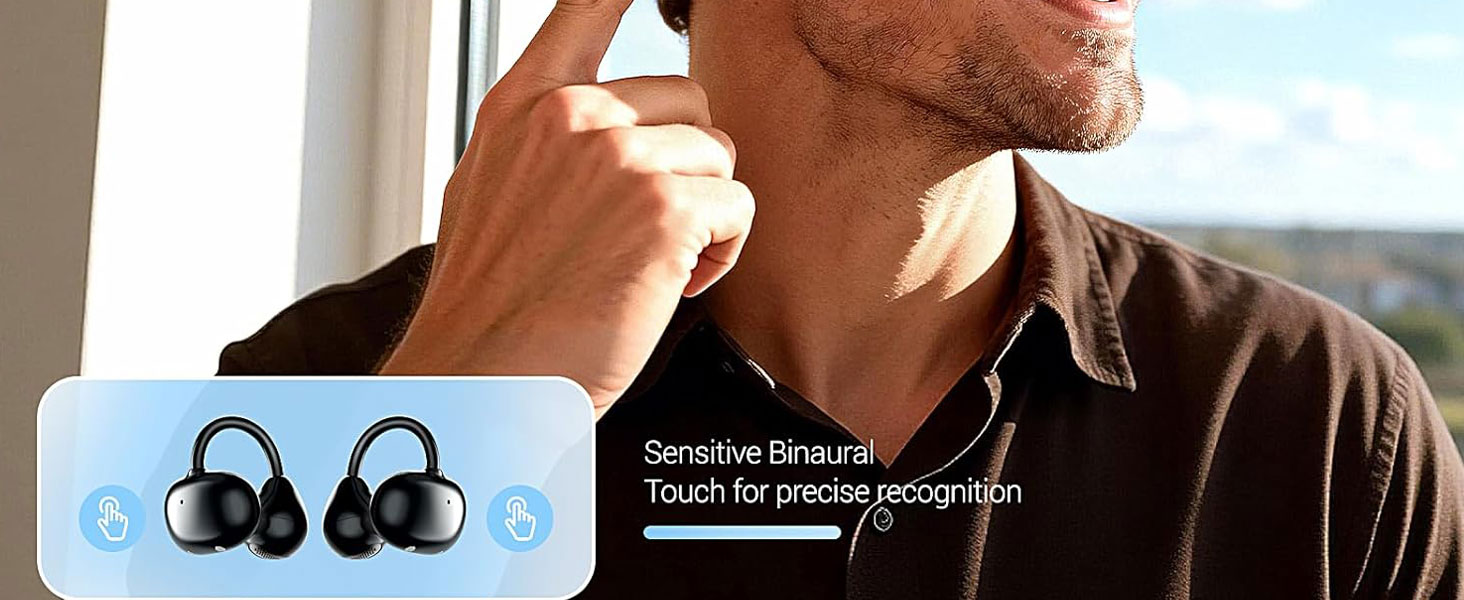
I love using these for phone calls! The button control makes it super easy to answer and hang up calls, and the sound is crystal clear. Plus, I appreciate being able to hear my environment while chatting.
What should I do if my earbuds are not pairing with my device?
Try resetting your earbuds by turning them off and on again. Sometimes, the open ear design can cause connectivity issues if they’re too far from your device. Keeping them within range should help!
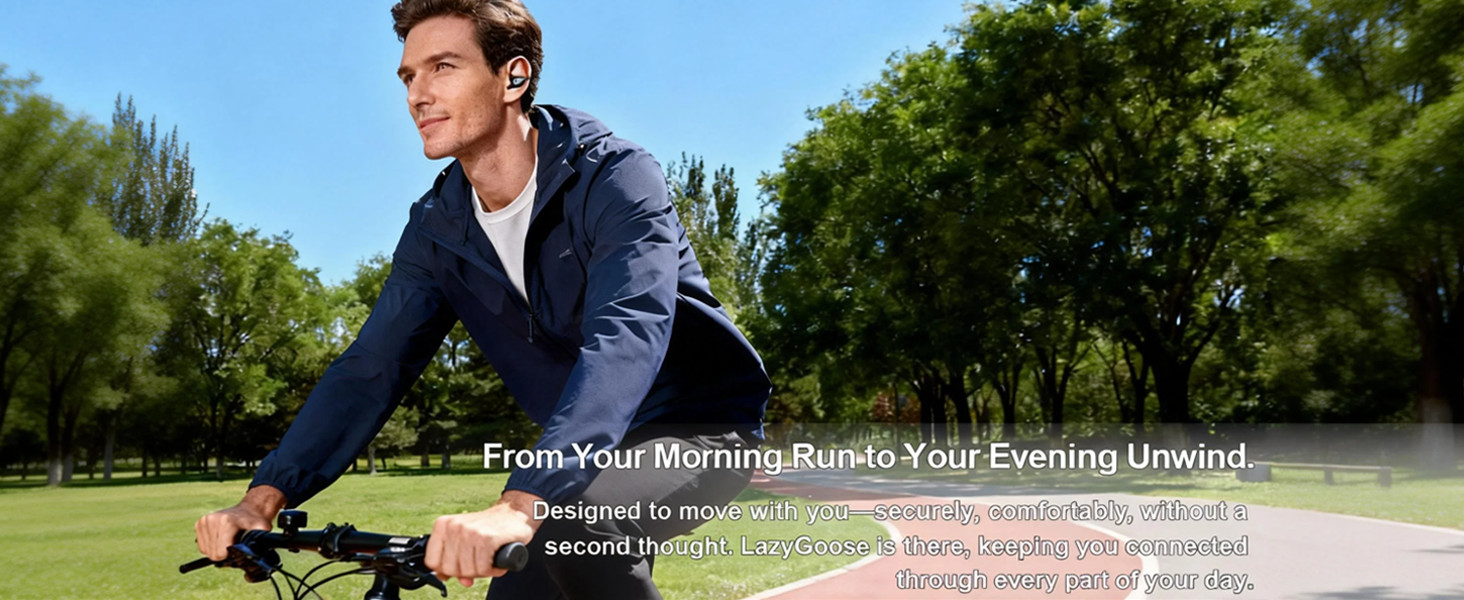
How do the earbuds stay securely in place during physical activities?
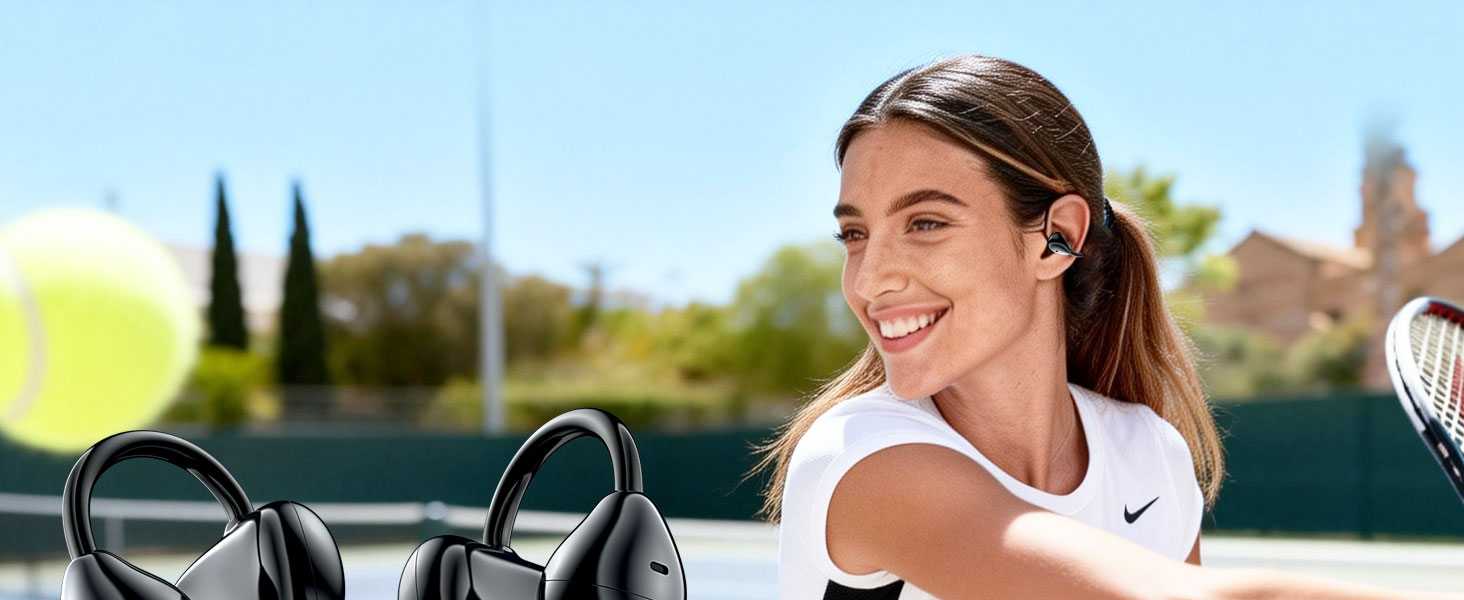
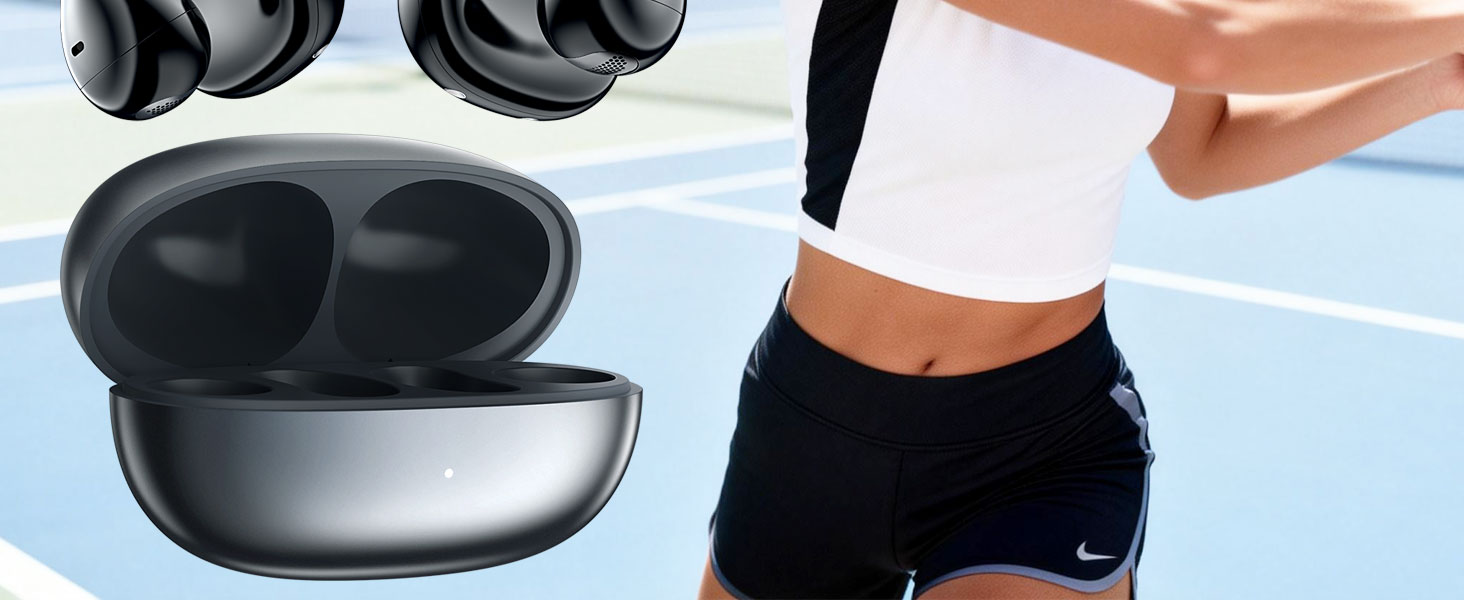
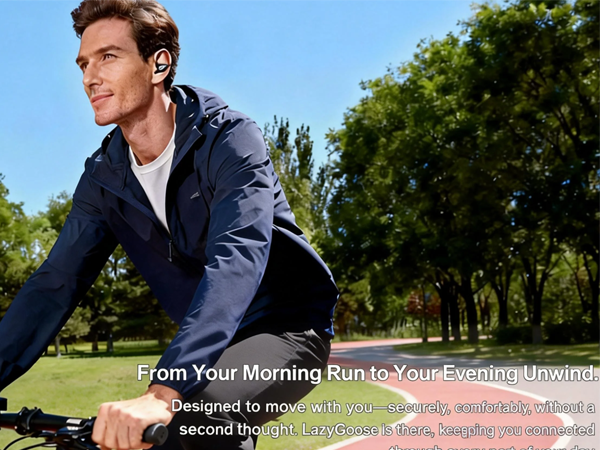
The open-ear design allows the earbuds to rest comfortably on top of my ears, and they stay in place really well even during my runs. I love how lightweight they are!
Are the earbuds compatible with both Android and iOS devices?
Absolutely! I’ve connected these open ear headphones to both my Android and iOS devices, and they work flawlessly. Plus, the sound clarity is fantastic!
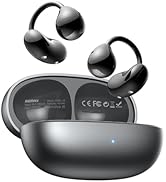
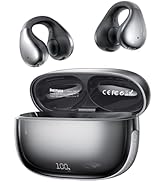
LazyGoose Headphone Sellers

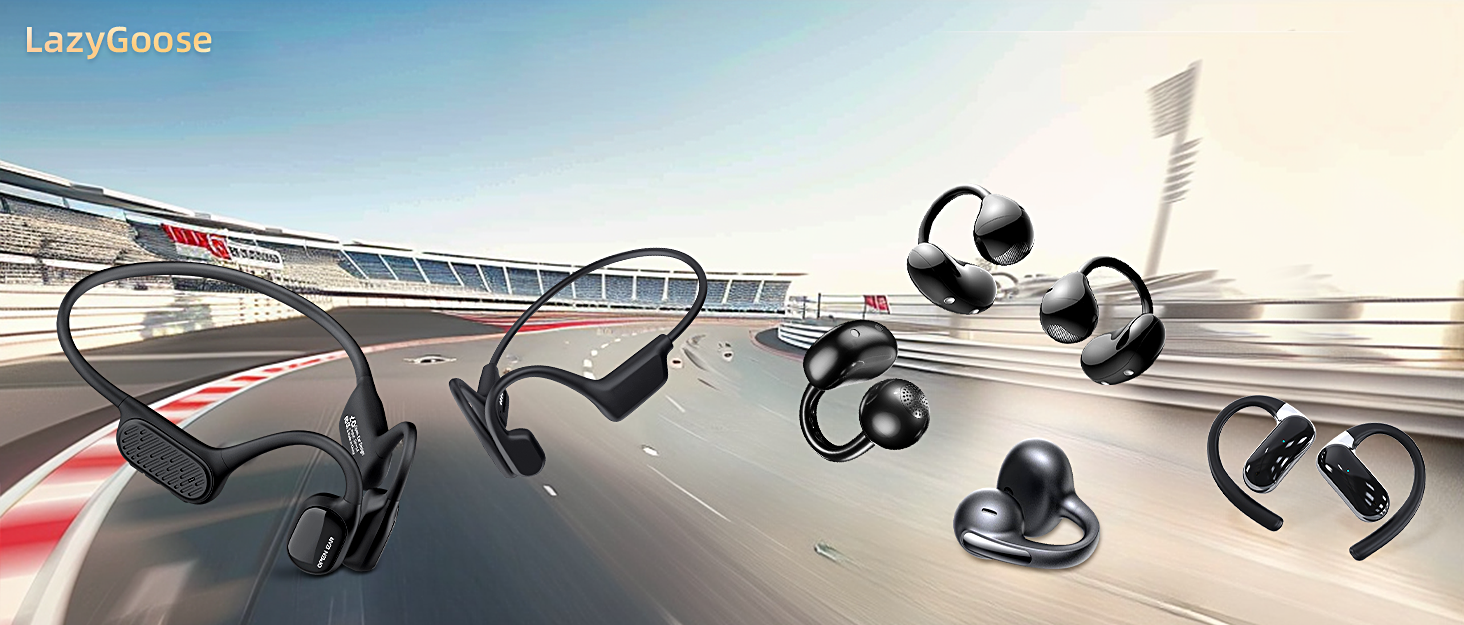
LazyGoose was born from a simple belief: sound should enhance life, not interrupt it. LazyGoose stands for safety, comfort, and innovation. Our headphones allow you to enjoy crystal-clear sound while remaining aware of your surroundings, including traffic, conversation, and nature: no pressure, no slipping, no blocking, just pure freedom. Because sound shouldn’t just be heard, it should be felt.
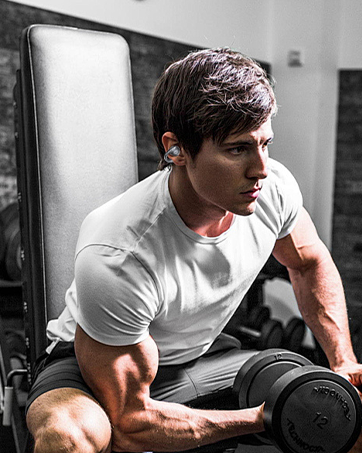

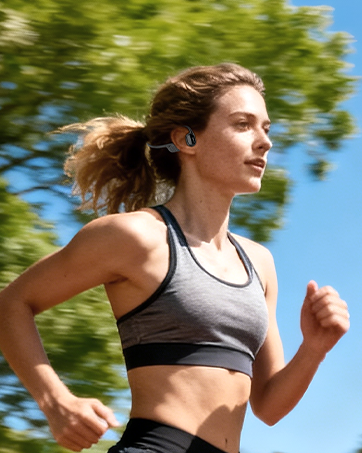
LAZYGOOSE
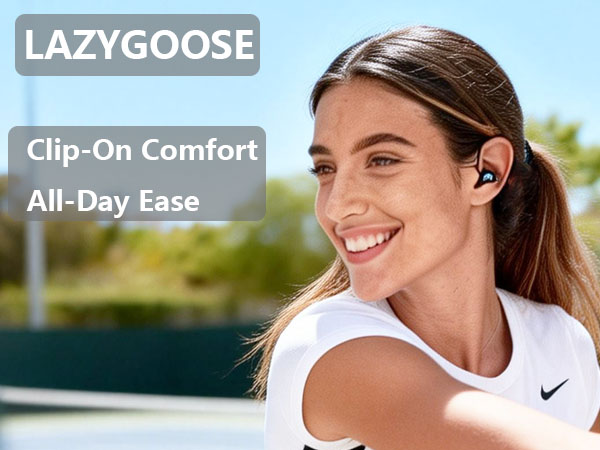
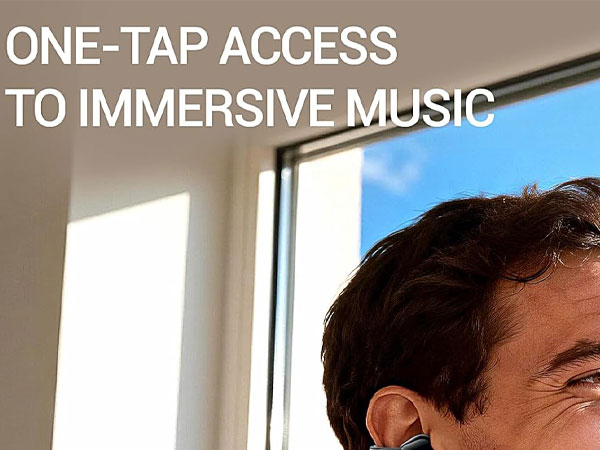
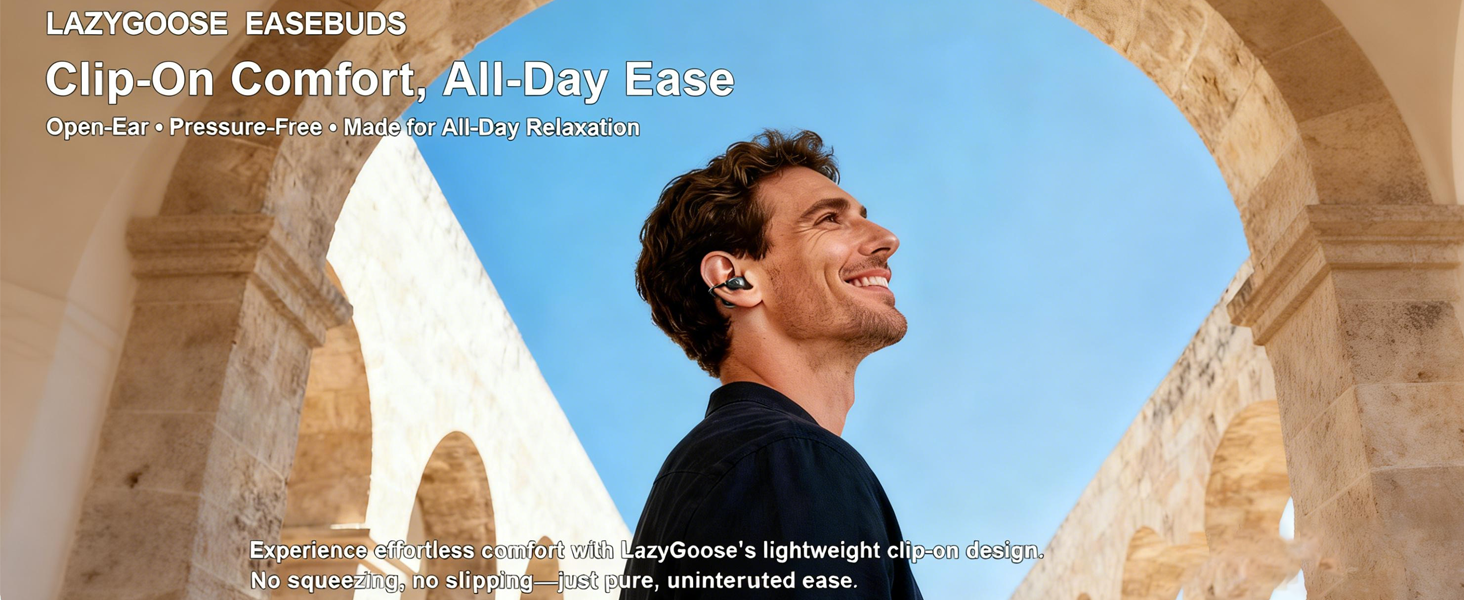
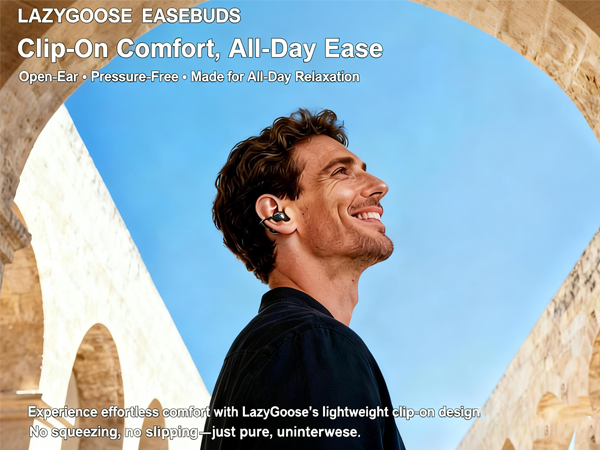
- Clip-On Comfort, All-Day Ease
- Open-Ear • Pressure-Free • Made for All-Day Relaxation
- No squeezing, no slipping—just pure, uninterrupted ease.
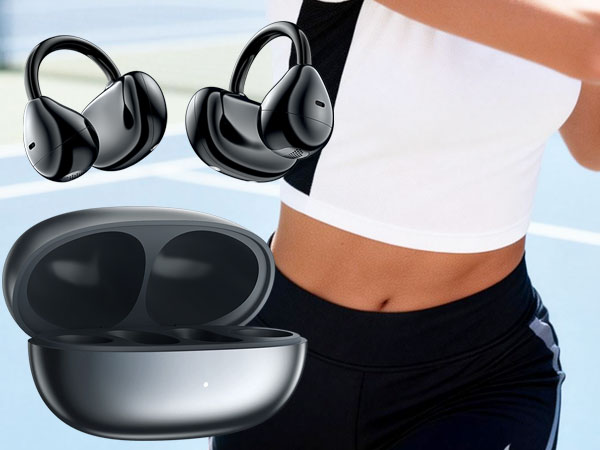
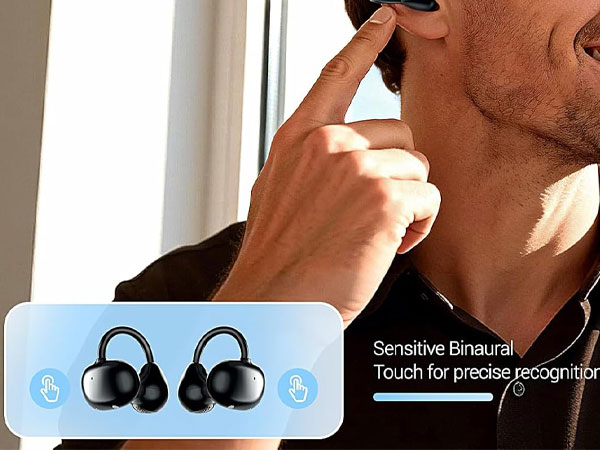
Step 1: Find Your “L” and “R”
Locate the small letters on each earbud. Matching them to your left and right ears ensures you get the full, balanced stereo sound.
Step 2: Open the Clip
Gently pull open the flexible ear hook until it forms a wide “C” shape. It’s designed to be opened and adjusted easily.
Step 3: Hook Around Your Ear
Place the hook comfortably around the top curve of your ear. Let the speaker rest naturally just outside your ear canal — not pushed inside.
Step 4: Adjust for Comfort
Make small adjustments so the clip feels snug but never tight. You shouldn’t feel any pinching. The cable can also be tucked for a clean look.
What is the Bluetooth range for these earbuds?
I found that the Bluetooth range on these open ear headphones is excellent! I can walk around my house and even go into another room without losing connection. It really enhances my listening experience.
Can I use the earbuds for phone calls, and how is the call quality?
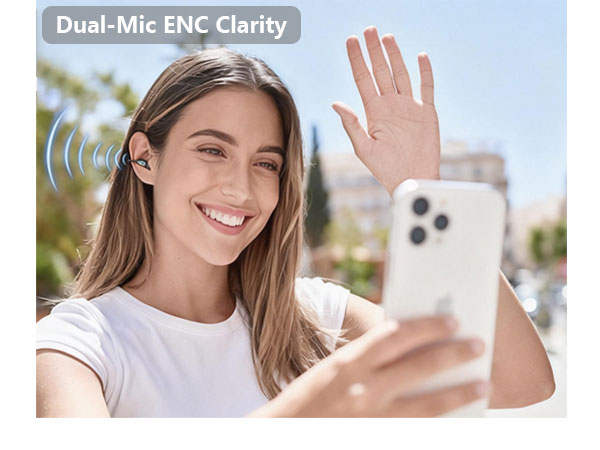
I love using these for phone calls! The button control makes it super easy to answer and hang up calls, and the sound is crystal clear. Plus, I appreciate being able to hear my environment while chatting.
What should I do if my earbuds are not pairing with my device?
Try resetting your earbuds by turning them off and on again. Sometimes, the open ear design can cause connectivity issues if they’re too far from your device. Keeping them within range should help!
How do the earbuds stay securely in place during physical activities?
The open-ear design allows the earbuds to rest comfortably on top of my ears, and they stay in place really well even during my runs. I love how lightweight they are!
Are the earbuds compatible with both Android and iOS devices?
Absolutely! I’ve connected these open ear headphones to both my Android and iOS devices, and they work flawlessly. Plus, the sound clarity is fantastic!
LazyGoose Headphone Sellers
LazyGoose was born from a simple belief: sound should enhance life, not interrupt it. LazyGoose stands for safety, comfort, and innovation. Our headphones allow you to enjoy crystal-clear sound while remaining aware of your surroundings, including traffic, conversation, and nature: no pressure, no slipping, no blocking, just pure freedom. Because sound shouldn’t just be heard, it should be felt.





