




FAQ's

Bluetooth Solutions
 BTNUMKEYPRO |  ACEBTKEYA |  ACEBTKEYACB |  BTDYNAMOUSEA |  BTTABKEYBAT |  BTWKEYMB |  BTNUMKEY | |
|---|---|---|---|---|---|---|---|
Customer Reviews | — | — | — | — | — | — | — |
Price | — | — | — | — | — | — | — |
Description | Bluetooth Number Pad | Wireless Keyboard | Bluetooth Keyboard and Mouse | Wireless Bluetooth Mouse | Small Bluetooth Keyboard | Premium Wireless Keyboard | Bluetooth Number Pad |
Connectivity | Bluetooth | Bluetooth | Bluetooth | Bluetooth | Bluetooth | Bluetooth | Bluetooth |
Plug and Play | ? | ? | ? | ? | ? | ? | ? |
Rechargeable? | ? | ? | ? | ? | ? | ? | ? |
Compatibility | Mac/iOS/PC/Android | Mac/iOS/PC/Android | Mac/iOS/PC/Android | Mac and PC | iOS/Android | Mac | Mac/iOS/PC/Android |


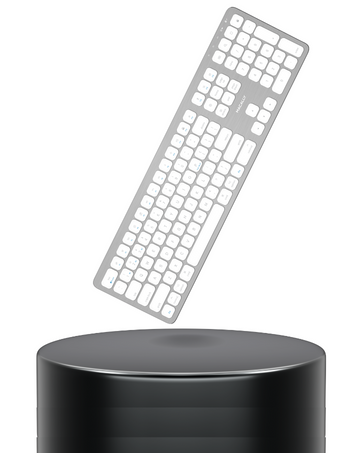
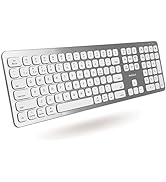
Pair Up to 3 Devices.
Enjoy seamless bluetooth connectivity between 3 of your favorite Apple devices.
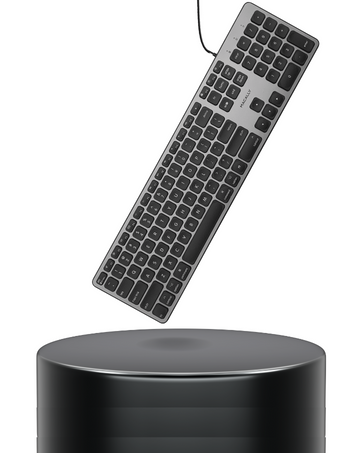
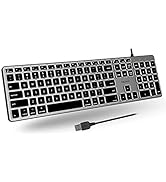
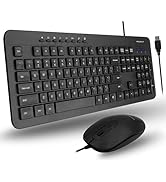
Simple Wired Connection.
Equipped with crisp backlit keys, you can enjoy a simple plug and play solution.
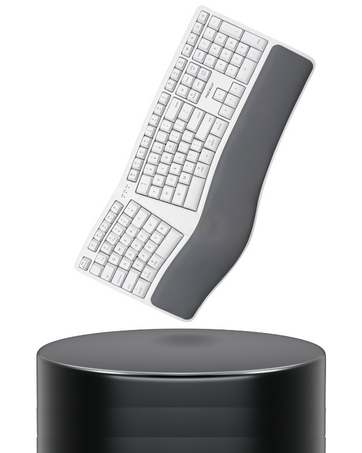
A Natural Typing Experience.
Split into 2 zones, you will be able to work comfortably with less wrist strain.
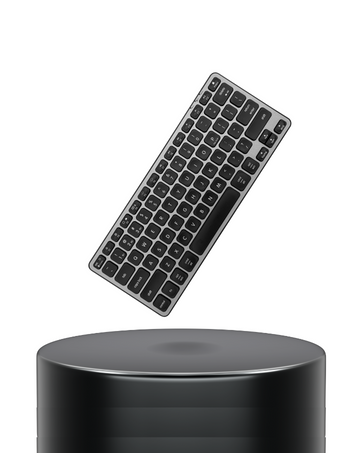
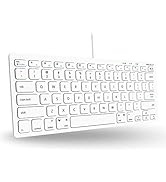
Small, Backlt, and Bluetooth.
This compact keyboard is perfect for on the go! Backlit, rechargeable, and wireless.
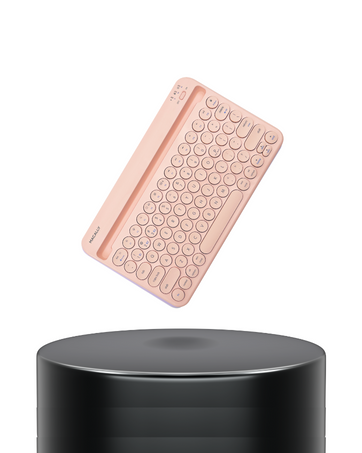
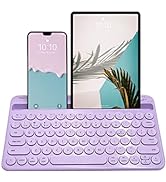
Take Your Work On the Go.
Set up your mobile workstation in seconds. Integrated stand for your iPhone or iPad.
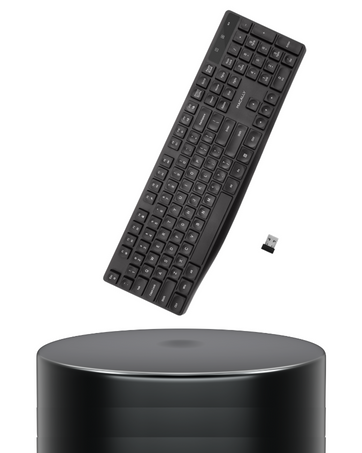
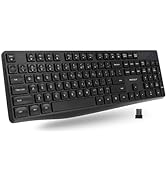
Keeping it Simple for PC.
Looking for a basic, reliable, and easy to use keyboard for your PC? Here it is.
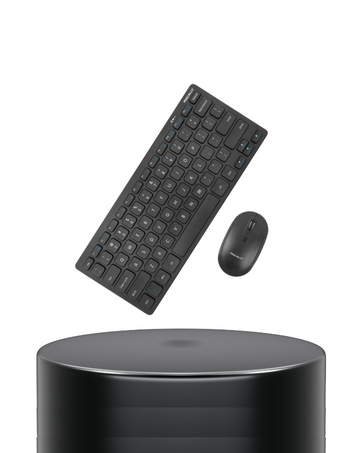
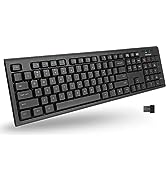
Reclaim Desk Space.
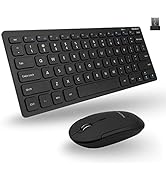
A space saving wireless combo designed specifically for PC.
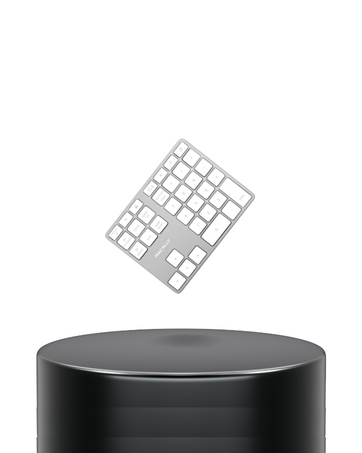
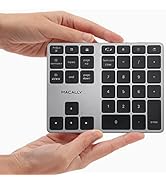
Macbook Missing a Keypad?
Boost your workflow and tackle spreadsheets and input data with ease.
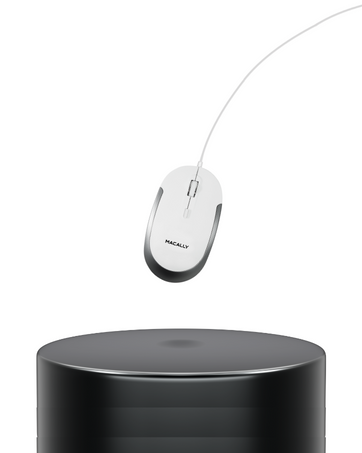
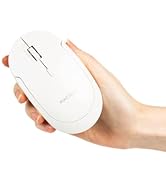
Simple Point and Click.
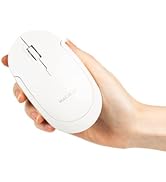
Enjoy a reliable mouse for your everyday tasks and ditch the wireless connectivity issues.


-

-

-


FAQ's
Power On/Off the BTNUMKEYPRO
- The power switch is located on the top right of the keypad
- When tuned on blue light will flash then blue light will disappear
Pairing the Keypad to a Bluetooth Device
- Press the "Pair" button on the top right once to enable pairing
- Flashing blue means ready to pair
- Solid blue light means it is paired
Switching Between Mac or PC Mode
- Press the "PC | Mac" button
- When blue light is on it is in PC mode
- When blue light is off it is in MAC mode
How to Charge the Keypad
- USB-C charge port is located on the top
- USB-C charging cable is included
- Red LED indicator will appear when charging

Bluetooth Solutions
BTNUMKEYPRO | ACEBTKEYA | ACEBTKEYACB | BTDYNAMOUSEA | BTTABKEYBAT | BTWKEYMB | BTNUMKEY |
|---|---|---|---|---|---|---|
| Customer Reviews | ||||||
| — | — | — | — | — | — | — |
| Price | ||||||
| — | — | — | — | — | — | — |
| Description | ||||||
| Bluetooth Number Pad | Wireless Keyboard | Bluetooth Keyboard and Mouse | Wireless Bluetooth Mouse | Small Bluetooth Keyboard | Premium Wireless Keyboard | Bluetooth Number Pad |
| Connectivity | ||||||
| Bluetooth | Bluetooth | Bluetooth | Bluetooth | Bluetooth | Bluetooth | Bluetooth |
| Plug and Play | ||||||
| ? | ? | ? | ? | ? | ? | ? |
| Rechargeable? | ||||||
| ? | ? | ? | ? | ? | ? | ? |
| Compatibility | ||||||
| Mac/iOS/PC/Android | Mac/iOS/PC/Android | Mac/iOS/PC/Android | Mac and PC | iOS/Android | Mac | Mac/iOS/PC/Android |
Pair Up to 3 Devices.
Enjoy seamless bluetooth connectivity between 3 of your favorite Apple devices.
Simple Wired Connection.
Equipped with crisp backlit keys, you can enjoy a simple plug and play solution.
A Natural Typing Experience.
Split into 2 zones, you will be able to work comfortably with less wrist strain.
Small, Backlt, and Bluetooth.
This compact keyboard is perfect for on the go! Backlit, rechargeable, and wireless.
Take Your Work On the Go.
Set up your mobile workstation in seconds. Integrated stand for your iPhone or iPad.
Keeping it Simple for PC.
Looking for a basic, reliable, and easy to use keyboard for your PC? Here it is.
Reclaim Desk Space.
A space saving wireless combo designed specifically for PC.
Macbook Missing a Keypad?
Boost your workflow and tackle spreadsheets and input data with ease.
Simple Point and Click.
Enjoy a reliable mouse for your everyday tasks and ditch the wireless connectivity issues.
-
-
-





