


2 Ways To Pair
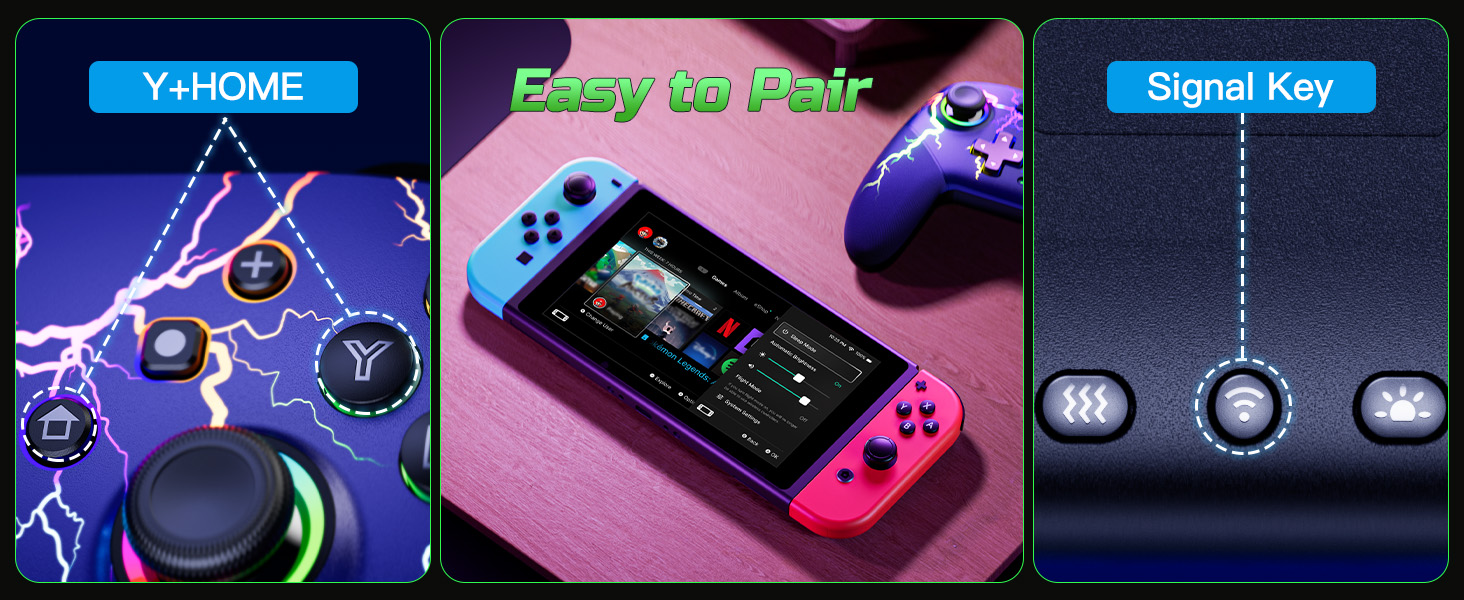
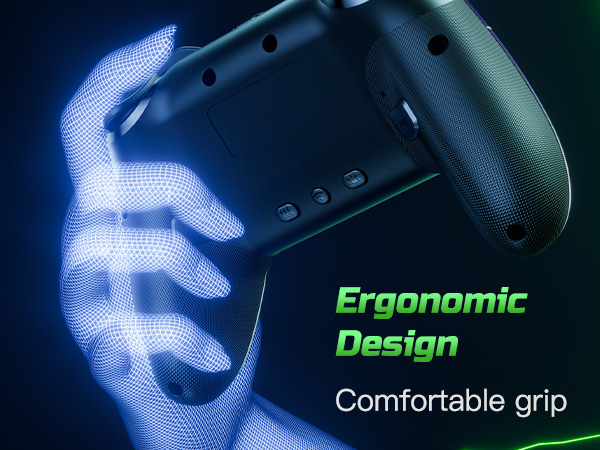
The first way: Press and hold the ''Pairing'' button on the back of the controller for 3-4 seconds.
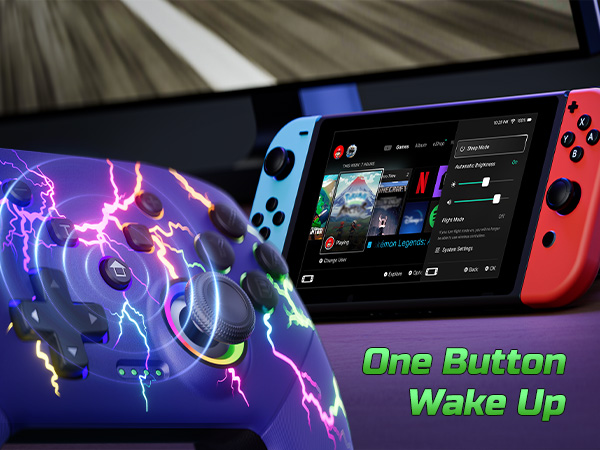
The second way: Press and hold the ''Y'' and ''HOME'' buttons for 2-3 seconds.
Is it easy to pair this controller to the console?
Yes, very easy to connect. There are 2 pairing method. You can press the pairing button on the back of the controller for 3seconds, or press 'Y' and 'HOME' buttons for 3s to pair. More details about the pairing, pls check the user manual or ask us.
Can this controller be connected to a PC?
Yes, it can be wirely connected to windows 7/8/10. Not support wirelessly connect to pc.
What is Programmable function?
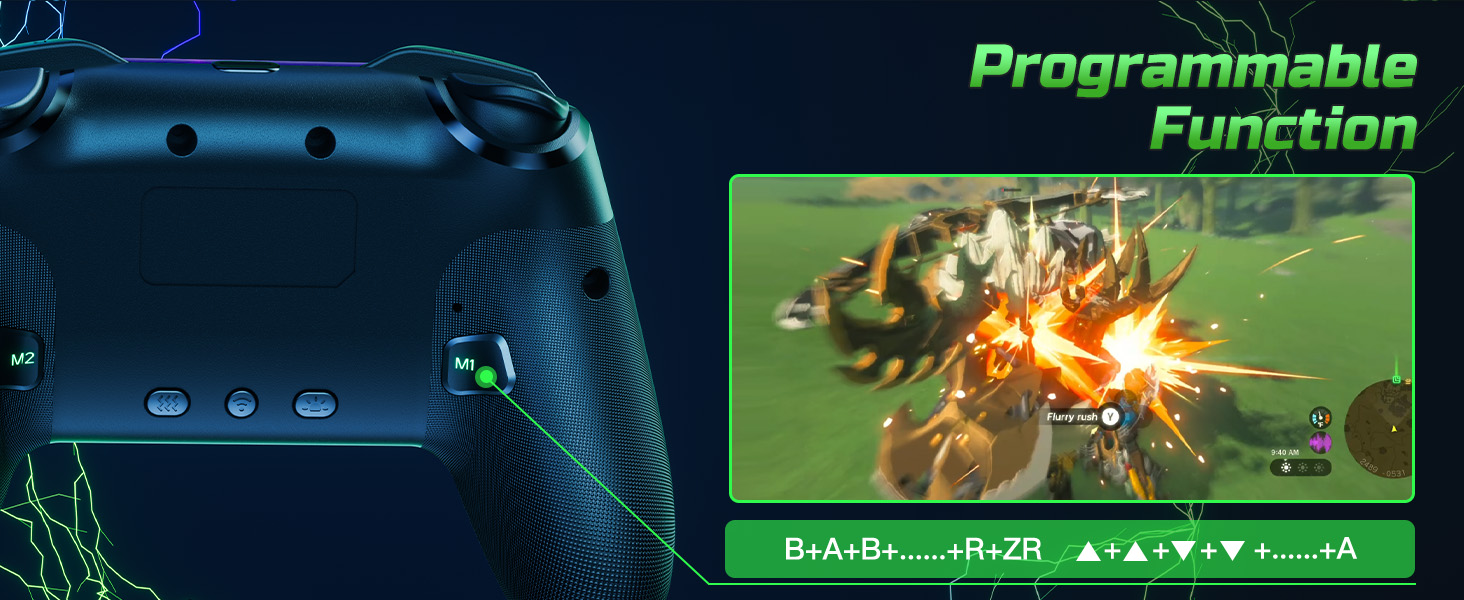
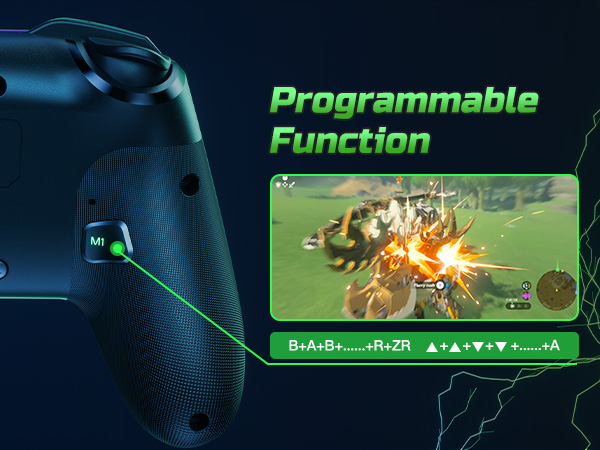
Programmable buttons is useful for specific tasks. You can set up the M1/M2 mouse to have multiple buttons that perform different functions, such as switching weapons in first-person shooters or cycling through skills in real-time strategy games.
Are the LED lights look cool?
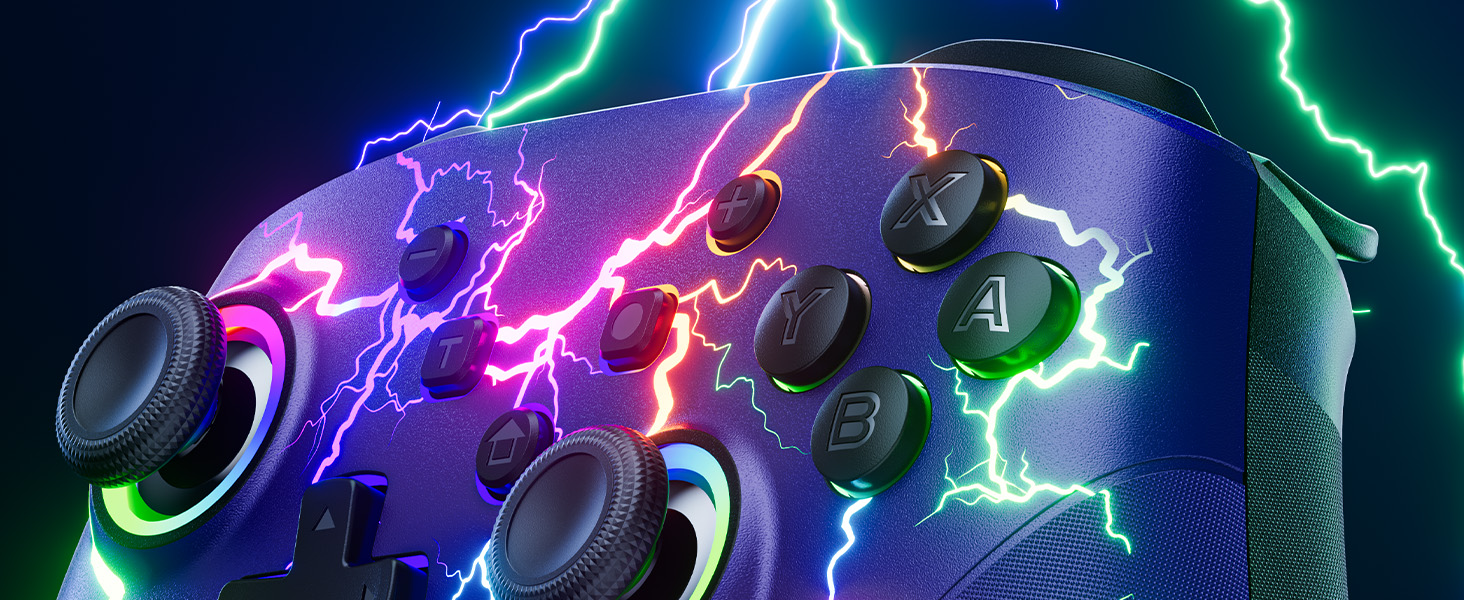
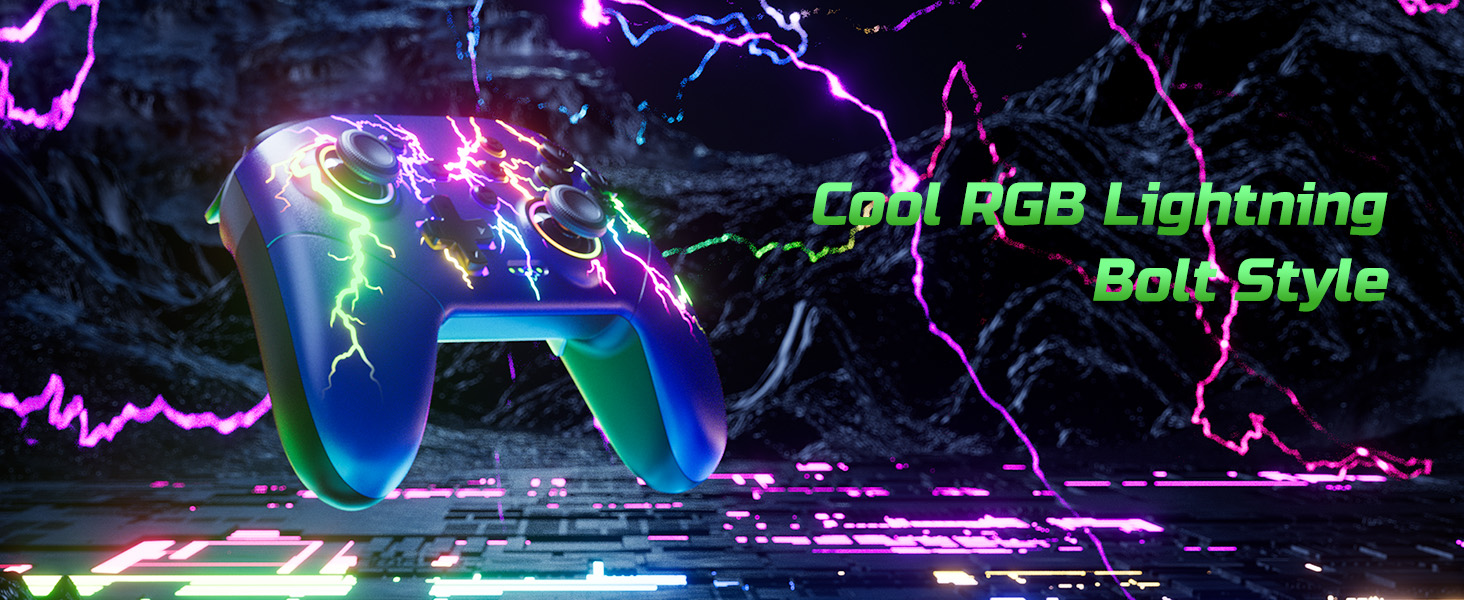
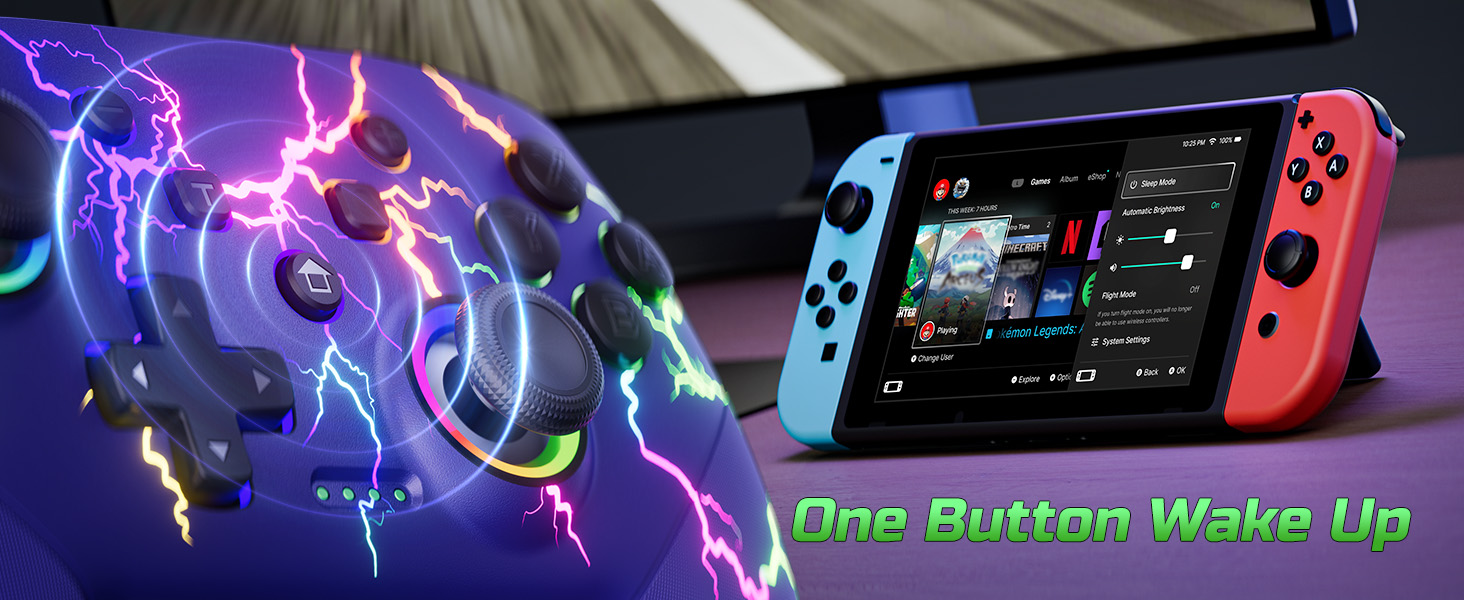
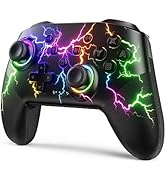
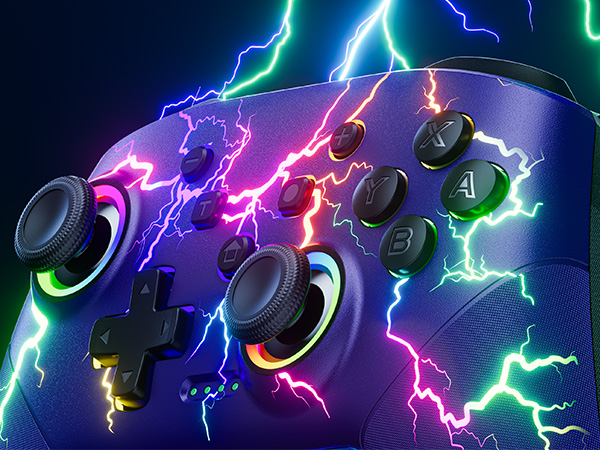
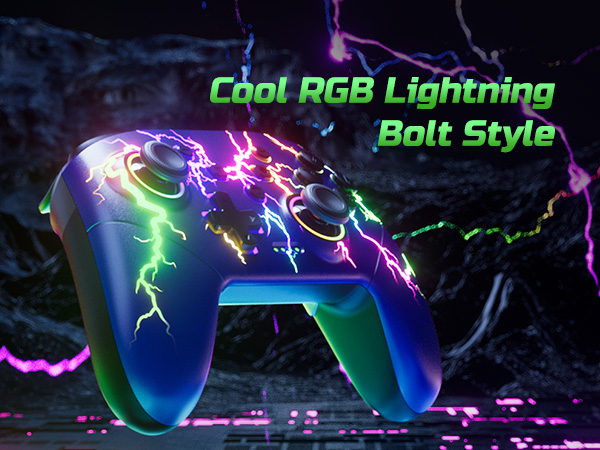
Sure. It’s super cool with 9 lightning light effects and 4 different light modes. You can set the lightning color according to different game screens. Looks so cool when it up at night.
How about the vibration feedback on this controller?
This upgraded pro controller provides better dual vibration feedback. There are 4 modes: off, weak, moderate and strong. Easy to set and just click the vibration button on the back of the controller.


Who Are We?
VOYEE was established in 2018 and is affiliated to a high-tech enterprise integrating R&D, design, production and sales, and is committed to providing users with a full range of game solutions.
At present, VOYEE has provided users with a series of high-quality game controller and accessories compatible with Microsoft, Sony and sold in many countries and regions in the North America and Europe.
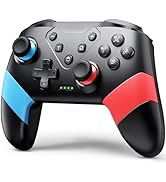
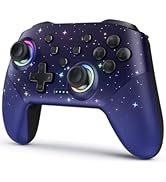
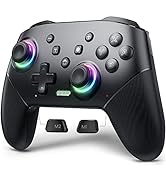
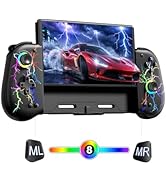
Controller for Switch
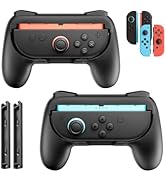
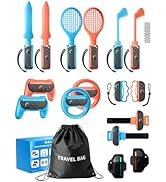
NS Accessories
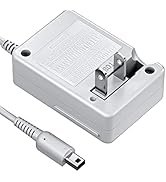
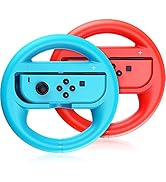
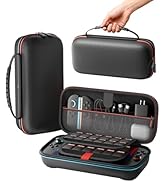
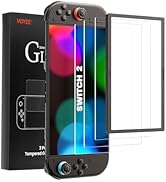
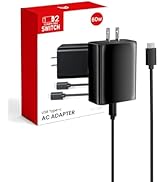
NS Charger & Storage Bag
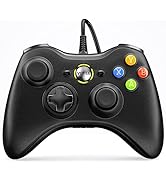
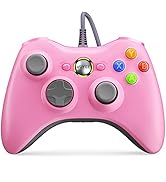
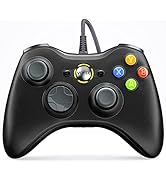
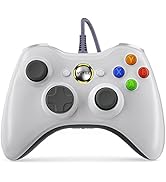
Compatible with Xbox 360
Our Mission
We strive to offer diverse, video game accessories at a great value to bring you and your family more fun.
Bring You and Your Family Happiness
We truly believe that help you live an easier, happier life through our products to get more family interaction and better gaming experience.
Customers Come First
As a customer, you are our top priority. So, we aim to offer you the best shopping experience possible by improving everything we do, from product research and development to quality control.
Who Are We?
VOYEE was established in 2018 and is affiliated to a high-tech enterprise integrating R&D, design, production and sales, and is committed to providing users with a full range of game solutions.
At present, VOYEE has provided users with a series of high-quality game controller and accessories compatible with Microsoft, Sony and sold in many countries and regions in the North America and Europe.
Controller for Switch
NS Accessories
NS Charger & Storage Bag
Compatible with Xbox 360
Our Mission
We strive to offer diverse, video game accessories at a great value to bring you and your family more fun.
Bring You and Your Family Happiness
We truly believe that help you live an easier, happier life through our products to get more family interaction and better gaming experience.
Customers Come First
As a customer, you are our top priority. So, we aim to offer you the best shopping experience possible by improving everything we do, from product research and development to quality control.
2 Ways To Pair
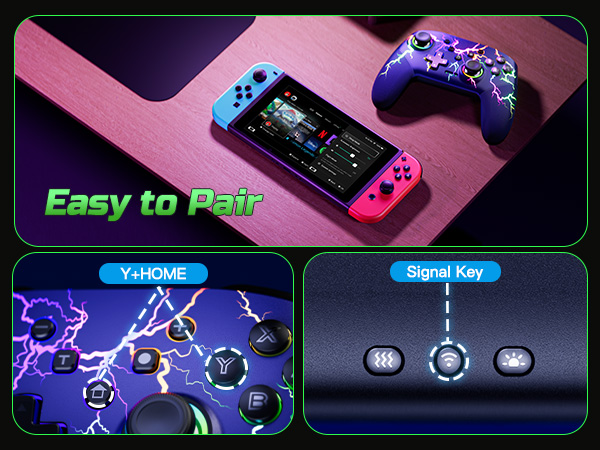
The first way: Press and hold the ''Pairing'' button on the back of the controller for 3-4 seconds.
The second way: Press and hold the ''Y'' and ''HOME'' buttons for 2-3 seconds.
Is it easy to pair this controller to the console?
Yes, very easy to connect. There are 2 pairing method. You can press the pairing button on the back of the controller for 3seconds, or press 'Y' and 'HOME' buttons for 3s to pair. More details about the pairing, pls check the user manual or ask us.
Can this controller be connected to a PC?
Yes, it can be wirely connected to windows 7/8/10. Not support wirelessly connect to pc.
What is Programmable function?
Programmable buttons is useful for specific tasks. You can set up the M1/M2 mouse to have multiple buttons that perform different functions, such as switching weapons in first-person shooters or cycling through skills in real-time strategy games.
Are the LED lights look cool?
Sure. It’s super cool with 9 lightning light effects and 4 different light modes. You can set the lightning color according to different game screens. Looks so cool when it up at night.
How about the vibration feedback on this controller?
This upgraded pro controller provides better dual vibration feedback. There are 4 modes: off, weak, moderate and strong. Easy to set and just click the vibration button on the back of the controller.





