


TECKNET Wireless Headset with Microphone for PC Computer Cellphone
True Comfort? Testing the MOST Hyped Headset
Merchant VideoINCOMPATIBLE DEVICE: not compatible with( landline phones with Bluetooth function) Cisco IP Phone, Voip Telephone; TVs with Bluetooth function, car Bluetooth, X-Box, PlayStation 4/5, Bluetooth speakers
MUTE: doesn't mute while off a call, only works on mobile phones, not suitable for laptop, pc
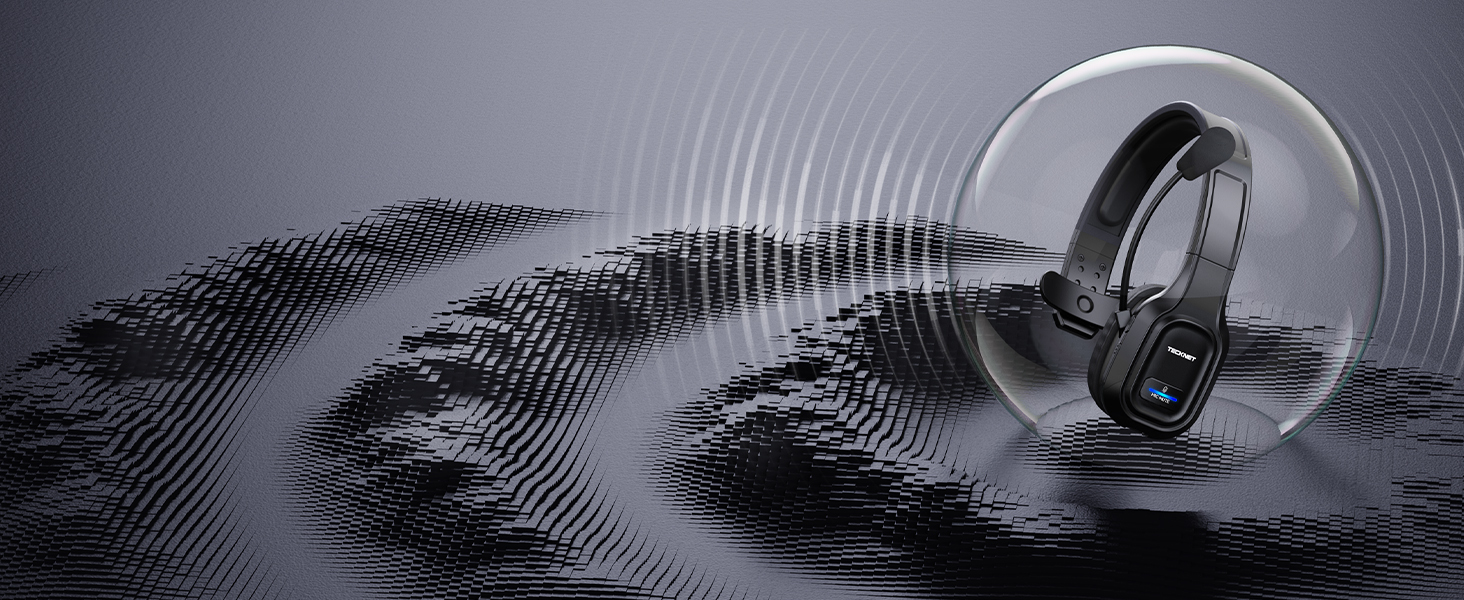
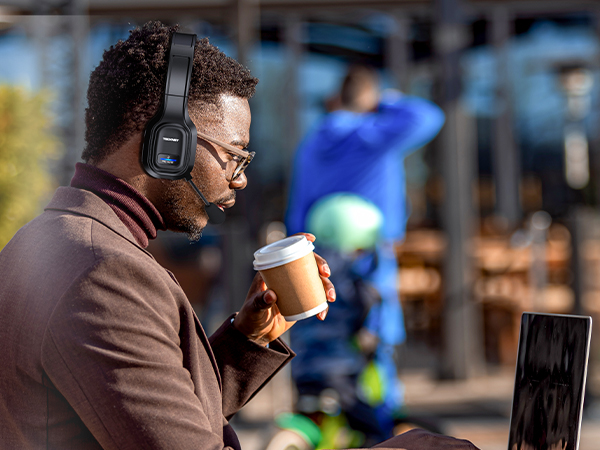
Ideal for business calls
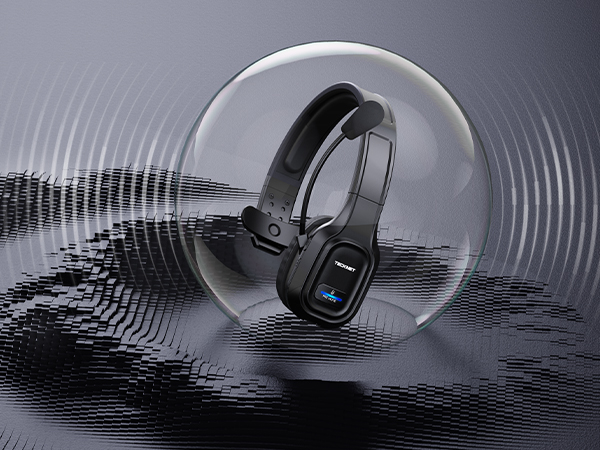
Reduce Noise, Express Clearly
Wireless headset with environmental noise canceling chipset, reduces 99.6% background noise
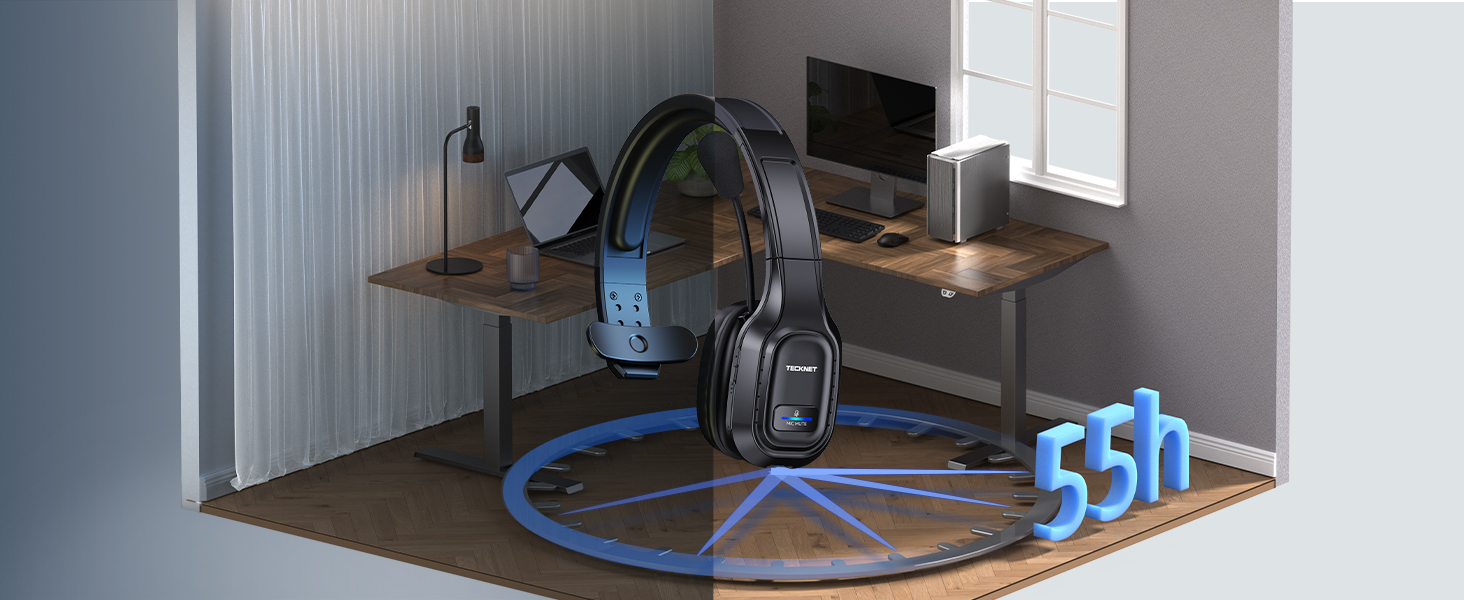
Ideal for long-time use
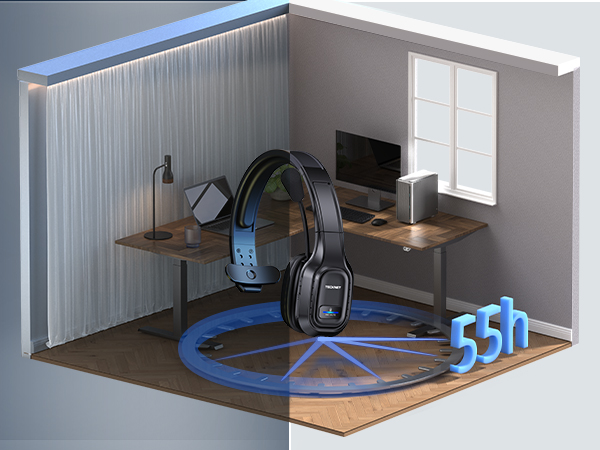
Enough All Day Talktime
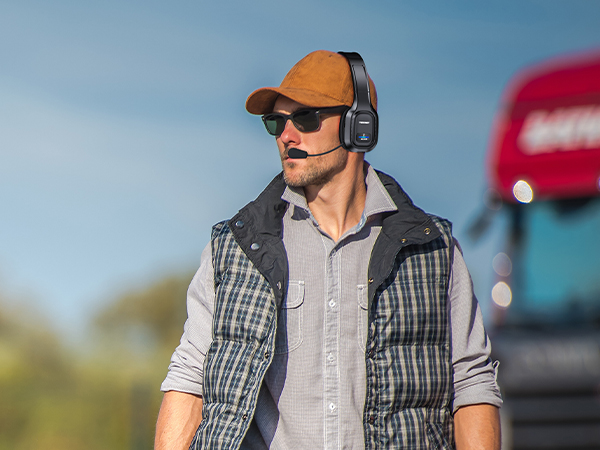
Wireless headset with mic for work, provides talking all day for truckers, call center agent
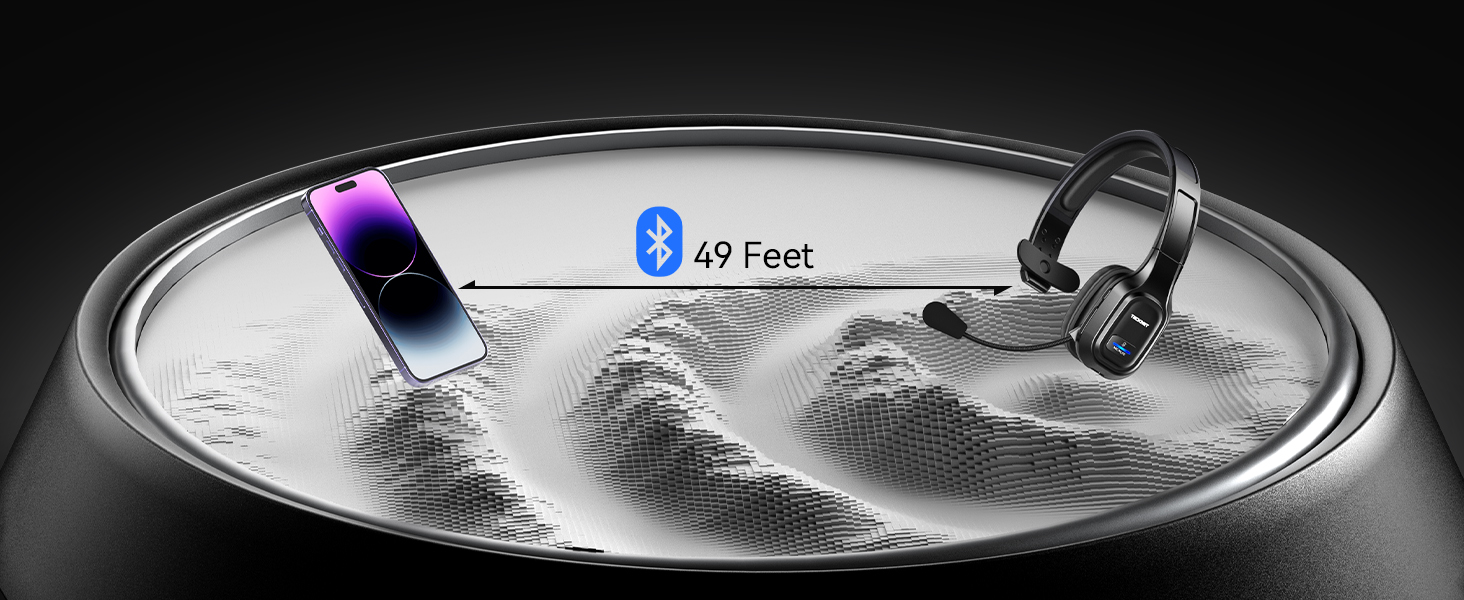
Devices with Bluetooth
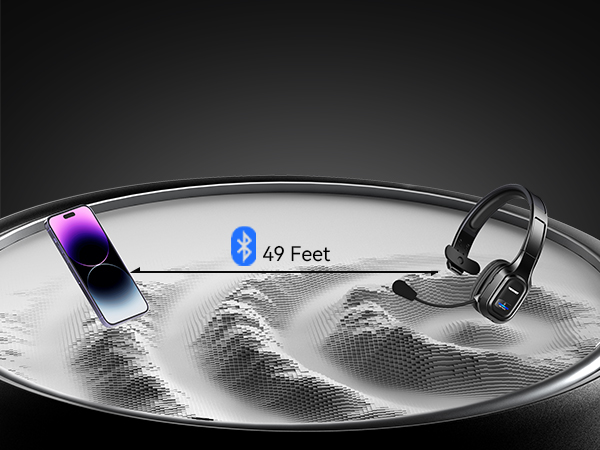
49Ft Wireless Range
Wide compatible with pc/computer/laptop.NOTE: device bluetooth below 3.0can't connect via Bluetooth
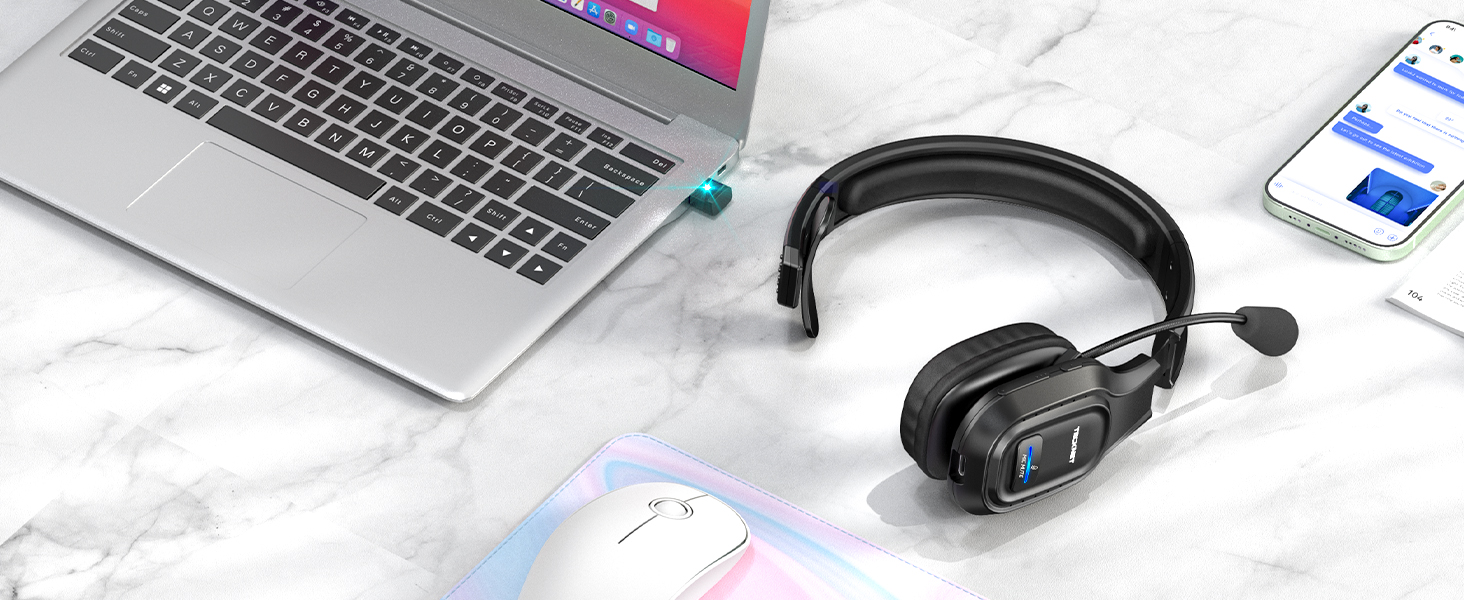
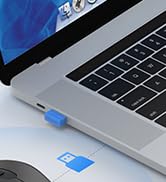
Devices without Bluetooth
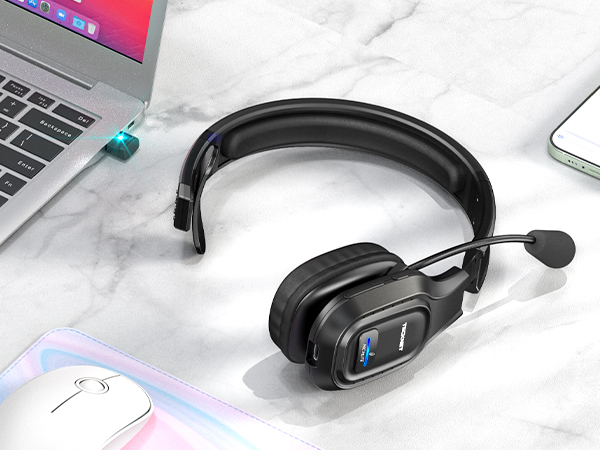
USB-A Connect, More Stable
Using USB,can't connect to other devices using Bluetooth; If using BT connection,unplug the adapter
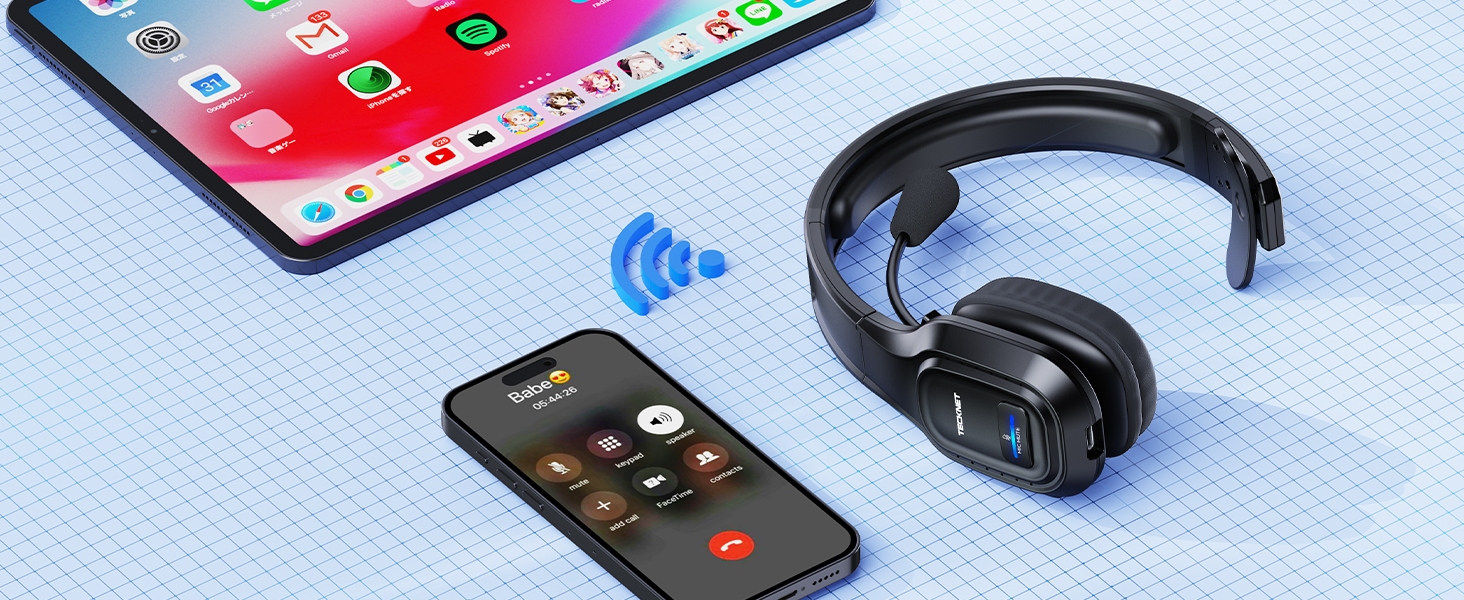
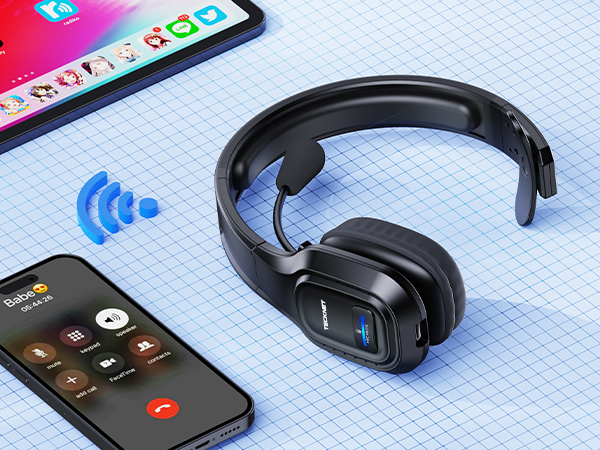
for 2 Bluetooth Devices
Avoid Missed Calls
Work in bluetooth connect mode, not simultaneous use, not support one USB, one Bluetooth connection
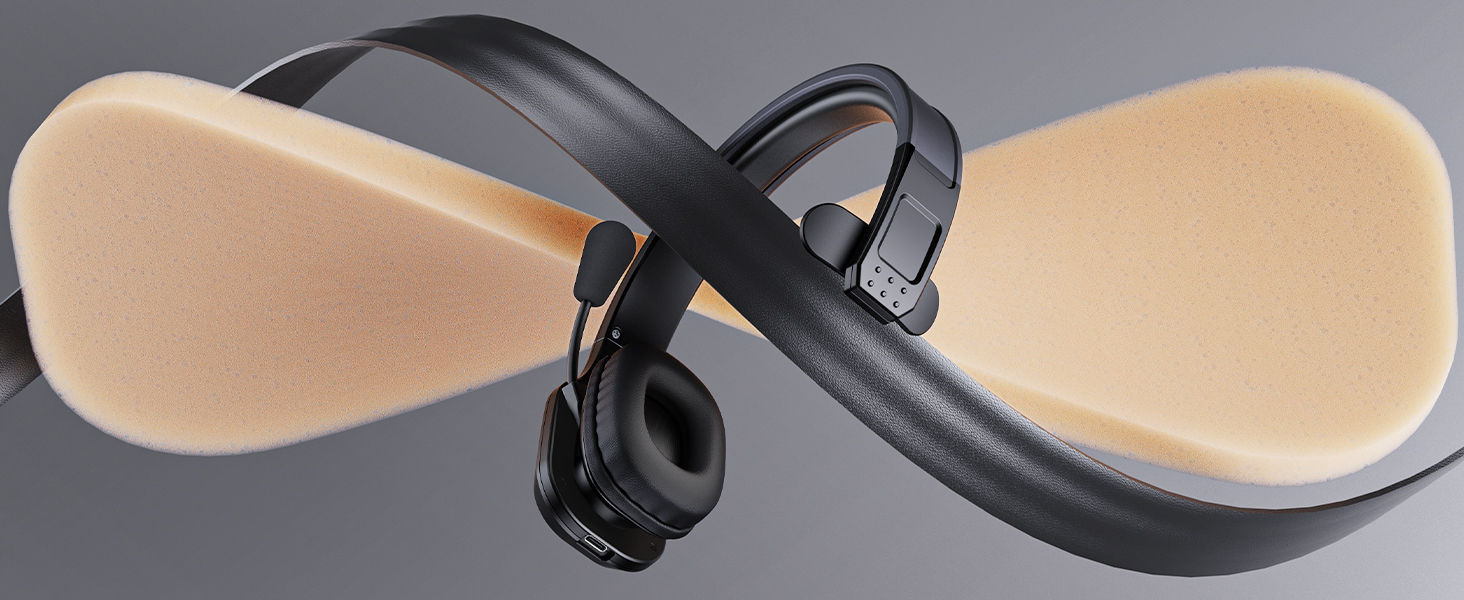
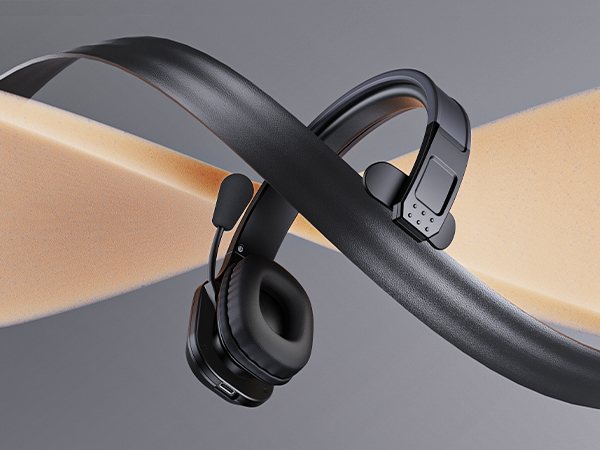
Durable & Soft
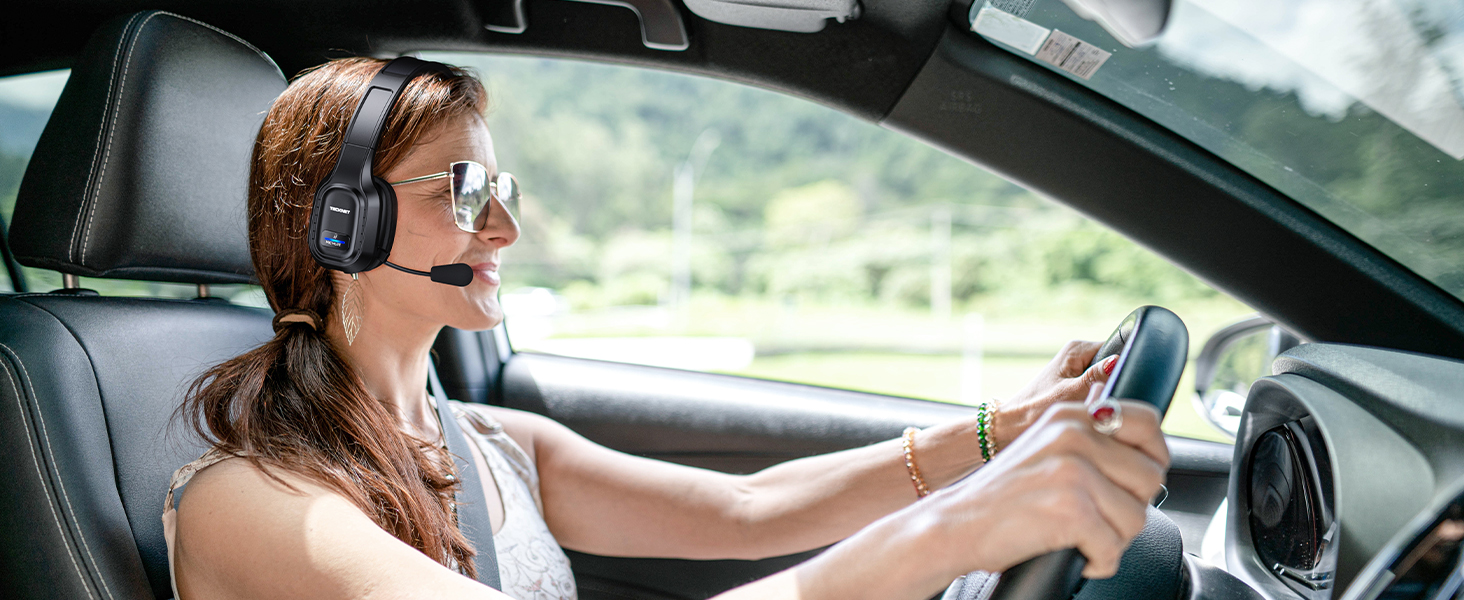
Trucker bluetooth headset equipped with a breathable big ear pad, made from a soft protein leather to reduce the pressure. Wear-resistant materials ensure long-term drive or daily use.
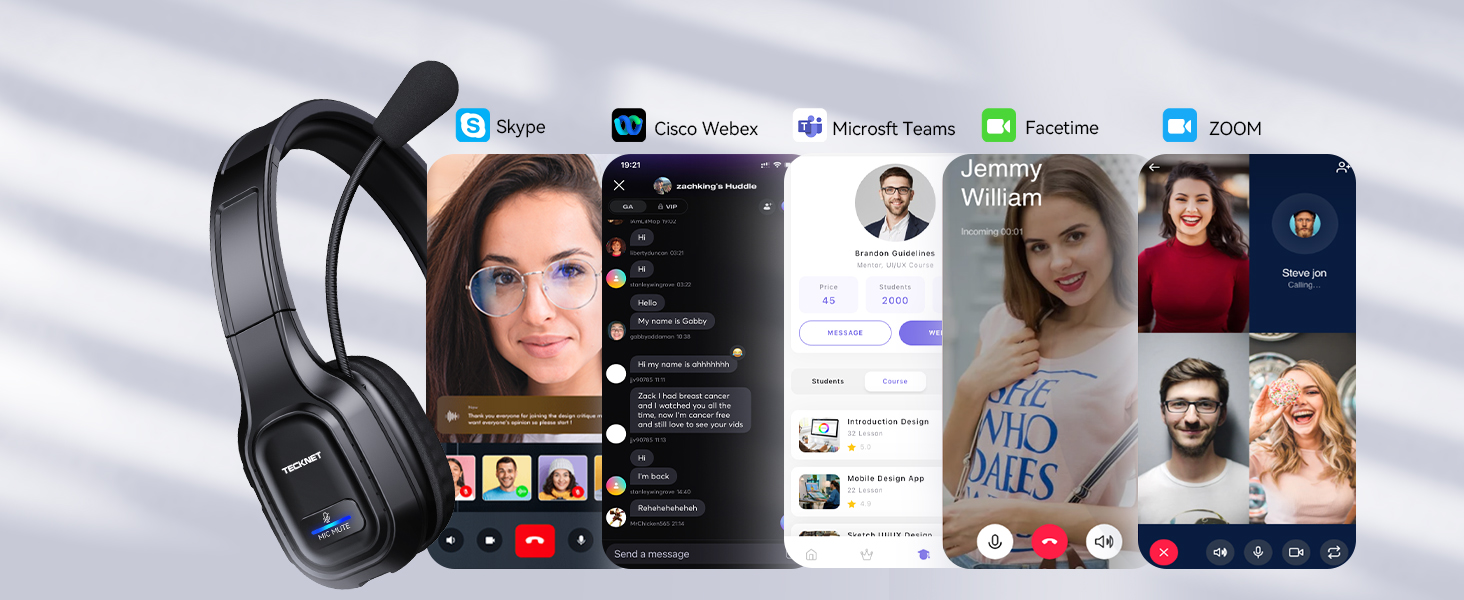
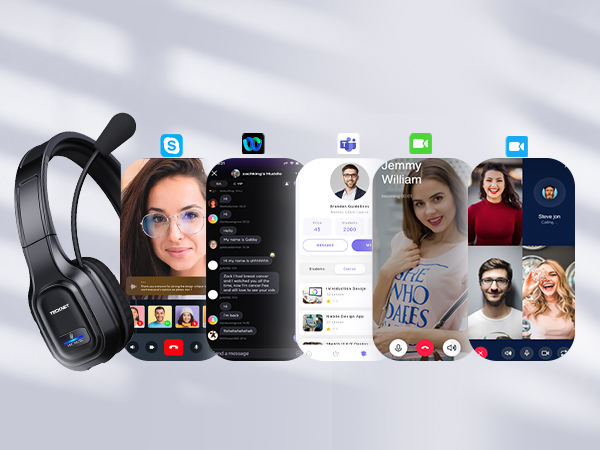
Compatible Most Software
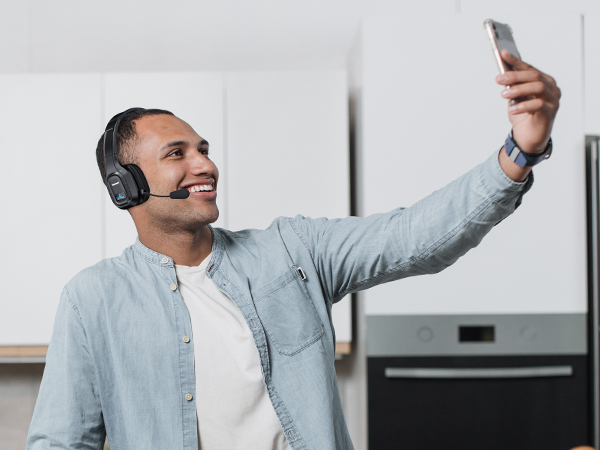
Bluetooth headphones with microphone is designed to work seamlessly with most online classes and meeting software
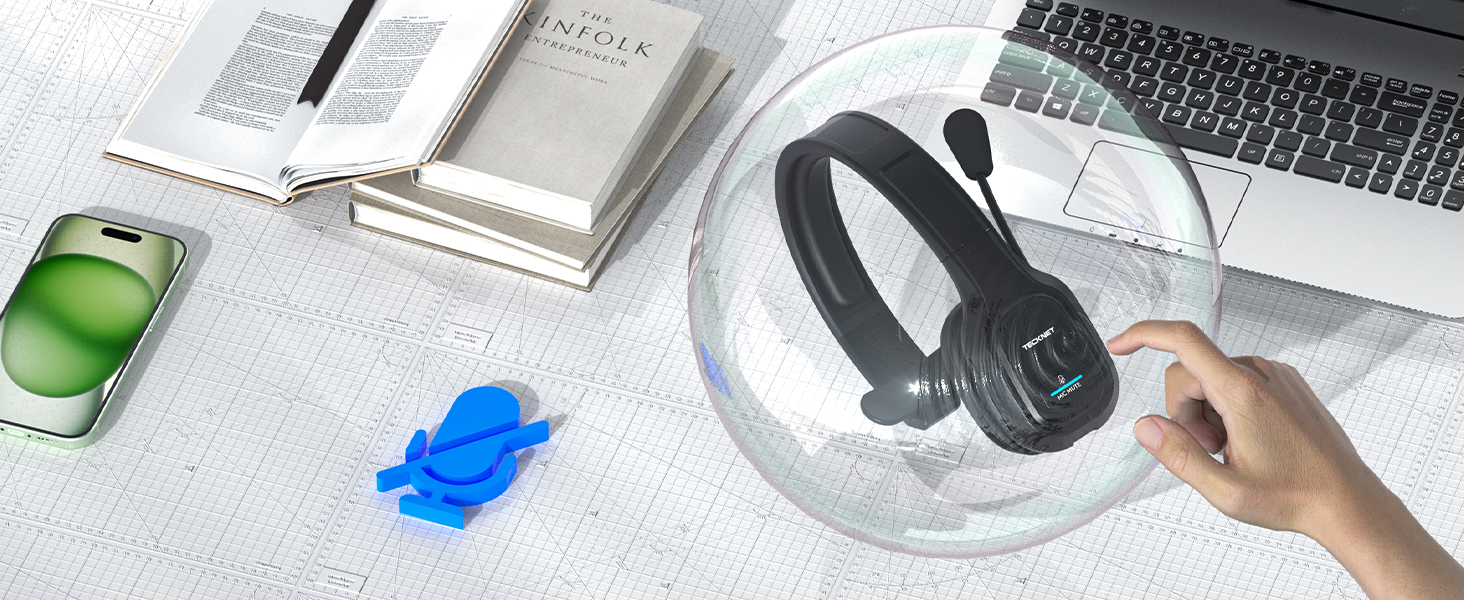
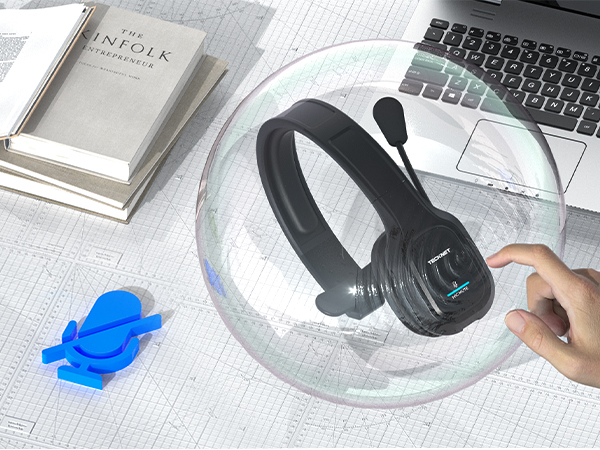
Mute Button,Protect Privacy
Wireless headphones with mic mute to protect your privacy(doesn't mute while off a phone call), the other party can't hear you
- Click the mute button to toggle on and off the microphone
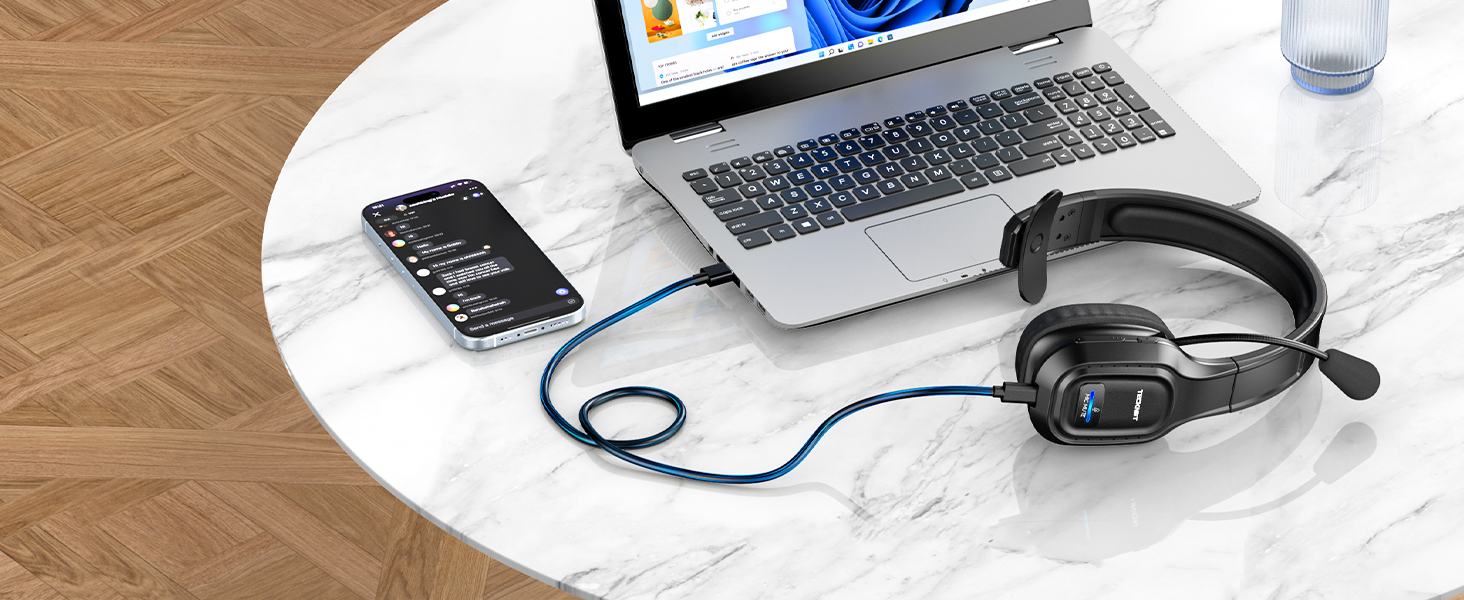
Fast Type-c Charging
Bluetooth wireless headphones with mic for computer equipped with large capacity battery, provides 55hrs working time within 1.5hrs fast charge
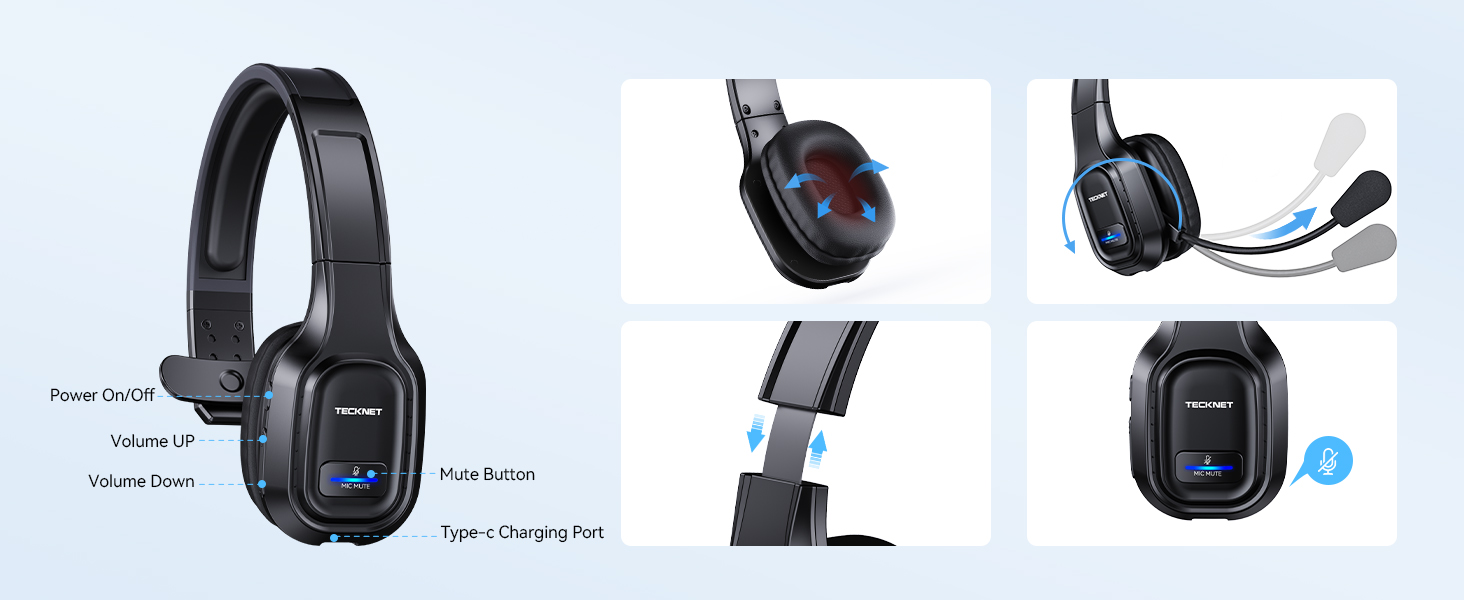
Easy Operate
Bluetooth headset with microphone is designed to give you simpler operation
- Click Once MFB: power on/off, play/pause
- Click Once +button: volume up/next song
- Click Once -button: volume down/last song
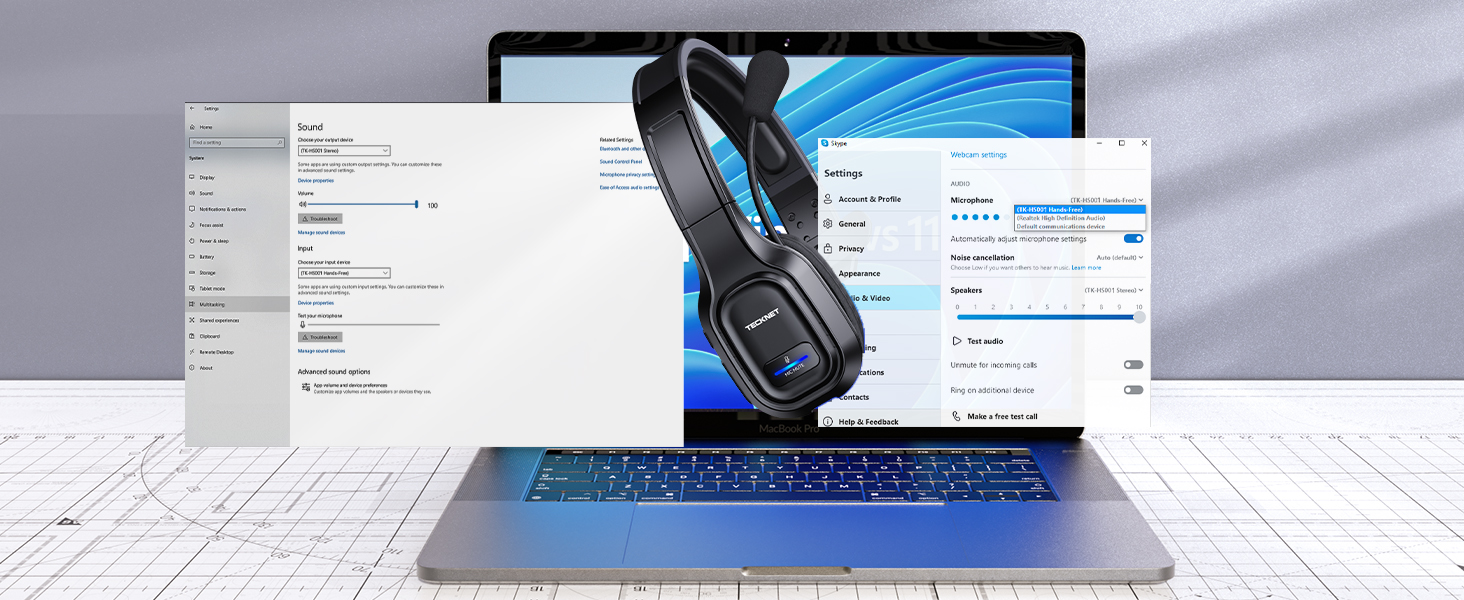
Connection Method
Make sure [TK-HS001] is selected as the default output and input device (speaker/microphone), make sure the headset is in non-silent mode, otherwise headset bluetooth to computer will not work

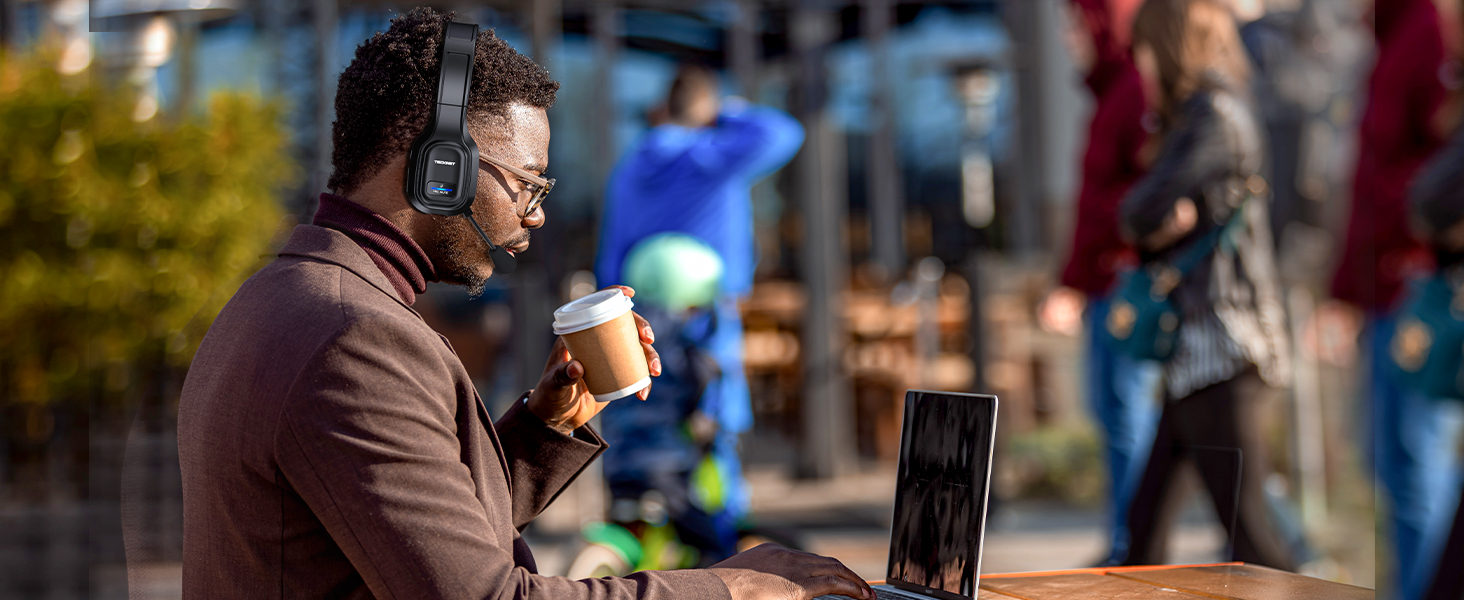


Unboxing & Troubleshooting
Connection Method & Troubleshooting
NOTE: Incompatible with: TVs with Bluetooth function, car Bluetooth, X-Box, PlayStation 4/5, Bluetooth speakers, and landline phones with Bluetooth function
Connection Method & Troubleshooting
Merchant VideoTECKNET Wireless Headset with Microphone
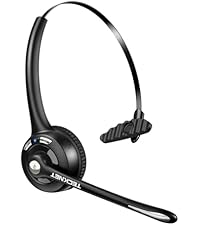 On-ear Wireless Headset |  Wireless Headset for Work | 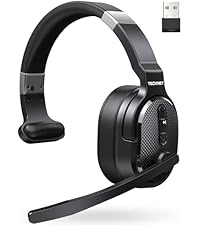 Over-ear Trucker Headset | 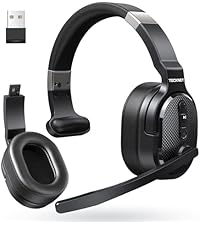 Single & Dual Headset | |
|---|---|---|---|---|
Customer Reviews | — | — | — | — |
Price | — | — | — | — |
Noise Cancecling Technology | ENC Noise Reduction | Chip Noise Reduction | ENC Noise Reduction | ENC Noise Reduction |
Connectivity | BT 5.2 | BT 5.0/USB Adapter/Charging | BT 5.2/USB Adapter | BT 5.0/USB Adapter |
Working Time | Up to 20 hours | Up to 40 hours | Up to 70 hours | Up to 50 hours |
Earcup Size | On-ear | On-ear | On-ear | Over-ear |
Charging Method | USB C Cable | Base or USB C Cable | USB C Cable | USB C Cable |


















TECKNET Wireless Headset with Microphone for PC Computer Cellphone
True Comfort? Testing the MOST Hyped Headset
Merchant VideoINCOMPATIBLE DEVICE: not compatible with( landline phones with Bluetooth function) Cisco IP Phone, Voip Telephone; TVs with Bluetooth function, car Bluetooth, X-Box, PlayStation 4/5, Bluetooth speakers
MUTE: doesn't mute while off a call, only works on mobile phones, not suitable for laptop, pc
Ideal for business calls
Reduce Noise, Express Clearly
Wireless headset with environmental noise canceling chipset, reduces 99.6% background noise
Ideal for long-time use
Enough All Day Talktime
Wireless headset with mic for work, provides talking all day for truckers, call center agent
Devices with Bluetooth
49Ft Wireless Range
Wide compatible with pc/computer/laptop.NOTE: device bluetooth below 3.0can't connect via Bluetooth
Devices without Bluetooth
USB-A Connect, More Stable
Using USB,can't connect to other devices using Bluetooth; If using BT connection,unplug the adapter
for 2 Bluetooth Devices
Avoid Missed Calls
Work in bluetooth connect mode, not simultaneous use, not support one USB, one Bluetooth connection
Durable & Soft
Compatible Most Software
Mute Button,Protect Privacy
Fast Type-c Charging
Easy Operate
Connection Method
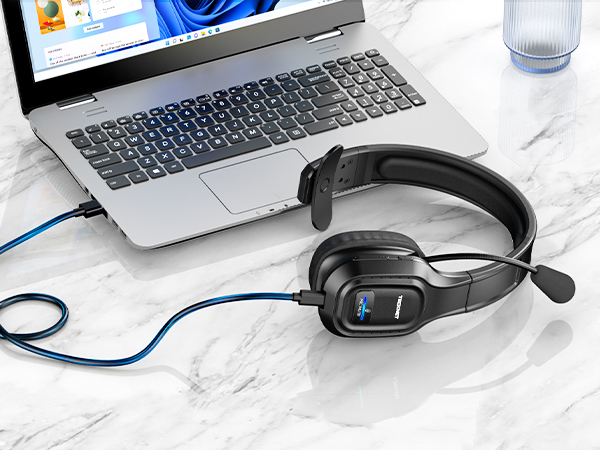
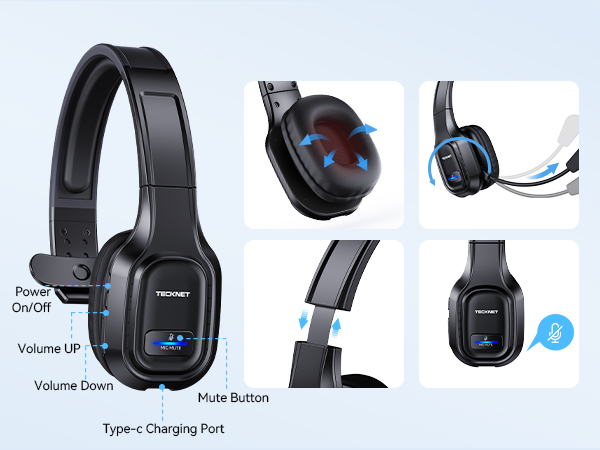
Trucker bluetooth headset equipped with a breathable big ear pad, made from a soft protein leather to reduce the pressure. Wear-resistant materials ensure long-term drive or daily use.
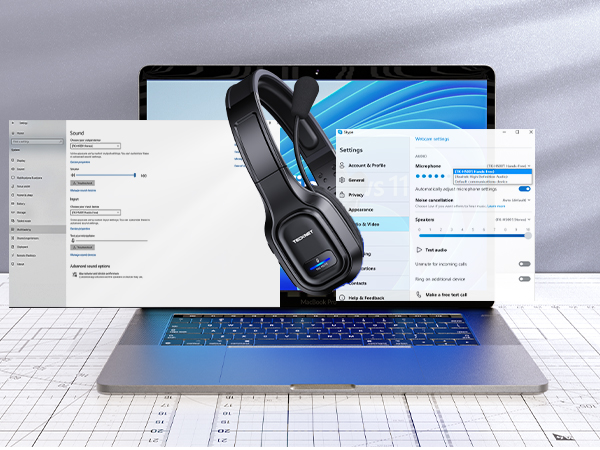
Bluetooth headphones with microphone is designed to work seamlessly with most online classes and meeting software
Wireless headphones with mic mute to protect your privacy(doesn't mute while off a phone call), the other party can't hear you
- Click the mute button to toggle on and off the microphone
Bluetooth wireless headphones with mic for computer equipped with large capacity battery, provides 55hrs working time within 1.5hrs fast charge
Bluetooth headset with microphone is designed to give you simpler operation
- Click Once MFB: power on/off, play/pause
- Click Once +button: volume up/next song
- Click Once -button: volume down/last song
Make sure [TK-HS001] is selected as the default output and input device (speaker/microphone), make sure the headset is in non-silent mode, otherwise headset bluetooth to computer will not work

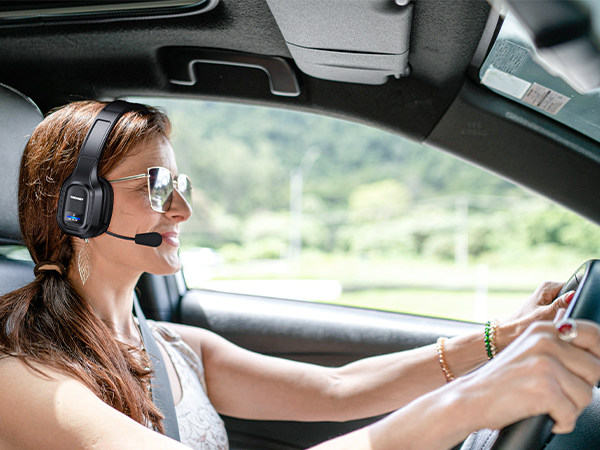
Connection Method & Troubleshooting
Merchant VideoUnboxing & Troubleshooting
Connection Method & Troubleshooting
NOTE: Incompatible with: TVs with Bluetooth function, car Bluetooth, X-Box, PlayStation 4/5, Bluetooth speakers, and landline phones with Bluetooth function
TECKNET Wireless Headset with Microphone
On-ear Wireless Headset | Wireless Headset for Work | Over-ear Trucker Headset | Single & Dual Headset |
|---|---|---|---|
| Customer Reviews | |||
| — | — | — | — |
| Price | |||
| — | — | — | — |
| Noise Cancecling Technology | |||
| ENC Noise Reduction | Chip Noise Reduction | ENC Noise Reduction | ENC Noise Reduction |
| Connectivity | |||
| BT 5.2 | BT 5.0/USB Adapter/Charging | BT 5.2/USB Adapter | BT 5.0/USB Adapter |
| Working Time | |||
| Up to 20 hours | Up to 40 hours | Up to 70 hours | Up to 50 hours |
| Earcup Size | |||
| On-ear | On-ear | On-ear | Over-ear |
| Charging Method | |||
| USB C Cable | Base or USB C Cable | USB C Cable | USB C Cable |
| Q1 | How to pair TK-HS001 bluetooth headset to phone via blueooth? |
|---|---|
| Answer | Long press MFB 5-7 seconds to turn on the headset and enter pairing mode with LED flashes Blue & Red alternately; Search and click to connect "TK-HS001" in the Bluetooth list of the phone |
| Q2 | How to pair TK-HS001 bluetooth headset to computer via blueooth? |
| Answer | First, press MFB for 2s to enter pairing mode; Then, select Start > Settings > Bluetooth & other devices > Add Bluetooth or other device > Bluetooth > Click on the model number [TK-HS001] of your device > Connect Success |
| Q3 | How to pair TK-HS001 bluetooth headset to computer via USB dongle? |
| Answer | First, plug the dongle to the USB-A port and wait to recognize it. (LED indicator will flash blue) ; Then, press MFB for 2s to enter pairing mode (LED indicator will flash blue and red alternately); Finally, you will hear "Your headset is connected" |
| Q4 | Why bluetooth headset power off automatically?Can check the remaining battery power? How to charge? Whether it can be used during charging? |
| Answer | To save power and prolong battery life, bluetooth Headset will power off automatically when not connected over 10mins after power on or battery voltage is lower than 3.1V; With low battery voice reminders. Connect the type-c interface to bluetooth headset, and connect the USB cable to a booted PC, car charger, or power bank; Not recommended for use when charging |
| Q5 | Headphones don't Bluetooth to computer/cell phone, what should I do? |
| Answer | Confirm that the device has Bluetooth function, and the Bluetooth version is above 3.0 (please update the driver below 3.0); please rule out that the attached USB receiver is not used at the same time, because the priority of USB connection is higher than BT. After using the receiver, the headset Bluetooth can't be found; turn on the headset, long press MFB for 2s to enter pairing, turn on the device's Bluetooth and select (TK-HS001), as the default output and input device (speaker/microphone) |
| Q6 | How to judge whether the wireless headset is muted |
| Answer | When mute, there will be a beep sound every 10 seconds; only when calling on phone, you can mute (others can not hear your voice). Notice: there is no mute function when not talking |
| Q7 | Whether need to download drivers? |
| Answer | Via usb dongle connection, plug and play; via bluetooth connection, some computer models need to download the Bluetooth driver, please contact your computer manufacturer |
| Q8 | What are the conditions for providing replacement? |
| Answer | Accessories (dongle or charging cable) don't work or miss; Earmuffs are worn; Head wear fracture; Incompatible with device. If you encounter connection or compatibility problems, please consult |
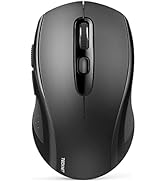
Wireless Mouse by TECKNET
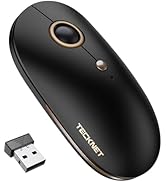
2-in-1 Bluetooth & USB Mouse
Silent Portable Wireless Mouse
On-ear Bluetooth Headphones
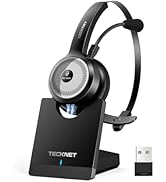
Headset with Charging Base
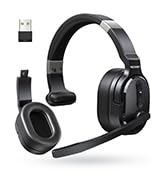
Single and Dual Ear Headset





