








Soothielec Bluetooth Headset
Wireless Headset with Noise Canceling Microphone for PC
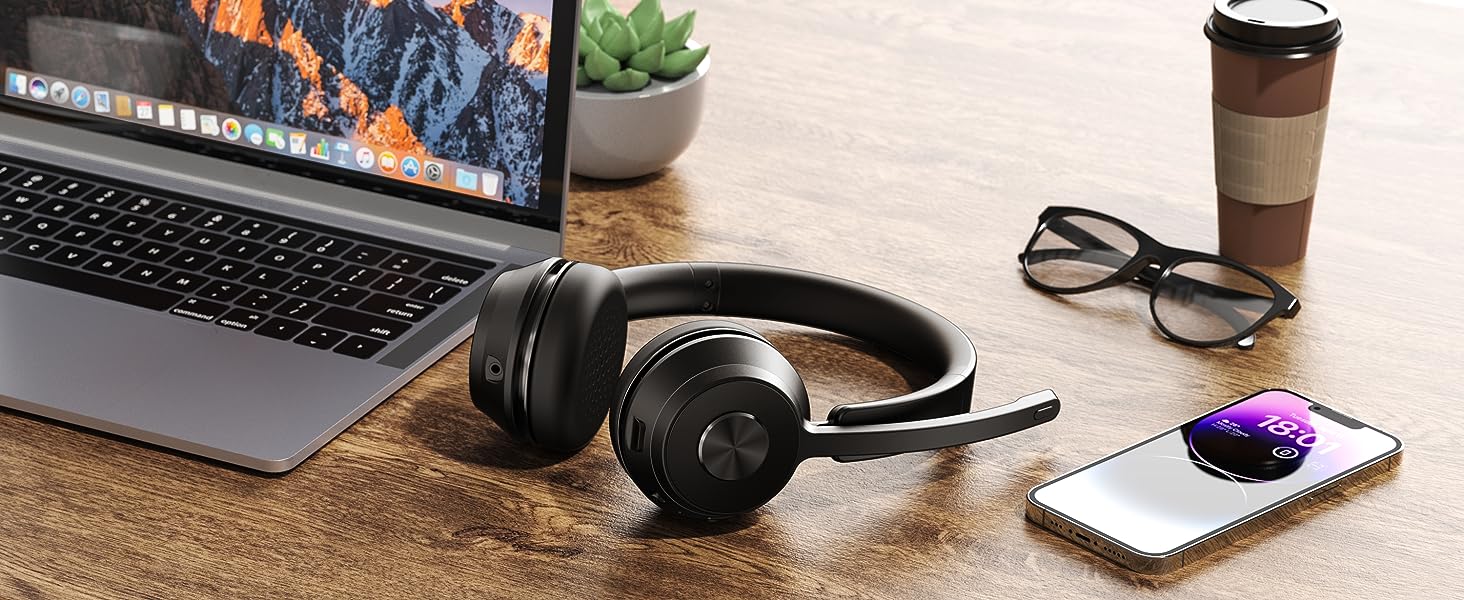
Dual Connection
Support to connect two Bluetooth devices at the same time, you can switch between computer and cell phone.
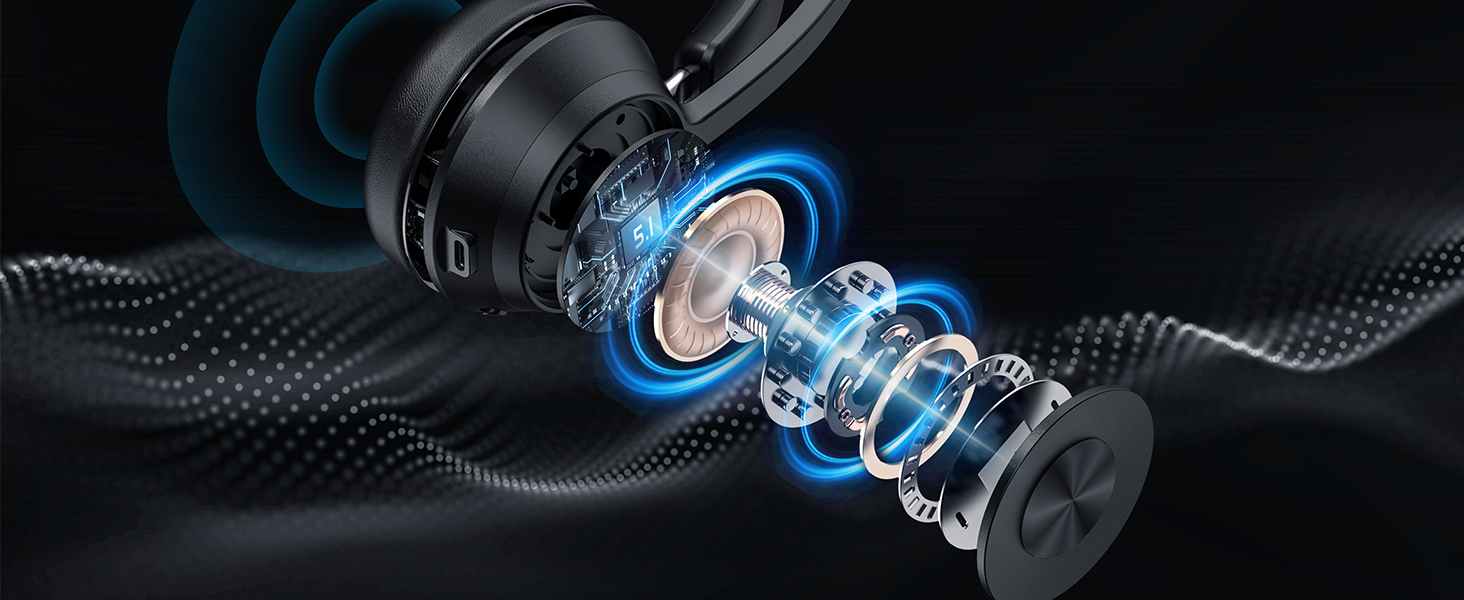
Excellent Sound Quality
Adopt Qualcomm Chip and support AptX HD, enjoy great stereo sound while listening to music
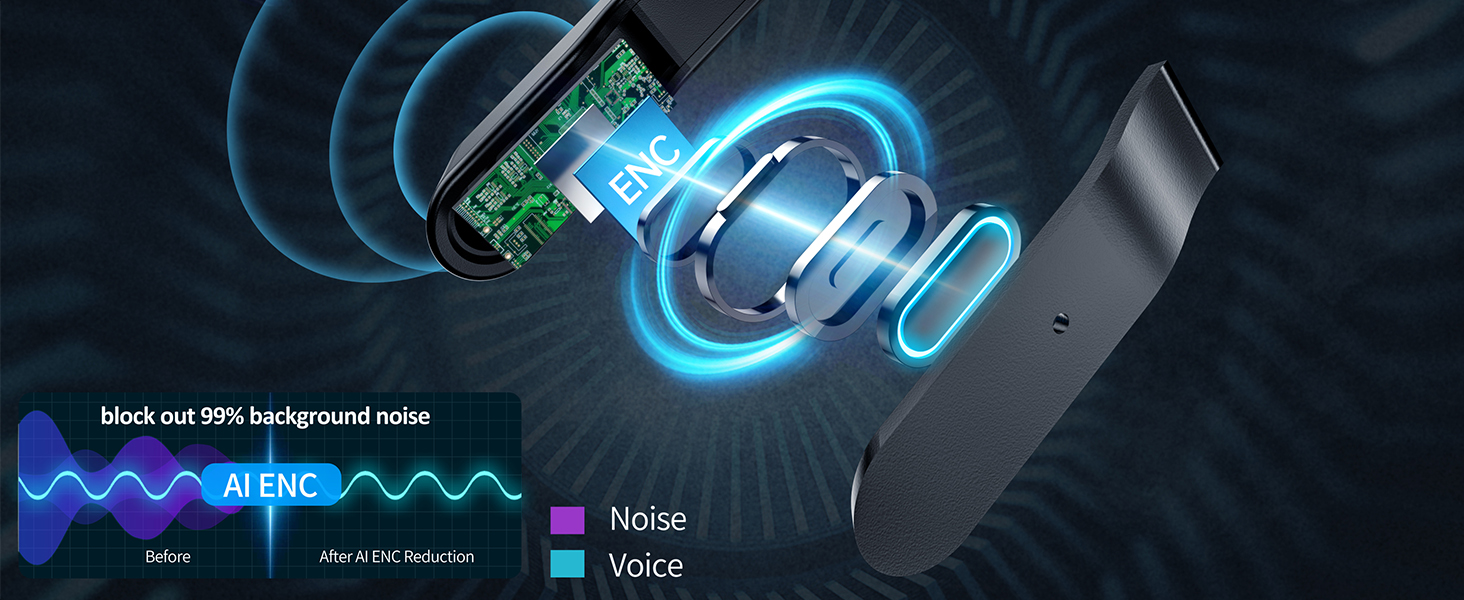
AI noise cancellation
Block out 99% background noise, the other end can hear your voice clearly when making a call
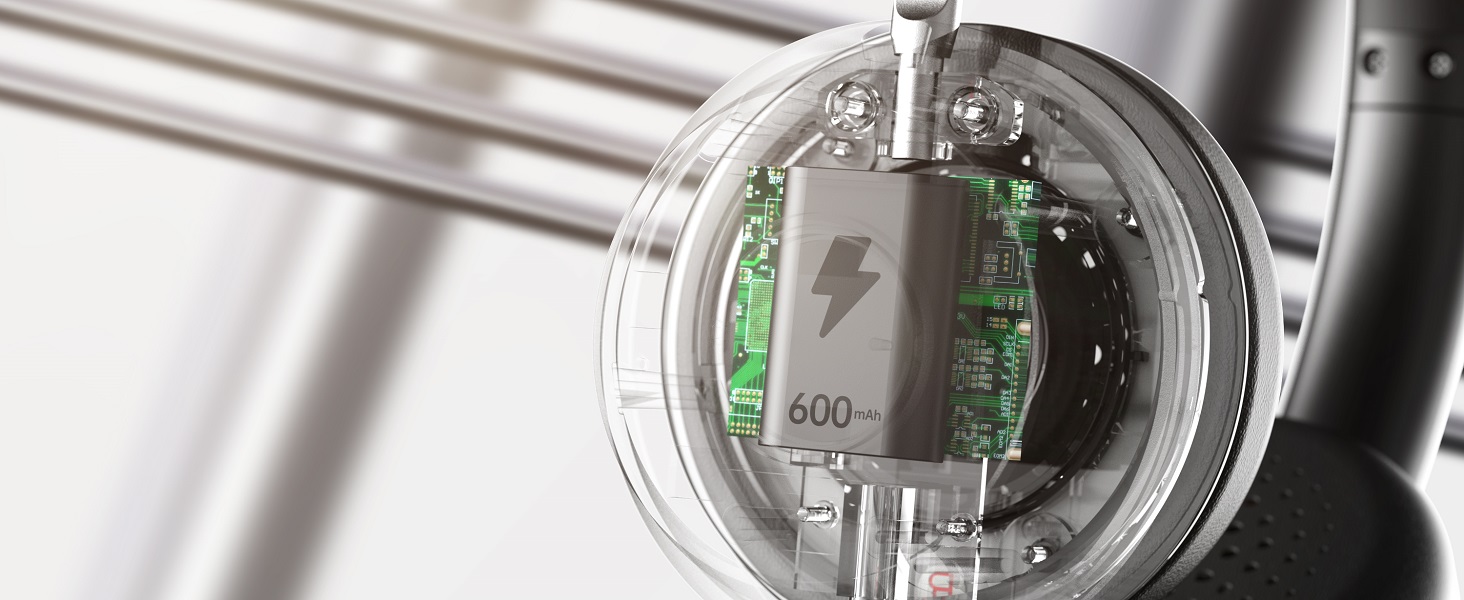
Long Battery Life
The Bluetooth headset is equiped with 600mAh battery that can support daily usage after fully charged.


kh53 Bluetooth headphones
kh53 Bluetooth headphones
Merchant VideoCan I use the headset to answer or hang up calls?
lf you use the headset with cell phone, you can answer/end calls through the MFB button on the headset. If you use the headset with computer, you need to answer/end calls through the mouse. NOTE: MFB button does not work with desk phones OR landlines
I use this Bluetooth headset to work from home, can it effectively block out the noise?
Yes. Our headset can block out 99% of background noise, such as children screaming, dogs barking,TV sound or other household sounds. However, if your family speak at a normal volume is not environmental noise, so it may be picked up by the mic.
Why does zoom show the microphone cannot be detected after my headset is connected to computer?
When you use software to make a call, check the settings of the computer and software, make sure to select [KH53 dongle] as the default output and input device. Besides, you can exit the software and login in again.Because it may not sync at first
Can I mute the microphone if I am not on a call?
Our wireless headset only support muting during a call or meeting. It doesn't support muting if you are not on a call. Sorry for the inconvenience.
How to reset the headset?
Turn on the headset, then hold and press the MFB button and volume- button at the same time for over 5 second, the led on the headset will flash purple light for once, it means reset successfully

Wireless Headset with Noise Canceling Microphone for PC
Dual Connection
Excellent Sound Quality
AI noise cancellation
Long Battery Life


Support to connect two Bluetooth devices at the same time, you can switch between computer and cell phone.
Adopt Qualcomm Chip and support AptX HD, enjoy great stereo sound while listening to music
Block out 99% background noise, the other end can hear your voice clearly when making a call
The Bluetooth headset is equiped with 600mAh battery that can support daily usage after fully charged.


Effective in various environments.
Designed for various scenarios, from outdoor to work calls, catering to all your audio needs


Great Noise Canceling Office Headset
pair step
pair step


Make your calls more effecient and convenient
kh53 Bluetooth headphones
kh53 Bluetooth headphones
Merchant VideoCan I use the headset to answer or hang up calls?
lf you use the headset with cell phone, you can answer/end calls through the MFB button on the headset. If you use the headset with computer, you need to answer/end calls through the mouse. NOTE: MFB button does not work with desk phones OR landlines
I use this Bluetooth headset to work from home, can it effectively block out the noise?
Yes. Our headset can block out 99% of background noise, such as children screaming, dogs barking,TV sound or other household sounds. However, if your family speak at a normal volume is not environmental noise, so it may be picked up by the mic.
Why does zoom show the microphone cannot be detected after my headset is connected to computer?
When you use software to make a call, check the settings of the computer and software, make sure to select [KH53 dongle] as the default output and input device. Besides, you can exit the software and login in again.Because it may not sync at first
Can I mute the microphone if I am not on a call?
Our wireless headset only support muting during a call or meeting. It doesn't support muting if you are not on a call. Sorry for the inconvenience.
How to reset the headset?
Turn on the headset, then hold and press the MFB button and volume- button at the same time for over 5 second, the led on the headset will flash purple light for once, it means reset successfully
Soothielec
Soothielec Headsets make your work and life better.

BC001
Only 4 ounce lightweight comfortable headset with mic
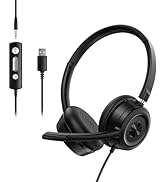

BC001 Headset with Mic

KH53 Bluetooth Headset





