


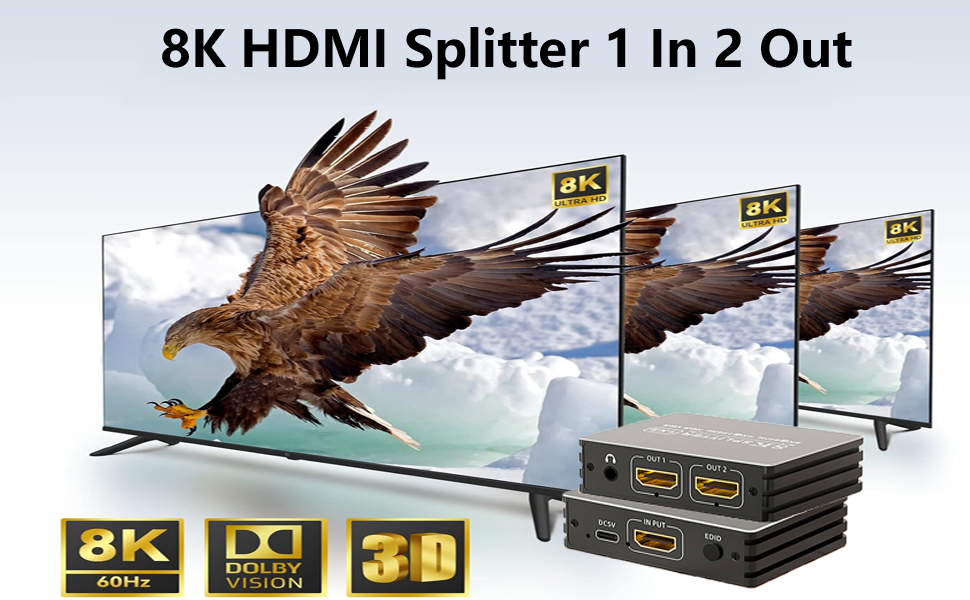
Features
- HDMI 2.1 and HDCP 2.3 compliant
- Supports 8K@60Hz 4:2:0 10 bit and 4K@120Hz 4:4:4 10 bit
- Support up to 40Gbps bandwidth
- Supports HDR, HDR10, HDR 10+, Dolby Vision
- Advance EDID management
- Built in equalizer, retiming and driver
What's in the package:
- HDMI Splitter X1
- USB Power Cord X1 (adapter is not included)
- User Manual X1
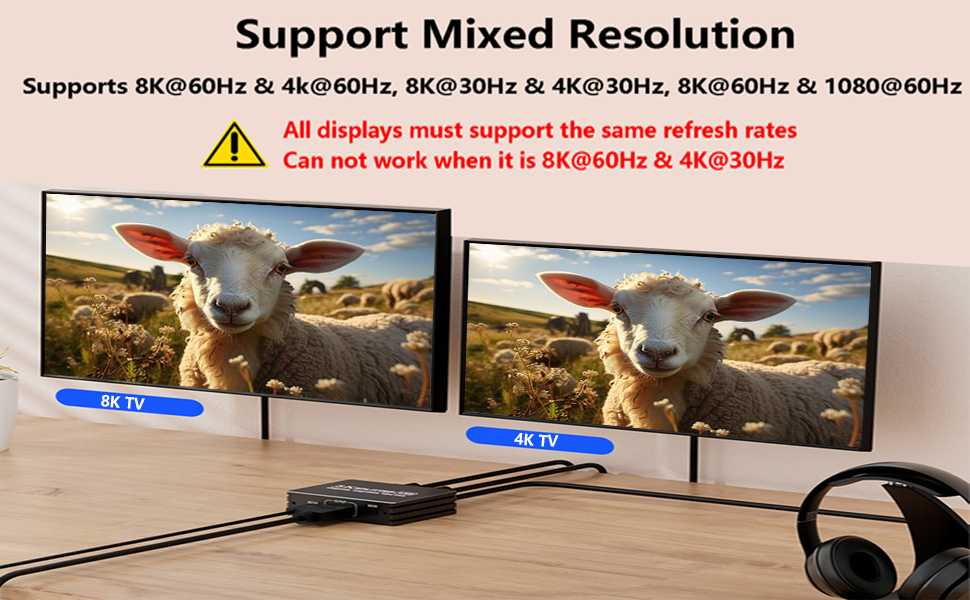
Support 8K@60Hz + 4K@60Hz
Support 8K 60Hz + 1080P 60Hz
Only support MIRROR mode, not support Extend display mode
The 1 in 2 out HDMI 2.1 Splitter is compatile with a series of update devices such as Xbox series X,PS5,NS Switch. This HDMI Splitter is useful for a variety of applications including video conferences, multimedia presentations, gaming, and other events benefiting from the highest resolution
- Broad Compatibility: HDMI 2.1 Splitter 1 In 2 out compatible with some gaming consoles like Xbox, PS4, PS5, Nintendo Switch; Streamers like Apple TV, Fire Stick; DVD, Laptop, PC, Monitors, HDTV, Projector, NVIDIA and AMD graphics cards
- Kindly Note: 1. The HDMI splitter only support Mirror Mode, Not extend mode; 2. The splitter is not a MST hub; 3. Pls power the splitter with 5V USB charger ( not included ), do not use usb charger of multi-voltage; 4. Pls use HDMI ATC certified ultra high speed hdmi 2.1 cable
HDMI 2.1
Splitter 1 in 2 out: LUKFOCAB 8K HDMI 2.1 Splitter can split one HDMI input signal to two HDMI output same signals. Data rate up to 48Gbps, which ensures high-quality transmission of pictures and sound quality
True 8K: HDMI 2.1 Splitter 1x2 supports multiple resolution up to 8K@60Hz 4:2: 0 10 bit, 4K@120Hz
4:4: 4 10 bit, and supports HDR10+ HDCP 2.3 Dolby vision, 3D effect. 3.5 mm audio format; Most using issues are cuased by poor quality cables. Highly recommend ATC certified HDMI 2.1 cable less than 15ft / 5m
Mixed Resolution: The HDMI 2.1 Splitter can mirror / duplicate 1 HDMI source to 2 displays. Support 8K@60Hz and 4K@120Hz resolutions, also supports mixed resolution, like one display is 8K@60Hz, the other is 4K@60Hz (all displays must support the same refresh rates)
EDID Scaler: EDID management intelligently optimizes output to ensure compatibility and the best display settings across different screens. Just press the EDID button to adjust it





