


Portable and Efficient Numeric Keypad
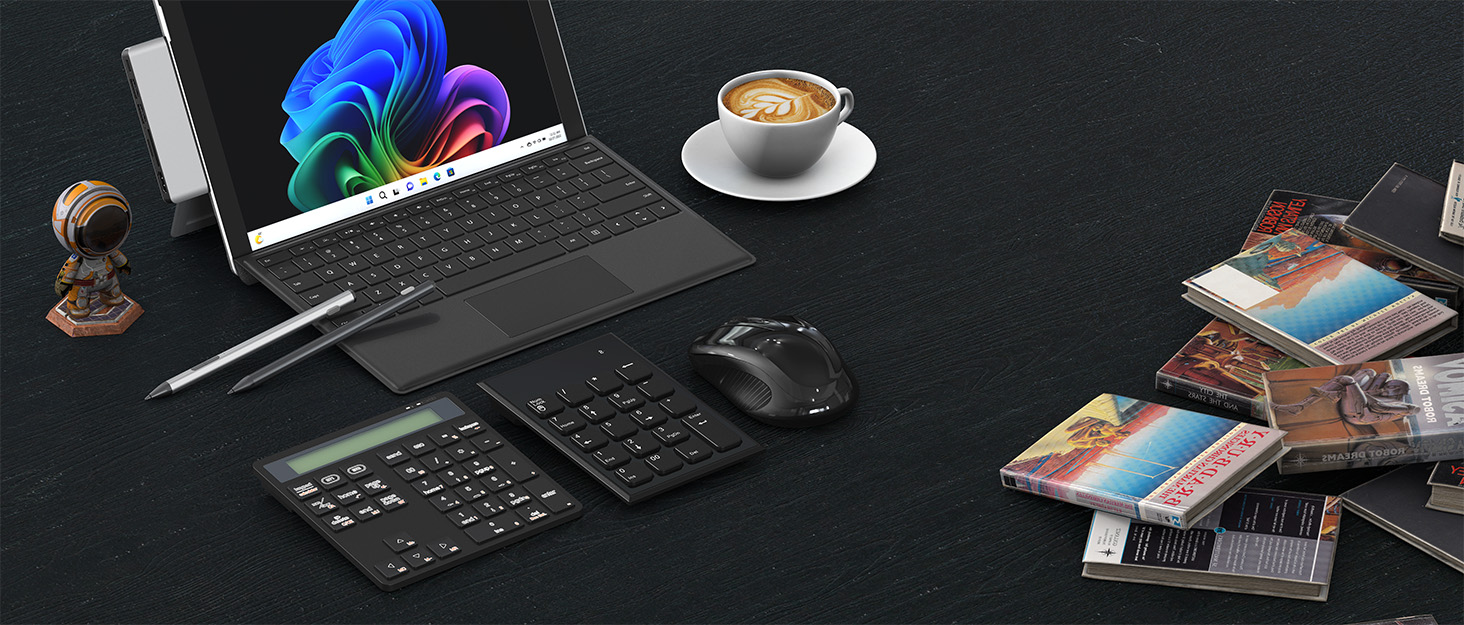
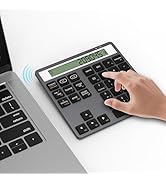
??22-Key Wireless Numeric Keypad with Calculator Shortcut??
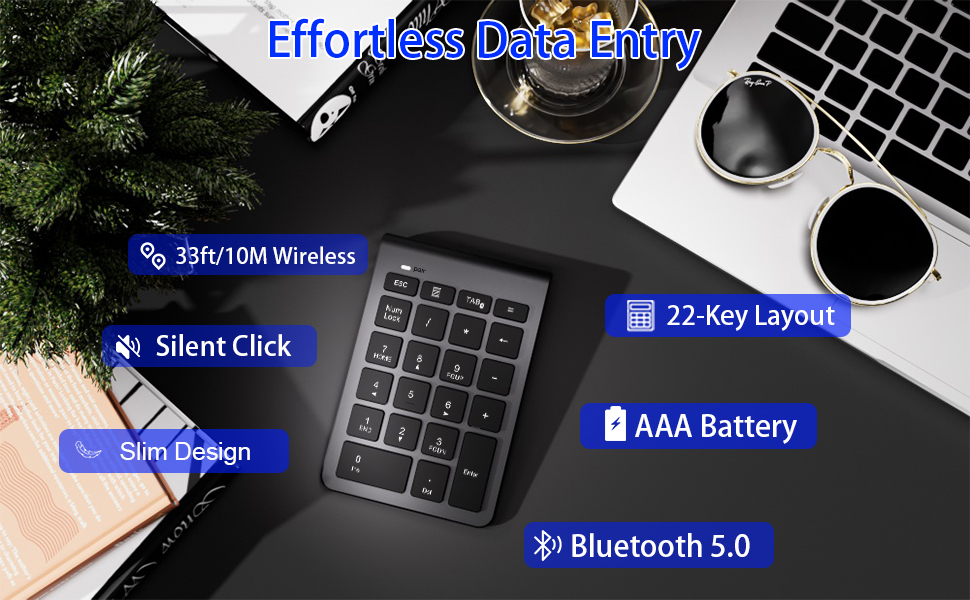
- This ??bluetooth number pad?? features a full 22-key layout including ??NumLock, ESC, and Delete?? for efficient data entry.
- The dedicated calculator shortcut key instantly launches your computer's calculator app—no manual opening required. Perfect for quick calculations while working in spreadsheets or documents.
- ??33ft/10m Strong Bluetooth 5.0 Connection?? - Stable wireless freedom
- Silent Click Technology?? - Quiet typing for shared workspaces
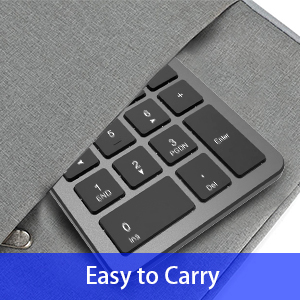
- Ultra-Slim Design?? - Fits effortlessly in laptop bags
- AAA Battery Powered?? (battery not included) - Long-lasting performance
Smart Function Keys??
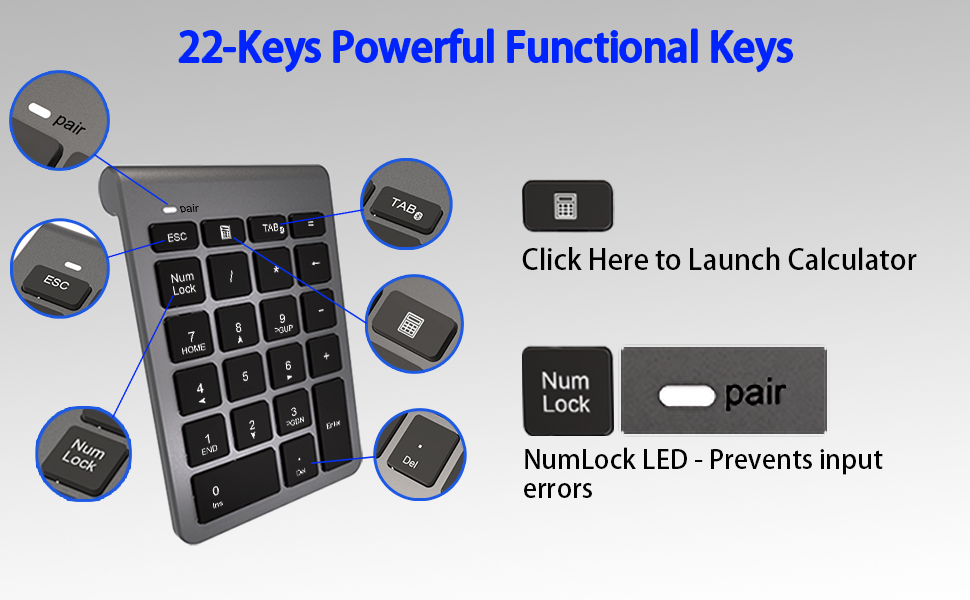
11 Essential Function Keys + NumLock LED??
- Includes:
NumLock (with status light) /ESC /Delete/Tab/Calculator Shortcut??, etc.
Silent & Ergonomic Design??
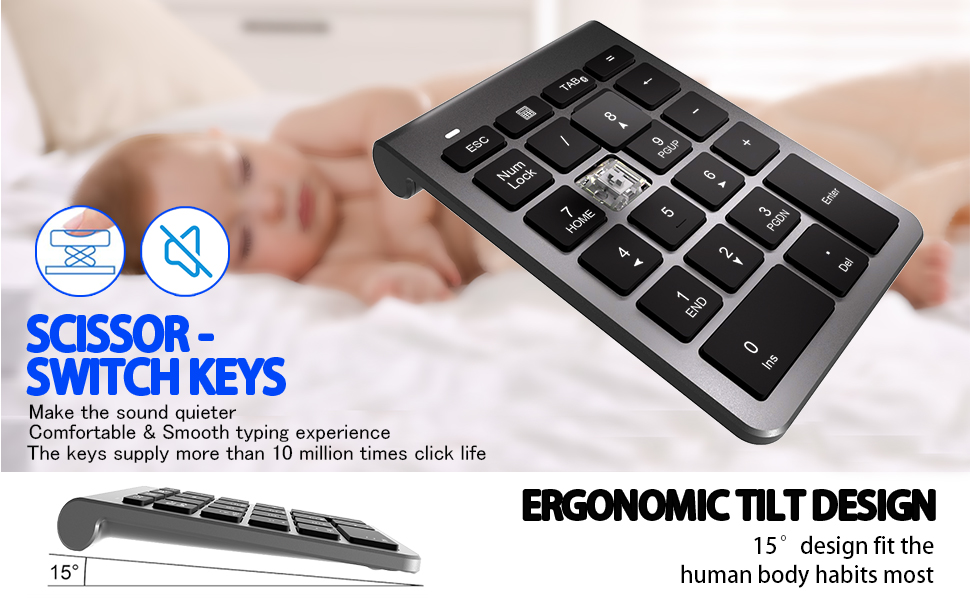
- Scissor-switch keys for quiet typing in shared spaces
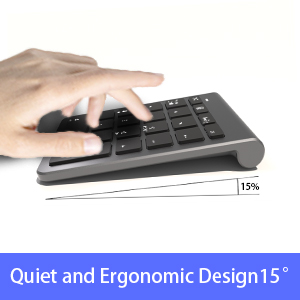
- 15° tilt angle reduces wrist strain
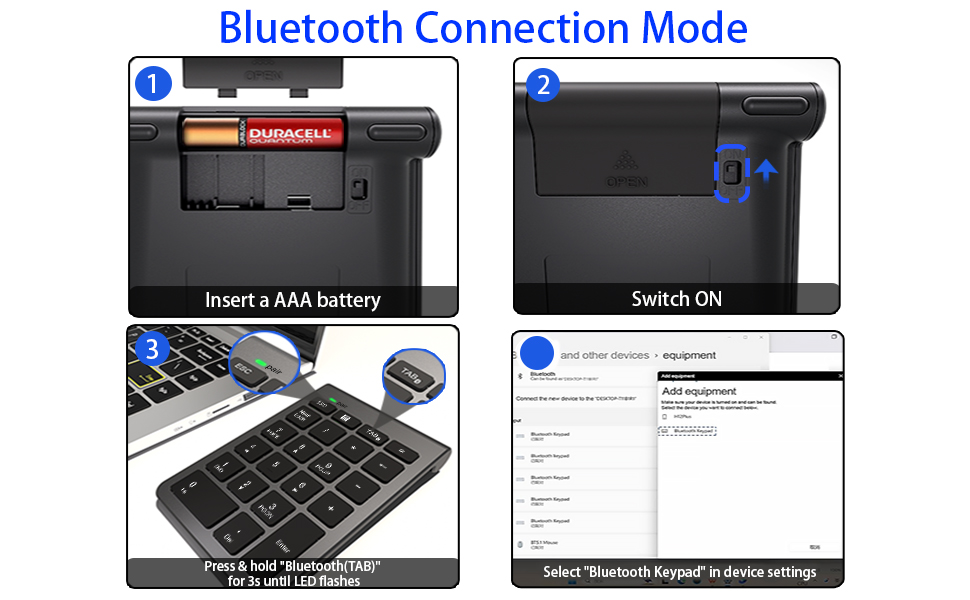
Reliable Bluetooth 5.0?? Numpad
- No messy wires - Bluetooth pairs instantly
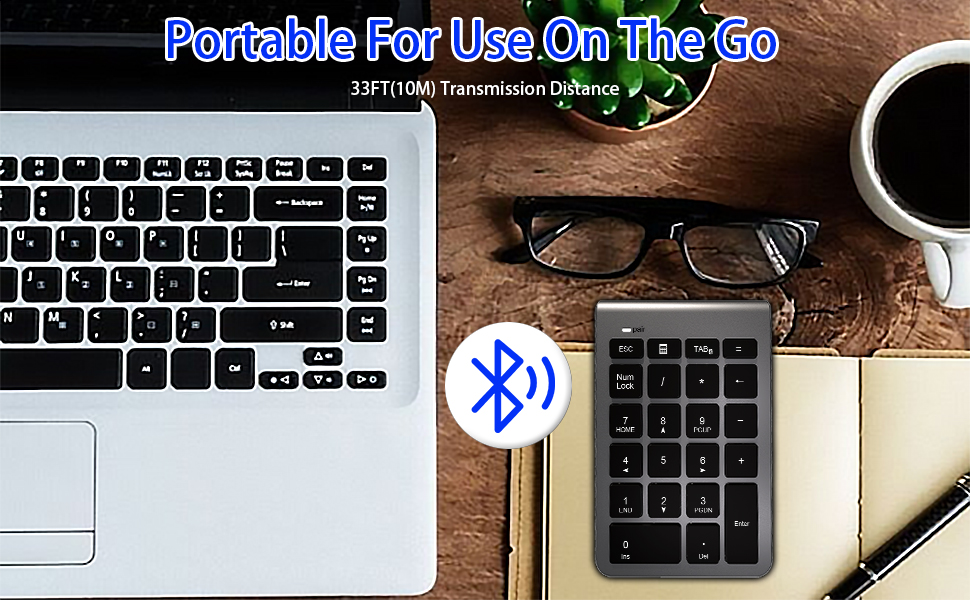
- Strong connection up to 10m
- Auto-sleep preserves battery life

- Follow the steps above to connect the Bluetooth keypad to your device for the first time.
- For subsequent connections, simply turn on Bluetooth and the connection will be established automatically.









Portable and Efficient Numeric Keypad
??22-Key Wireless Numeric Keypad with Calculator Shortcut??
- This ??bluetooth number pad?? features a full 22-key layout including ??NumLock, ESC, and Delete?? for efficient data entry.
- The dedicated calculator shortcut key instantly launches your computer's calculator app—no manual opening required. Perfect for quick calculations while working in spreadsheets or documents.
- ??33ft/10m Strong Bluetooth 5.0 Connection?? - Stable wireless freedom
- Silent Click Technology?? - Quiet typing for shared workspaces
- Ultra-Slim Design?? - Fits effortlessly in laptop bags
- AAA Battery Powered?? (battery not included) - Long-lasting performance
Smart Function Keys??
11 Essential Function Keys + NumLock LED??
- Includes:
NumLock (with status light) /ESC /Delete/Tab/Calculator Shortcut??, etc.
Silent & Ergonomic Design??
- Scissor-switch keys for quiet typing in shared spaces
- 15° tilt angle reduces wrist strain
Reliable Bluetooth 5.0?? Numpad
- No messy wires - Bluetooth pairs instantly
- Strong connection up to 10m
- Auto-sleep preserves battery life
- Follow the steps above to connect the Bluetooth keypad to your device for the first time.
- For subsequent connections, simply turn on Bluetooth and the connection will be established automatically.


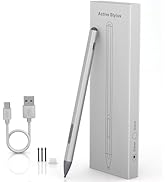
Surface Pen

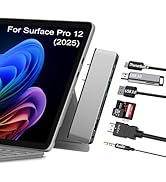
Suface Hub


Card Reader


Number Pad





