


TECKNET Rechargeable Wireless Keyboard: Bluetooth 5.0 & 2.4G Dual-Mode
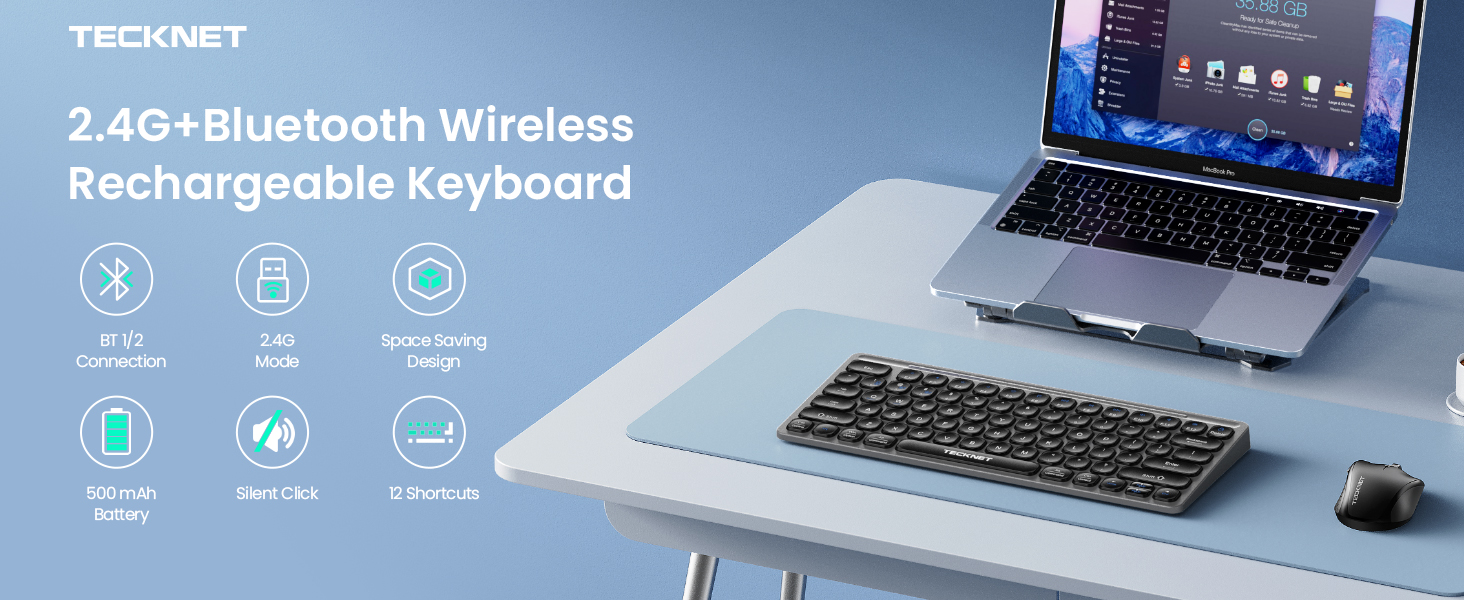
Wireless Bluetooth Keyboard Meets Multi-Device Needs
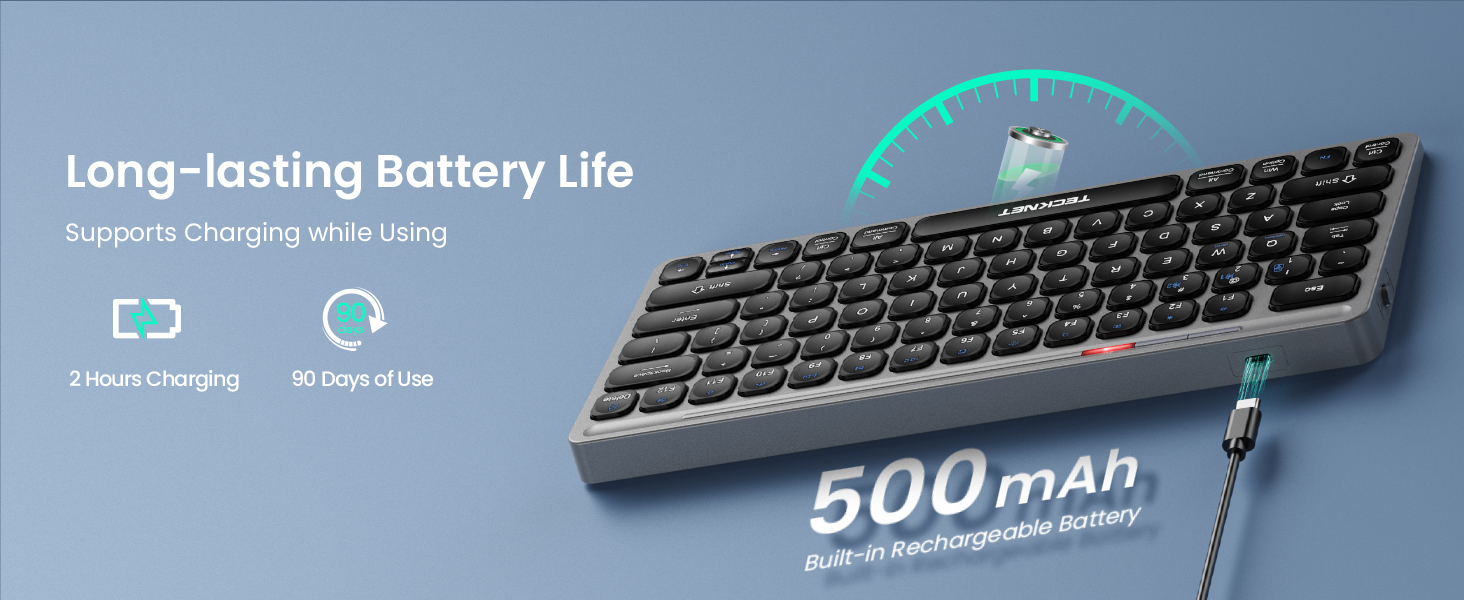
TECKNET Rechargeable Keyboard with Ultra-Long-Lasting Battery Life
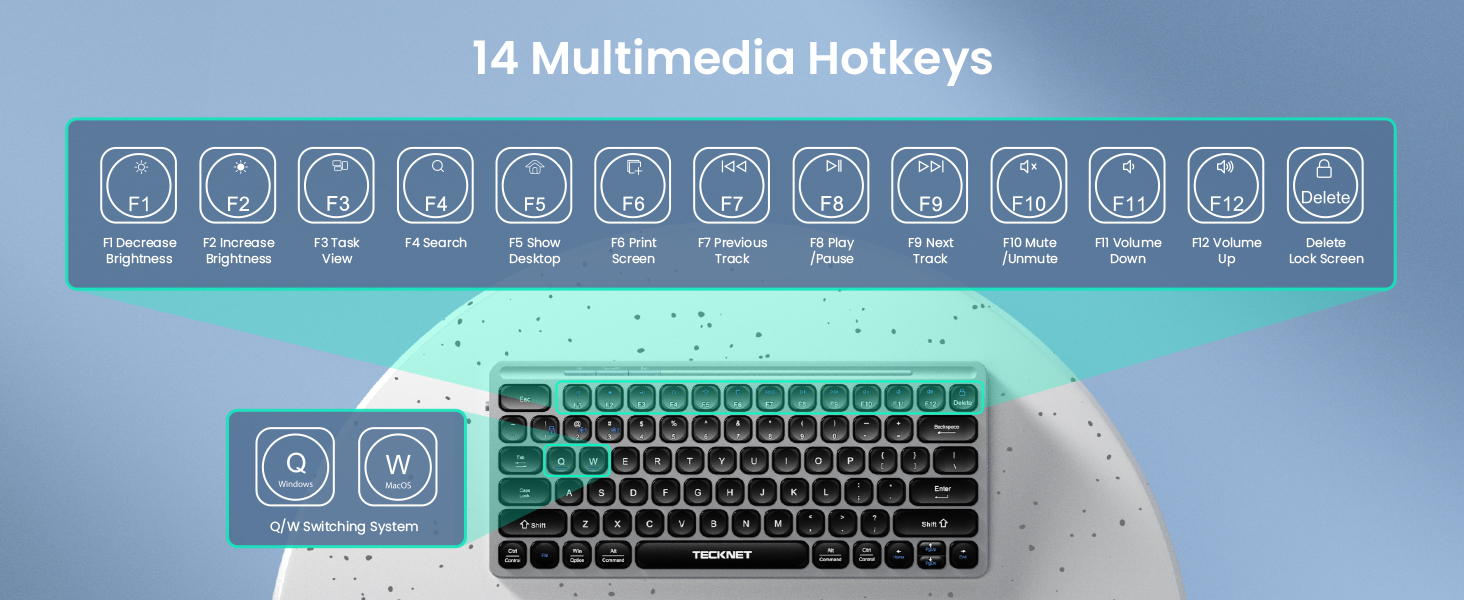
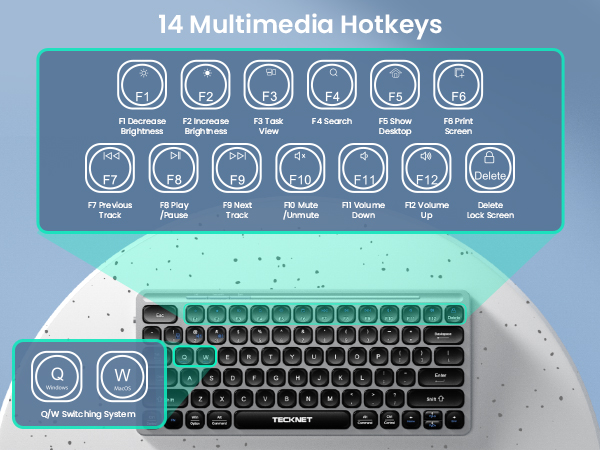
Designed for enhanced typing efficiency and direct USB keyboard control
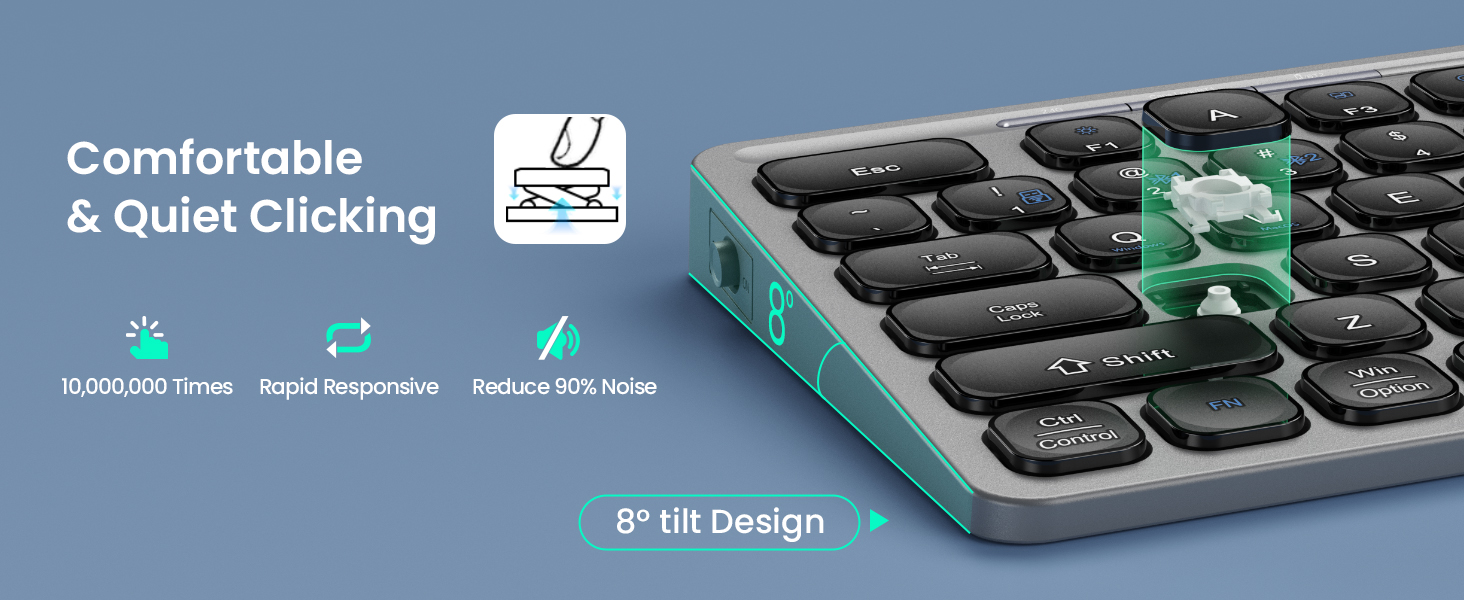
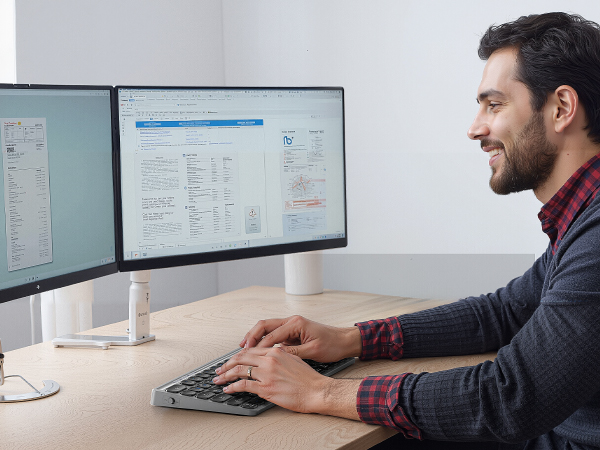
Work in peace and foster focus—ideal for shared spaces like offices and libraries
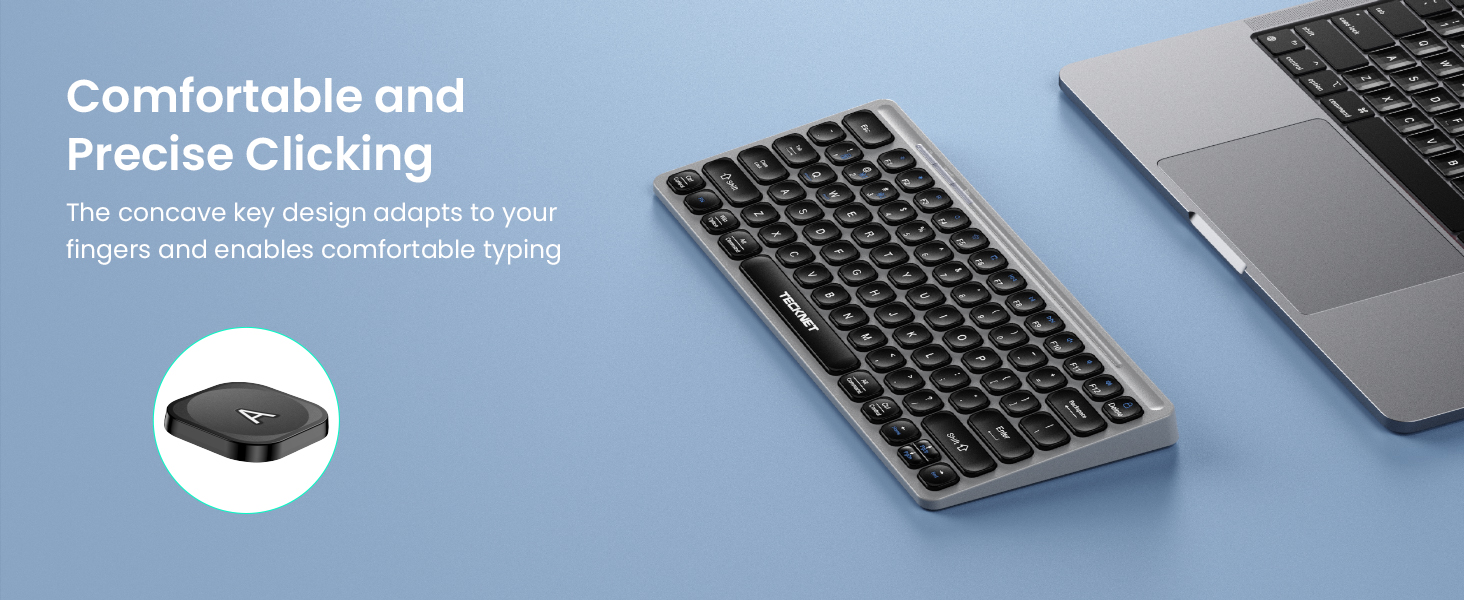
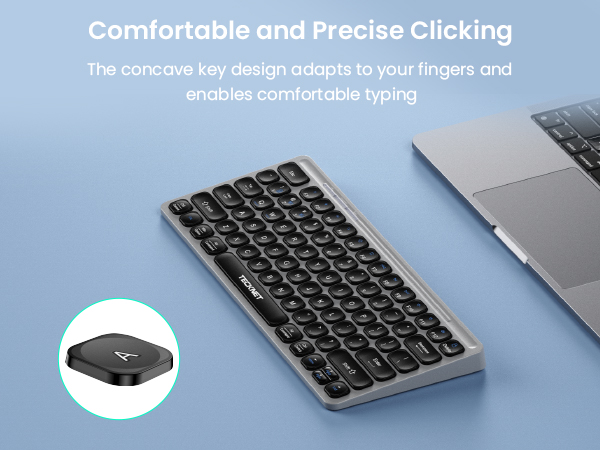
Mini Keyboard keys with concave design fit fingertips perfectly for superior tactile feedback
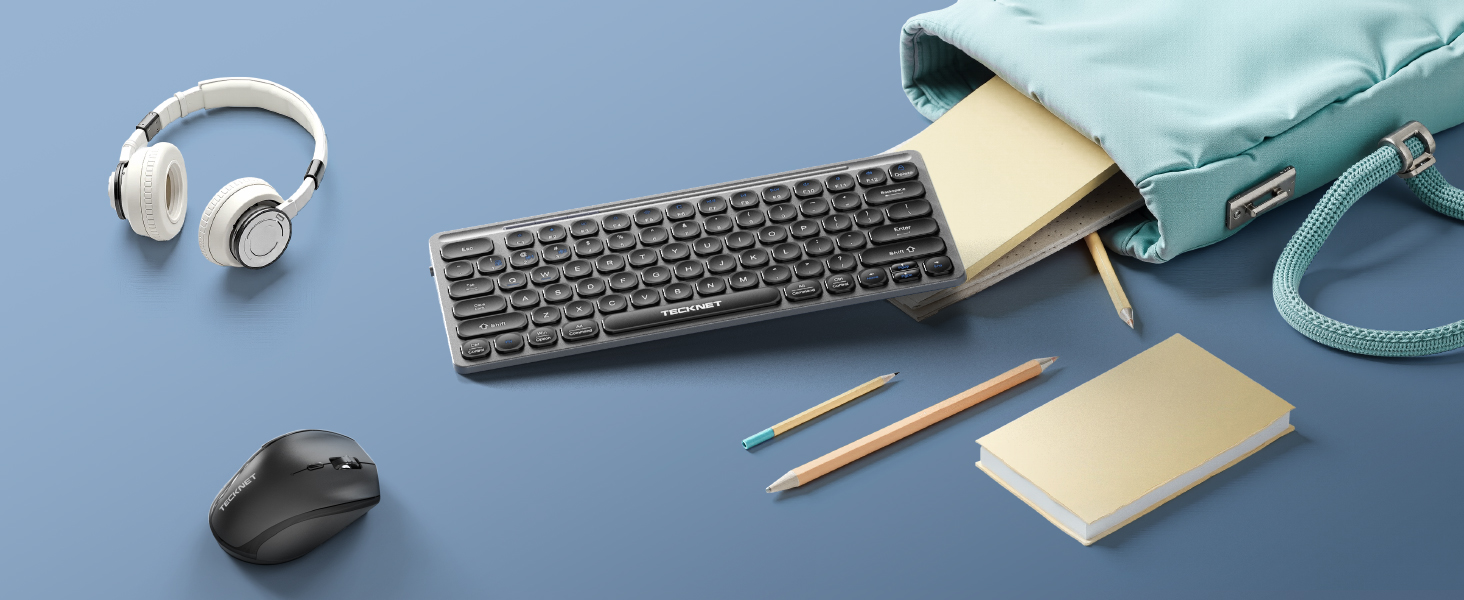
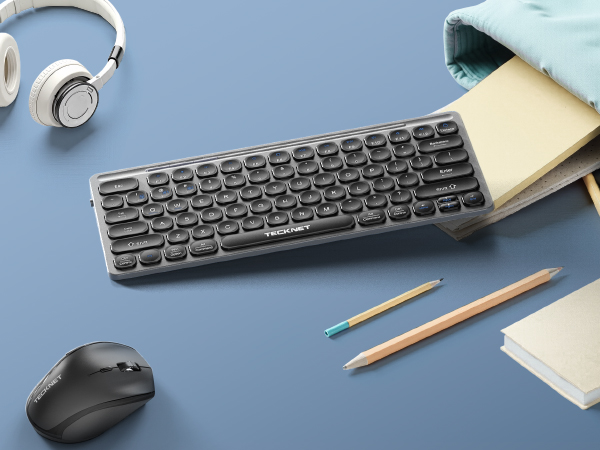
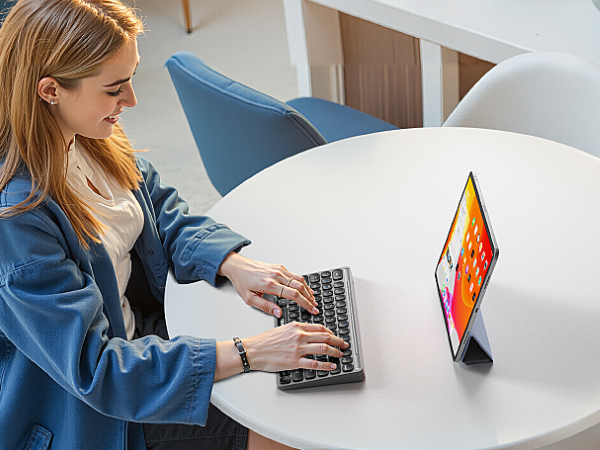
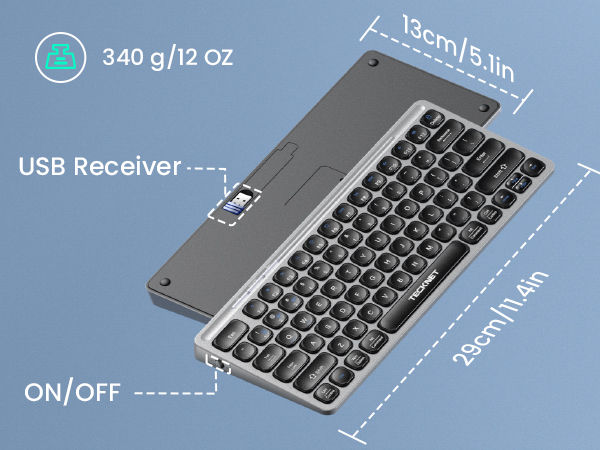
Compact and lightweight for effortless portability, enabling efficient typing anywhere you go
Small Keyboard
Small size, big potential. Go anywhere, type everywhere

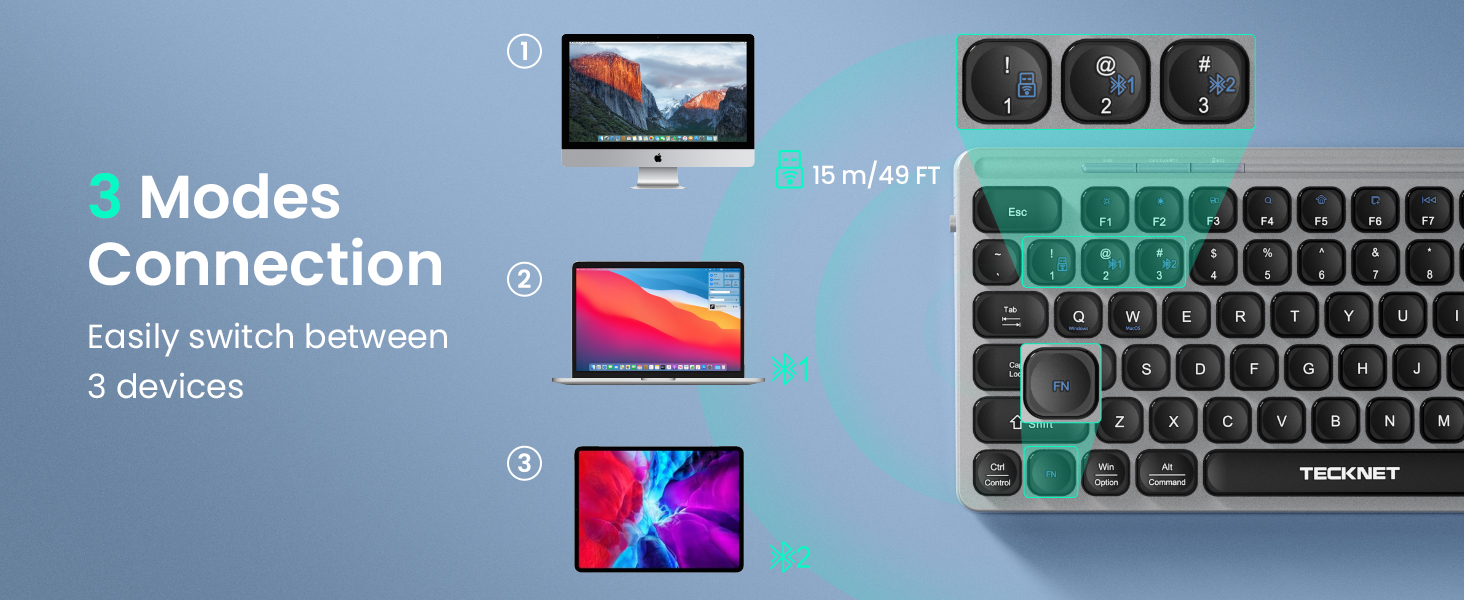
Multi-Device Connectivity
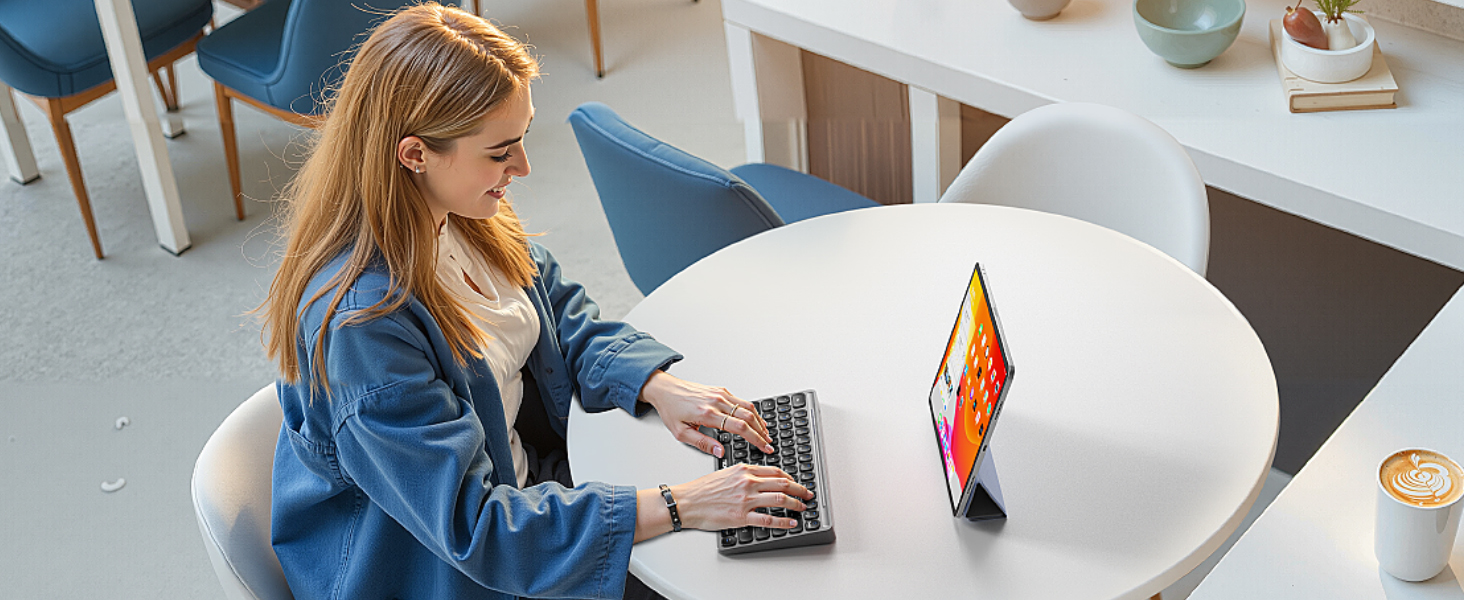
Seamlessly switch this computer keyboard between multiple devices for perfect workflow harmony

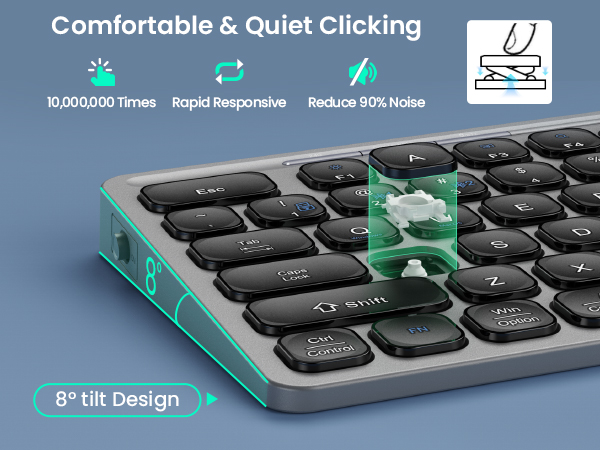
Ergonomic 8° Tilt
Reduces wrist and forearm strain for all-day comfort, preventing fatigue during extended use
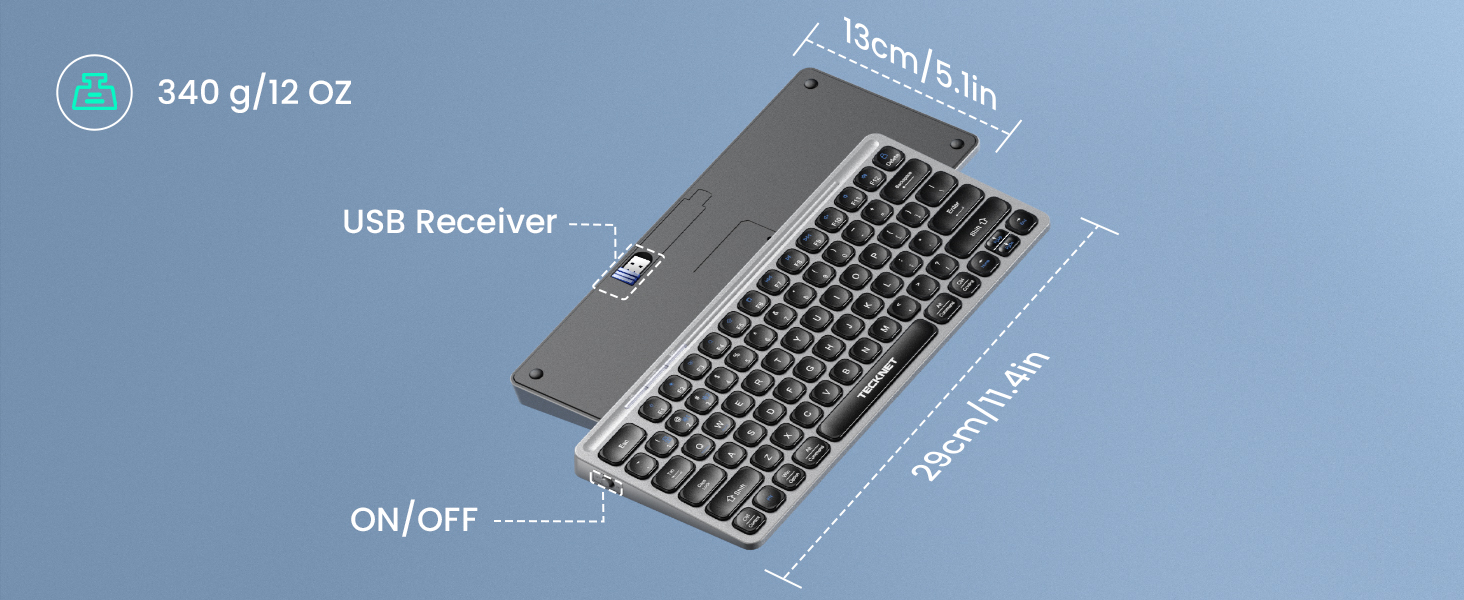
How to connect this wireless keyboard using a 2.4G receiver?
Press "Fn+1" for 3s until light 1 flashes green, then insert the USB receiver. To switch from Bluetooth back to 2.4G, repeat this step. (Pairing time is 30s)
How to connect this wireless keyboard using Bluetooth?
Press and hold Fn+2/3 for 3s, the corresponding indicator light will blink green. Turn on the BT of the device and search the corresponding BT name “TK-KB008” and connect. ( BT pairing time is 3 min)
TECKNET Rechargeable Wireless Keyboard: Bluetooth 5.0 & 2.4G Dual-Mode
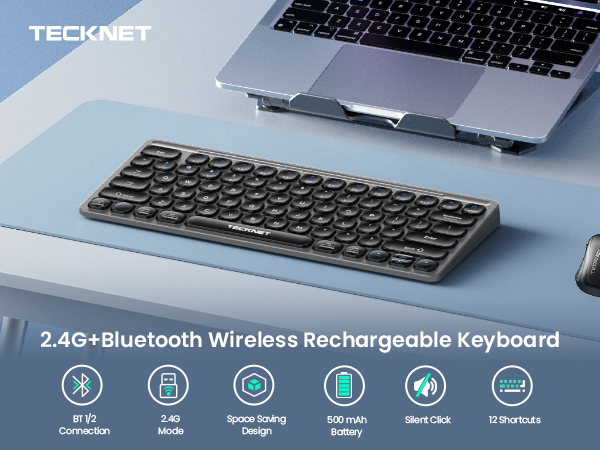
Wireless Bluetooth Keyboard Meets Multi-Device Needs
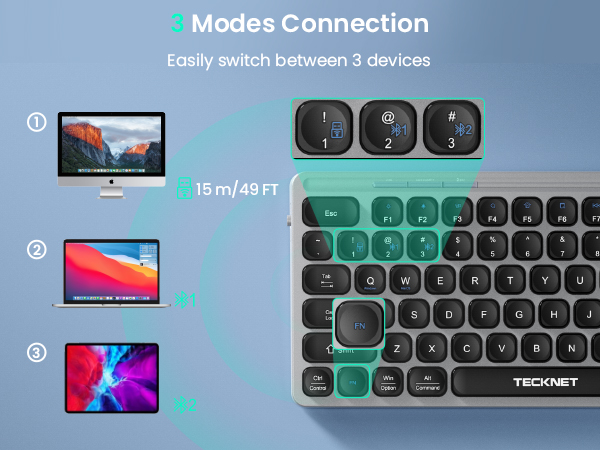
TECKNET Rechargeable Keyboard with Ultra-Long-Lasting Battery Life
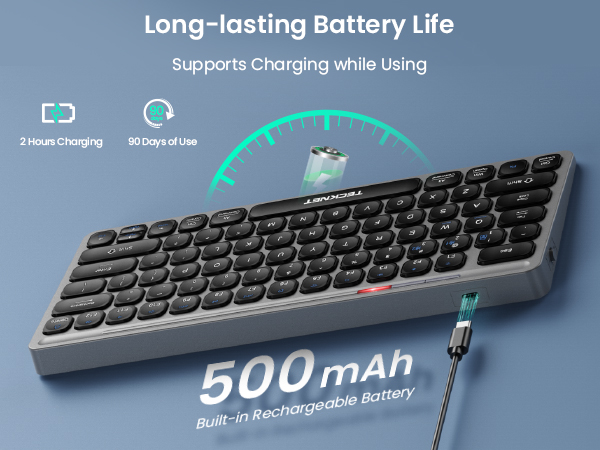
Designed for enhanced typing efficiency and direct USB keyboard control
Work in peace and foster focus—ideal for shared spaces like offices and libraries
Mini Keyboard keys with concave design fit fingertips perfectly for superior tactile feedback
Compact and lightweight for effortless portability, enabling efficient typing anywhere you go
Small Keyboard
Multi-Device Connectivity
Ergonomic 8° Tilt

Small size, big potential. Go anywhere, type everywhere
Seamlessly switch this computer keyboard between multiple devices for perfect workflow harmony
Reduces wrist and forearm strain for all-day comfort, preventing fatigue during extended use
How to connect this wireless keyboard using a 2.4G receiver?
Press "Fn+1" for 3s until light 1 flashes green, then insert the USB receiver. To switch from Bluetooth back to 2.4G, repeat this step. (Pairing time is 30s)
How to connect this wireless keyboard using Bluetooth?
Press and hold Fn+2/3 for 3s, the corresponding indicator light will blink green. Turn on the BT of the device and search the corresponding BT name “TK-KB008” and connect. ( BT pairing time is 3 min)





