



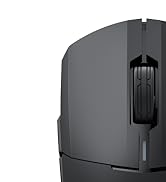
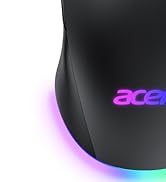
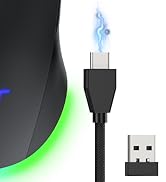
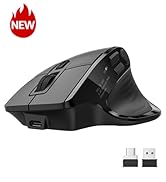
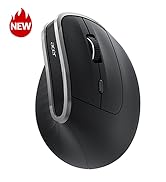
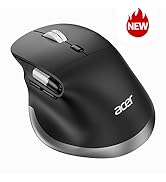
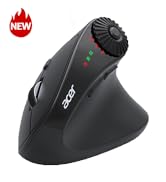
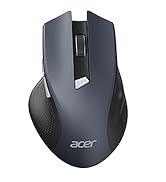
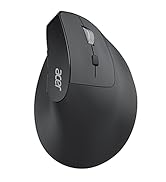
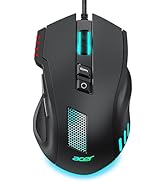
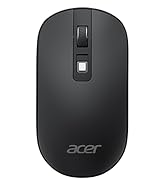



Wired Gaming Mouse
Acer Gaming Mouse
12000 | max DPI | 24000 |
4 | DPI Levels | 6 |
Drivers | ||
Right Hand | For Dominant Hand | Left & Right Hand |
Medium/Large | Size | Medium/Large |
8 | Buttons | 8 |
Programmable |
12000 | max DPI | 24000 |
4 | DPI Levels | 6 |
Drivers | ||
Right Hand | For Dominant Hand | Left & Right Hand |
Medium/Large | Size | Medium/Large |
8 | Buttons | 8 |
Programmable |


| Q1 | I can’t download the driver — what should I do? |
|---|---|
| A1 | Download instructions are provided in the User Manual PDF on this product page. Scroll down and open the User Manual (PDF) for driver installation instructions. |
| Q2 | How do I turn RGB lighting on or off? |
| A2 | You can switch lighting effects either through the driver or by pressing and holding the DPI button for 3 seconds. |
| Q3 | Is this mouse right for my hand size? |
| A3 | This gaming mouse is fit for righted hand. With dimensions of 4.7" L x 2.9" W. Perfect for medium hands. With a 4.7" length, it's ideal for a secure palm grip if your hand measures 6.7 to 7.5 inches (170-190mm). If your hand is over 7.5 inches, you can still use it comfortably with a relaxed palm or claw grip, though it may not fill your palm completely. |
| Q4 | The mouse cursor moves by itself or drifts to the right — how can I fix this? |
| A4 | Please try the following solutions: 1)Make sure the sensor and mouse feet are clean and clear of any dust/hair; 2)Remove the four small protective films on the gliding feet if you haven’t done so; 3)Use a mouse pad (fabric recommended, avoid glass, mirrors, or glossy surfaces); 4)Try a different USB port and avoid using multiple USB 3.0 devices or hubs at the same time to reduce interference; 5)Reconnect the mouse to another USB port or reboot your PC; 6)Lower the DPI setting if it is too high. |
| Q5 | The left/right mouse buttons are difficult to press. How can this be resolved? |
| A5 | When using the mouse, ensure you press the centre of the left and right buttons (aligned with the centre of the scroll wheel). |
| Q6 | Why is my DPI capped at 6400? |
| A6 | The default max DPI is 6400. To unlock 12800 DPI, please install the driver and adjust the settings. After setting, make sure to click the red "v" to save. |
Acer Gaming Mouse
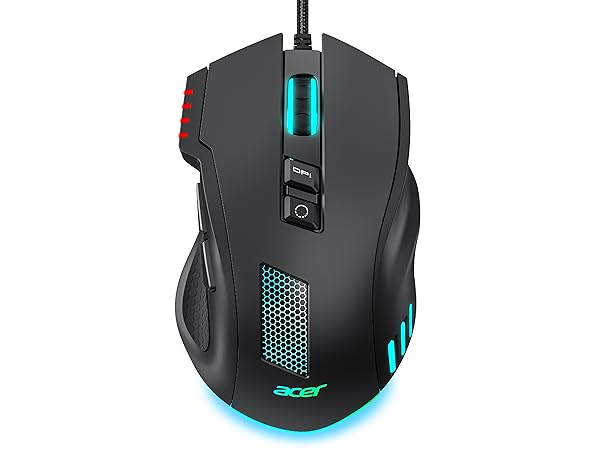
Wired Gaming Mouse
max DPI
12000
DPI Levels
4
Drivers
For Dominant Hand
Right Hand
Size
Medium/Large
Buttons
8
Programmable
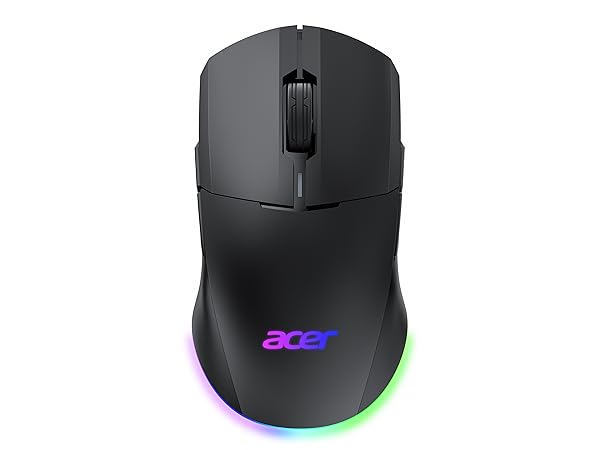
Dual Mode Gaming Mouse
max DPI
24000
DPI Levels
6
Drivers
For Dominant Hand
Left & Right Hand
Size
Medium/Large
Buttons
8
Programmable
Dual Mode Gaming Mouse
max DPI
24000
DPI Levels
6
Drivers
For Dominant Hand
Left & Right Hand
Size
Medium/Large
Buttons
8
Programmable
Acer Dual Mode Gaming Mouse
Acer Mouse
Acer Wireless Mice





