


NOTE: Not for ROG XBOX Ally (2025) / XBOX Ally X (2025).


Please Read Before Purchase






Steam Deck Accessories


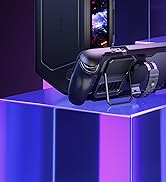

Steam Deck Accessories




Steam Deck Accessories
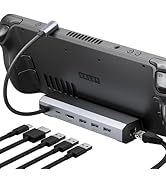
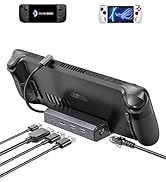
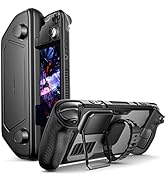
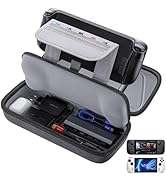
Steam Deck Accessories
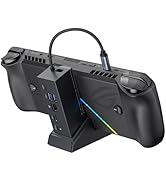
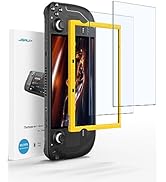
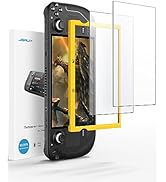
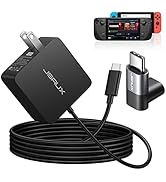
Steam Deck Accessories
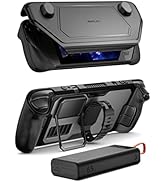
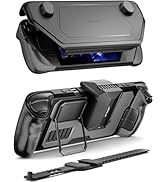
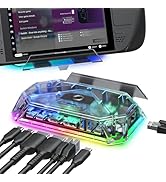
Steam Deck Accessories
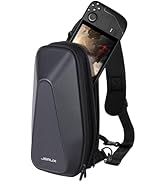
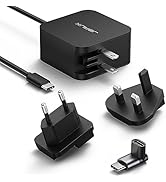
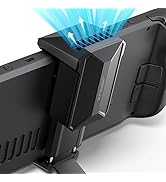
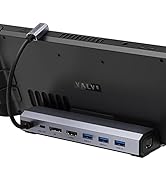
Steam Deck Accessories
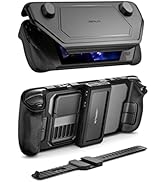
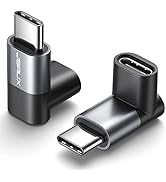
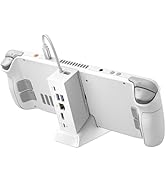
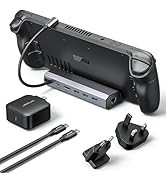
Steam Deck Accessories
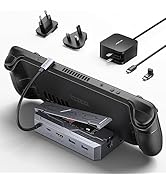
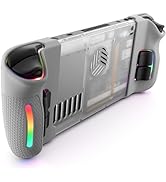
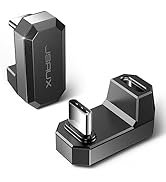
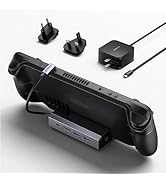
Steam Deck Accessories
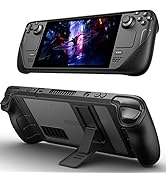
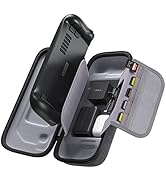
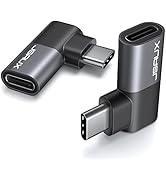
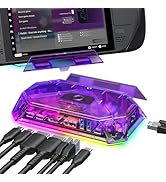
Steam Deck Accessories
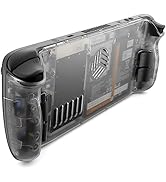
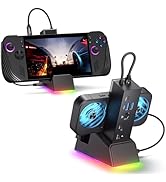

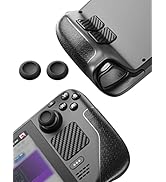
Steam Deck Accessories
Steam Deck Accessories
Steam Deck Accessories
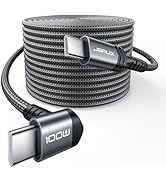
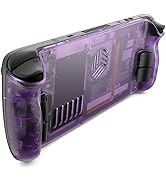
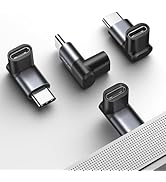
![JSAUX PS5 Controller Charging Cable 10FT, USB C [Anti-Interference Magnetic Ring] Fast Charger Co...](//c1.neweggimages.com/sellingpilot/modules/product/a-plus/e2011b2b59f84c247b10278f49fdce55879a6407c42a73ece7c922ff34923036.jpg)
Steam Deck Accessories
![JSAUX PS5 Controller Charging Cable 10FT, USB C [Anti-Interference Magnetic Ring] Fast Charger Co...](http://c1.neweggimages.com/sellingpilot/modules/product/a-plus/e2011b2b59f84c247b10278f49fdce55879a6407c42a73ece7c922ff34923036.jpg)
NOTE: Not for ROG XBOX Ally (2025) / XBOX Ally X (2025).


Please Read Before Purchase
| HDMI Output | 4K@120Hz/60Hz/30Hz, 5K@30Hz, 2K@144Hz/30Hz, 1080P@ 240Hz/144Hz/120Hz/60Hz |
|---|---|
| Power Input | PD 100W Max |
| Ethernet | 100Mbps |
| USB | USB A 2.0 |
| Compatible Devices | Steam Deck LCD/OLED, ROG Ally 2023 / Ally X 2024, Legion Go / Go S, and MSI Claw |
| Non-compatible Devices | ROG XBOX Ally 2025/ XBOX Ally X 2025, Switch or Switch 2 |
| NOTE | Please set the resolution and refresh rate of your external monitor to the following standards: 3840*2160@30Hz/60Hz/120Hz, 5120*2880@30Hz, 2560*1440@60Hz or 1920*1080@60Hz/120Hz/144Hz. |
| NOTE | For 4K@120Hz output, please ensure your device supports it and use an HDMI 2.1 standard cable. |
| NOTE | Please connect a PD power adapter to the dock when using it. Without external power, the dock cannot charge your device or deliver stable video output. |
| NOTE for Deck LCD/OLED | While a 45W PD charger can charge at full speed, we recommend using a 65W PD charger when docking — this ensures more stable power delivery and faster charging, especially if you connect multiple USB accessories. |
| NOTE for Ally/Ally X/MSI Claw | For the best experience — especially when using 30W Turbo Mode — we recommend a 100W PD charger. A higher-wattage adapter ensures there’s enough power for both the console and the dock, preventing performance drops, battery drain, or slower charging when accessories are connected. |
| NOTE for Legion Go/GO S | To fully unleash the console’s performance, we recommend using a 100W PD charger when docking. The extra power ensures stable 65W charging for the handheld while supplying enough energy for the dock and connected accessories — preventing battery drain or slower charging during heavy use. |
| Performance Tip | When playing demanding games, high-resolution settings can increase power consumption and heat, which may cause frame drops or battery drain while docked. For smoother gameplay and lower latency with external devices, consider slightly lowering the game’s resolution or graphics settings. |
Steam Deck Accessories
Steam Deck Accessories
Steam Deck Accessories
Steam Deck Accessories
Steam Deck Accessories
Steam Deck Accessories
Steam Deck Accessories
Steam Deck Accessories
Steam Deck Accessories
Steam Deck Accessories
Steam Deck Accessories
Steam Deck Accessories
Steam Deck Accessories
Steam Deck Accessories





