



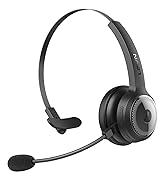
LEVN LE-HS012 Basic
Bluetooth Headset with AI Noise Cancelling Microphone
Make calls & online meeting effortless, ensure your smooth communication and professionalism.
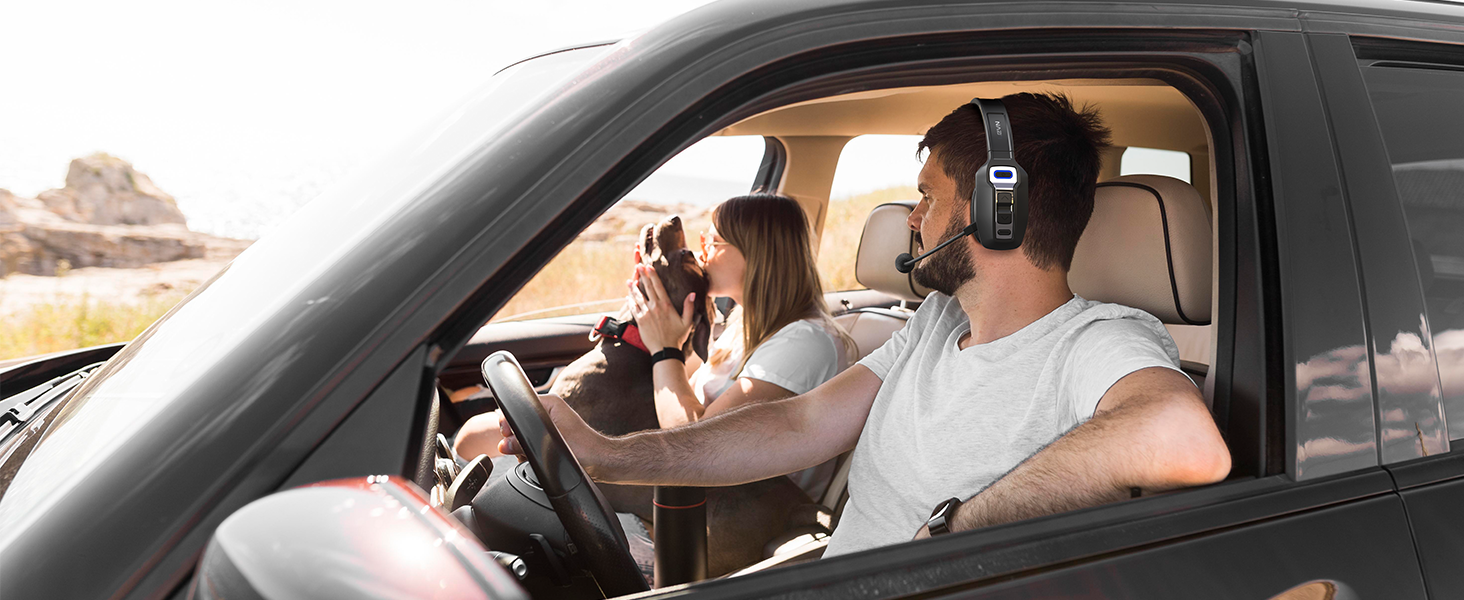
Barrier-free Communication
Travel with your family while handling unexpected work with ease.

Efficient Telemedicine Work
Remote online inquiry, bluetooth headset with microphone to ensure your professional as always.

Work Remotely from Home Around the Clock
To protect your privacy, no longer face the awkward.
Clear calls while easily staying in touch with coworkers
Ultra-clear call experience
Merchant Video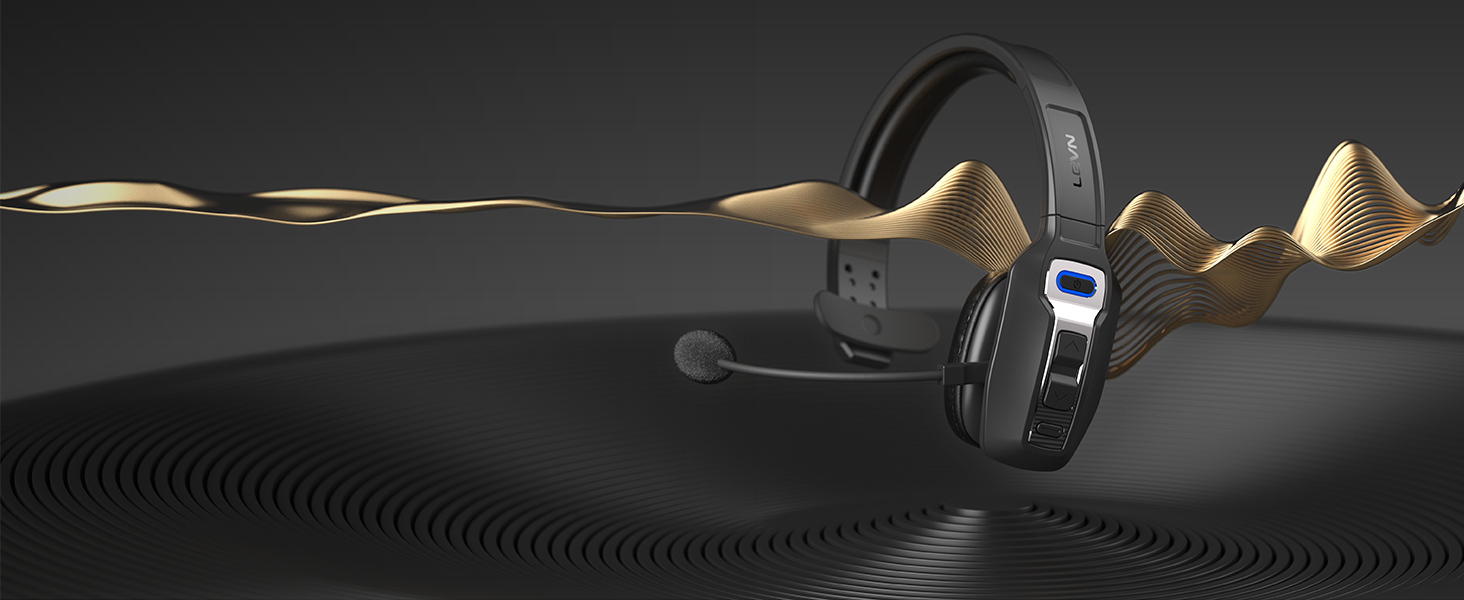
Environmental Noise Cancellation
Intelligent AI noise cancellation, no fear of background noise disturbance, ensure efficient calls.
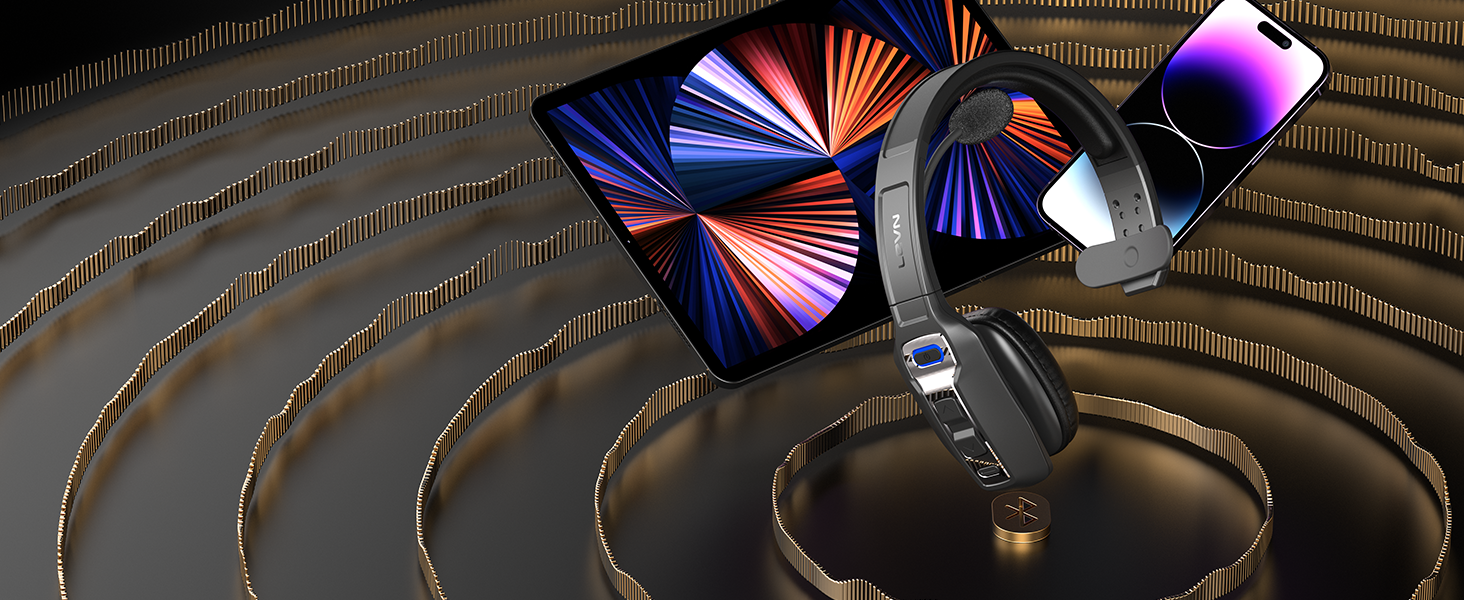
Connect 2 Devices and Switch Effortlessly
With a single click, the MFB switches to the calling device so you don't miss any calls.
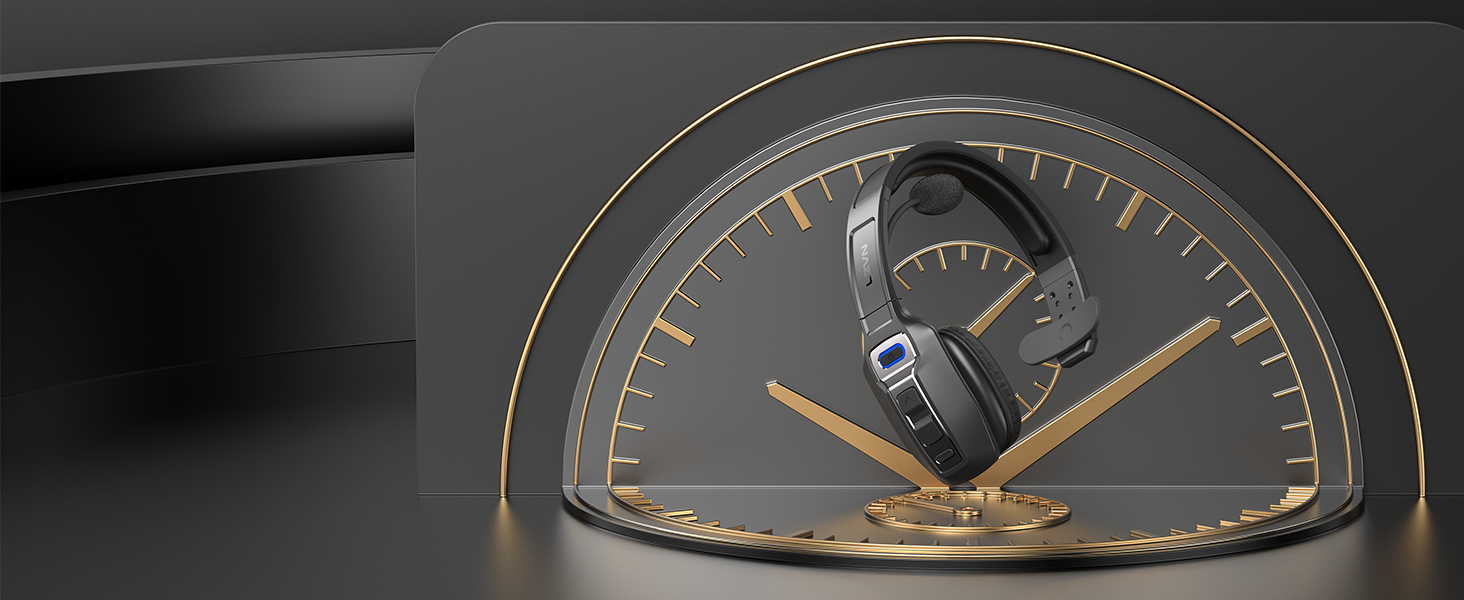
60 Hours Working Time
Ultra-low power consumption can support the power needs of truck drivers working long distances.
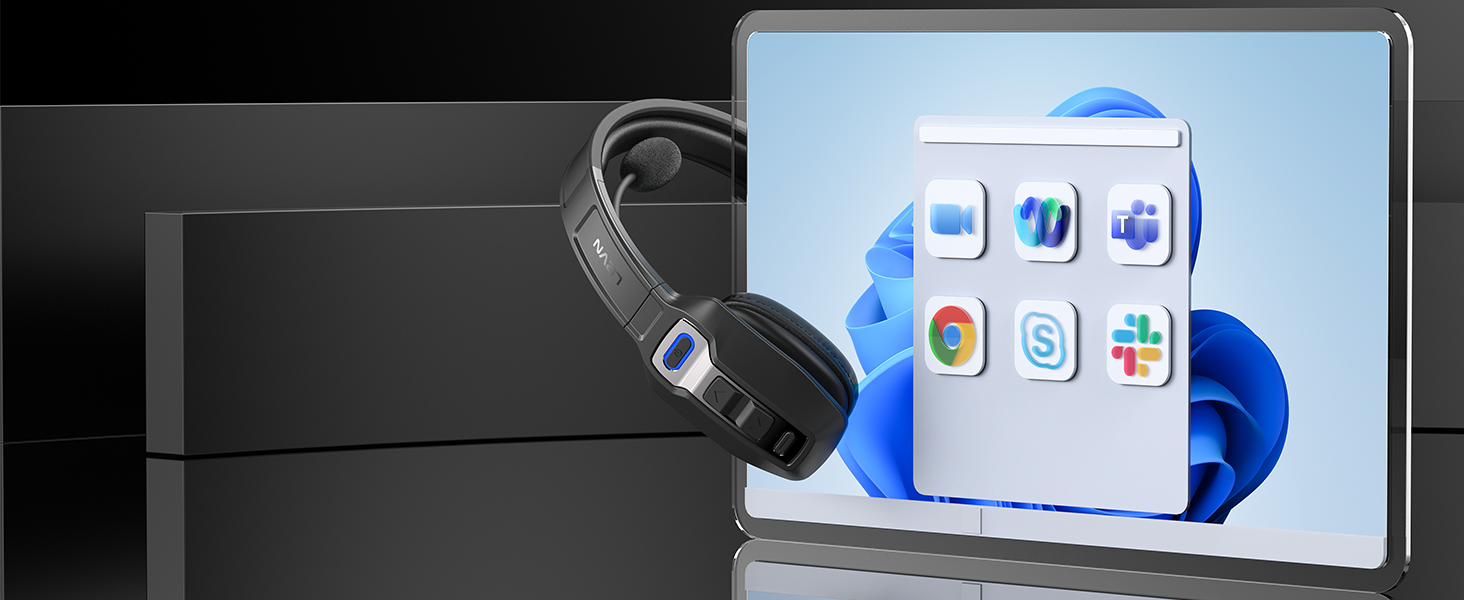
Compatible with Mainstream Platforms
Supports online meeting software such as Microsoft Teams, Zoom, Google Meet, and GoToMeeting.

HOW DO SET UP THE HEADSET ON PC & SOFTWARE?
- Make sure PC System Settings > Sound > Microphone input device & Speaker output device select "LEVN LE-HS012 Basic"
- Office software also needs to select “LEVN LE-HS012 Basic” for Microphone input device & Speaker output device
How do I switch devices when a trucker's Bluetooth headset is connected to both a cell phone and a computer?
Once the phone and computer are successfully connected via Bluetooth and paired with the headset, incoming calls from the phone can be quickly and accurately switched to the calling device using the MFB button.
Does LEVN LE-HS012 basic headset work with desk phones and IP phones connection to a landline?
It does not work with desk phones and IP phones.
WHY CAN'T I HEAR THE CALLER'S VOICE WHEN I MAKE A CALL WITH THE HEADSET CONNECTED, AND IT'S HARD FOR THEM TO HEAR ME?
Because the audio of some mobile phones is selected by default during a call, please confirm the Audio selection [LEVN LE-HS012 Basic] on the call interface after answering the call.
How to clear the pairing records?
Press and hold the MFB power button and volume + button at the same time for 5-7 seconds. Seeing that the LED indicator light is purple, the headset has cleared the pairing record and restored the factory settings.
LEVN HEADSET COLLECTION
 LEVN LE-HS012 |  TV Headphones | 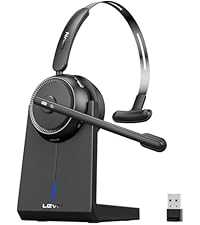 CT001-V4 | 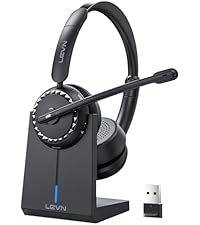 LE-HS016-V5 |  LE-HS010 Super V4 |  LE-HS031 |  LE016 V4 | |
|---|---|---|---|---|---|---|---|
Customer Reviews | — | — | — | — | — | — | — |
Price | — | — | — | — | — | — | — |
Bluetooth Multipoint | 2 Devices Simultaneously | 1 Device | 1 Device | 2 Device | 1 Device | 2 Device | 1 Device |
Battery Life | Up to 60 hours | Up to 65 hours | Up to 65 hours | Up to 65 hours | Up to 45 hours | Up to 14 hours | Up to 65 hours |
Charging Method | USB C Cable | TV Transmitter Charging Base | Charging Base/ USB C | Charging Base/ USB C | Charging Base/ USB C | Magnetic charging | Charging Base/ USB C |
Connectivity | Bluetooth | Optical/AUX3.5 mm/RCA | Bluetooth & USB Dongle | Charging Base/ USB C | Bluetooth & USB Dongle | Bluetoot 5.3 | Bluetooth & USB Dongle |
ENC Technology | Yes | AI Noise Cancelling | Yes | Yes | Yes | Yes | Yes |

Eliminating Unwanted Background Noise and Focusing on your Call with LEVN
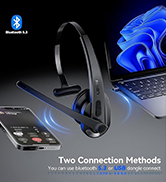


LEVN Wireless Headset with Mic
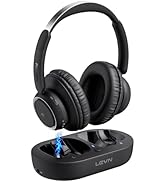

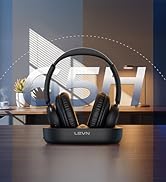

LEVN new TV headphones
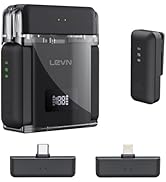

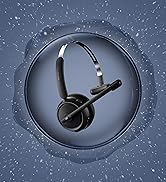
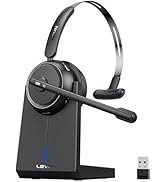
LEVN Bluetooth Headset
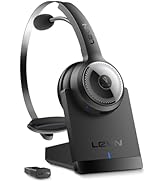

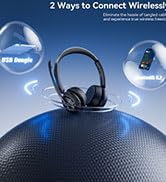
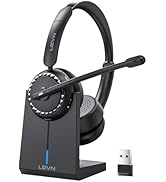
Wireless headset for work
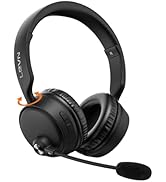
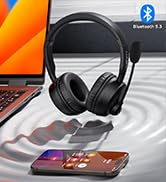


LEVN Bluetooth Headset
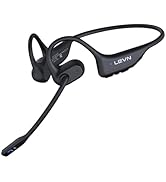



Open Ear Headphones
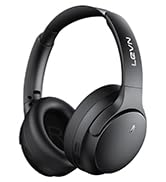

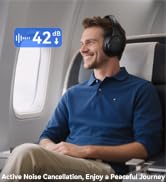

Noise Cancelling Headphones
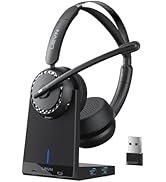

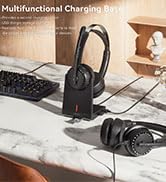

LEVN New Product Alert
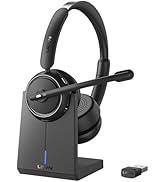



LEVN Wireless headset for work
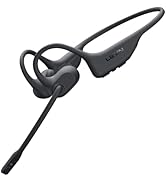
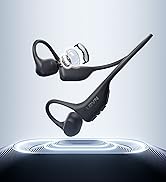
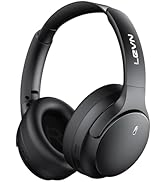
LEVN Wireless Headset

LEVN Binaural Headset
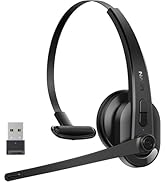
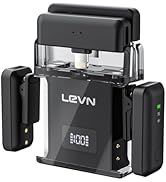
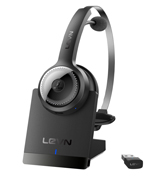

LEVN Wireless Headset with Mic
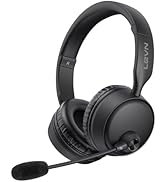
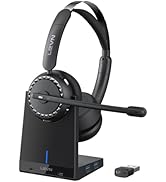

LEVN Wireless Headset with Mic
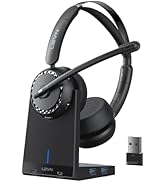

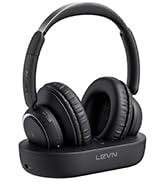

Convenient & Efficient
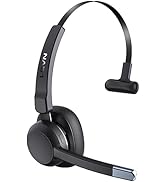
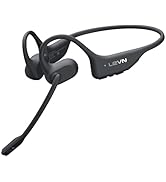
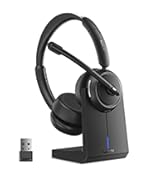
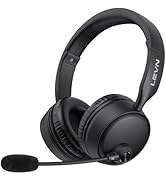
New Product Alert from LEVN
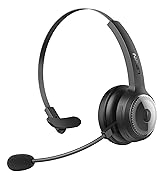
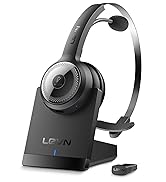
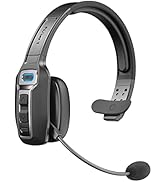
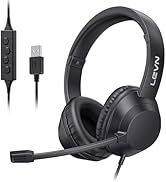
Wireless Freedom



LEVN: Redefining Wireless Audio - Unmatched Quality and Innovation
Established in 2003, LEVN has a two-decade legacy in wireless audio, delivering unmatched expertise, superior quality, and an exceptional user experience. Meticulously crafted headphones ensure superior sound and seamless connectivity. Our goal is to enrich wireless audio with revolutionary features and innovative technology, shaping the future of Bluetooth headsets.

Bluetooth Headset with AI Noise Cancelling Microphone
Make calls & online meeting effortless, ensure your smooth communication and professionalism.
Barrier-free Communication
Travel with your family while handling unexpected work with ease.
Efficient Telemedicine Work
Remote online inquiry, bluetooth headset with microphone to ensure your professional as always.
Work Remotely from Home Around the Clock
To protect your privacy, no longer face the awkward.


Clear calls while easily staying in touch with coworkers
Ultra-clear call experience
Merchant VideoEnvironmental Noise Cancellation
Intelligent AI noise cancellation, no fear of background noise disturbance, ensure efficient calls.
Connect 2 Devices and Switch Effortlessly
With a single click, the MFB switches to the calling device so you don't miss any calls.
60 Hours Working Time
Ultra-low power consumption can support the power needs of truck drivers working long distances.
Compatible with Mainstream Platforms
Supports online meeting software such as Microsoft Teams, Zoom, Google Meet, and GoToMeeting.


HOW DO SET UP THE HEADSET ON PC & SOFTWARE?
- Make sure PC System Settings > Sound > Microphone input device & Speaker output device select "LEVN LE-HS012 Basic"
- Office software also needs to select “LEVN LE-HS012 Basic” for Microphone input device & Speaker output device
How do I switch devices when a trucker's Bluetooth headset is connected to both a cell phone and a computer?
Once the phone and computer are successfully connected via Bluetooth and paired with the headset, incoming calls from the phone can be quickly and accurately switched to the calling device using the MFB button.
Does LEVN LE-HS012 basic headset work with desk phones and IP phones connection to a landline?
It does not work with desk phones and IP phones.
WHY CAN'T I HEAR THE CALLER'S VOICE WHEN I MAKE A CALL WITH THE HEADSET CONNECTED, AND IT'S HARD FOR THEM TO HEAR ME?
Because the audio of some mobile phones is selected by default during a call, please confirm the Audio selection [LEVN LE-HS012 Basic] on the call interface after answering the call.
How to clear the pairing records?
Press and hold the MFB power button and volume + button at the same time for 5-7 seconds. Seeing that the LED indicator light is purple, the headset has cleared the pairing record and restored the factory settings.
LEVN HEADSET COLLECTION
LEVN LE-HS012 | TV Headphones | CT001-V4 | LE-HS016-V5 | LE-HS010 Super V4 | LE-HS031 | LE016 V4 |
|---|---|---|---|---|---|---|
| Customer Reviews | ||||||
| — | — | — | — | — | — | — |
| Price | ||||||
| — | — | — | — | — | — | — |
| Bluetooth Multipoint | ||||||
| 2 Devices Simultaneously | 1 Device | 1 Device | 2 Device | 1 Device | 2 Device | 1 Device |
| Battery Life | ||||||
| Up to 60 hours | Up to 65 hours | Up to 65 hours | Up to 65 hours | Up to 45 hours | Up to 14 hours | Up to 65 hours |
| Charging Method | ||||||
| USB C Cable | TV Transmitter Charging Base | Charging Base/ USB C | Charging Base/ USB C | Charging Base/ USB C | Magnetic charging | Charging Base/ USB C |
| Connectivity | ||||||
| Bluetooth | Optical/AUX3.5 mm/RCA | Bluetooth & USB Dongle | Charging Base/ USB C | Bluetooth & USB Dongle | Bluetoot 5.3 | Bluetooth & USB Dongle |
| ENC Technology | ||||||
| Yes | AI Noise Cancelling | Yes | Yes | Yes | Yes | Yes |
Eliminating Unwanted Background Noise and Focusing on your Call with LEVN
LEVN Wireless Headset with Mic
LEVN new TV headphones
LEVN Bluetooth Headset
Wireless headset for work
LEVN Bluetooth Headset
Open Ear Headphones
Noise Cancelling Headphones
LEVN New Product Alert
LEVN Wireless headset for work
LEVN Wireless Headset
LEVN Binaural Headset

LEVN Wireless Headset with Mic
LEVN Wireless Headset with Mic
Convenient & Efficient
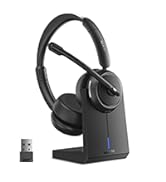
New Product Alert from LEVN
Wireless Freedom
LEVN: Redefining Wireless Audio - Unmatched Quality and Innovation
Established in 2003, LEVN has a two-decade legacy in wireless audio, delivering unmatched expertise, superior quality, and an exceptional user experience. Meticulously crafted headphones ensure superior sound and seamless connectivity. Our goal is to enrich wireless audio with revolutionary features and innovative technology, shaping the future of Bluetooth headsets.





