


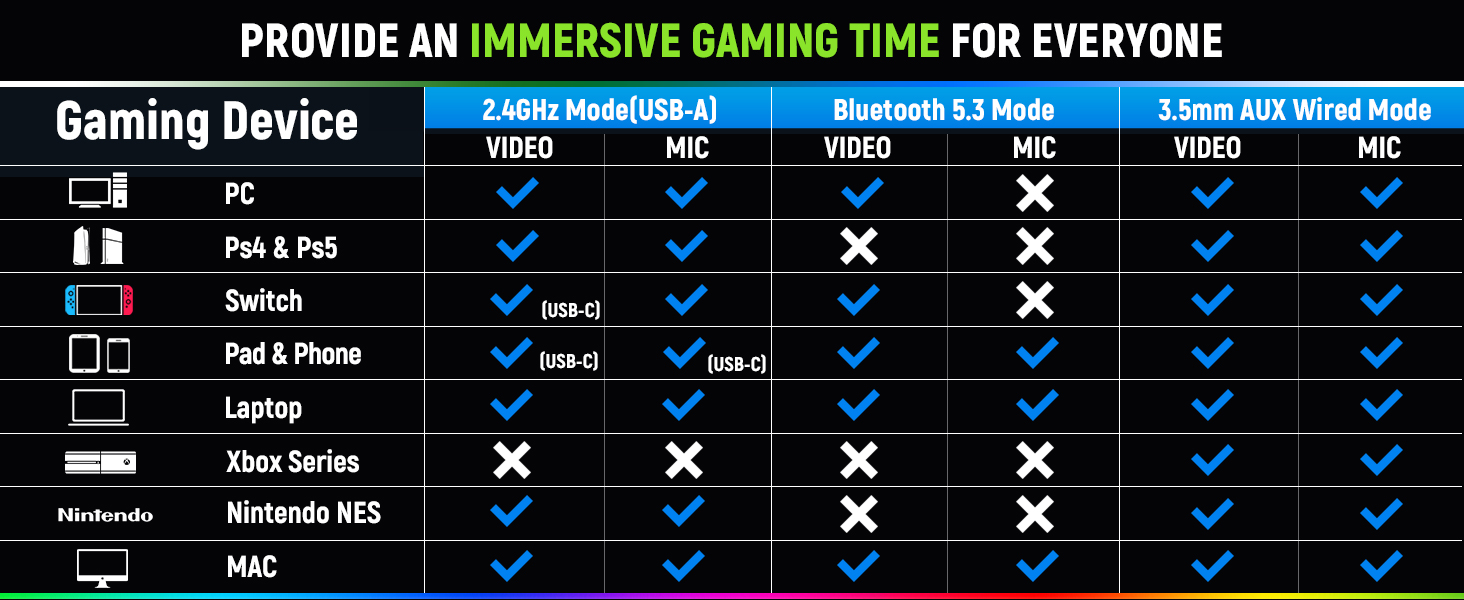
Can I use Bluetooth mode with PS5/4 or PC?
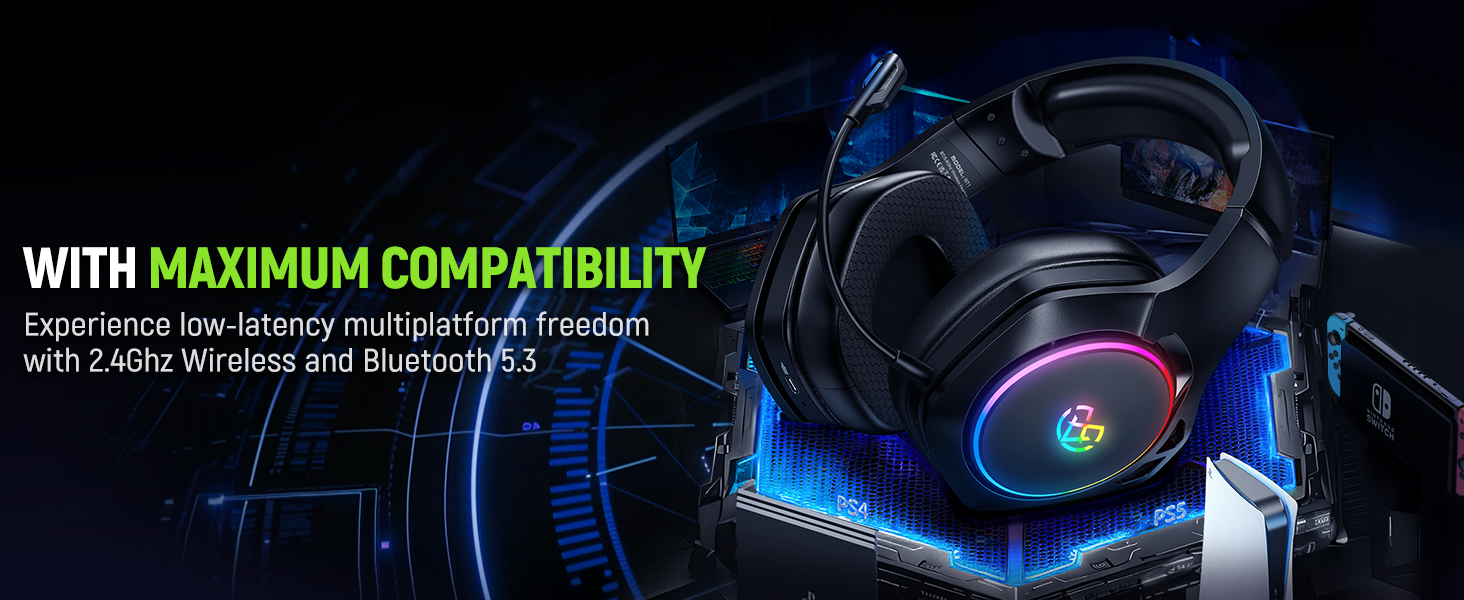
The Bluetooth function is not directly supported on PS5, PS4, or PC. An additional USB Bluetooth adapter is needed (not included). For the best experience on PS5, PS4, and PC, we recommend using the 2.4G USB mode for seamless connectivity.
How to Connect the Headset to Ps5/Ps4?
1. Set your headset to 2.4G mode
2. Plug the USB adapter into the Ps5/Ps4 console.
3.1 Go to Settings > Devices > Audio Devices > Set Input and Output Device to WT01 > Set Output to Headphones to All Audio > Set Volume Control to 100%
You're all set!


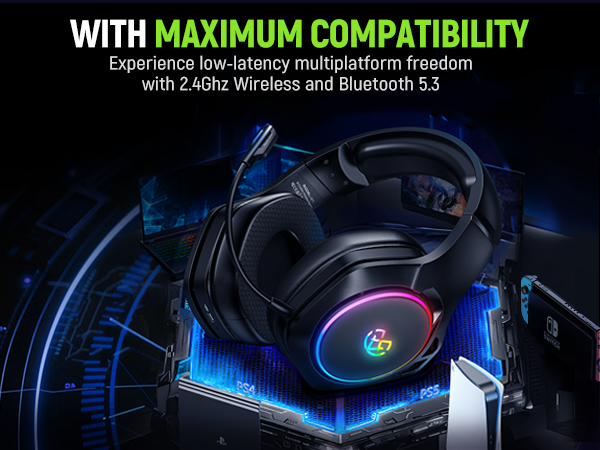
Tatybo focuses on professional-grade gaming audio. Our products fit all daily gaming platforms such as PC, PS4, PS5, Xbox, Xbox One, Switch, MAC, etc.
Tatybo conveys the concept of "Empower With Sound", providing the most worldwide cutting-edge technology. We promised to provide gamers and fans around the world with the ultimate gaming experience. Our mission is to create high-quality gaming headsets that everyone can own.
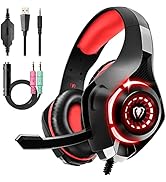
Most Customers Choice
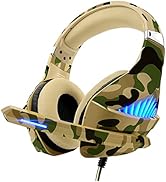
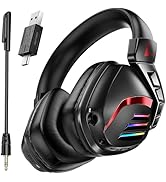
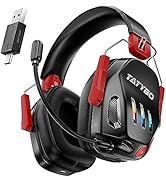
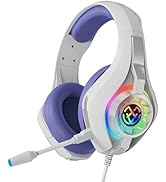
Gaming Headset
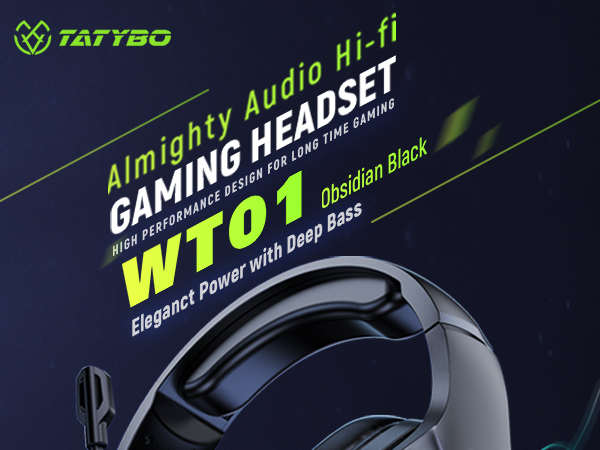
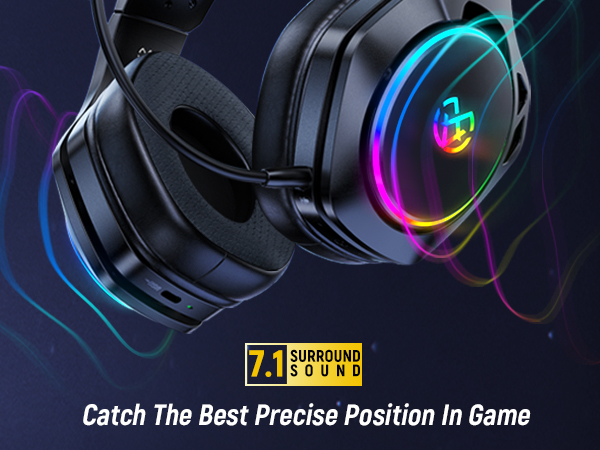
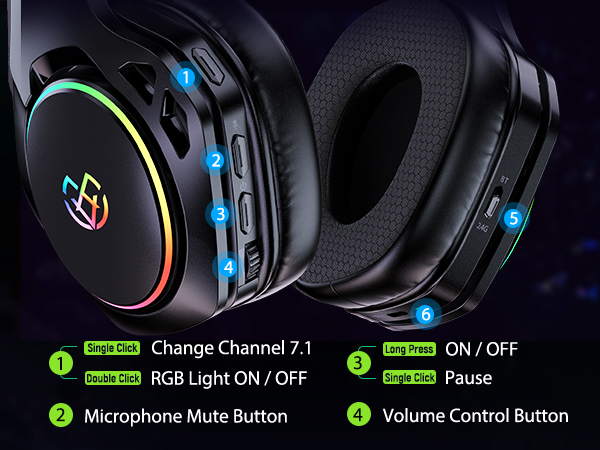
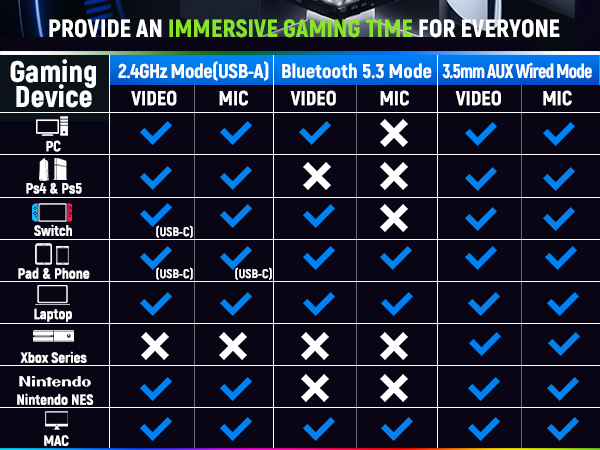
Can I use Bluetooth mode with PS5/4 or PC?
The Bluetooth function is not directly supported on PS5, PS4, or PC. An additional USB Bluetooth adapter is needed (not included). For the best experience on PS5, PS4, and PC, we recommend using the 2.4G USB mode for seamless connectivity.
How to Connect the Headset to Ps5/Ps4?
1. Set your headset to 2.4G mode
2. Plug the USB adapter into the Ps5/Ps4 console.
3.1 Go to Settings > Devices > Audio Devices > Set Input and Output Device to WT01 > Set Output to Headphones to All Audio > Set Volume Control to 100%
You're all set!
Tatybo focuses on professional-grade gaming audio. Our products fit all daily gaming platforms such as PC, PS4, PS5, Xbox, Xbox One, Switch, MAC, etc.
Tatybo conveys the concept of "Empower With Sound", providing the most worldwide cutting-edge technology. We promised to provide gamers and fans around the world with the ultimate gaming experience. Our mission is to create high-quality gaming headsets that everyone can own.
Most Customers Choice
Gaming Headset





