


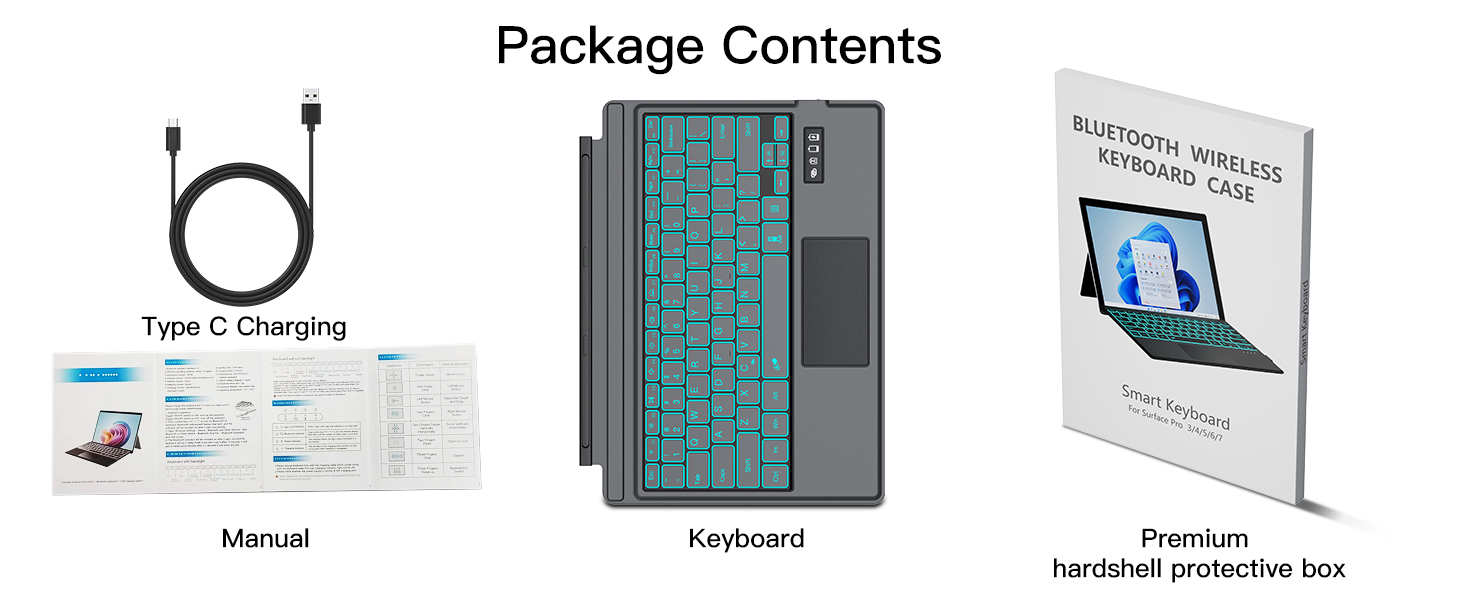
Does the Surface Pro 3/4/5/6/7/7+ keyboard charge via the magnetic interface?
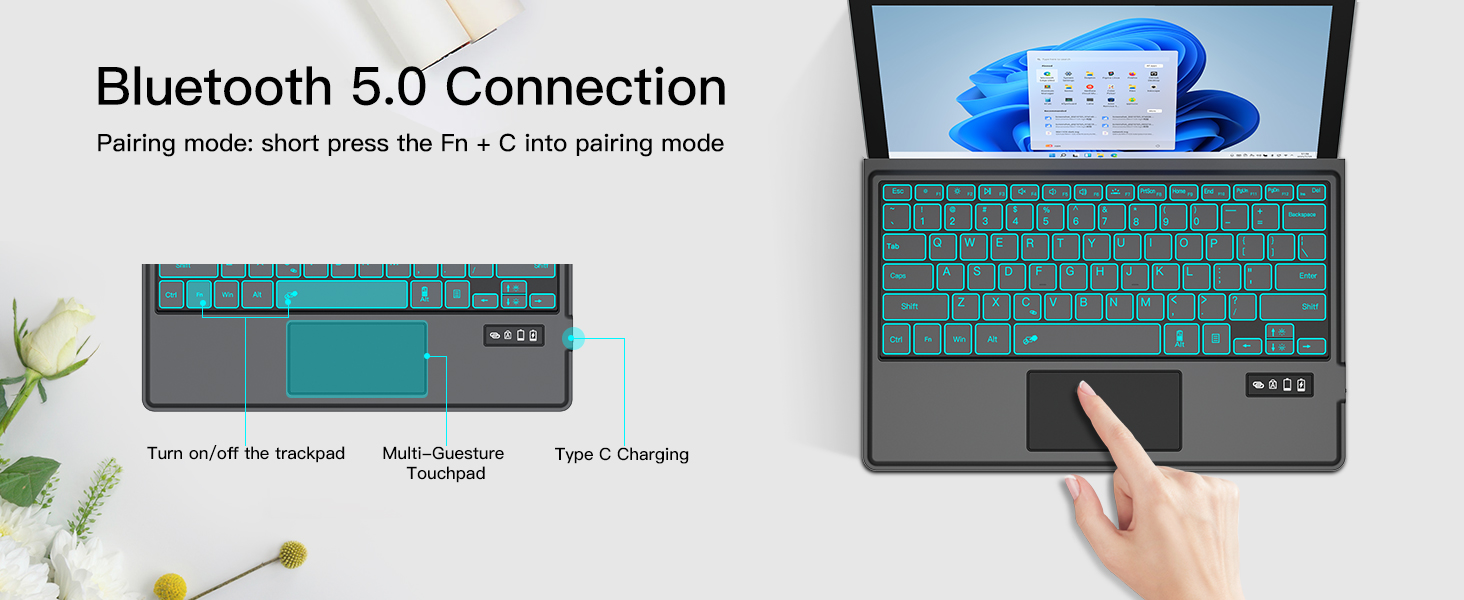
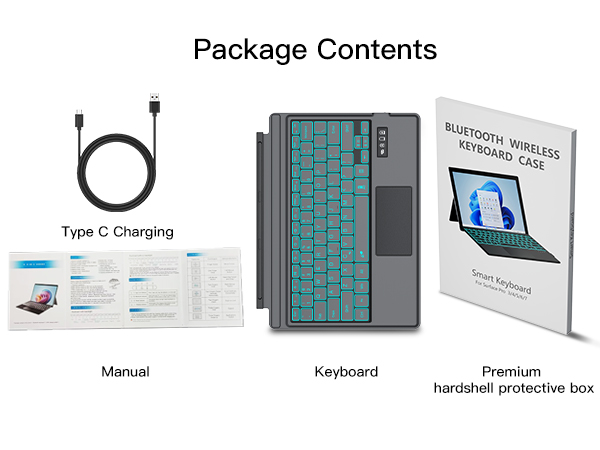
No, this keyboard doesn’t charge via the magnetic interface. It utilizes a separate USB-C charging port instead
Won't work with your tablet/does not connect to the device
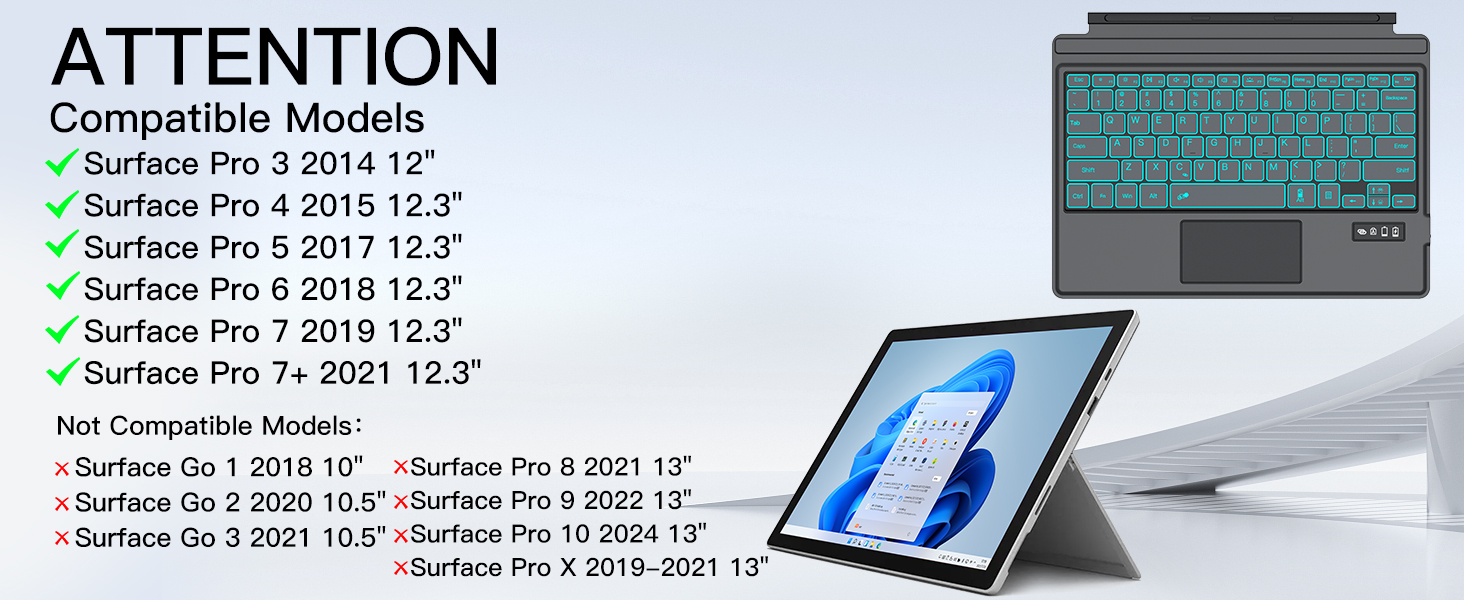
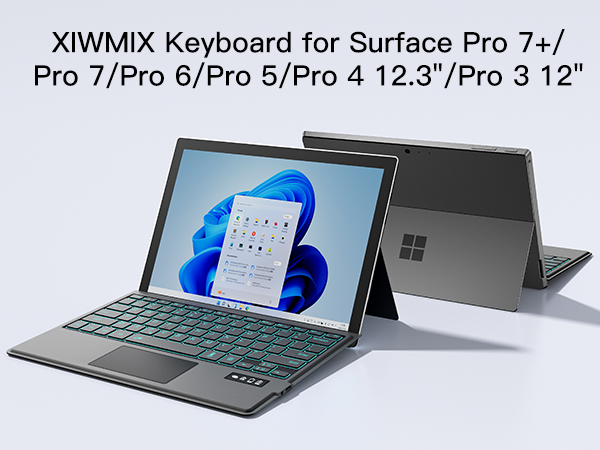
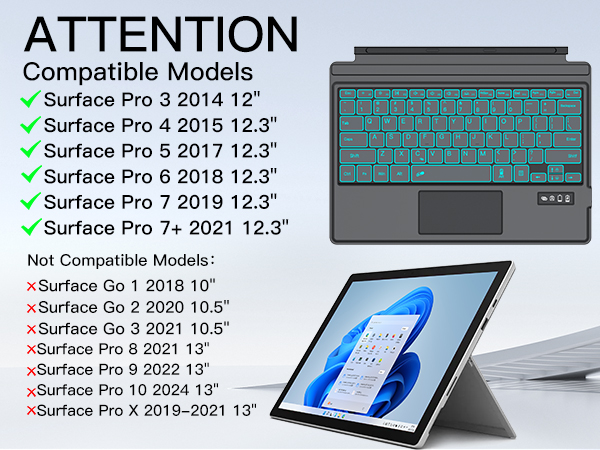
Make sure your surface tablet model is matched with this keyboard, this keyboard is only compatible with surface pro 7+/7/6/5/4/3, not compatible with surface pro 12/11/10/9/8/x, not compatible with surface Go and any other models.
Doesn't stay connected
When using for surface pro7+/7/6/5/4/3 tablets again when it fails to connect, you can click to forget the previous connection history and then reconnect
Touchpad does not work
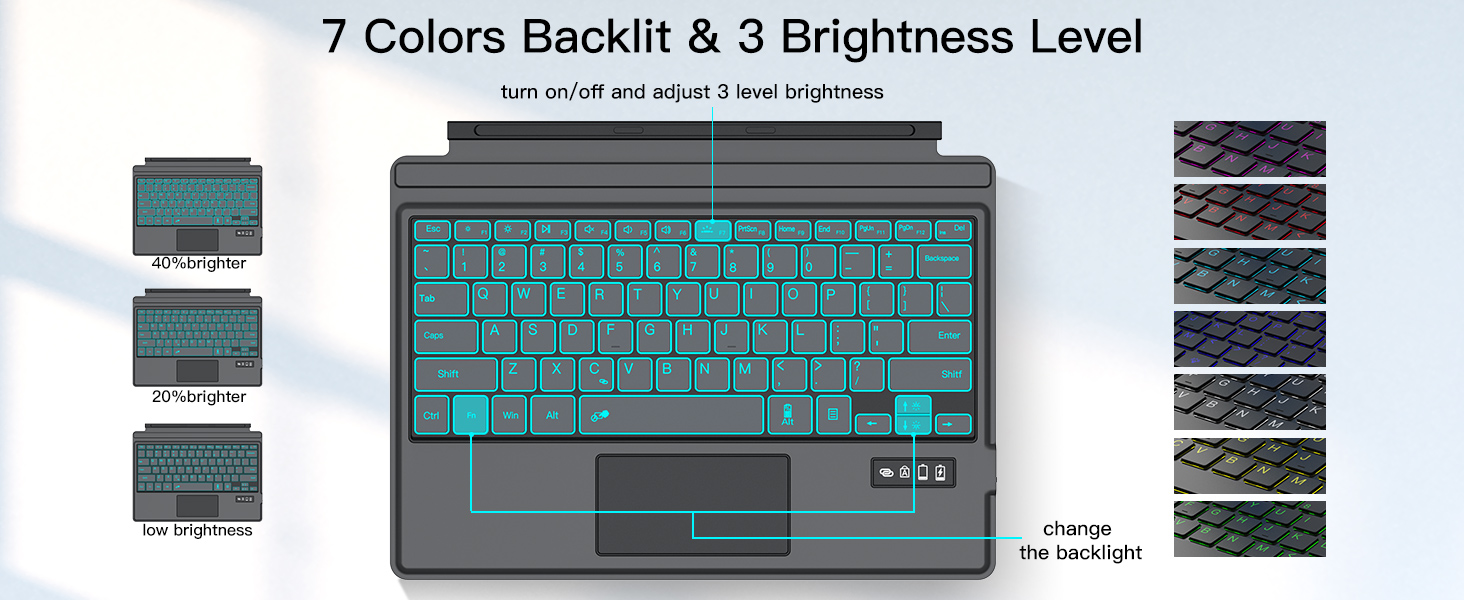
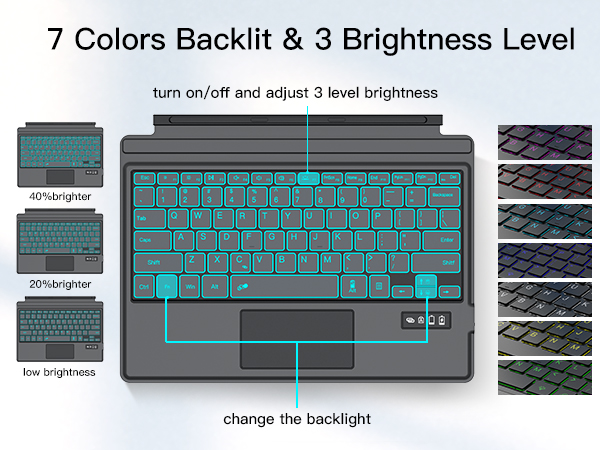
1. Please make sure the keyboard has enough power 2. Please check whether the touchpad is locked, press "Fn+ Spacebar" key to automatically enable and lock the touch screen function.
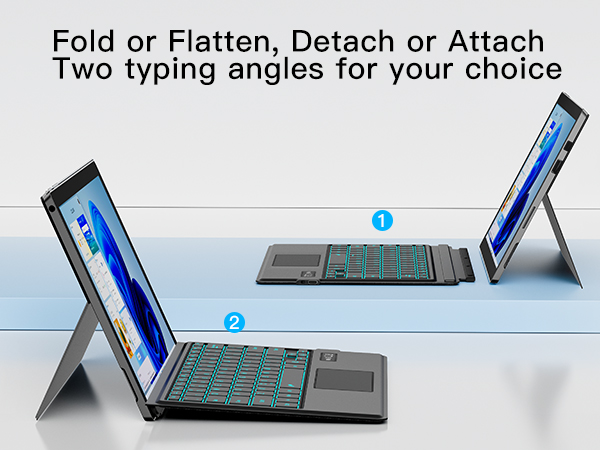
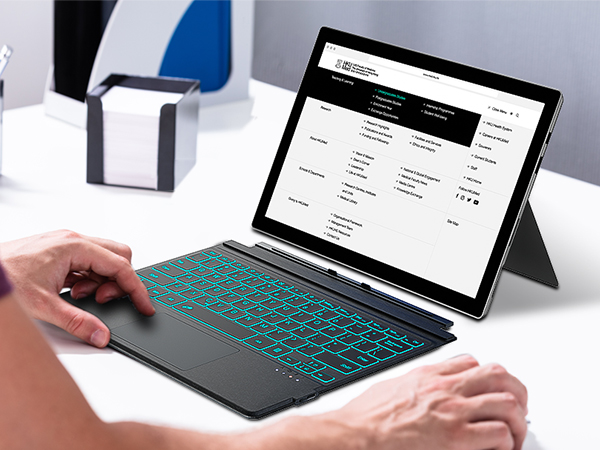
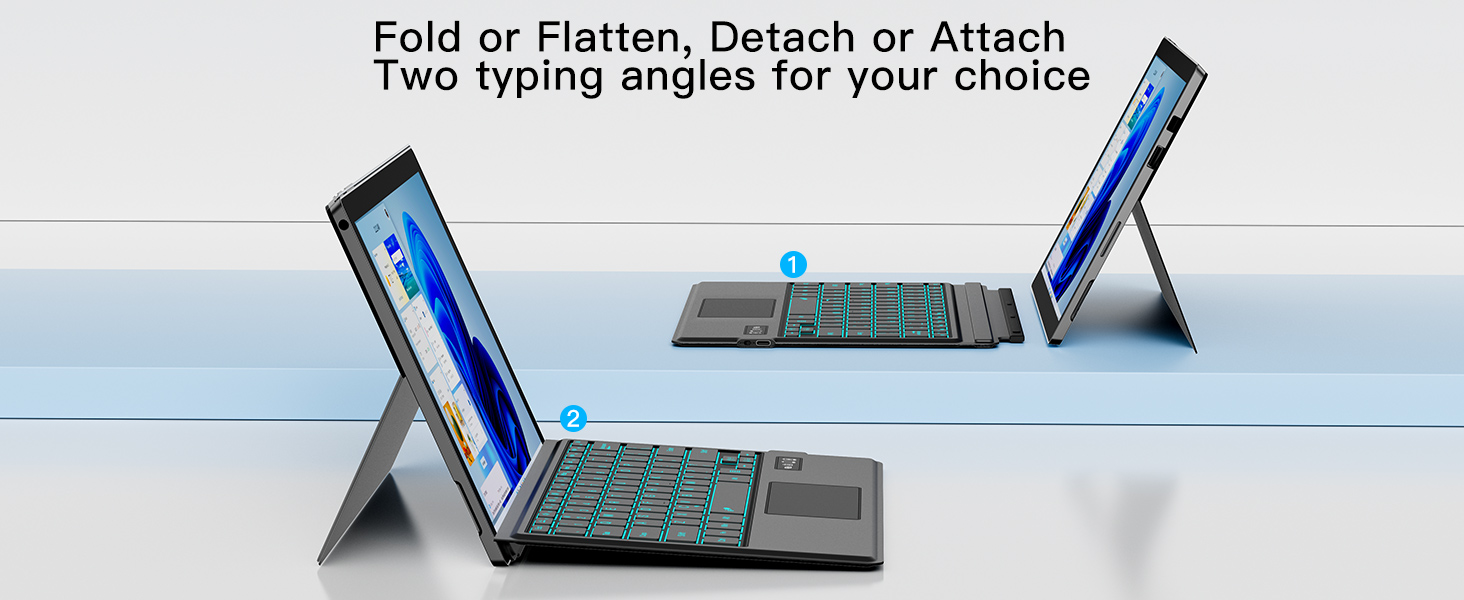
Detached
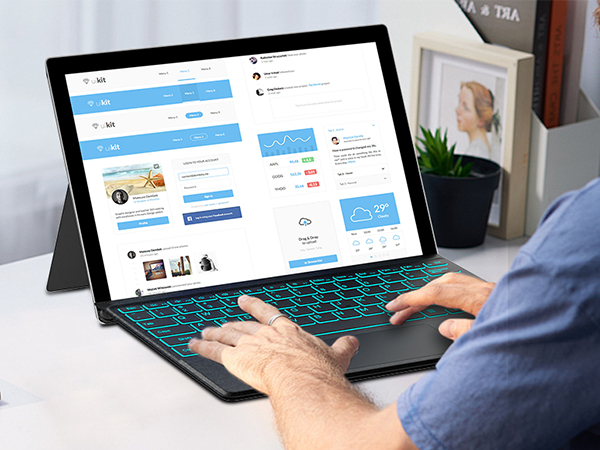
Attached
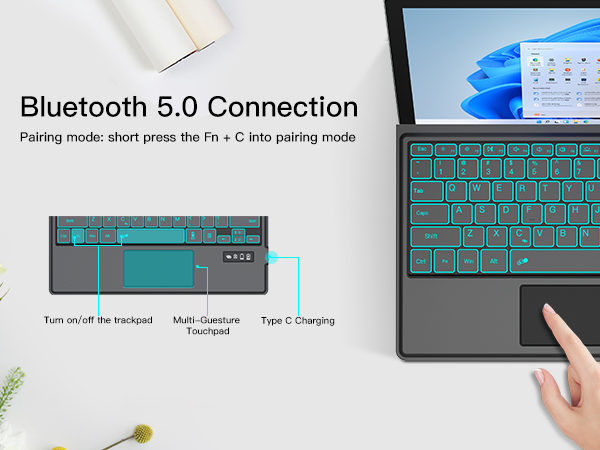
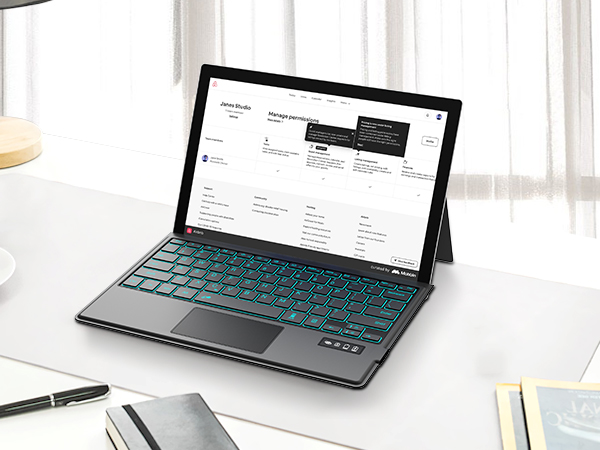
Does the Surface Pro 3/4/5/6/7/7+ keyboard charge via the magnetic interface?
No, this keyboard doesn’t charge via the magnetic interface. It utilizes a separate USB-C charging port instead
Won't work with your tablet/does not connect to the device
Make sure your surface tablet model is matched with this keyboard, this keyboard is only compatible with surface pro 7+/7/6/5/4/3, not compatible with surface pro 12/11/10/9/8/x, not compatible with surface Go and any other models.
Doesn't stay connected
When using for surface pro7+/7/6/5/4/3 tablets again when it fails to connect, you can click to forget the previous connection history and then reconnect
Touchpad does not work
1. Please make sure the keyboard has enough power 2. Please check whether the touchpad is locked, press "Fn+ Spacebar" key to automatically enable and lock the touch screen function.





