



Razer Tartarus V2 Gaming Keypad
Merchant Video
Infinite Commands Endless Possibilities.
Razer Tartarus V2
When you’re in the center of the battlefield, it’s crucial to do everything from cast spells to activate skills in a flash. With the Razer Tartarus V2, you can bind commands and skills and activate them instantaneously—all in the palm of your hand.


Powered by Razer Synapse
Rebind buttons, assign macros, save profile configurations to the cloud, and explore advanced capabilities with the ultimate hardware configuration tool.
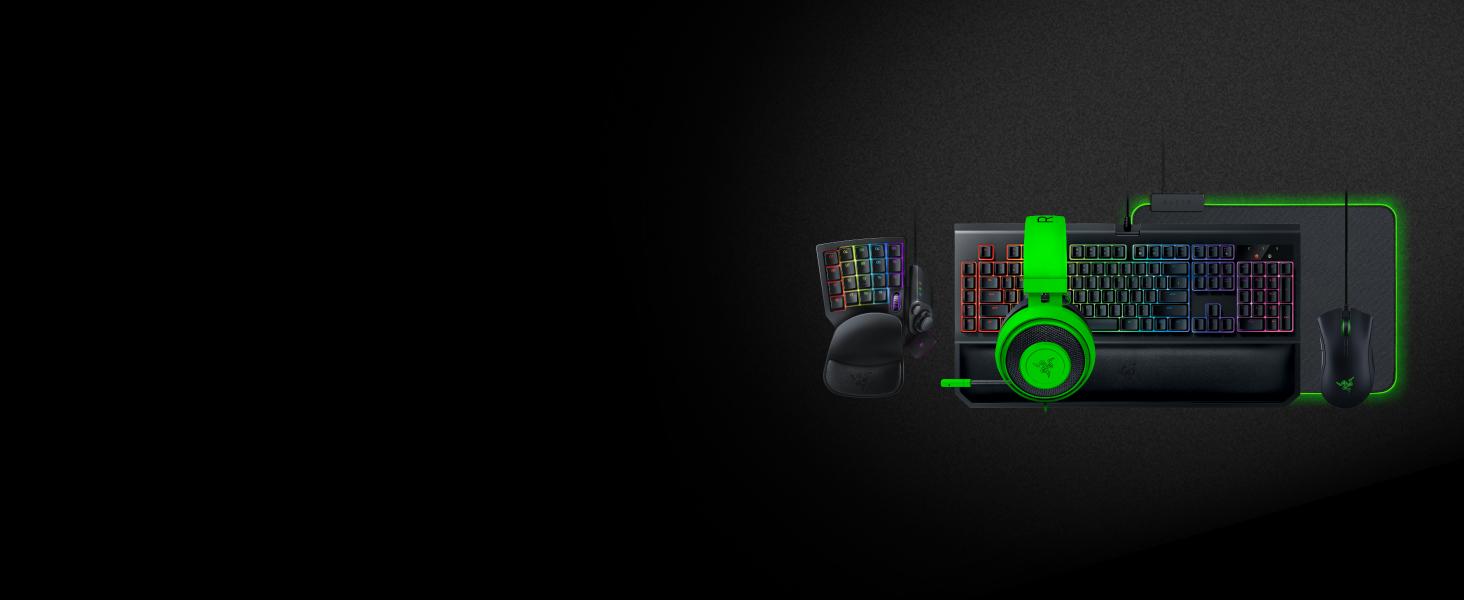
Gear Up
#1 SELLING PC GAMING PERIPHERALS BRAND IN THE U.S. — Source: Circana, Retail Tracking Service, U.S., Dollar Sales, Gaming Designed Mice, Keyboards, and PC Headsets, Jan. 2019- Dec. 2023 combined
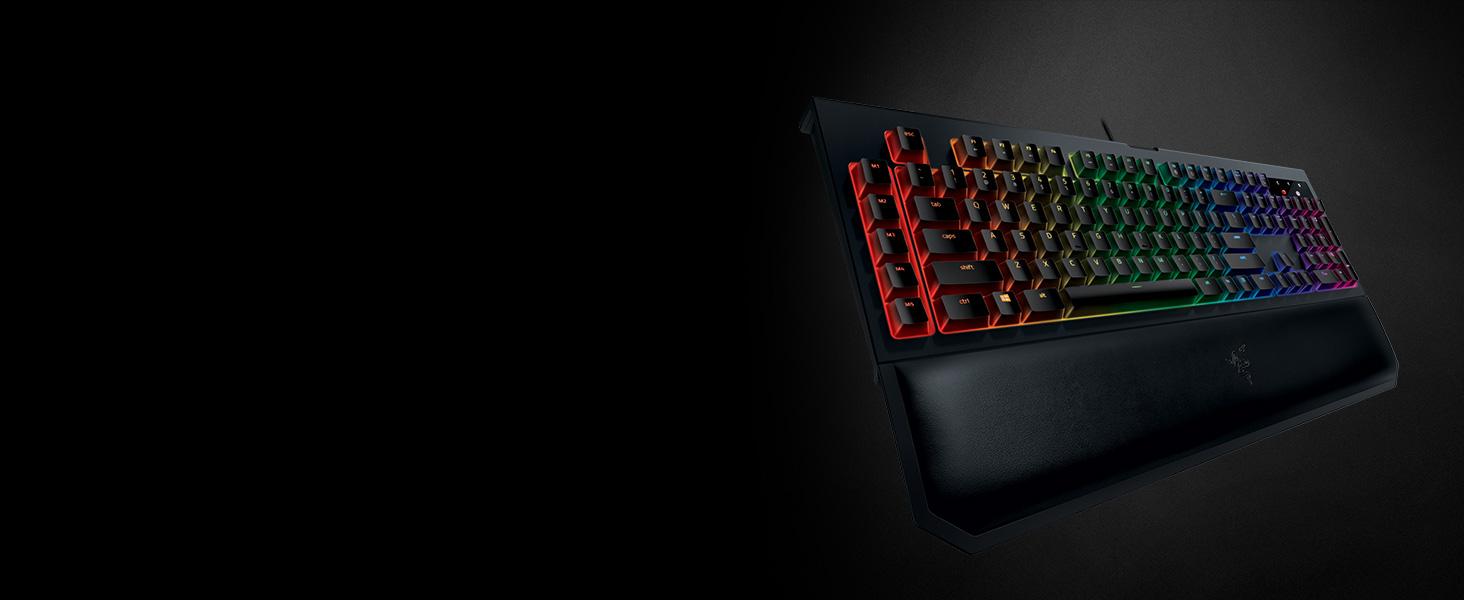
Razer BlackWidow Chroma V2
Razer BlackWidow Chroma V2 is Razer's flagship mechanical gaming keyboard. The flagship keyboard features three mechanical switch variations, macro keys, and ultimate comfort to game for hours on.
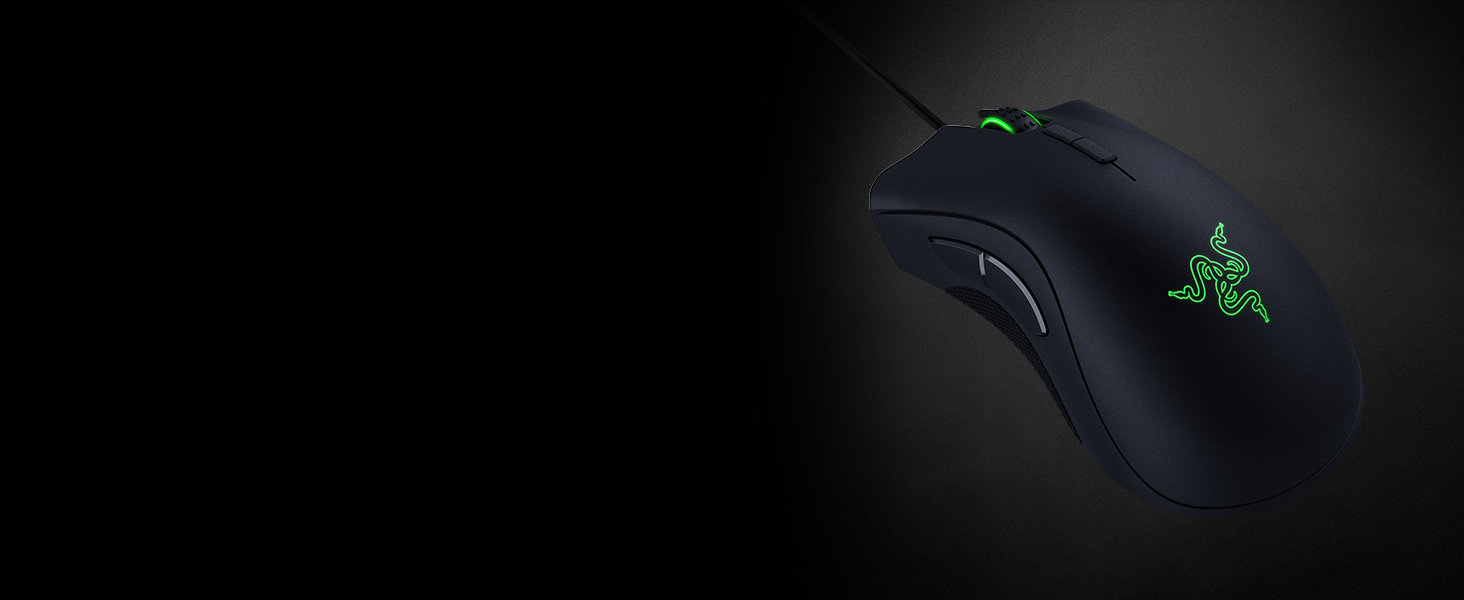
Razer DeathAdder Elite
The Razer DeathAdder Elite features Razer's top optical sensor, so you’ll have unsurpassed accuracy and speed to dominate the playing field.
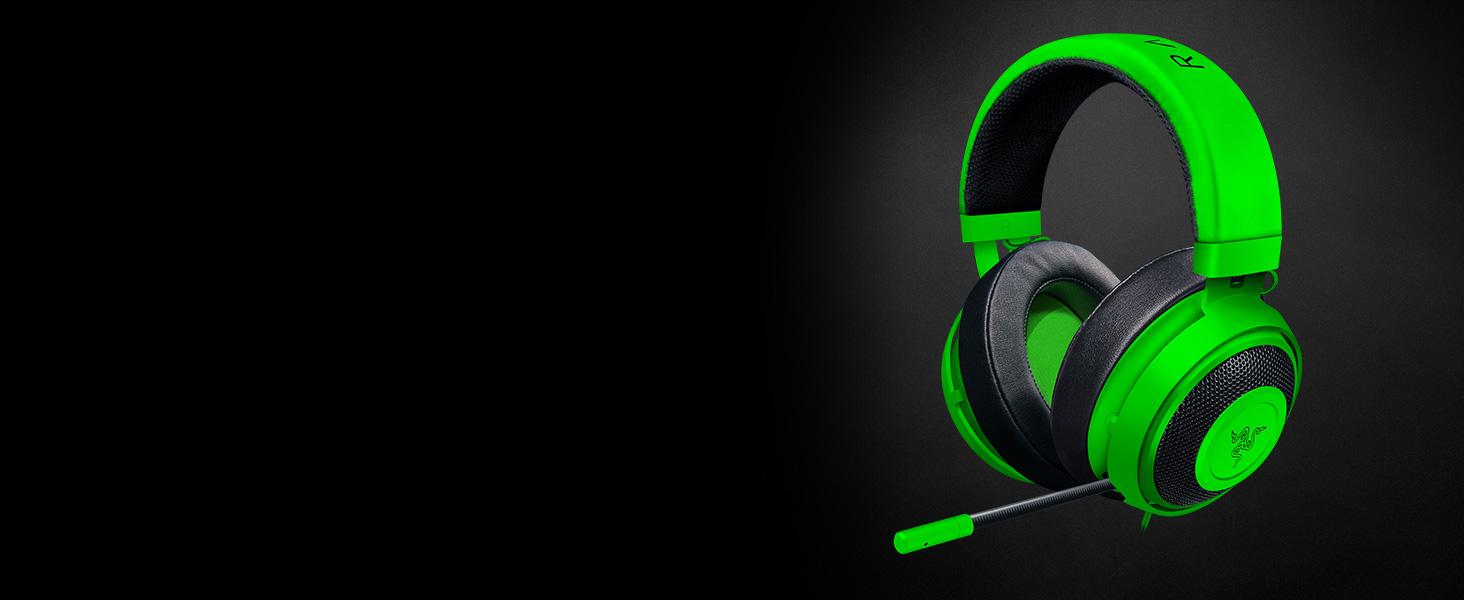
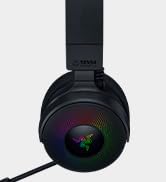
Razer Kraken Pro V2
The Razer Kraken Pro V2 is the headset for esports pros, delivering powerful audio while also being extremely comfortable.
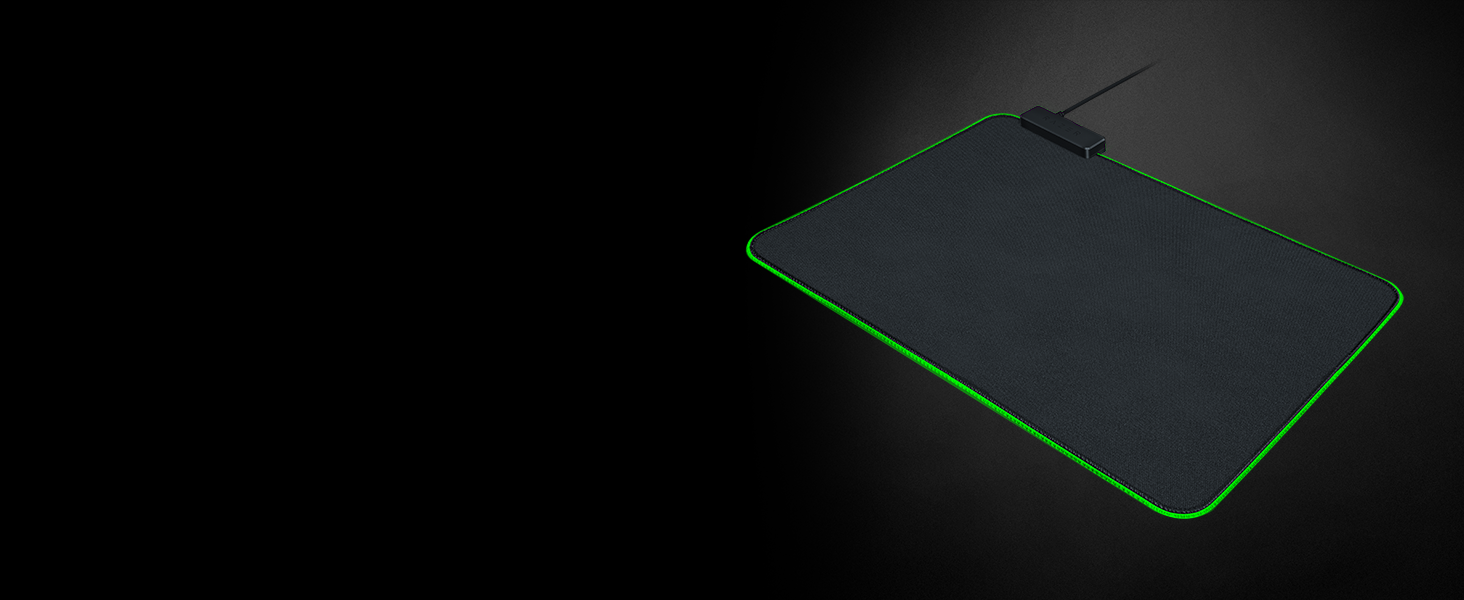
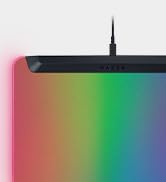
Razer Goliathus Chroma
Our bestselling soft gaming mouse mat is now Powered by Razer Chroma, watch your game light up with vivid brilliance as you swipe across the Razer Goliathus Chroma with speed and precision.
Razer Tartarus V2 Gaming Keypad
Merchant VideoWill this fit my hands if they're on the larger/smaller side?
Yes. The Tartarus V2 has a 2-position adjustable palm rest for different hand sizes, and all 32 keys can be remapped in Razer Synapse 3, so you can move commands to where your fingers feel most comfortable.
How does the palm rest adjust?
The palm rest has two locking positions that adjust its angle and distance. Position 1 sits closer for a compact feel, while Position 2 extends outward for larger hands or a more relaxed wrist angle.
Can the thumbpad on the Razer Tartarus V2 be used like a joystick for movement?
It supports movement input, but it operates as a digital D-pad, not an analog joystick. Inputs are instant and directional (like key presses) rather than smooth or pressure-sensitive like a controller stick.
Razer Tartarus V2 Gaming Keypad
Merchant Video
Razer Tartarus V2
When you’re in the center of the battlefield, it’s crucial to do everything from cast spells to activate skills in a flash. With the Razer Tartarus V2, you can bind commands and skills and activate them instantaneously—all in the palm of your hand.
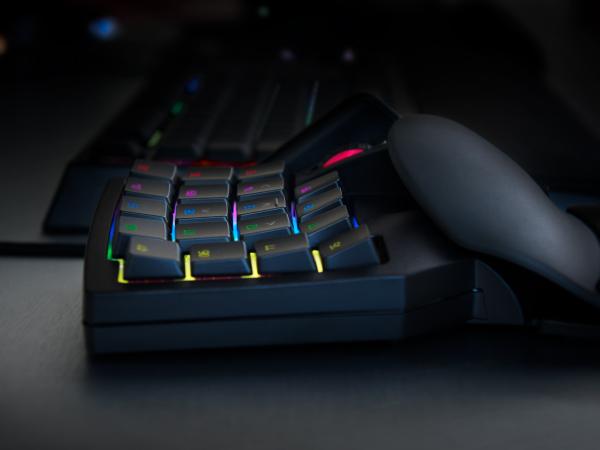
Razer Hypershift Functionality
Hypershift mode opens a secondary set of commands for everything from macros to windows shortcuts, on top of your current controls. This doubles your device’s capabilities.
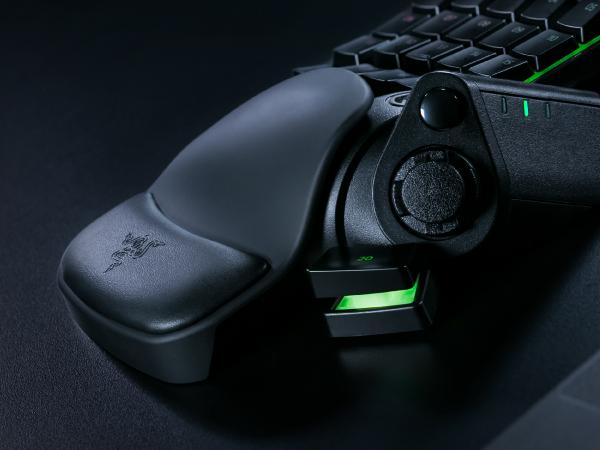
Ergonomic Form with Detachable Palm Rest
Tartarus V2 comes with a detachable palm rest with two adjustable positions to suit your preferred angle of comfort.
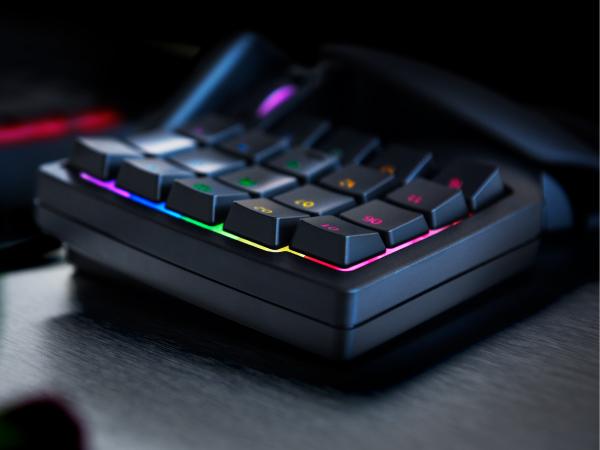
Razer Mecha-Membrane Technology
Razer Tartarus V2 combines the soft cushioned touch of a membrane rubber dome with the crisp tactile click of a mechanical switch. Each key is actuated at mid-height for an instantaneous response.
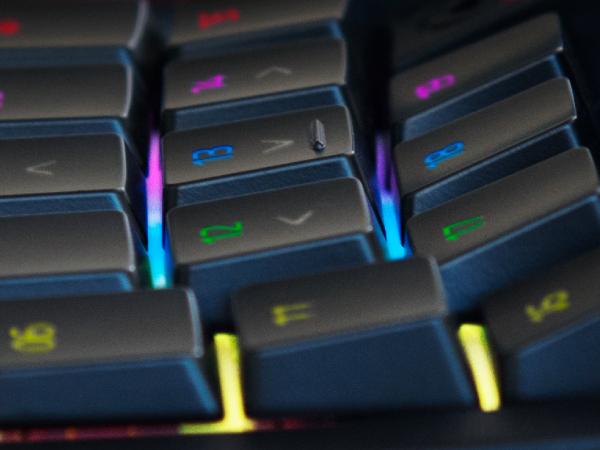
Razer Chroma Customizable Backlighting
Featuring individually programmable backlit keys and 16.8 million color options.
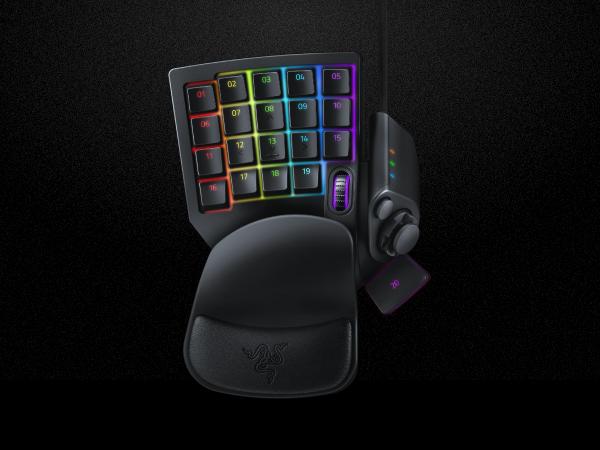
32 Fully Programmable Keys
Includes an 8-way directional thumbpad & scroll wheel.

Powered by Razer Synapse
Rebind buttons, assign macros, save profile configurations to the cloud, and explore advanced capabilities with the ultimate hardware configuration tool.
Gear Up
Razer BlackWidow Chroma V2
Razer DeathAdder Elite
Razer Kraken Pro V2
Razer Goliathus Chroma


#1 SELLING PC GAMING PERIPHERALS BRAND IN THE U.S. — Source: Circana, Retail Tracking Service, U.S., Dollar Sales, Gaming Designed Mice, Keyboards, and PC Headsets, Jan. 2019- Dec. 2023 combined
Razer BlackWidow Chroma V2 is Razer's flagship mechanical gaming keyboard. The flagship keyboard features three mechanical switch variations, macro keys, and ultimate comfort to game for hours on.
The Razer DeathAdder Elite features Razer's top optical sensor, so you’ll have unsurpassed accuracy and speed to dominate the playing field.
The Razer Kraken Pro V2 is the headset for esports pros, delivering powerful audio while also being extremely comfortable.
Our bestselling soft gaming mouse mat is now Powered by Razer Chroma, watch your game light up with vivid brilliance as you swipe across the Razer Goliathus Chroma with speed and precision.
Razer Tartarus V2 Gaming Keypad
Merchant VideoWill this fit my hands if they're on the larger/smaller side?
Yes. The Tartarus V2 has a 2-position adjustable palm rest for different hand sizes, and all 32 keys can be remapped in Razer Synapse 3, so you can move commands to where your fingers feel most comfortable.
How does the palm rest adjust?
The palm rest has two locking positions that adjust its angle and distance. Position 1 sits closer for a compact feel, while Position 2 extends outward for larger hands or a more relaxed wrist angle.
Can the thumbpad on the Razer Tartarus V2 be used like a joystick for movement?
It supports movement input, but it operates as a digital D-pad, not an analog joystick. Inputs are instant and directional (like key presses) rather than smooth or pressure-sensitive like a controller stick.
Powered by Razer Chroma
Gamer Room
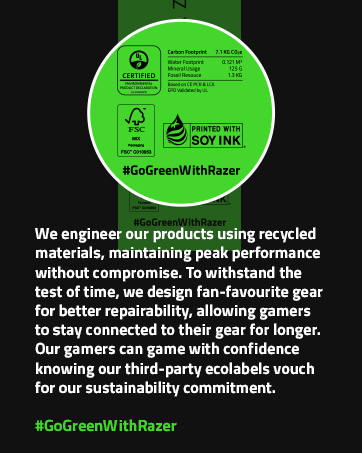
Sustainability





