






Matters for Attention
Acer SD Card Reader
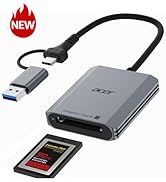
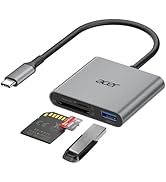
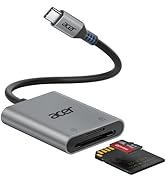
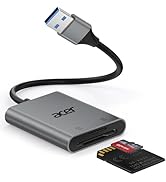
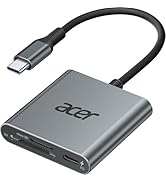
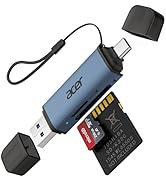
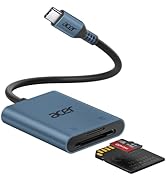
 Acer 2 in1 SD Card Reader |  Acer Type B SD Card Rader |  3 in 1 SD Card Reader |  USB-A SD Card Reader |  USB-C SD Card Reader | 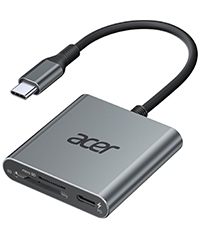 SD 4.0 Card Reader | |
|---|---|---|---|---|---|---|
Customer Reviews | — | — | — | — | — | — |
Price | — | — | — | — | — | — |
Input | USB-C & USB-A | USB-C & USB-A | USB-C | USB-A | USB-C | USB-C |
SD / micro SD Slot | 104MB/S | ? | 104MB/S | 104MB/S | 104MB/S | 312MB/S |
CFexpress Type B Slot | ? | 1250MB/S | ? | ? | — | ? |
USB-A Data Port | ? | ? | 5Gbps | ? | ? | ? |
Charging Port | ? | ? | ? | ? | ? | USB-C PD 100W |
Material | Aluminum | Aluminum | Aluminum | Aluminum | Aluminum | Aluminum |
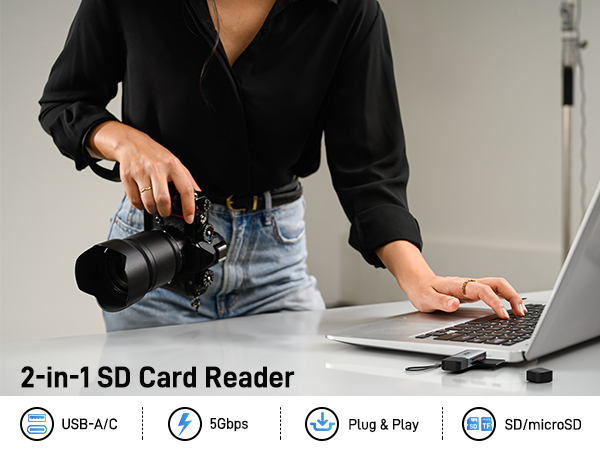
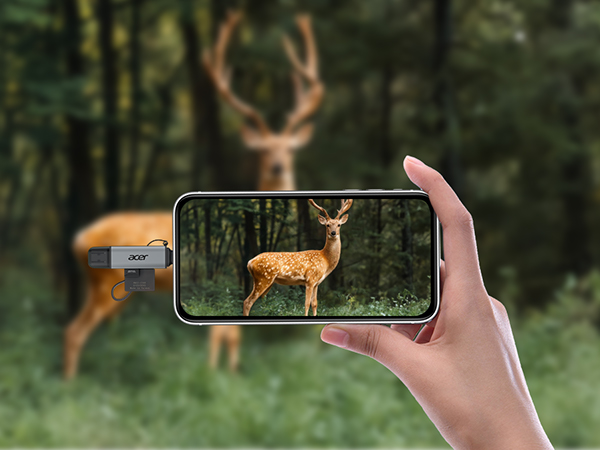
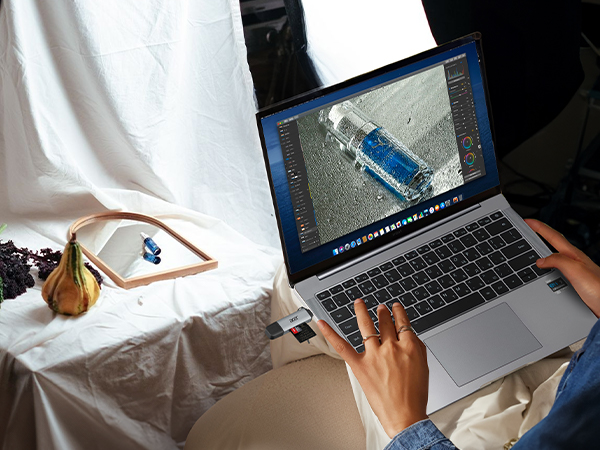
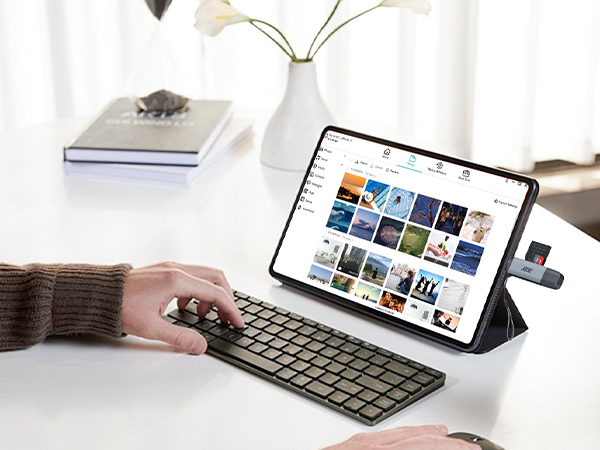
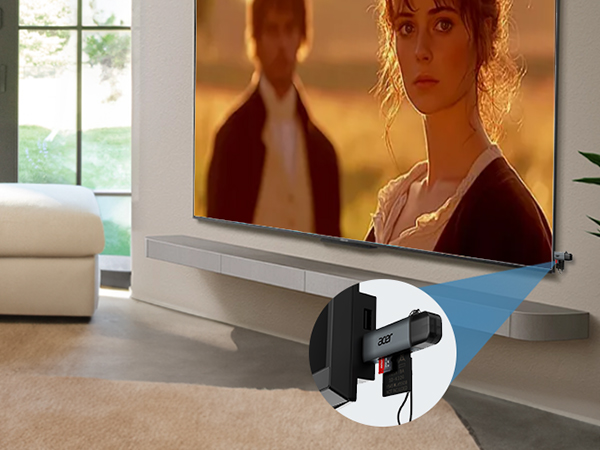

Matters for Attention
| Q1 | Incompatible devices |
|---|---|
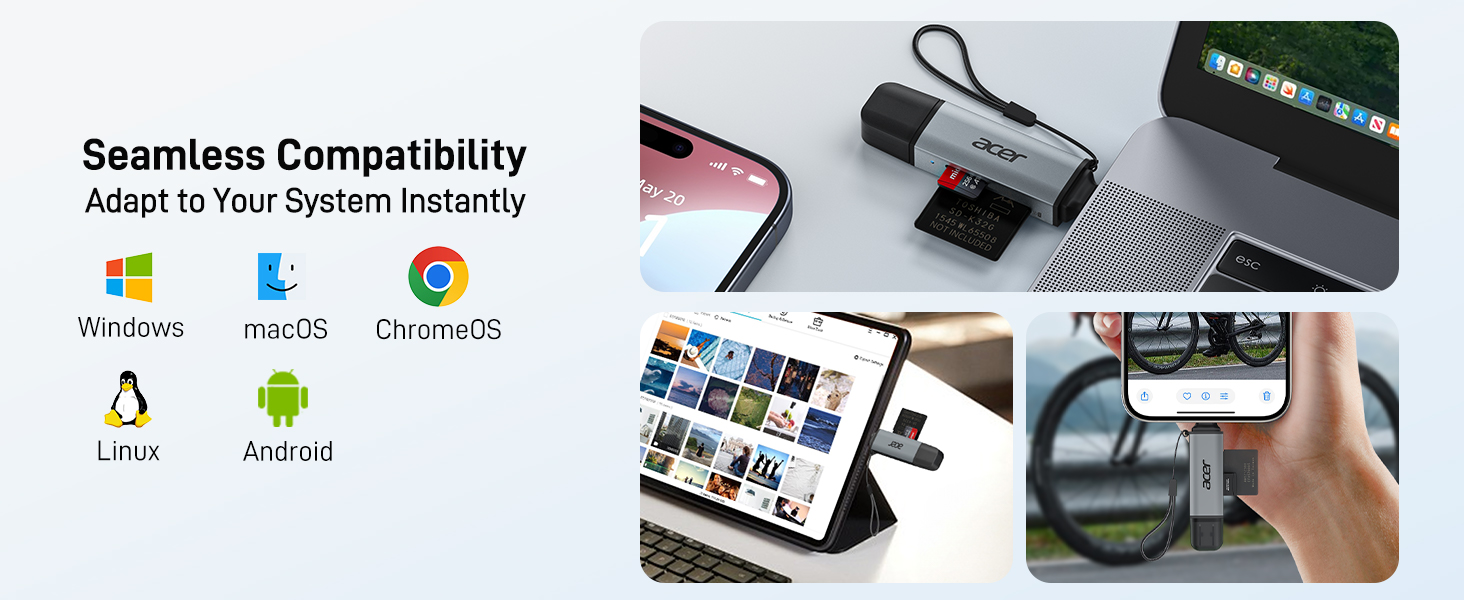
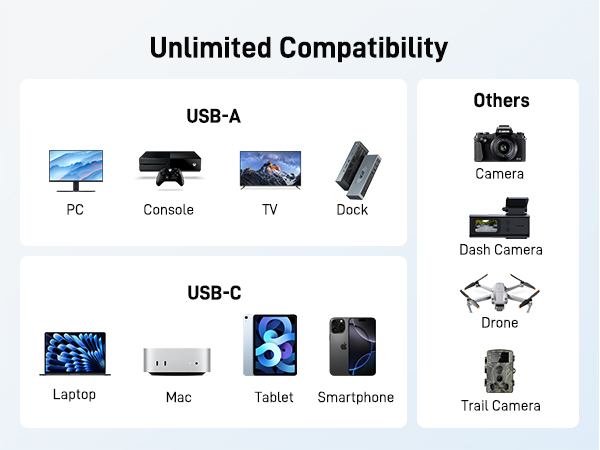
| - | 1. Devices that do not support the "Lightning" interface |
| - | 2. Some SD/TF cards with encryption or special formats (such as camera-specific formats) |
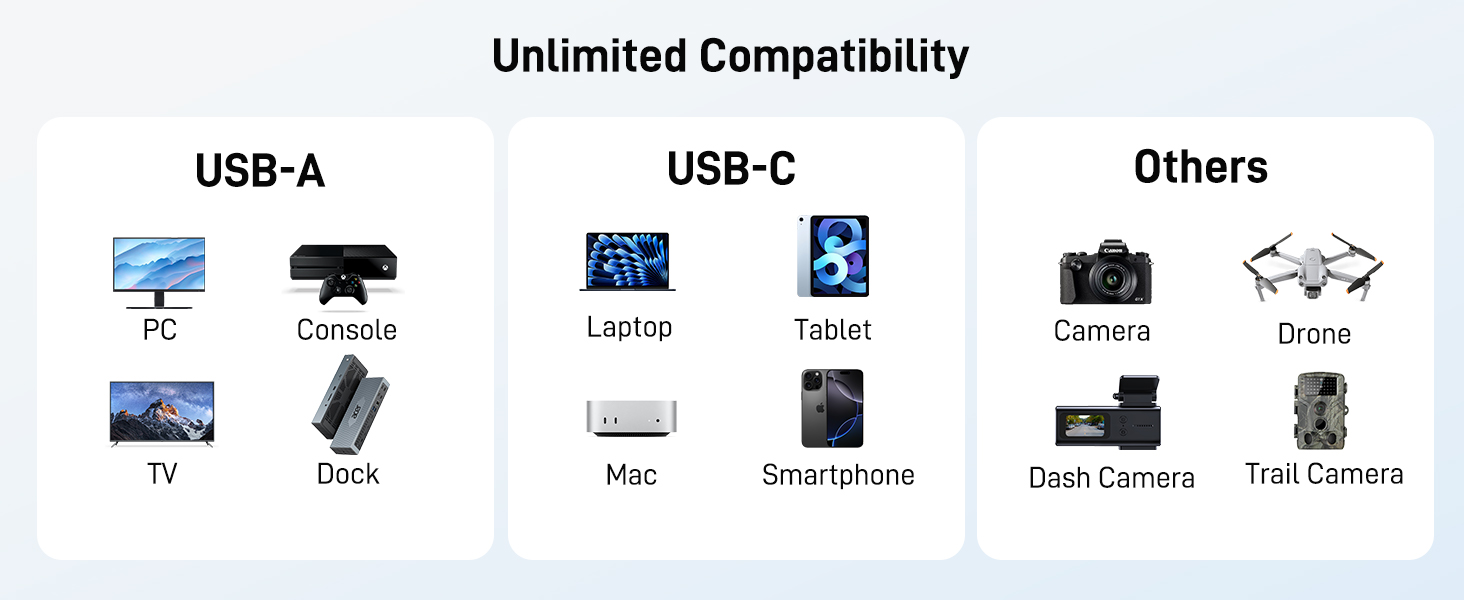
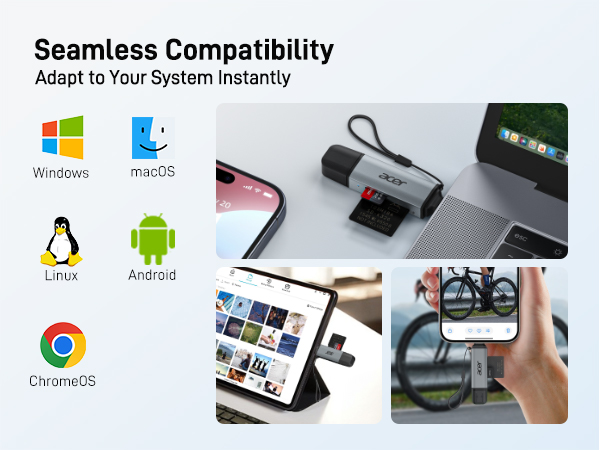
| - | 3. Android phones and tablets that do not support OTG function (OTG support can be checked in settings or official specifications) |
| Q2 | What to do if the card reader does not work? |
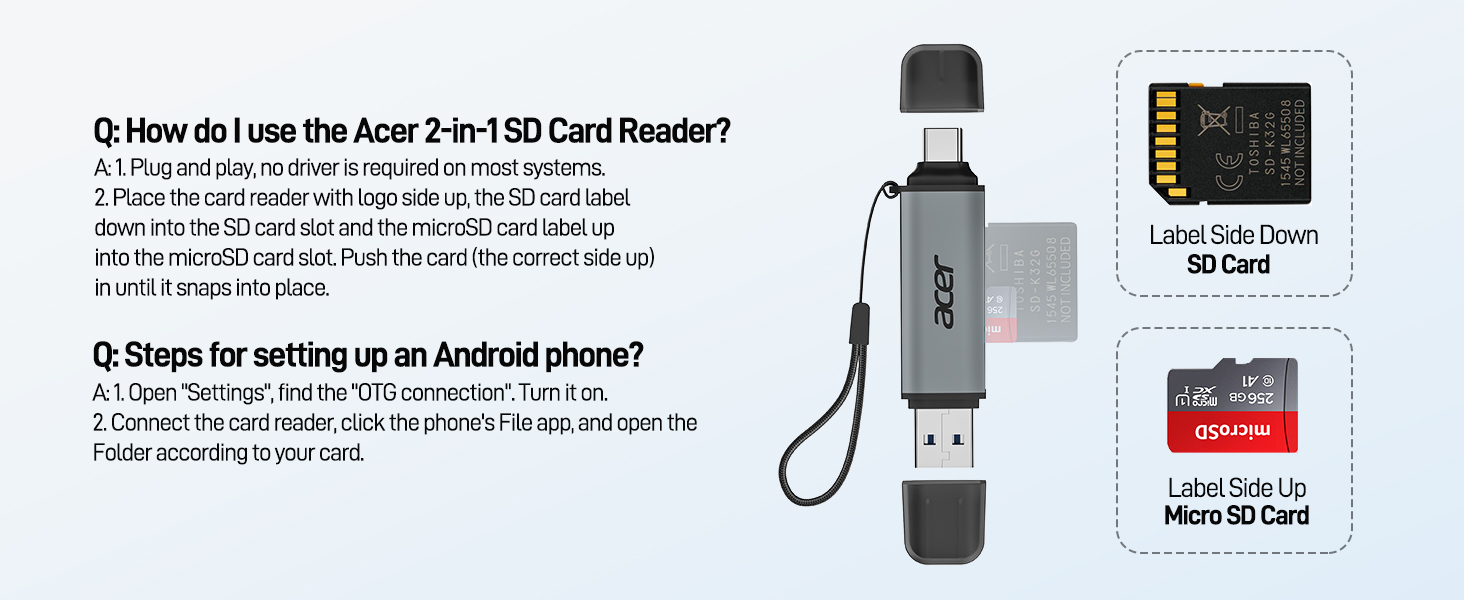
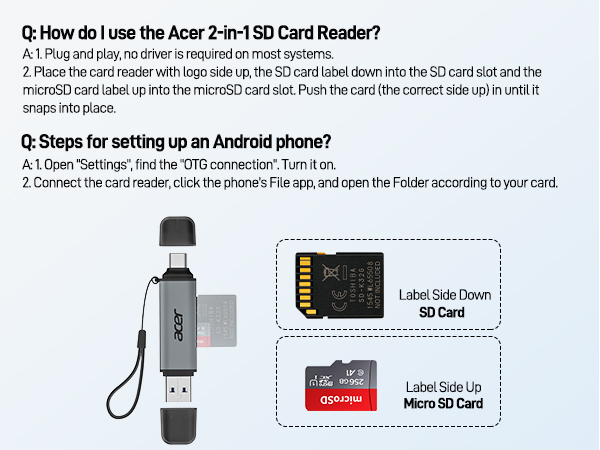
| - | 1. Ensure the indicator light is on, the card is properly inserted, and the metal contacts are clean. |
| - | 2. Devices that support the OTG function, enable OTG on your device and find the SD card in the settings. Please refer to the manual for details. |
| - | 3. If it still does not work, you can always ask us and we will help you solve it as soon as possible. |
| Q3 | How to find files on SD Card on iPhone? |
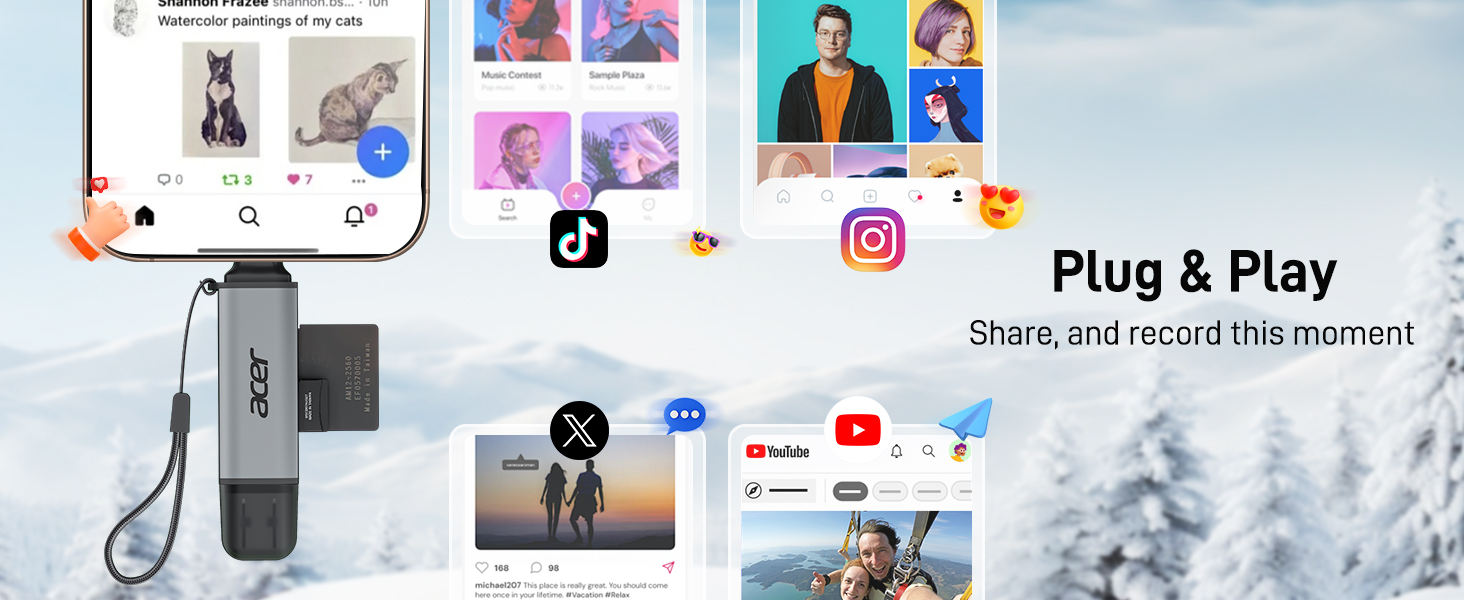
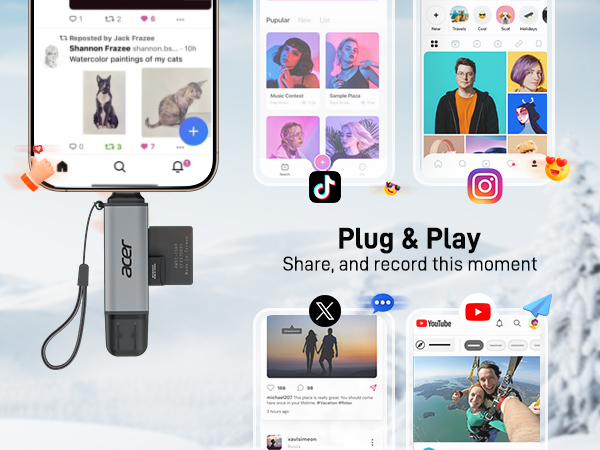
| - | Insert the SD card into the reader > plug the device card reader into thhe iPhone(TYPE-C) > click on the "FILES" app > click on iCloud Drive's "Browse" > click on Browse's SD card name>Now you can view your files from your SD card on "Your SD card name" |
| Q4 | Can I use the adapter with a device that has a protective case? |
| - | If the case is too tightly wrapped, the product may not be fully inserted into the device. |
| Q5 | Data transfer speed is slow? |
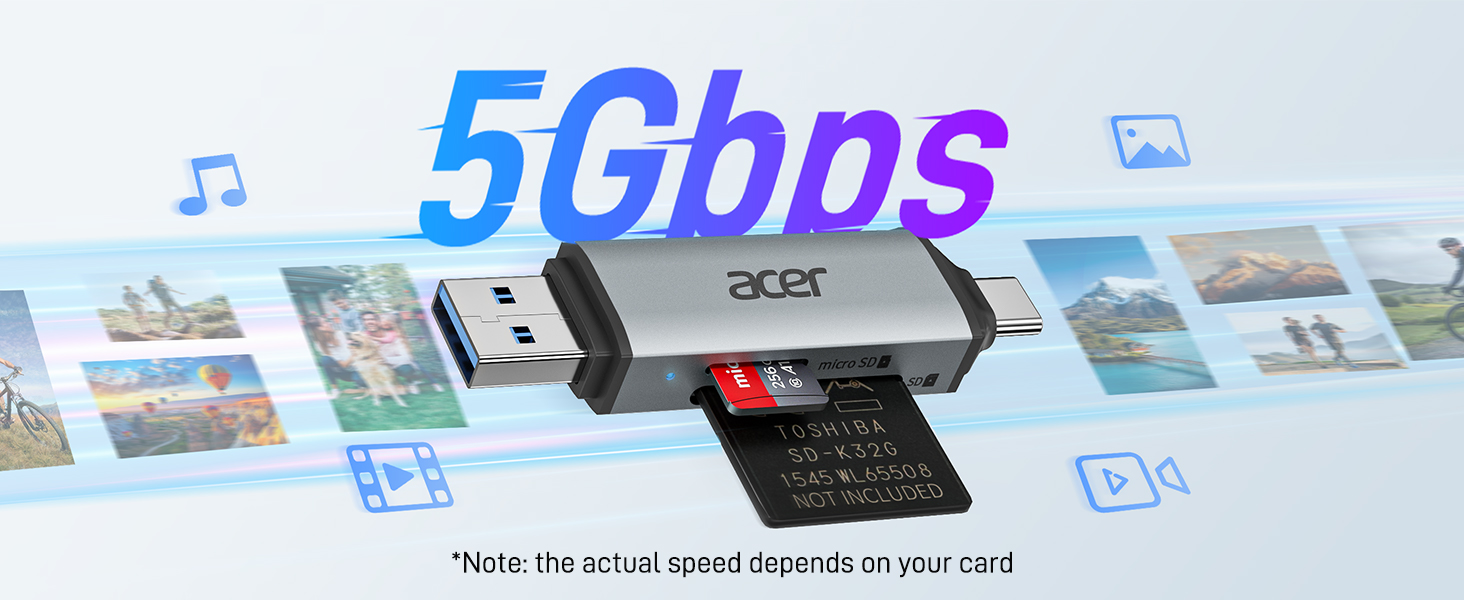
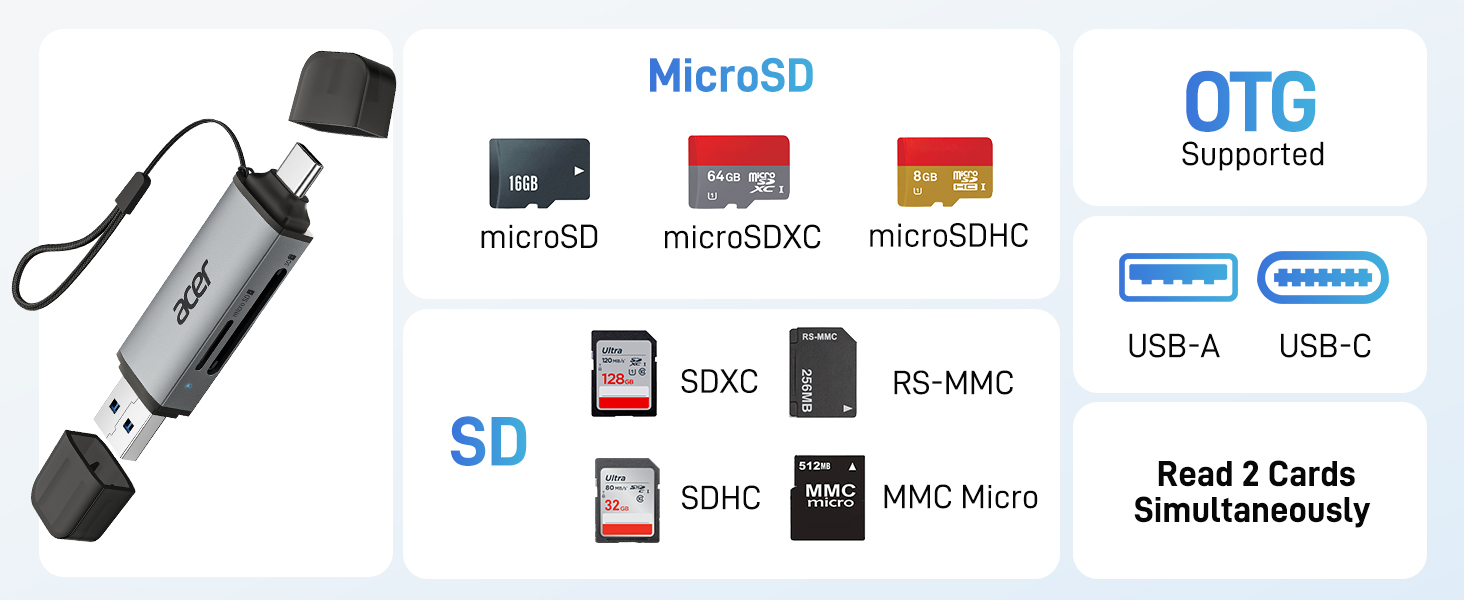
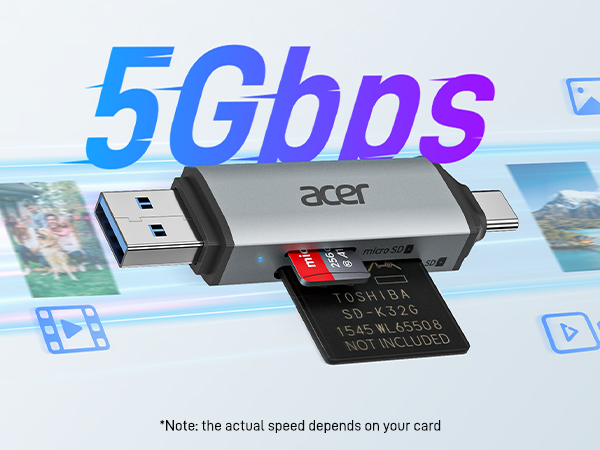
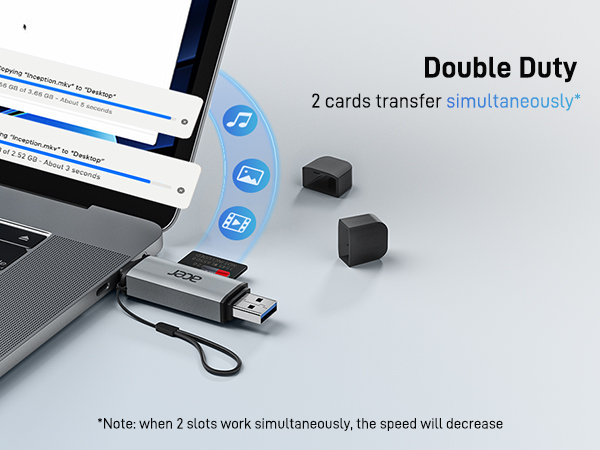
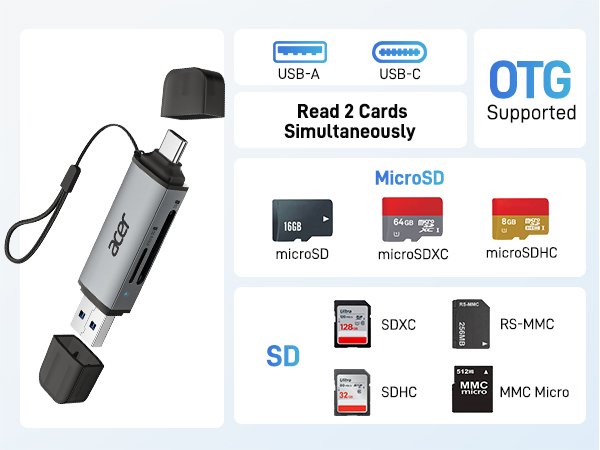
| - | Data transfer rates are subject to the speed of the memory card itselfand your computer's USB ports.The SD card reader is USB 3.0 version, the theoretical of USB-A port transfer speed is 5Gbps; for micro SD/SD slot, theoretical speed is UHS-I (104MB/s). |
| Q6 | Error message when transferring files? |
| - | (1)If you fail to transfer large files, please try to format the SD/MicroSD cards to the right format for your devices. Recommend using MS-DOS (FAT) for 32GB or smaller cards, and exFAT for 64GB cards; (2)macOS system devices can only read NTFS by default, but not write. |
Acer SD Card Reader
Acer 2 in1 SD Card Reader | Acer Type B SD Card Rader | 3 in 1 SD Card Reader | USB-A SD Card Reader | USB-C SD Card Reader | SD 4.0 Card Reader |
|---|---|---|---|---|---|
| Customer Reviews | |||||
| — | — | — | — | — | — |
| Price | |||||
| — | — | — | — | — | — |
| Input | |||||
| USB-C & USB-A | USB-C & USB-A | USB-C | USB-A | USB-C | USB-C |
| SD / micro SD Slot | |||||
| 104MB/S | ? | 104MB/S | 104MB/S | 104MB/S | 312MB/S |
| CFexpress Type B Slot | |||||
| ? | 1250MB/S | ? | ? | — | ? |
| USB-A Data Port | |||||
| ? | ? | 5Gbps | ? | ? | ? |
| Charging Port | |||||
| ? | ? | ? | ? | ? | USB-C PD 100W |
| Material | |||||
| Aluminum | Aluminum | Aluminum | Aluminum | Aluminum | Aluminum |
acer SD Card Reader
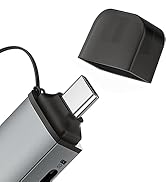
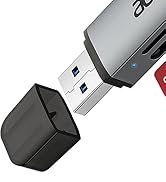
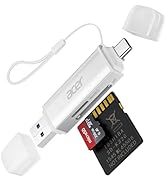
USB-A & USB-C SD Card Reader
More colors are available





