



Unrivaled Precision and Speed
PIXART PAW3395 FLAGSHIP SENSOR
Unrivaled precision with 1-to-1 tracking brings you absolute control, capable of 650 IPS speed, 50g acceleration, 26,000 programmable DPI and 1000hz/1ms polling rate.

Extremely Light and Solid
49G ULTRA-LIGHTWEIGHT
A lower weight allows you to move, accelerate, and stop the mouse with more precision, making it easier than ever to track targets and hit your flicks.(The weight does not include the receiver, there is an error of ±4g)
Connect the way you like
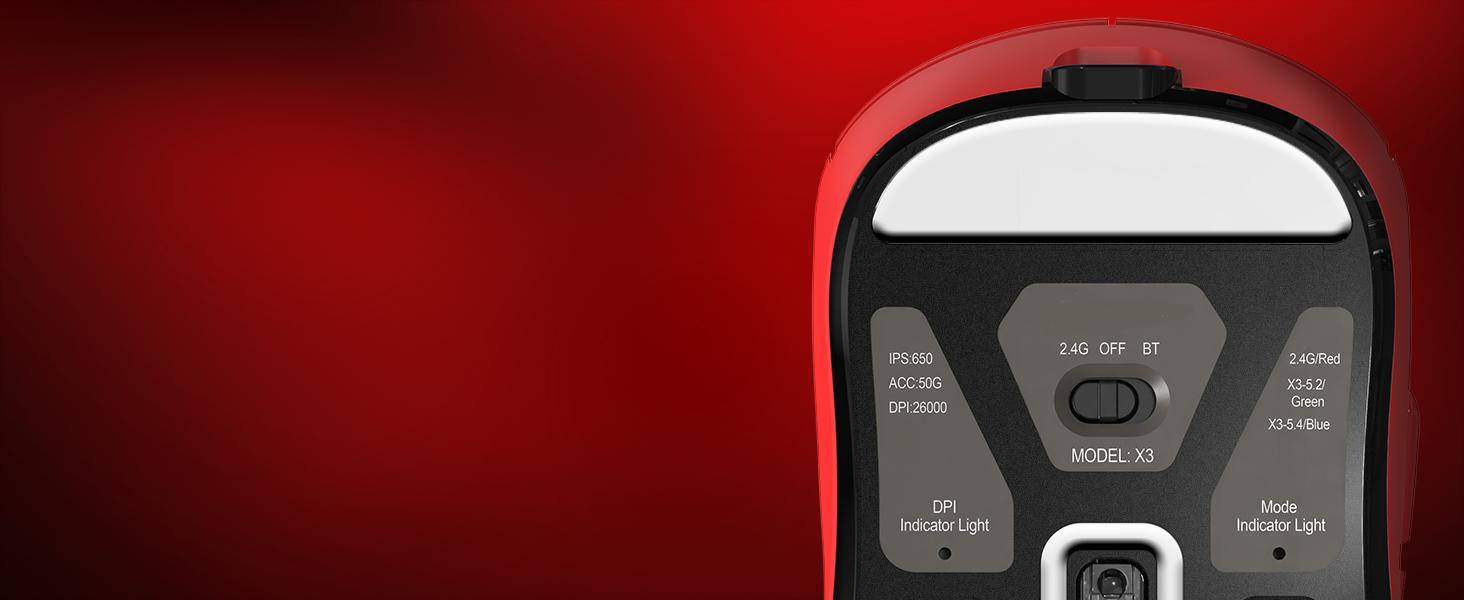
TRI-MODE CONNECTIVITY
2.4G Wireless | Bluetooth 5.0 | Type-c Wired
Play Longer, Charge Less
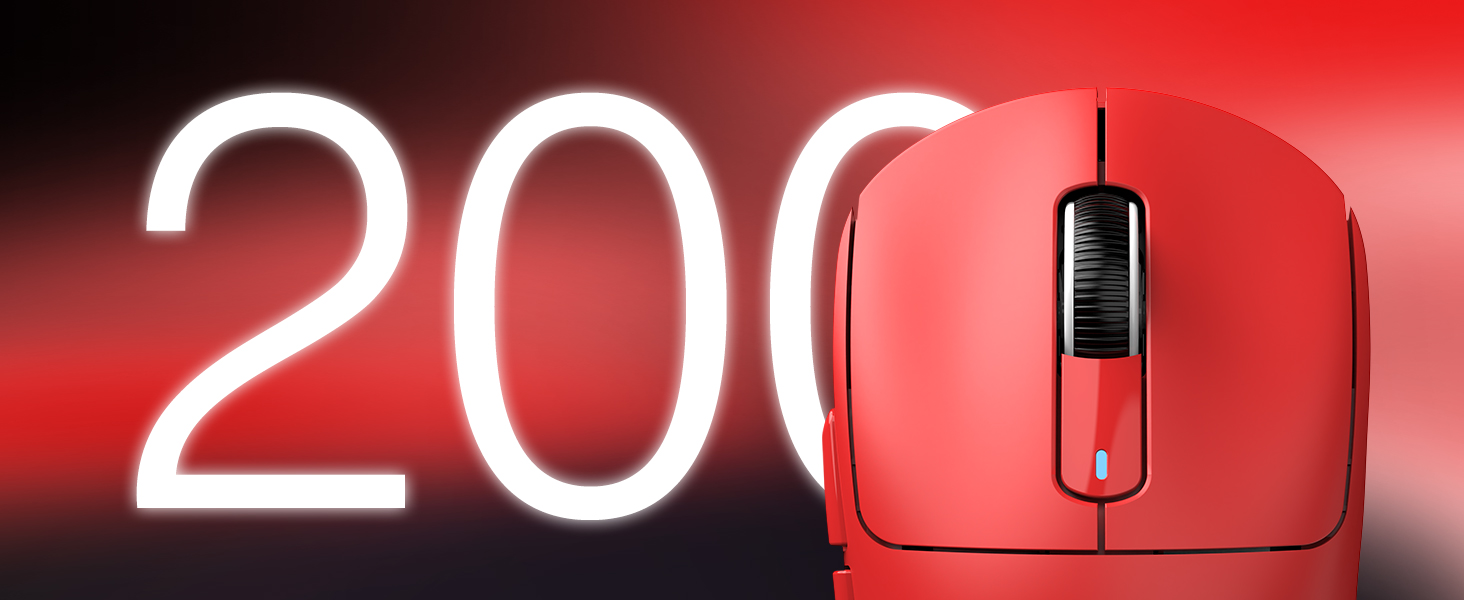
SUPER LONG USAGE TIME
Thanks to excellent power solution, X3 can offer up to 200 hours playtime.

Better feedback
ULTRA DURABLE
Over 80 million cycles by using the top-end Kailh GM 8.0 switches
Minimized Friction
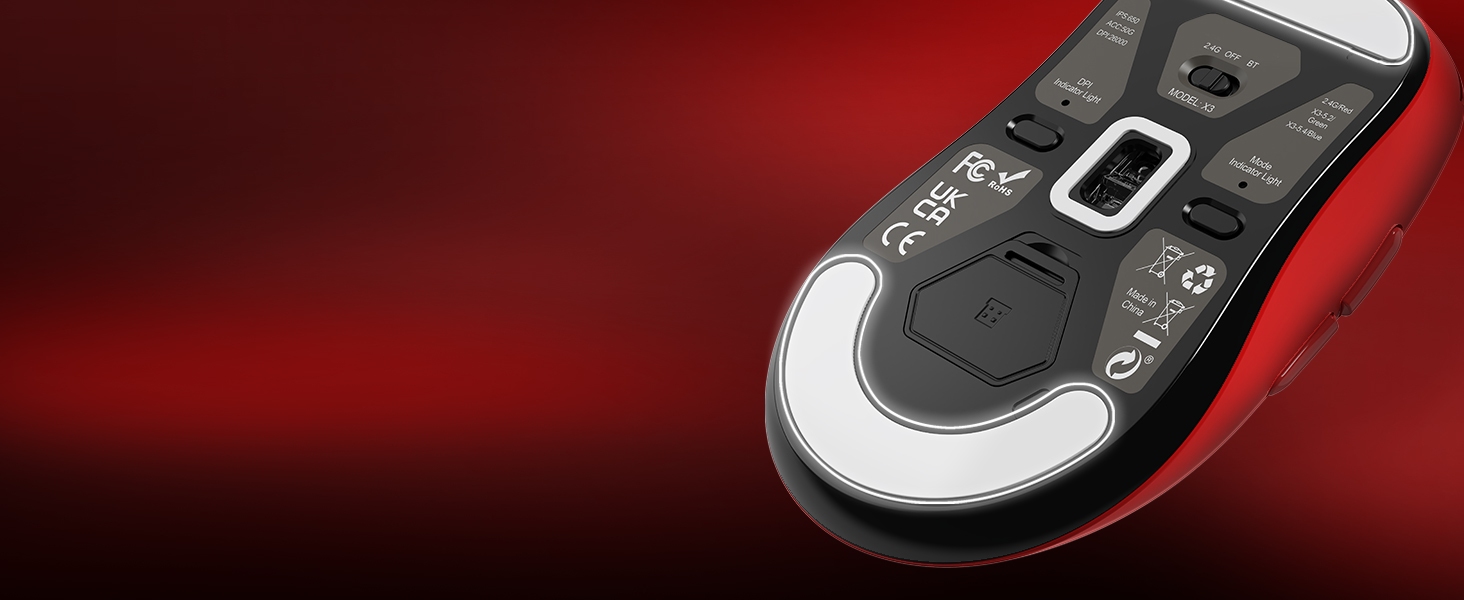
100% Virgin Grade PTFE
Give your mouse the most consistent slide ever.

ERGONOMIC DESIGN
The symmetrical ergonomics of the X3 is designed for a player’s highest demand for precision and comfort using claw, fingertip or palmgrip styles.

FULLY CUSTOMIZABLE
To program your buttons, DPI, polling rate, lift-off distance, debounce time, macros and more.
PRODUCT PARAMETER
How to use 2.4G wireless connection or wired connection?
1) 2.4G connection:
Turn the switch on the back of the mouse to 2.4G, and plug the USB receiver into the computer to use it.
2) Wired connection
Adjust the switch to "OFF" - insert the USB cable, which can be used directly and charge the mouse.
How to use Bluetooth connection?
a) Toggle the switch on the back to Bluetooth.
b) Long press the Bluetooth button for 3 seconds
b) Turn on the Bluetooth switch of the device, find the device named "X3-5.2 mouse/X3-5.4 mouse", click to connect.
How to precisely adjust the DPI value?
You can enter the required value under the DPI setting of the software and click the save button to apply it. Supporting minimum 50 DPI step setting. If you do not see the input box, please download the latest driver software.

PIXART PAW3395 FLAGSHIP SENSOR
Unrivaled precision with 1-to-1 tracking brings you absolute control, capable of 650 IPS speed, 50g acceleration, 26,000 programmable DPI and 1000hz/1ms polling rate.

49G ULTRA-LIGHTWEIGHT
A lower weight allows you to move, accelerate, and stop the mouse with more precision, making it easier than ever to track targets and hit your flicks.(The weight does not include the receiver, there is an error of ±4g)
Connect the way you like
TRI-MODE CONNECTIVITY
2.4G Wireless | Bluetooth 5.0 | Type-c Wired
Play Longer, Charge Less
SUPER LONG USAGE TIME
Thanks to excellent power solution, X3 can offer up to 200 hours playtime.
Better feedback
ULTRA DURABLE
Over 80 million cycles by using the top-end Kailh GM 8.0 switches
Minimized Friction
100% Virgin Grade PTFE
Give your mouse the most consistent slide ever.


ERGONOMIC DESIGN
The symmetrical ergonomics of the X3 is designed for a player’s highest demand for precision and comfort using claw, fingertip or palmgrip styles.
FULLY CUSTOMIZABLE
To program your buttons, DPI, polling rate, lift-off distance, debounce time, macros and more.
PRODUCT PARAMETER
| Product Model | X3 |
|---|---|
| Connection Method | 2.4Ghz Wireless/Bluetooth/USB-C Wired |
| Bluetooth Pairing Name | X3-5.2 mouse/X3-5.4 mouse |
| Sensor Model | PixArt PAW 3395 |
| Switches Model | Kailh GM8.0 Switches, 80 Million Click |
| Polling Rate | 125/250/500/1000 Hz |
| DPI | 800/1600/2400/3200/5000/26000, Programmable |
| Acceleration | 50G ACC |
| Tracking Speed | 650 IPS |
| Theoretical Battery Life | Up to 200Hrs |
| Button | 5 Programmable Buttons |
| System Support | Window7/8/10/11/Mac Os |
| Supported devices | PC, Mac, Smartphone, Tablet |
| Mouse Size | 118.5*61*39.7 mm |
| Weight | 49G |
| What's in the package | X3 Mouse *1, 2.4G Receiver *1, USB-C Cable *1, Manual *1 |
How to use 2.4G wireless connection or wired connection?
1) 2.4G connection:
Turn the switch on the back of the mouse to 2.4G, and plug the USB receiver into the computer to use it.
2) Wired connection
Adjust the switch to "OFF" - insert the USB cable, which can be used directly and charge the mouse.
How to use Bluetooth connection?
a) Toggle the switch on the back to Bluetooth.
b) Long press the Bluetooth button for 3 seconds
b) Turn on the Bluetooth switch of the device, find the device named "X3-5.2 mouse/X3-5.4 mouse", click to connect.
How to precisely adjust the DPI value?
You can enter the required value under the DPI setting of the software and click the save button to apply it. Supporting minimum 50 DPI step setting. If you do not see the input box, please download the latest driver software.





