



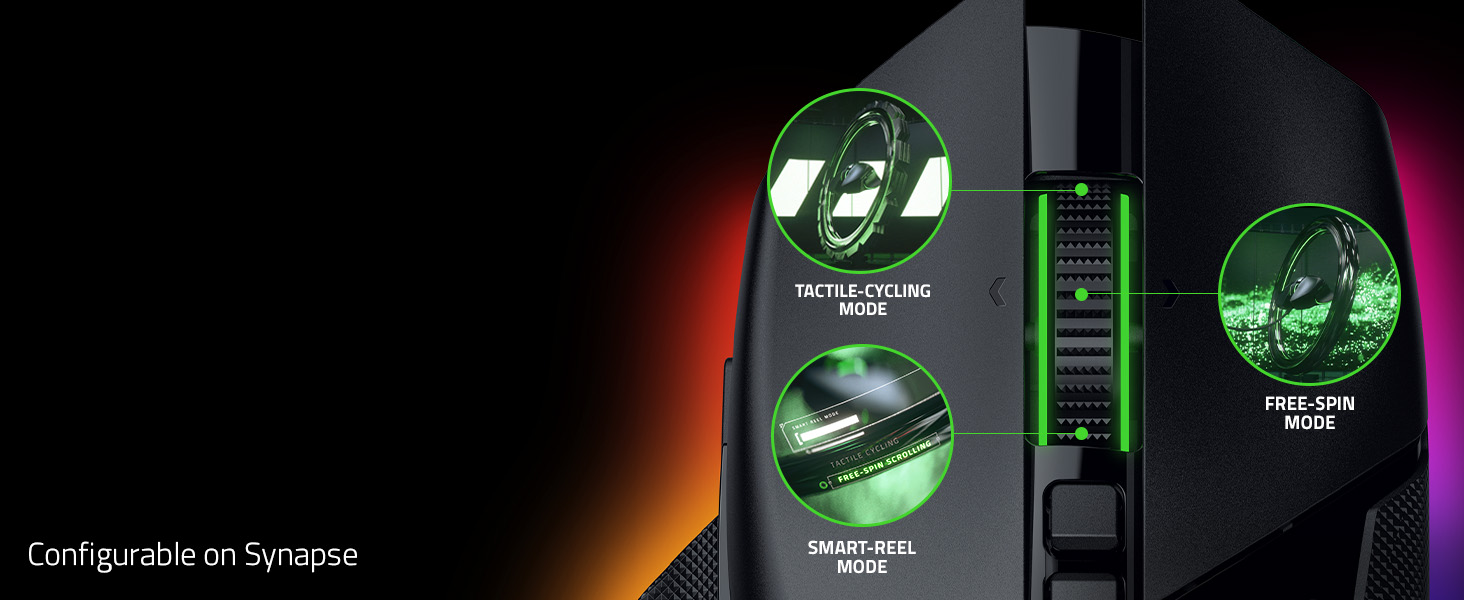
3 Scroll Wheel Modes
Enjoy tactile, free-spin, or auto-switch between both with Smart-Reel mode—configurable on Synapse
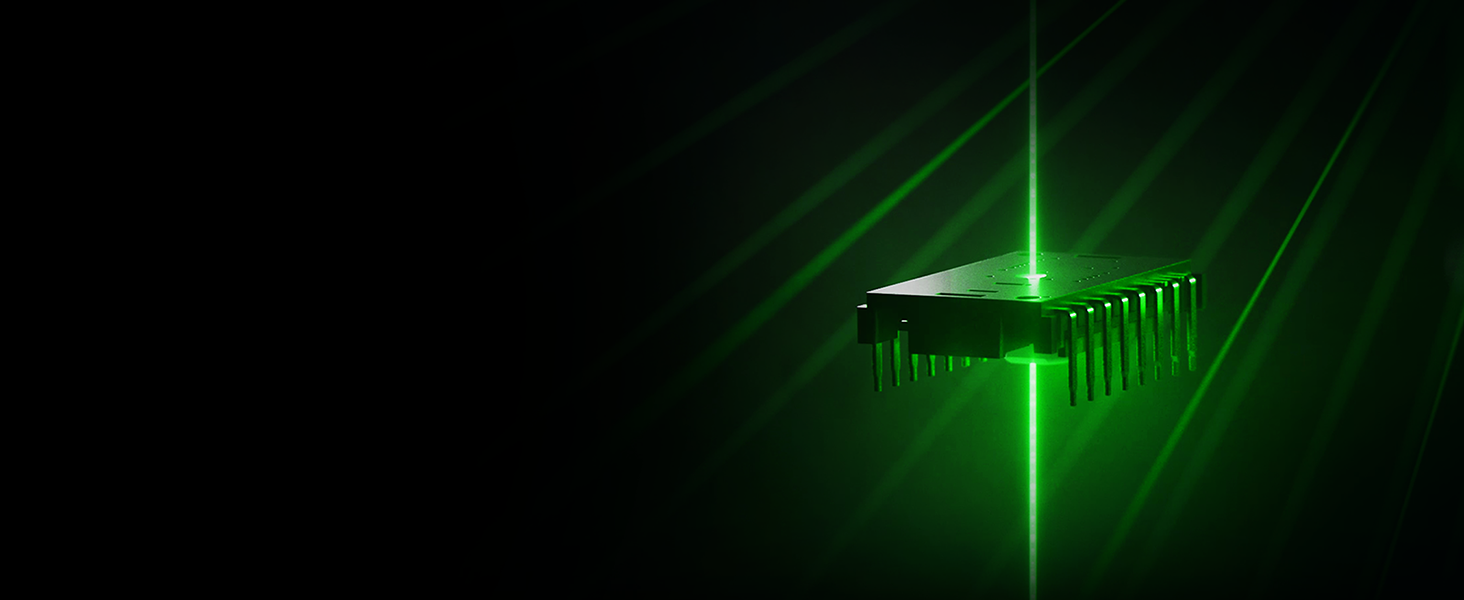
A New Class of Precision
99.8% resolution accuracy, 1 DPI-step adjustments, precise tracking on more surfaces, and more
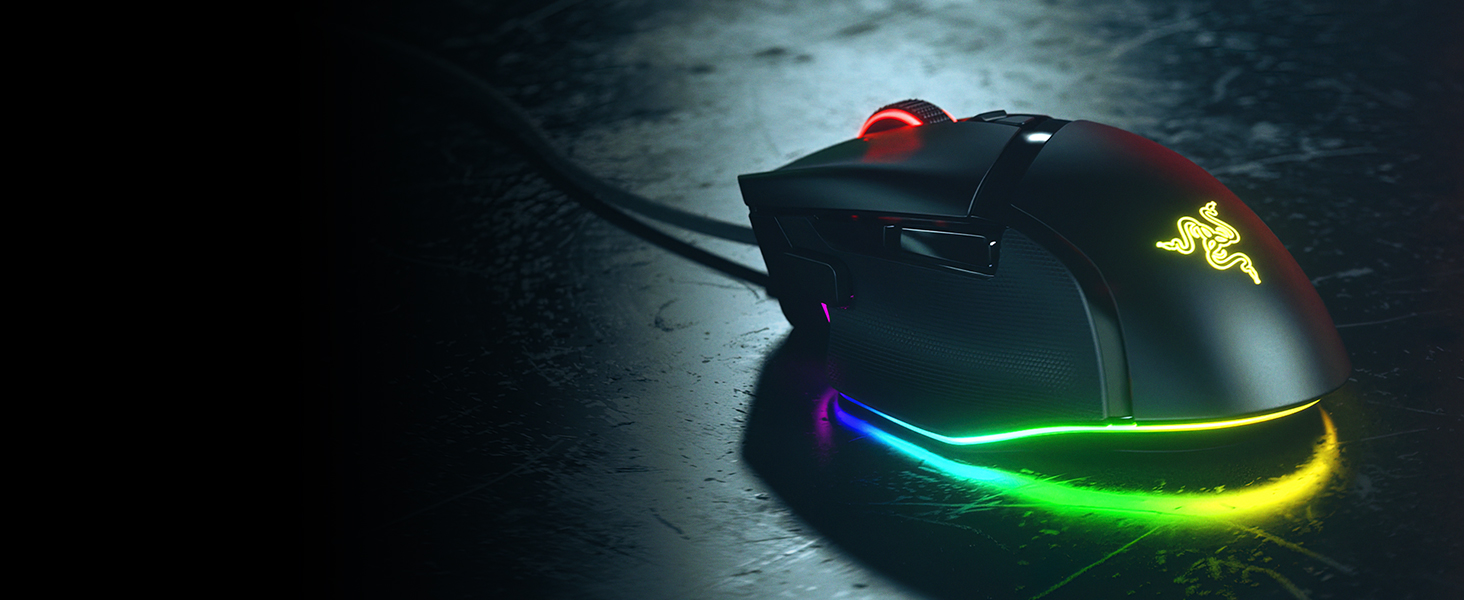
11-Zone Chroma Lighting With Full Underglow
Customize each zone from 16.8 million colors and countless lighting effects
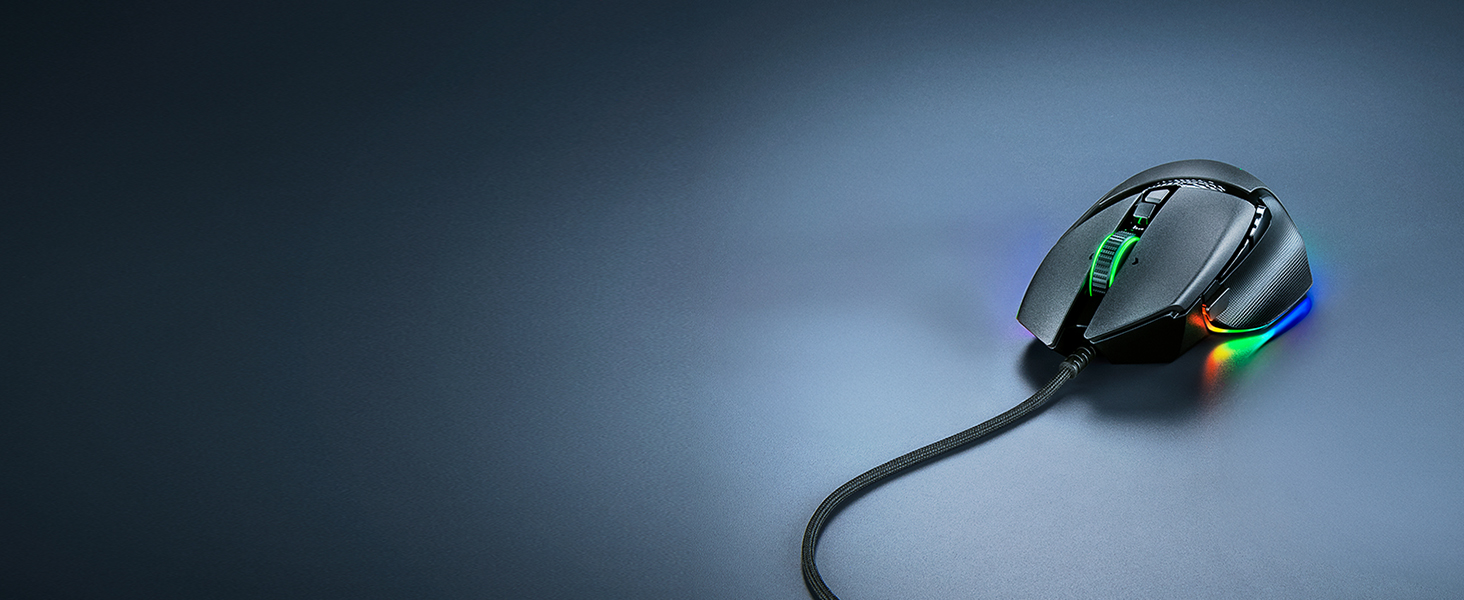
Greater Flexibility, Minimal Drag
Enjoy tighter mouse control with quicker, smoother swipes
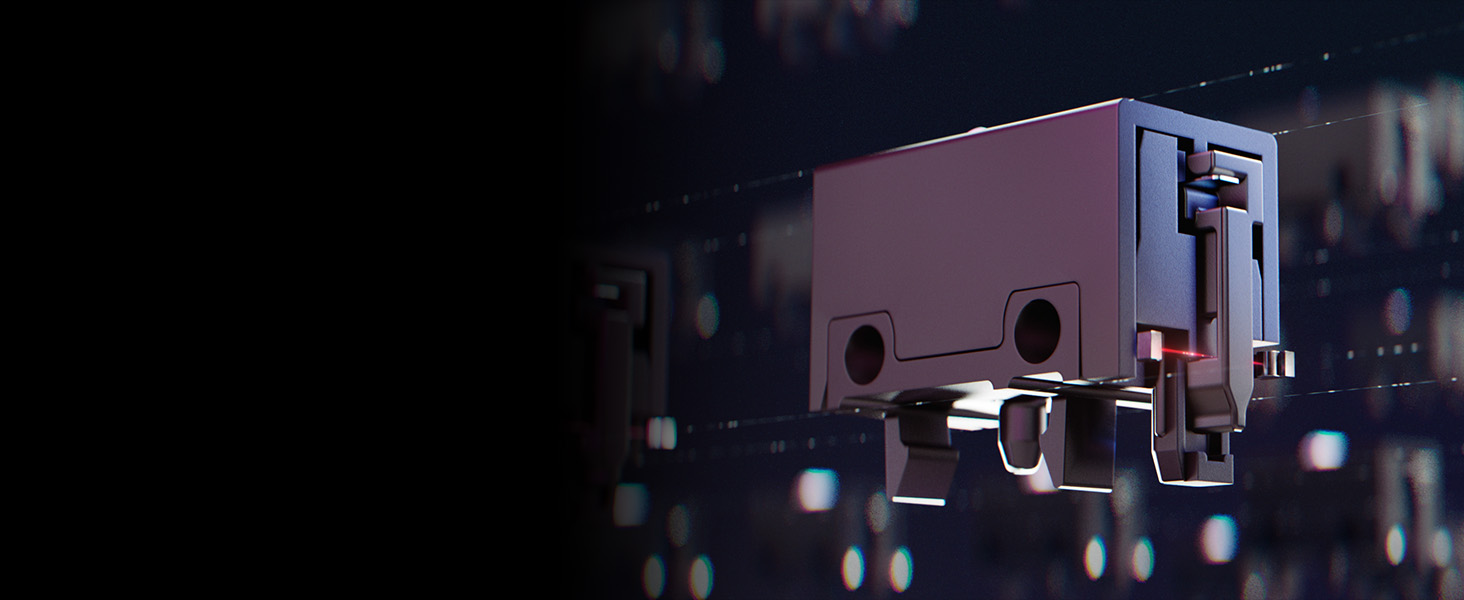
Reliable & Tactile
Lasts up to 90-million clicks, no double-clicking issues, and a more tactile feel

New Customization Features
Optimize the mouse to match your playstyle by utilizing our latest tools
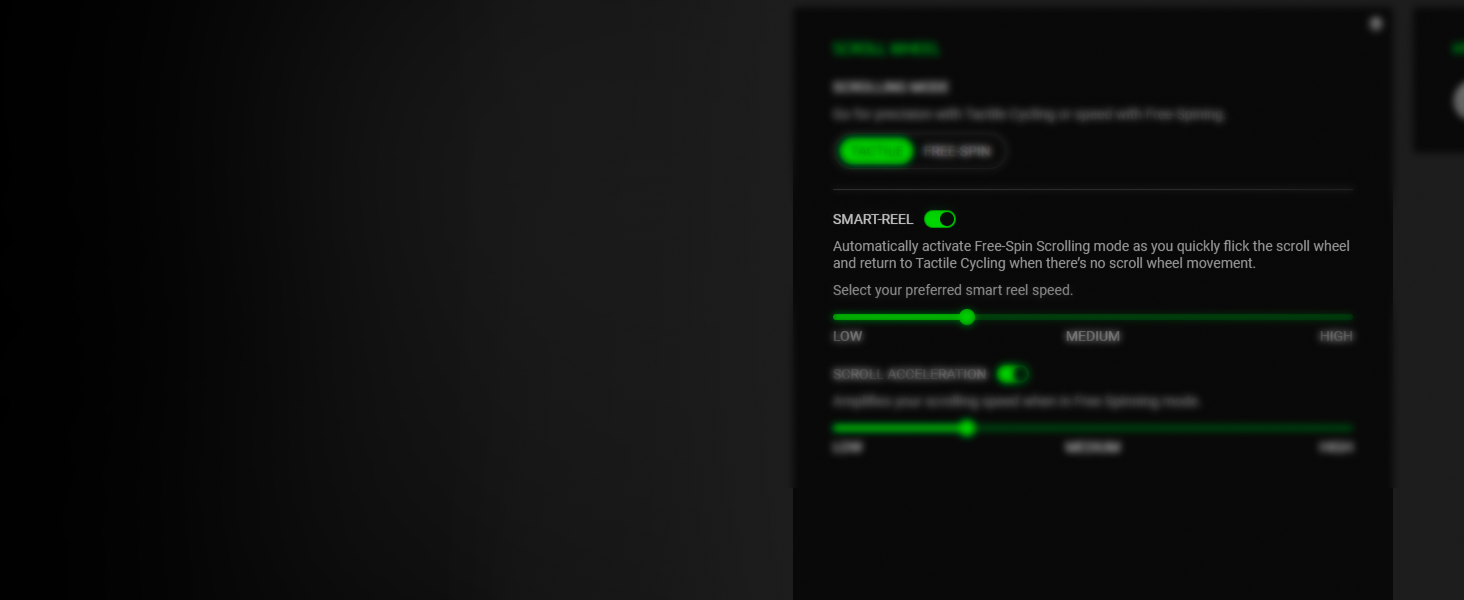
5 Levels of Adjustable Tension
Set the amount of scrolling force required to auto-switch from tactile to free-spin mode
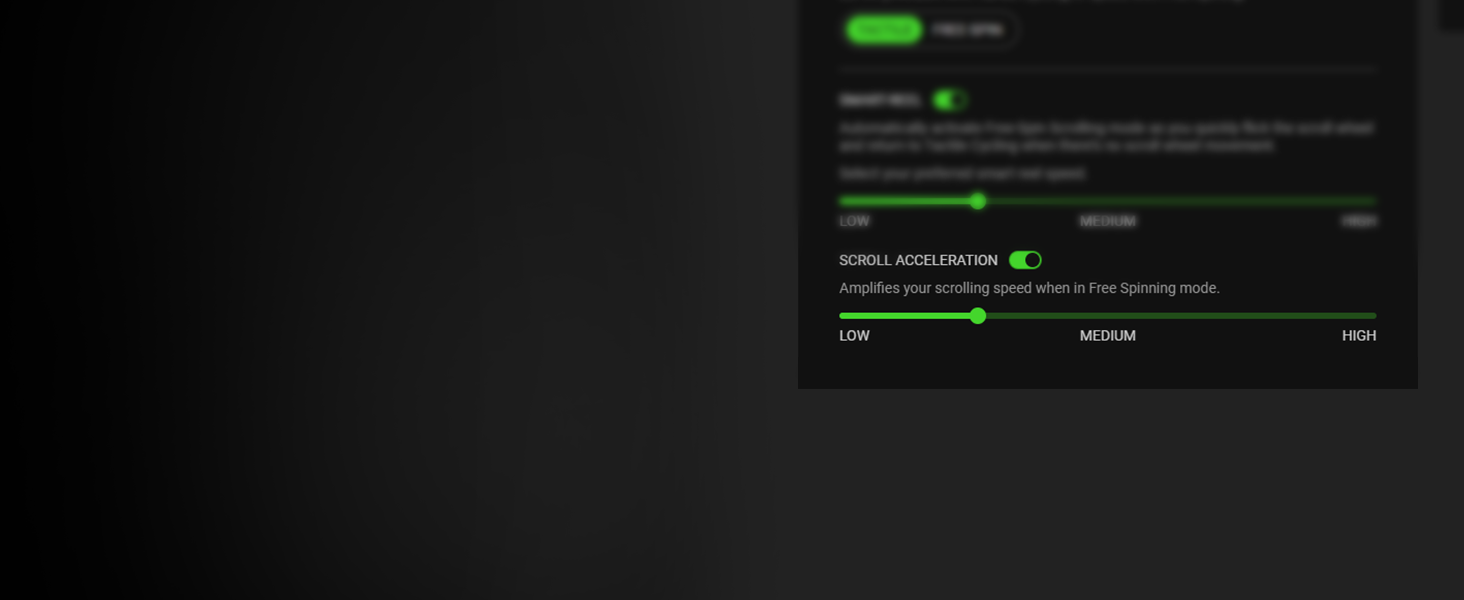
5 Levels of Scroll Acceleration
Virtually accelerate your scroll speed from a range of multipliers
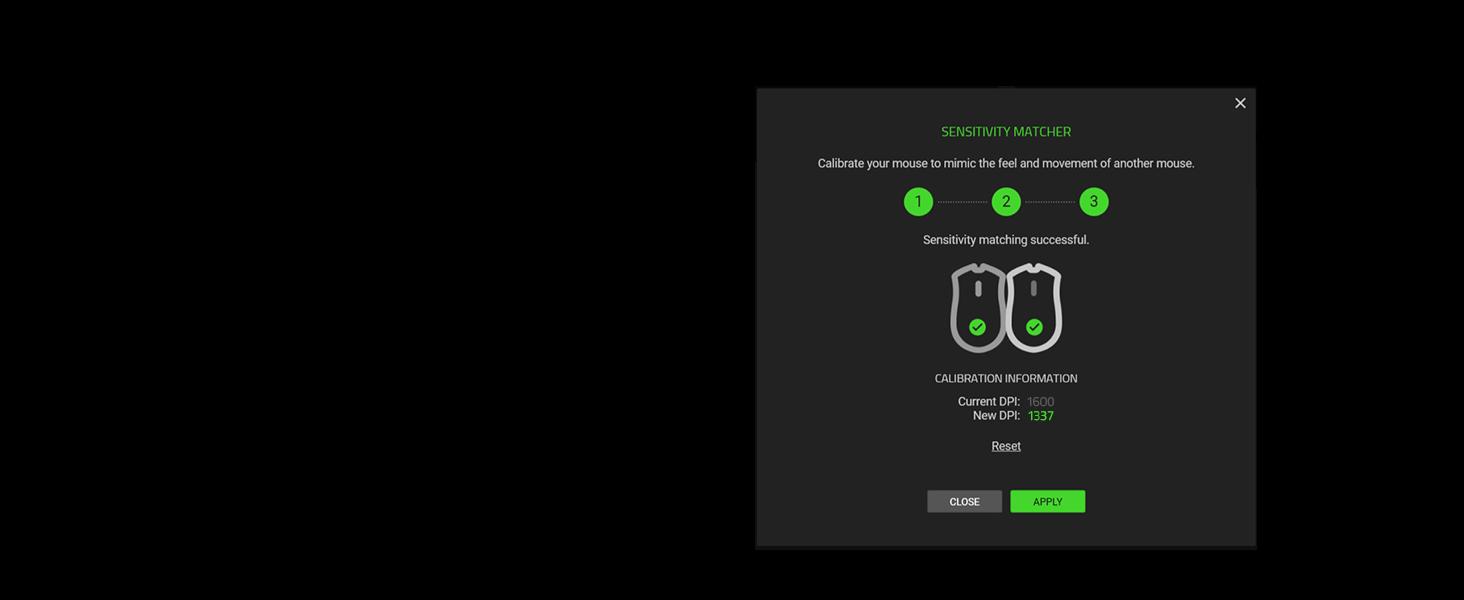
Port Over Your DPI in 3 Steps
Precisely port over the DPI settings of your current mouse to the Basilisk V3 35K

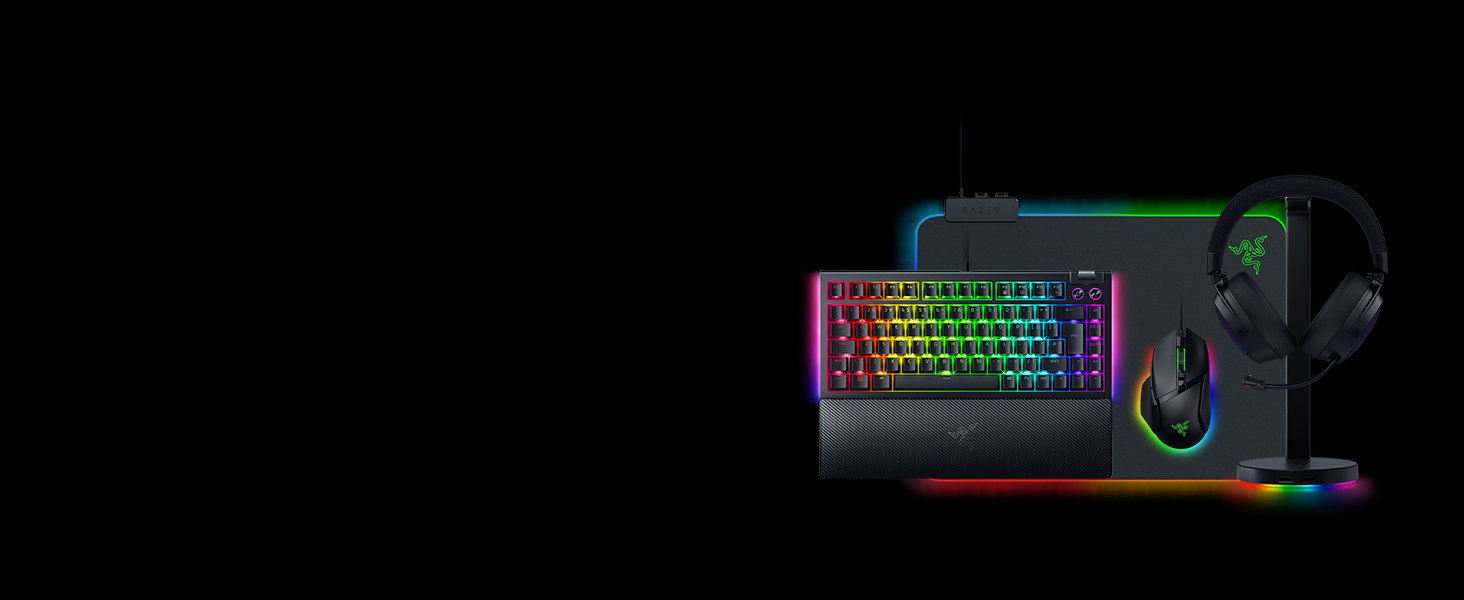
Explore Our Immersive Setup
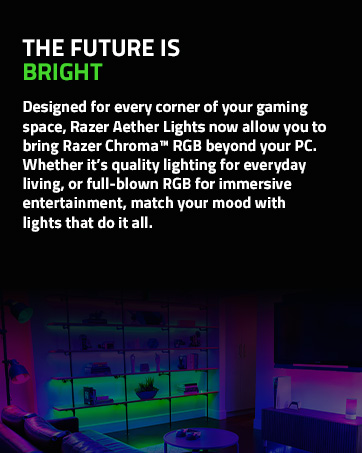
Complete your Chroma upgrade by pairing it with the perfect RGB gaming peripherals. Explore our finest selection of immersive products, designed for maximum illumination and immersion
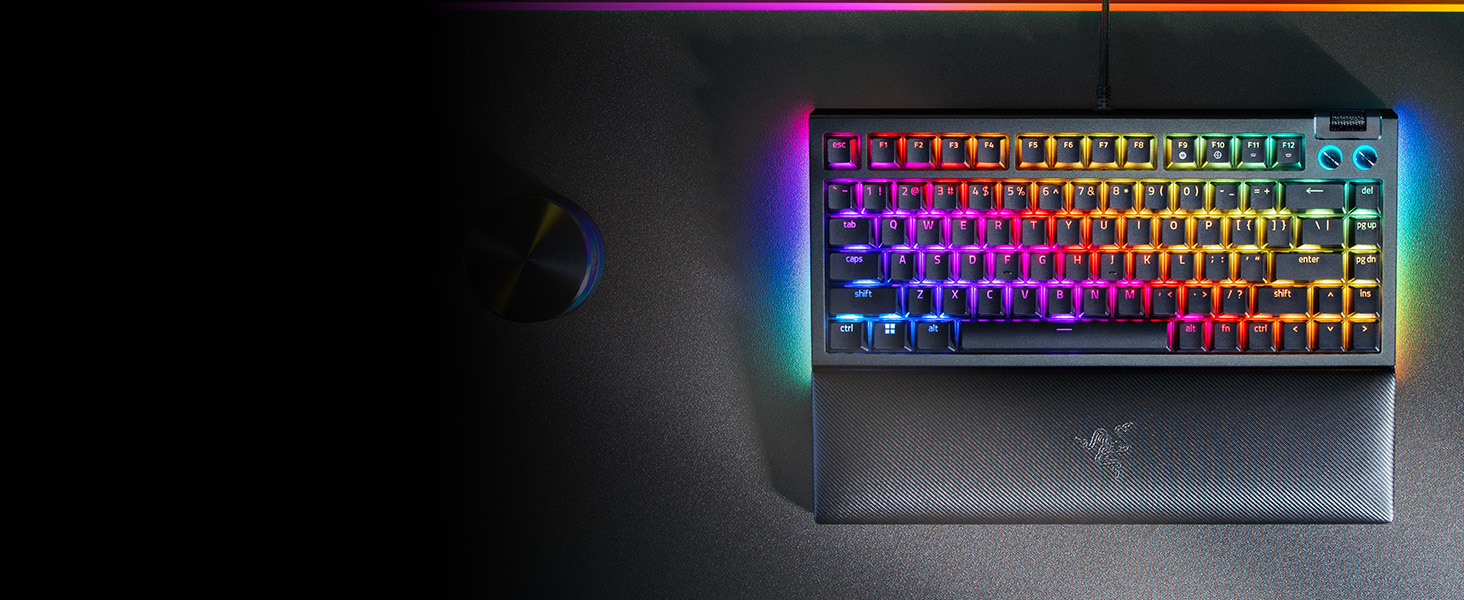
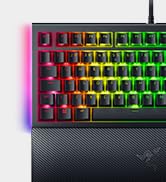
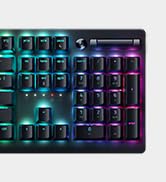
Razer BlackWidow V4 75%
Satisfy your enthusiast needs with the Razer BlackWidow V4 75%—a compact, hot-swappable mechanical keyboard powered by Razer Chroma RGB

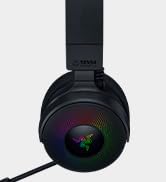
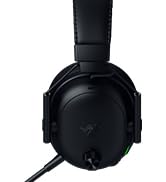
Razer Kraken V4
Unleash the limits of immersion with the Razer Kraken V4—powered by Razer Chroma RGB. Supercharged with 3 connectivity modes, a super wideband mic, and 9-zone earcup lighting

Razer Firefly V2
An ultra-thin, micro-textured mouse mat for enhanced aim, complete with all-round edge lighting powered by Razer Chroma RGB
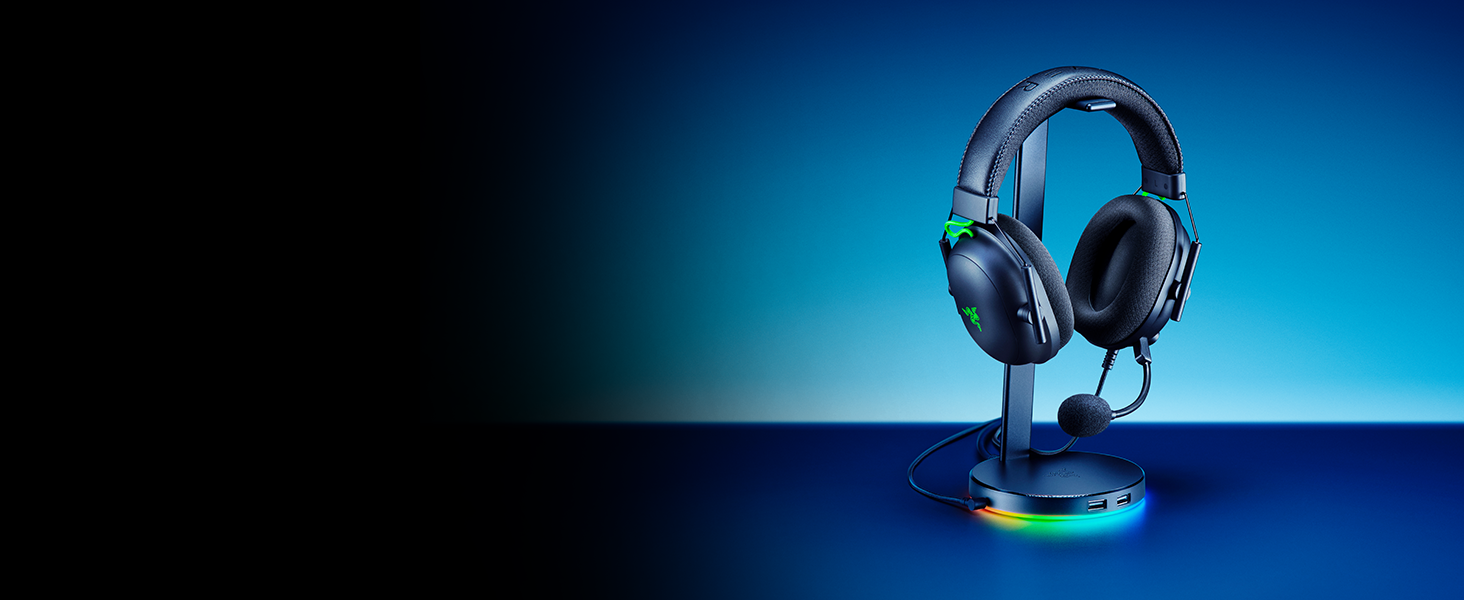
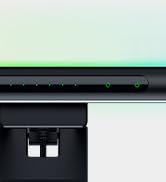
Razer Base Station V2 Chroma
Add more functionality and flair to your gaming setup with the Razer Base Station V2 Chroma, which features additional USB 3.1 SuperSpeed ports and a 3.5mm combo port
What is the form factor of the Razer Basilisk V3 35K?
The Razer Basilisk V3 35K features a unique right-handed ergonomic design with a signature thumb rest for less finger drag for smoother flicks when gaming.
How do I remap buttons and customize settings for the Razer Basilisk V3 35K?
You can configure button mappings, macros, smart-reel mode, level of scroll acceleration, lighting effects and more on Razer Synapse 4.
What are macros and how do I assign one to a Razer mouse button?
A macro is a recording that contains a series of inputs/commands. In a situation where you would normally have to press multiple buttons to execute different actions, a macro allows you to execute all these actions in sequence with just one button.
What does the button at the bottom of the Razer Basilisk V3 35K do?
By default, this button allows you to toggle across different onboard profiles saved onto your mouse. With Razer Synapse 4, you can reconfigure this like any other button on the mouse.
How can I take full advantage of the 11 programmable buttons on the Razer Basilisk V3 35K?
We highly recommend downloading Razer Synapse 4 and enabling Razer HyperShift feature that enables a secondary set of button profiles on the mouse. This means you’ll double up the inputs as if you had up to 22 buttons.







3 Scroll Wheel Modes
Enjoy tactile, free-spin, or auto-switch between both with Smart-Reel mode—configurable on Synapse
A New Class of Precision
99.8% resolution accuracy, 1 DPI-step adjustments, precise tracking on more surfaces, and more
11-Zone Chroma Lighting With Full Underglow
Customize each zone from 16.8 million colors and countless lighting effects
Greater Flexibility, Minimal Drag
Enjoy tighter mouse control with quicker, smoother swipes
Reliable & Tactile
Lasts up to 90-million clicks, no double-clicking issues, and a more tactile feel


New Customization Features
Optimize the mouse to match your playstyle by utilizing our latest tools
5 Levels of Adjustable Tension
Set the amount of scrolling force required to auto-switch from tactile to free-spin mode
5 Levels of Scroll Acceleration
Virtually accelerate your scroll speed from a range of multipliers
Port Over Your DPI in 3 Steps
Precisely port over the DPI settings of your current mouse to the Basilisk V3 35K


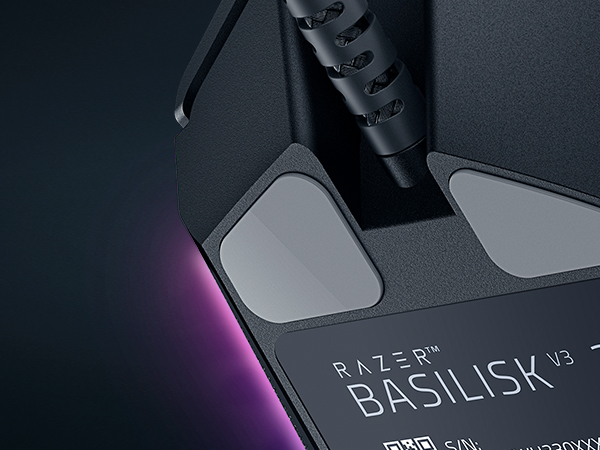
100% PTFE Mouse Feet
This customizable gaming mouse glides smoothly across any surface with mouse feet made from the purest, high grade of PTFE
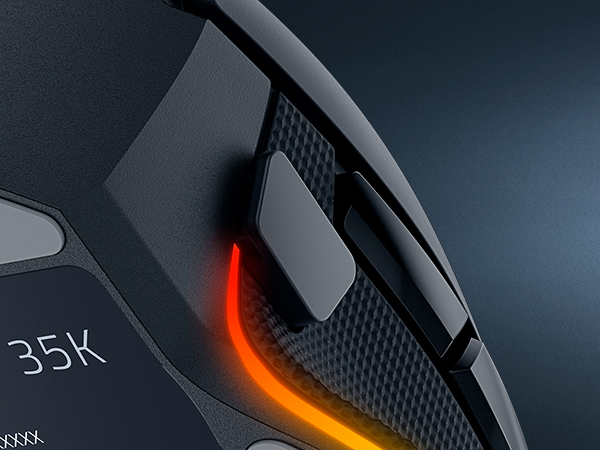
Multi-Function Trigger
Tactically positioned to offer ease of access at your fingertips — enjoy the flexibility of assigning either simple keymaps, item hotkeys, spells or any other in-game commands you need
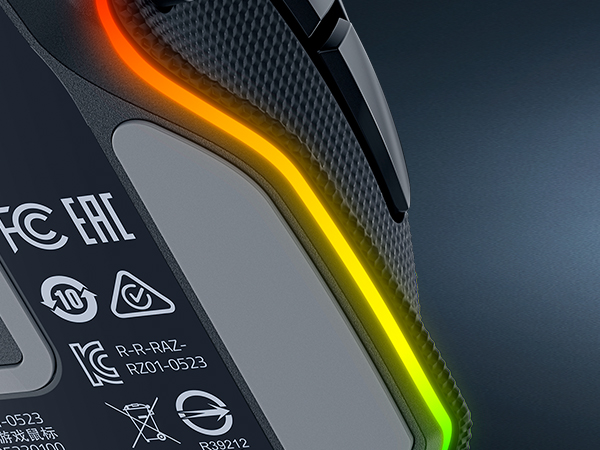
Iconic Ergonomic Design With Thumb Rest
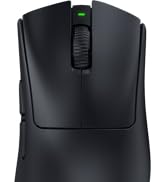
Favored by millions worldwide, the mouse’s ergonomic form factor perfectly supports your hand while its buttons are optimally positioned for quick and easy access
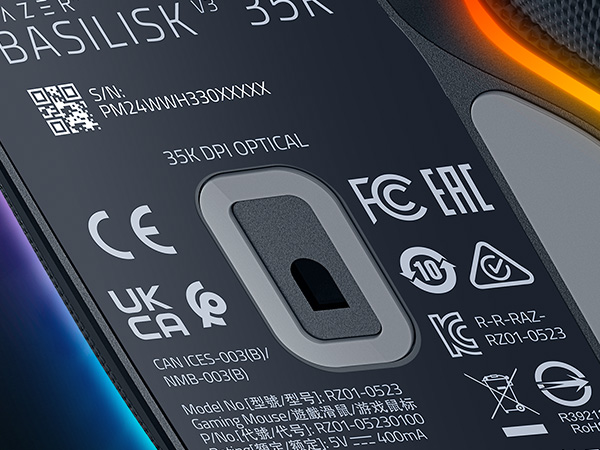
Razer Optical Mouse Switches Gen-3
With switches that clock in at a blistering 0.2ms actuation speed for up to 90 million clicks, you can expect nothing but crisp, responsive performance with zero misclicks
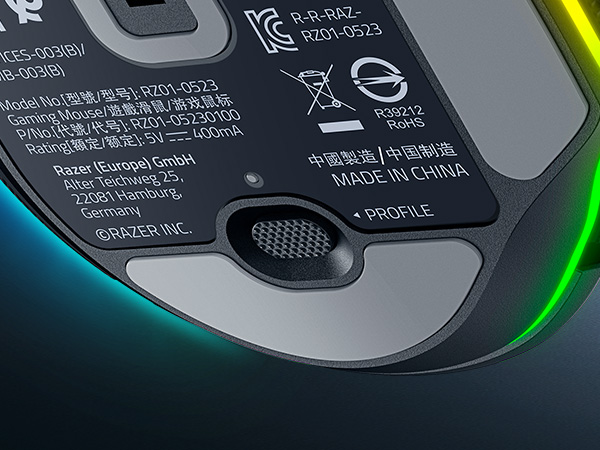
Bottom Profile Button
Seamlessly switch between any of your custom button profiles via a programmable button underneath the mouse for optimized performance with every game and task
Explore Our Immersive Setup
Razer BlackWidow V4 75%
Razer Kraken V4
Razer Firefly V2
Razer Base Station V2 Chroma


Complete your Chroma upgrade by pairing it with the perfect RGB gaming peripherals. Explore our finest selection of immersive products, designed for maximum illumination and immersion
Satisfy your enthusiast needs with the Razer BlackWidow V4 75%—a compact, hot-swappable mechanical keyboard powered by Razer Chroma RGB
Unleash the limits of immersion with the Razer Kraken V4—powered by Razer Chroma RGB. Supercharged with 3 connectivity modes, a super wideband mic, and 9-zone earcup lighting
An ultra-thin, micro-textured mouse mat for enhanced aim, complete with all-round edge lighting powered by Razer Chroma RGB
Add more functionality and flair to your gaming setup with the Razer Base Station V2 Chroma, which features additional USB 3.1 SuperSpeed ports and a 3.5mm combo port
What is the form factor of the Razer Basilisk V3 35K?
The Razer Basilisk V3 35K features a unique right-handed ergonomic design with a signature thumb rest for less finger drag for smoother flicks when gaming.
How do I remap buttons and customize settings for the Razer Basilisk V3 35K?
You can configure button mappings, macros, smart-reel mode, level of scroll acceleration, lighting effects and more on Razer Synapse 4.
What are macros and how do I assign one to a Razer mouse button?
A macro is a recording that contains a series of inputs/commands. In a situation where you would normally have to press multiple buttons to execute different actions, a macro allows you to execute all these actions in sequence with just one button.
What does the button at the bottom of the Razer Basilisk V3 35K do?
By default, this button allows you to toggle across different onboard profiles saved onto your mouse. With Razer Synapse 4, you can reconfigure this like any other button on the mouse.
How can I take full advantage of the 11 programmable buttons on the Razer Basilisk V3 35K?
We highly recommend downloading Razer Synapse 4 and enabling Razer HyperShift feature that enables a secondary set of button profiles on the mouse. This means you’ll double up the inputs as if you had up to 22 buttons.
Powered by Razer Chroma
Gamer Room
Sustainability





