



Main advantages
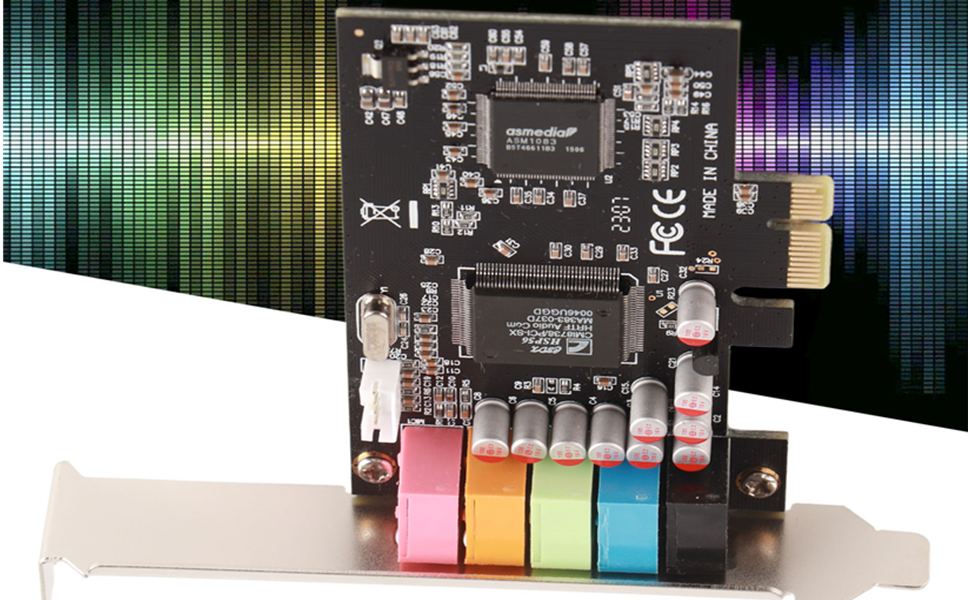
- Using CMI8738 5.1 multi-channel sound chip.
- Support 6-channel surround sound output.
- Support DLS sound library technology.
- Support A3D 1.0 and DS3D.
- Compatible with DirectSound 3D and EAX sound.
- Compliant with PCI-Express x1 specification revision 1.1.
- Sound sampling rate 24 bit, 48 KHz, support playback and recording.
- Supports front L/R, surround L/R, center/subwoofer, S/PDIF-Out.
- Eliminates noise balancing function when powering off or on the computer.
Product parameters
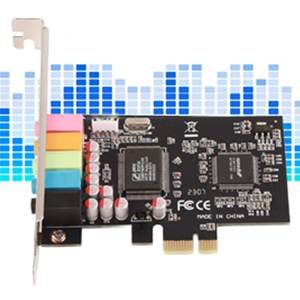
- Name: Computer PCI-E sound card
- Material: PCB
- Color: black board
- Sound chip: CMI8738
- Adapter type: PCI-E to 3.5mm * 5
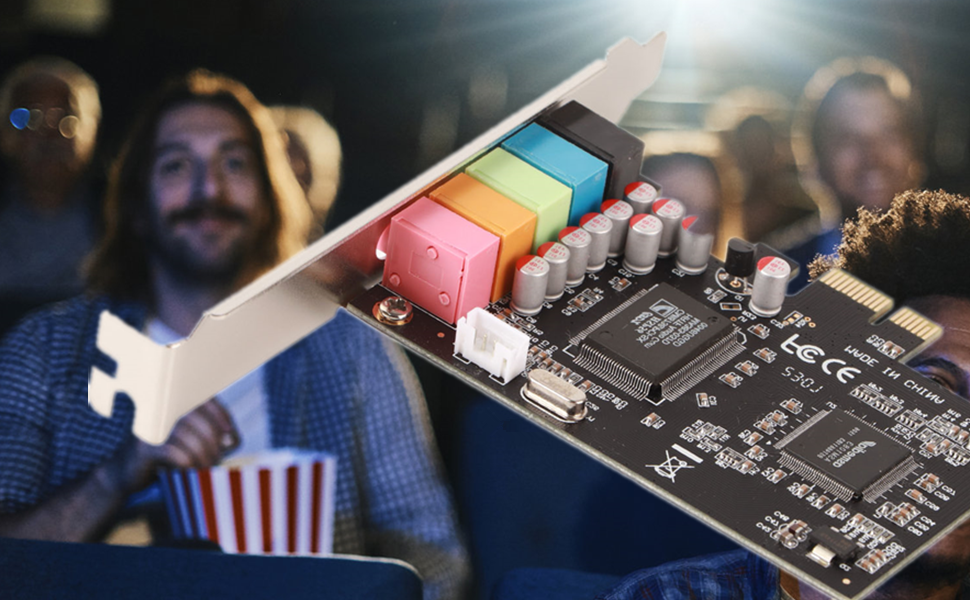
Provide surround sound field with clear sound quality, suitable for home theater, large 3D games, enjoy music and other entertainment.
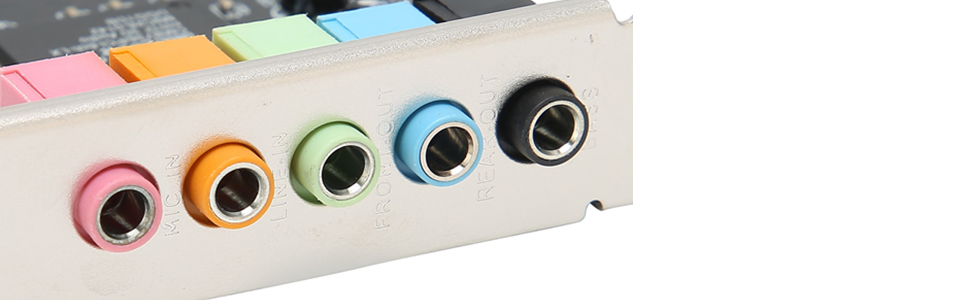
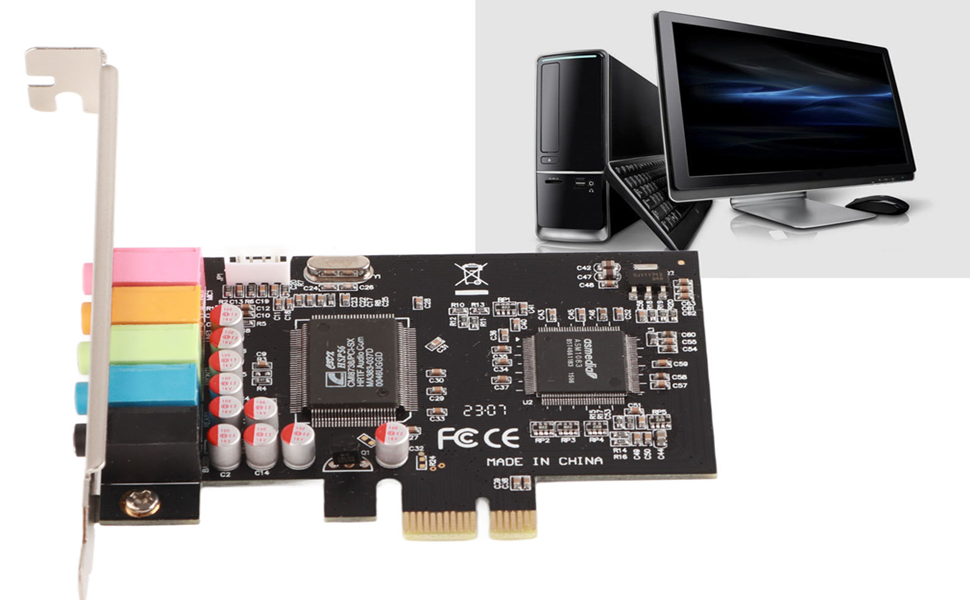
- Pink port: Microphone input
- Orange port: Line input
- Green port: Front output
- Blue port: rear output
- Black port: Bass
Instructions for use:
1. Open the computer case and remove the rear baffle
2. Insert the sound card into the corresponding PCI-Expres slot
3. Install the chassis after the boot, read the driver disk, install the driver can be used
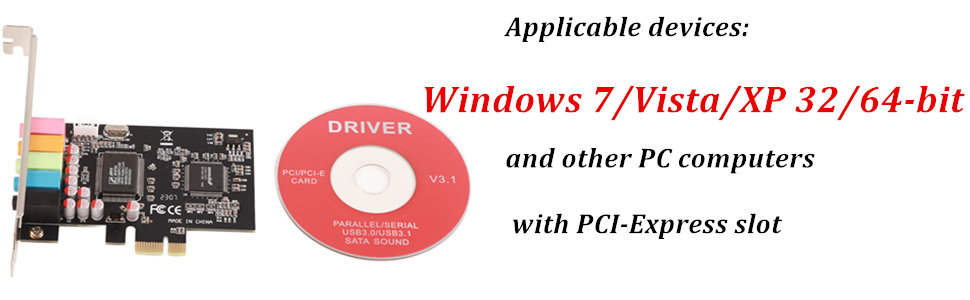
Applicable devices: System support Windows 7/Vista/XP 32/64-bit and other PC computers with PCI-Express slot
Main advantages
- Using CMI8738 5.1 multi-channel sound chip.
- Support 6-channel surround sound output.
- Support DLS sound library technology.
- Support A3D 1.0 and DS3D.
- Compatible with DirectSound 3D and EAX sound.
- Compliant with PCI-Express x1 specification revision 1.1.
- Sound sampling rate 24 bit, 48 KHz, support playback and recording.
- Supports front L/R, surround L/R, center/subwoofer, S/PDIF-Out.
- Eliminates noise balancing function when powering off or on the computer.
Product parameters
- Name: Computer PCI-E sound card
- Material: PCB
- Color: black board
- Sound chip: CMI8738
- Adapter type: PCI-E to 3.5mm * 5
Provide surround sound field with clear sound quality, suitable for home theater, large 3D games, enjoy music and other entertainment.
- Pink port: Microphone input
- Orange port: Line input
- Green port: Front output
- Blue port: rear output
- Black port: Bass
Instructions for use:
1. Open the computer case and remove the rear baffle
2. Insert the sound card into the corresponding PCI-Expres slot
3. Install the chassis after the boot, read the driver disk, install the driver can be used
Applicable devices: System support Windows 7/Vista/XP 32/64-bit and other PC computers with PCI-Express slot





