


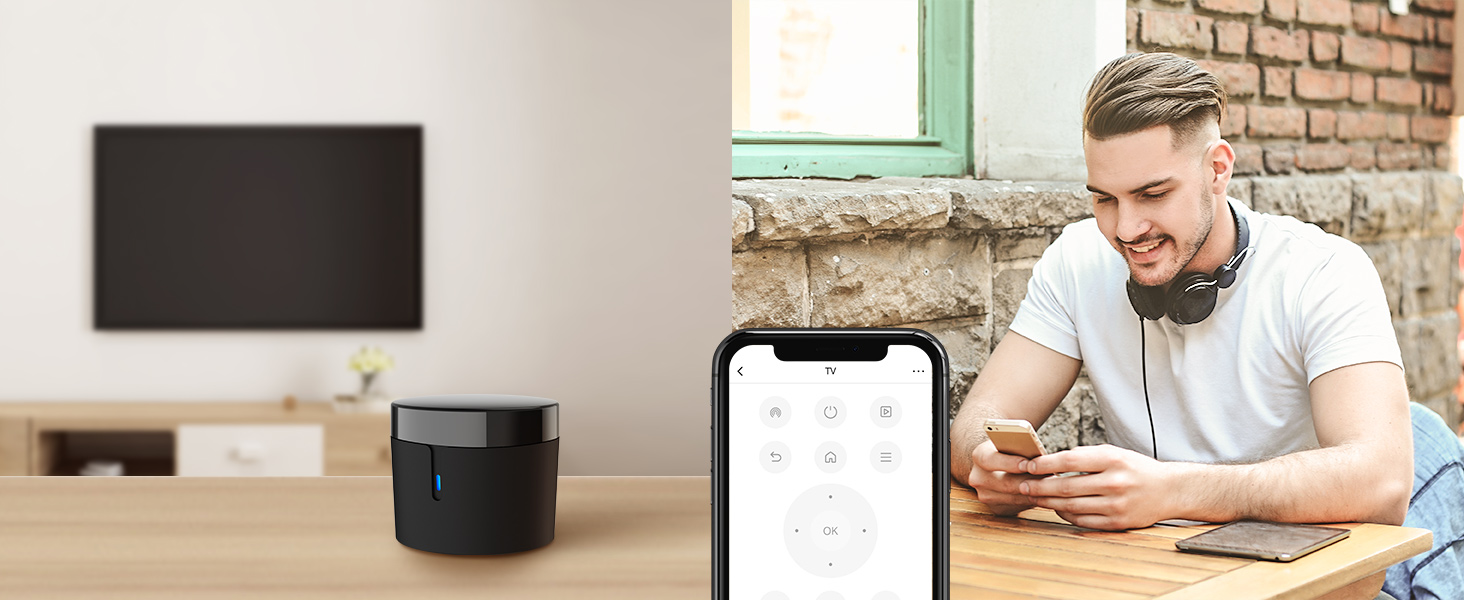
Control from Anywhere
By using the BroadLink app, remotely control the 38kHz IR devices no matter you are at home or away!
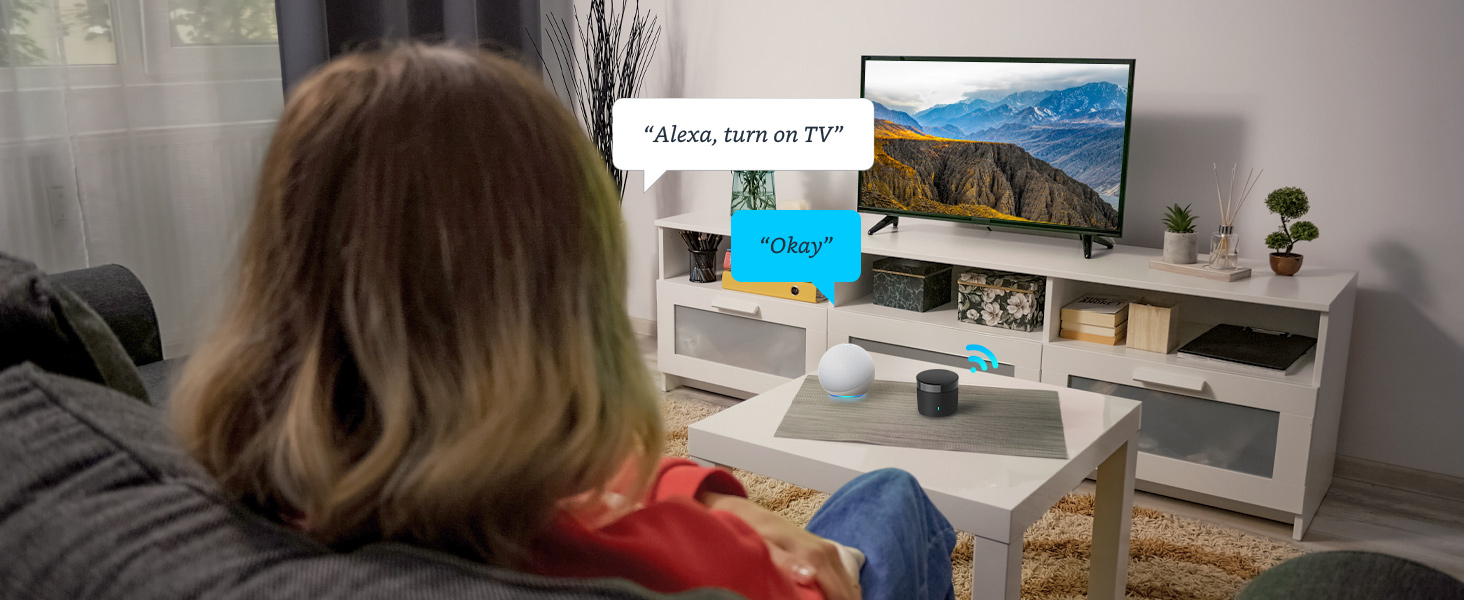
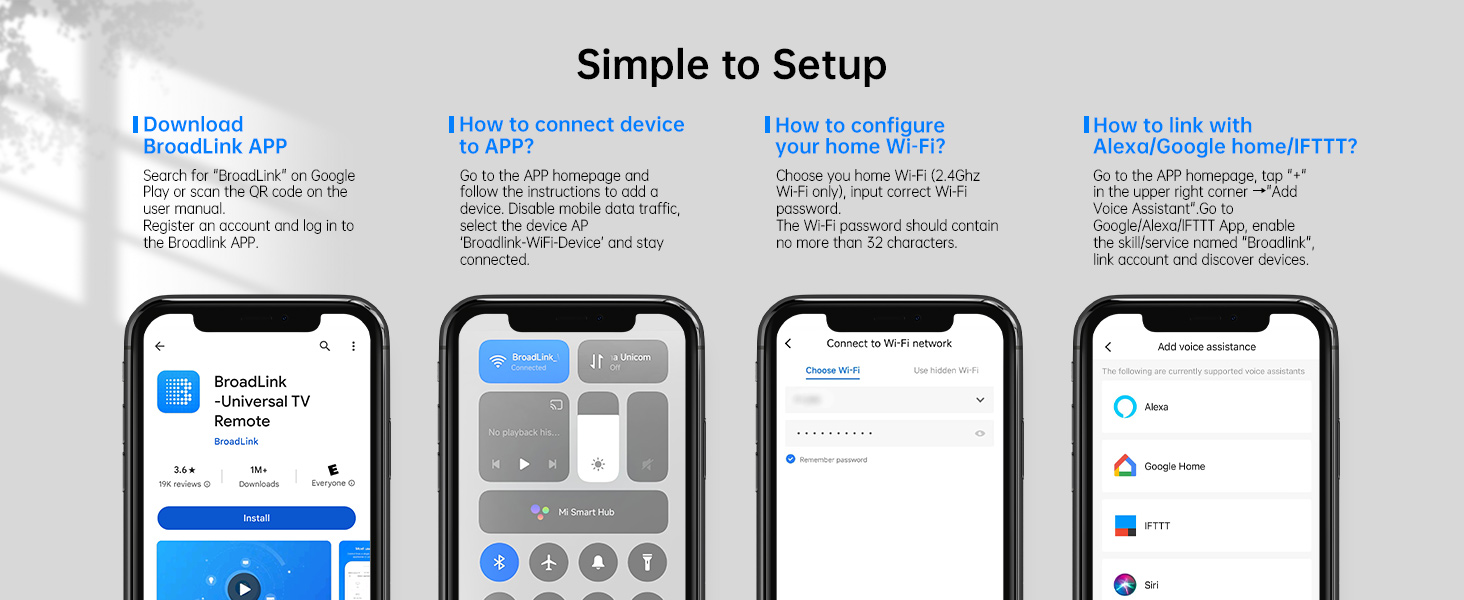
Works with Alexa, Google Assistant and IFTTT
Works with Alexa/Google Assistant to control of your IR appliances by saying "Alexa, turn on TV"!
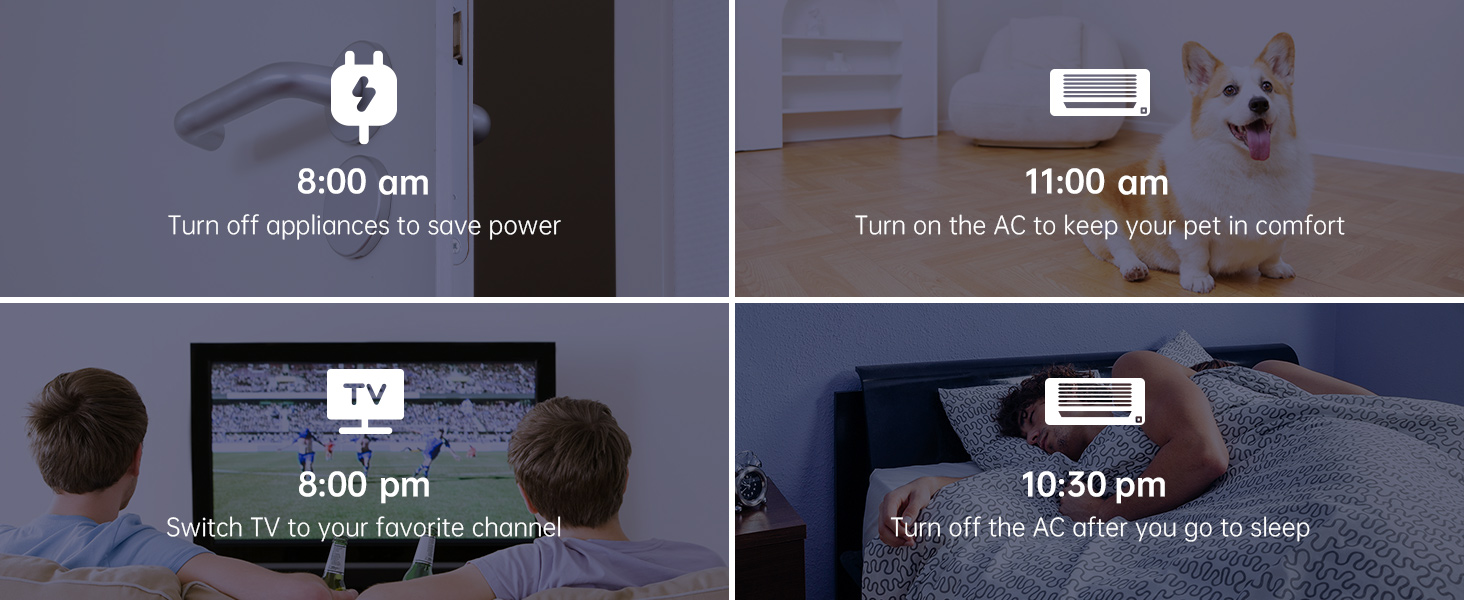
Timer Control
Schedule a timer to make your infrared device work!
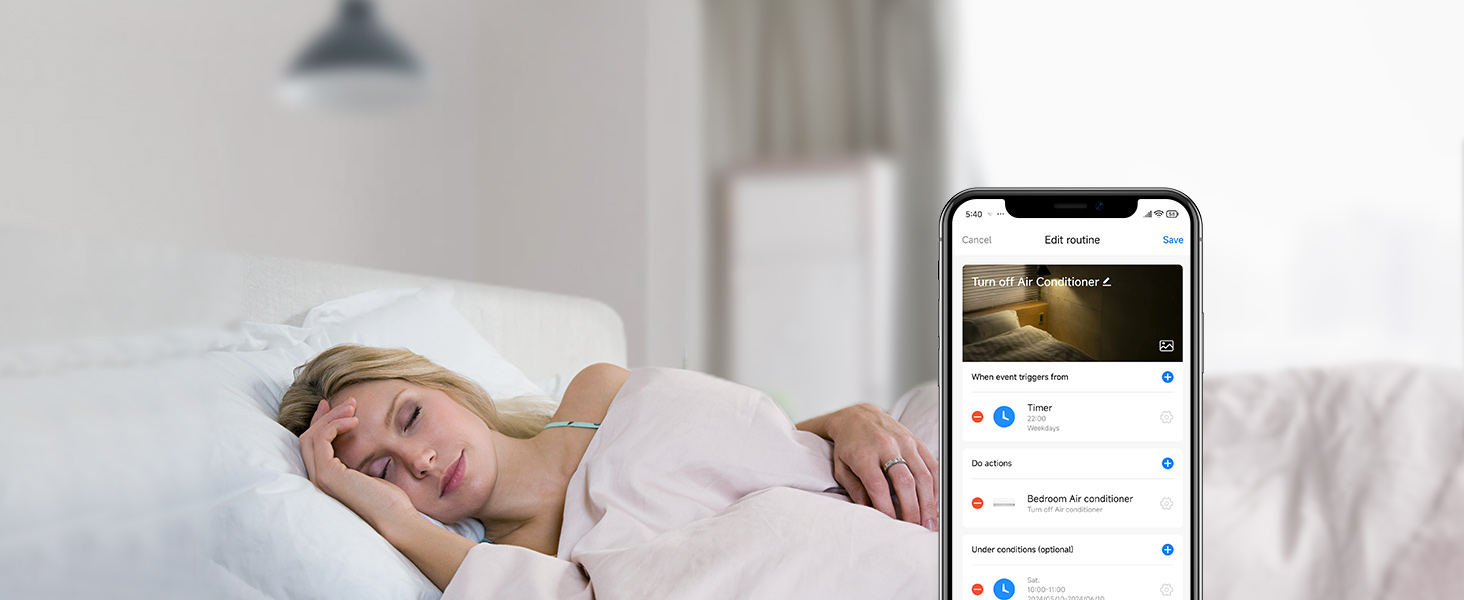
Customize Different Scenes
A simple tap to start preset scene, or automatically interact with other BroadLink devices!
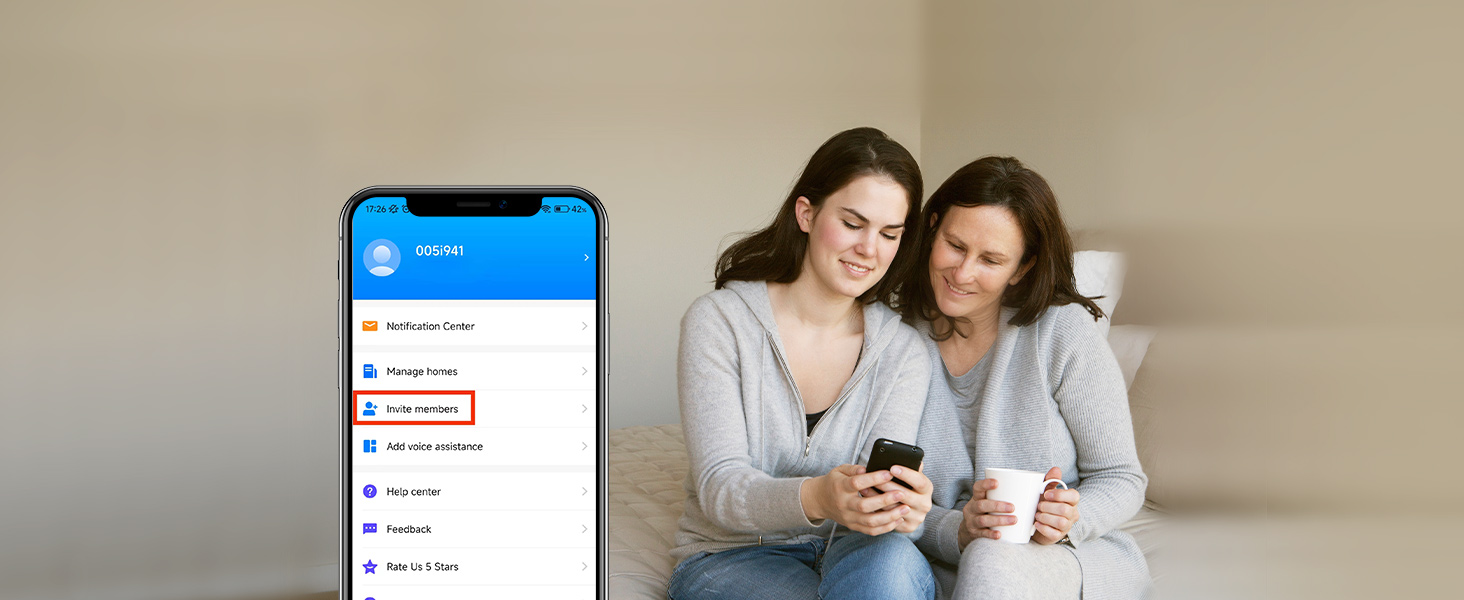
Share Joy with Family
Simply share your device with other family members with limited permissions!
Broadlink Bulid Your Life
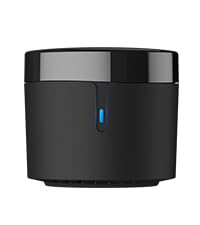 Broadlink RM4 Mini | 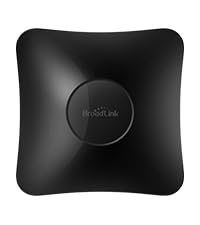 Broadlink RM4 Pro | 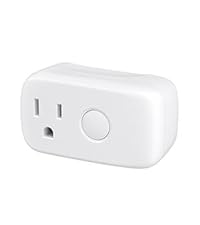 Broadlink Smart Plug | 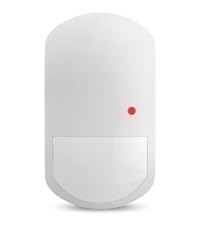 Smart Motion Sensor | 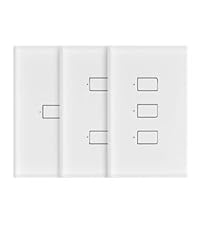 Broadlink Light Switch | |
|---|---|---|---|---|---|
Customer Reviews | — | — | — | — | — |
Price | — | — | — | — | — |
Application | Control IR (38Khz) TV, AC | Control IR/RF TV, AC, curtain | Any Outlet | Motion Detection | Smart Light Switch |
WiFi Enabled Remote Control | ? | ? | ? | ? | ? |
"NoAPP" Setup | ? | ? | ? | ? | ? |
No Hub Required | ? | ? | ? | ? | ? |
Works with Alexa with IFTTT | ? | ? | ? | ? | ? |
Works with Google Assistant | ? | ? | ? | ? | ? |
Routine Automation | ? | ? | ? | ? | ? |
Works with 5GWiFi/Mesh Network | ? | ? | ? | ? | ? |
Why can't I connect to WiFi?
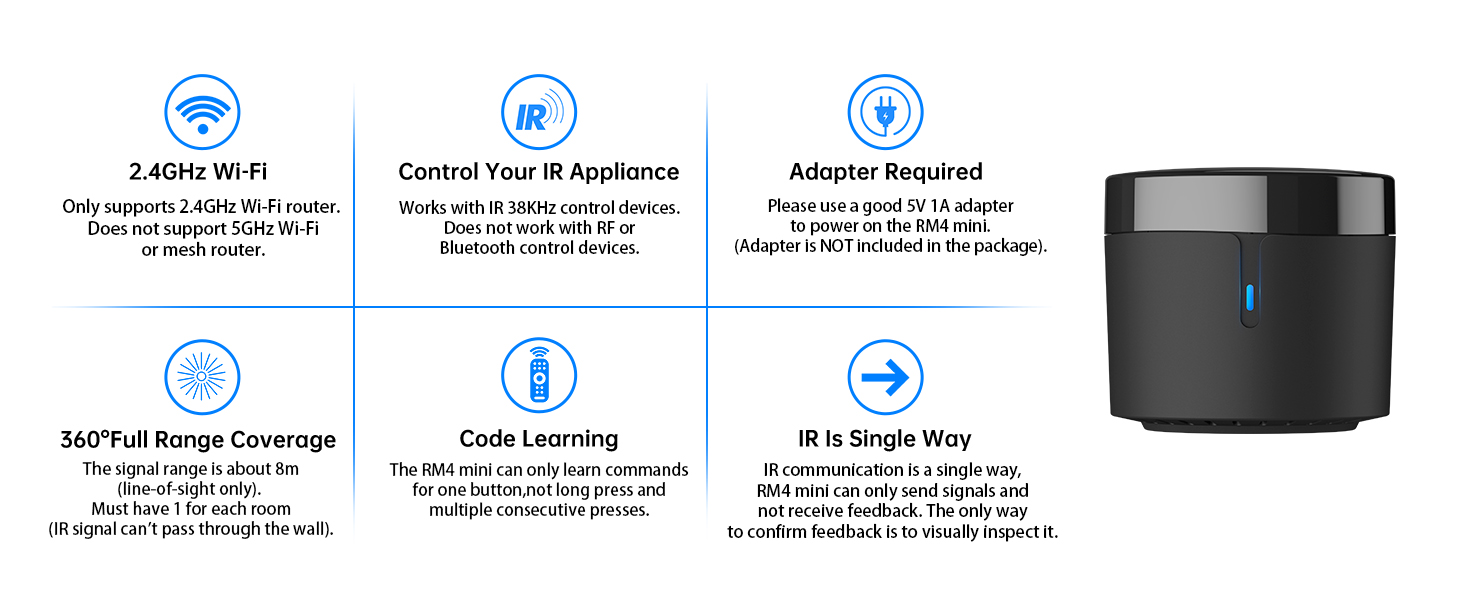
1) The Wi-Fi signal is not 2.4GHz but 5Ghz or a 2.4G/5G mixed, and BroadLink can only support 2.4GHz WIFI;
2) The SSID and Password of the Wi-Fi exceed 32 characters or contain special characters (not ASCII)
How do I know if my Wi-Fi signal is 2.4Ghz or not?
It is recommended to check the router settings, usually the router's Wi-Fi settings will show the Wi-Fi relevant information.
How do I know if my appliances are compatible?
Generally speaking, if it is 38kHz infrared remote control device, our products can learn and control. However, it should be noted that our product does not support Bluetooth signals, so it cannot work with Bluetooth remote control.
The signal is too weak? I can't find the signal.
IR signal can’t transmitted through obstacle. There should be no block between the devices and RM4 mini when use it. You should place it at the right signal covering range.
Where can I get help if the product doesn't work?
If the product does not work, in the BroadLink App, tap "Me" - "Contact", to get our professional support directly.
How to know if the remote control is IR/Bluetooth/RF?
Please check the instructions or instruction manual for your appliance, which is usually clearly informed.
If there is no instruction or use manual, the way you can recognize it is:
1) The infrared remote control comes with an infrared emitter, which can be found at the top of the remote control. You need to point the emitter at the device when remote controlling it;
2) Bluetooth remote control does not have an infrared transmitter (crystal head), and The Bluetooth remote control generally needs to be matched with the device before it is used for the first time in order to work properly. When used, it does not need to be aimed at the device;
3) RF remote control is generally used to control devices with motors such as roller shutters, curtains, ceiling fans, etc., and does not need to be aimed at the device; RF remote control will generally be clearly labeled on the remote control with the frequency of the radio frequency.
Attetion:
1) There should be no block between the devices and RM4 mini when use it. IR signal can’t transmitted through obstacle. It could not work with RF and Bluetooth remote control devices
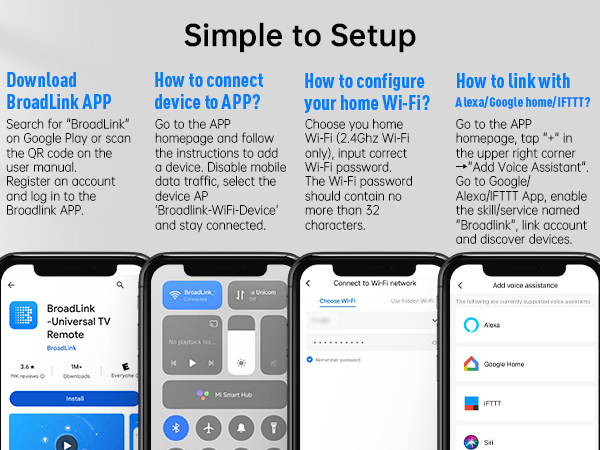
2) Make sure your phone is connected to 2.4GHz Wi-Fi network before adding device (5GHz is not supported). The Wi-Fi password should contain no more than 32 characters and no special characters. Mesh network is not supported


About Us
Founded in 2013, BroadLink is dedicated to revolutionizing smart home control, offering a convenient and intelligent lifestyle to over 2 million customers worldwide. Our innovative solutions allow users to control their appliances from anywhere, at anytime, using their smartphones.
We are at the forefront of bringing the smart home into a new era, making smart living more accessible than ever.
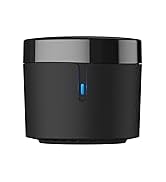
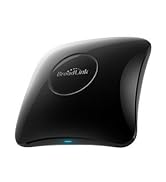
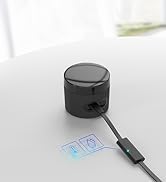
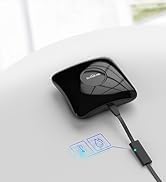
Broadlink Smart Remote Control
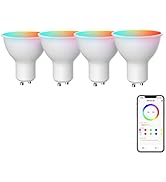
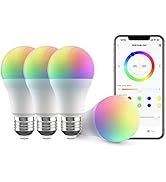
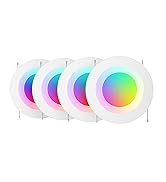
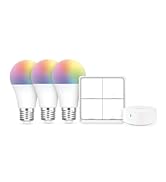
Broadlink FastCon Light Bulbs
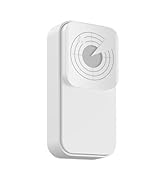
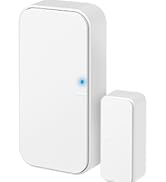
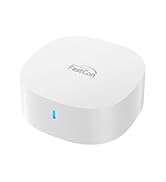
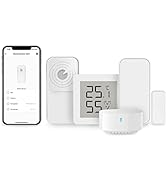
Broadlink FastCon Smart Sensor
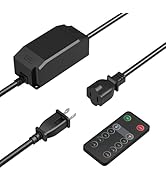
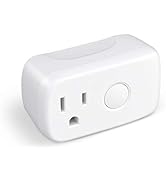
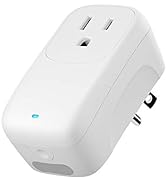
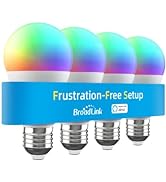
Broadlink More Products
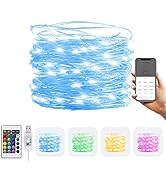
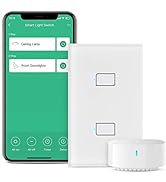
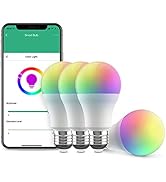
Broadlink More Products
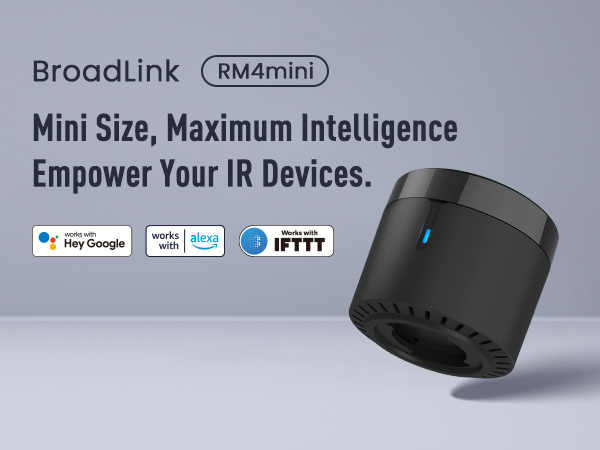
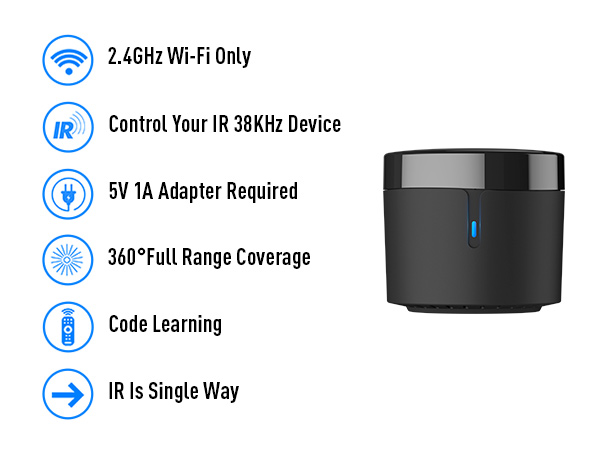
Control from Anywhere
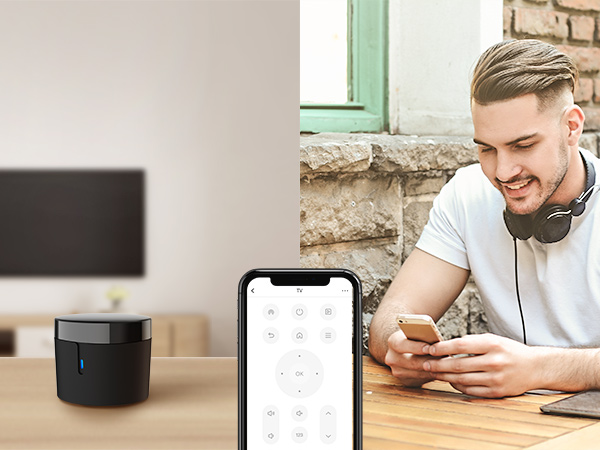
By using the BroadLink app, remotely control the 38kHz IR devices no matter you are at home or away!
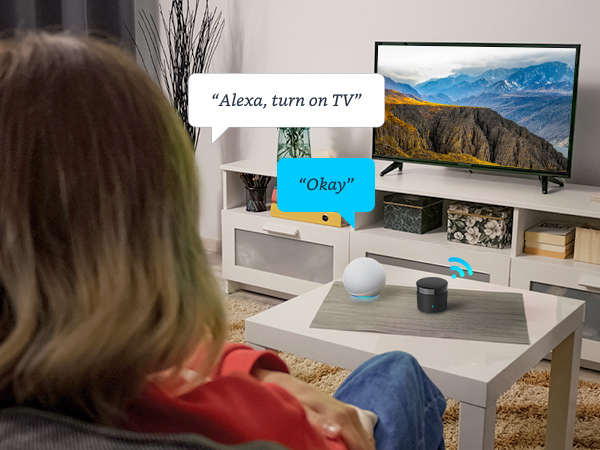
Works with Alexa, Google Assistant and IFTTT
Works with Alexa/Google Assistant to control of your IR appliances by saying "Alexa, turn on TV"!
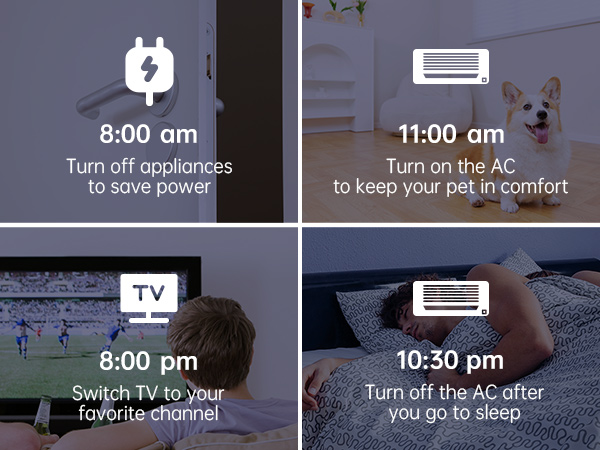
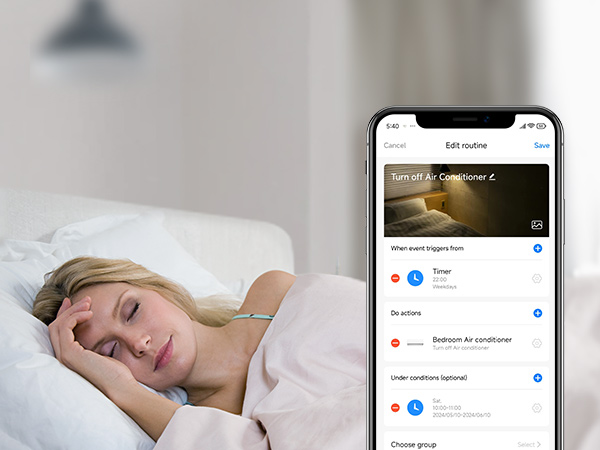
Timer Control
Schedule a timer to make your infrared device work!
Customize Different Scenes
A simple tap to start preset scene, or automatically interact with other BroadLink devices!
Share Joy with Family
Simply share your device with other family members with limited permissions!

Broadlink Bulid Your Life
Broadlink RM4 Mini | Broadlink RM4 Pro | 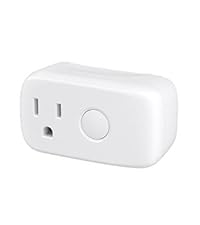 Broadlink Smart Plug | Smart Motion Sensor | Broadlink Light Switch |
|---|---|---|---|---|
| Customer Reviews | ||||
| — | — | — | — | — |
| Price | ||||
| — | — | — | — | — |
| Application | ||||
| Control IR (38Khz) TV, AC | Control IR/RF TV, AC, curtain | Any Outlet | Motion Detection | Smart Light Switch |
| WiFi Enabled Remote Control | ||||
| ? | ? | ? | ? | ? |
| "NoAPP" Setup | ||||
| ? | ? | ? | ? | ? |
| No Hub Required | ||||
| ? | ? | ? | ? | ? |
| Works with Alexa with IFTTT | ||||
| ? | ? | ? | ? | ? |
| Works with Google Assistant | ||||
| ? | ? | ? | ? | ? |
| Routine Automation | ||||
| ? | ? | ? | ? | ? |
| Works with 5GWiFi/Mesh Network | ||||
| ? | ? | ? | ? | ? |
Why can't I connect to WiFi?
1) The Wi-Fi signal is not 2.4GHz but 5Ghz or a 2.4G/5G mixed, and BroadLink can only support 2.4GHz WIFI;
2) The SSID and Password of the Wi-Fi exceed 32 characters or contain special characters (not ASCII)
How do I know if my Wi-Fi signal is 2.4Ghz or not?
It is recommended to check the router settings, usually the router's Wi-Fi settings will show the Wi-Fi relevant information.
How do I know if my appliances are compatible?
Generally speaking, if it is 38kHz infrared remote control device, our products can learn and control. However, it should be noted that our product does not support Bluetooth signals, so it cannot work with Bluetooth remote control.
The signal is too weak? I can't find the signal.
IR signal can’t transmitted through obstacle. There should be no block between the devices and RM4 mini when use it. You should place it at the right signal covering range.
Where can I get help if the product doesn't work?
If the product does not work, in the BroadLink App, tap "Me" - "Contact", to get our professional support directly.
How to know if the remote control is IR/Bluetooth/RF?
Please check the instructions or instruction manual for your appliance, which is usually clearly informed.
If there is no instruction or use manual, the way you can recognize it is:
1) The infrared remote control comes with an infrared emitter, which can be found at the top of the remote control. You need to point the emitter at the device when remote controlling it;
2) Bluetooth remote control does not have an infrared transmitter (crystal head), and The Bluetooth remote control generally needs to be matched with the device before it is used for the first time in order to work properly. When used, it does not need to be aimed at the device;
3) RF remote control is generally used to control devices with motors such as roller shutters, curtains, ceiling fans, etc., and does not need to be aimed at the device; RF remote control will generally be clearly labeled on the remote control with the frequency of the radio frequency.
Attetion:
1) There should be no block between the devices and RM4 mini when use it. IR signal can’t transmitted through obstacle. It could not work with RF and Bluetooth remote control devices
2) Make sure your phone is connected to 2.4GHz Wi-Fi network before adding device (5GHz is not supported). The Wi-Fi password should contain no more than 32 characters and no special characters. Mesh network is not supported
About Us
Founded in 2013, BroadLink is dedicated to revolutionizing smart home control, offering a convenient and intelligent lifestyle to over 2 million customers worldwide. Our innovative solutions allow users to control their appliances from anywhere, at anytime, using their smartphones.
We are at the forefront of bringing the smart home into a new era, making smart living more accessible than ever.
Broadlink Smart Remote Control
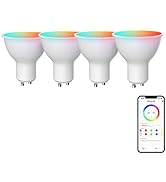
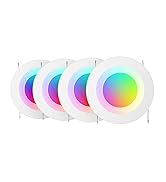
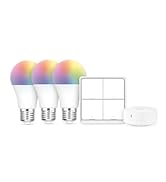
Broadlink FastCon Light Bulbs
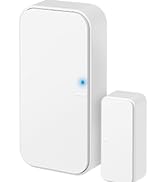
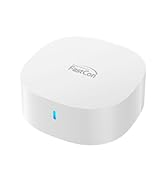
Broadlink FastCon Smart Sensor
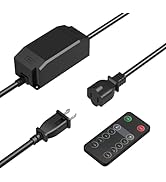
Broadlink More Products
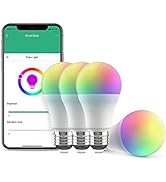
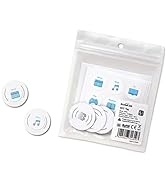
Broadlink More Products





