
Built-in USB Connection
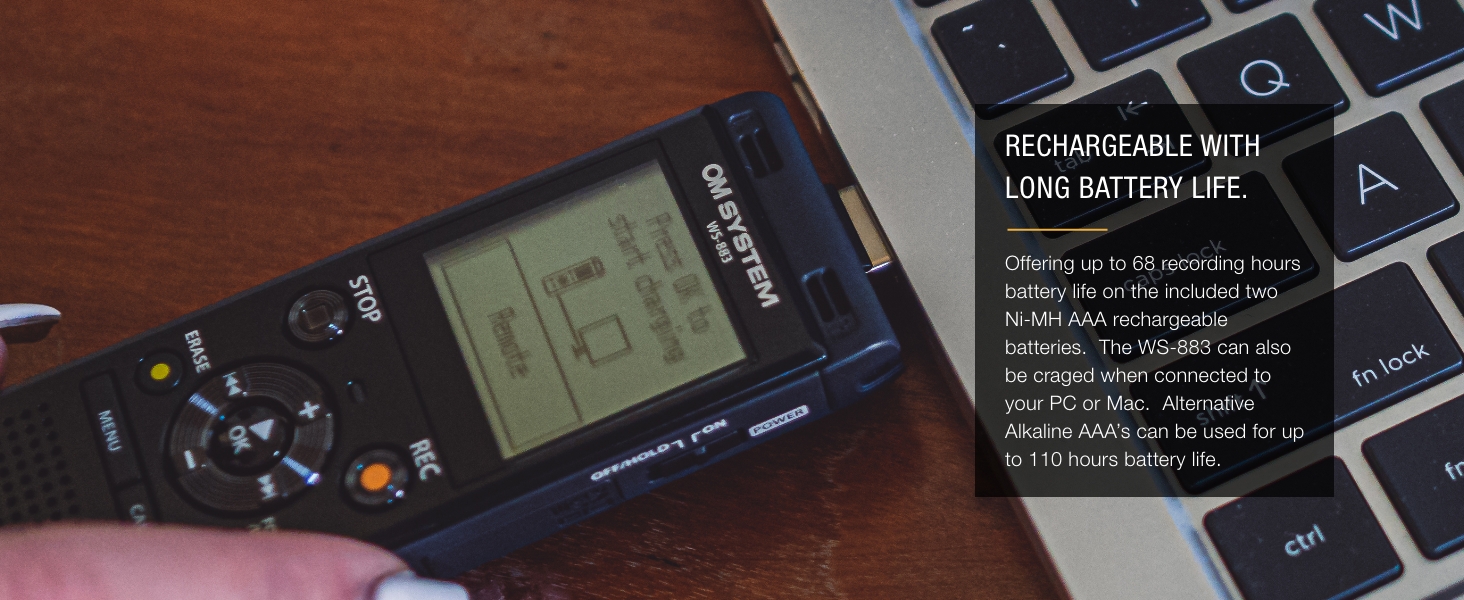
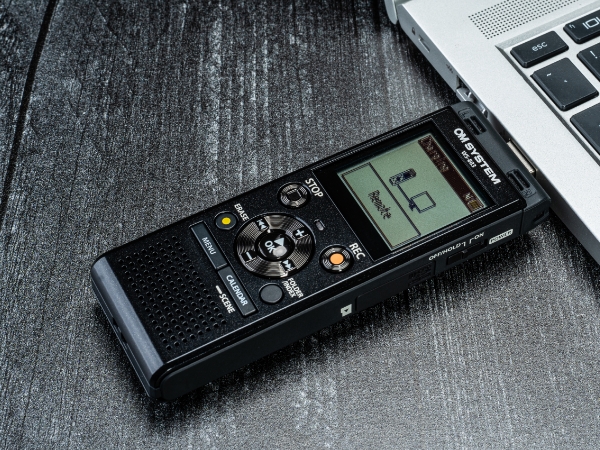
Effortlessly and conveniently save your data using the built-in USB connector. Transfer your recordings from the recorder to an external hard drive or utilize it as a USB drive to share with ease.
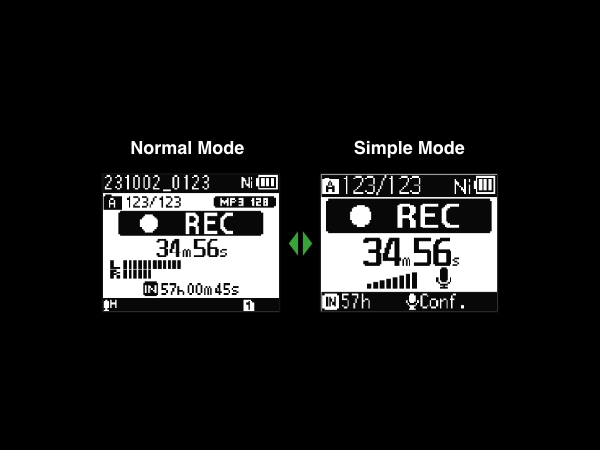
Simple Mode
With two different display modes, you can use your WS recorder even if you are a beginner.
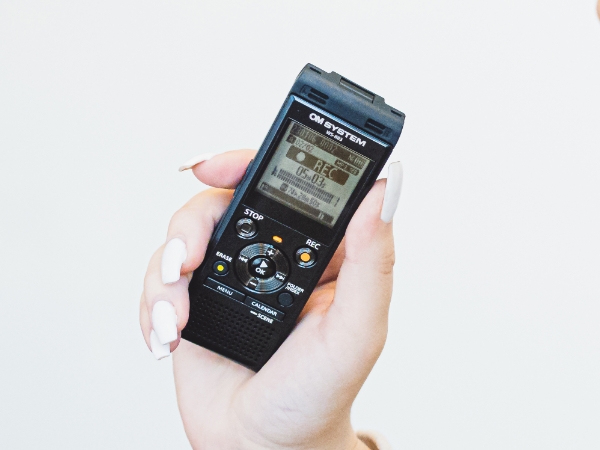
Scene Select
With its built-in Scene Modes, your WS recorder will automatically adjust settings for the best results in different scenarios. Including Dictation, Meetings, Conferences and Telephone Recording.
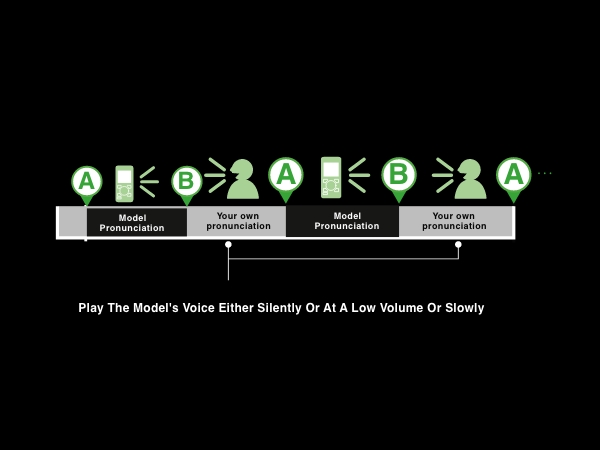
Shadowing
The Shadowing Function involves repeating both the voice and silent playback. The voice sections that follow the model can be adjusted to play silently, at a low volume, or at a slower speed.
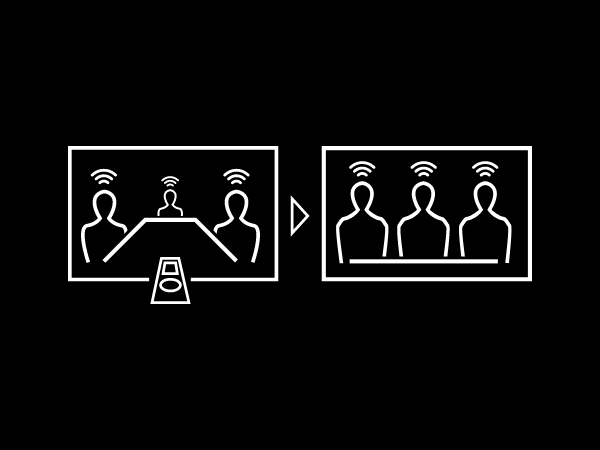
Voice Balancer
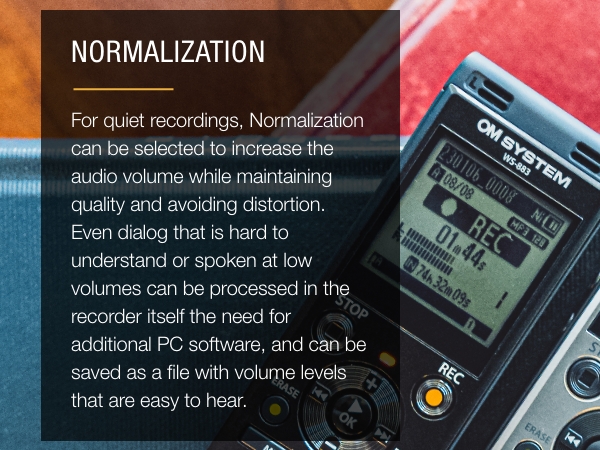
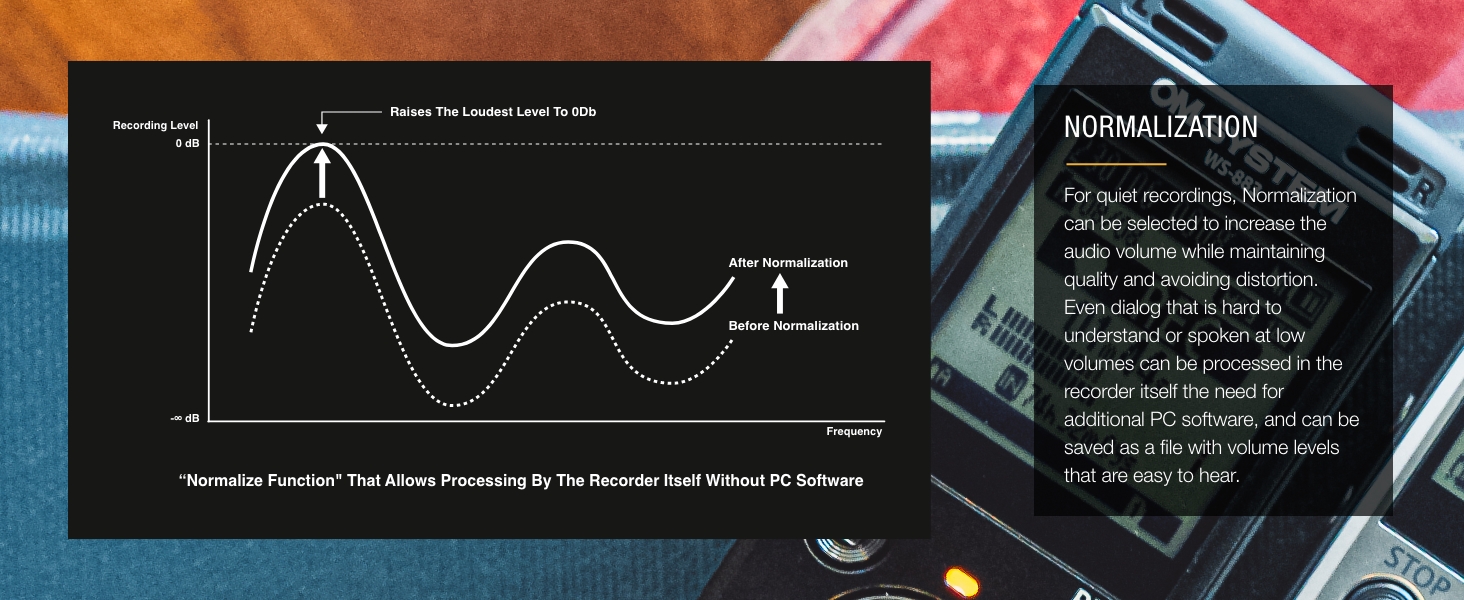
Voice Balancer automatically balances the volume levels during playback. It can even standardize the levels of multiple voice recordings, such as those from multiple speakers in meetings.
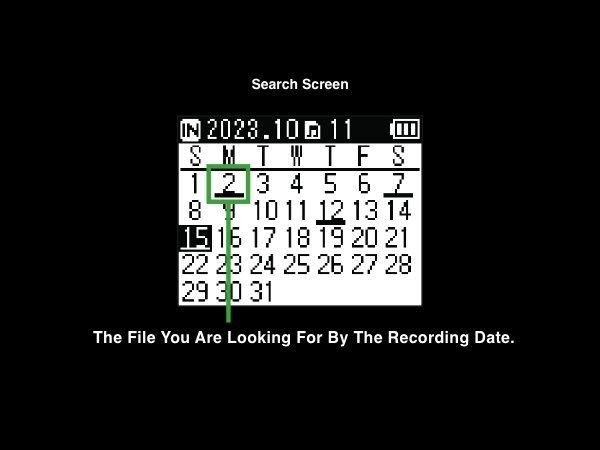
Calendar Search
Your saved recordings are automatically marked with the date and displayed in a calendar format. Because the files are displayed in this format, you can easily find files you are looking for by date.
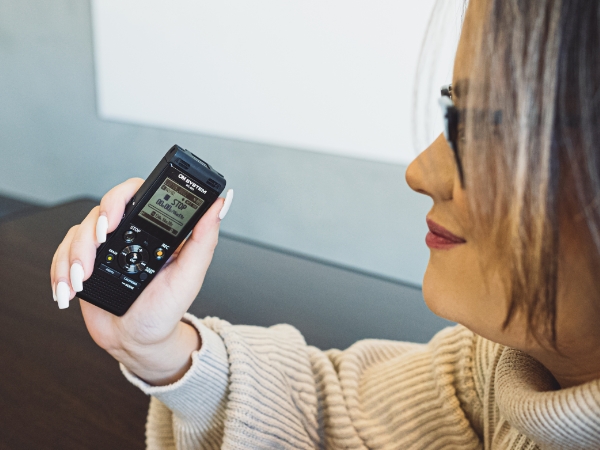
Voice Playback
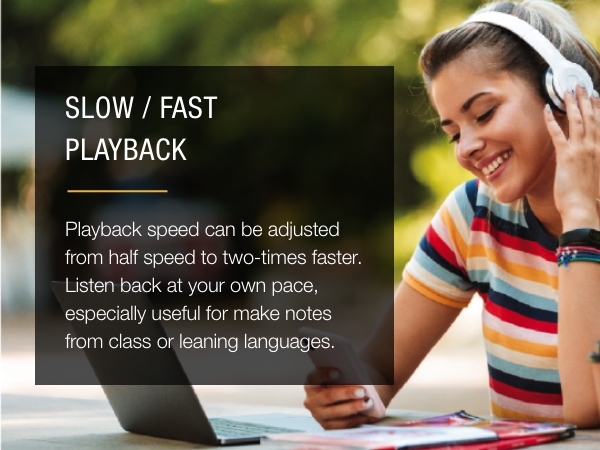
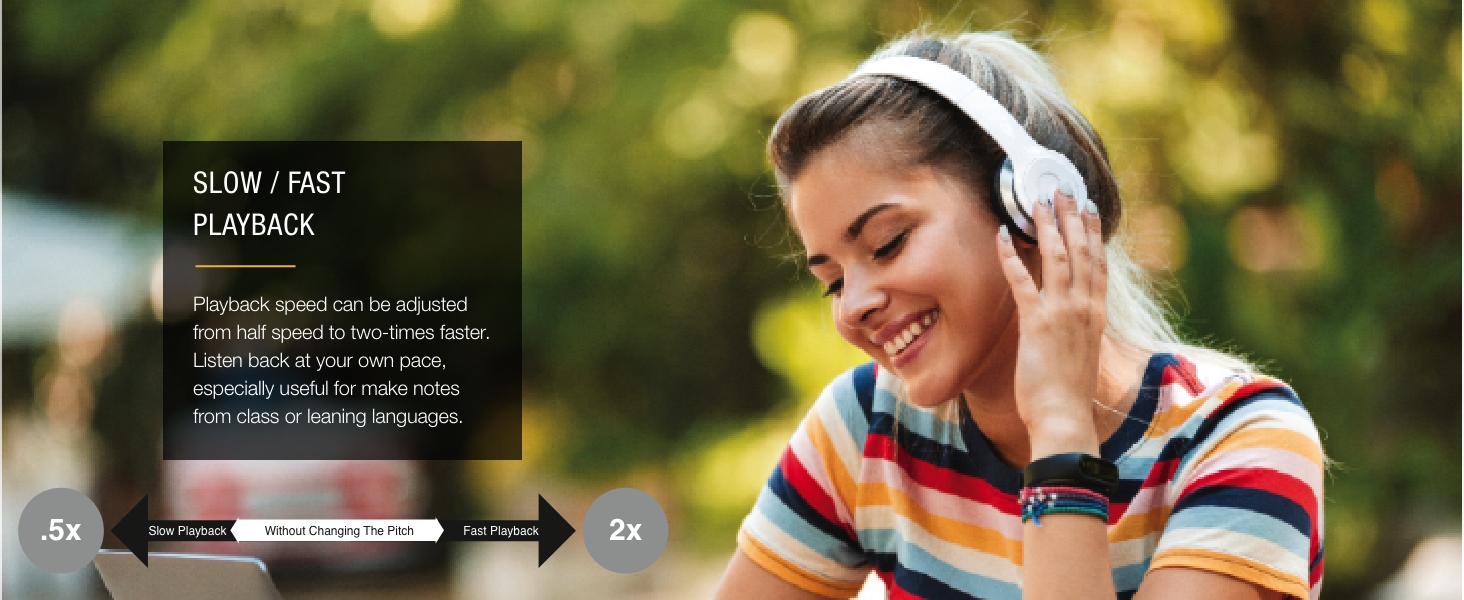
This function adjusts the pitch to a more audible tone, making it less tiring to listen repeatedly to content. Additionally, it can make learning more efficient by adjusting playback speed and pitch.
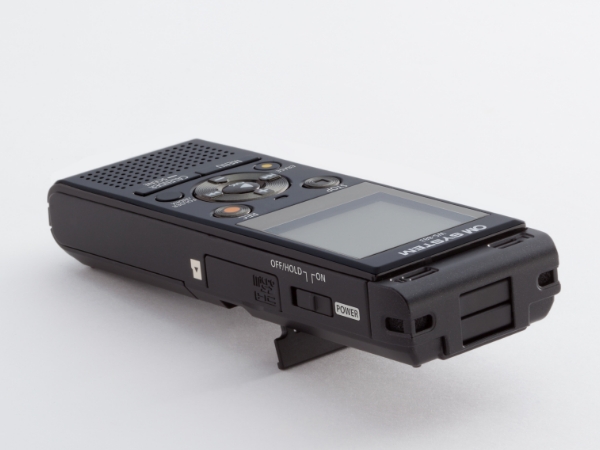
Intuitive Design with Built-in Stand
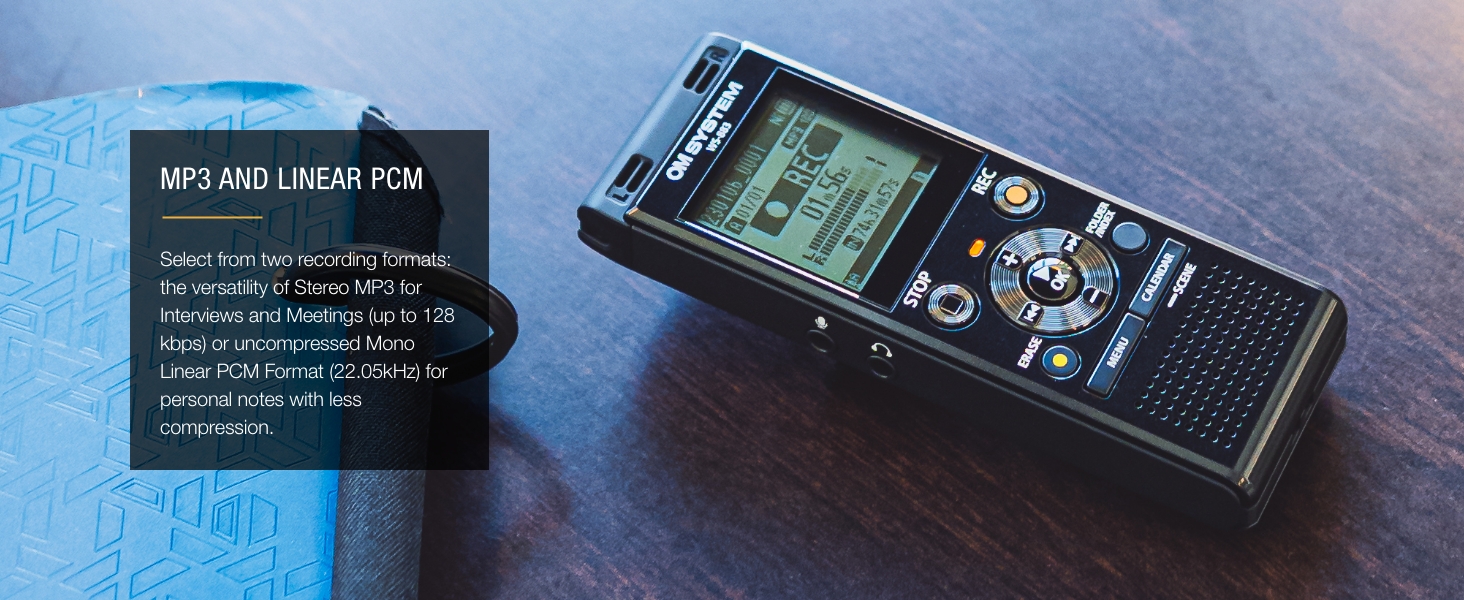
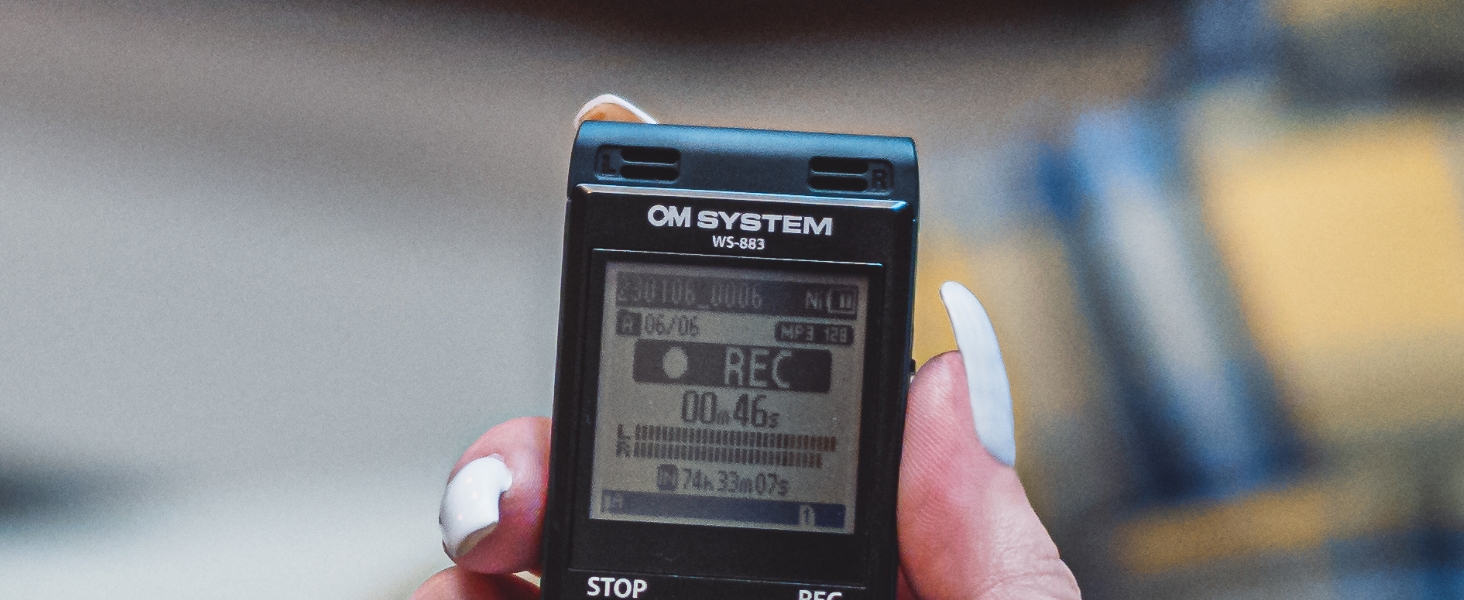
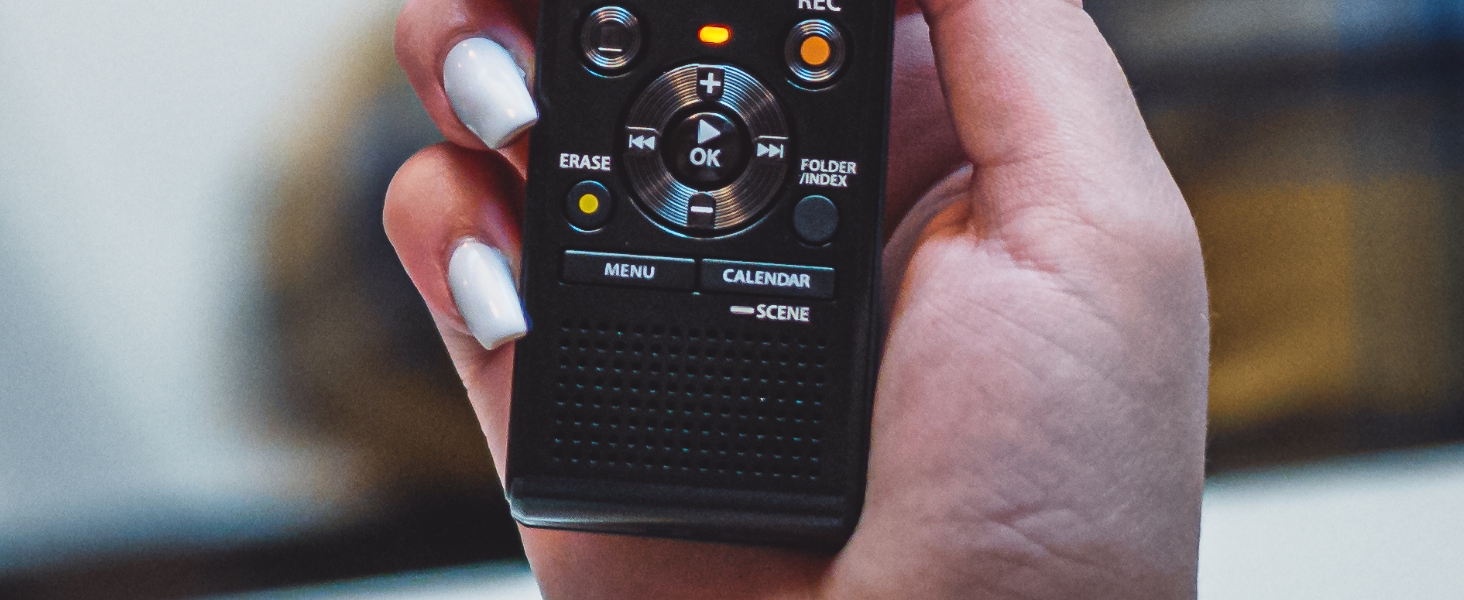
With its simple button layout, clear 1.6 Inch Screen and front speaker, the WS series could not be easier to use. A built-in stand on the back makes desktop use even easier.