



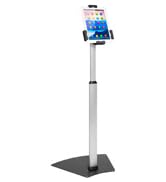
The Mount-It! Collection
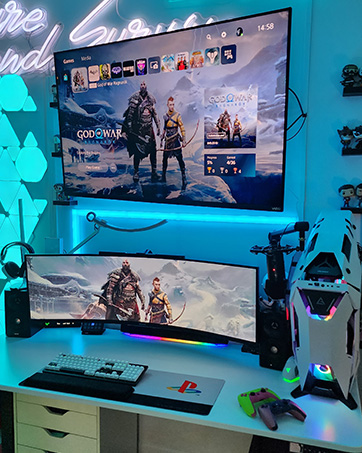
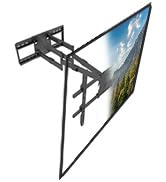
TV Mounts
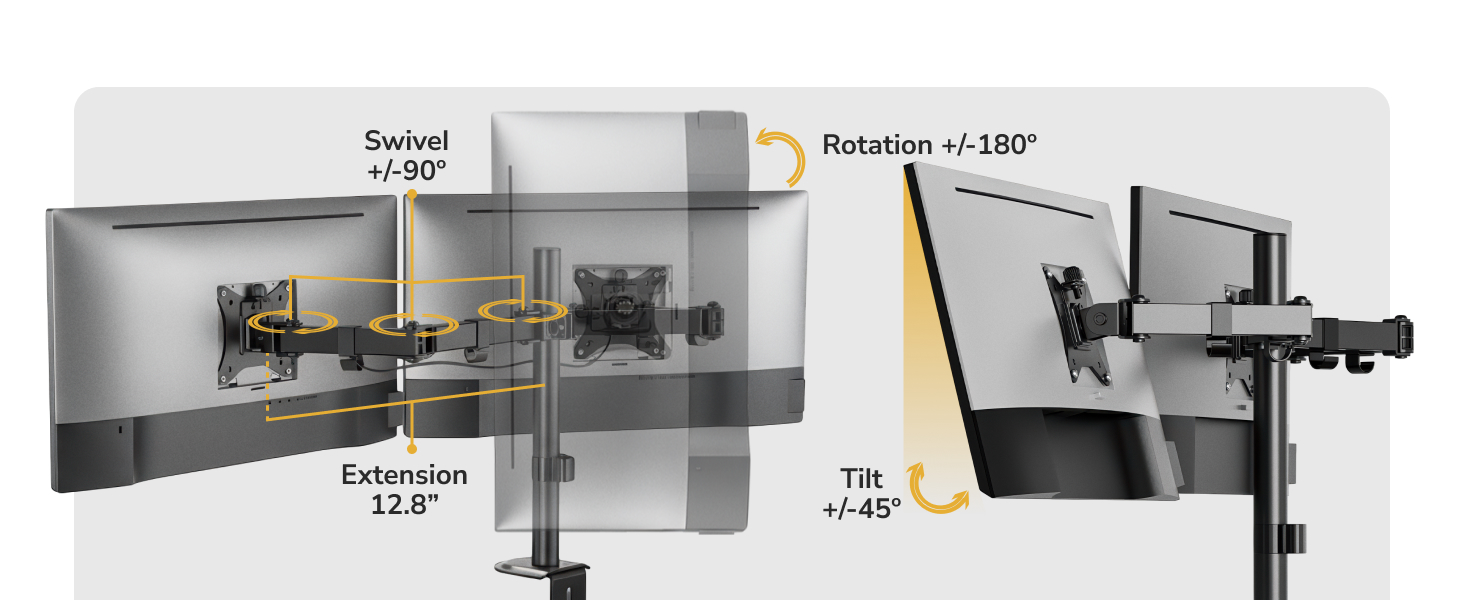
A TV + a TV Mount is like PB&J; it is simply better together. Extend, Tilt, Swivel & Rotate for the Ultimate Entertainment Experience.
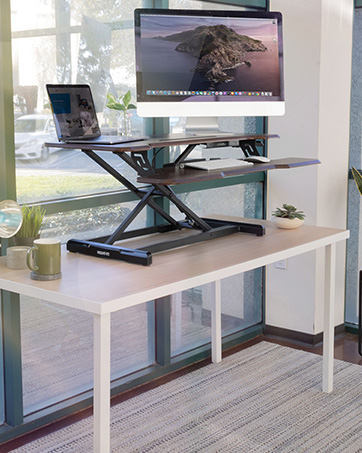
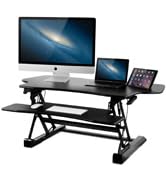
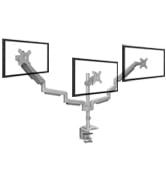
Desks + Monitor Mounts
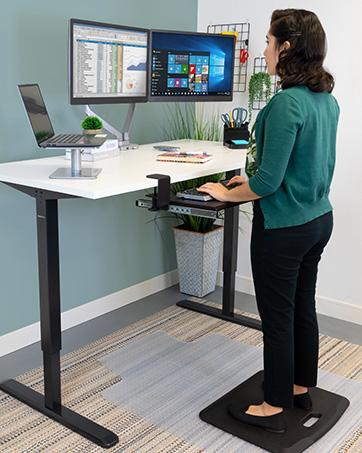
We promise a switch from a traditional work setup to a sit stand desk with a dual monitor mount WILL BLOW YOUR WORK MIND!
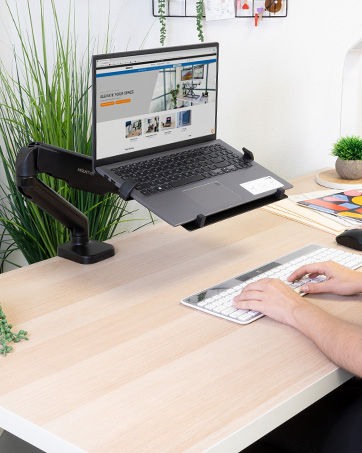
Laptop Series
Make life more convenient with laptop carts, mounts, and stands all designed with a focus on ergonomics, user experience and mobility.
Ergonomic Accessories
We help people achieve healthier ergonomic alignment. Our products have all been designed and created with ergonomic benefits in mind.

Your Business Solution
From start-ups to Fortune 100s, we offer a wide selection of workspace solutions and a U.S.-based Product Support team

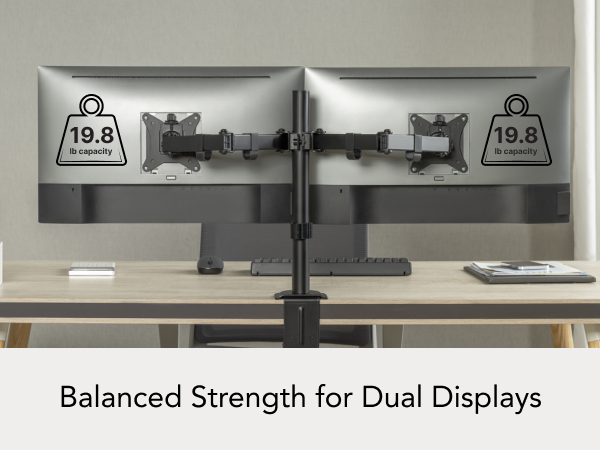
Designed for Balanced Dual-Monitor Setups
Designed for Balanced Dual-Monitor Setups
Merchant Video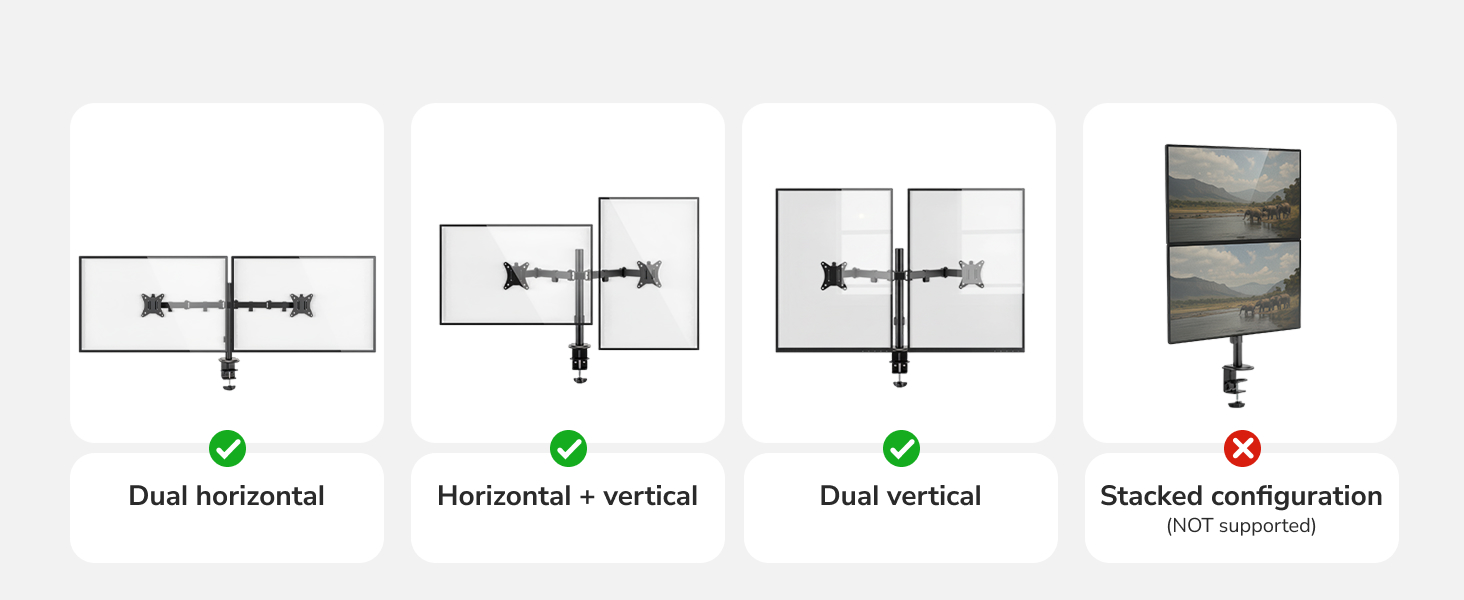
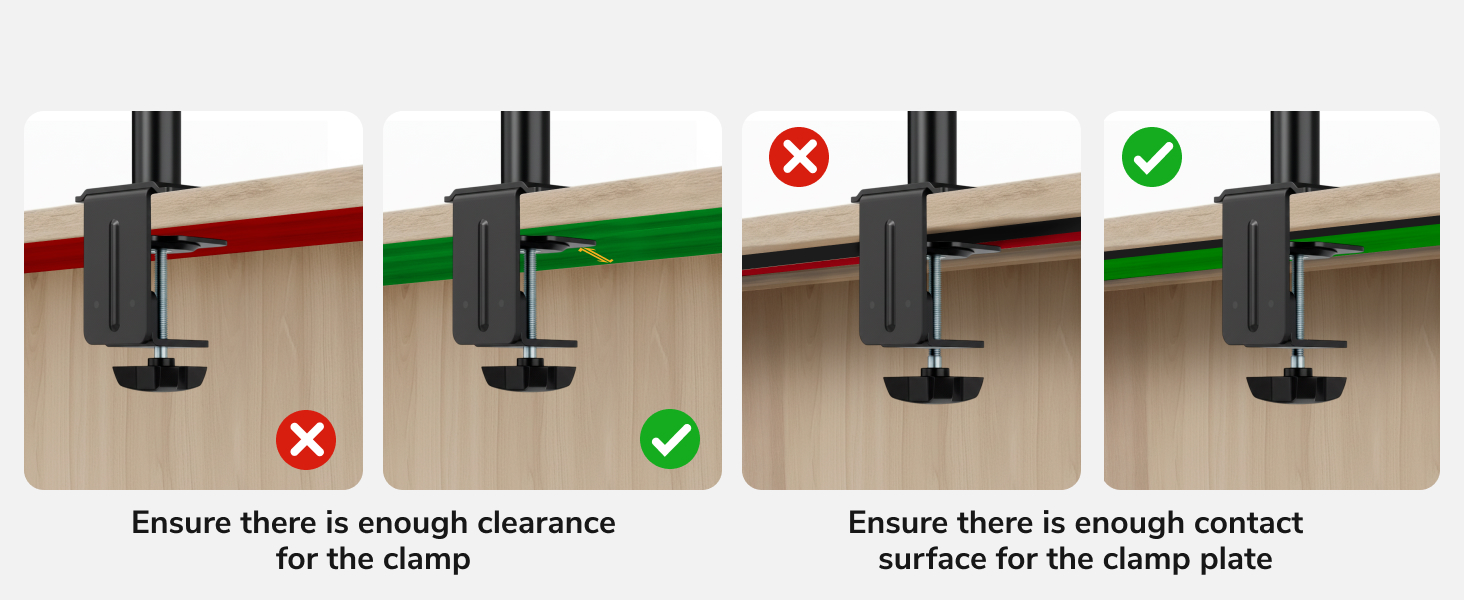
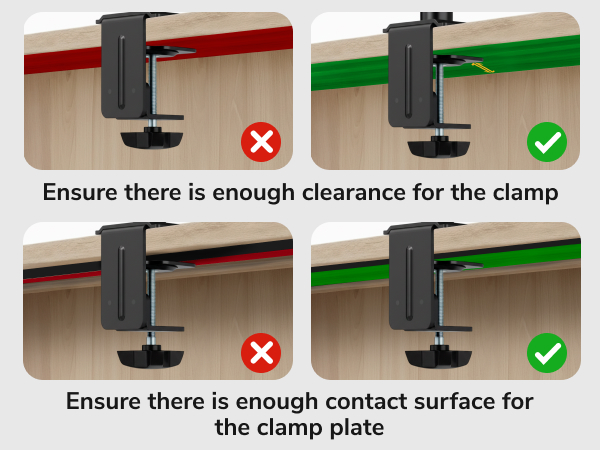
Check Desk Depth Before Installing
Desk Compatibility Checklist
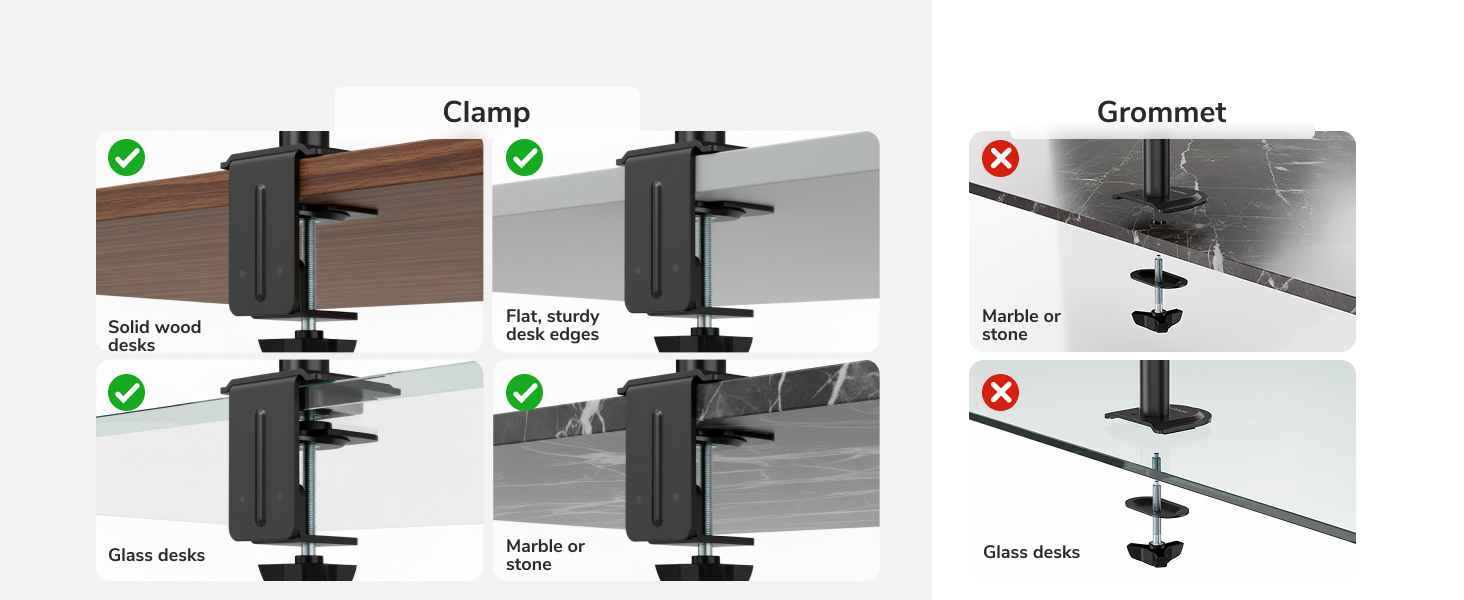
Non-Standard Desk Compatibility
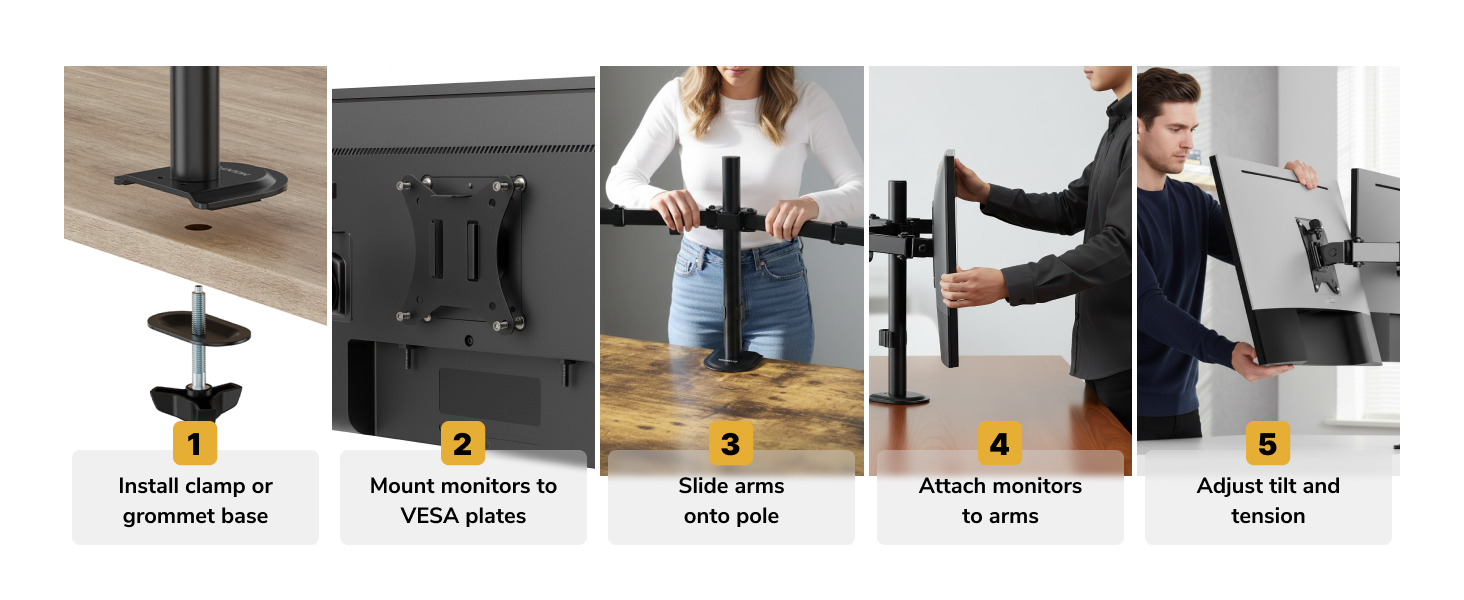
Will this monitor stand work with my monitors side by side?
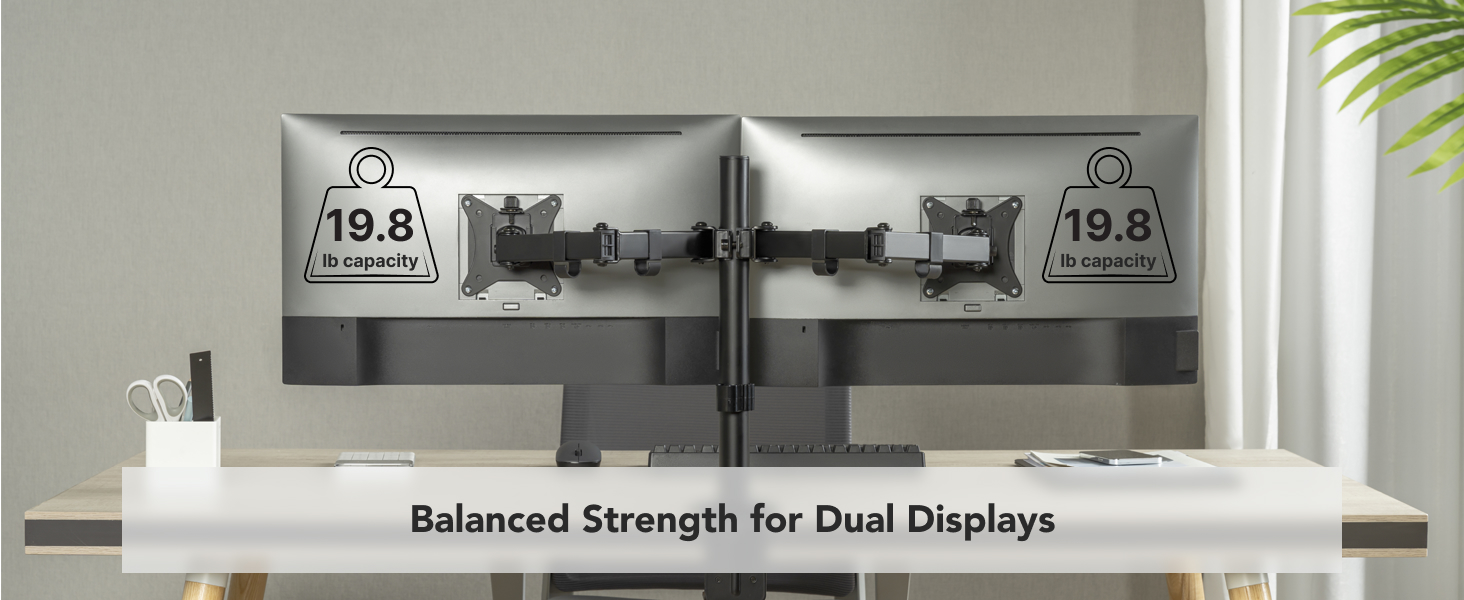
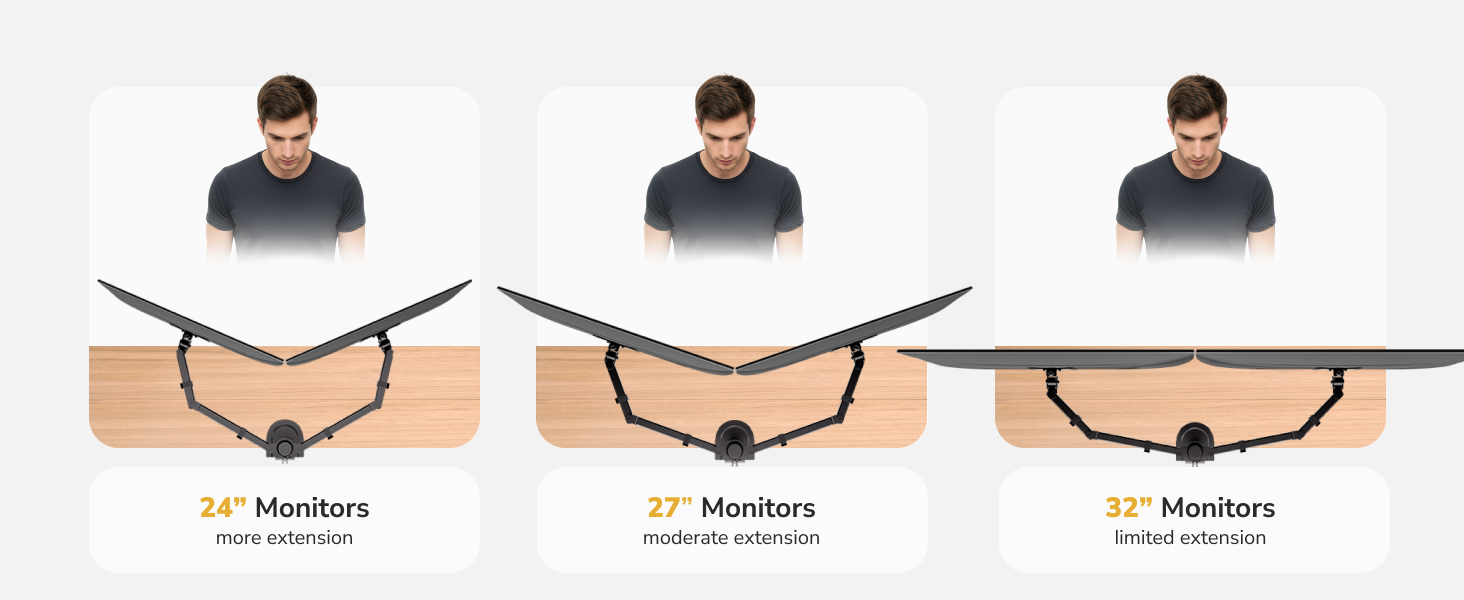
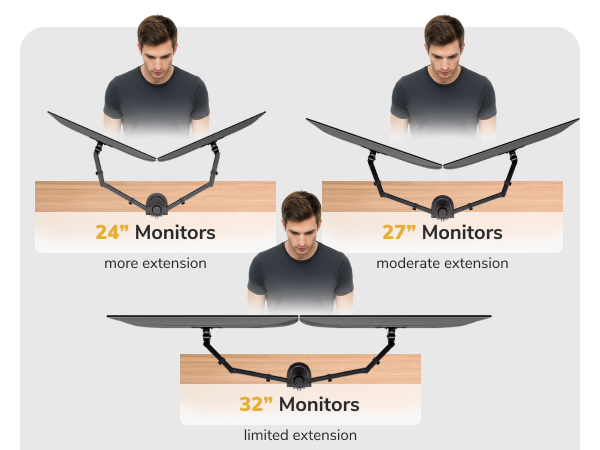
Yes, this stand is designed for two monitors of the same size and similar weight positioned side by side. For best alignment and stability, we recommend using two identical monitors between 13" and 32", each weighing up to 19.8 lbs.
Can I use different size or weight monitors together?
Different size or weight monitors may fit but may not align evenly. Matching monitors offer better balance.
Is a stacked (one-over-the-other) monitor setup supported?
No. This stand is not designed for stacked monitor configurations. It supports horizontal and vertical side-by-side layouts only.
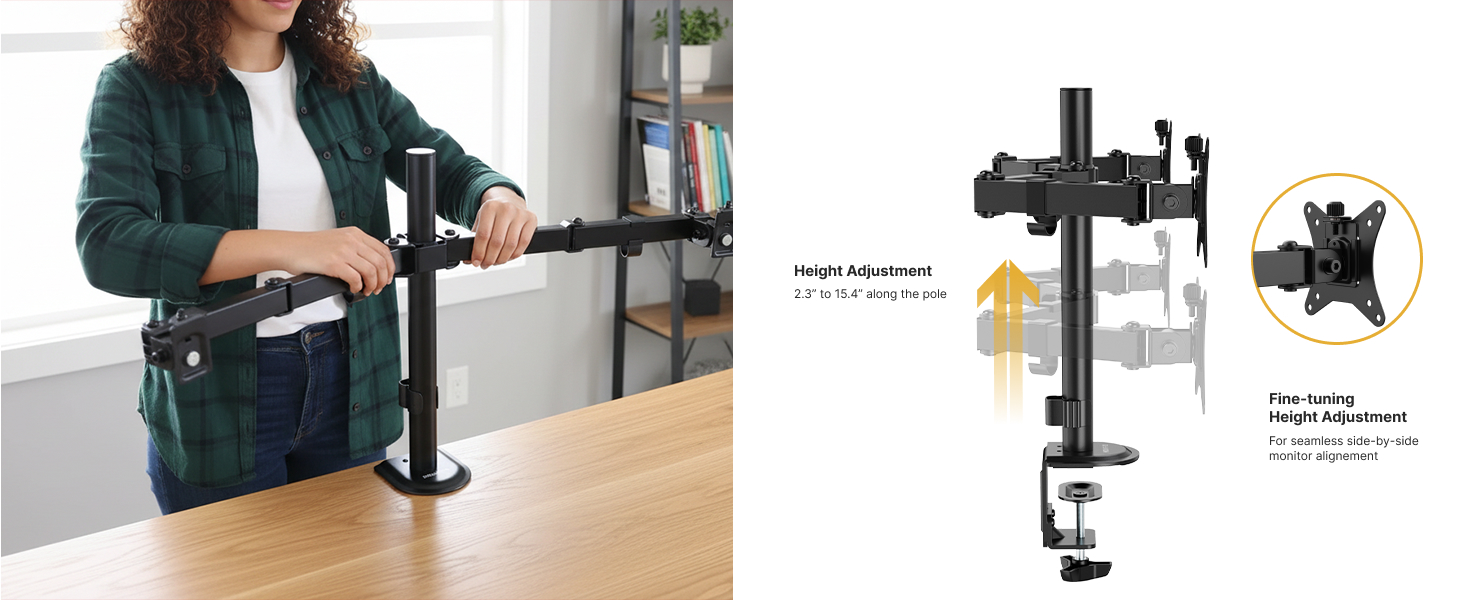
How do I adjust the height of the monitors?
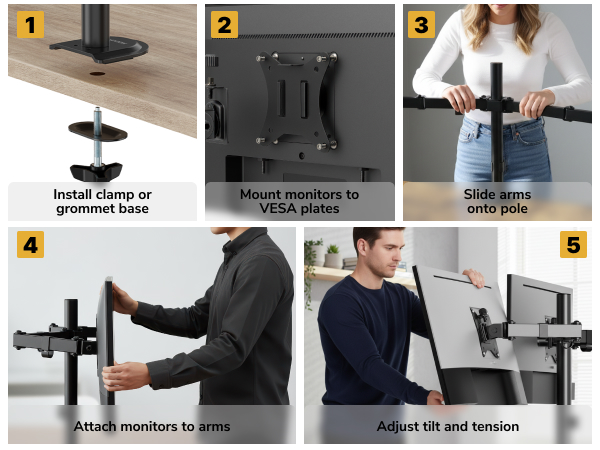
Monitor height is adjusted by sliding each monitor mount up or down along the center pole. This allows you to level both screens evenly and position them at a comfortable viewing height.
My monitor sags or drops after installation — is the stand defective?
Usually this means the arm tension is not adjusted for your monitor’s weight. Adjust the tension screw after mounting.
If the monitor drops ? increase tension
If the monitor rises ? decrease tension
Always adjust tension while holding the arm level.
Designed for Balanced Dual-Monitor Setups
Designed for Balanced Dual-Monitor Setups
Merchant Video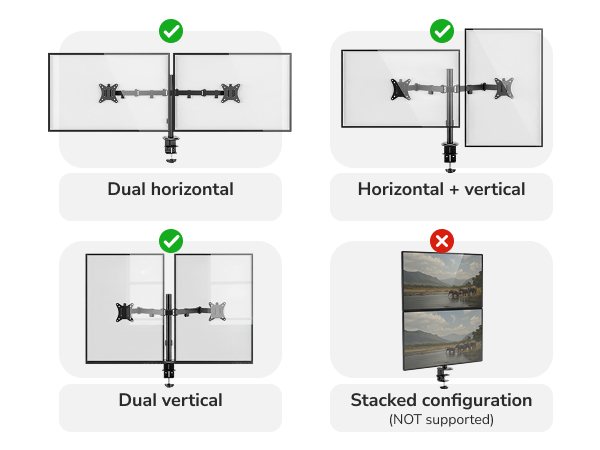
Check Desk Depth Before Installing
Desk Compatibility Checklist
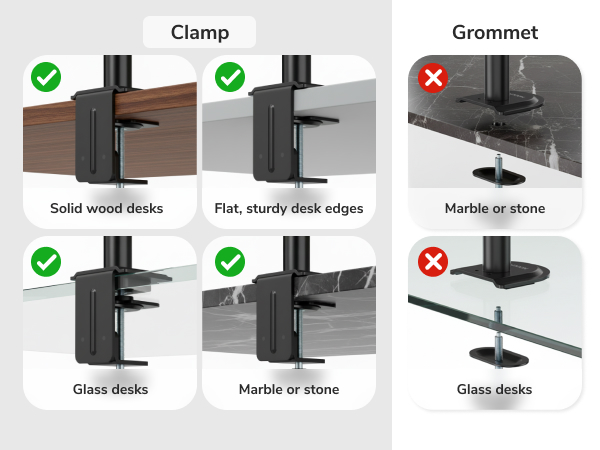
Non-Standard Desk Compatibility
Will this monitor stand work with my monitors side by side?
Yes, this stand is designed for two monitors of the same size and similar weight positioned side by side. For best alignment and stability, we recommend using two identical monitors between 13" and 32", each weighing up to 19.8 lbs.
Can I use different size or weight monitors together?
Different size or weight monitors may fit but may not align evenly. Matching monitors offer better balance.
Is a stacked (one-over-the-other) monitor setup supported?
No. This stand is not designed for stacked monitor configurations. It supports horizontal and vertical side-by-side layouts only.
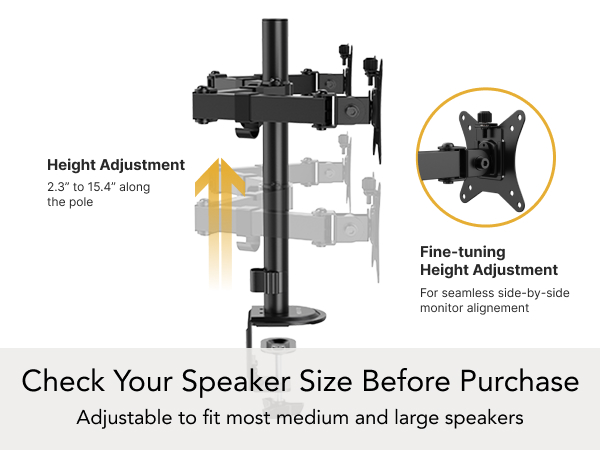
How do I adjust the height of the monitors?
Monitor height is adjusted by sliding each monitor mount up or down along the center pole. This allows you to level both screens evenly and position them at a comfortable viewing height.
My monitor sags or drops after installation — is the stand defective?
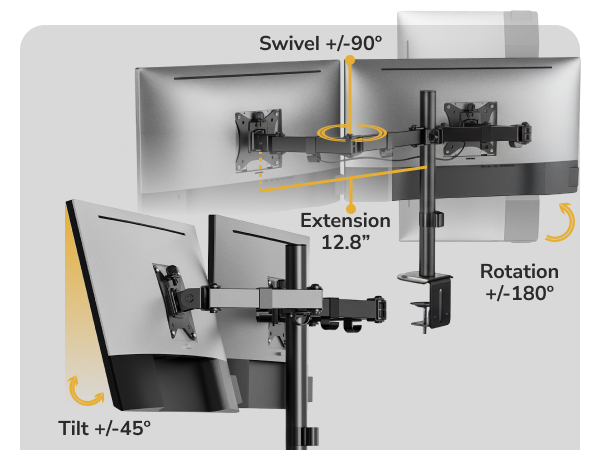
Usually this means the arm tension is not adjusted for your monitor’s weight. Adjust the tension screw after mounting.
If the monitor drops ? increase tension
If the monitor rises ? decrease tension
Always adjust tension while holding the arm level.
The Mount-It! Collection
TV Mounts
A TV + a TV Mount is like PB&J; it is simply better together. Extend, Tilt, Swivel & Rotate for the Ultimate Entertainment Experience.
Desks + Monitor Mounts
We promise a switch from a traditional work setup to a sit stand desk with a dual monitor mount WILL BLOW YOUR WORK MIND!
Laptop Series
Make life more convenient with laptop carts, mounts, and stands all designed with a focus on ergonomics, user experience and mobility.
Ergonomic Accessories
We help people achieve healthier ergonomic alignment. Our products have all been designed and created with ergonomic benefits in mind.
Your Business Solution
From start-ups to Fortune 100s, we offer a wide selection of workspace solutions and a U.S.-based Product Support team





