


MP3 Player with Bluetooth and WiFi, innioasis 160GB Music Player with Spotify,Pandora, Music,4" Touch Screen Android MP4 MP3 Player for Kids with Libby,Audible,Audiobooks


160GB MP3 Player with Bluetooth and WIFI and Spotify, Pandora, Music,Libby



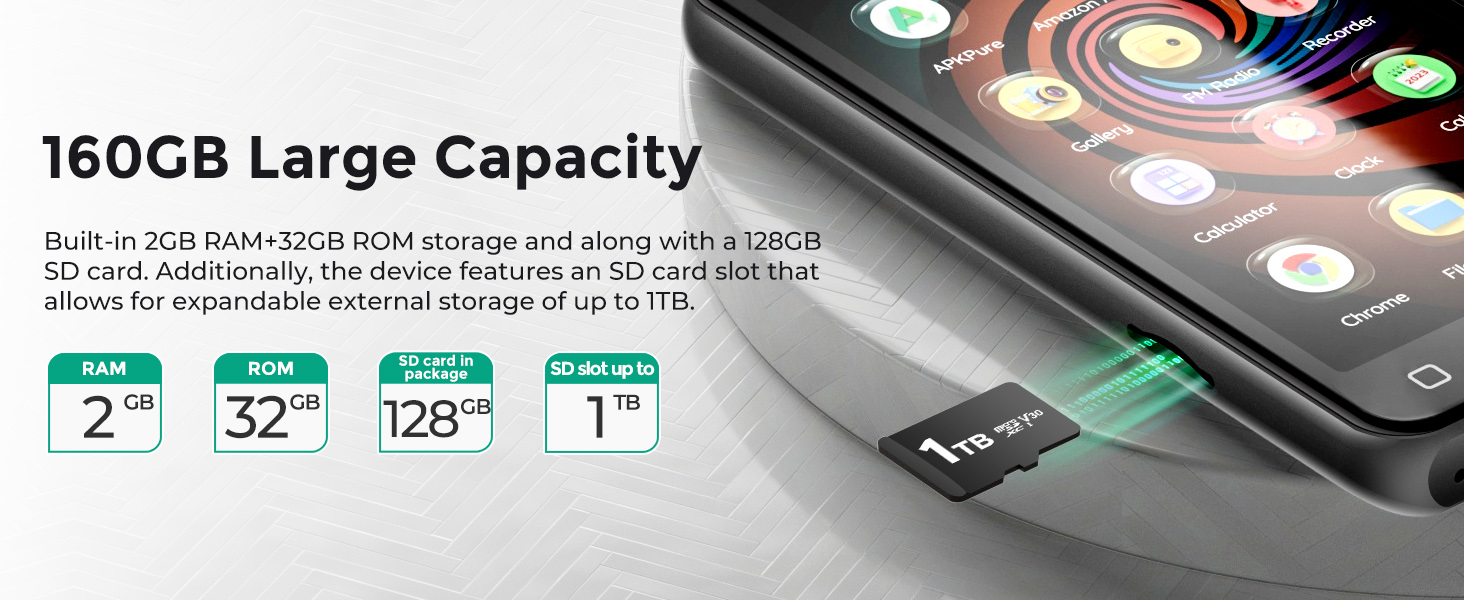


How to keep the SD card securely in the slot ?
Push the SD card into the slot until they hear a "click" sound, indicating it’s properly seated. In some cases, using a small tool like a paperclip or a sturdy card can help ensure the card is pushed in fully.
How to make SD card correctly recognized by MP3 correctly?
Check the file format of the SD card. If the current file format is exFAT, which may have compatibility issues, please format it to FAT32 or NTFS on your computer.
How to ensure connect to WIFI successfully ?
Make sure your target WiFi is not an outdoor public WiFi. Additionally, ensure that your WiFi router is not set to restrict by MAC address and is using an open DHCP allocation mode.
How to connect to Bluetooth headphones or speakers?
Bluetooth headphones or speaker not found in the player's Bluetooth list.Turn off Bluetooth, then turn it back on to allow the device to search for available nearby devices. If it still doesn’t appear, restore the device to factory settings
How to transfer file from your computer to computer?
Via USB-A to USB-C cables to connect your G3 player and PC firstly. Please check if a Driver or Disk named G3 shows in the device and driver list of your computer. If the two steps don’t work,Please try to install the MTP Driver into your PC.

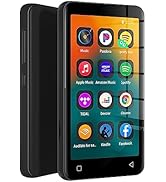
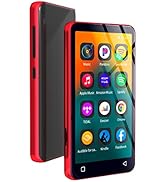
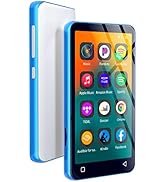
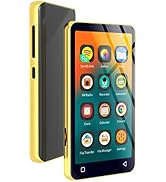
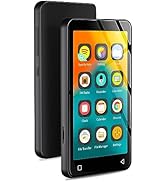
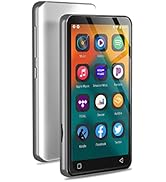
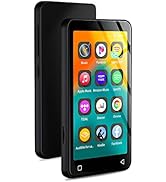
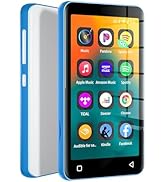
MP3 Player with Bluetooth and WiFi, innioasis 160GB Music Player with Spotify,Pandora, Music,4" Touch Screen Android MP4 MP3 Player for Kids with Libby,Audible,Audiobooks


160GB MP3 Player with Bluetooth and WIFI and Spotify, Pandora, Music,Libby
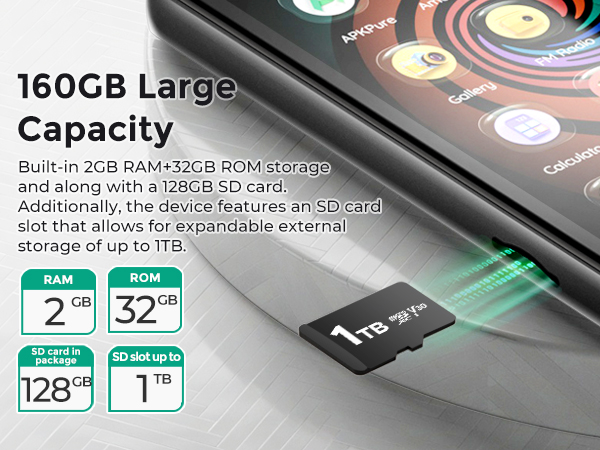

How to keep the SD card securely in the slot ?
Push the SD card into the slot until they hear a "click" sound, indicating it’s properly seated. In some cases, using a small tool like a paperclip or a sturdy card can help ensure the card is pushed in fully.
How to make SD card correctly recognized by MP3 correctly?
Check the file format of the SD card. If the current file format is exFAT, which may have compatibility issues, please format it to FAT32 or NTFS on your computer.
How to ensure connect to WIFI successfully ?
Make sure your target WiFi is not an outdoor public WiFi. Additionally, ensure that your WiFi router is not set to restrict by MAC address and is using an open DHCP allocation mode.
How to connect to Bluetooth headphones or speakers?
Bluetooth headphones or speaker not found in the player's Bluetooth list.Turn off Bluetooth, then turn it back on to allow the device to search for available nearby devices. If it still doesn’t appear, restore the device to factory settings
How to transfer file from your computer to computer?
Via USB-A to USB-C cables to connect your G3 player and PC firstly. Please check if a Driver or Disk named G3 shows in the device and driver list of your computer. If the two steps don’t work,Please try to install the MTP Driver into your PC.
MP3 Player with WiFi spotify
Amazing sound, huge storage and Quick Response touch screen,Easy to use.
80GB MP3 player with Spotify
16GB MP3 player with Spotify
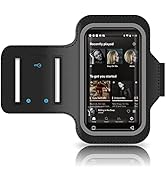
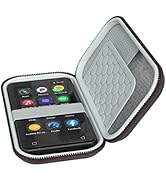
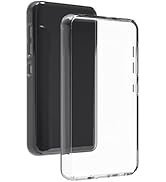
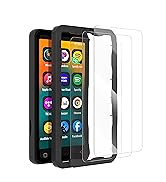
All-round protection for MP3





