



Smart Wifi Garage Door Opener Controller(Open & Close your Garage by phone)
Note before Order, please test compatibility: You can use the pliers to short-circuit the wall button terminal on the opener. If the garage door opens or closes, it can work with our smart controller.
This Garage smart controller uses to work with the Garage opener and make it can be controlled by the phone, easy to install and without any changes in your Garage, Just one to make the garage smart, and you will have this function to open and close the garage door by phone, by schedules, by voice (work with Alexa & google home), Query status, query open/close records, etc.
Garage door opener controller features:
WiFi Smart Garage Door Controller and Garage Open Close Monitor Compatible With Alexa Echo, Google Home voice control No Hub Require REMOTE MONITORING: You can open or close the door by the APP. You can check the garage door open or closed state in real-time. You can authorize multiple people to access your garage. EASY TO USE: Instantly control the garage door by tapping the TUYA or SMART LIFE app on your smartphone. Just connect the smart opener to the 2.4G WiFi network.

Support Alexa and Google Assistant to open/close Garage door by voice
You should add this Garage door controller to work with tuyasmart or smartlife APP , and Binding it with Alexa or Google Assistant to achieve voice control. We have voice code protection,when you open the Garage door. Noted, regarding the pin code when you open Garage by alexa , Due to the alexa APP have difference version , some regions may not have the pin code as shown in the video .
*Noted: Some regions may not have the pin code function to open as shown in the video due to the difference alexa version in difference regions.

EASY ADD DEVICE:
- The garage door will be activated when added successfully (when the blue LED light stops blinking), so keep your door closed first. Power up the garage, and the red light and blue light flash alternatively.
- Launch "Smart Life" or "Tuay Smart" APP. Tap the icon '+' on the top right corner.
- Select the "All Devices", then select the "Wi-Fi Connector" type.
- Tap "Confirm indicator rapidly blink"
- Input the correct 2.4G Wi-Fi passwords. Then, tap confirm.
- It will auto-connect with the device. Once the process is completed, it will prompt you that you can rename the device. Enter a new name and press save.

Schedules
Auto open or close the garage with your schedules or countdown. Automatically detects the status of the garage door safer without false running.

Countdown
You can ask the Courier put the package in your Garage with the countdown function , and the Garage door will auto closed after the time , The smart Garage door open/close state detector function will help you ensure the Garage door open/close as your set.

Garage Door Open/Close APP Message push & History
No matter where you are,You will get the APP message push when your Garage door opened/closed, and you can check the Garage door running history.

Easy to install
Just connect the red & black wire with the same port as your wall switch/console and Install the wired door sensor on your garage door

Share Device With Your Family
After the family member registers a Tuya account, You can authorize device control to the family by "share device" in the APP

Wired door sensor mount
Find a proper position on the garage door to mount the sensor(You can use the included double-sided adhesive tapes, screws, or brackets for sensor fixation). Please make sure the distance between the two sensors is less than 20mm when the garage door is closed, and the two sensors are well separated when the garage door is open

EVERSECU

EVERSECU specializes in commercial and home surveillance cameras solution including a full line of innovative CCTV camera and video surveillance products, ranging from cameras to DVRs to CCTV accessories to offer a full range of protection.
Our products include: 1. Security Cameras 2. CCTV DVR 3. Security Cameras system 4. CCTV Power Supply 5. CCTV Tester 6. UTP Video Balun 7. IR illuminator 8. CCTV Monitor 8. Car backup cameras 9. Video Intercom
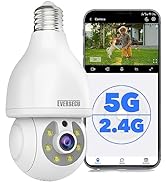
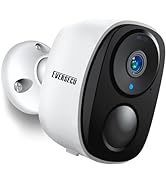
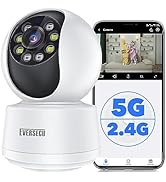
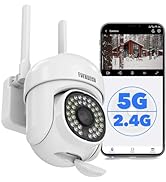
Bulb Light Security Camera
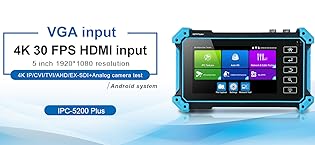
The quick-to-charge Eversecu 5-in-1 Monitor supports models with up to 8-megapixel resolutions in a variety of analog formats like TVI, AHD and CVI. It has a 48-volt power-over-Ethernet port for IP cameras, as well as a handy LED lamp for work in low-light environments.
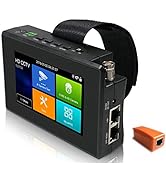
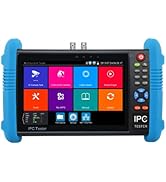
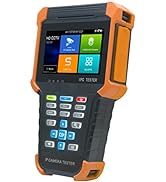
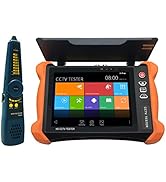
CCTV Tester
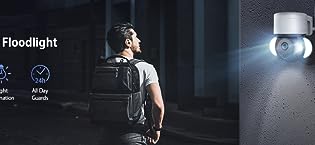
EVERSECU 2K 3MP Tuya Smart Life Outdoor WiFi PTZ Security Camera with Spotlight IP65 Waterproof, Auto Night Vision, Motion-Activated Lights and Auto-Tracking Camera, Two-Way Audio, Remote View
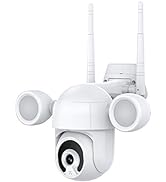
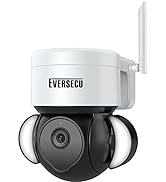
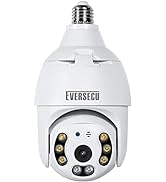
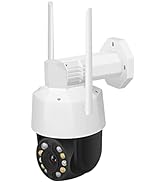
Outdoor Wifi Security Camera
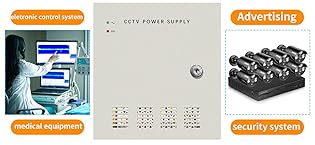
The power distribution system of metal boxed power supply makes it with multiple outputs, Individual PTC resettable
fuses on channel boards can protect the device from over load or short circuit. Output voltage is adjustable to bear voltage
drop after longer distance transmission. The device is your first choice of power solution in CCTV System.
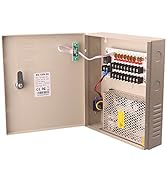
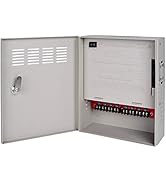
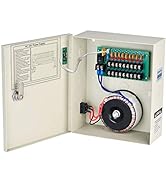
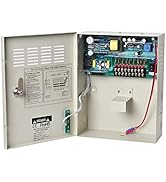
CCTV Power Supply
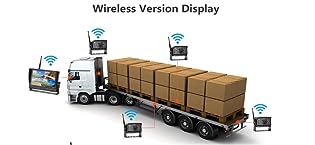
EVERSECU 4pcs Digital HD 1080P Wireless Car Backup Cameras with 9 inch 4ch Quad Display Monitor/Car DVR/Dash Monitor/Vehicle Video Recorder for RV/SUV/Van/Pickup/Truck/Trailer Rear/Side/Front View
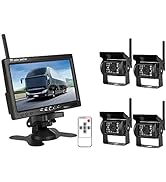
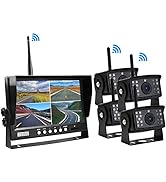
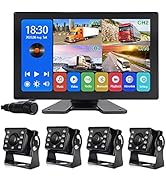
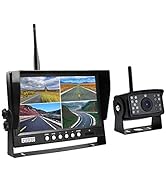
Car Bakup Cameras System
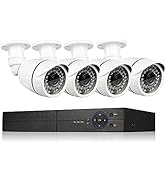
Eversecu 4CH Smart Wireless Security Camera System & DVR Kit Support Face Capture/Record&Playback, Line Crossing/Intrusion Detection, Smartphone PC Remote View
![[8CH Expandable] 2K 3MP Home Security Cameras System with 12 Inch Monitor & NVR Combo Surveillanc...](//c1.neweggimages.com/sellingpilot/modules/product/a-plus/f23e2968d8d552ce89907357f2831613c408acafcc3fefb1feefd66b56cb4854.jpg)
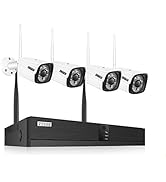
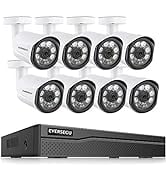
Security Cameras System
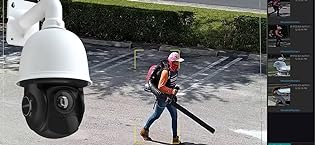
EVERSECU 5MP Auto Tracking 30x Zoom IP POE PTZ CCTV Camera, RTSP for Online Streaming with Long Range Infrared Night Vision Outdoor high Speed Dome Security Camera
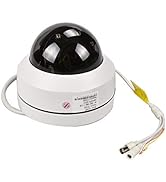
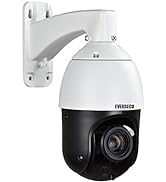
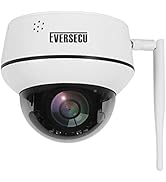
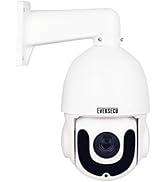
HD PTZ Speed Dome Camera
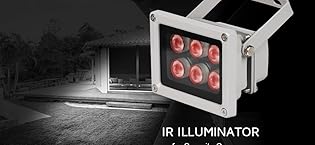
EVERSECU Infrared Illuminator, 850nm 6 LEDs 90 Degree Wide Angle IR Illuminator for Night Vision,Waterproof LED Infrared Light for IP Camera,CCTV Security Camera
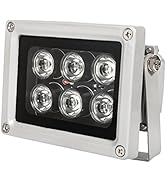
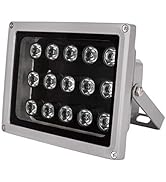
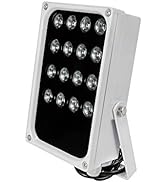
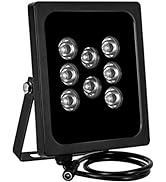
IR illuminator for Cameras
![[8CH Expandable] 2K 3MP Home Security Cameras System with 12 Inch Monitor & NVR Combo Surveillanc...](http://c1.neweggimages.com/sellingpilot/modules/product/a-plus/f23e2968d8d552ce89907357f2831613c408acafcc3fefb1feefd66b56cb4854.jpg)
Smart Wifi Garage Door Opener Controller(Open & Close your Garage by phone)
Note before Order, please test compatibility: You can use the pliers to short-circuit the wall button terminal on the opener. If the garage door opens or closes, it can work with our smart controller.
This Garage smart controller uses to work with the Garage opener and make it can be controlled by the phone, easy to install and without any changes in your Garage, Just one to make the garage smart, and you will have this function to open and close the garage door by phone, by schedules, by voice (work with Alexa & google home), Query status, query open/close records, etc.
Garage door opener controller features:
WiFi Smart Garage Door Controller and Garage Open Close Monitor Compatible With Alexa Echo, Google Home voice control No Hub Require REMOTE MONITORING: You can open or close the door by the APP. You can check the garage door open or closed state in real-time. You can authorize multiple people to access your garage. EASY TO USE: Instantly control the garage door by tapping the TUYA or SMART LIFE app on your smartphone. Just connect the smart opener to the 2.4G WiFi network.
Support Alexa and Google Assistant to open/close Garage door by voice
You should add this Garage door controller to work with tuyasmart or smartlife APP , and Binding it with Alexa or Google Assistant to achieve voice control. We have voice code protection,when you open the Garage door. Noted, regarding the pin code when you open Garage by alexa , Due to the alexa APP have difference version , some regions may not have the pin code as shown in the video .
*Noted: Some regions may not have the pin code function to open as shown in the video due to the difference alexa version in difference regions.
EASY ADD DEVICE:
- The garage door will be activated when added successfully (when the blue LED light stops blinking), so keep your door closed first. Power up the garage, and the red light and blue light flash alternatively.
- Launch "Smart Life" or "Tuay Smart" APP. Tap the icon '+' on the top right corner.
- Select the "All Devices", then select the "Wi-Fi Connector" type.
- Tap "Confirm indicator rapidly blink"
- Input the correct 2.4G Wi-Fi passwords. Then, tap confirm.
- It will auto-connect with the device. Once the process is completed, it will prompt you that you can rename the device. Enter a new name and press save.
Schedules
Auto open or close the garage with your schedules or countdown. Automatically detects the status of the garage door safer without false running.
Countdown
You can ask the Courier put the package in your Garage with the countdown function , and the Garage door will auto closed after the time , The smart Garage door open/close state detector function will help you ensure the Garage door open/close as your set.
Garage Door Open/Close APP Message push & History
No matter where you are,You will get the APP message push when your Garage door opened/closed, and you can check the Garage door running history.
Easy to install
Just connect the red & black wire with the same port as your wall switch/console and Install the wired door sensor on your garage door
Share Device With Your Family
After the family member registers a Tuya account, You can authorize device control to the family by "share device" in the APP
Wired door sensor mount
Find a proper position on the garage door to mount the sensor(You can use the included double-sided adhesive tapes, screws, or brackets for sensor fixation). Please make sure the distance between the two sensors is less than 20mm when the garage door is closed, and the two sensors are well separated when the garage door is open
EVERSECU
EVERSECU specializes in commercial and home surveillance cameras solution including a full line of innovative CCTV camera and video surveillance products, ranging from cameras to DVRs to CCTV accessories to offer a full range of protection.
Our products include: 1. Security Cameras 2. CCTV DVR 3. Security Cameras system 4. CCTV Power Supply 5. CCTV Tester 6. UTP Video Balun 7. IR illuminator 8. CCTV Monitor 8. Car backup cameras 9. Video Intercom
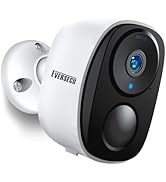
Bulb Light Security Camera
The quick-to-charge Eversecu 5-in-1 Monitor supports models with up to 8-megapixel resolutions in a variety of analog formats like TVI, AHD and CVI. It has a 48-volt power-over-Ethernet port for IP cameras, as well as a handy LED lamp for work in low-light environments.
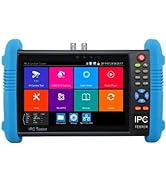
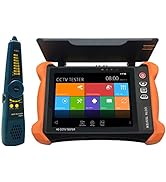
CCTV Tester
EVERSECU 2K 3MP Tuya Smart Life Outdoor WiFi PTZ Security Camera with Spotlight IP65 Waterproof, Auto Night Vision, Motion-Activated Lights and Auto-Tracking Camera, Two-Way Audio, Remote View
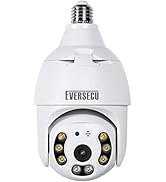
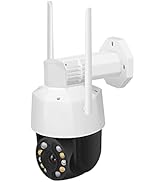
Outdoor Wifi Security Camera
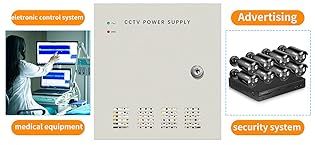
The power distribution system of metal boxed power supply makes it with multiple outputs, Individual PTC resettable
fuses on channel boards can protect the device from over load or short circuit. Output voltage is adjustable to bear voltage
drop after longer distance transmission. The device is your first choice of power solution in CCTV System.
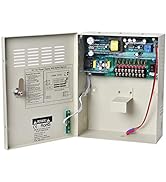
CCTV Power Supply
EVERSECU 4pcs Digital HD 1080P Wireless Car Backup Cameras with 9 inch 4ch Quad Display Monitor/Car DVR/Dash Monitor/Vehicle Video Recorder for RV/SUV/Van/Pickup/Truck/Trailer Rear/Side/Front View
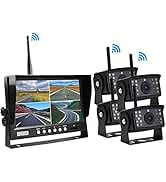
Car Bakup Cameras System
Eversecu 4CH Smart Wireless Security Camera System & DVR Kit Support Face Capture/Record&Playback, Line Crossing/Intrusion Detection, Smartphone PC Remote View
Security Cameras System
EVERSECU 5MP Auto Tracking 30x Zoom IP POE PTZ CCTV Camera, RTSP for Online Streaming with Long Range Infrared Night Vision Outdoor high Speed Dome Security Camera
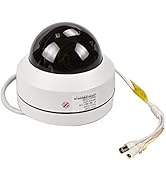
HD PTZ Speed Dome Camera
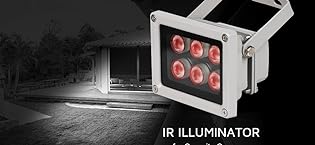
EVERSECU Infrared Illuminator, 850nm 6 LEDs 90 Degree Wide Angle IR Illuminator for Night Vision,Waterproof LED Infrared Light for IP Camera,CCTV Security Camera
IR illuminator for Cameras





