



Do You Need an Extra Accessory?

Step 1
Use pliers to short the wall button terminals, if the garage door opens or closes, it works. Otherwise, please go to point 2.
Compatible with openers using Security+ 1.0 and 2.0 protocols (does not support Security+ 3.0 ).

Step 2
If point 1 fails, your garage opener is from Chamberlain/LiftMaster/Craftsman. Device will still work(needs an extra accessory). Please claim the accessory on the meross web or contact the meross support team and we will send you the appropriate accessory individually. No additional fees.
Garage Door Opener Remote
Merchant VideoSmart Garage Door Opener Remote
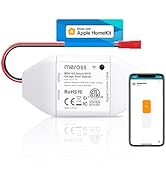
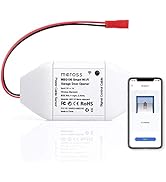
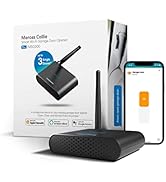
External antenna.
Remote and voice control.
Compatible with more than 1600 models and 200 brands.
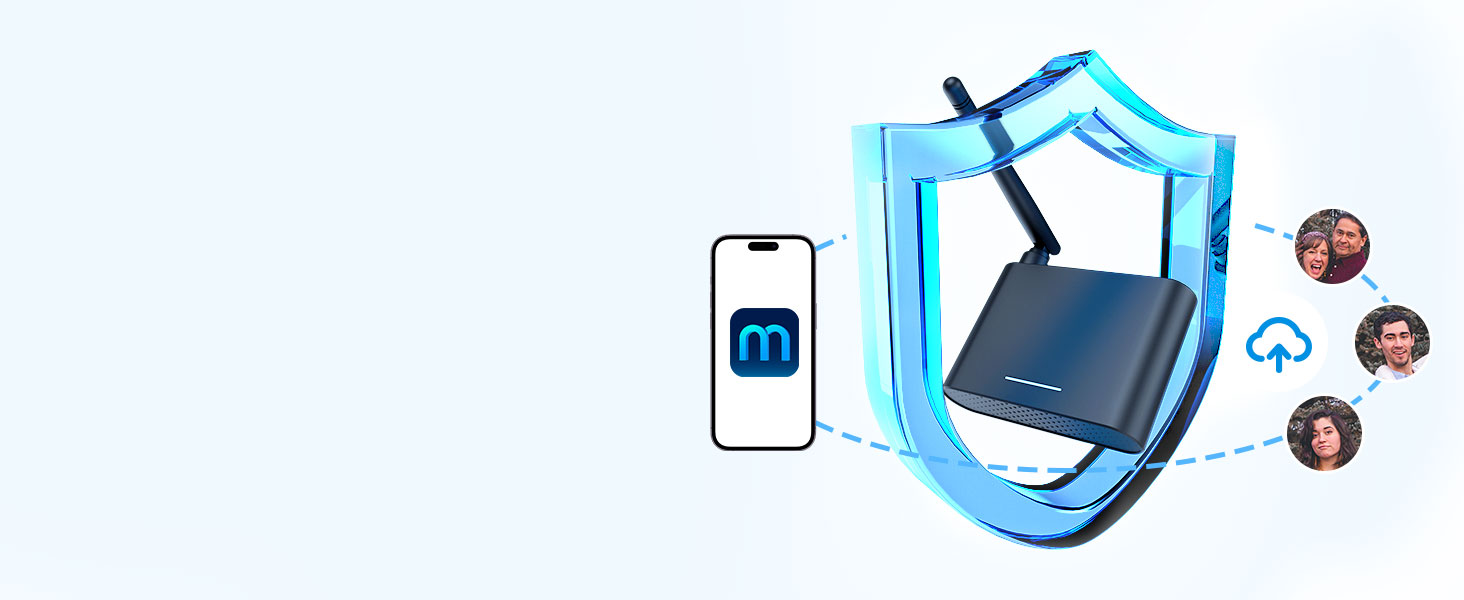
Data Encryption
Meross has powerful data encryption functions to protect your information security.
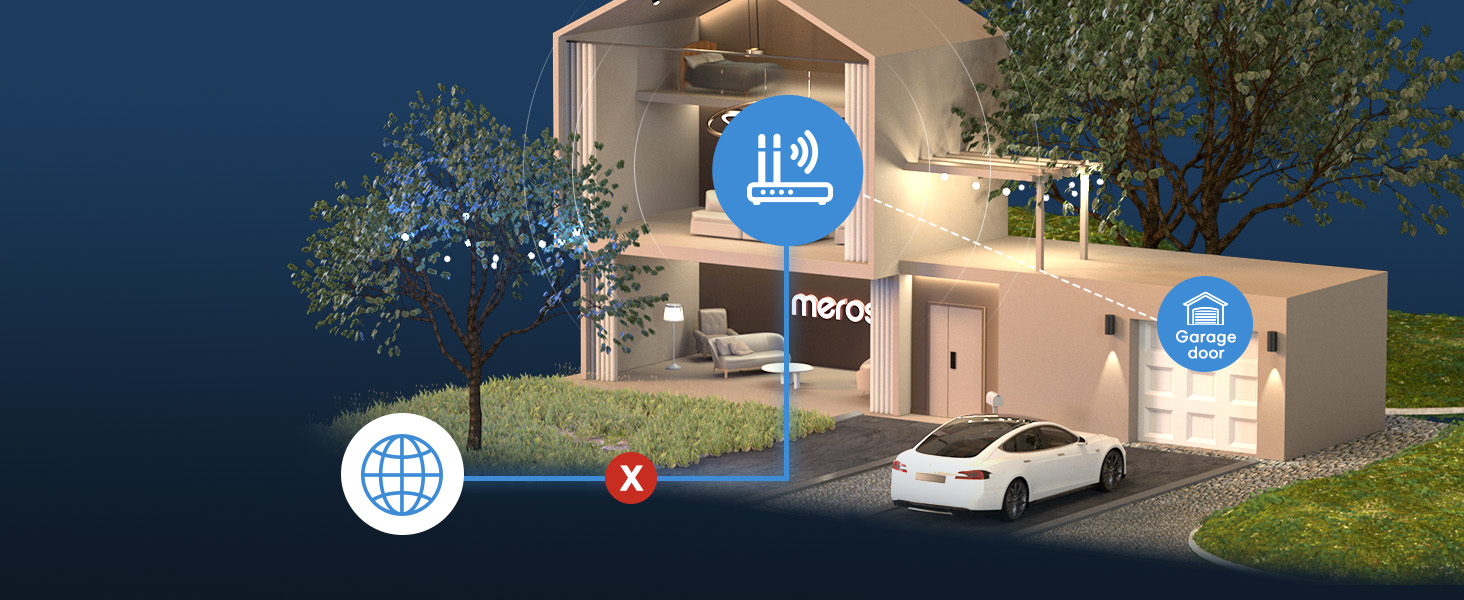
Offline Control
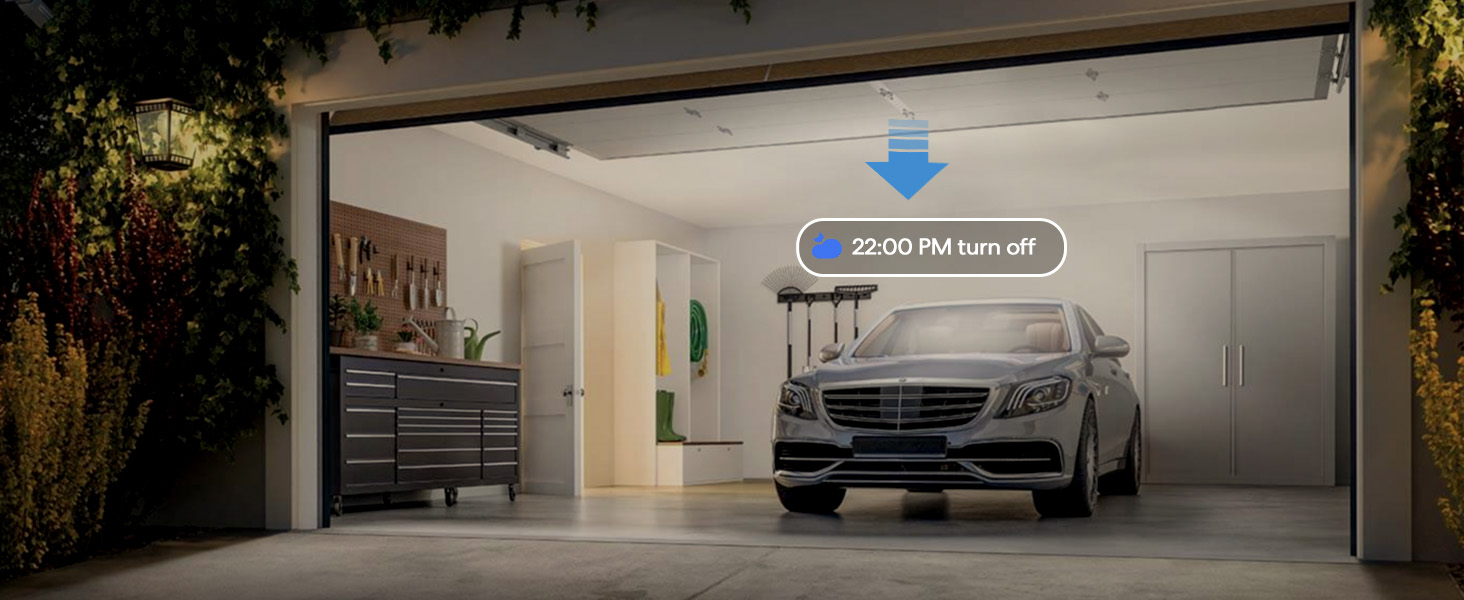
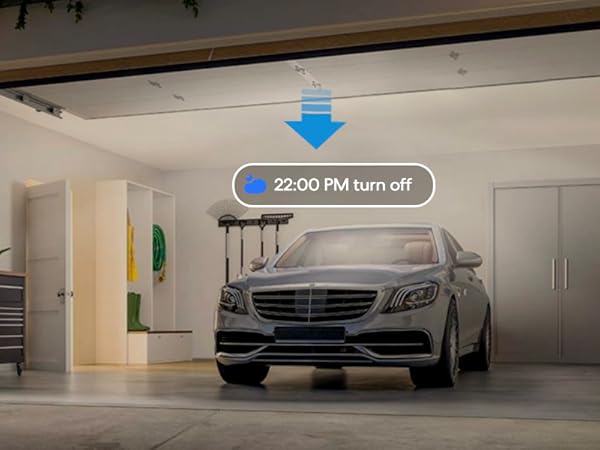
When the internet is down, you can still control your devices in home network via Meross app.Close the door automatically when the door is still open after a particular time.
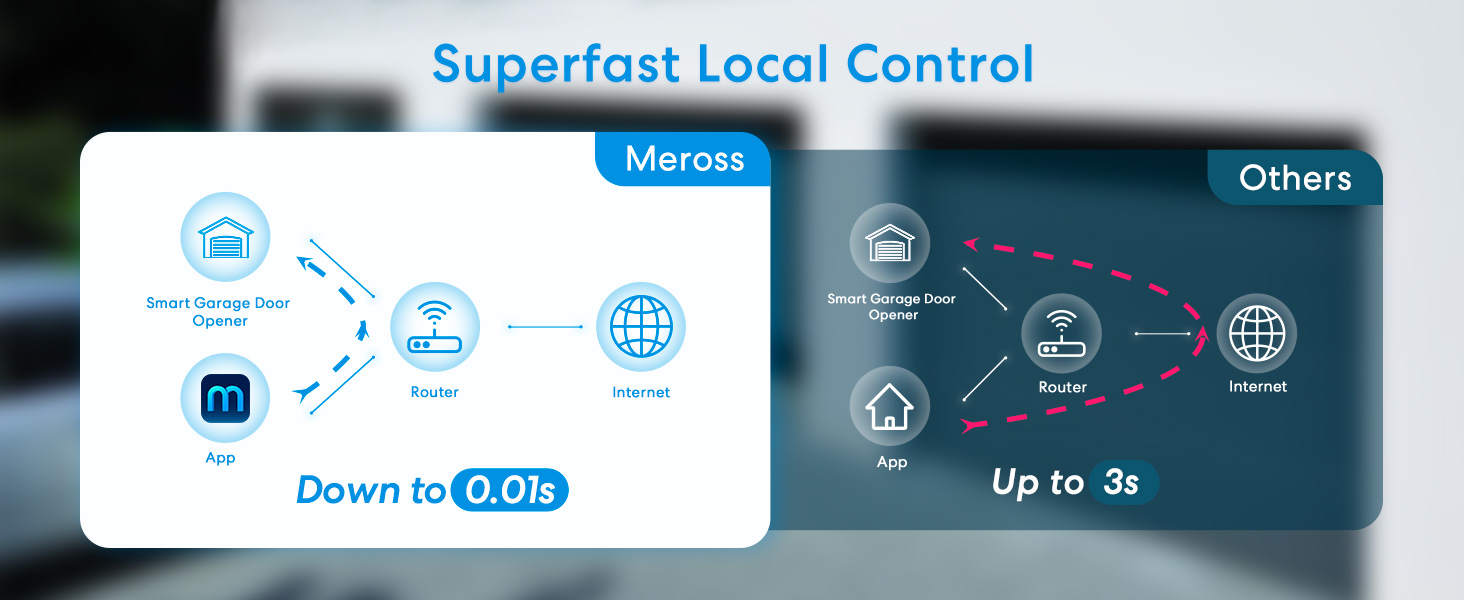
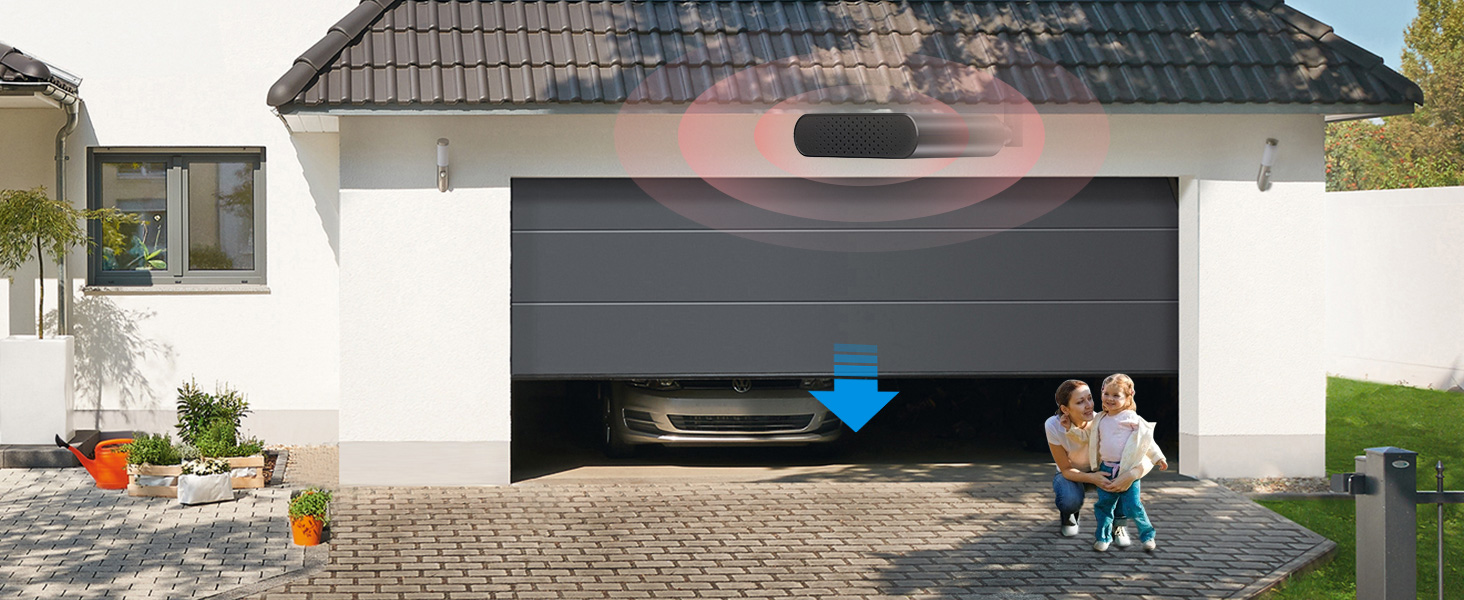
Sound Alarm
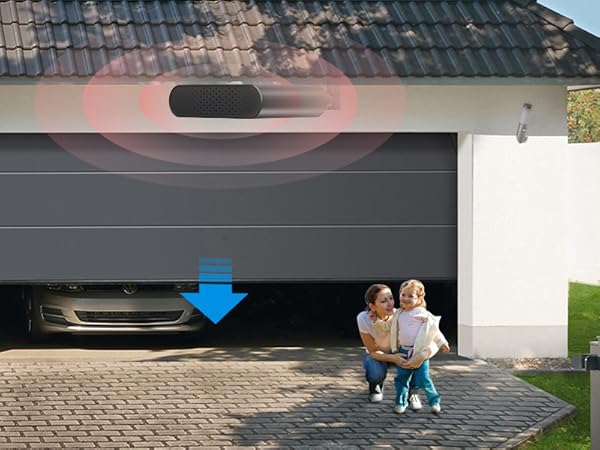
The built-in sound alarm makes closing the door safer, especially for families with children and pets.
The Existing Wall Button and Existing Remote Control can still work, after you installed the meross garage door opener.
In areas with poor data signal, you can also choose to receive alert notifications via SMS in the app settings (SMS will incur charges).

Step 1 - Compatibility Check
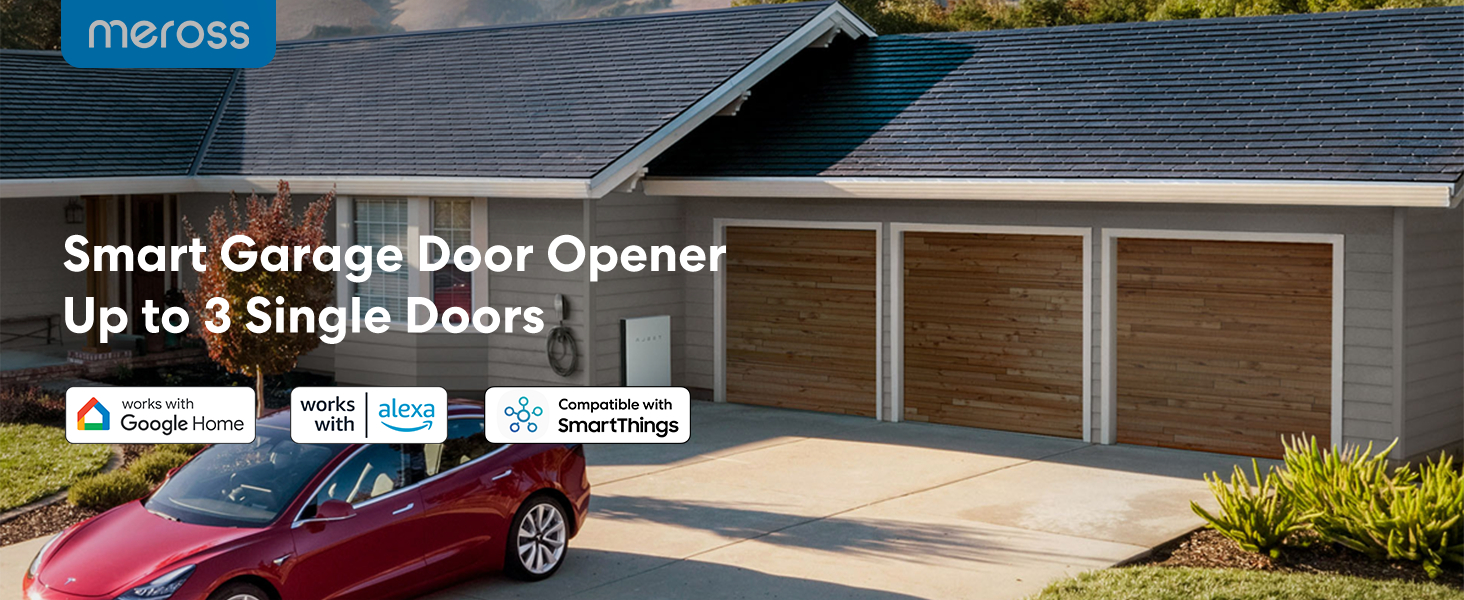
The product is compatible with more than 1600 models and 200 brands. Check your garage model in the compatibility list on the meross official web.

Step 2 - Set up the Device
Connect your phone to your device to set up and ensure that your smart device is covered by a powerful 2.4GHz WiFi signal.

Step 3 - Mount the Sensor
Please make sure the distance between the two sensors is less than 1 inch when the garage door is closed. Sensor with wire.

Step 4 - Mount Your Device
Install the wire from the sensor to the garage door opener. We recommend deploying the device on top of your existing garage door opener.

2.4GHz WiFi network support only: If you are having a mesh WiFi name for both your 2.4GHz and 5GHz WiFi and it keeps failing during setup. You may need to turn off the 5GHz on your WiFi router temporarily and make sure that your smart device is always covered by a strong WiFi signal.
More Smart Devices from Meross
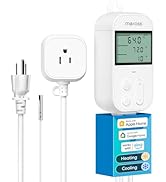
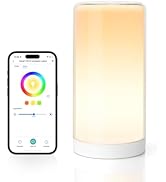
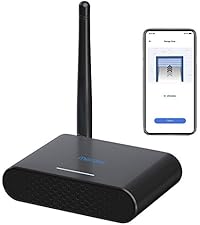 Garage Door Opener Remote | 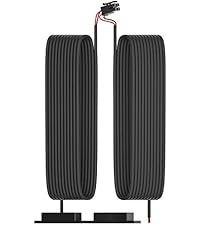 The 3rd door sensor | 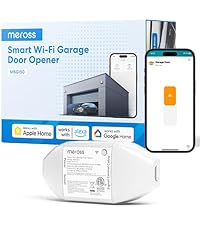 Garage Door Opener Remote |  Outdoor Smart Plug |  Temperature Controller | 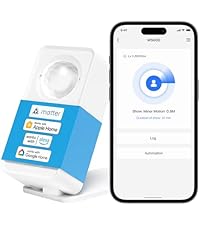 Matter Presence Sensor |  Smart WiFi Table Lamp | |
|---|---|---|---|---|---|---|---|
Customer Reviews | — | — | — | — | — | — | — |
Price | — | — | — | — | — | — | — |
Works with Apple Home | No | NA | YES | YES | NO | YES | YES |
Works with Google Home | YES | NA | YES | YES | YES | YES | YES |
Works with Alexa | YES | NA | YES | YES | YES | YES | YES |
Works with SmartThings | YES | NA | YES | YES | YES | YES | YES |
Control Method | App&Voice | NA | App&Voice | App&Voice | App&Voice | App | App&Voice |
Do You Need an Extra Accessory?
Step 1
Use pliers to short the wall button terminals, if the garage door opens or closes, it works. Otherwise, please go to point 2.
Compatible with openers using Security+ 1.0 and 2.0 protocols (does not support Security+ 3.0 ).
Step 2
If point 1 fails, your garage opener is from Chamberlain/LiftMaster/Craftsman. Device will still work(needs an extra accessory). Please claim the accessory on the meross web or contact the meross support team and we will send you the appropriate accessory individually. No additional fees.
Garage Door Opener Remote
Merchant VideoSmart Garage Door Opener Remote
External antenna.
Remote and voice control.
Compatible with more than 1600 models and 200 brands.
Data Encryption
Offline Control
Sound Alarm
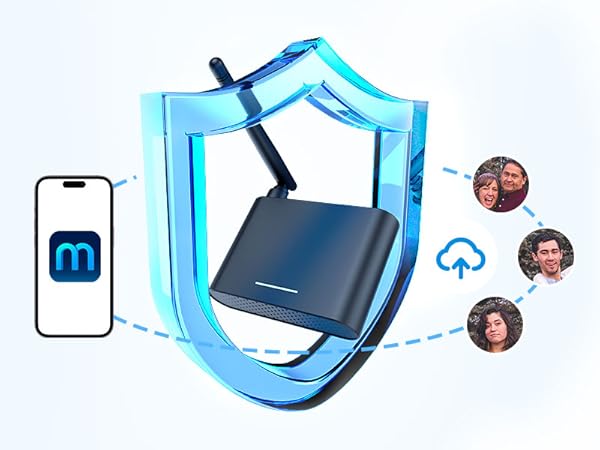


Meross has powerful data encryption functions to protect your information security.
When the internet is down, you can still control your devices in home network via Meross app.Close the door automatically when the door is still open after a particular time.
The built-in sound alarm makes closing the door safer, especially for families with children and pets.
The Existing Wall Button and Existing Remote Control can still work, after you installed the meross garage door opener.
In areas with poor data signal, you can also choose to receive alert notifications via SMS in the app settings (SMS will incur charges).
Step 1 - Compatibility Check
The product is compatible with more than 1600 models and 200 brands. Check your garage model in the compatibility list on the meross official web.
Step 2 - Set up the Device
Connect your phone to your device to set up and ensure that your smart device is covered by a powerful 2.4GHz WiFi signal.
Step 3 - Mount the Sensor
Please make sure the distance between the two sensors is less than 1 inch when the garage door is closed. Sensor with wire.
Step 4 - Mount Your Device
Install the wire from the sensor to the garage door opener. We recommend deploying the device on top of your existing garage door opener.

2.4GHz WiFi network support only: If you are having a mesh WiFi name for both your 2.4GHz and 5GHz WiFi and it keeps failing during setup. You may need to turn off the 5GHz on your WiFi router temporarily and make sure that your smart device is always covered by a strong WiFi signal.
More Smart Devices from Meross
Garage Door Opener Remote | The 3rd door sensor | Garage Door Opener Remote | Outdoor Smart Plug | Temperature Controller | Matter Presence Sensor | Smart WiFi Table Lamp |
|---|---|---|---|---|---|---|
| Customer Reviews | ||||||
| — | — | — | — | — | — | — |
| Price | ||||||
| — | — | — | — | — | — | — |
| Works with Apple Home | ||||||
| No | NA | YES | YES | NO | YES | YES |
| Works with Google Home | ||||||
| YES | NA | YES | YES | YES | YES | YES |
| Works with Alexa | ||||||
| YES | NA | YES | YES | YES | YES | YES |
| Works with SmartThings | ||||||
| YES | NA | YES | YES | YES | YES | YES |
| Control Method | ||||||
| App&Voice | NA | App&Voice | App&Voice | App&Voice | App | App&Voice |
Smart Garage Door Opener
Newly Released
Smart LED Lights
Smart Plug





