
Built for How Business Buys.



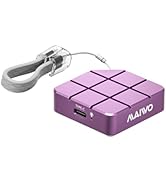
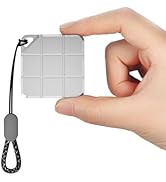
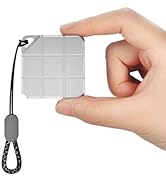
Portable Mini External SSD
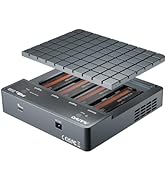
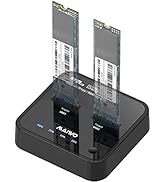
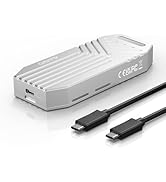
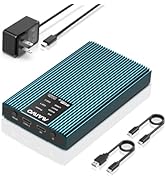
PCIe NVMe Enclosure Duplicator
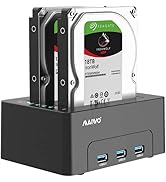
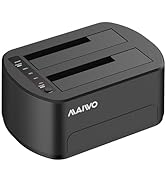
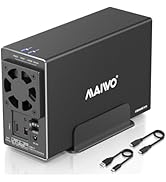
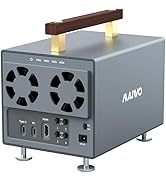
HDD RAID Enclosure/Cloner
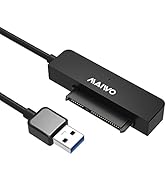
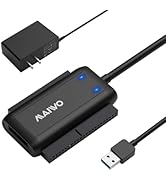
SATA/SAS Drive to USB Adapter

Founded in 2005, MAIWO is dedicated to designing and manufacturing innovative data storage solutions such as External Portable SSD, HDD Enclosure, Docking Station, Duplicator and USB Hub with the mission of helping users "Enjoy Digital Life." The company specializes in creating simple, user-friendly, and high-performance computer peripherals, offering consumers reliable, efficient, and seamless solutions for managing and storing their data.
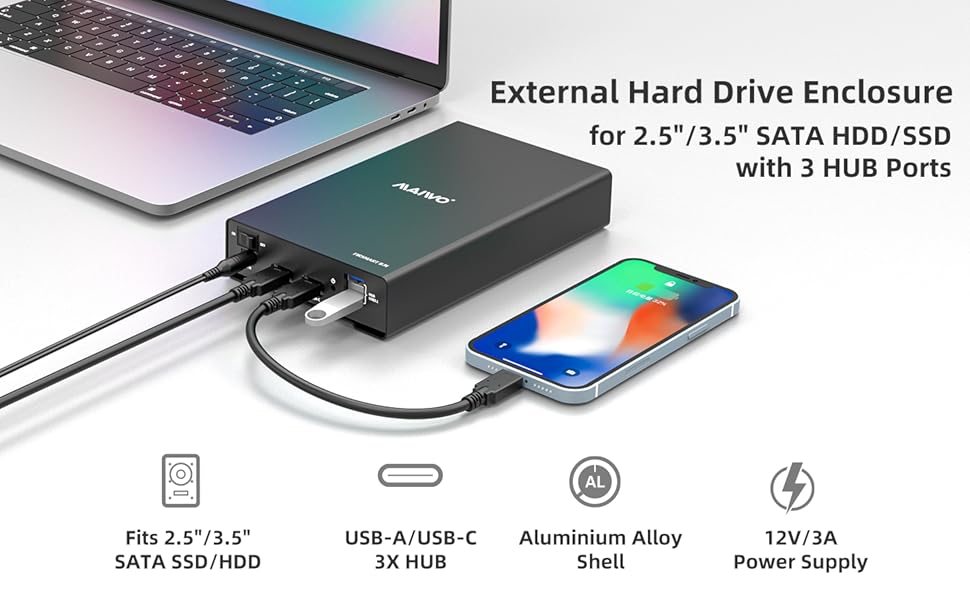
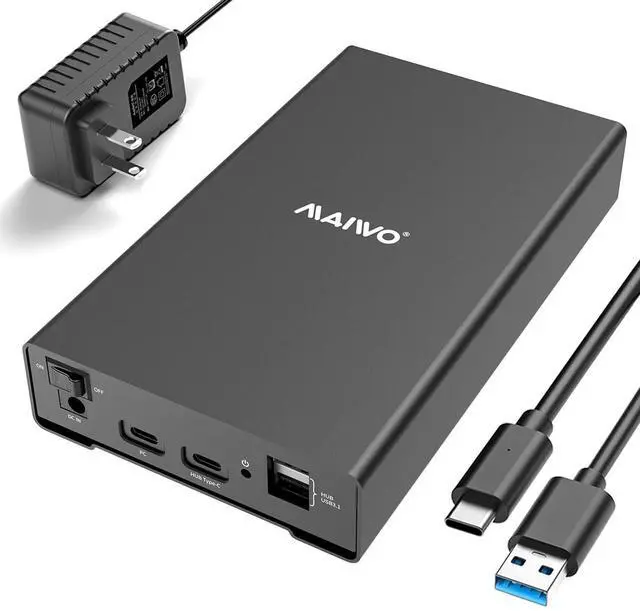
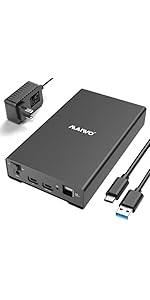
MAIWO 2.5 3.5 inch SATA Drive Enclosure, 10Gbps Transfer Speed, 24TB Capacity
Compatibility
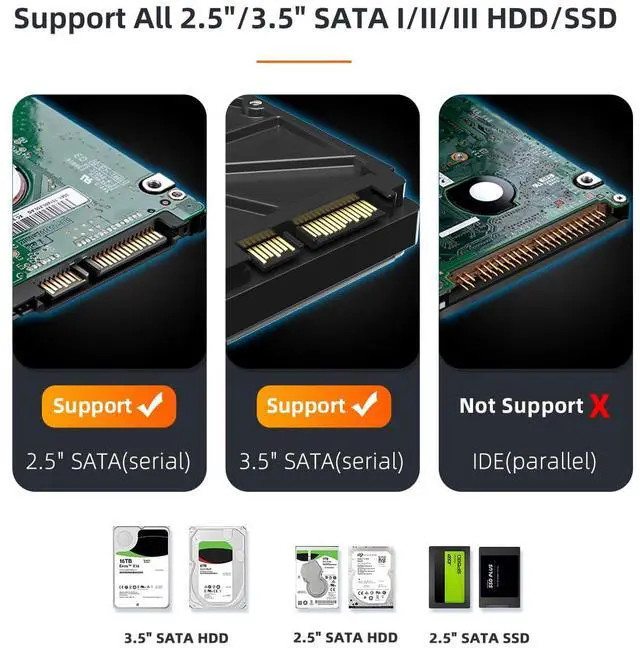
- This sata drive enclosure supports all 2.5/3.5 inch SATA I/II/III HDD and SSD.
- Support 2.5 inch HDD in size 7mm/9.5mm/12.5mm/15mm.
Transmission Speed
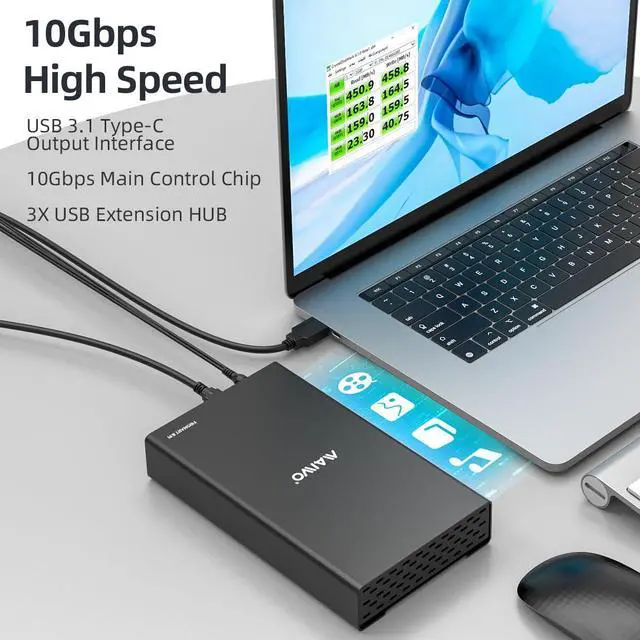
- The SATA drive enclosure equips with 10Gbps chipset, supports UASP protocol, can transfer 1GB files in 3 seconds.
- Please note that the fastest transfer speed of 2.5"/3.5" SATA Hard Drives is 6Gbps when using devices with Windows 8.1 or above operating system and with UASP USB Protocol supported.
Capacity
- This sata enclosure for 2.5 3.5 inch hard drive supports max 24TB capacity.
HUB Extension
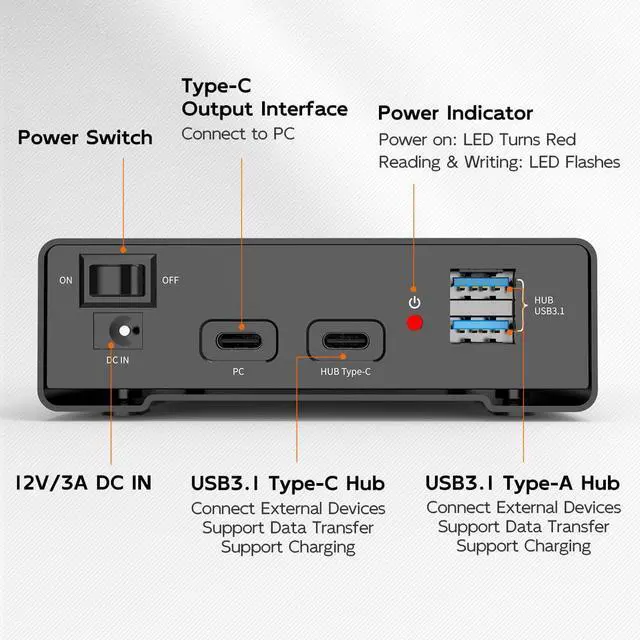
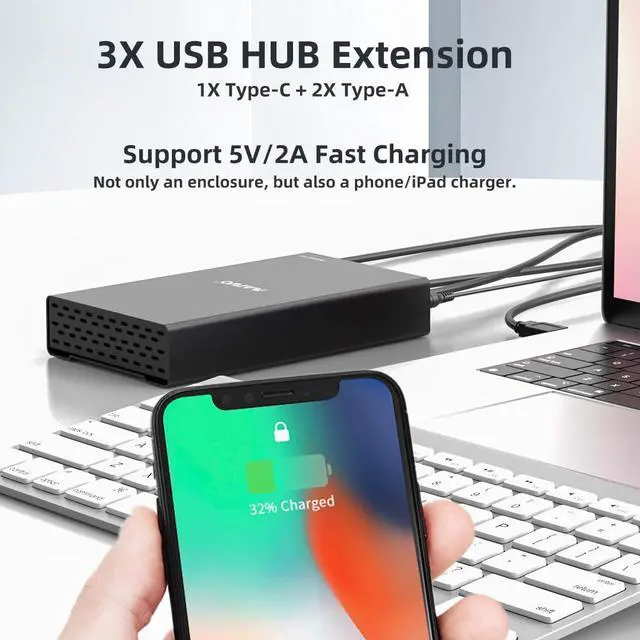
- This 2.5 3.5 inch SSD HDD case has two USB3.1 Type-A ports and two USB3.1 Type-C ports, supports 3X HUB extension, backward compatible with USB 3.0/2.0/1.1/1.0
Plug and Play
- No drivers needed, easy to install and use.
LED Indicator
- Clear activity LED and ON/OIFF power switch, easy to control the working status.
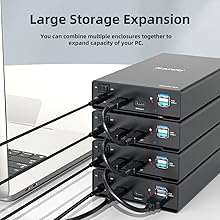
Stackable
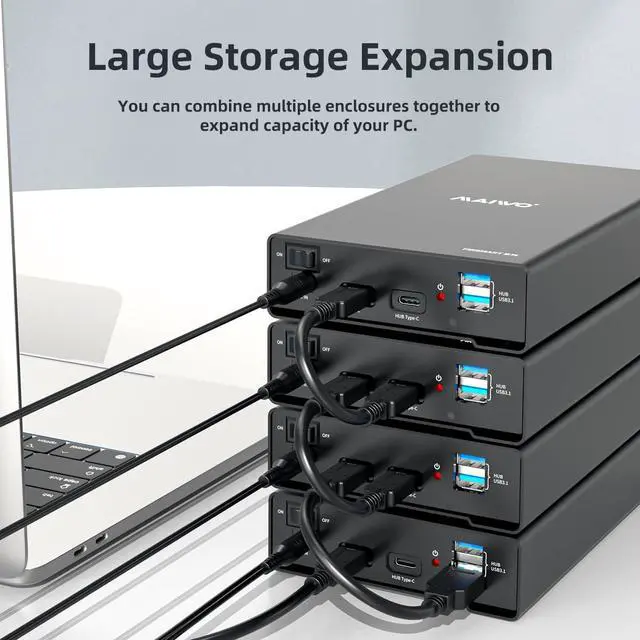
They are stackable, you can combine multiple enclosures to expand more storage as needed for your devices.
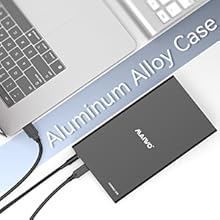
Aluminum Alloy Case
The sata enclosure is made up of aluminum alloy case and ABS bracket.
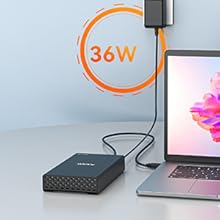
Sufficient Power Supply
This hard drive enclosure quips with 12V/3A power supply to meet the power consumption requirements of large-capacity hard drives.
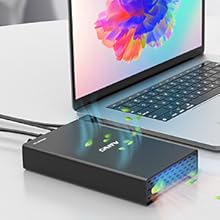
Excellent Heat Dissipation
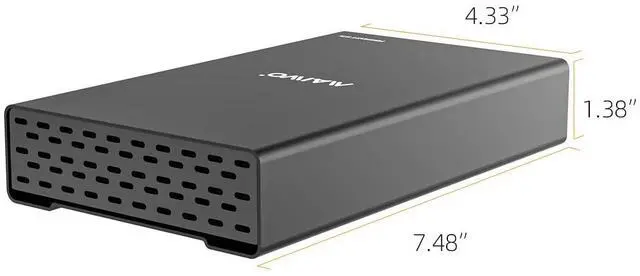
This enclosure equipes with emission holes ensure excellent heat dissipation, no cooling fan is needed for high-speed working.
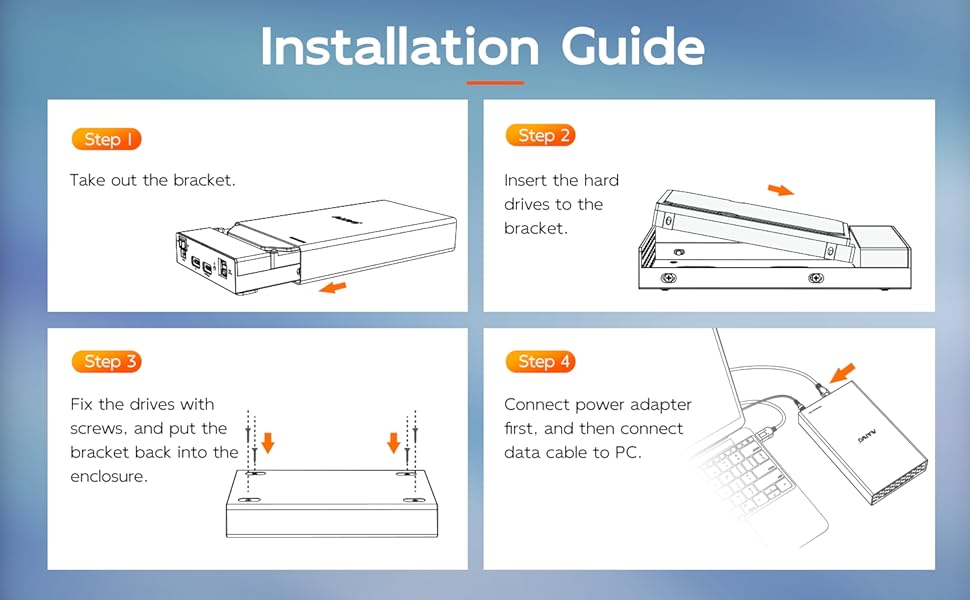
If your drive is new, please follow below steps to make the enclosure work:
- Insert drive and connect the enclosure to PC.
- Hard Disk Initialization: Computer----Manage---Disk Management---find new disk and initialize (NOTE: Please choose MBR if the capacity of your disk is less than 2TB, choose GPT if larger than 2TB.)
- Disk Partition and Format: New disk will become “Disk 1” after initialization, right click “Disk 1” and choose “New Simple Volume” to do partition, choose the capacity you need and choose “Formatting”.
 K3525CH | 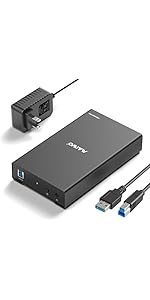 K3525U3S | 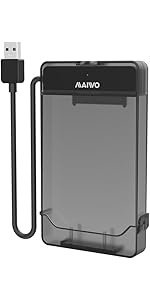 K104 |  K3062 | 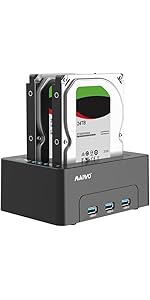 K3082H | 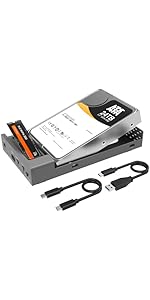 K3525N | |
|---|---|---|---|---|---|---|
| Customer Reviews | — | — | — | — | — | — |
| Price | — | — | — | — | — | — |
| Compatibility | 2.5/3.5" SATA | 2.5/3.5" SATA | 2.5" SATA | 2.5/3.5" SATA | 2.5/3.5" SATA | 2.5/3.5" SATA |
| USB Port | USB 3.1 | USB 3.0 | USB 3.0 | USB 3.0 | USB 3.0 | USB 3.2 |
| Transfer Speed | 10Gbps | 5Gbps | 5Gbps | 5Gbps | 5Gbps | 10Gbps |
| Material | Aluminum | Aluminum | High-strength Plastic | High-strength Plastic | High-strength Plastic | Aluminum |
| Feature | 3X USB Expansion | Basic | 3-in-1 Detachable Design | Offline Clone | Offline Clone, 3-Port USB Hub | Bidirectional Clone NVMe and SATA |
MAIWO 2.5 3.5 inch SATA Drive Enclosure, 10Gbps Transfer Speed, 24TB Capacity
Compatibility
- This sata drive enclosure supports all 2.5/3.5 inch SATA I/II/III HDD and SSD.
- Support 2.5 inch HDD in size 7mm/9.5mm/12.5mm/15mm.
Transmission Speed
- The SATA drive enclosure equips with 10Gbps chipset, supports UASP protocol, can transfer 1GB files in 3 seconds.
- Please note that the fastest transfer speed of 2.5"/3.5" SATA Hard Drives is 6Gbps when using devices with Windows 8.1 or above operating system and with UASP USB Protocol supported.
Capacity
- This sata enclosure for 2.5 3.5 inch hard drive supports max 24TB capacity.
HUB Extension
- This 2.5 3.5 inch SSD HDD case has two USB3.1 Type-A ports and two USB3.1 Type-C ports, supports 3X HUB extension, backward compatible with USB 3.0/2.0/1.1/1.0
Plug and Play
- No drivers needed, easy to install and use.
LED Indicator
- Clear activity LED and ON/OIFF power switch, easy to control the working status.
Stackable
They are stackable, you can combine multiple enclosures to expand more storage as needed for your devices.
Aluminum Alloy Case
The sata enclosure is made up of aluminum alloy case and ABS bracket.
Sufficient Power Supply
This hard drive enclosure quips with 12V/3A power supply to meet the power consumption requirements of large-capacity hard drives.
Excellent Heat Dissipation
This enclosure equipes with emission holes ensure excellent heat dissipation, no cooling fan is needed for high-speed working.
| Brand | MAIWO |
| Material | Aluminum Alloy Case+ABS Bracket |
| Compatibility | 2.5/3.5 inch SATA I/II/III HDD/SSD |
| Interface | 2X USB-A, 2X USB-C |
| Support OS | Windows/Linux/macOS |
| Dimension | 190mm*110mm*35mm |
| 10Gbps Data Cable | USB 3.1 Type-C to Type-A (Length: 80cm) |
| Power Supply | 12V 3A |
| Function | Read & Write Data |
| Support Size | 7mm-15mm Hard Drives |
If your drive is new, please follow below steps to make the enclosure work:
- Insert drive and connect the enclosure to PC.
- Hard Disk Initialization: Computer----Manage---Disk Management---find new disk and initialize (NOTE: Please choose MBR if the capacity of your disk is less than 2TB, choose GPT if larger than 2TB.)
- Disk Partition and Format: New disk will become “Disk 1” after initialization, right click “Disk 1” and choose “New Simple Volume” to do partition, choose the capacity you need and choose “Formatting”.
K3525CH | K3525U3S | K104 | K3062 | K3082H | K3525N | |
|---|---|---|---|---|---|---|
| Customer Reviews | — | — | — | — | — | — |
| Price | — | — | — | — | — | — |
| Compatibility | 2.5/3.5" SATA | 2.5/3.5" SATA | 2.5" SATA | 2.5/3.5" SATA | 2.5/3.5" SATA | 2.5/3.5" SATA |
| USB Port | USB 3.1 | USB 3.0 | USB 3.0 | USB 3.0 | USB 3.0 | USB 3.2 |
| Transfer Speed | 10Gbps | 5Gbps | 5Gbps | 5Gbps | 5Gbps | 10Gbps |
| Material | Aluminum | Aluminum | High-strength Plastic | High-strength Plastic | High-strength Plastic | Aluminum |
| Feature | 3X USB Expansion | Basic | 3-in-1 Detachable Design | Offline Clone | Offline Clone, 3-Port USB Hub | Bidirectional Clone NVMe and SATA |
Portable Mini External SSD
PCIe NVMe Enclosure Duplicator
HDD RAID Enclosure/Cloner
SATA/SAS Drive to USB Adapter
Founded in 2005, MAIWO is dedicated to designing and manufacturing innovative data storage solutions such as External Portable SSD, HDD Enclosure, Docking Station, Duplicator and USB Hub with the mission of helping users "Enjoy Digital Life." The company specializes in creating simple, user-friendly, and high-performance computer peripherals, offering consumers reliable, efficient, and seamless solutions for managing and storing their data.
