


TONOR Gaming Microphone, USB Mi
Merchant Video
Pop Filter
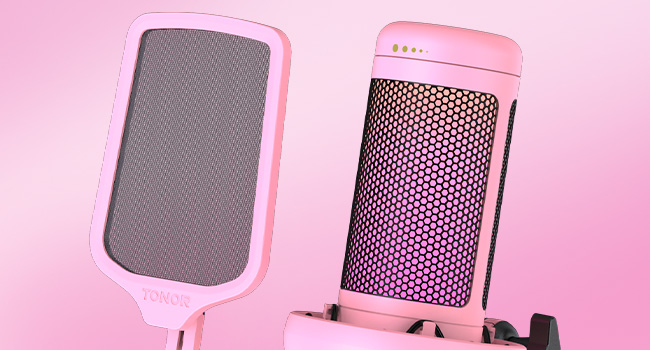
Enjoy clear communication with your teammates during gaming with the effective pop filter that prevents air flow noise.
Upgraded Shock Mount
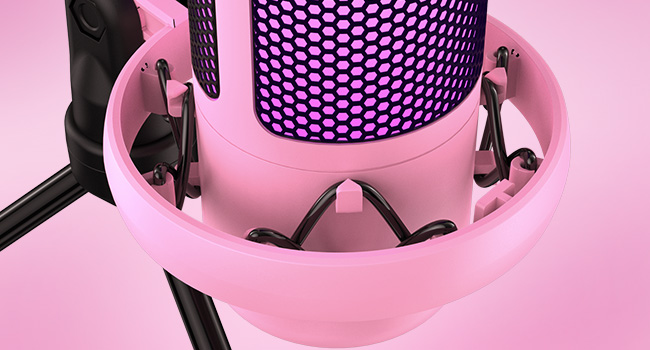
The shock mount is equipped with rubber bands that have strong elasticity, providing exceptional anti-vibration and reducing mechanical noise effectively.
Compare These Microphones
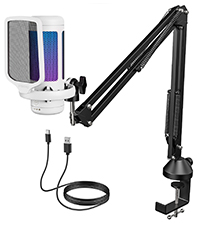 TC310 | 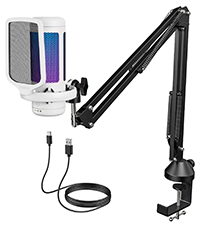 TC310+ | 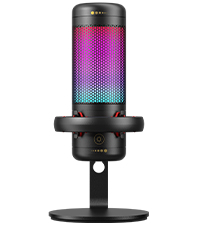 TC320 |  TD510+ |  TD310+ | 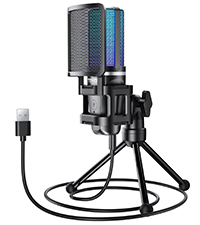 TC777 Pro | |
|---|---|---|---|---|---|---|
Customer Reviews | — | — | — | — | — | — |
Price | — | — | — | — | — | — |
Plug Type | USB A | USB A | USB A/TypeC | USB A | USB A/TypeC | USB A |
Sampling Rate | 96kHz | 96kHz | 96kHz | 96kHz | 96kHz | 96kHz |
Polar Pattern | Cardioid | Cardioid | Cardioid | Cardioid | Cardioid 50Hz-16kHz | Cardioid |
Frequency Response | 50Hz-20kHz | 50Hz-20kHz | 50Hz-20kHz | 50Hz-14kHz | 50Hz-16kHz | 20Hz-20kHz |
Sensitivity | -40dB±3dB | -40dB±3dB | -40dB±3dB | -54dB±1.5dB | -54dB±1.5dB | -32dB±3dB |
Output Impedance | 2.2kO | 2.2kO | 2.2kO | 600 O | 600 O | 2.2kO |
S/N ratio | 70dB | 70dB | 70dB | 95dB | 95dB | 95dB |
Stand | Tripod | Boom arm | Desktop | Boom arm | Boom arm | Tripod |
Suitable for | Gaming/Podcasting/Recording | Gaming/Podcasting/Recording | Gaming/Podcasting/Recording | Podcasting/Gaming/Recording | Gaming/Podcasting/Recording | Gaming/Podcasting/Recording |
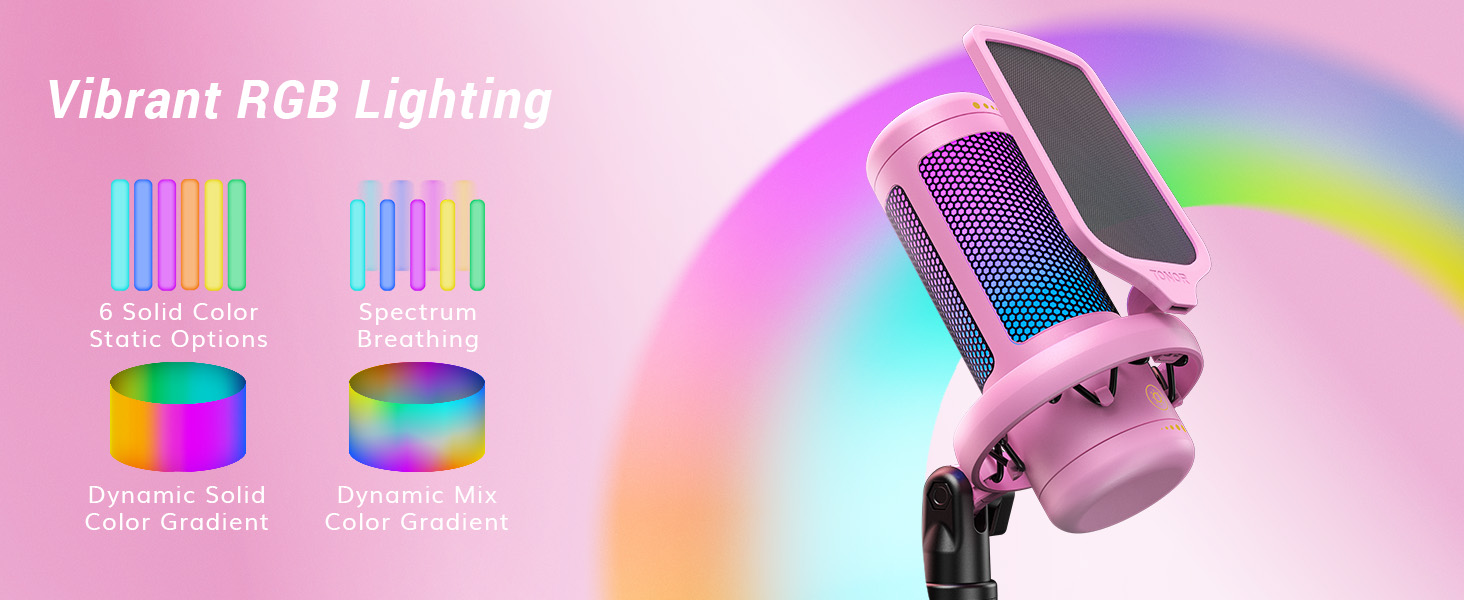
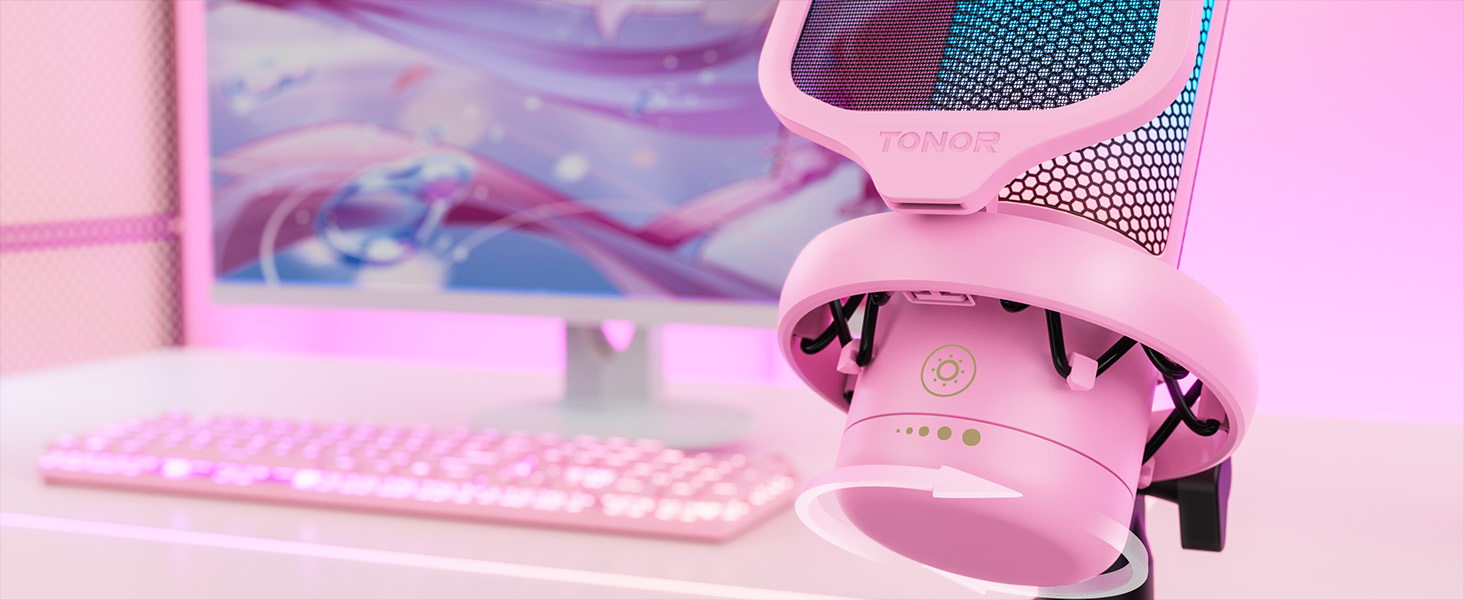
How to adjust the lighting effect of the microphone?
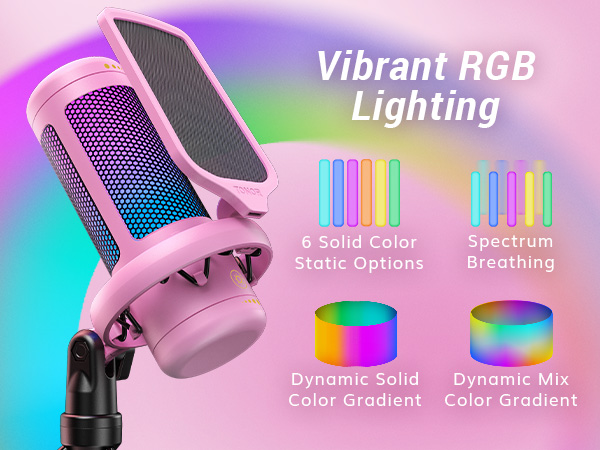
The microphone has a touch button on its body. Lightly tap it to switch between 4 lighting modes. You can also adjust the brightness by rotating the knob at the bottom. Long-press the touch button to turn off the lights.
How to adjust the mic gain level? How to mute?
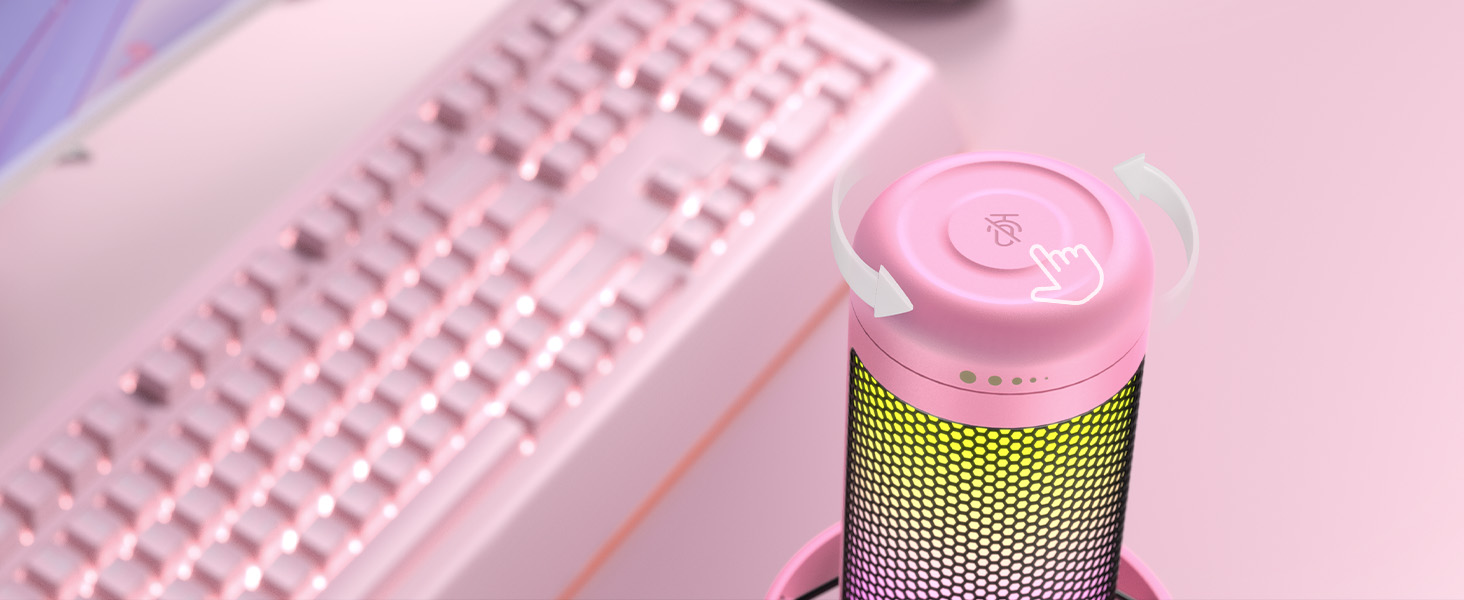
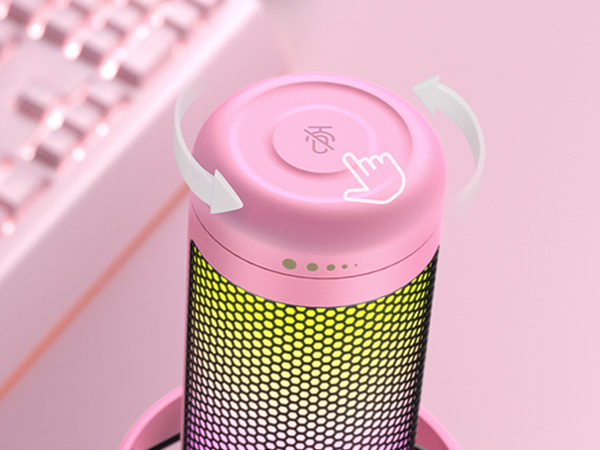
The TC310+ mic features a two-in-one volume control knob. Tapping the top button allows for one-touch mute, while rotating the top knob adjusts the gain of the microphone.
Can it be connected to a PS4 or Xbox?
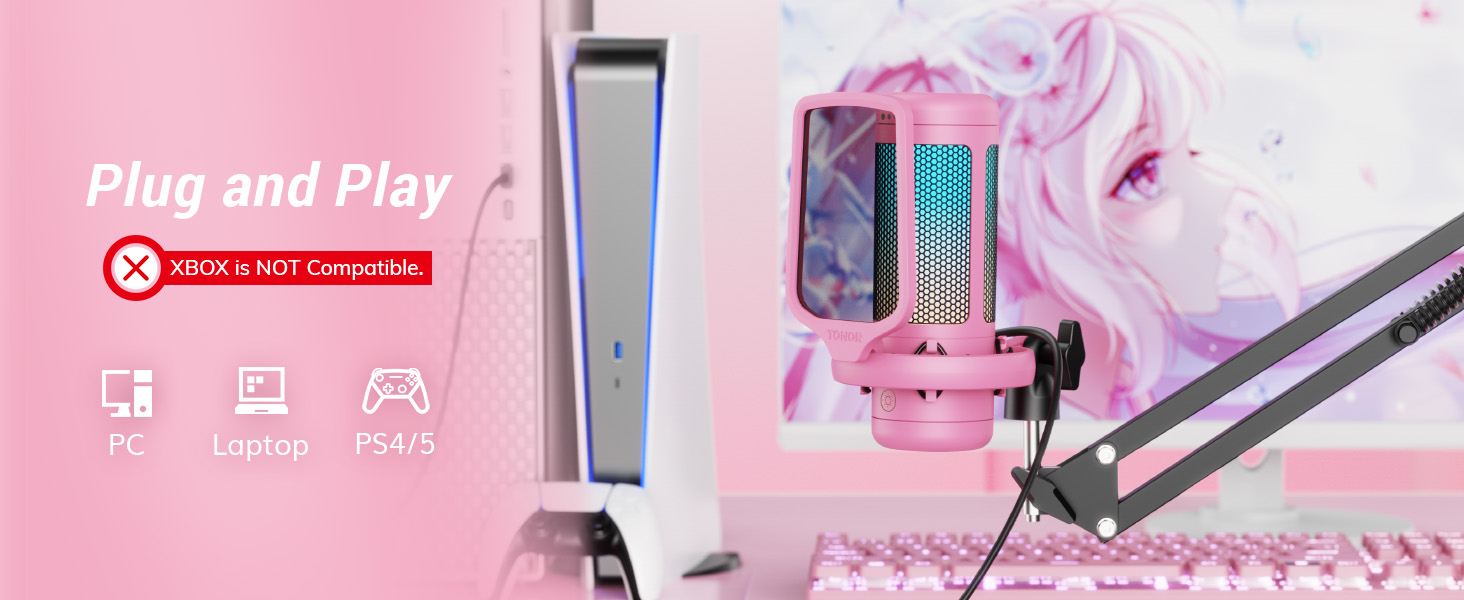
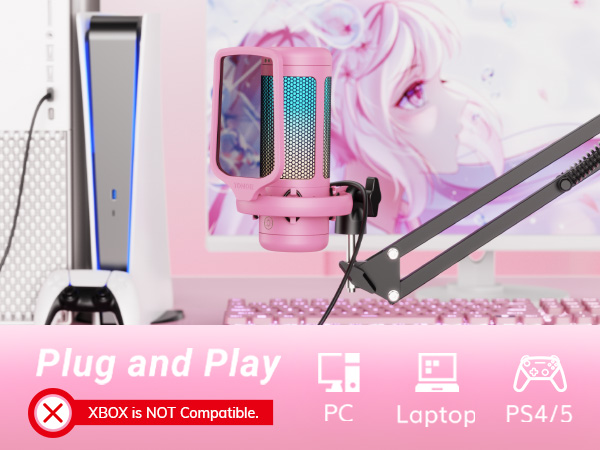
The TC310+ mic uses USB plug-and-play for PS4 compatibility, not Xbox.
Does it work with the Android phones or iPhone?
To use it on an Android device, you will need to purchase a USB-A to Type-C adapter. On the other hand, for lightning devices, it is advisable to get a USB-A to lightning adapter with MFI certification for seamless compatibility.
What is the maximum desktop thickness supported by the clamp?
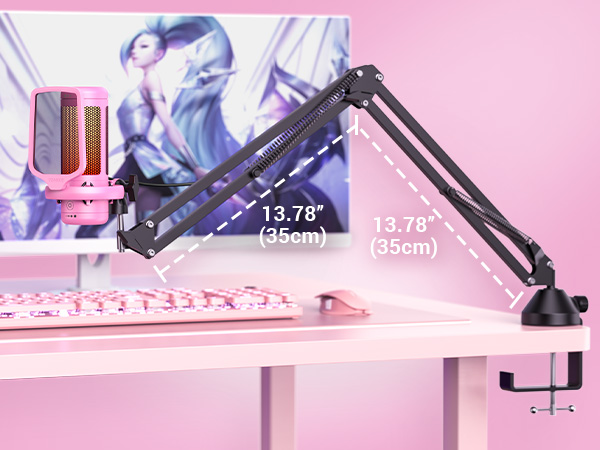
It can handle a maximum desktop thickness of 2.36 inches (6cm). However, it cannot be installed if the bottom of your desk is non-flat, such as curved.
TONOR Gaming Microphone, USB Mi
Merchant Video
Easy Light Control
Tap to switch or turn off/on the light.
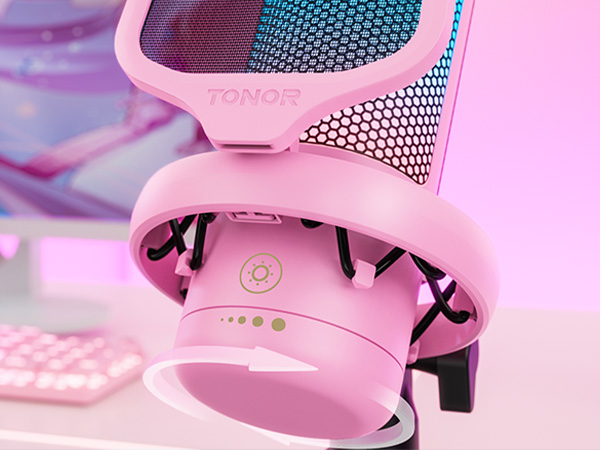
Adjust the brightness by rotating the button.
Easy Volume Control
Short tap to mute/unmute.
Adjust the volume by rotating the top.
Pop Filter
Enjoy clear communication with your teammates during gaming with the effective pop filter that prevents air flow noise.
Upgraded Shock Mount
The shock mount is equipped with rubber bands that have strong elasticity, providing exceptional anti-vibration and reducing mechanical noise effectively.
Compare These Microphones
TC310 | TC310+ | TC320 | TD510+ | TD310+ | TC777 Pro |
|---|---|---|---|---|---|
| Customer Reviews | |||||
| — | — | — | — | — | — |
| Price | |||||
| — | — | — | — | — | — |
| Plug Type | |||||
| USB A | USB A | USB A/TypeC | USB A | USB A/TypeC | USB A |
| Sampling Rate | |||||
| 96kHz | 96kHz | 96kHz | 96kHz | 96kHz | 96kHz |
| Polar Pattern | |||||
| Cardioid | Cardioid | Cardioid | Cardioid | Cardioid 50Hz-16kHz | Cardioid |
| Frequency Response | |||||
| 50Hz-20kHz | 50Hz-20kHz | 50Hz-20kHz | 50Hz-14kHz | 50Hz-16kHz | 20Hz-20kHz |
| Sensitivity | |||||
| -40dB±3dB | -40dB±3dB | -40dB±3dB | -54dB±1.5dB | -54dB±1.5dB | -32dB±3dB |
| Output Impedance | |||||
| 2.2kO | 2.2kO | 2.2kO | 600 O | 600 O | 2.2kO |
| S/N ratio | |||||
| 70dB | 70dB | 70dB | 95dB | 95dB | 95dB |
| Stand | |||||
| Tripod | Boom arm | Desktop | Boom arm | Boom arm | Tripod |
| Suitable for | |||||
| Gaming/Podcasting/Recording | Gaming/Podcasting/Recording | Gaming/Podcasting/Recording | Podcasting/Gaming/Recording | Gaming/Podcasting/Recording | Gaming/Podcasting/Recording |
How to adjust the lighting effect of the microphone?
The microphone has a touch button on its body. Lightly tap it to switch between 4 lighting modes. You can also adjust the brightness by rotating the knob at the bottom. Long-press the touch button to turn off the lights.
How to adjust the mic gain level? How to mute?
The TC310+ mic features a two-in-one volume control knob. Tapping the top button allows for one-touch mute, while rotating the top knob adjusts the gain of the microphone.
Can it be connected to a PS4 or Xbox?
The TC310+ mic uses USB plug-and-play for PS4 compatibility, not Xbox.
Does it work with the Android phones or iPhone?
To use it on an Android device, you will need to purchase a USB-A to Type-C adapter. On the other hand, for lightning devices, it is advisable to get a USB-A to lightning adapter with MFI certification for seamless compatibility.
What is the maximum desktop thickness supported by the clamp?
It can handle a maximum desktop thickness of 2.36 inches (6cm). However, it cannot be installed if the bottom of your desk is non-flat, such as curved.





