


wireless headset with mic for work
Merchant Video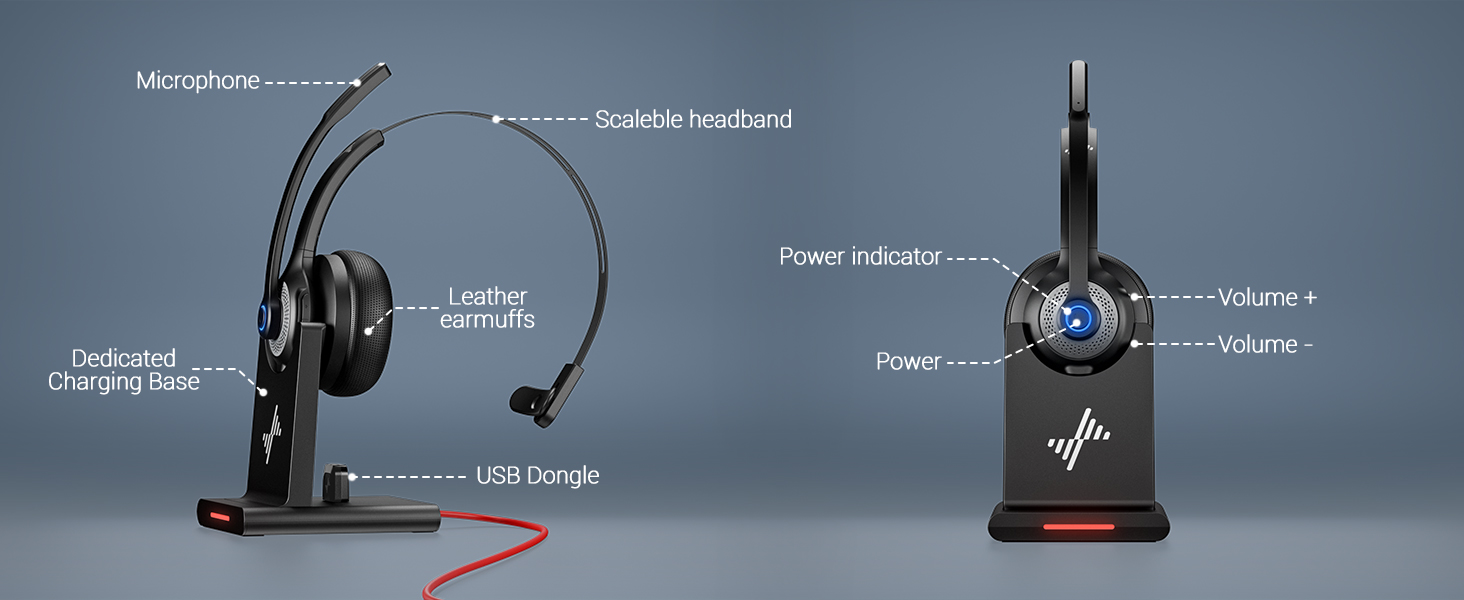
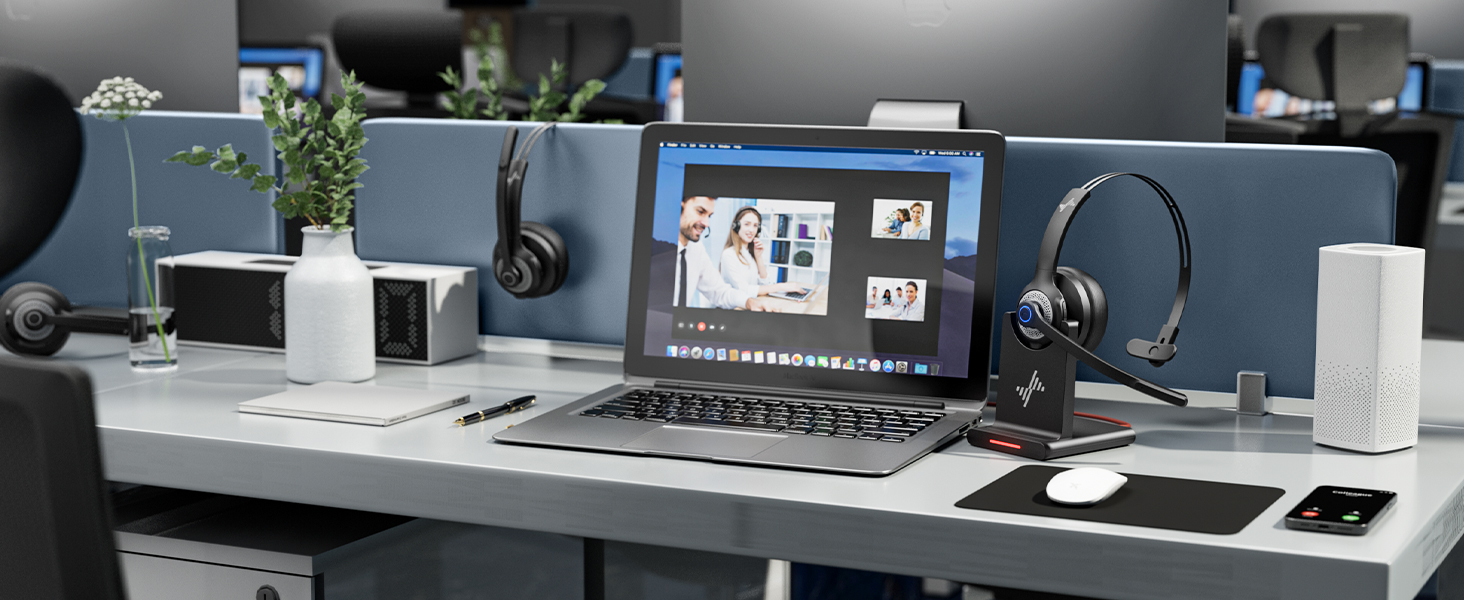
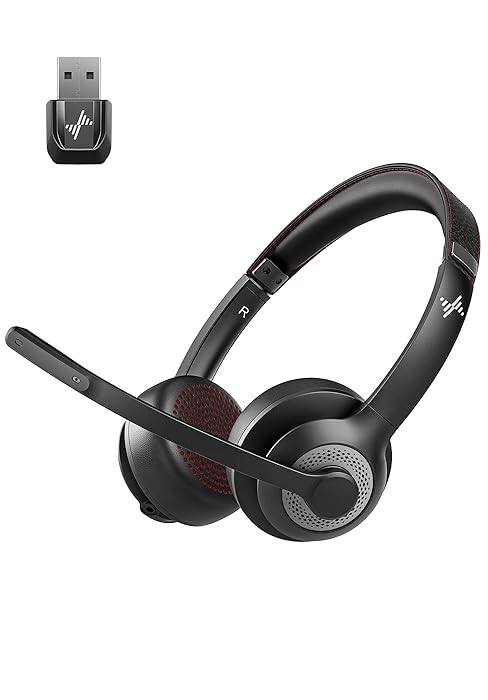
Bluetooth 5.2 USB Dongle
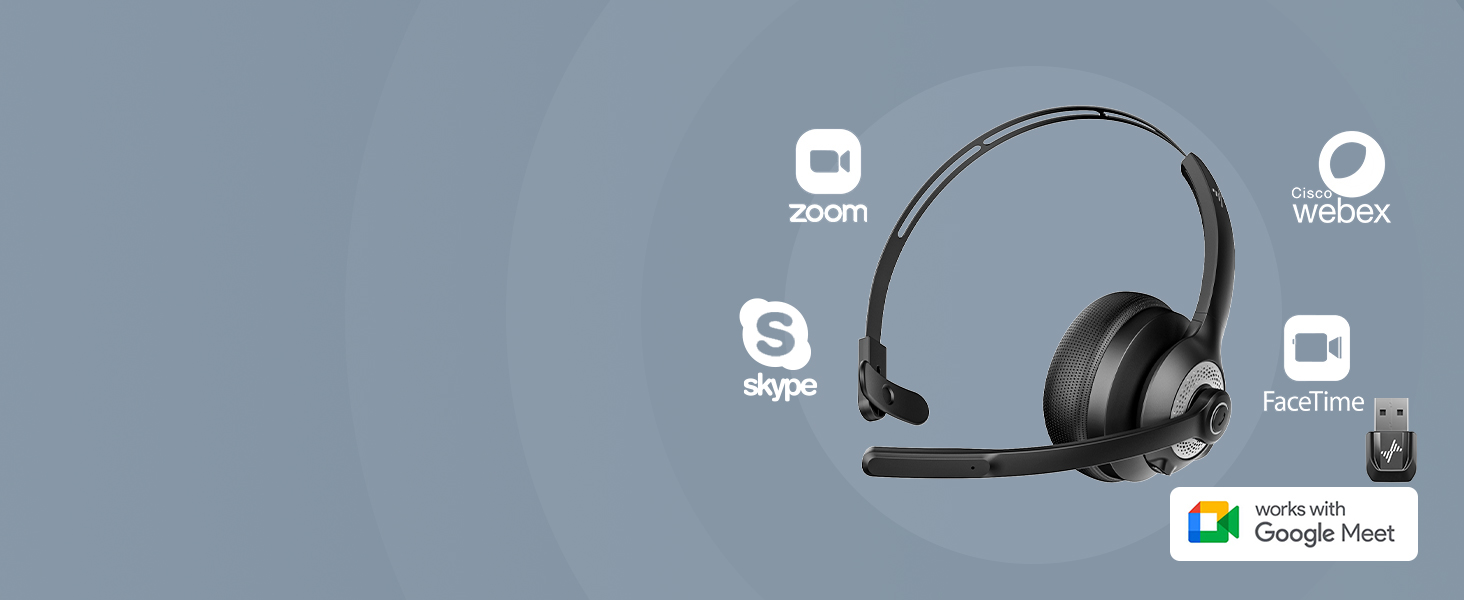
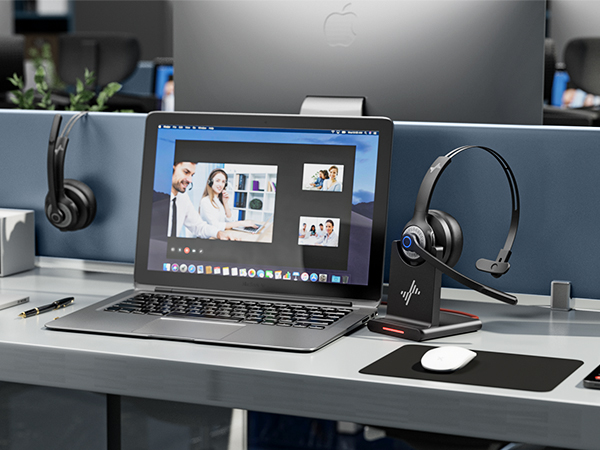
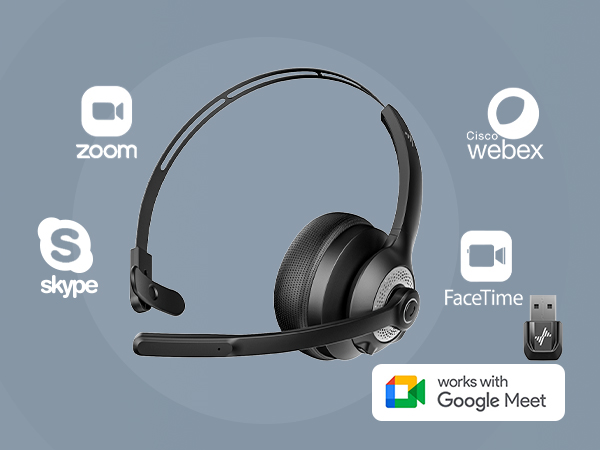
Wide compatible with pc/computer/laptop through bluetooth; choose USB dongle, more stable, no delay
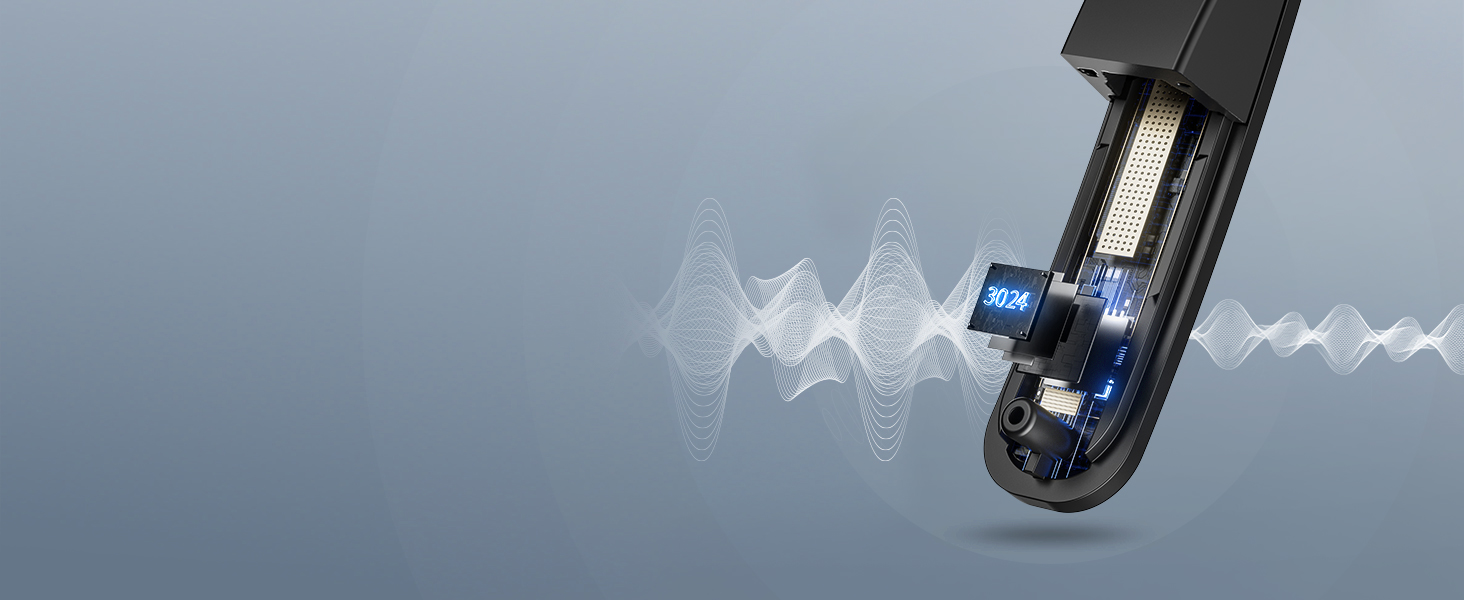
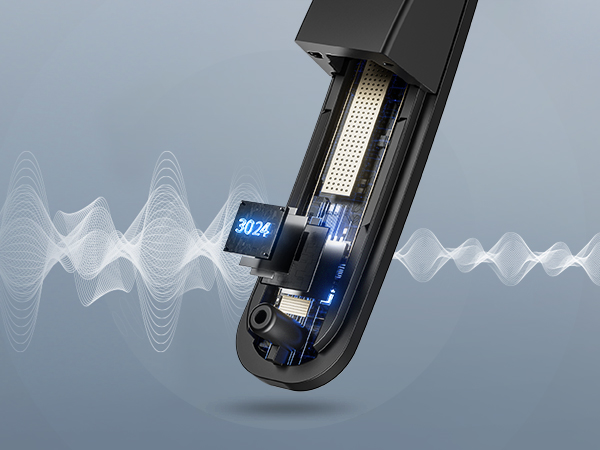
Microphone adopts excellent ENC technology
It can effectively suppress 92% of reverse environmental noise.
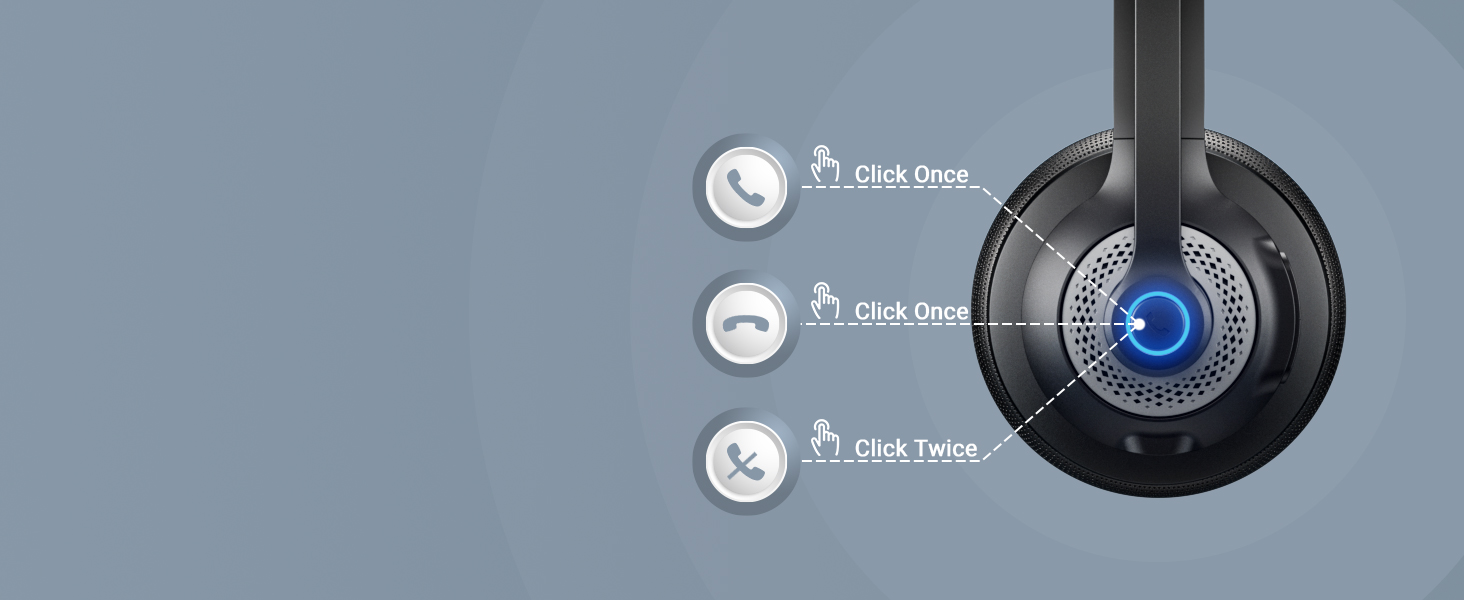
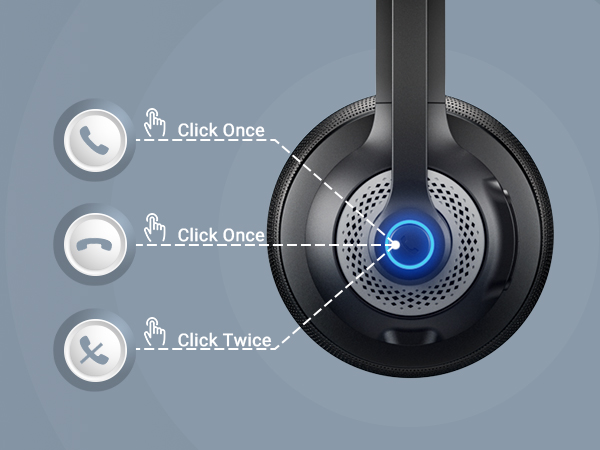
Multifunction button to answer calls, volume up
Mute function allows for private conversations, just press the answer button twice
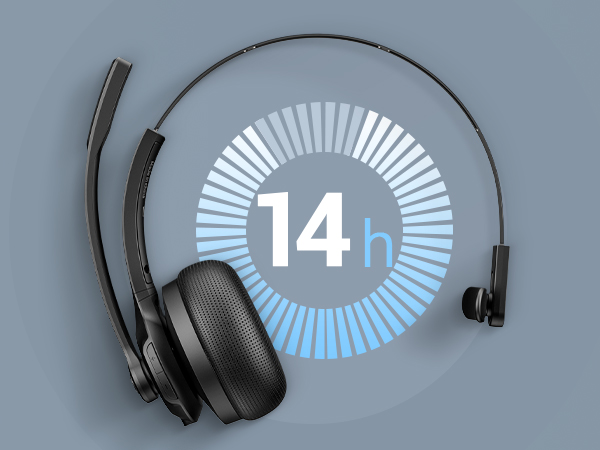
Wireless Bluetooth Headphones offer 14 hours of talk time and 200 hours of standby time.
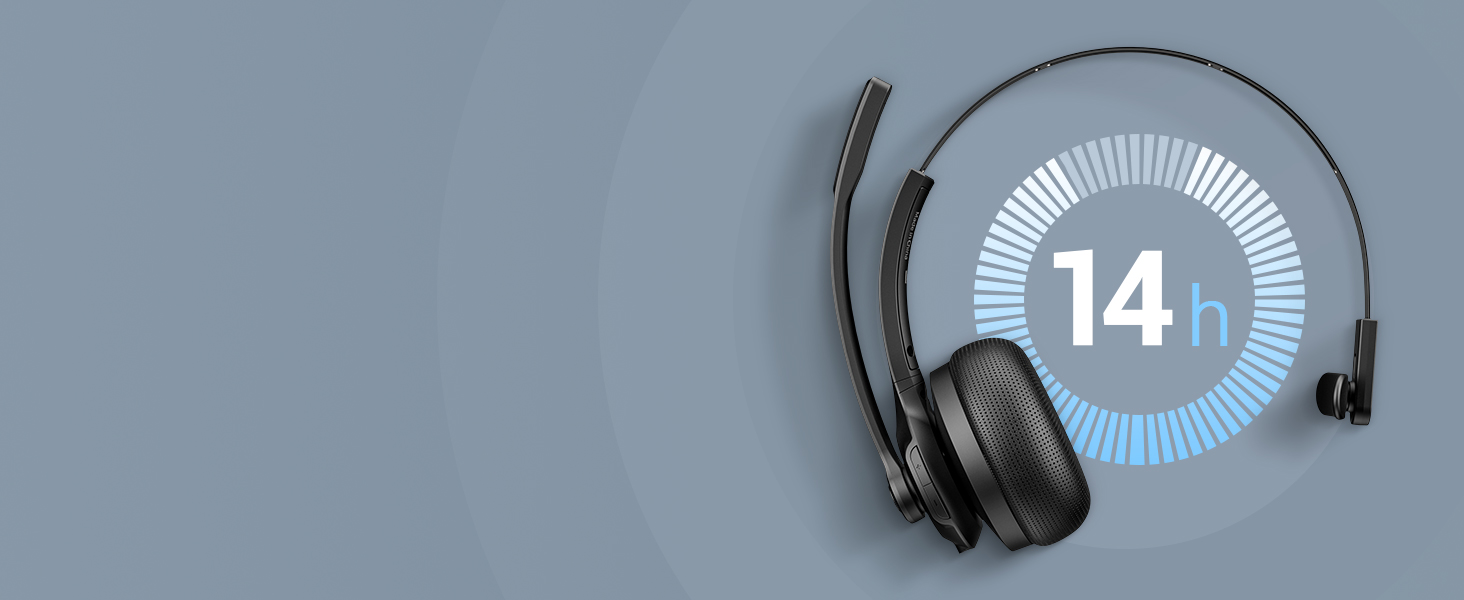
Wireless Bluetooth Headphones offer 14 hours of talk time and 200 hours of standby time.
JIAMQISHI
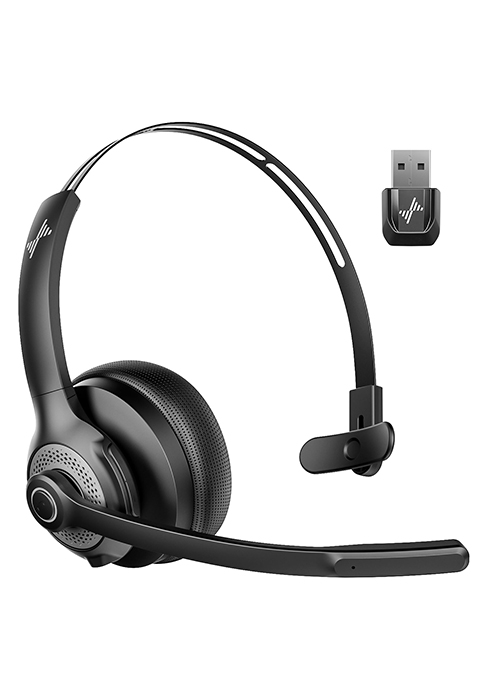
Bluetooth/USB Dongle | Connection Method | Bluetooth/USB Dongle |
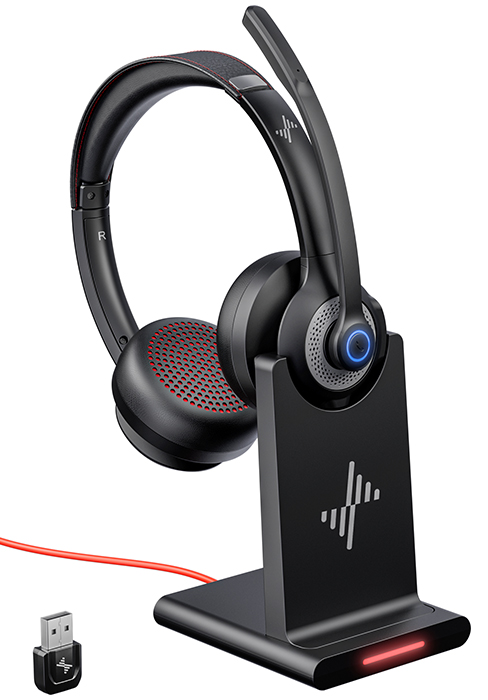
Charging Base/USB C | Charging Method | USB C Cable |
1 Device | Bluetooth Multipoint | 1 Device |
Bluetooth/USB Dongle | Connection Method | Bluetooth/USB Dongle |
Charging Base/USB C | Charging Method | USB C Cable |
1 Device | Bluetooth Multipoint | 1 Device |
Bluetooth/USB Dongle | Connection Method | Bluetooth/USB Dongle |
Charging Base/USB C | Charging Method | Charging Base/USB C |
1 Device | Bluetooth Multipoint | 1 Device |
About wireless bluetooth headphones with noise cancellation.
Our wireless bluetooth headset is equipped with ambient noise cancellation technology, which can effectively reduce all kinds of noises around you (which can't be filtered by family members' normal volume) and ensure the call quality.
How to properly use the charging dock for charging?
The headset can be charged via the USB-C port or by placing it on the charging dock. When using the charging dock, it needs to be connected to a power source. Red light when charging; blue light when fully charged.
What devices are wireless headphones compatible with? What devices are not compatible?
This Bluetooth headset is compatible with most computers and mobile phones and supports Windows, macOS and Android, iOS devices. Please note that this headset is not compatible with desk phones and landlines.
What should I do if I can't hear the sound when I connect my headphones to the computer?
After successfully pairing the Bluetooth headset, check the sound settings of your computer and software to ensure that [EH06-P] is selected as the default output and input device.
About the mute function of these headphones.
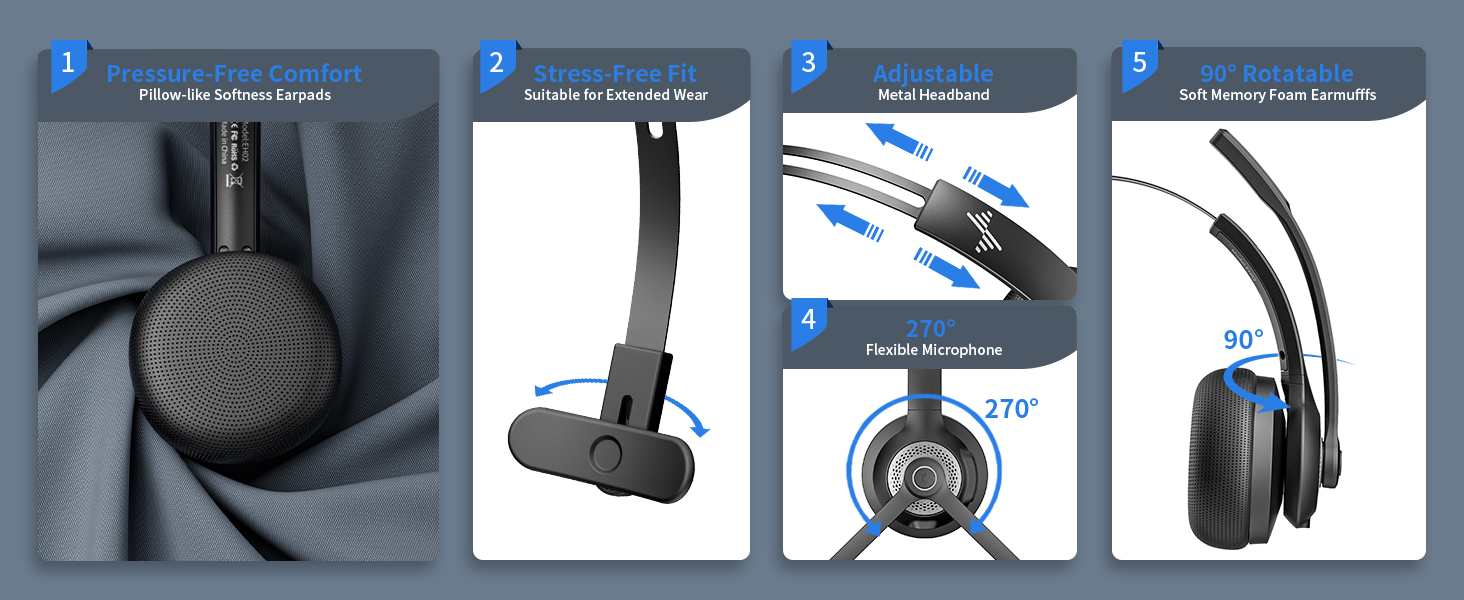
Mute the microphone by rotating it to the upright position (for mobile phone calls only)
wireless headset with mic for work
Merchant Video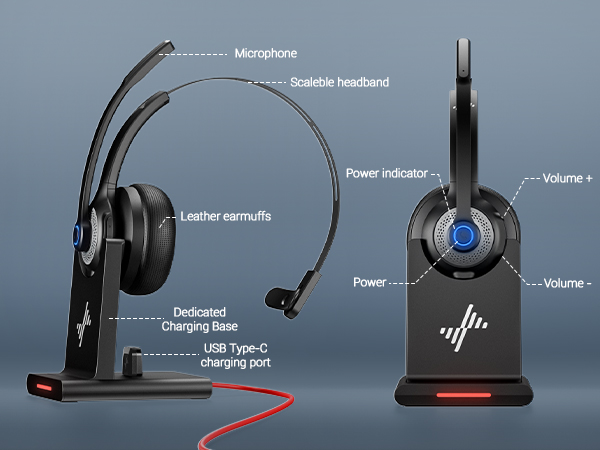
Bluetooth 5.2 USB Dongle
Wide compatible with pc/computer/laptop through bluetooth; choose USB dongle, more stable, no delay
Microphone adopts excellent ENC technology
It can effectively suppress 92% of reverse environmental noise.
Multifunction button to answer calls, volume up
Mute function allows for private conversations, just press the answer button twice
Wireless Bluetooth Headphones offer 14 hours of talk time and 200 hours of standby time.
Wireless Bluetooth Headphones offer 14 hours of talk time and 200 hours of standby time.
JIAMQISHI
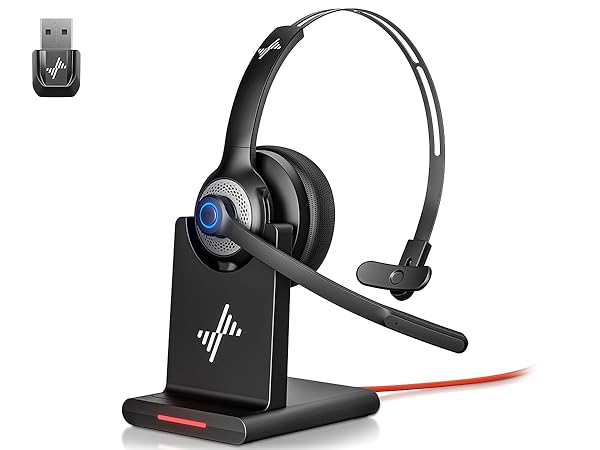
EH06-P
Connection Method
Bluetooth/USB Dongle
Charging Method
Charging Base/USB C
Bluetooth Multipoint
1 Device
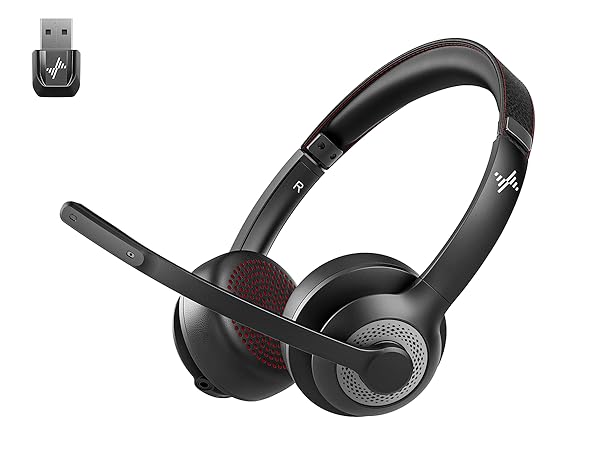
EH02-U
Connection Method
Bluetooth/USB Dongle
Charging Method
USB C Cable
Bluetooth Multipoint
1 Device
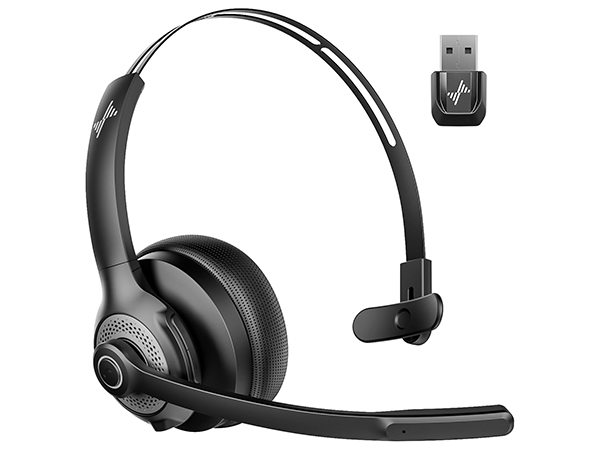
EH06-U
Connection Method
Bluetooth/USB Dongle
Charging Method
USB C Cable
Bluetooth Multipoint
1 Device
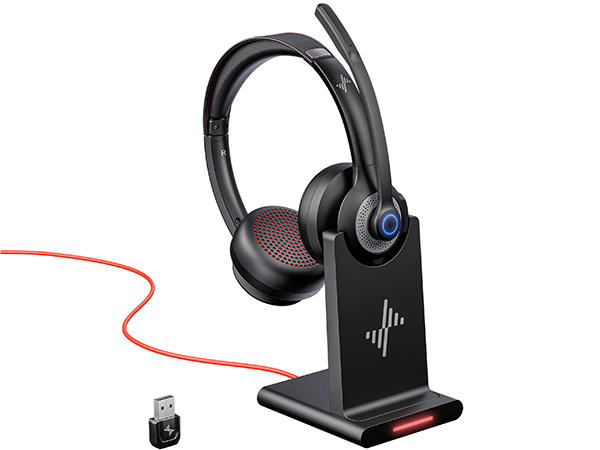
EH02-P
Connection Method
Bluetooth/USB Dongle
Charging Method
Charging Base/USB C
Bluetooth Multipoint
1 Device
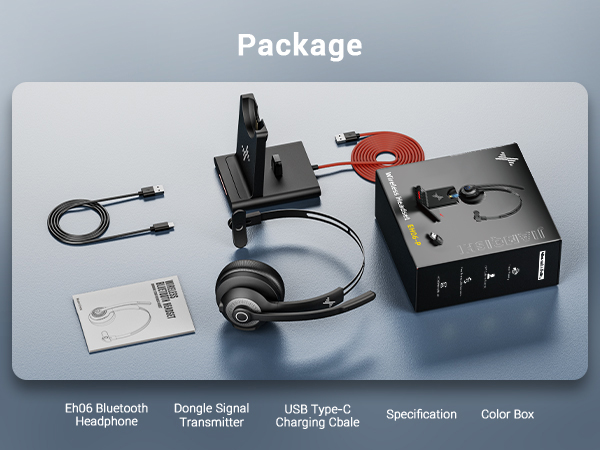
About wireless bluetooth headphones with noise cancellation.
Our wireless bluetooth headset is equipped with ambient noise cancellation technology, which can effectively reduce all kinds of noises around you (which can't be filtered by family members' normal volume) and ensure the call quality.
How to properly use the charging dock for charging?
The headset can be charged via the USB-C port or by placing it on the charging dock. When using the charging dock, it needs to be connected to a power source. Red light when charging; blue light when fully charged.
What devices are wireless headphones compatible with? What devices are not compatible?
This Bluetooth headset is compatible with most computers and mobile phones and supports Windows, macOS and Android, iOS devices. Please note that this headset is not compatible with desk phones and landlines.
What should I do if I can't hear the sound when I connect my headphones to the computer?
After successfully pairing the Bluetooth headset, check the sound settings of your computer and software to ensure that [EH06-P] is selected as the default output and input device.
About the mute function of these headphones.
Mute the microphone by rotating it to the upright position (for mobile phone calls only)





