




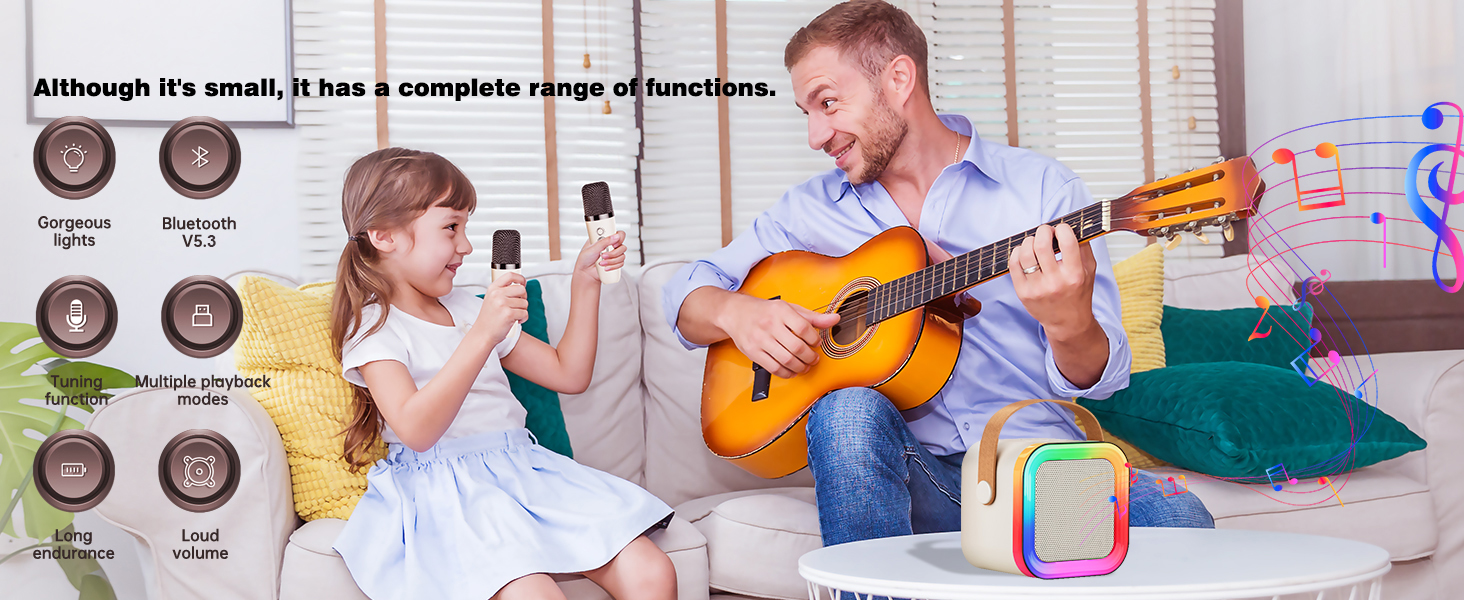

Are there any problems when using our mini karaoke machine?
Please rest assured! We will do our utmost to provide you with a satisfactory solution in the end!
Can't Bluetooth audio-visual devices like mobile phones connect to Bluetooth speakers?
1. Turn off the Bluetooth on your phone and the speaker, then turn them on again and reconnect.
2. Check if the speaker was previously connected to other devices. If so, turn off the Bluetooth of that device first, and then connect to this one.
Why doesn't the microphone work? Question 1.
1.Please press the first on/off button on the microphone to cancel the mute function. 2. Check whether the microphone and the speaker are powered on. Have they all been turned on? Have they been paired successfully?
Why doesn't the microphone work? Question 2.
Check whether the microphone and the speaker are connected successfully. If the connection fails, turn them all off first and then turn them on again to reconnect.
Is there an echo or static noise in the mini karaoke machine?
1.It is recommended to keep the microphone 2 - 3 meters away from the speaker, or double-click the minus key to reduce the reverberation function. 2. It is advisable to turn off the microphone when it is not in use.


We are a Bluetooth speaker factory. For a long time, we have been producing speakers for globally renowned brands. Now, to meet the demands of the market, we have finally launched our own brand, Feixg. We are committed to making products of the same quality as those of big brands while remaining true to our original intention of making them affordable for everyone.


Click on the picture to enter
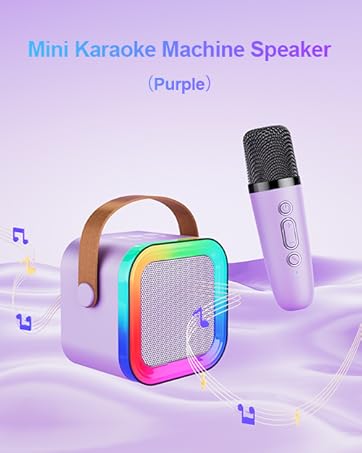
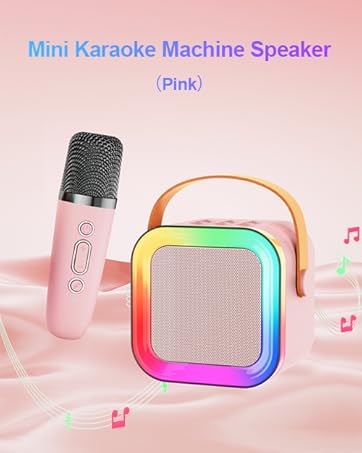
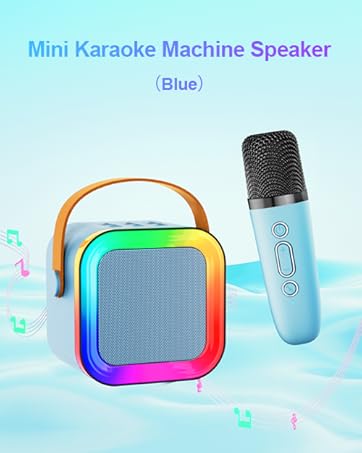
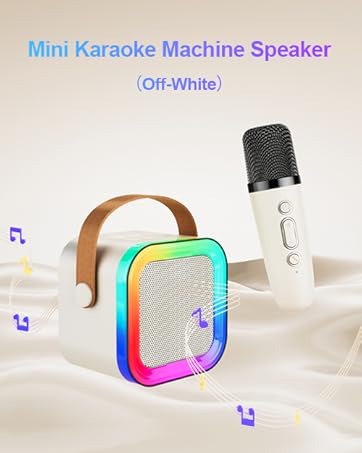
Do you encounter any problems while using our products?
Our working team is made up of a group of enthusiastic and positive young people.
Introduction to the team of our company.
Because our company is a team of young people, always filled with boundless hope and vitality. They hold the vision for the future. No matter how great the difficulties in work are, they always meet them with high morale and full enthusiasm. Whenever a customer chooses our products, it is an acknowledgement of the work achievements of this group of young people.


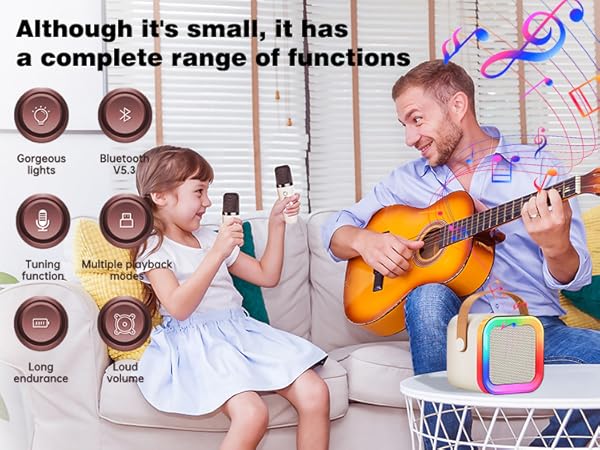

Are there any problems when using our mini karaoke machine?
Please rest assured! We will do our utmost to provide you with a satisfactory solution in the end!
Can't Bluetooth audio-visual devices like mobile phones connect to Bluetooth speakers?
1. Turn off the Bluetooth on your phone and the speaker, then turn them on again and reconnect.
2. Check if the speaker was previously connected to other devices. If so, turn off the Bluetooth of that device first, and then connect to this one.
Why doesn't the microphone work? Question 1.
1.Please press the first on/off button on the microphone to cancel the mute function. 2. Check whether the microphone and the speaker are powered on. Have they all been turned on? Have they been paired successfully?
Why doesn't the microphone work? Question 2.
Check whether the microphone and the speaker are connected successfully. If the connection fails, turn them all off first and then turn them on again to reconnect.
Is there an echo or static noise in the mini karaoke machine?
1.It is recommended to keep the microphone 2 - 3 meters away from the speaker, or double-click the minus key to reduce the reverberation function. 2. It is advisable to turn off the microphone when it is not in use.
We are a Bluetooth speaker factory. For a long time, we have been producing speakers for globally renowned brands. Now, to meet the demands of the market, we have finally launched our own brand, Feixg. We are committed to making products of the same quality as those of big brands while remaining true to our original intention of making them affordable for everyone.
Click on the picture to enter
Do you encounter any problems while using our products?
Our working team is made up of a group of enthusiastic and positive young people.
Introduction to the team of our company.
Because our company is a team of young people, always filled with boundless hope and vitality. They hold the vision for the future. No matter how great the difficulties in work are, they always meet them with high morale and full enthusiasm. Whenever a customer chooses our products, it is an acknowledgement of the work achievements of this group of young people.





