



Lomiluskr
Bring you colorful computer accessories

We are committed to breaking the boring desktop office environment.
We provide you with various computer accessories in colorful colors and creative shapes.
They are not only practical but also decorative on the desktop.
It can make your work and typing fun.
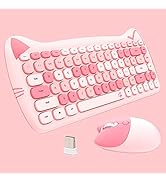
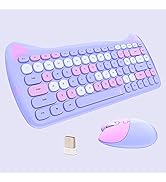
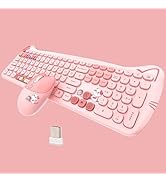
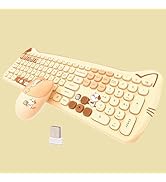
Wireless Keyboard and Mouse
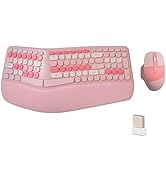
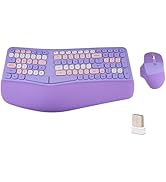
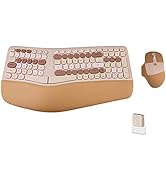
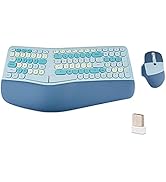
Ergo Wireless Keyboard & Mouse
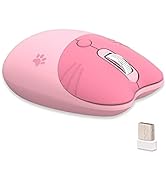
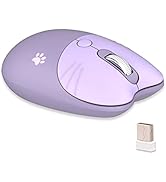
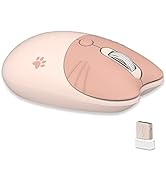
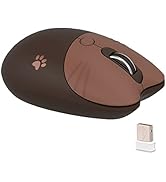
Cute Cat Wireless Mouse
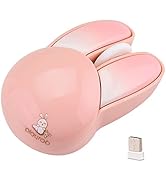
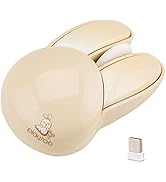
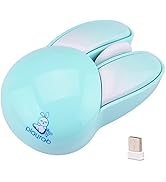
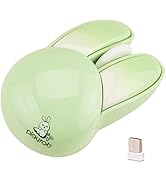
Cute Bunny Wireless Mouse
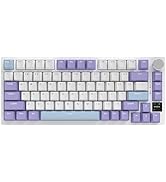
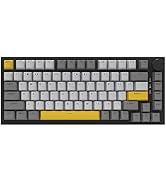
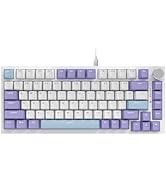
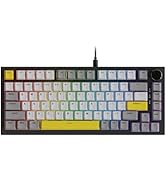
Wired/Wireless Gasket Keyboard
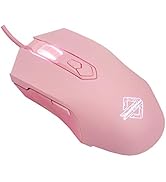

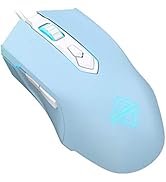
Wired Gaming Mouse
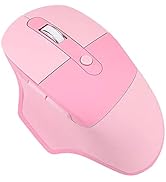
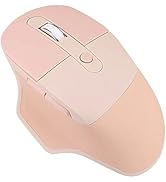
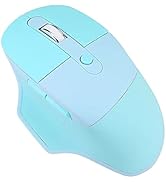
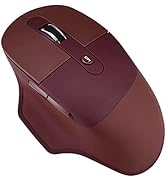
Ergonomic Wireless Mouse
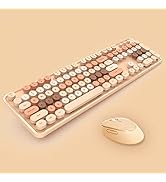
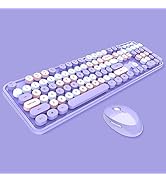
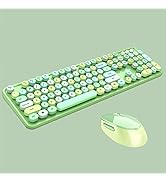
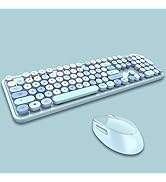
Wireless Keyboard and Mouse
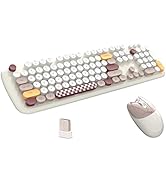
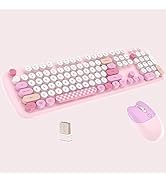

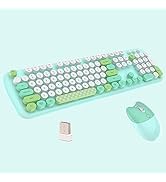
Wireless Keyboard and Mouse
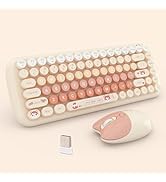
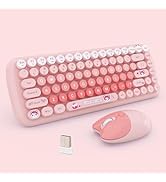
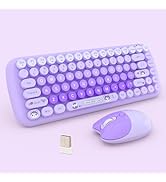
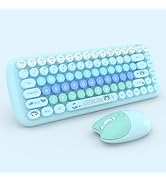
Wireless Keyboard and Mouse
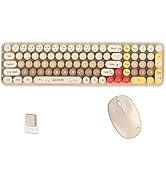
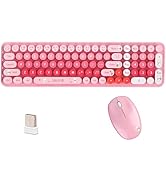
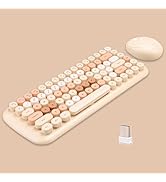
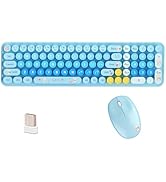
Wireless Keyboard and Mouse
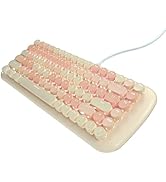
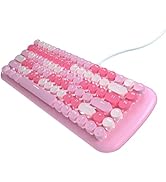
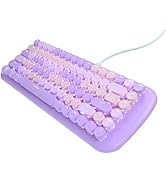
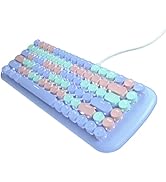
Wired Mechanical Keyboard
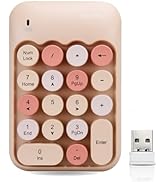
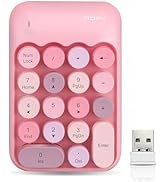
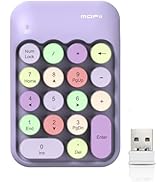
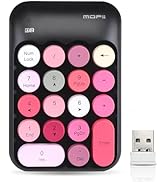
Wireless Numeric Keyboard
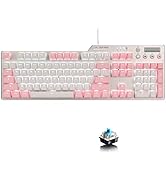
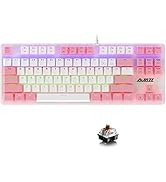
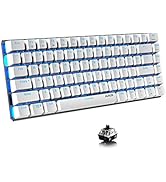
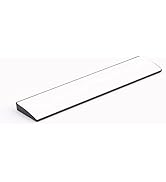
Wired Mechanical Keyboard
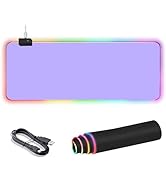
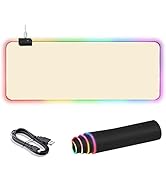
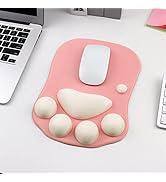
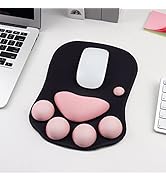
Mouse Pad

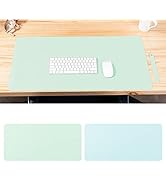


Double Sided Desk Mat


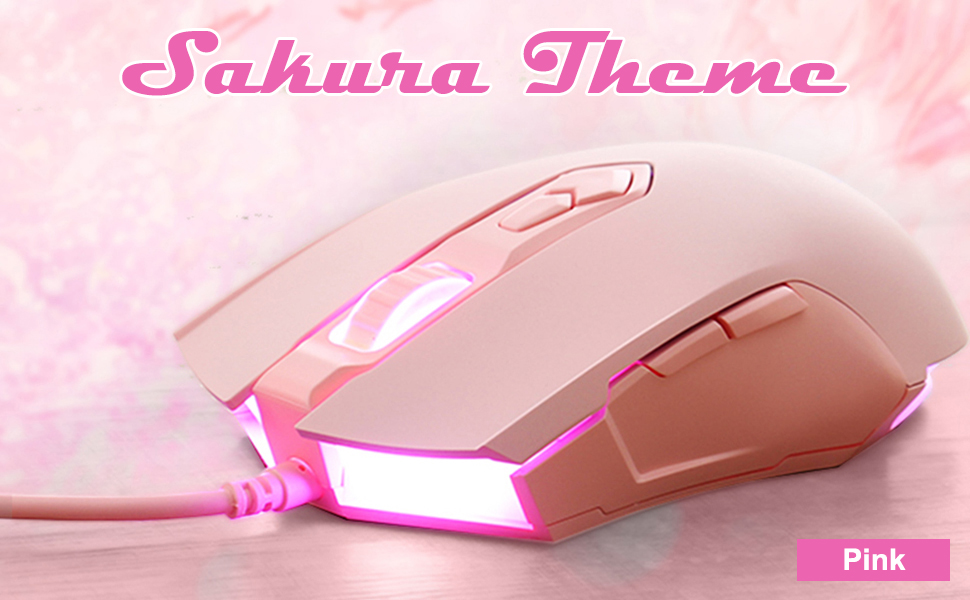
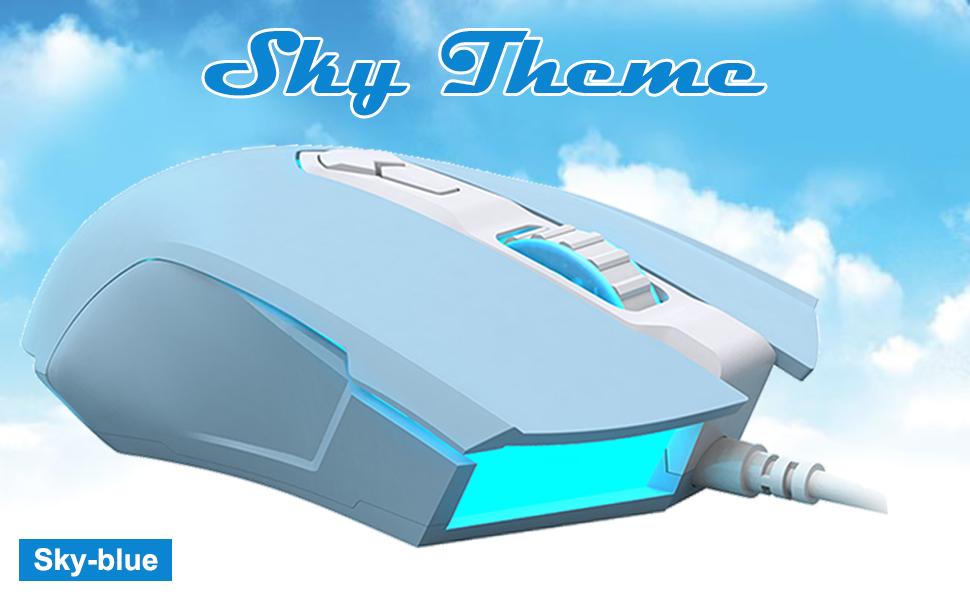
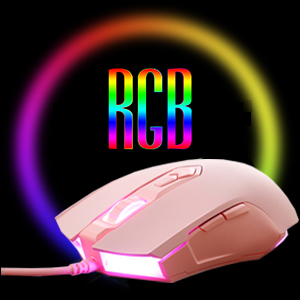
Colorful Lights, Dynamic and Gorgeous
AJ52 has 4 gorgeous lighting modes, 16.8 million colors can be adjusted freely, and rich backlight makes your use more enjoyable. (Need to be adjusted in the driver)
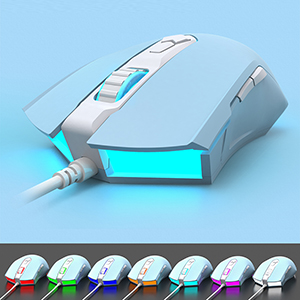
7-level DPI One-key Switch
You can personalize the color for the DPI as you like. DPI 500/ 1000/ 1250/ 1500/1750 /2000/ 2500 corresponds to 7 LED colors white/ purple/cyan /yellow/ blue/ green/ red. 200-4800 DPI Adjustable(by driver)
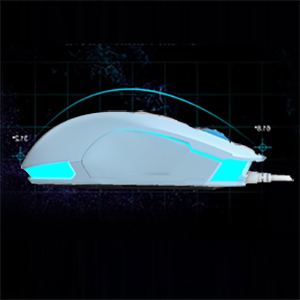
Comfortable Hand Feeling
AJ52 with symmetrical & streamlined provides a comfortable claw-grip design, long-term use without fatigue. Top choice for computer game players.
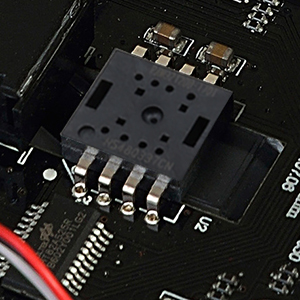
Professional Gaming Chip
The PAW3212 game optical engine, which is well-loved by players, has powerful performance: 30 ips, 10g acceleration, 4,000 cpi, 4,000 fps, 1000 polling rate.
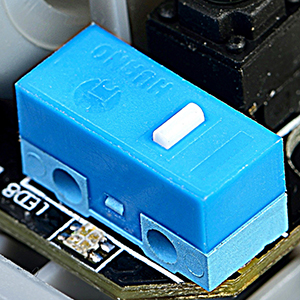
High Durability Keys
Adopt micro-motion suitable for high-intensity e-sports game competition, 5 million times long micro-motion life, crisp rebound and sensitive touch.
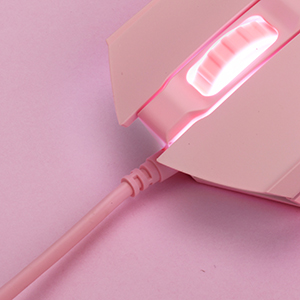
5-core PVC High-strength Wire
True 5-core wire prevents circuit damage; aluminum foil protects against electromagnetic interference; internal braiding technology enhances the resistance to pull and avoids the problem of fragile and fragile outer braided wires; silver cores ensure full data transmission and avoid signal attenuation; covered with Polyvinyl Chloride The material has the characteristics of fire and heat insulation.
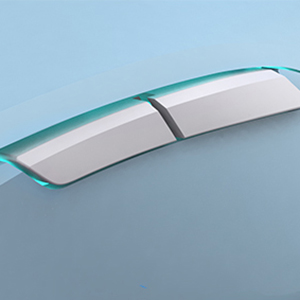
Programmable Side-keys
The default is forward/backward function, which can be customized to other functions through the driver.
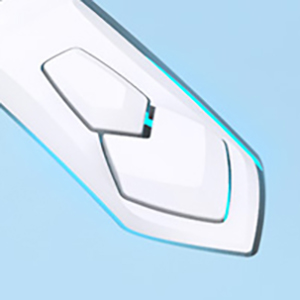
DPI Adjustment Buttons
The default is DPI +/- function, can be customized to other functions through the driver.
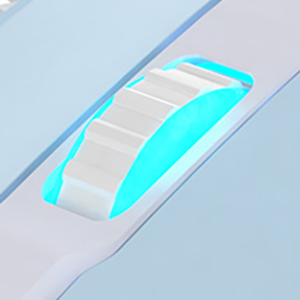
Anti-slip Rubber Roller
The default is up/down function, which can be customized to other functions through the driver.
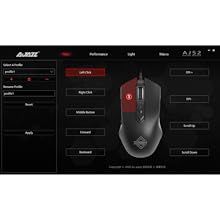
Keys Setting
You can customize the functions of the 7 buttons of the mouse.
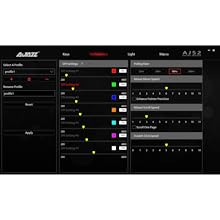
Performance Setting
You can customize the 7-level DPI value (200-4800 DPI) and the corresponding light color. You can also set Polling rate(125-1000Hz), Mouse move speed, Mouse scroll speed, Double click speed.
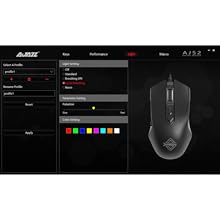
Light Setting
AJ52 has 4 special lighting effects:Standard, Breathing DPI, Cycle Breathing and Neon.You can choose the light effect you like and make more detailed settings. For example: color, speed.If you don’t need light, you can choose "Off".
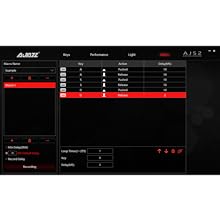
Macro Setting
You can define a series of key operations as a macro.You only need to click the designated button to achieve this set of operations.
1. Click [ + ] in the upper left corner. Input macro directory name and click [OK].
2. Click [ + ] in the lower left corner. Input macro name and click [OK].
3. Click [Recording]
4.Click the desired key combination in turn (the entered action will be displayed on the screen).
5. Click [Stop].
6. Fine-tune the recorded actions in the bottom right.
7. On the [Main Settings] page, select the mouse button to be assigned—[Select A Macro[—Select the recorded macro and click [ok].
8. Click [Apply].
Colorful Lights, Dynamic and Gorgeous
AJ52 has 4 gorgeous lighting modes, 16.8 million colors can be adjusted freely, and rich backlight makes your use more enjoyable. (Need to be adjusted in the driver)
7-level DPI One-key Switch
You can personalize the color for the DPI as you like. DPI 500/ 1000/ 1250/ 1500/1750 /2000/ 2500 corresponds to 7 LED colors white/ purple/cyan /yellow/ blue/ green/ red. 200-4800 DPI Adjustable(by driver)
Comfortable Hand Feeling
AJ52 with symmetrical & streamlined provides a comfortable claw-grip design, long-term use without fatigue. Top choice for computer game players.
Professional Gaming Chip
The PAW3212 game optical engine, which is well-loved by players, has powerful performance: 30 ips, 10g acceleration, 4,000 cpi, 4,000 fps, 1000 polling rate.
High Durability Keys
Adopt micro-motion suitable for high-intensity e-sports game competition, 5 million times long micro-motion life, crisp rebound and sensitive touch.
5-core PVC High-strength Wire
True 5-core wire prevents circuit damage; aluminum foil protects against electromagnetic interference; internal braiding technology enhances the resistance to pull and avoids the problem of fragile and fragile outer braided wires; silver cores ensure full data transmission and avoid signal attenuation; covered with Polyvinyl Chloride The material has the characteristics of fire and heat insulation.
Programmable Side-keys
The default is forward/backward function, which can be customized to other functions through the driver.
DPI Adjustment Buttons
The default is DPI +/- function, can be customized to other functions through the driver.
Anti-slip Rubber Roller
The default is up/down function, which can be customized to other functions through the driver.
Keys Setting
You can customize the functions of the 7 buttons of the mouse.
Performance Setting
You can customize the 7-level DPI value (200-4800 DPI) and the corresponding light color. You can also set Polling rate(125-1000Hz), Mouse move speed, Mouse scroll speed, Double click speed.
Light Setting
AJ52 has 4 special lighting effects:Standard, Breathing DPI, Cycle Breathing and Neon.You can choose the light effect you like and make more detailed settings. For example: color, speed.If you don’t need light, you can choose "Off".
Macro Setting
You can define a series of key operations as a macro.You only need to click the designated button to achieve this set of operations.
1. Click [ + ] in the upper left corner. Input macro directory name and click [OK].
2. Click [ + ] in the lower left corner. Input macro name and click [OK].
3. Click [Recording]
4.Click the desired key combination in turn (the entered action will be displayed on the screen).
5. Click [Stop].
6. Fine-tune the recorded actions in the bottom right.
7. On the [Main Settings] page, select the mouse button to be assigned—[Select A Macro[—Select the recorded macro and click [ok].
8. Click [Apply].
Lomiluskr
Bring you colorful computer accessories
We are committed to breaking the boring desktop office environment.
We provide you with various computer accessories in colorful colors and creative shapes.
They are not only practical but also decorative on the desktop.
It can make your work and typing fun.
Wireless Keyboard and Mouse
Ergo Wireless Keyboard & Mouse
Cute Cat Wireless Mouse
Cute Bunny Wireless Mouse
Wired/Wireless Gasket Keyboard
Wired Gaming Mouse
Ergonomic Wireless Mouse
Wireless Keyboard and Mouse
Wireless Keyboard and Mouse
Wireless Keyboard and Mouse
Wireless Keyboard and Mouse
Wired Mechanical Keyboard
Wireless Numeric Keyboard
Wired Mechanical Keyboard
Mouse Pad
Double Sided Desk Mat





