


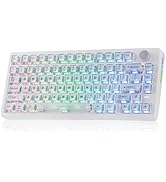
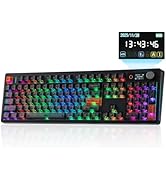
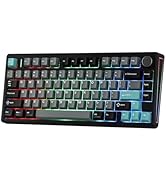
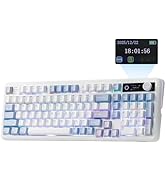
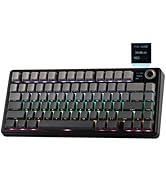
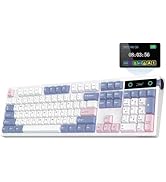
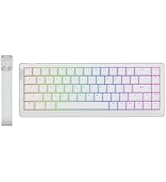
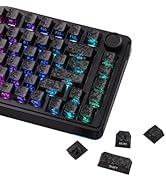
EPOMAKER RT85 75% Hot-Swap Tri-Mode Mechanical Keyboard with Screen & Joystick
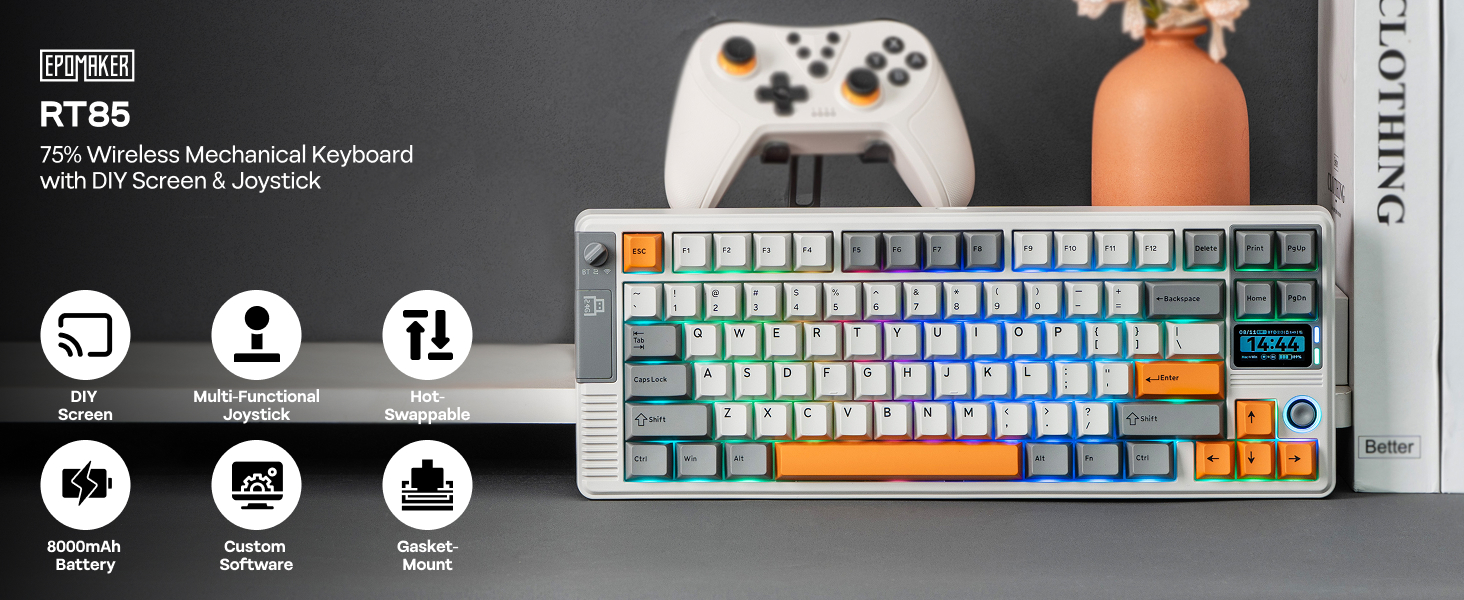
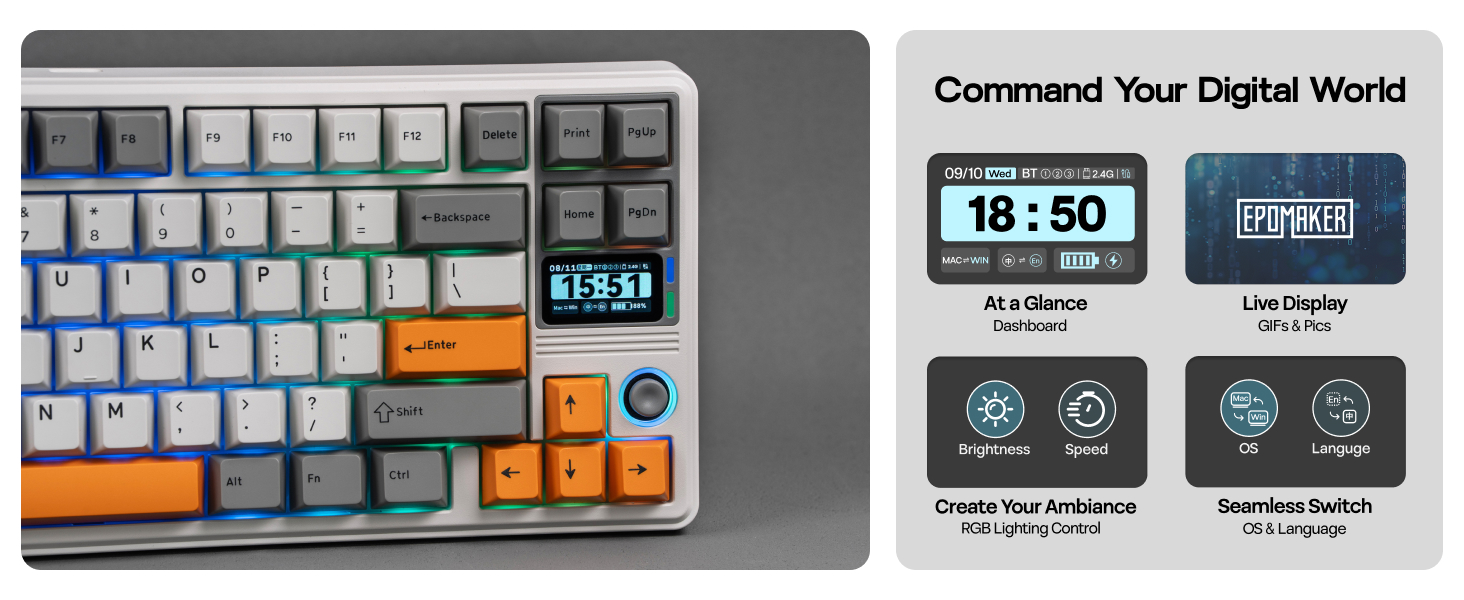
Screen Shortcut Key Settings: 1. FN+\| Turn on/off Screen 2. FN+?/?/ENTER: Scroll/Click on Screen, for RGB setup and Mac/WIN swap
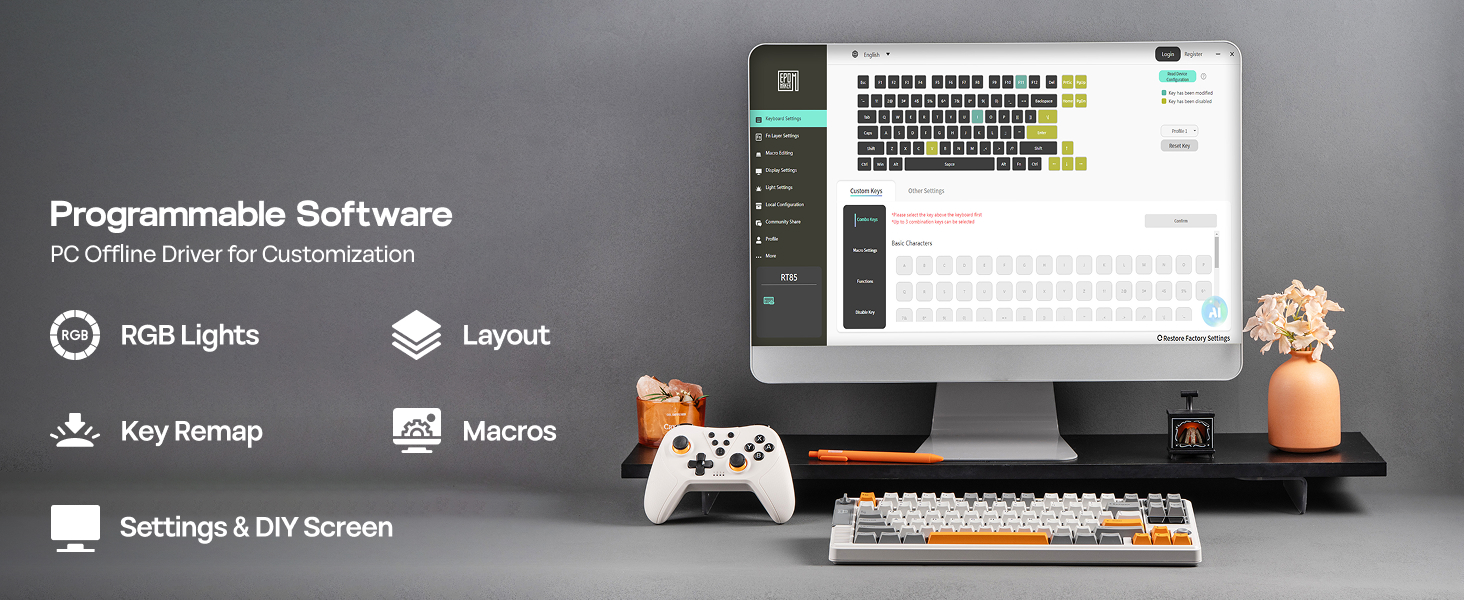
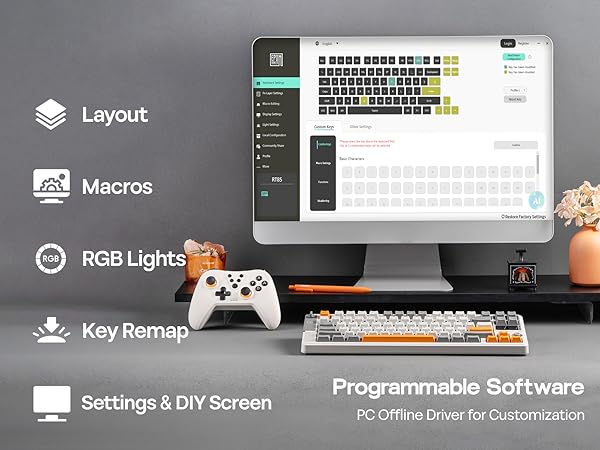
RT85 keyboard with EPOMAKER 3.0 software (Win/Mac) features automatic time sync with your device.
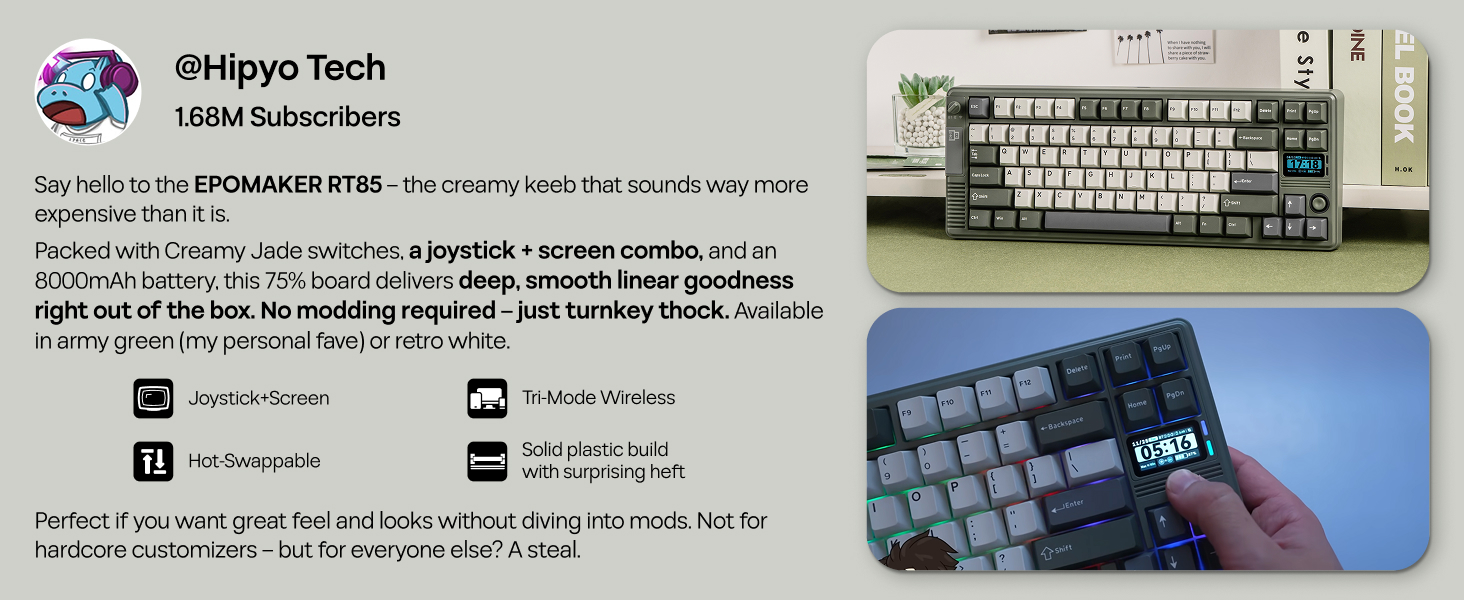
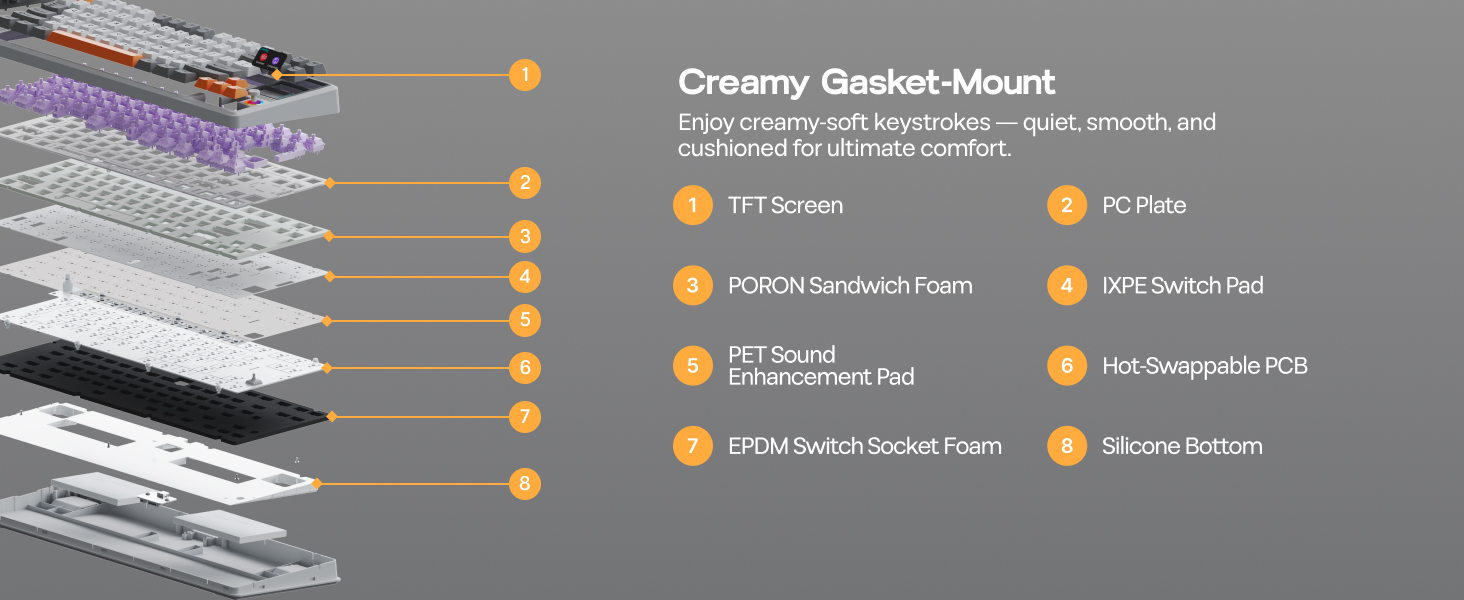
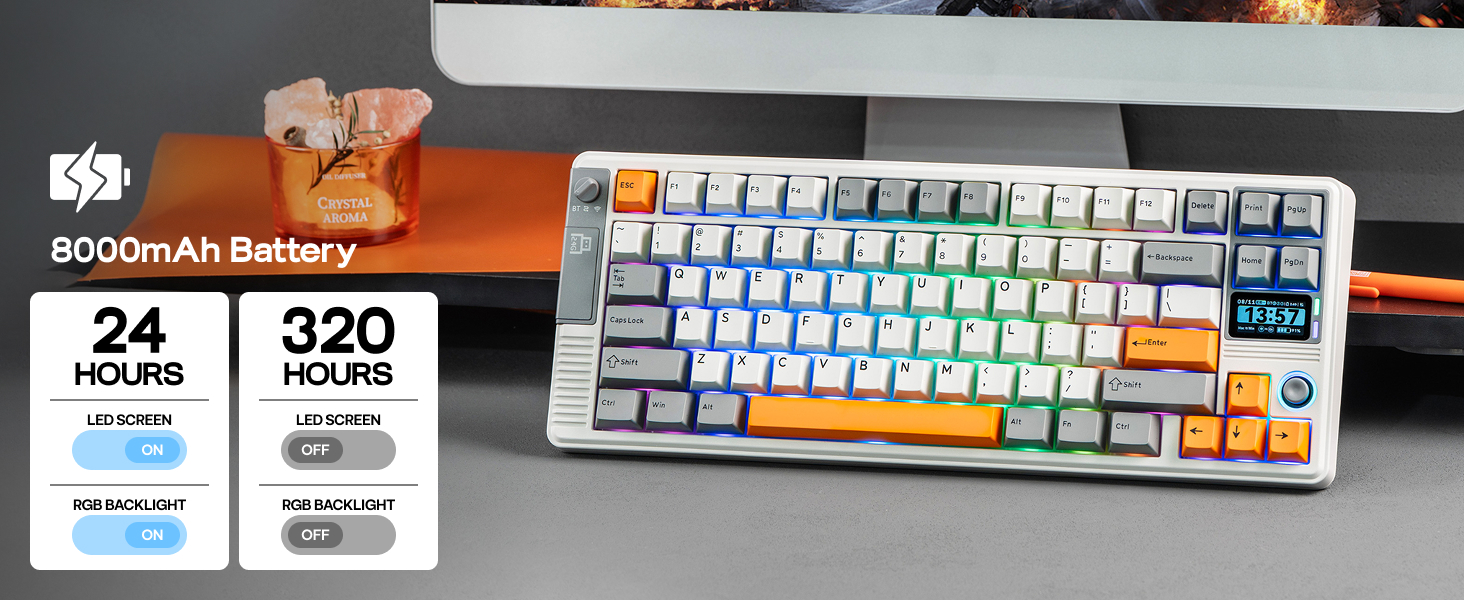
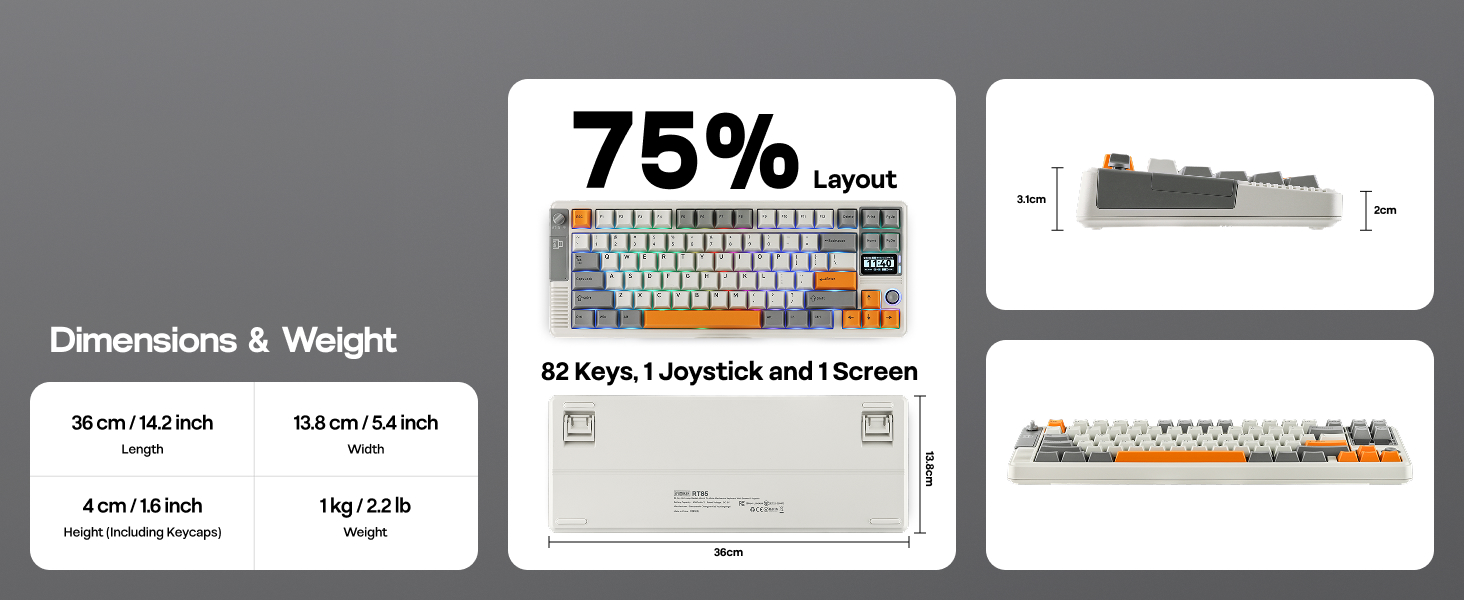
Tips on Connection, RGB Backlight and Package
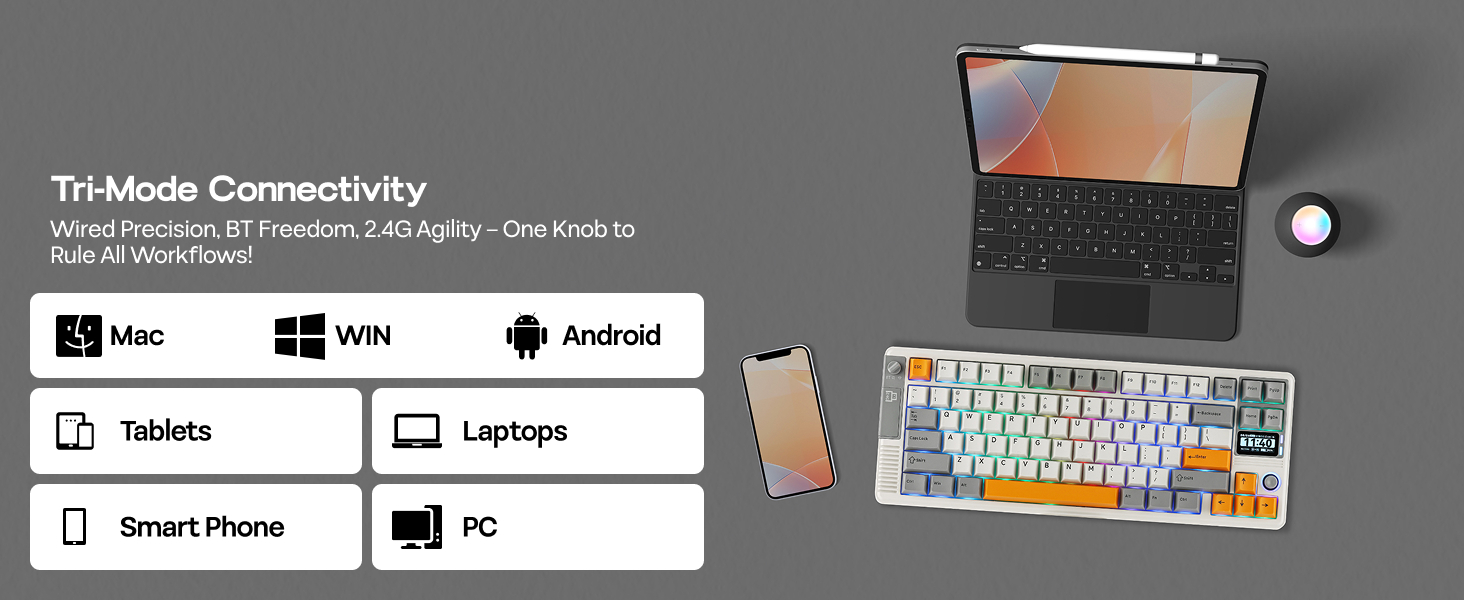
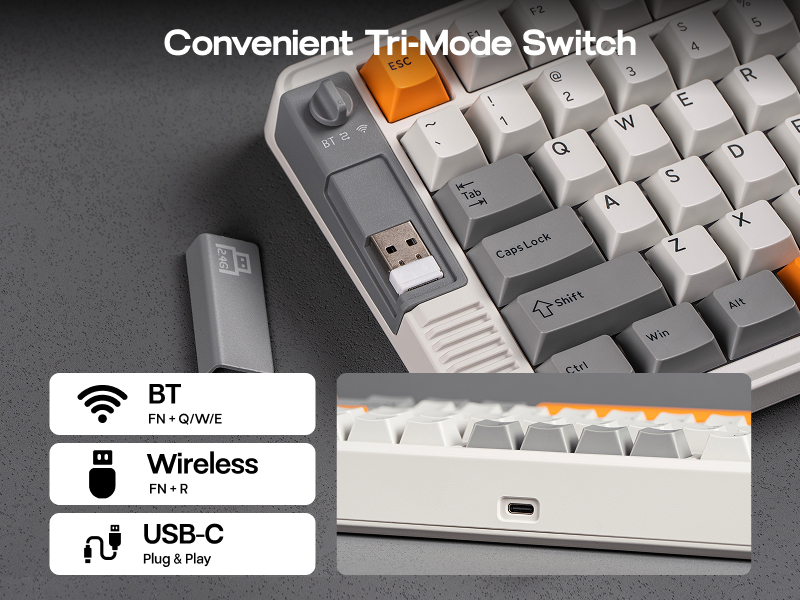
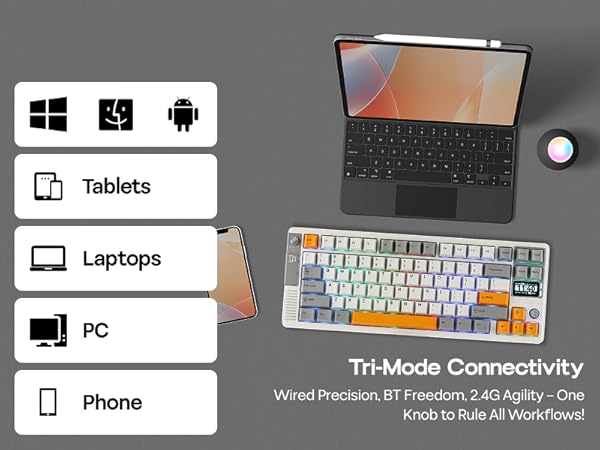
Tri-Mode Wireless
Unify your digital life with the RT85
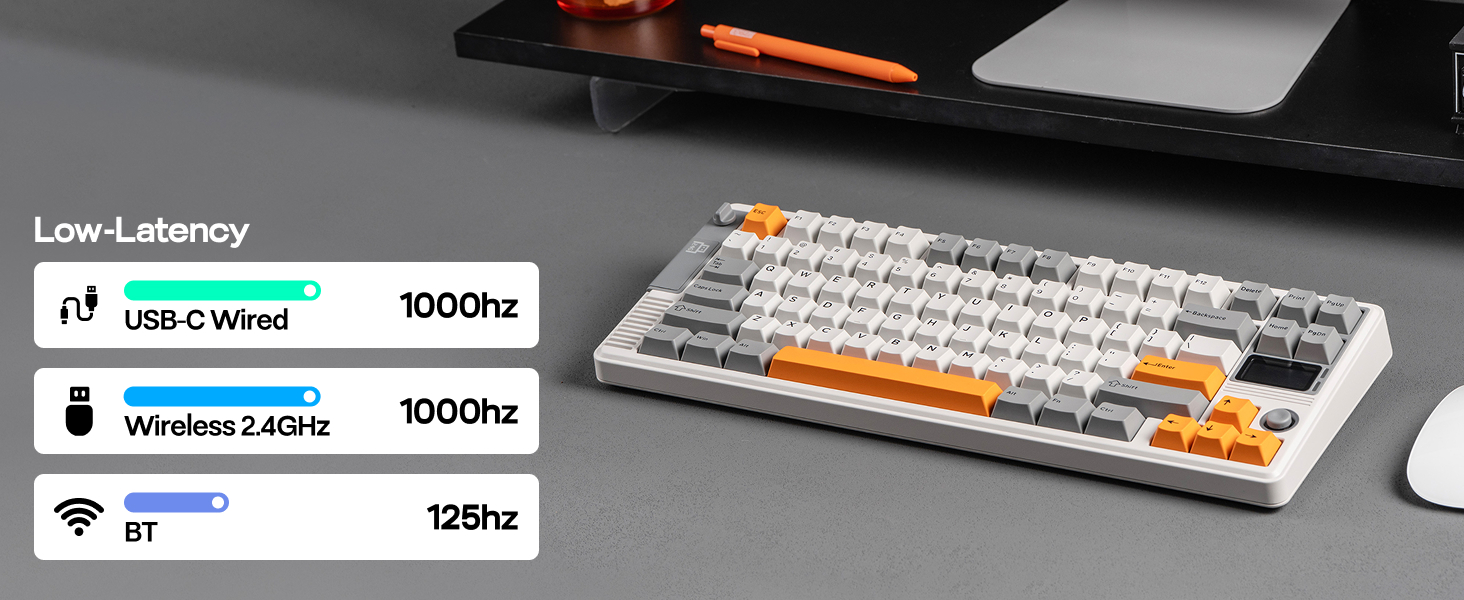
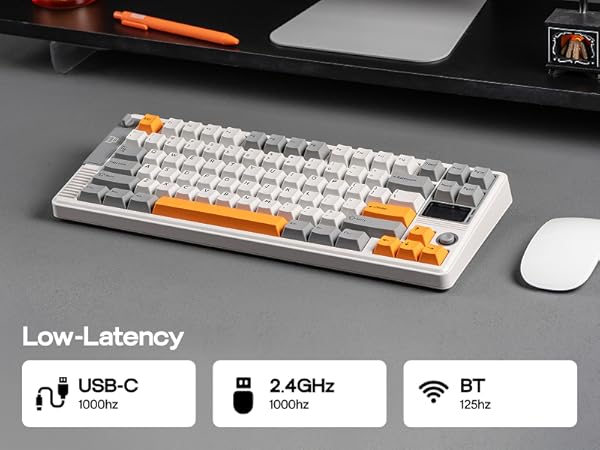
EPOMAKER RT85 offers a dedicated 2.4GHz dongle for lag-free PC gaming, BT for Mac/Android mobility, and a reliable USB-C wired connection. Enjoy seamless switching and a superior tactile typing experience across all your devices.
- BT5.0: Fn+Q/W/E
- 2.4GHz Wireless: Fn+R
- USB-C: Plug & Play
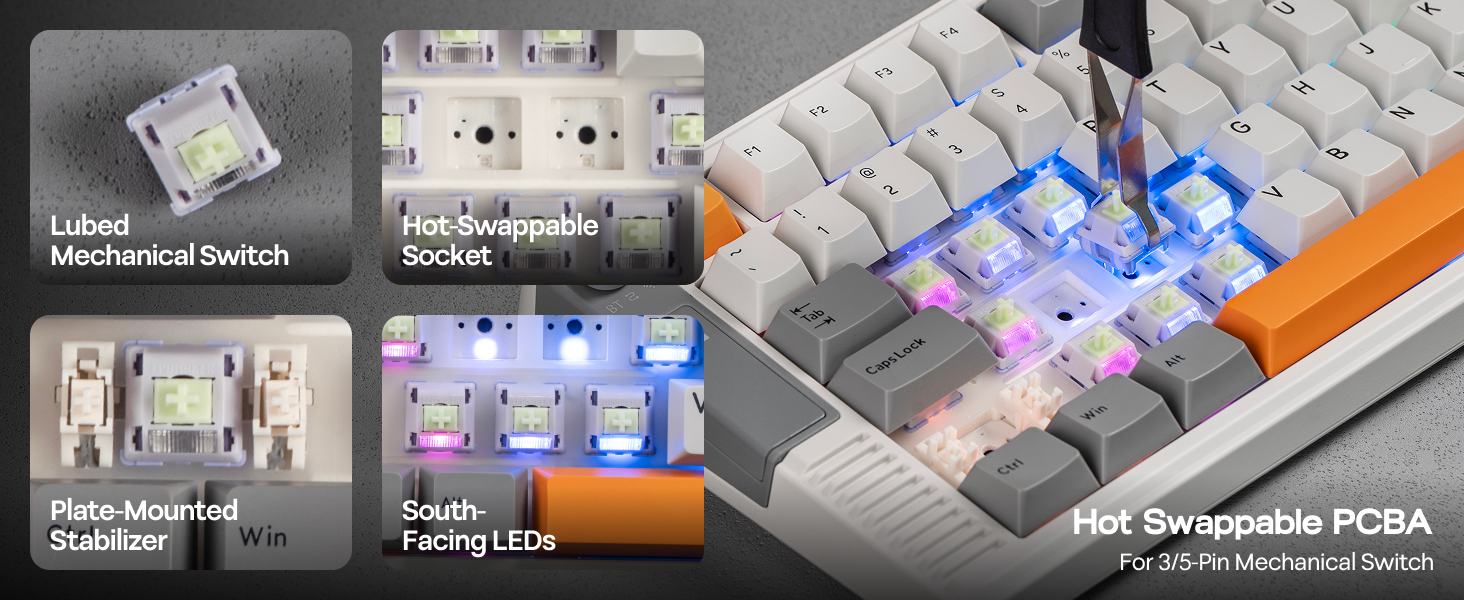
South-Facing Per-Key LEDS
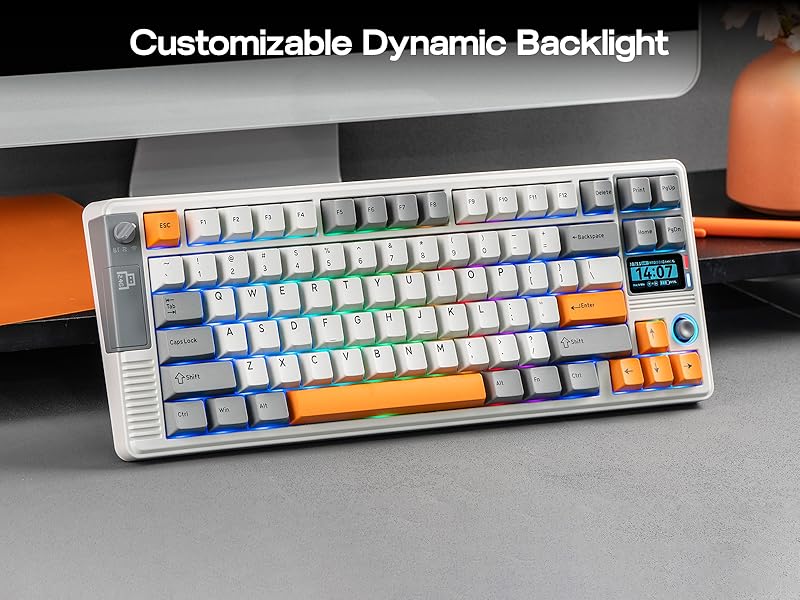
Dynamic RGB Backlight
Take full command of your RGB lighting. The RT85 RGB Keyboard boasts 1.6 million colors via south-facing per-key LEDs. Customize every shade and effect effortlessly using the joystick, onboard screen, or software to match your mood, setup, and style.
- FN+Backspace: Turn on/off Backlight; FN+Right_Shift: Change Backlight Color
- FN+PGUP/PGDN: Toggle Light Effect of Line/Circle
- Joystick Function: Left/Right=Toggle RGB Effect
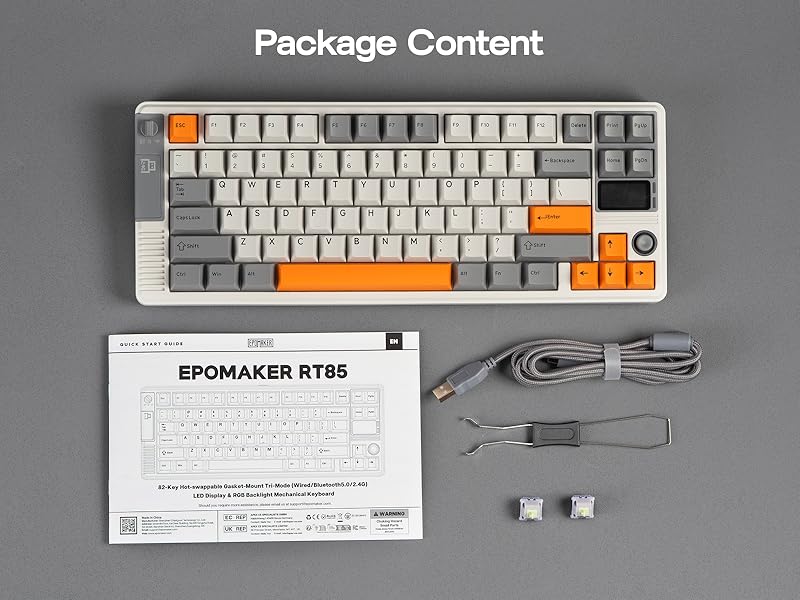
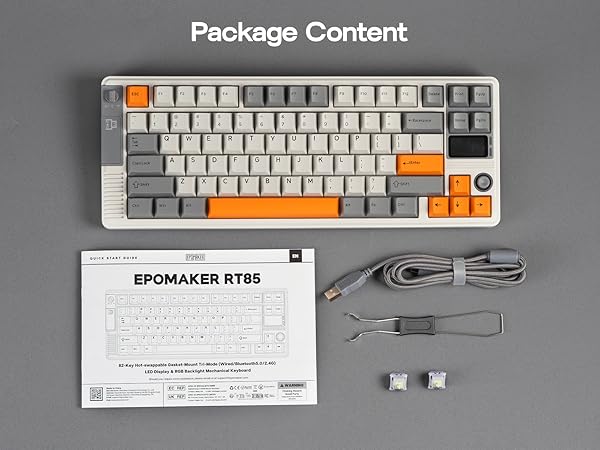
Package Content
- 1* RT85 Mechanical Keyboard
- 2* Extra Switches & 1* 2-in-1 Keycap-and-Switch Puller
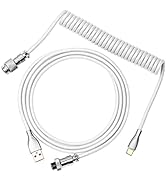
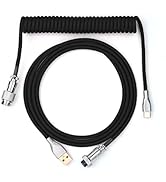
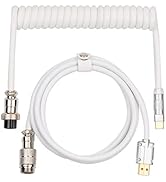
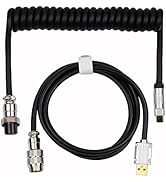
- 1* Detachable USB A-to-C Cable & 1* 2.4Ghz Wireless Receiver (Stored on keyboard)
- 1* User Manual
What are the functions of the screen?
Info page displays Keyboard’s status of connection, OS mode, power percentage and date, the media page allows DIY pictures or Gifs, while custom mode allows users to custom RGB settings, volumes etc.
Does the RT85 driver software support Mac?
Yes, the RT85 gaming keyboard supports EPOMAKER 3.0 software, which works on WIN and Mac systems.
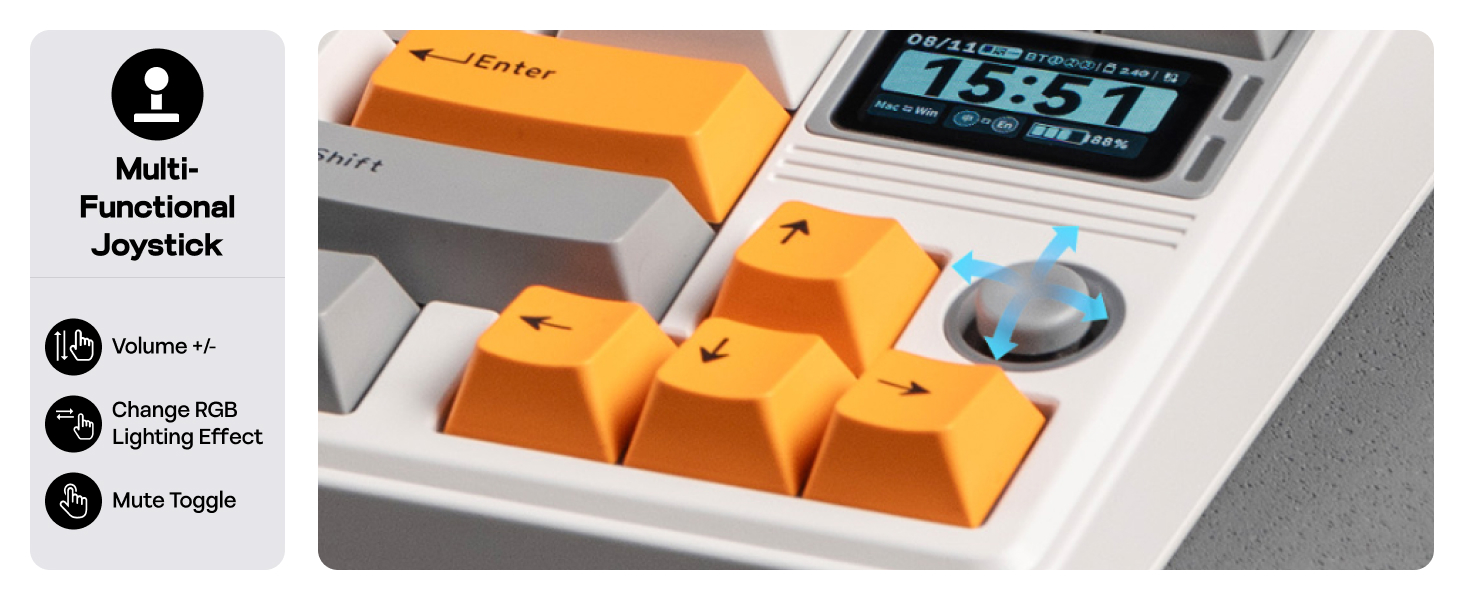
How does the joystick work and what are its functions?
The joystick is used by tilting it up, down, left, right, or pressing it down. Its functions are fixed and cannot be customized.
Up/Down=Volume up/down, Left/Right=Toggle RGB Effect, Press=Mute
Can I rotate the joystick or assign my own commands to it?
No, the joystick cannot be rotated and its functionality is not customizable.
What is the correct way to charge the keyboard?
For safe charging, connect your keyboard directly to your computer's USB port or a certified low-power hub. Avoid high-power wall chargers, as they may damage the battery or pose a safety risk.






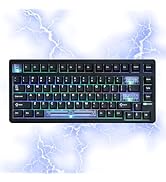
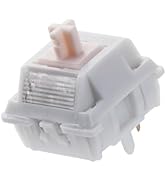




EPOMAKER RT85 75% Hot-Swap Tri-Mode Mechanical Keyboard with Screen & Joystick
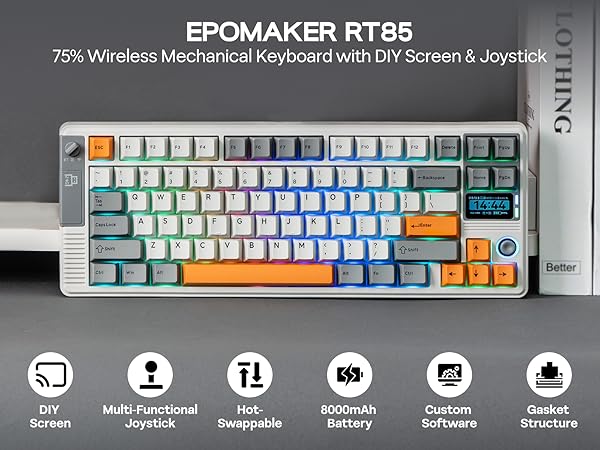
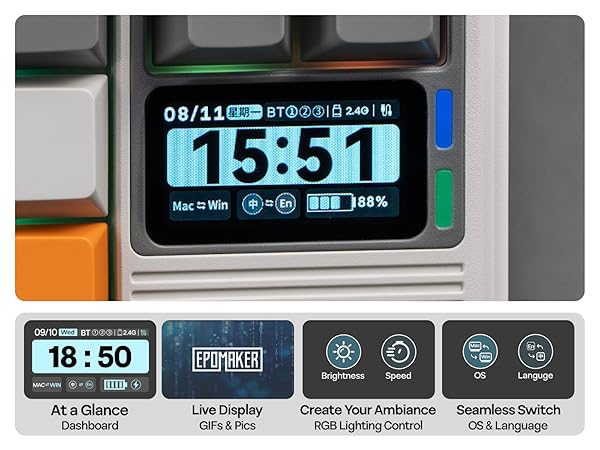
Screen Shortcut Key Settings: 1. FN+\| Turn on/off Screen 2. FN+?/?/ENTER: Scroll/Click on Screen, for RGB setup and Mac/WIN swap
RT85 keyboard with EPOMAKER 3.0 software (Win/Mac) features automatic time sync with your device.
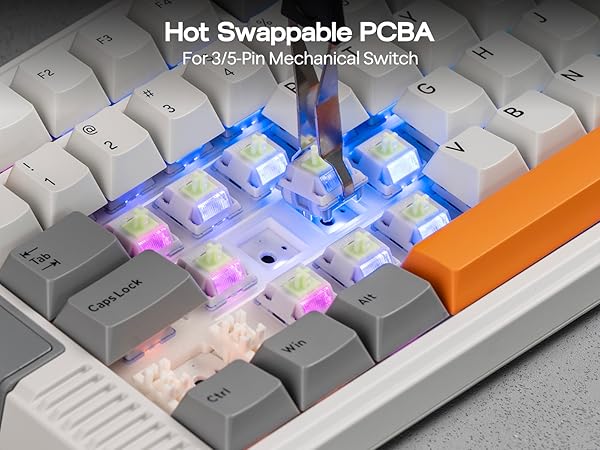
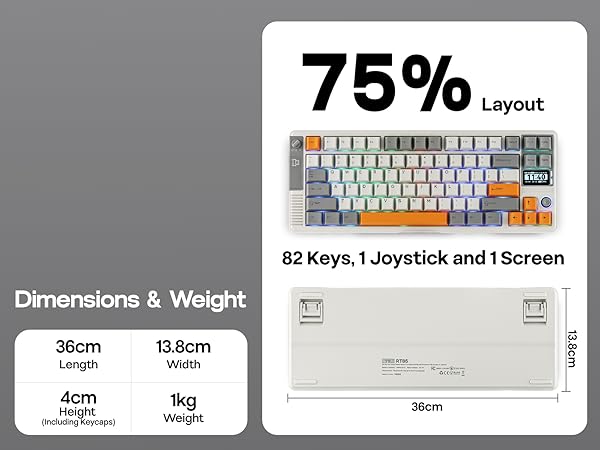
Tips on Connection, RGB Backlight and Package
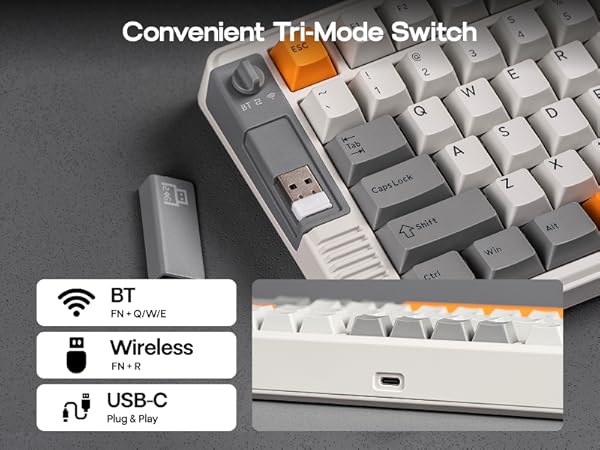
Tri-Mode Wireless
Unify your digital life with the RT85
EPOMAKER RT85 offers a dedicated 2.4GHz dongle for lag-free PC gaming, BT for Mac/Android mobility, and a reliable USB-C wired connection. Enjoy seamless switching and a superior tactile typing experience across all your devices.
- BT5.0: Fn+Q/W/E
- 2.4GHz Wireless: Fn+R
- USB-C: Plug & Play
South-Facing Per-Key LEDS
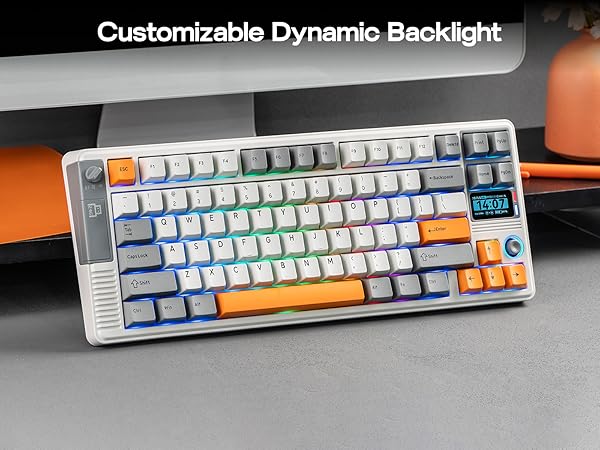
Dynamic RGB Backlight
Take full command of your RGB lighting. The RT85 RGB Keyboard boasts 1.6 million colors via south-facing per-key LEDs. Customize every shade and effect effortlessly using the joystick, onboard screen, or software to match your mood, setup, and style.
- FN+Backspace: Turn on/off Backlight; FN+Right_Shift: Change Backlight Color
- FN+PGUP/PGDN: Toggle Light Effect of Line/Circle
- Joystick Function: Left/Right=Toggle RGB Effect
Package Content
- 1* RT85 Mechanical Keyboard
- 2* Extra Switches & 1* 2-in-1 Keycap-and-Switch Puller
- 1* Detachable USB A-to-C Cable & 1* 2.4Ghz Wireless Receiver (Stored on keyboard)
- 1* User Manual
What are the functions of the screen?
Info page displays Keyboard’s status of connection, OS mode, power percentage and date, the media page allows DIY pictures or Gifs, while custom mode allows users to custom RGB settings, volumes etc.
Does the RT85 driver software support Mac?
Yes, the RT85 gaming keyboard supports EPOMAKER 3.0 software, which works on WIN and Mac systems.
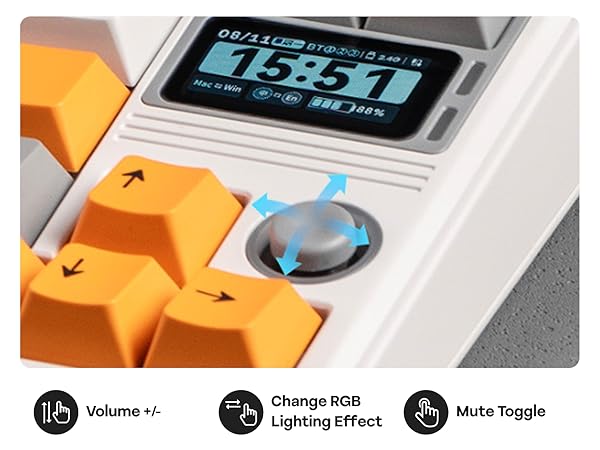
How does the joystick work and what are its functions?
The joystick is used by tilting it up, down, left, right, or pressing it down. Its functions are fixed and cannot be customized.
Up/Down=Volume up/down, Left/Right=Toggle RGB Effect, Press=Mute
Can I rotate the joystick or assign my own commands to it?
No, the joystick cannot be rotated and its functionality is not customizable.
What is the correct way to charge the keyboard?
For safe charging, connect your keyboard directly to your computer's USB port or a certified low-power hub. Avoid high-power wall chargers, as they may damage the battery or pose a safety risk.

EPOMAKER New Release for 2026
Mechanical Keyboard
Magnetic Keyboard
Ergonomic Keyboard
PC Gaming Mice
Numpad
Premium Keycaps Set
Keyboard Cable
Keyboard Switches
Keyboard Wrist Rest





