




Is a WiFi connection mandatory for this camera to work?
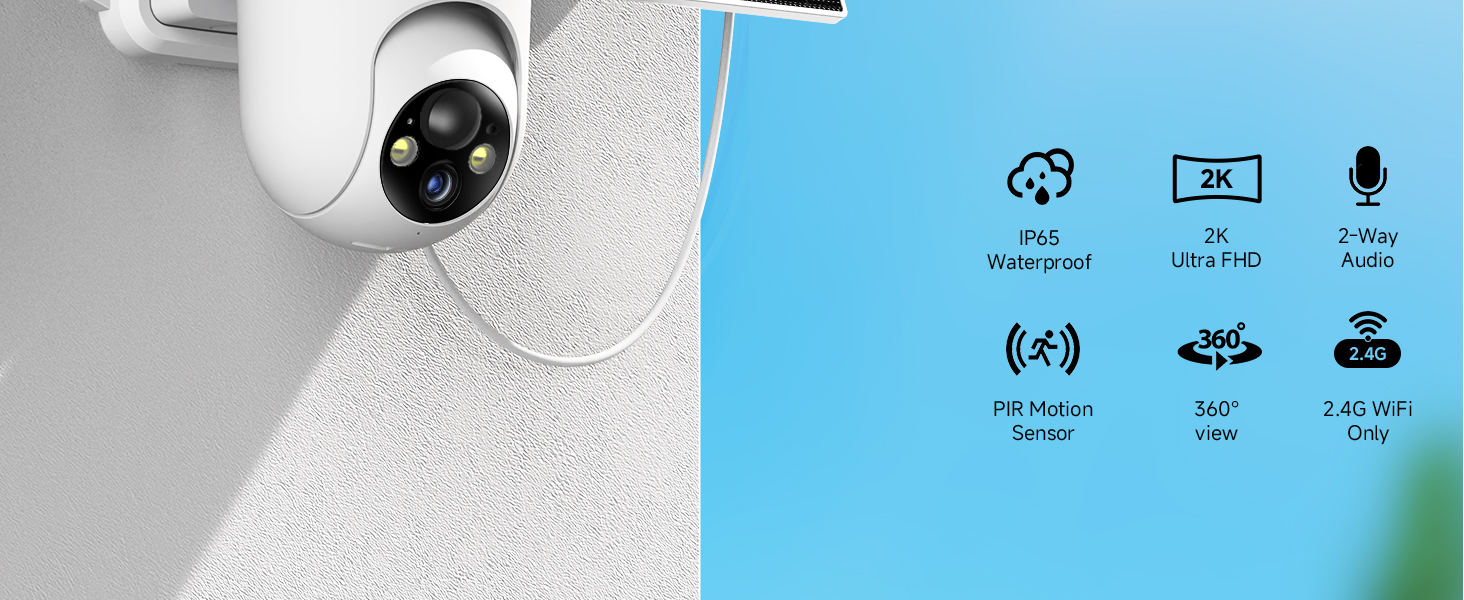
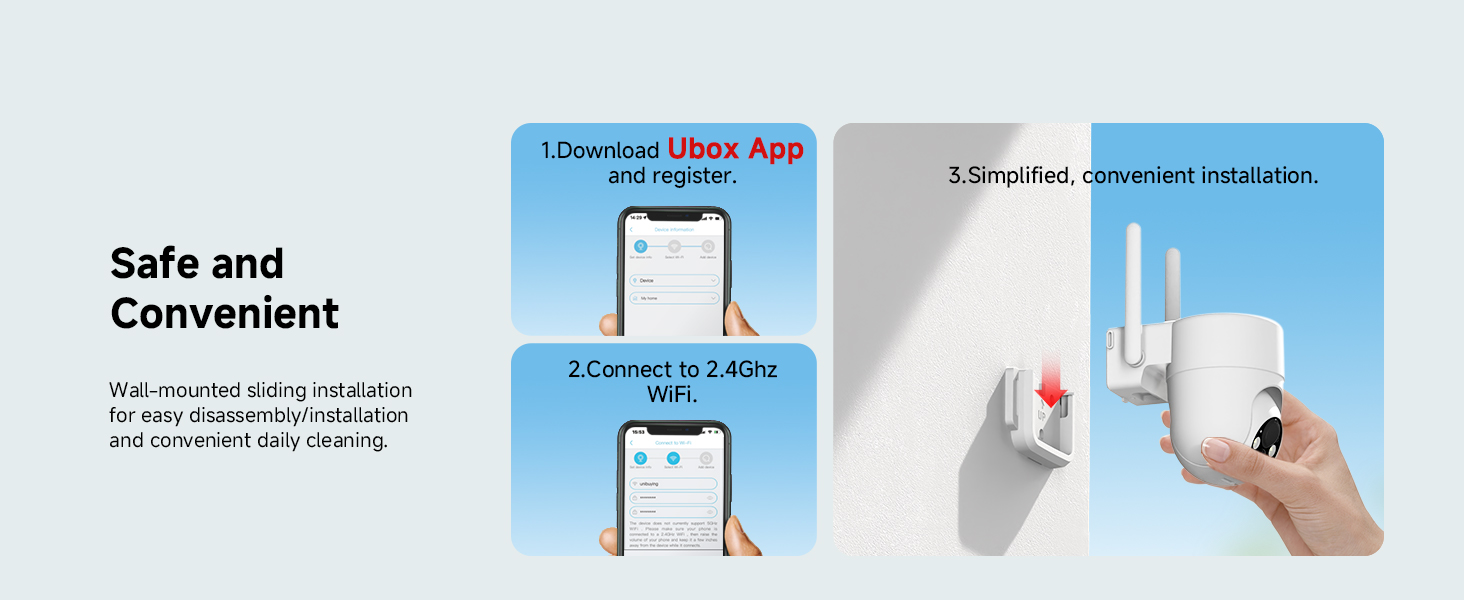
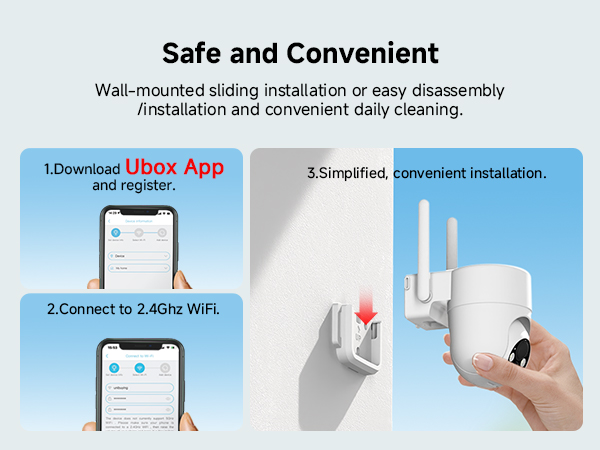
Yes. A 2.4GHz WiFi network is absolutely REQUIRED for the initial setup, live streaming, and receiving alerts. This camera does not function as a standalone, non-connected recording device.
My camera won’t connect to the app. How to fix it?
1. Check power (indicator on).
2. Update Ubox App to the latest version.
3. Enable location & Bluetooth on your phone.
4. Try "Reconfigure Network" in-app.
5. Reset by holding reset button 10s till light flashes if failed, retry setup.
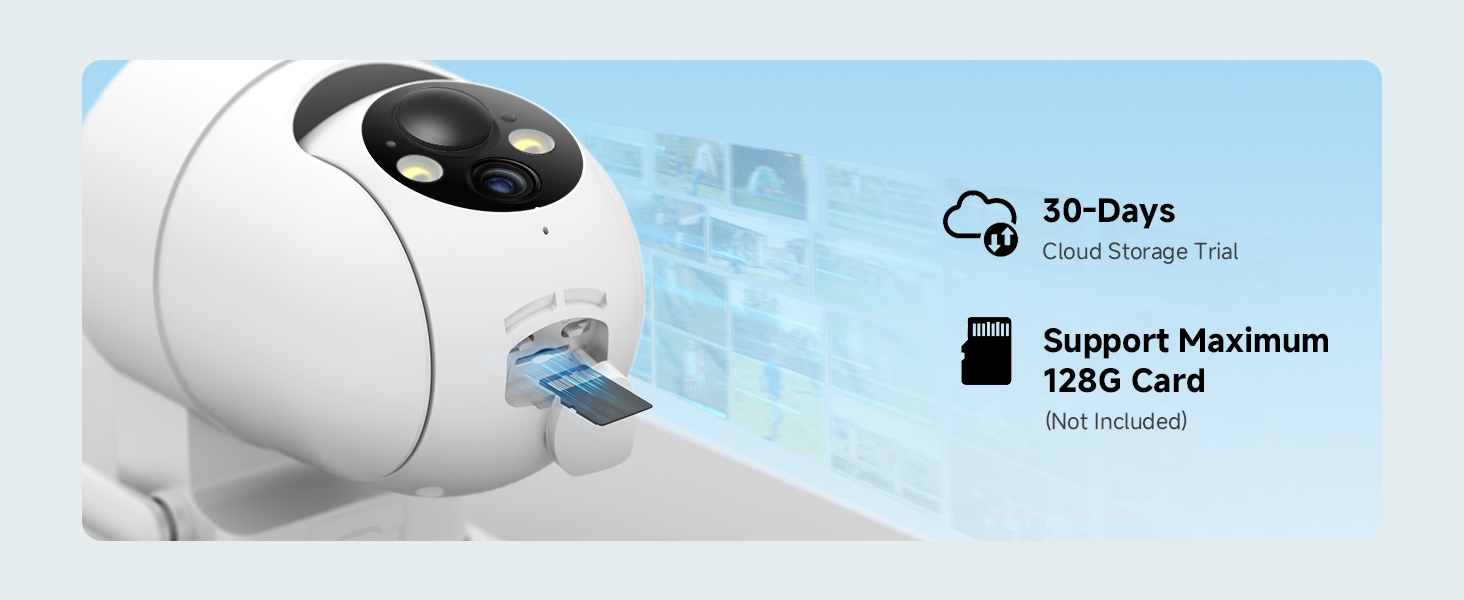
What to do if the camera does not recognize the Memory Card?
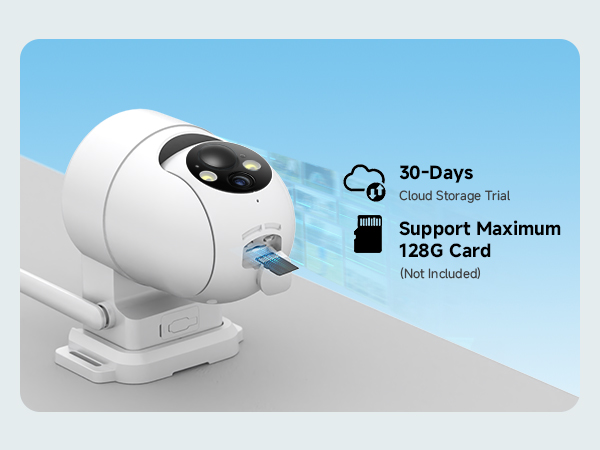
Ensure that you insert the Memory Card correctly, checking that the insertion direction and position are correct
Reinsert the Memory Card--Power off camera, reinsert the Memory Card into the slot in the correct orientation, then power on the camera
The camera goes offline or has a weak signal. What can I do?
1. Ensure the camera is within strong 2.4GHz WiFi range.
2. Disable router "AP/Client Isolation".
3. Restart the camera and router.
4. Factory reset (hold reset button 10s) and re-install via Ubox App.
How do I perform a factory reset?
Locate the reset button (small hole), use a pin to press and hold for about 10 seconds until you hear a voice prompt or see the indicator light flash rapidly. This will erase all settings and allow you to set up the camera as new.
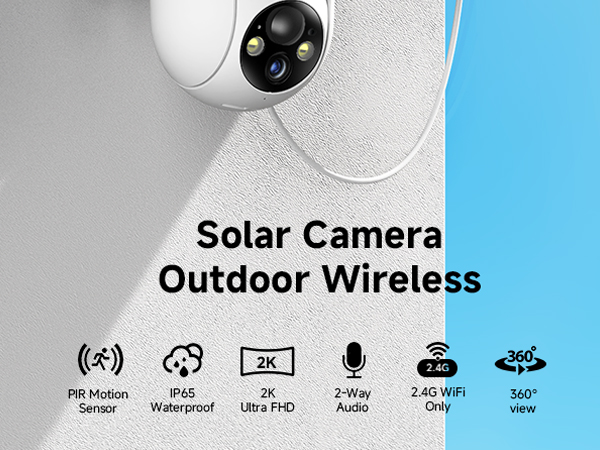
Is a WiFi connection mandatory for this camera to work?
Yes. A 2.4GHz WiFi network is absolutely REQUIRED for the initial setup, live streaming, and receiving alerts. This camera does not function as a standalone, non-connected recording device.
My camera won’t connect to the app. How to fix it?
1. Check power (indicator on).
2. Update Ubox App to the latest version.
3. Enable location & Bluetooth on your phone.
4. Try "Reconfigure Network" in-app.
5. Reset by holding reset button 10s till light flashes if failed, retry setup.
What to do if the camera does not recognize the Memory Card?
Ensure that you insert the Memory Card correctly, checking that the insertion direction and position are correct
Reinsert the Memory Card--Power off camera, reinsert the Memory Card into the slot in the correct orientation, then power on the camera
The camera goes offline or has a weak signal. What can I do?
1. Ensure the camera is within strong 2.4GHz WiFi range.
2. Disable router "AP/Client Isolation".
3. Restart the camera and router.
4. Factory reset (hold reset button 10s) and re-install via Ubox App.
How do I perform a factory reset?
Locate the reset button (small hole), use a pin to press and hold for about 10 seconds until you hear a voice prompt or see the indicator light flash rapidly. This will erase all settings and allow you to set up the camera as new.





