


Why is there a flashing/black screen or other display problem?
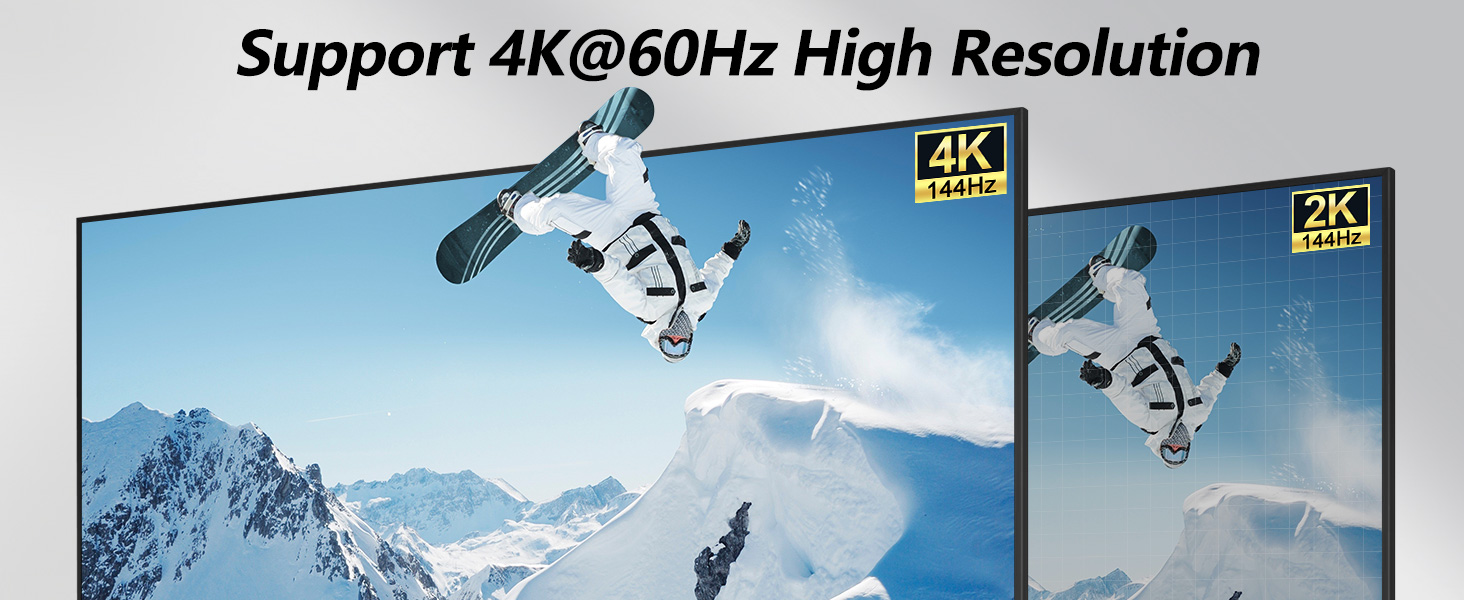
In most cases this is due to a mismatch between the resolution set and the resolution supported by the cable used. Please try lowering the resolution/refresh rate, or use the recommended 8K 1.5 long HDMI cable.
Why is my USB device not working properly?
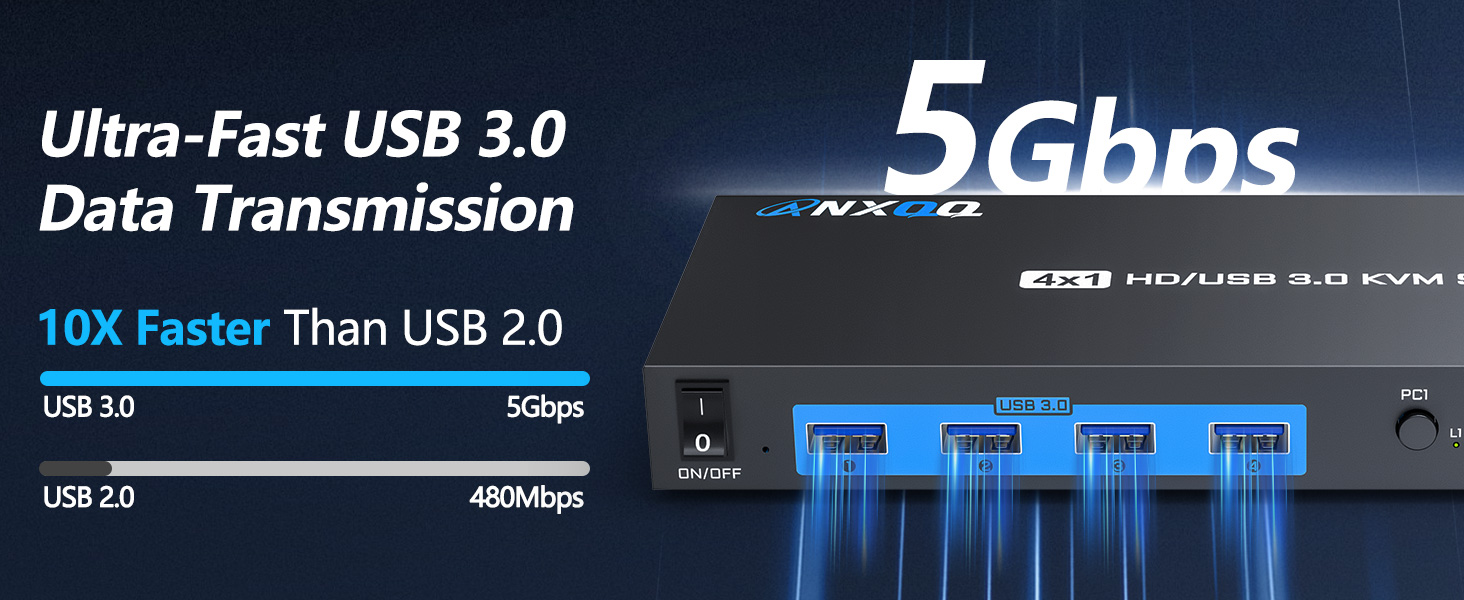
Please make sure you connect the KVM to each computer using a USB cable (no cross-connections), and you'll also need to plug in the additional power supply to ensure adequate power. Updating your computer's USB driver is also one of the solutions.
Why did I start having problems after using the product normally for a while?
It is possible that the device has been used for a long time and disconnected internally, please try to unplug the cable first (as well as turn the switch of the KVM panel to OFF), wait for ten minutes and then reconnect it.

Why is there a flashing/black screen or other display problem?
In most cases this is due to a mismatch between the resolution set and the resolution supported by the cable used. Please try lowering the resolution/refresh rate, or use the recommended 8K 1.5 long HDMI cable.
Why is my USB device not working properly?
Please make sure you connect the KVM to each computer using a USB cable (no cross-connections), and you'll also need to plug in the additional power supply to ensure adequate power. Updating your computer's USB driver is also one of the solutions.
Why did I start having problems after using the product normally for a while?
It is possible that the device has been used for a long time and disconnected internally, please try to unplug the cable first (as well as turn the switch of the KVM panel to OFF), wait for ten minutes and then reconnect it.





