


Game capture card for streaming
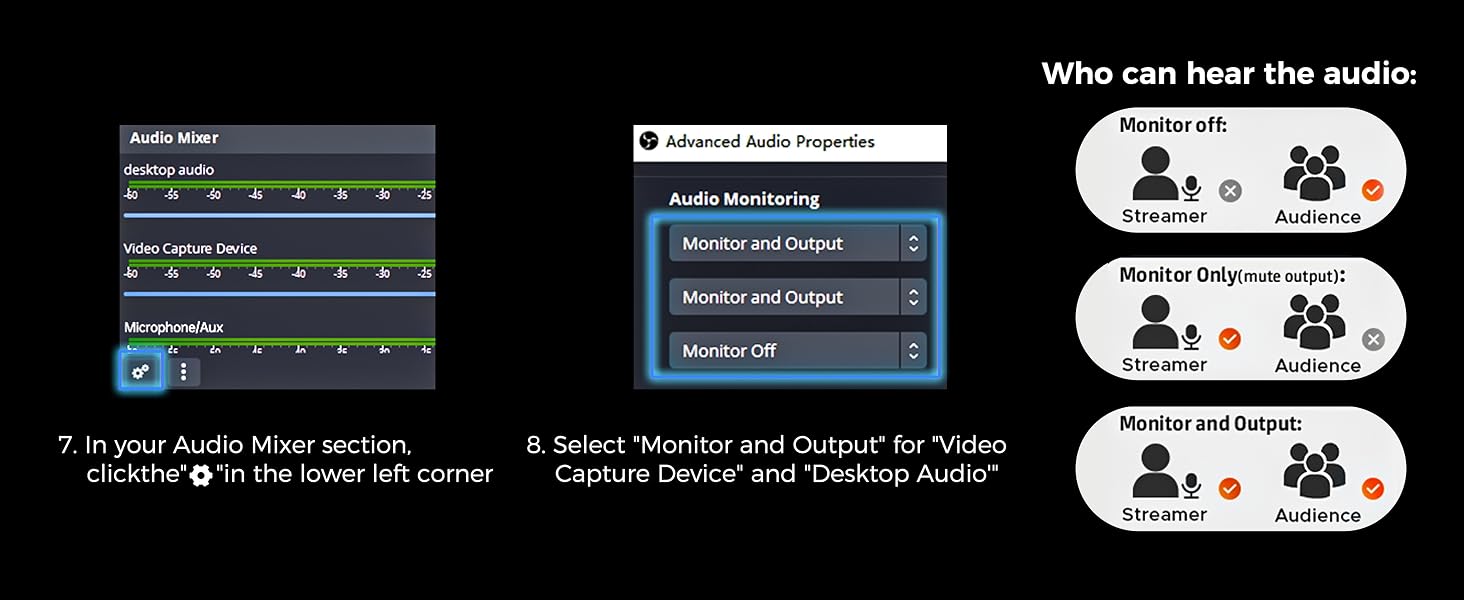
USB not working, flickering/frozen screen, no sound or noise when using OBS for RGBlink capture card?
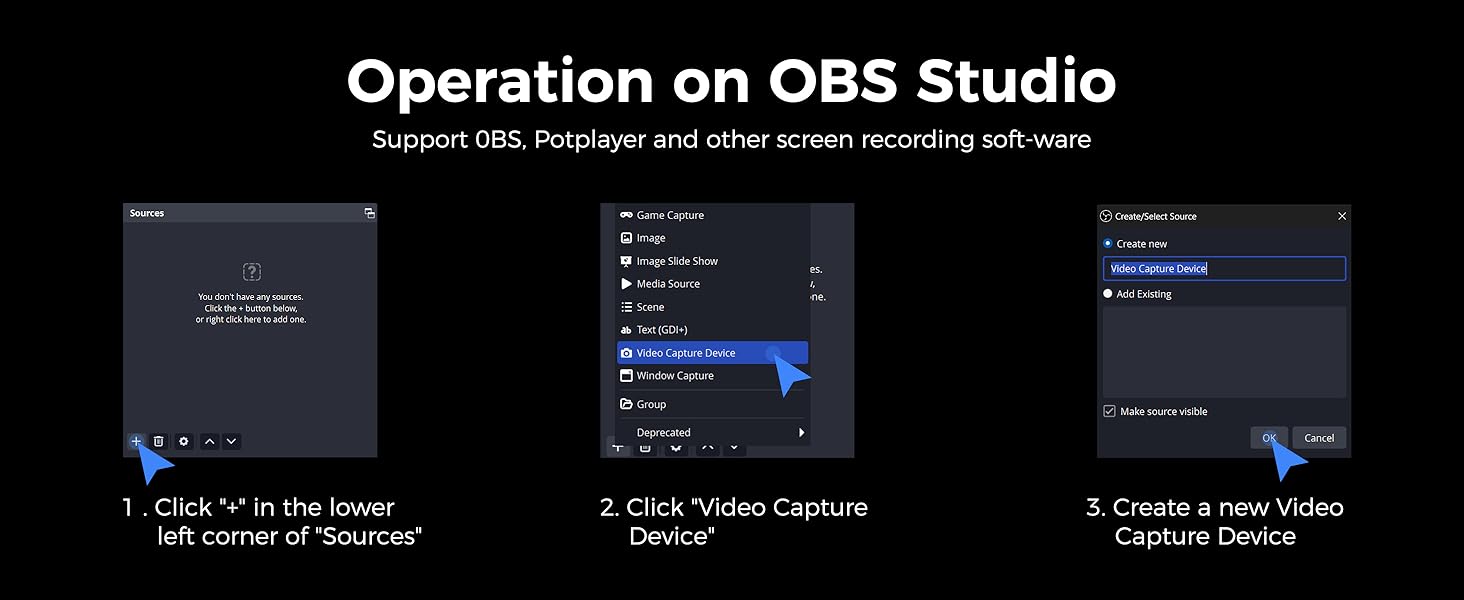
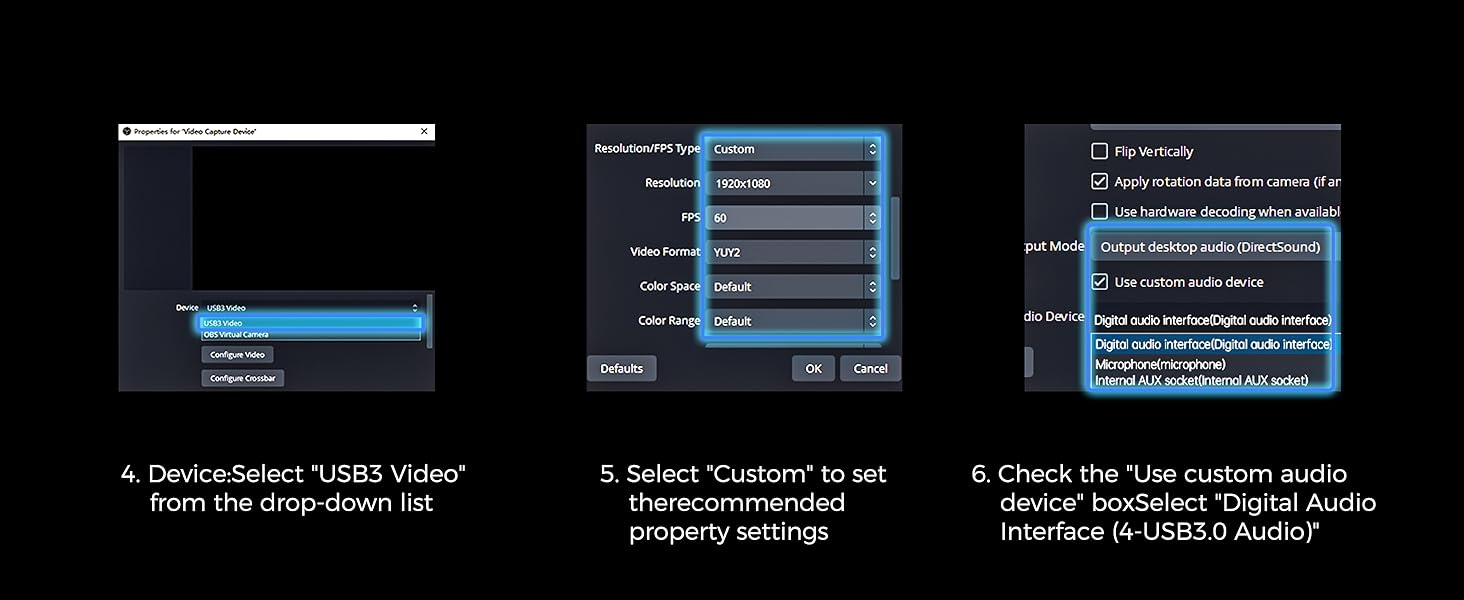
Replug USB 3.0 & HDMI cable (lower box layer). In OBS, select another source, reselect “USB3 Video”. For audio, enable “Audio Input Capture” or check “Desktop Audio”. Try another USB port or powered hub. Use TRRS to dual TRS splitter for headset/mic
Why is there no audio being captured when using 4K capture card for streaming?
Ensure "USB3.0 Capture" is selected as the audio input in OBS. If still no sound, close all media players and reopen it.Adjust the audio transmission setting: Manually switch the audio output/transmission setting to the "HDMI to USB" capture device.
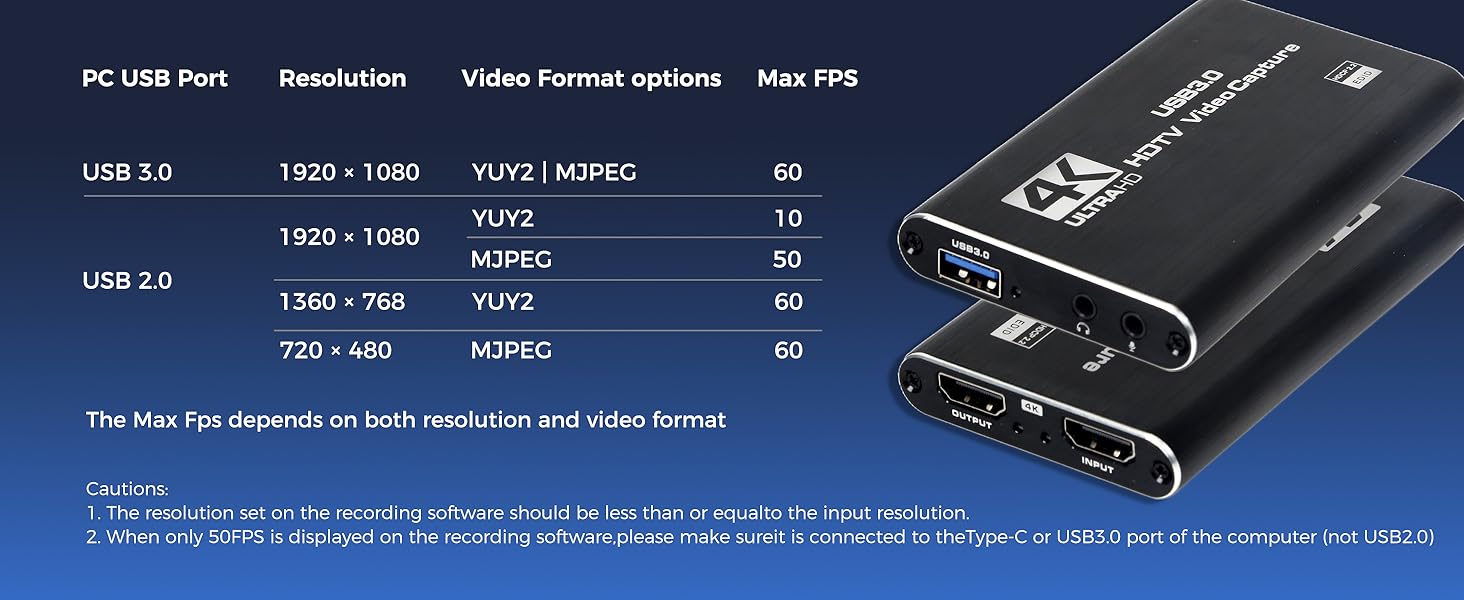
Can I record 1080P @60FPS and how's the latency of this capture card for streaming?
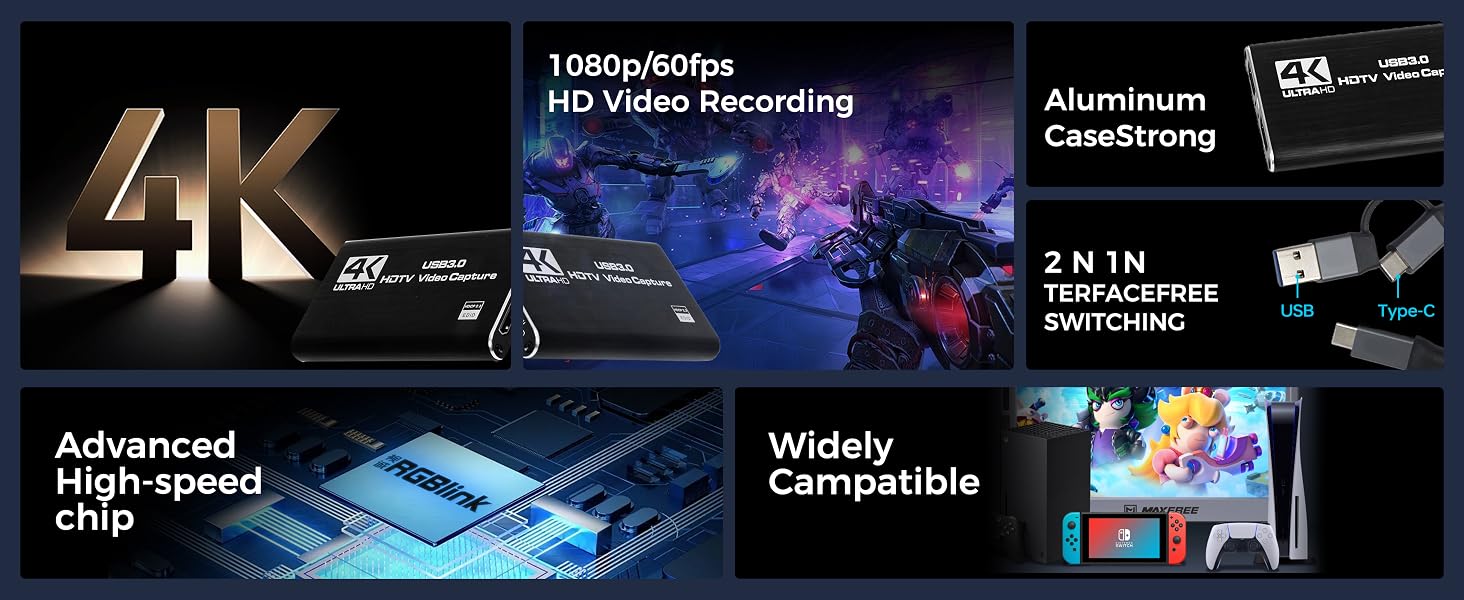
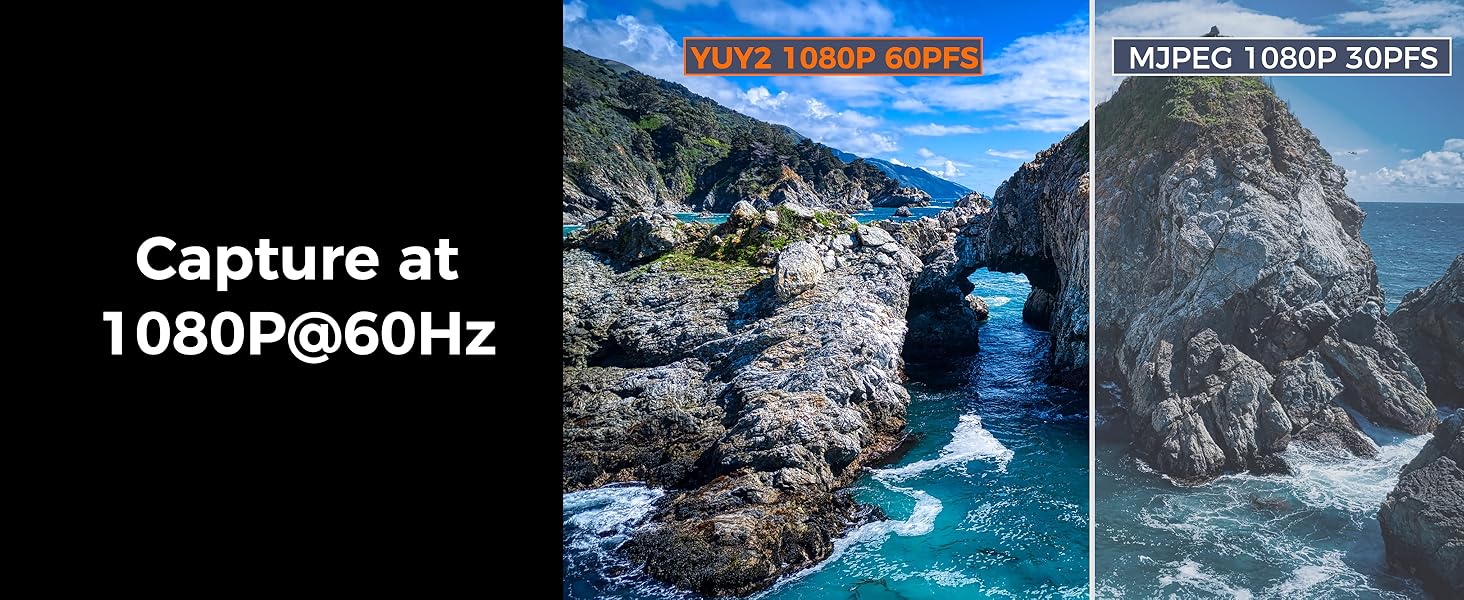
This capture card for streaming delivers 1080P@60FPS with ultra-low latency via USB 3.0 and hardware passthrough. Supports YUY2 high-frame-rate format, loop-out for real-time monitoring, and offloads encoding to reduce PC/GPU load.
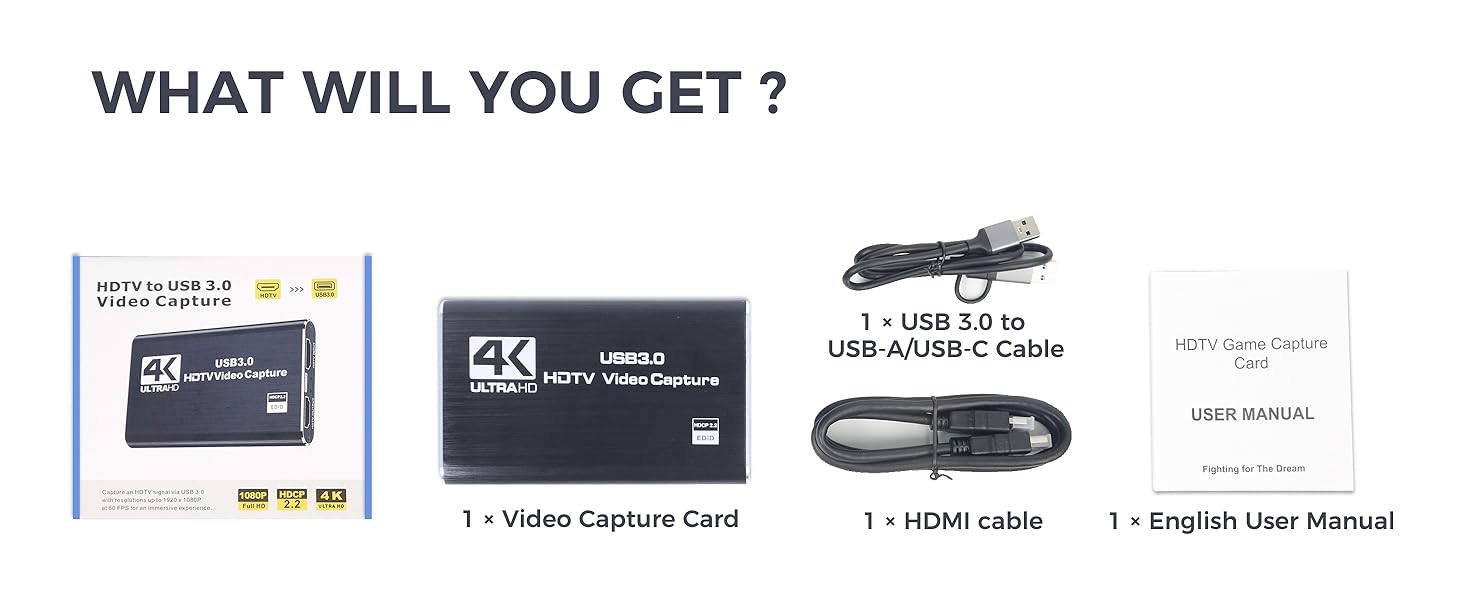
Do I need a driver to use this USB3.0 capture card for streaming?
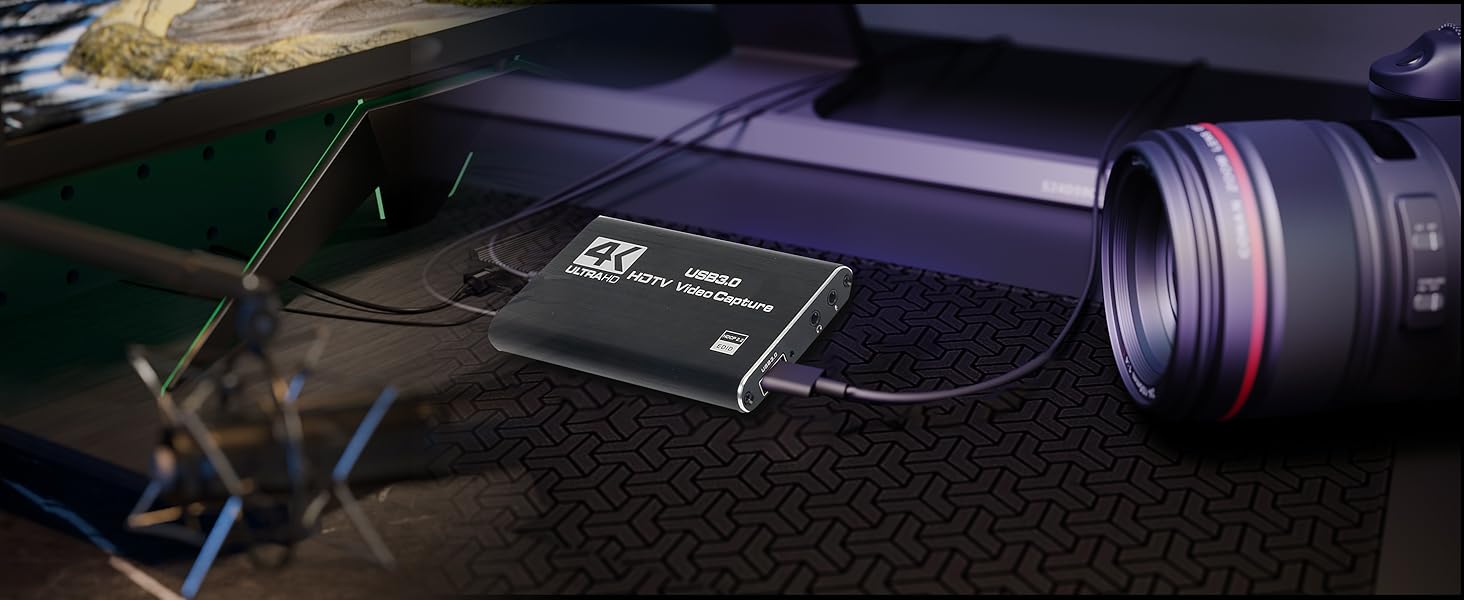
No installation required—it's plug-and-play. Simply connect your console or camera via HDMI and plug into your computer via USB for instant HDMI to USB video capture.
Does this game capture card work with PS5 and Nintendo Switch?
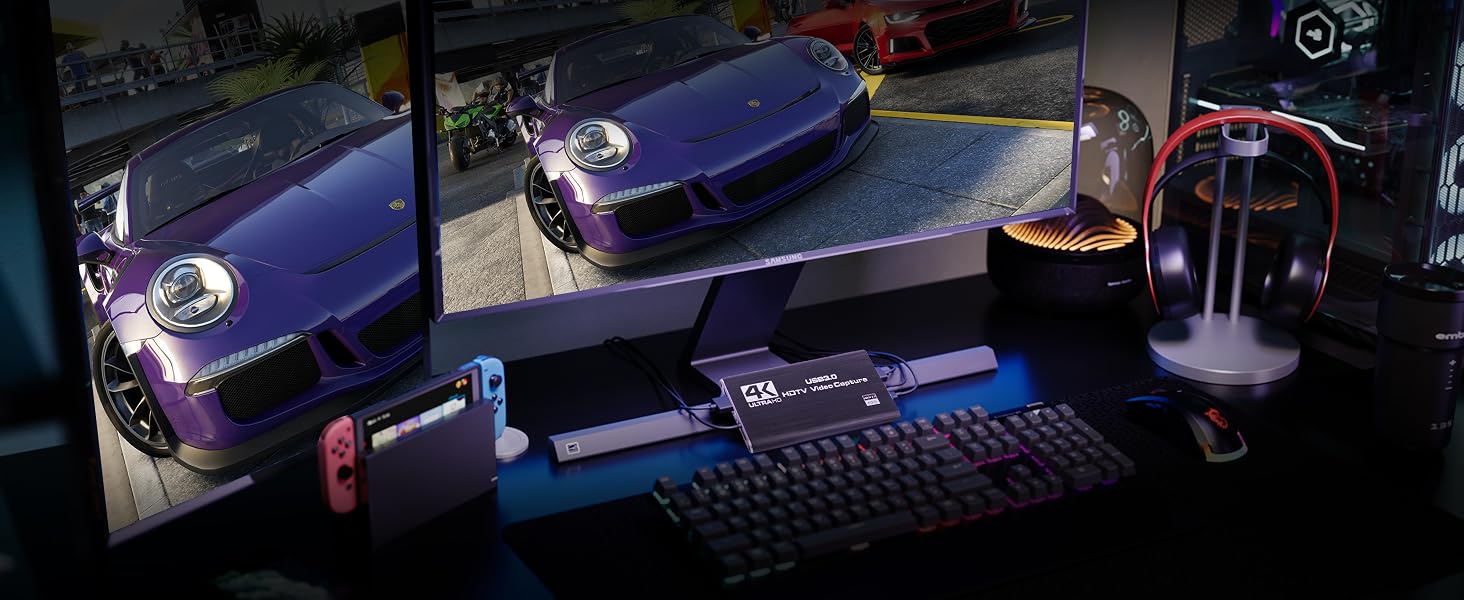
Yes. This video game capture card supports HDMI input from PS5, Nintendo Switch, Xbox, and outputs via USB3.0 for streaming in OBS, Zoom, or YouTube
Capture Card for Streaming
 Video Capture Card 4K30 | 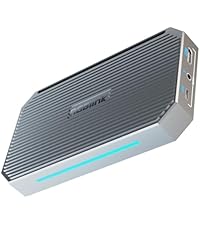 Game Capture Card 4K60 | 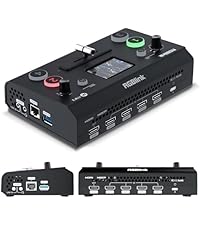 Capture Card &2k Switcher | 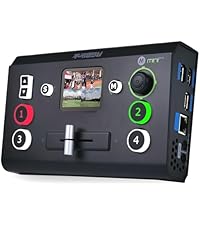 Capture card& 4K Switcher | |
|---|---|---|---|---|
Customer Reviews | — | — | — | — |
Price | — | — | — | — |
HDMI Input | 1* 4k60 | 1* 4k60 | 4* 2K | 4*4K |
Audio Input | LINE x 1/HDMI x 1 | LINE x 1/HDMI x 1 | x 6- MIC x 1/LINEx 1/HDMI x4 | x 6- MIC x 1/LINEx 1/HDMI x4 |
HDMI Output&Max Resolution | 4k30 LOOP x1 | 4k60 LOOP x1 | 1080P 60 Multi-view x1 | 1080P 60 Multi-view x2 /AUX |
UVC Output &Format | usb-a*1-YUY2 /MJPEG | usb-c*1 RGB24/YUY2/NV12/P010.. | usb-a*1-YUY2 | usb-a*2 YUY2 webcam*1, record |
UVC Output Max Resolution | 1080p60 | RGB24 1920x1080@60 ...... | 1080p60 | 1080p60 |
Analog audio output | LINE x 1 | LINE x 1 | x 1 program 3.5mm TRS | x 1 program 3.5mm TRS |
screen/t-bar/joystick/2*pip | ? | ? | ? | ? |
layout/fade in&out/cut/effect | ? | ? | ? | ? |
ptz control | ? | ? | ? | ? |
HDCP | ? | ? | ? | ? |
1080i50/60 Deinterlace | ? | ? | ? | ? |
View Save | No | No | No | Max 8 presets |
Game capture card for streaming
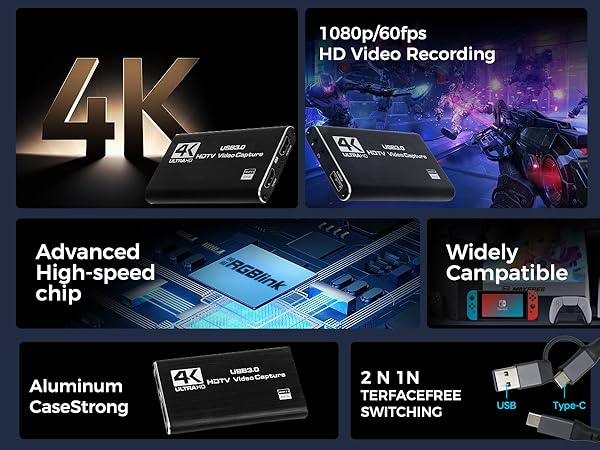
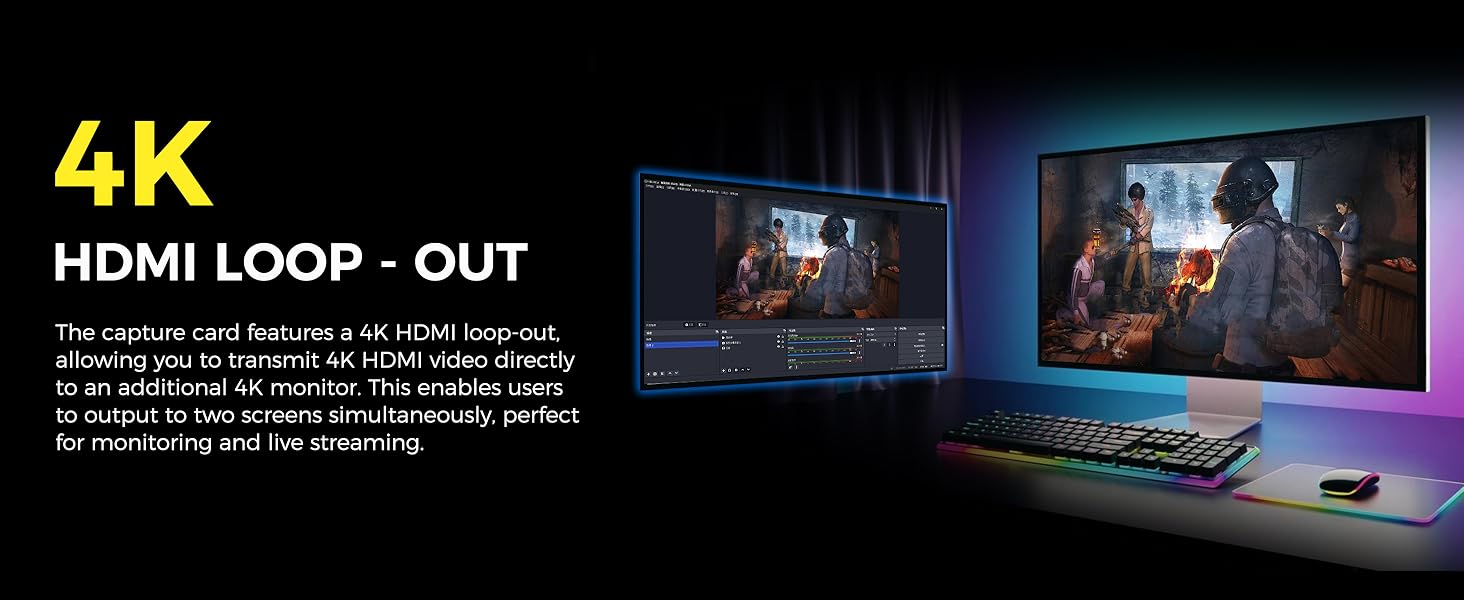
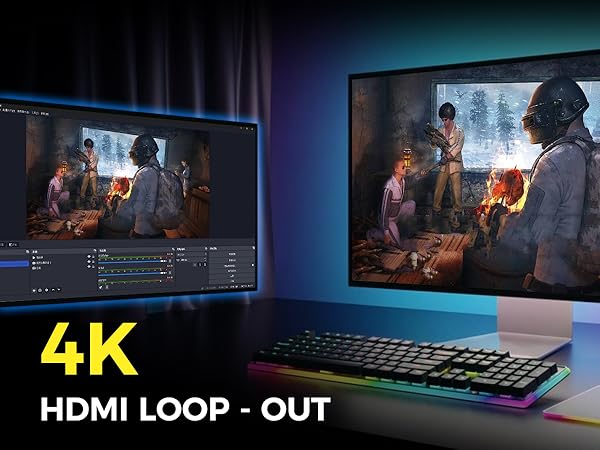
4K HDMI Loop Out
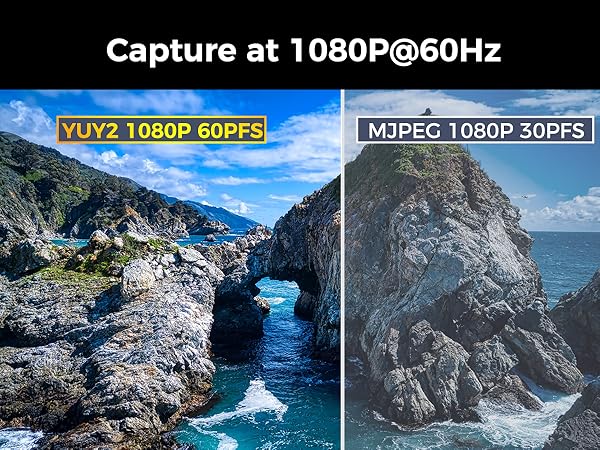
1080P 60HZ Capture
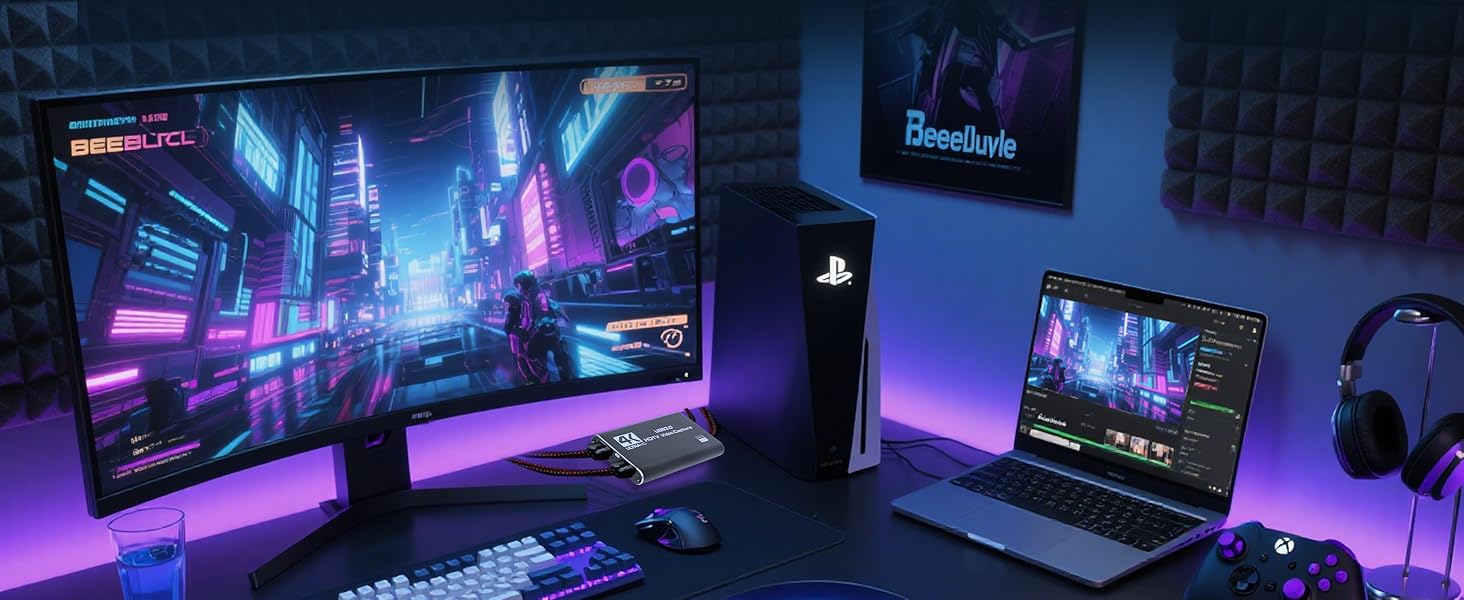
Game Capture
Home Theater
Live Broadcast
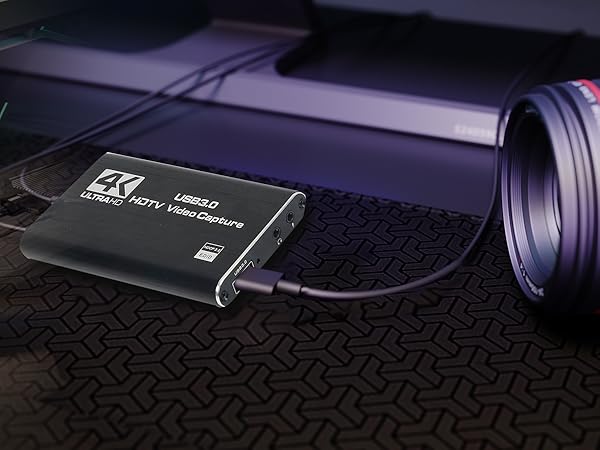
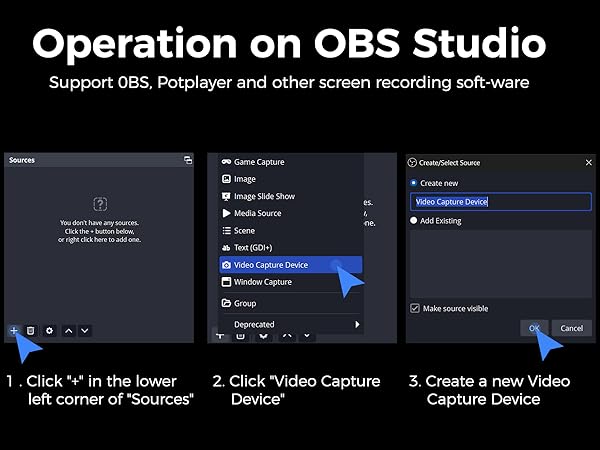
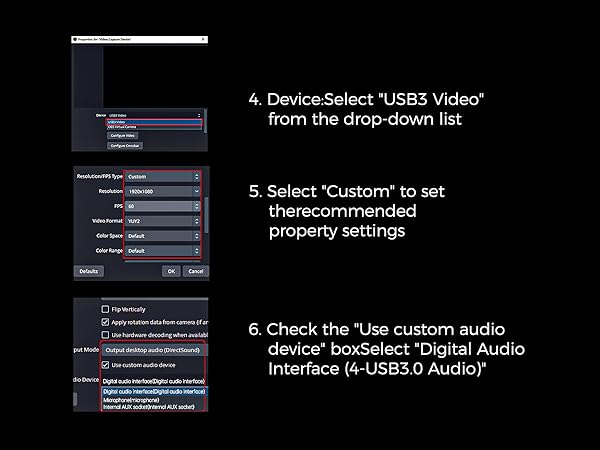
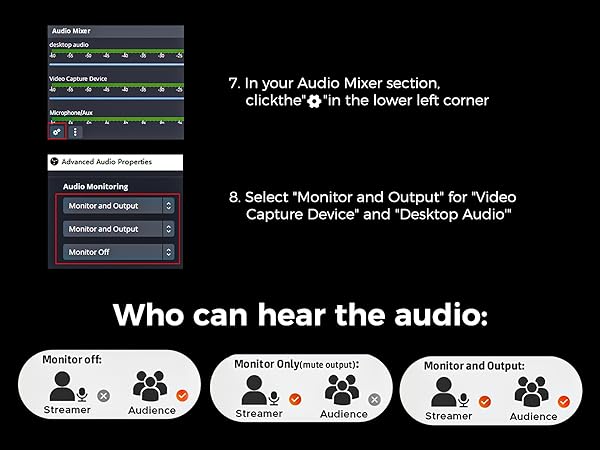
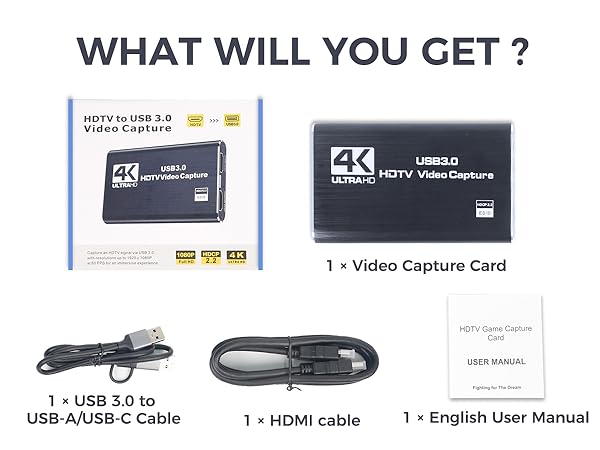
USB not working, flickering/frozen screen, no sound or noise when using OBS for RGBlink capture card?
Replug USB 3.0 & HDMI cable (lower box layer). In OBS, select another source, reselect “USB3 Video”. For audio, enable “Audio Input Capture” or check “Desktop Audio”. Try another USB port or powered hub. Use TRRS to dual TRS splitter for headset/mic
Why is there no audio being captured when using 4K capture card for streaming?
Ensure "USB3.0 Capture" is selected as the audio input in OBS. If still no sound, close all media players and reopen it.Adjust the audio transmission setting: Manually switch the audio output/transmission setting to the "HDMI to USB" capture device.
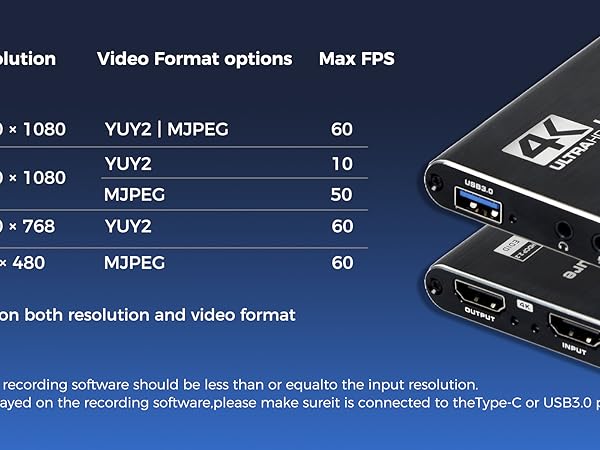
Can I record 1080P @60FPS and how's the latency of this capture card for streaming?
This capture card for streaming delivers 1080P@60FPS with ultra-low latency via USB 3.0 and hardware passthrough. Supports YUY2 high-frame-rate format, loop-out for real-time monitoring, and offloads encoding to reduce PC/GPU load.
Do I need a driver to use this USB3.0 capture card for streaming?
No installation required—it's plug-and-play. Simply connect your console or camera via HDMI and plug into your computer via USB for instant HDMI to USB video capture.
Does this game capture card work with PS5 and Nintendo Switch?
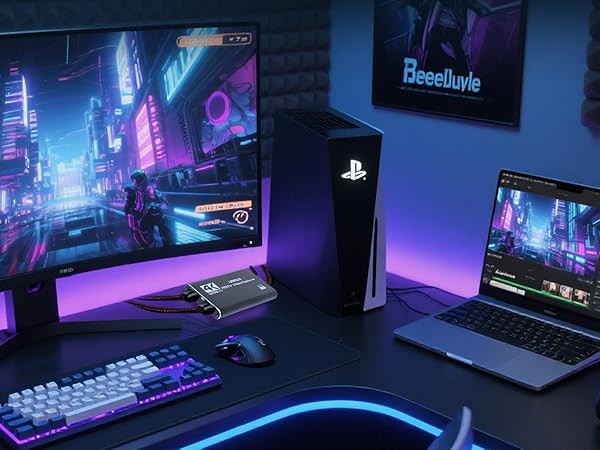
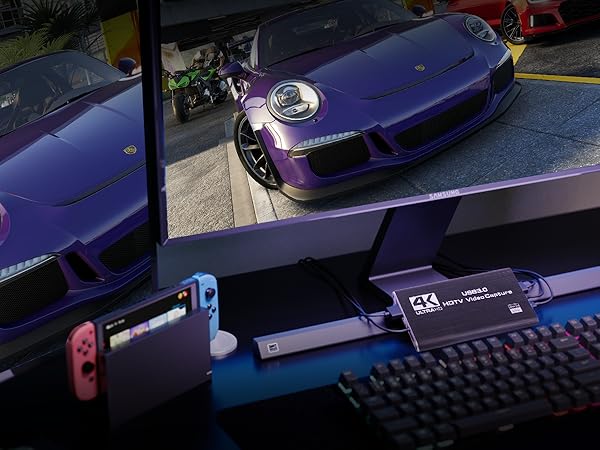
Yes. This video game capture card supports HDMI input from PS5, Nintendo Switch, Xbox, and outputs via USB3.0 for streaming in OBS, Zoom, or YouTube
Capture Card for Streaming
Video Capture Card 4K30 | Game Capture Card 4K60 | Capture Card &2k Switcher | Capture card& 4K Switcher |
|---|---|---|---|
| Customer Reviews | |||
| — | — | — | — |
| Price | |||
| — | — | — | — |
| HDMI Input | |||
| 1* 4k60 | 1* 4k60 | 4* 2K | 4*4K |
| Audio Input | |||
| LINE x 1/HDMI x 1 | LINE x 1/HDMI x 1 | x 6- MIC x 1/LINEx 1/HDMI x4 | x 6- MIC x 1/LINEx 1/HDMI x4 |
| HDMI Output&Max Resolution | |||
| 4k30 LOOP x1 | 4k60 LOOP x1 | 1080P 60 Multi-view x1 | 1080P 60 Multi-view x2 /AUX |
| UVC Output &Format | |||
| usb-a*1-YUY2 /MJPEG | usb-c*1 RGB24/YUY2/NV12/P010.. | usb-a*1-YUY2 | usb-a*2 YUY2 webcam*1, record |
| UVC Output Max Resolution | |||
| 1080p60 | RGB24 1920x1080@60 ...... | 1080p60 | 1080p60 |
| Analog audio output | |||
| LINE x 1 | LINE x 1 | x 1 program 3.5mm TRS | x 1 program 3.5mm TRS |
| screen/t-bar/joystick/2*pip | |||
| ? | ? | ? | ? |
| layout/fade in&out/cut/effect | |||
| ? | ? | ? | ? |
| ptz control | |||
| ? | ? | ? | ? |
| HDCP | |||
| ? | ? | ? | ? |
| 1080i50/60 Deinterlace | |||
| ? | ? | ? | ? |
| View Save | |||
| No | No | No | Max 8 presets |





