


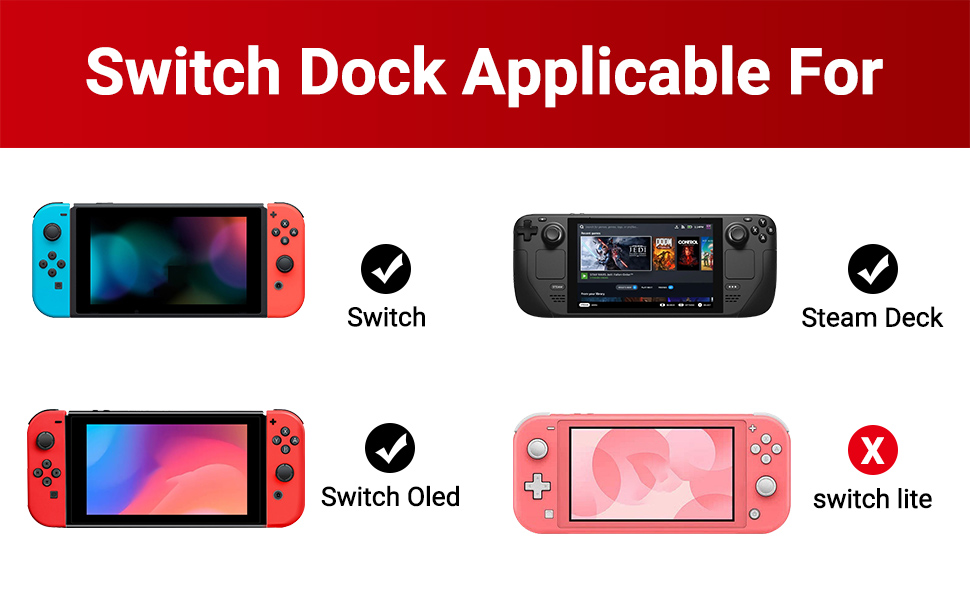
Nintendo Switch Oled TV Adapter Not Compatible for Switch Lite!! Not Compatible for Nintendo DS Lite! Not Compatible with Nintendo switch 2
- Nintendo Switch Dock Cable/Nintendo Switch TV Adapter compatible for Nintendo Switch NS/Switch Oled Mode and Steam Deck, But not for Switch Lite and Not for Nintendo DS Lite! Not Compatible with Nintendo switch 2
- when you re playing Switch NS/Oled Mode, for a good experience, An additional USB-C charging cable is required. It needs to be plugged into the USB-C PD port to power the Switch Dock when is working. ( The AC Charger Adapter and USB C Charging Cable re not included )
- This power source needs to support the power requirements of the Switch, which is typically 39W. For example, the Official Charger has a rated power of 39W, with a rated voltage of 15V and a rated current of 2.6A. (Note: We recommended to use the original charger adapter)
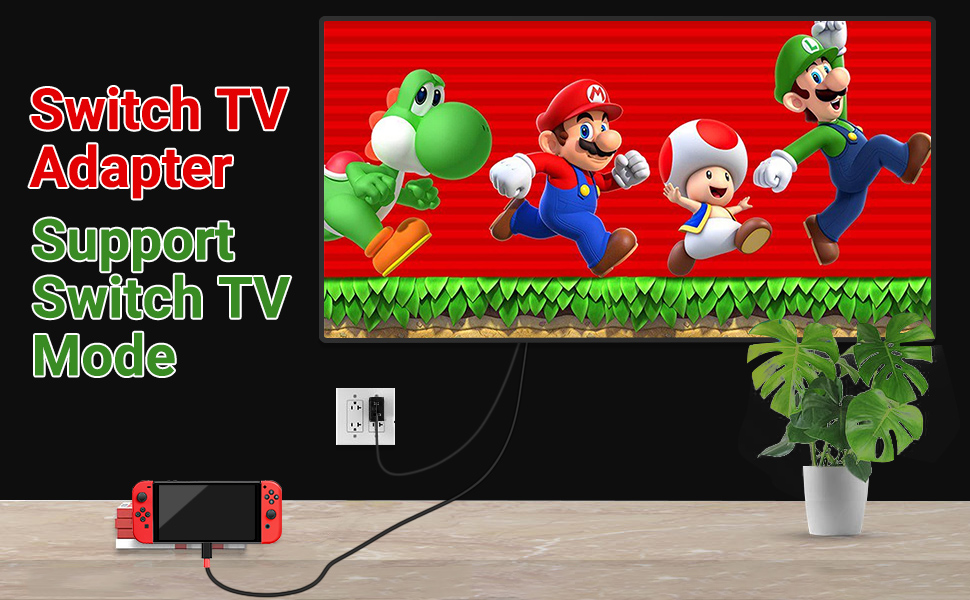
Boreguse Switch Adapter for TV Mode Works Great!
- This TV Dock for Nintendo Switch/Switch Docking Station for TV support 4K30HZ, 1080P and 720P Video Output. ( Nintendo Switch only supports 1080P)
- This Dock for Nintendo Switch HDMI Cable alsoCompatible with most high-definition TVs, Monitors, Projectors and other devices with HDMI interface, without additional drivers.
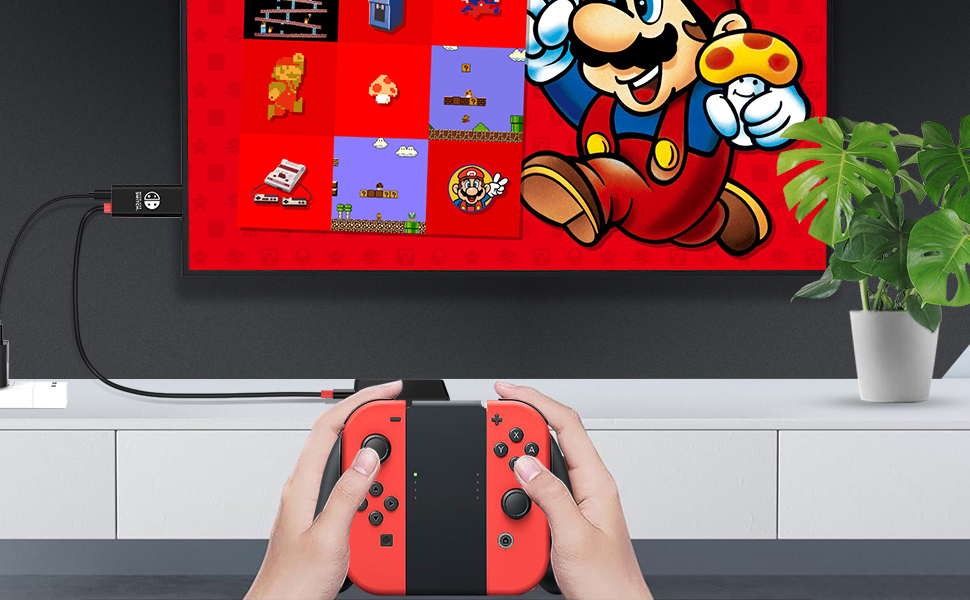
Nintendo Switch TV Adapter Wokrs Great for Nintendo Switch NS/Oled Mode
not for switch 2
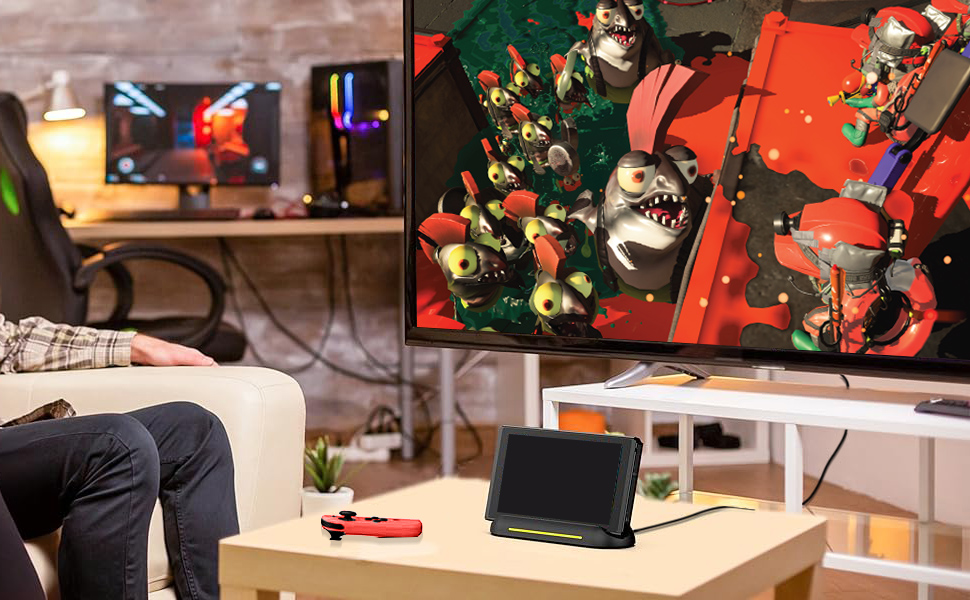
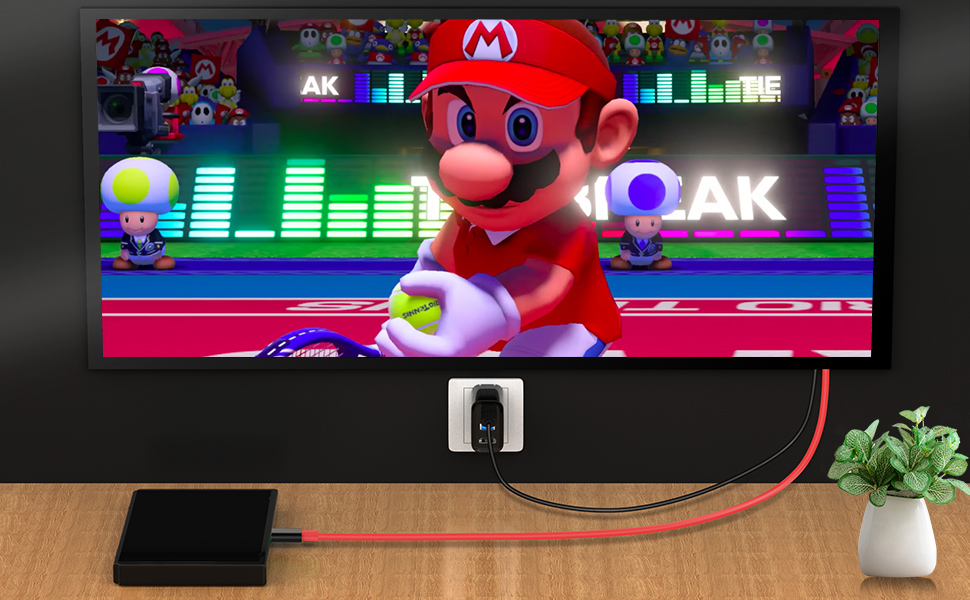
How to use this Switch Docking Station for TV?
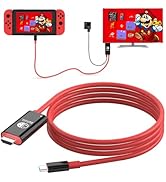
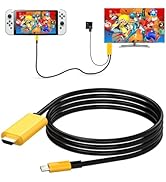
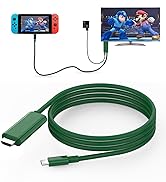
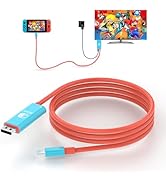
- Before use this HDMI Cable for Nintendo Switch, Pls confirm whether the monitor resolution(4K@30Hz) can meet the corresponding requirements, then plug HDMI Connector into the monitor HDMI input port, Please make sure that you have chosen the correct input source.
- For example, your TV has three HDMI ports 1, 2, 3, when you connected HDMI 1, You should choose HDMI 1 as your TV’s input source with your TV’s remote control.
- First, Plug the Original Nintendo Switch AC Adapter to the PD interface for Nintendo Switch Charging Dock.(Note: we recommend you use the original AC charger adapter)
- Plug the TYPE C connector of the AC Charger Adapter into the charging port for Nintendo Switch Dock HDMI Cable and waiting for 5-10 seconds, Then the screen of the game machine will go out and the hand will be taken off to play streaming games.
- When using this Nintendo Switch HDMI Cable, Make sure that the PIN in the product is not sag or bent, so as not to affect insertion.
- Be careful not to splash liquid into the connector during use, so as not to affect its performance.
- Nintendo Switch TV Dock should be placed in a dry place, not in a humid environment.
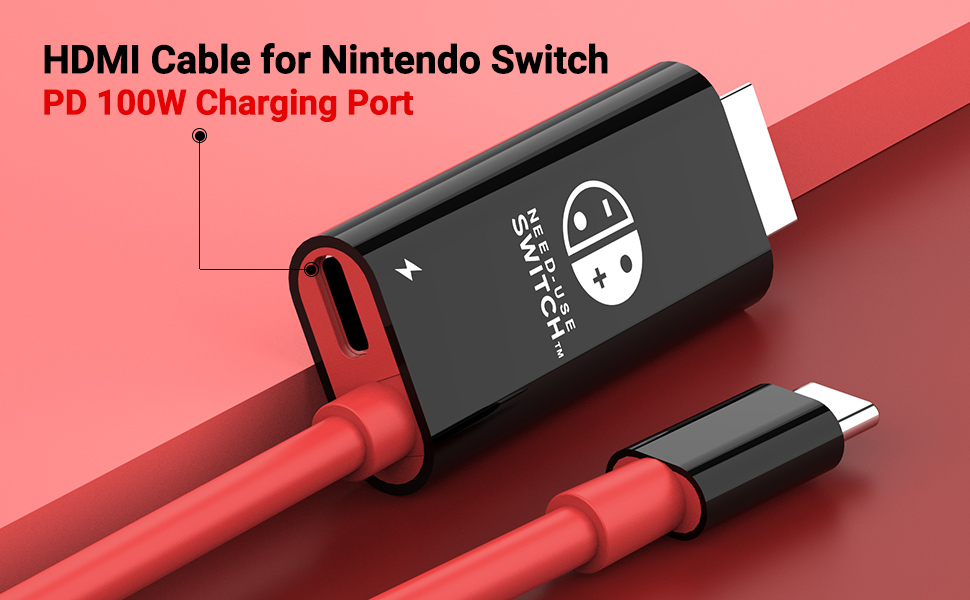
Charging for Nintendo Switch Charger Dock while Playing
- An additional USB-C charging cable is required. It needs to be plugged into the USB-C PD port to power for Nintendo Switch HDMI Cable/Nintendo Switch Cord to TV when is working.
- The power source needs to support the power requirements of the Switch, which is typically 39W. For example, the Official AC Charger has a rated power of 39W, with a rated voltage of 15V and a rated current of 2.6A.(Note: We recommended to use the original charger adapter)
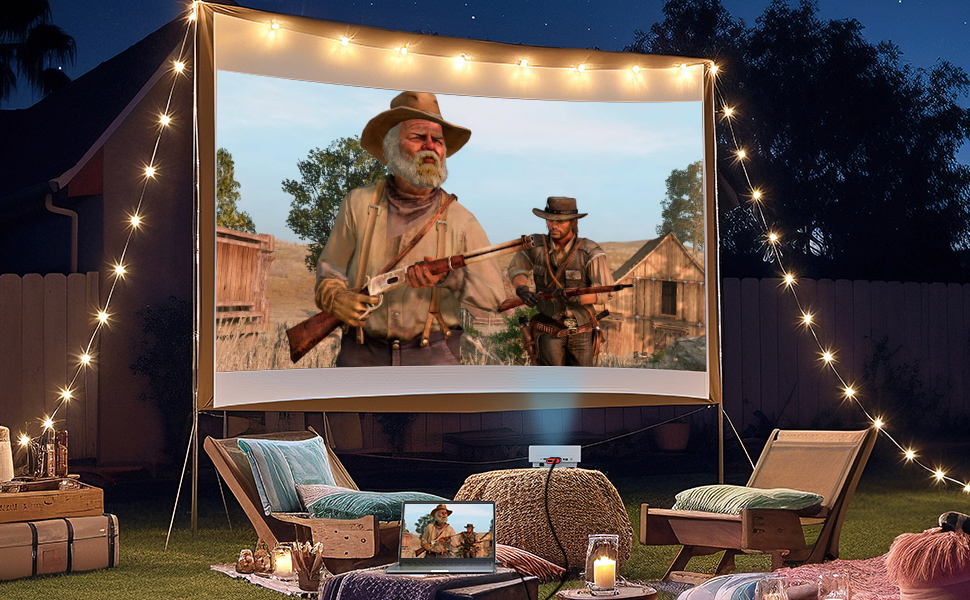
Multiple compatible devices and functions for Nintendo Switch Dock Cord
- Nintendo Switch Docking Station for TV not only supports for Nintendo switch NS/Oled Mode/steam deck, But also supports laptop, mobilephone, tablet and other usb typec device, your usb type c device should be support thunderbolt 4/3, USB3.1/DPAlt output in advance.
- We CANNOT support Nintendo Switch/Switch Oled/Steam Deck/ Mobilephone/Tablet directly to laptop/tablet, if you need Nintendo switch/switch Oled/Steam Deck to laptop, you should be match with capture card to get it. We support Nintendo Switch/Switch Oled/Steam Deck /laptop/tablet /Mobilephone to TV/monotor.*
- Not for Switch Lite and Not for Nintendo DS Lite!*
- Not support for ALL Samsung Galaxy A Series
- Not Compatible with Nintendo switch 2
Package Included:
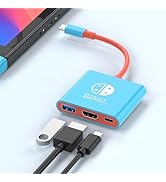
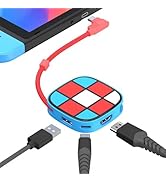
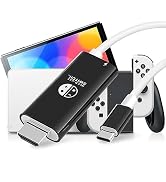
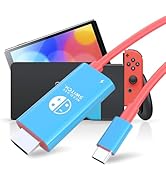
- 1 X USB C to HDMI Adapter for Nintendo Switch/Nintendo Switch Dock Adapter( The AC Charger Adapter and USB C Charging cable re not included
- 1 X User manual
- Color:Black with Red
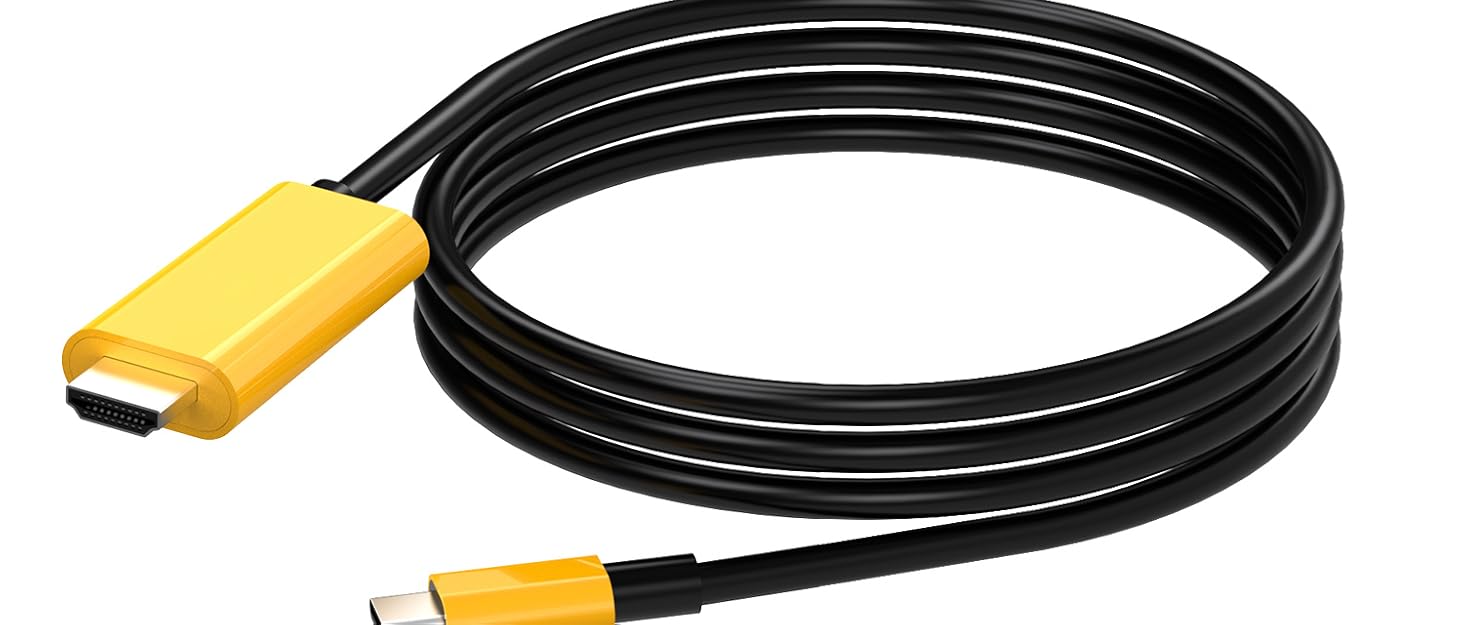
- HDMI Cord for Nintendo Switch Length: 1.8M/6ft.
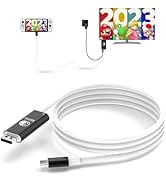
Nintendo Switch Oled TV Adapter Not Compatible for Switch Lite!! Not Compatible for Nintendo DS Lite! Not Compatible with Nintendo switch 2
- Nintendo Switch Dock Cable/Nintendo Switch TV Adapter compatible for Nintendo Switch NS/Switch Oled Mode and Steam Deck, But not for Switch Lite and Not for Nintendo DS Lite! Not Compatible with Nintendo switch 2
- when you re playing Switch NS/Oled Mode, for a good experience, An additional USB-C charging cable is required. It needs to be plugged into the USB-C PD port to power the Switch Dock when is working. ( The AC Charger Adapter and USB C Charging Cable re not included )
- This power source needs to support the power requirements of the Switch, which is typically 39W. For example, the Official Charger has a rated power of 39W, with a rated voltage of 15V and a rated current of 2.6A. (Note: We recommended to use the original charger adapter)
Boreguse Switch Adapter for TV Mode Works Great!
- This TV Dock for Nintendo Switch/Switch Docking Station for TV support 4K30HZ, 1080P and 720P Video Output. ( Nintendo Switch only supports 1080P)
- This Dock for Nintendo Switch HDMI Cable alsoCompatible with most high-definition TVs, Monitors, Projectors and other devices with HDMI interface, without additional drivers.
Nintendo Switch TV Adapter Wokrs Great for Nintendo Switch NS/Oled Mode
not for switch 2
How to use this Switch Docking Station for TV?
- Before use this HDMI Cable for Nintendo Switch, Pls confirm whether the monitor resolution(4K@30Hz) can meet the corresponding requirements, then plug HDMI Connector into the monitor HDMI input port, Please make sure that you have chosen the correct input source.
- For example, your TV has three HDMI ports 1, 2, 3, when you connected HDMI 1, You should choose HDMI 1 as your TV’s input source with your TV’s remote control.
- First, Plug the Original Nintendo Switch AC Adapter to the PD interface for Nintendo Switch Charging Dock.(Note: we recommend you use the original AC charger adapter)
- Plug the TYPE C connector of the AC Charger Adapter into the charging port for Nintendo Switch Dock HDMI Cable and waiting for 5-10 seconds, Then the screen of the game machine will go out and the hand will be taken off to play streaming games.
- When using this Nintendo Switch HDMI Cable, Make sure that the PIN in the product is not sag or bent, so as not to affect insertion.
- Be careful not to splash liquid into the connector during use, so as not to affect its performance.
- Nintendo Switch TV Dock should be placed in a dry place, not in a humid environment.
Charging for Nintendo Switch Charger Dock while Playing
- An additional USB-C charging cable is required. It needs to be plugged into the USB-C PD port to power for Nintendo Switch HDMI Cable/Nintendo Switch Cord to TV when is working.
- The power source needs to support the power requirements of the Switch, which is typically 39W. For example, the Official AC Charger has a rated power of 39W, with a rated voltage of 15V and a rated current of 2.6A.(Note: We recommended to use the original charger adapter)
Multiple compatible devices and functions for Nintendo Switch Dock Cord
- Nintendo Switch Docking Station for TV not only supports for Nintendo switch NS/Oled Mode/steam deck, But also supports laptop, mobilephone, tablet and other usb typec device, your usb type c device should be support thunderbolt 4/3, USB3.1/DPAlt output in advance.
- We CANNOT support Nintendo Switch/Switch Oled/Steam Deck/ Mobilephone/Tablet directly to laptop/tablet, if you need Nintendo switch/switch Oled/Steam Deck to laptop, you should be match with capture card to get it. We support Nintendo Switch/Switch Oled/Steam Deck /laptop/tablet /Mobilephone to TV/monotor.*
- Not for Switch Lite and Not for Nintendo DS Lite!*
- Not support for ALL Samsung Galaxy A Series
- Not Compatible with Nintendo switch 2
Package Included:
- 1 X USB C to HDMI Adapter for Nintendo Switch/Nintendo Switch Dock Adapter( The AC Charger Adapter and USB C Charging cable re not included
- 1 X User manual
- Color:Black with Red
- HDMI Cord for Nintendo Switch Length: 1.8M/6ft.
Switch Docking Station
Switch HDMI Cable
Switch HDMI Adapter
USB C to DP1.4 for Switch Dock
Portable Switch Docking Statio
USB C to DP for Switch NS Oled
Switch HDMI Cord for Nintendo





