



Is the microphone compatible with Xbox?
COMICA Uni S USB microphone is specifically designed for PS4, PS5, and PC, offering optimal performance for gaming scenarios. However, it is not compatible with Xbox consoles.
How to Make the Microphone Capture Louder and Clearer Sound?
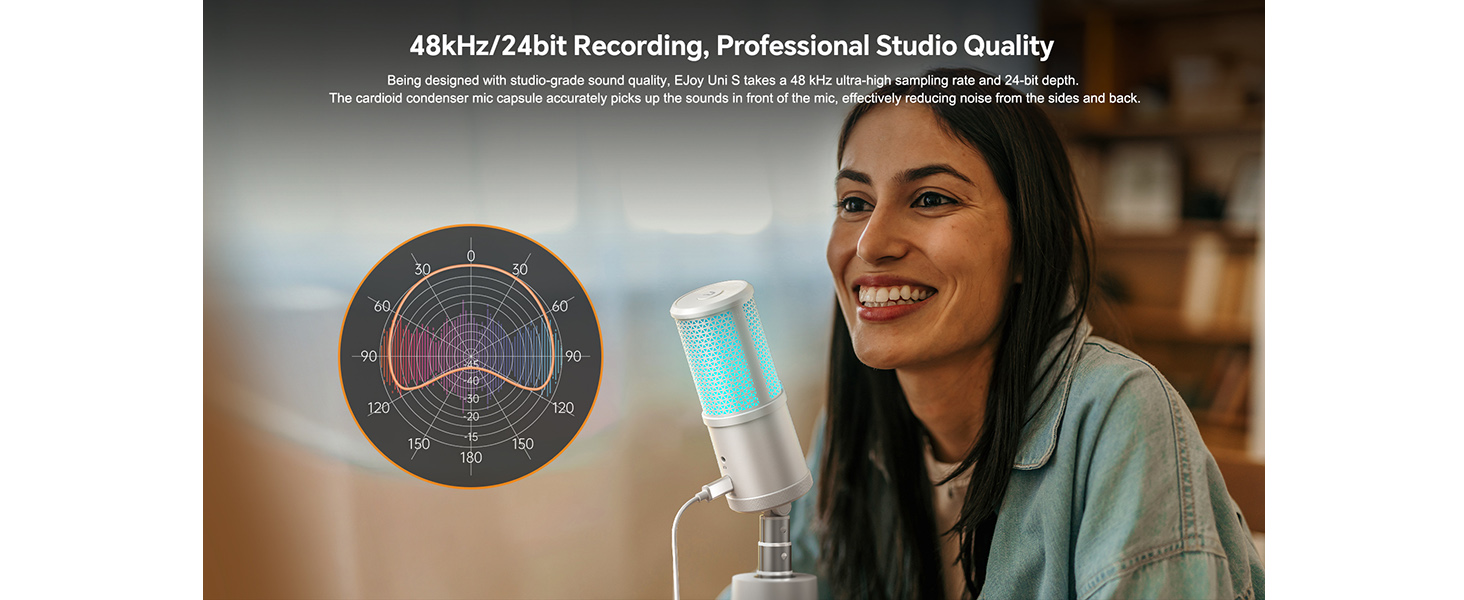
Adjust the gain to a suitable level using the Uni S microphone gain knob or system sound settings. For optimal results, position your mouth 6–12 inches (approximately 15–30 cm) in front of the USB microphone and try to use it in a quiet room.
What should I pay attention to when using a condenser microphone?
Connect it directly to the computer's USB port and properly set the system input device.
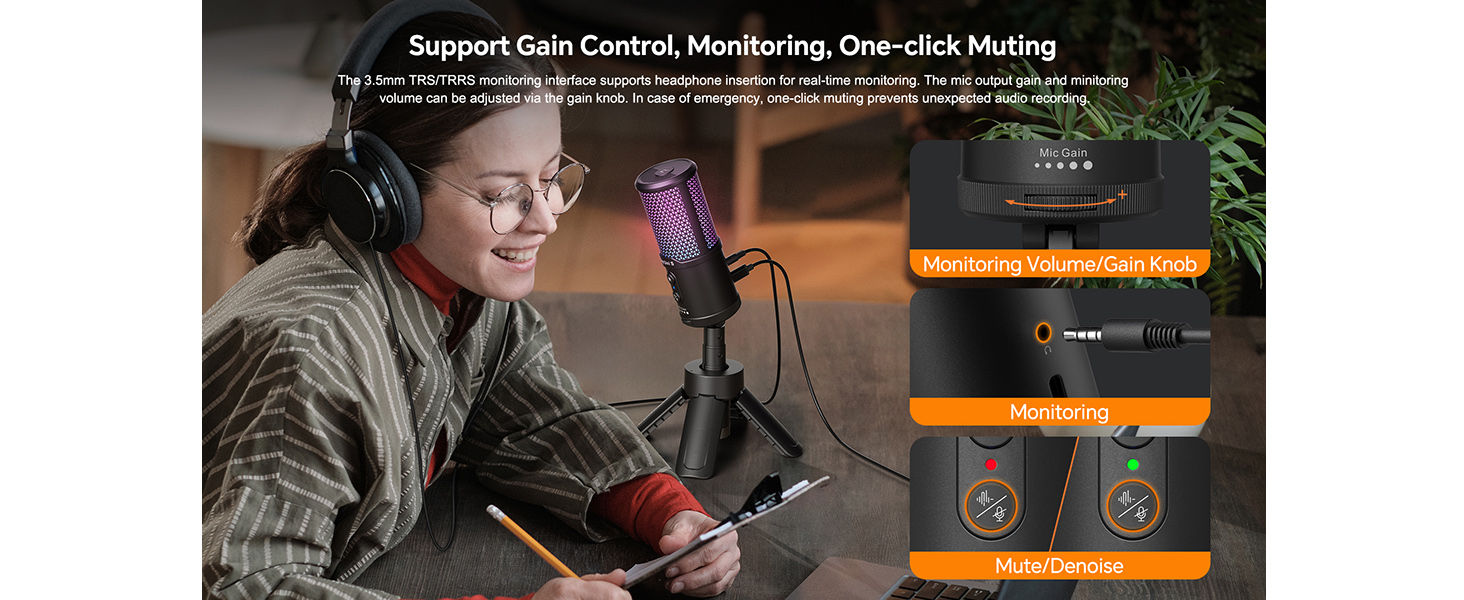
Does it come with Real-time monitoring?
YES, Ejoy Uni S Tripod Stand Mic comes with Real-time monitoring, you can test whether it is working normally during recording to make sure the smooth recording
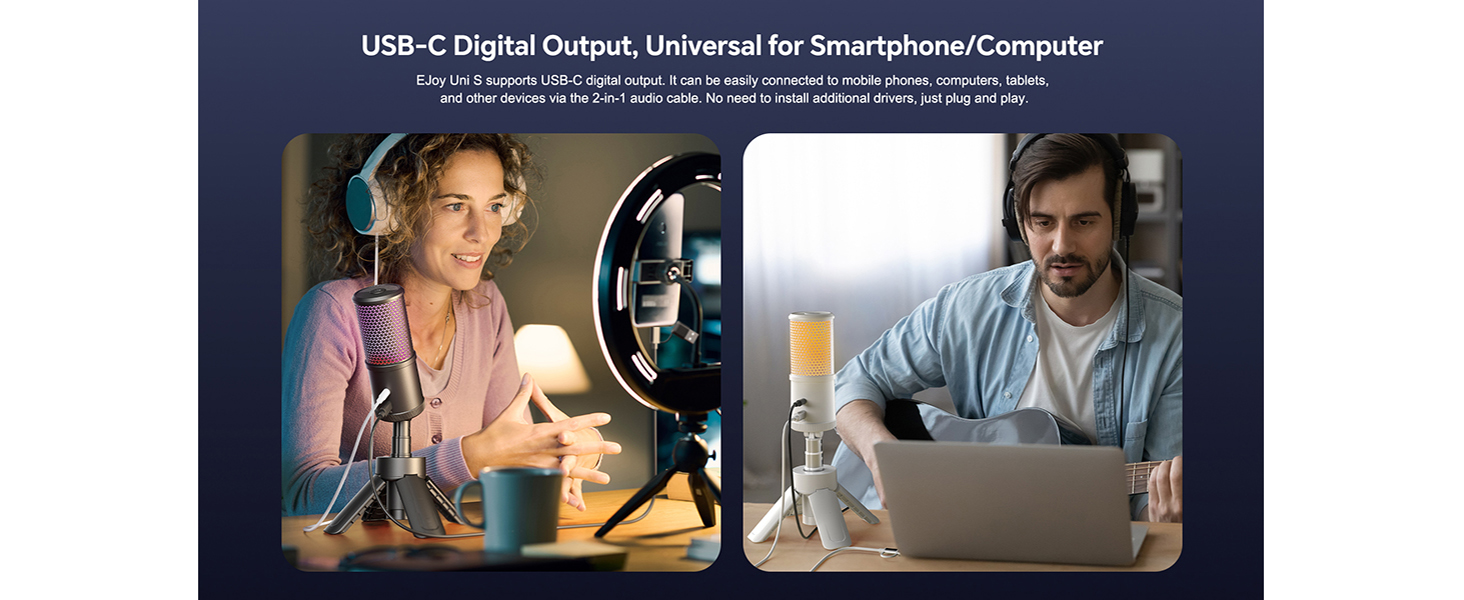
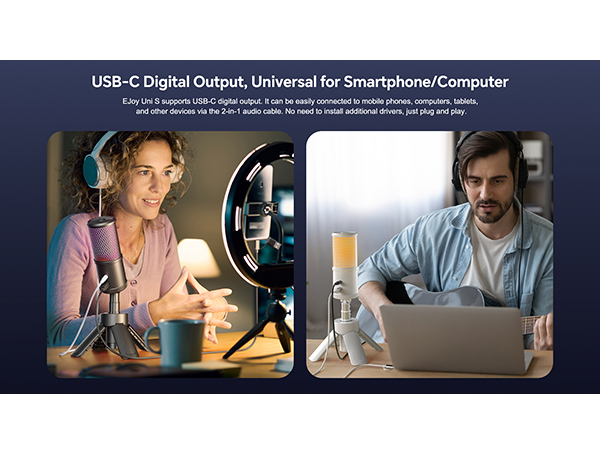
Do I need to install a driver or purchase additional accessories to use it?
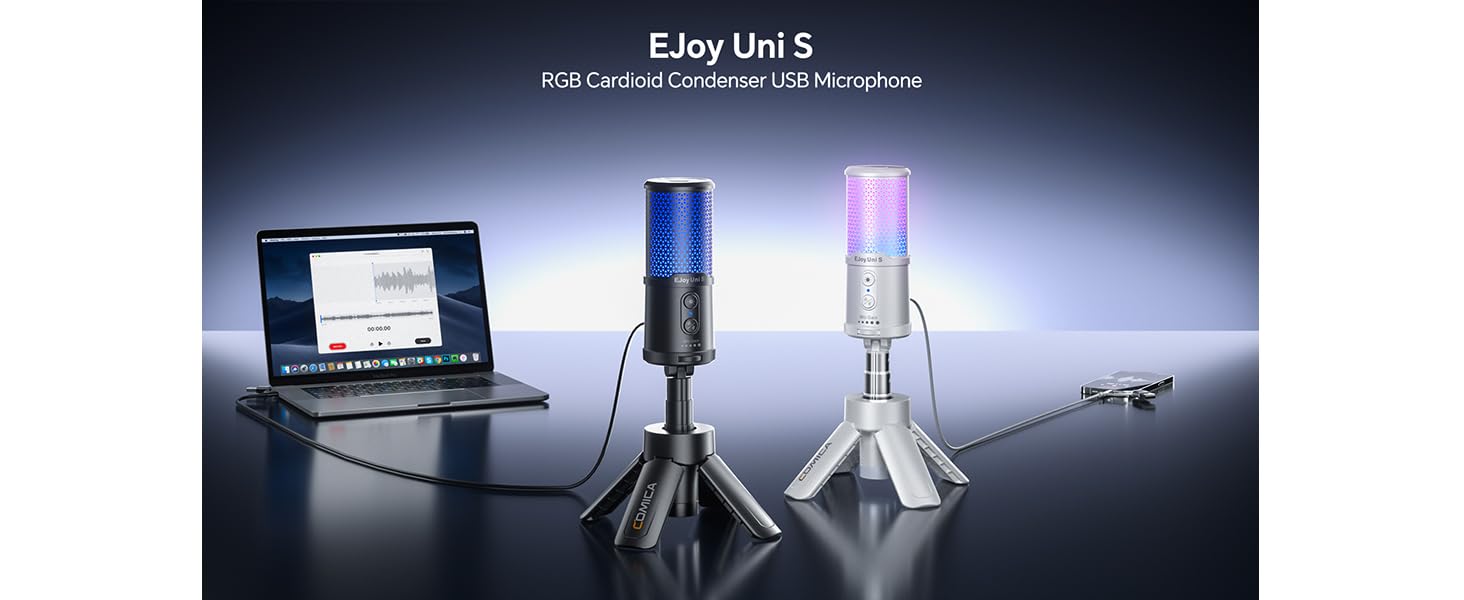
The Ejoy UNI S gaming microphone is plug-and-play, without the need for drivers and additional accessories.

Is the microphone compatible with Xbox?
COMICA Uni S USB microphone is specifically designed for PS4, PS5, and PC, offering optimal performance for gaming scenarios. However, it is not compatible with Xbox consoles.
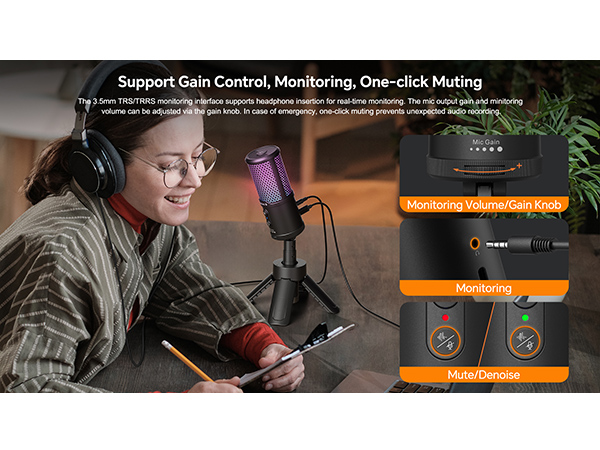
How to Make the Microphone Capture Louder and Clearer Sound?
Adjust the gain to a suitable level using the Uni S microphone gain knob or system sound settings. For optimal results, position your mouth 6–12 inches (approximately 15–30 cm) in front of the USB microphone and try to use it in a quiet room.
What should I pay attention to when using a condenser microphone?
Connect it directly to the computer's USB port and properly set the system input device.
Does it come with Real-time monitoring?
YES, Ejoy Uni S Tripod Stand Mic comes with Real-time monitoring, you can test whether it is working normally during recording to make sure the smooth recording
Do I need to install a driver or purchase additional accessories to use it?
The Ejoy UNI S gaming microphone is plug-and-play, without the need for drivers and additional accessories.





