
Built for How Business Buys.

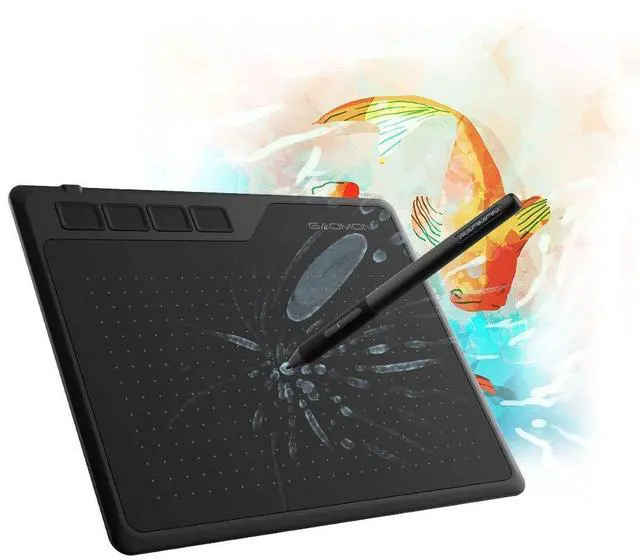
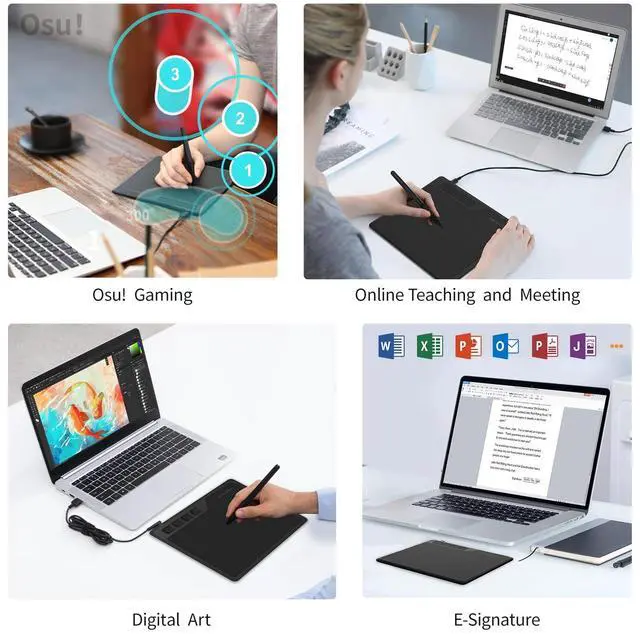
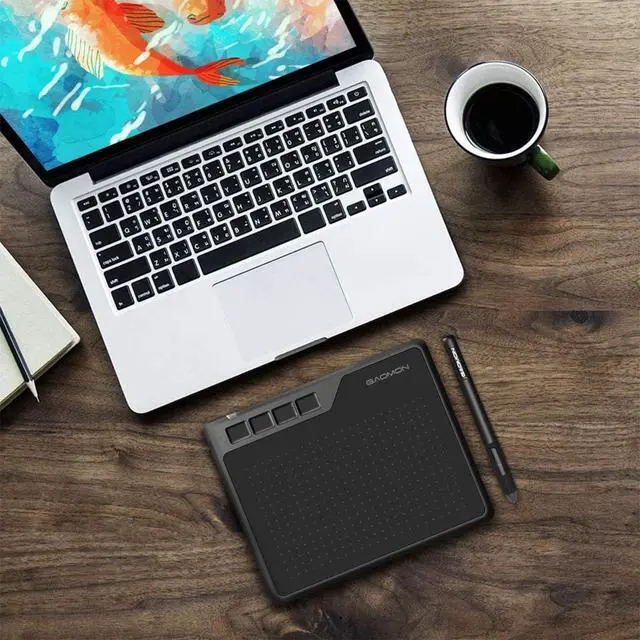
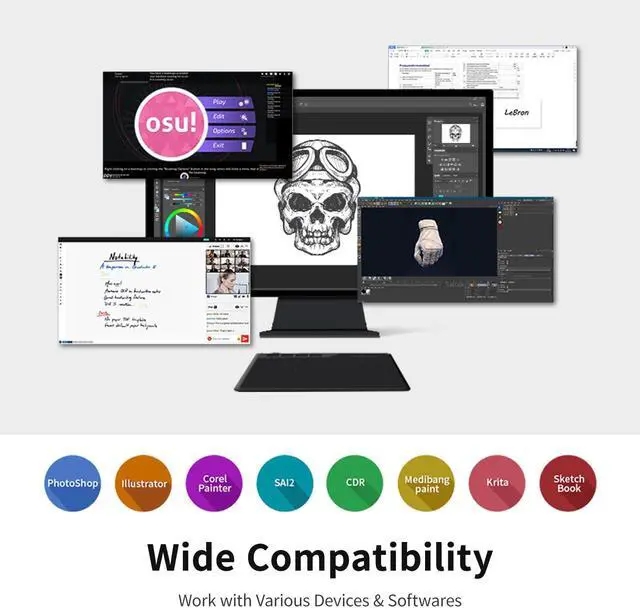


GAOMON S620 Drawing Tablet
Merchant Video


Compare Similar Drawing Tablets
 GAOMON S620 |  GAOMON Pro 19 |  GAOMON WH851 |  GAOMON PD1320 |  GAOMON PD1561 |  GAOMON M10K PRO |  GAOMON M10K | |
|---|---|---|---|---|---|---|---|
Customer Reviews | — | — | — | — | — | — | — |
Price | — | — | — | — | — | — | — |
Working Area | 6.5 x 4 inch | - | 8 x 5 inches | - | - | 10 x 6.25 inch | 10 x 6.25 inch |
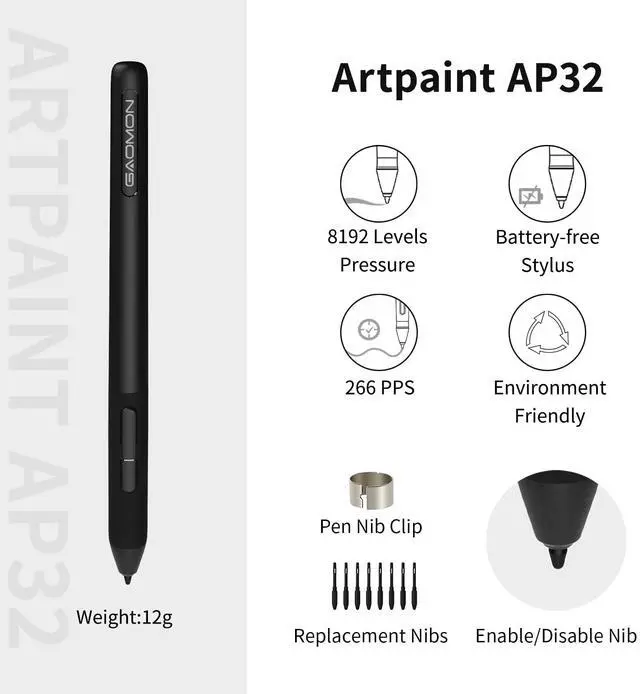
Digital Pen | Battery-free AP32 | Battery-free G-Pro Pen | Battery-free AP519 | Battery-free Pen AP50 | Battery-free Pen AP50 | Battery-free AP32 | Battery-free AP31 |
Tilt Support | ? | ? | ? | ? | ? | ? | ? |
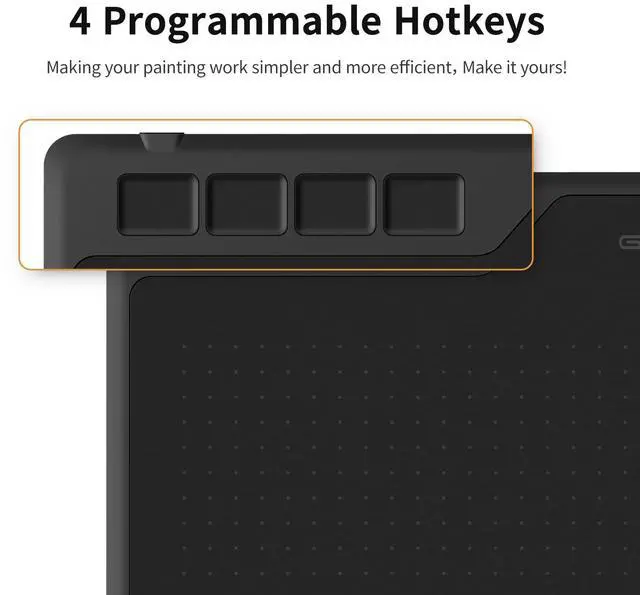
Programmable Express Keys | 4 Press Buttons | - | 8 Press Buttons +1 Dial | - | 10 Express Keys | 10 Press Buttons+1 Touch Dial | 10 Press Buttons+1 Touch Dial |
Connectivity | Micro USB | HDMI, USB-C | USB-C & Bluetooth 5.0 | Mini HDMI, Type-C | Mini HDMI, Type-C | Micro USB | Micro USB |
Windows OS Support | Windows 7 or later | Windows 7 or later | Windows 7 or later | Windows 7 or later | Windows 7 or later | Windows 7 or later | Windows 7 or later |
mac OS Support | macOS 10.12 or later | mac OS 10.13 or later | macOS 10.12 or later | macOS 10.12 or later | macOS 10.12 or later | macOS 10.12 or later | macOS 10.12 or later |
Android OS Support | Android 6.0 or later | Android (USB3.1 and DP1.2) | Android 6.0 or later | Android(USB3.0 DP1.2) | - | Android 6.0 or later | Android 11-14 |
Linux OS Support | - | Ubuntu 20.04 LTS | Ubuntu 20.04 LTS (wired) | - | - | - | - |
How to know if your computer or laptop is compatible with GAOMON S620 drawing tablet?
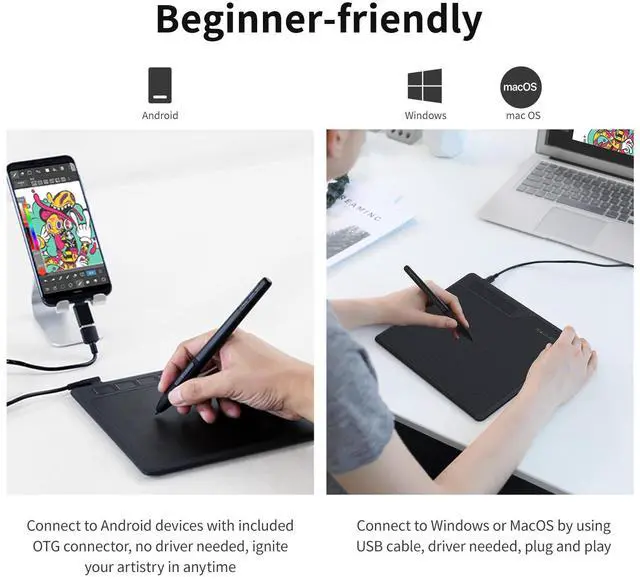
Kindly note that the tablet works with Windows 7 or later, macOS 10.12 or later.
What to do if your drawing tablet cannot connect with the computer?
1. check if your computer runs Windows 7 or later, macOS 10.12 or later. 2. Unplug and replug the USB Cable. 3. Try with another computer. If all the method mentioned above cannot fix the issue, the tablet is broken. We will help you replace it.
How to know if my mobile phone or tablet is compatible with S620?
Your phone or tablet must be Android 6.0 or above and should have an OTG function. List of compatible devices: Galaxy S10/S9/S8, Galaxy Note 8/9, Galaxy Tab S7/S8/S9, HUAWEI Mate 10 Pro/P20 Pro/P30 Pro/P40 Pro, HUAWEI Mate 10/P20/P30/P40.etc.
How to know whether my phone/ tablet has enabled the OTG function or not?
Generally speaking, the OTG function has already been enabled, but for some models, you must enable it manually. To enable the OTG function, please go to Settings> Other settings > find the OTG connection and enable it.
Can I connect S620 to iPhone or iPad?
No, you cannot connect it to an iPhone or iPad. Currently, S620 only support Windows 7 or above, Mac OS 10.12 or above, and Android 6.0 or above.

GAOMON is a high-tech enterprise founded in 2011. Dedicated to independent research and development of digital tablets, digital screens, animation copy stations, etc.
Its products comply with EU RoHs standards and have passed certifications such as CE, FCC and CCC.
With the value-for-money products and the growing reputation among consumers, Gaomon develop rapidly and gradually become known to consumers around the world.
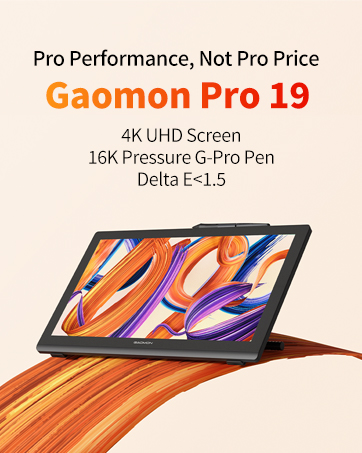
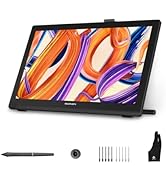
Drawing Tablet with Screen
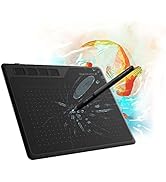
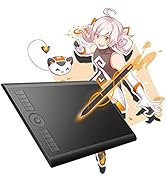
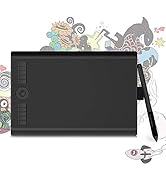
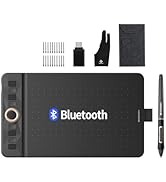
Graphics Tablet
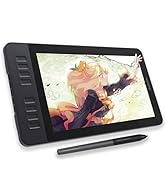
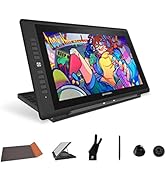
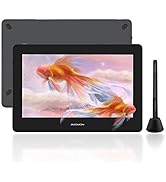
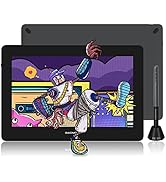
Drawing Tablet
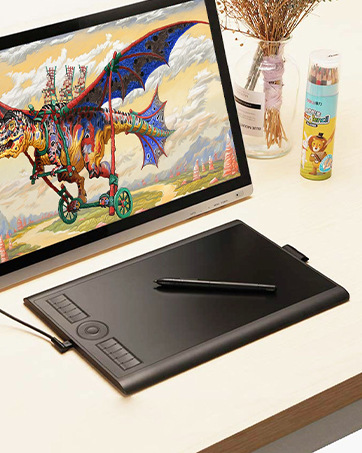
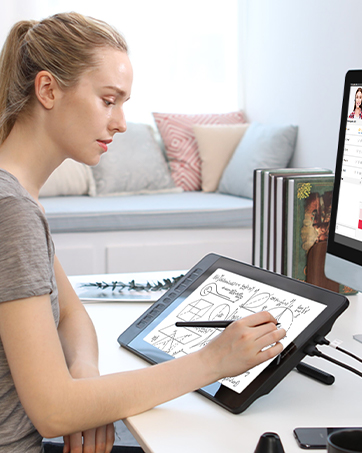
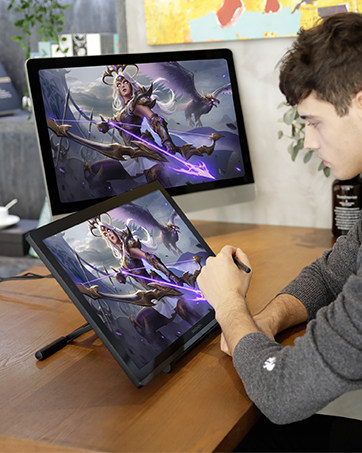
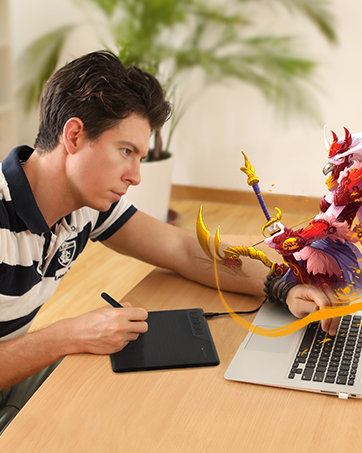
How did we get our start?
GAOMON believes that digital creation should not be limited in specific areas or groups. GAOMON is committed to producing quality and affordable products.
Why do we love what we do?
GAOMON encourages confident and free creation. We always support to enlarge digital creative community and to take digital art to every corner of the world.
How to get help from GAOMON?
If you have any questions about the product before or after purchasing , please send a message to us via Message.
GAOMON S620 Drawing Tablet
Merchant Video


Compare Similar Drawing Tablets
GAOMON S620 | GAOMON Pro 19 | GAOMON WH851 | GAOMON PD1320 | GAOMON PD1561 | GAOMON M10K PRO | GAOMON M10K |
|---|---|---|---|---|---|---|
| Customer Reviews | ||||||
| — | — | — | — | — | — | — |
| Price | ||||||
| — | — | — | — | — | — | — |
| Working Area | ||||||
| 6.5 x 4 inch | - | 8 x 5 inches | - | - | 10 x 6.25 inch | 10 x 6.25 inch |
| Digital Pen | ||||||
| Battery-free AP32 | Battery-free G-Pro Pen | Battery-free AP519 | Battery-free Pen AP50 | Battery-free Pen AP50 | Battery-free AP32 | Battery-free AP31 |
| Tilt Support | ||||||
| ? | ? | ? | ? | ? | ? | ? |
| Programmable Express Keys | ||||||
| 4 Press Buttons | - | 8 Press Buttons +1 Dial | - | 10 Express Keys | 10 Press Buttons+1 Touch Dial | 10 Press Buttons+1 Touch Dial |
| Connectivity | ||||||
| Micro USB | HDMI, USB-C | USB-C & Bluetooth 5.0 | Mini HDMI, Type-C | Mini HDMI, Type-C | Micro USB | Micro USB |
| Windows OS Support | ||||||
| Windows 7 or later | Windows 7 or later | Windows 7 or later | Windows 7 or later | Windows 7 or later | Windows 7 or later | Windows 7 or later |
| mac OS Support | ||||||
| macOS 10.12 or later | mac OS 10.13 or later | macOS 10.12 or later | macOS 10.12 or later | macOS 10.12 or later | macOS 10.12 or later | macOS 10.12 or later |
| Android OS Support | ||||||
| Android 6.0 or later | Android (USB3.1 and DP1.2) | Android 6.0 or later | Android(USB3.0 DP1.2) | - | Android 6.0 or later | Android 11-14 |
| Linux OS Support | ||||||
| - | Ubuntu 20.04 LTS | Ubuntu 20.04 LTS (wired) | - | - | - | - |
How to know if your computer or laptop is compatible with GAOMON S620 drawing tablet?
Kindly note that the tablet works with Windows 7 or later, macOS 10.12 or later.
What to do if your drawing tablet cannot connect with the computer?
1. check if your computer runs Windows 7 or later, macOS 10.12 or later. 2. Unplug and replug the USB Cable. 3. Try with another computer. If all the method mentioned above cannot fix the issue, the tablet is broken. We will help you replace it.
How to know if my mobile phone or tablet is compatible with S620?
Your phone or tablet must be Android 6.0 or above and should have an OTG function. List of compatible devices: Galaxy S10/S9/S8, Galaxy Note 8/9, Galaxy Tab S7/S8/S9, HUAWEI Mate 10 Pro/P20 Pro/P30 Pro/P40 Pro, HUAWEI Mate 10/P20/P30/P40.etc.
How to know whether my phone/ tablet has enabled the OTG function or not?
Generally speaking, the OTG function has already been enabled, but for some models, you must enable it manually. To enable the OTG function, please go to Settings> Other settings > find the OTG connection and enable it.
Can I connect S620 to iPhone or iPad?
No, you cannot connect it to an iPhone or iPad. Currently, S620 only support Windows 7 or above, Mac OS 10.12 or above, and Android 6.0 or above.
GAOMON is a high-tech enterprise founded in 2011. Dedicated to independent research and development of digital tablets, digital screens, animation copy stations, etc.
Its products comply with EU RoHs standards and have passed certifications such as CE, FCC and CCC.
With the value-for-money products and the growing reputation among consumers, Gaomon develop rapidly and gradually become known to consumers around the world.
Drawing Tablet with Screen
Graphics Tablet
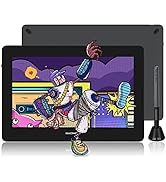
Drawing Tablet
How did we get our start?
GAOMON believes that digital creation should not be limited in specific areas or groups. GAOMON is committed to producing quality and affordable products.
Why do we love what we do?
GAOMON encourages confident and free creation. We always support to enlarge digital creative community and to take digital art to every corner of the world.
How to get help from GAOMON?
If you have any questions about the product before or after purchasing , please send a message to us via Message.
