



Configuration Instructions
Windows:
* Right-click on the sound icon in the taskbar>Select Playback or Recording devices>Adjust the volume on the computer and in the application.
Mac:
* Go to System Preferences > Sound > C-Media USB Headset > Output or Input > Volume
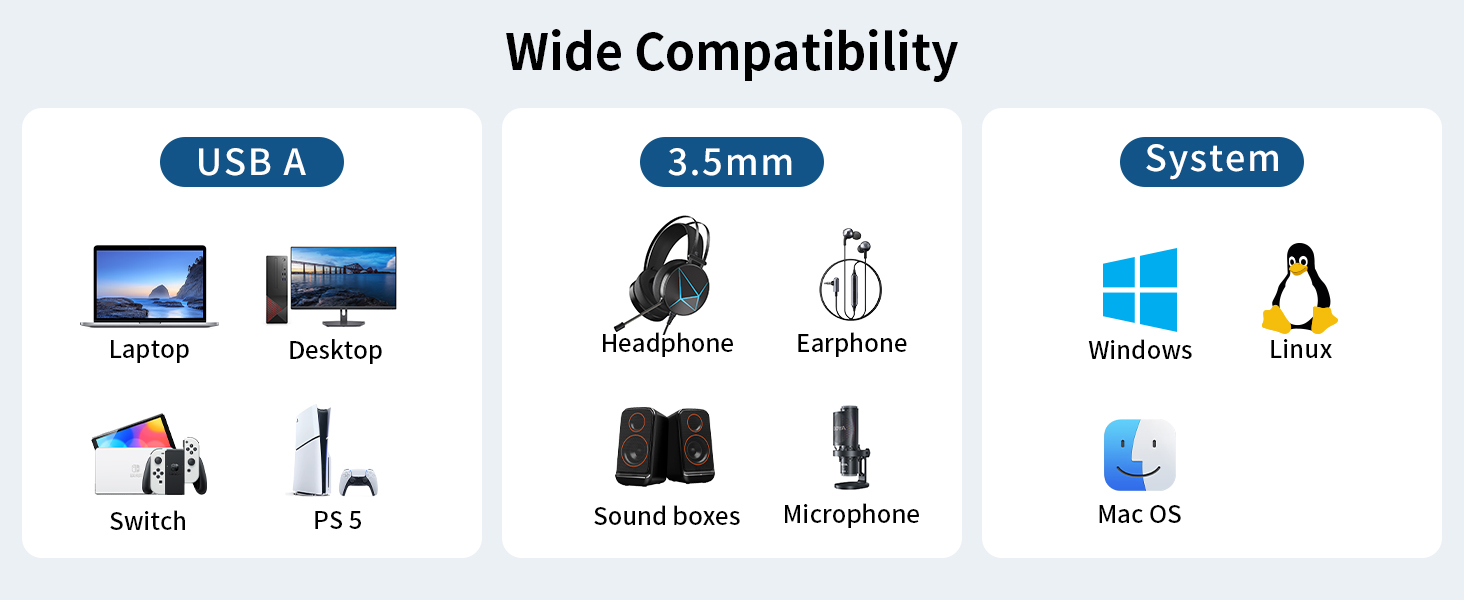
Note: The USB interface on PS3 does not carry audio signal, so this USB audio adapter DOES NOT work with PS3.


Configuration Instructions
Windows:
* Right-click on the sound icon in the taskbar>Select Playback or Recording devices>Adjust the volume on the computer and in the application.
Mac:
* Go to System Preferences > Sound > C-Media USB Headset > Output or Input > Volume
Note: The USB interface on PS3 does not carry audio signal, so this USB audio adapter DOES NOT work with PS3.





