


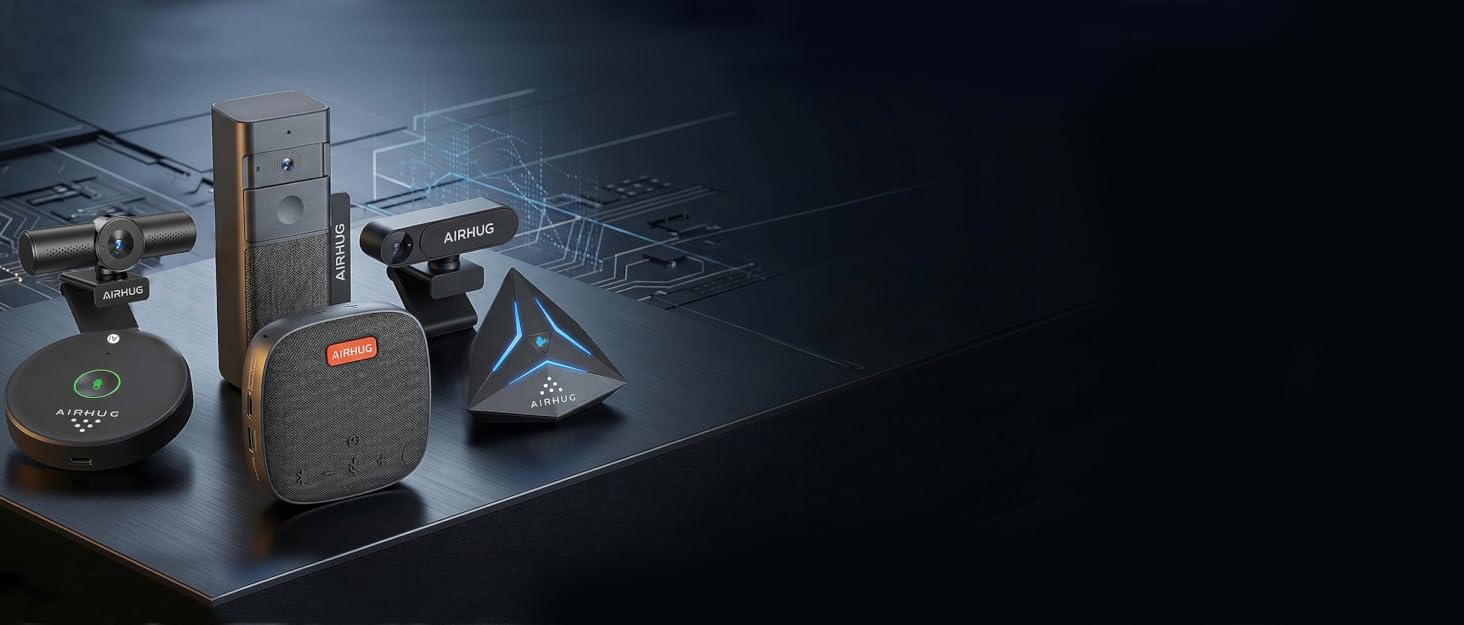

AIRHUG specializes in audio,online video calls gear and live streaming. Aims to provide participants with a stable, smooth and clear audio and video conferencing and streaming equipment through continuous innovation, and is committed to creating a "senseless" space.

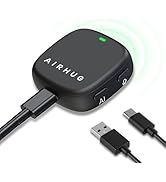
Top Recommended
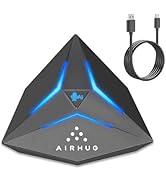
Speakerphone & USB Microphone
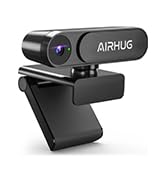
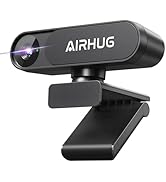
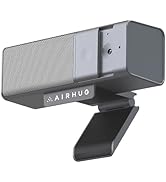
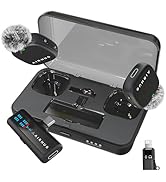
2K &3 in 1 Webcam&Lapel mic
AIRHUG 01 Conference Speakerphone
Merchant Video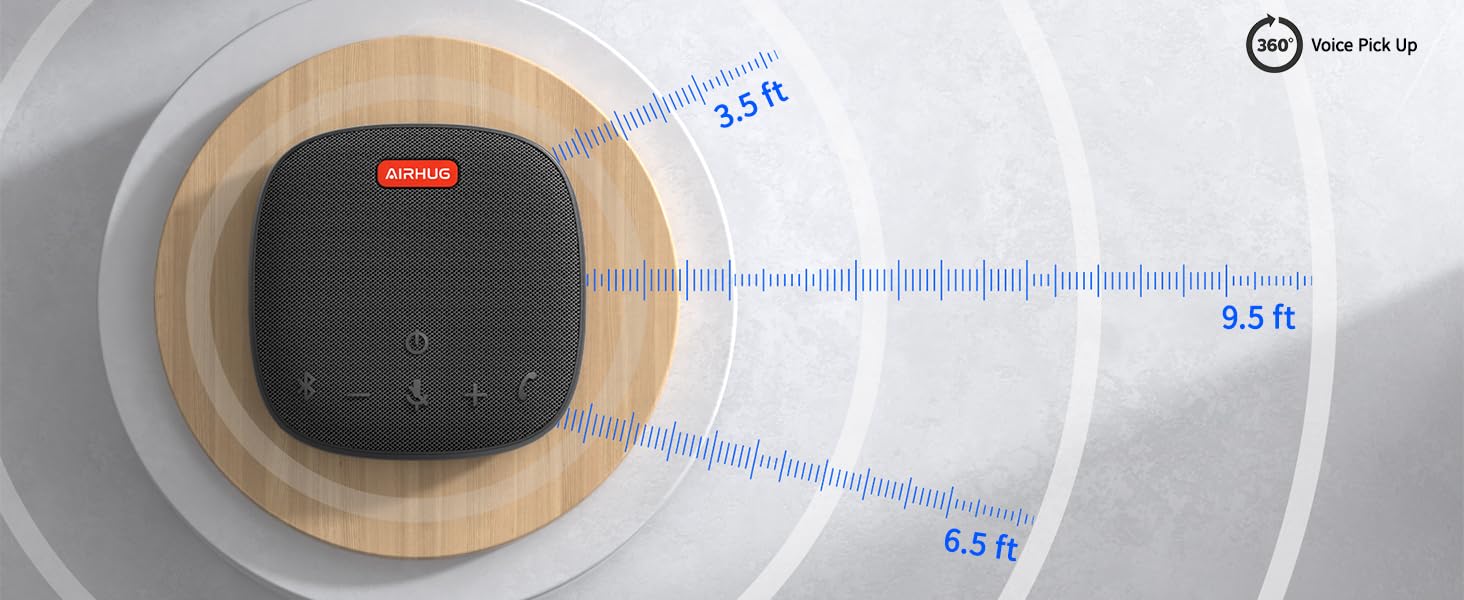
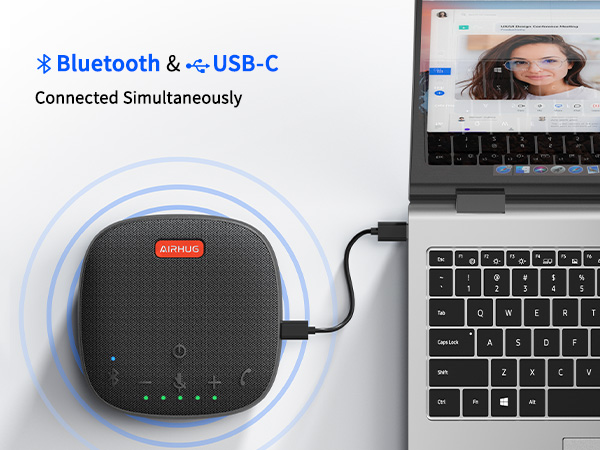
Connected Simultaneously
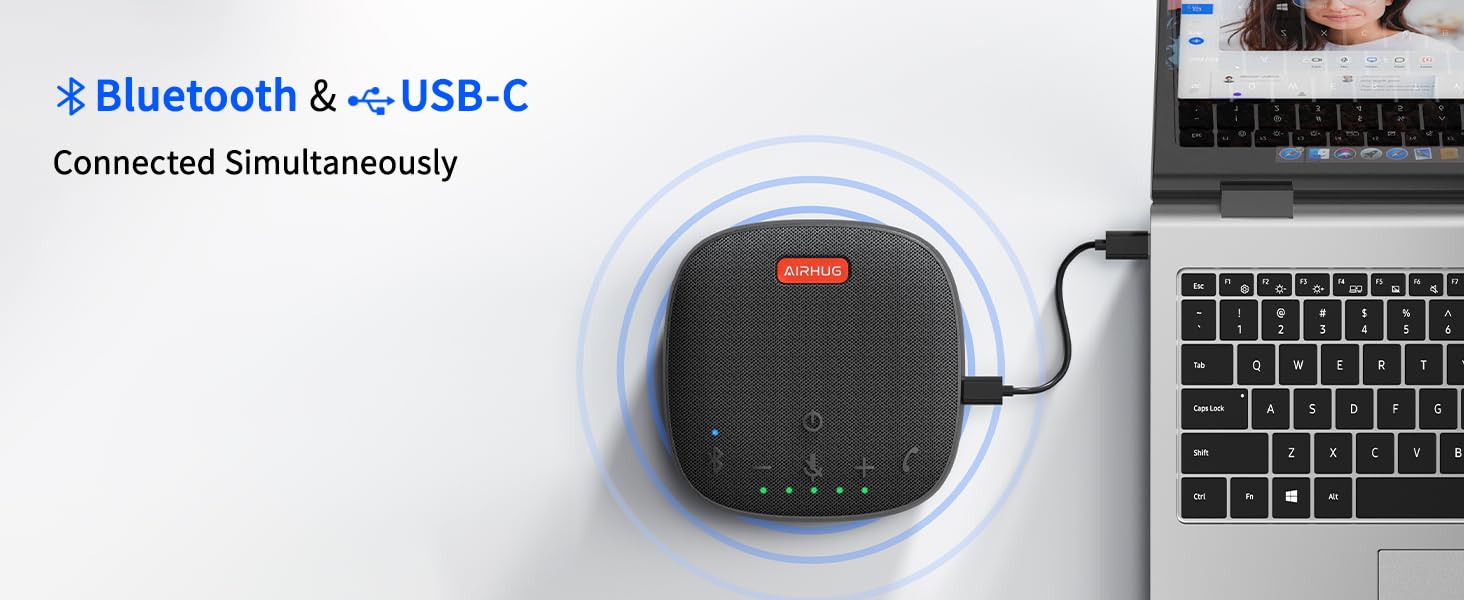
AIRHUG 01 makes 2 devices to be connected via bluetooth and usb-c cable at the same time.
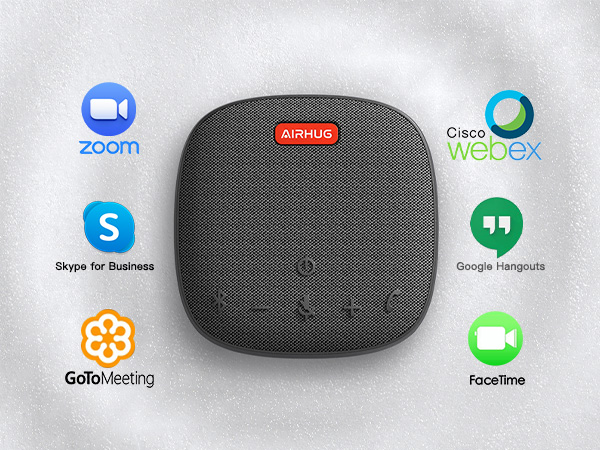
Compatible most of the online apps
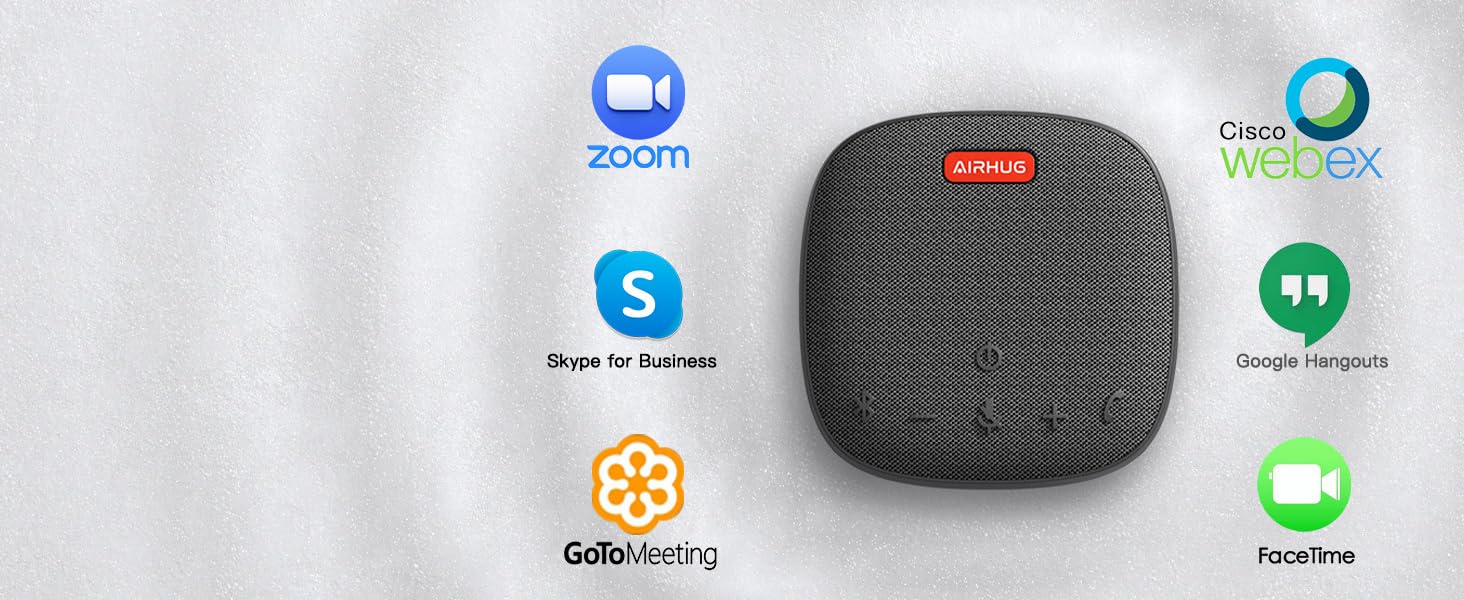
Supports USB-C plug & play for Windows,Mac,Linux
Connects mobile phone/tablet/desktop via Bluetooth.
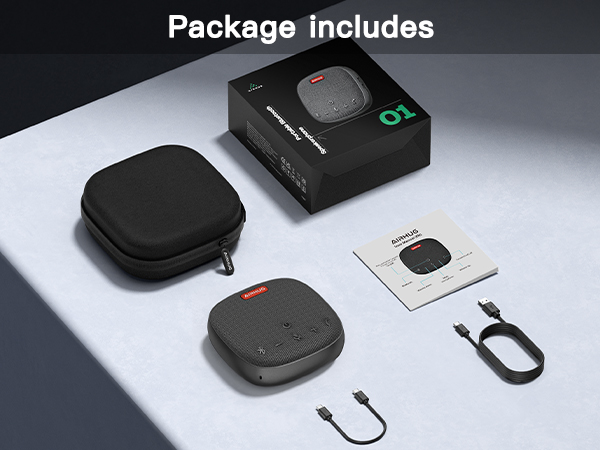
Checklist
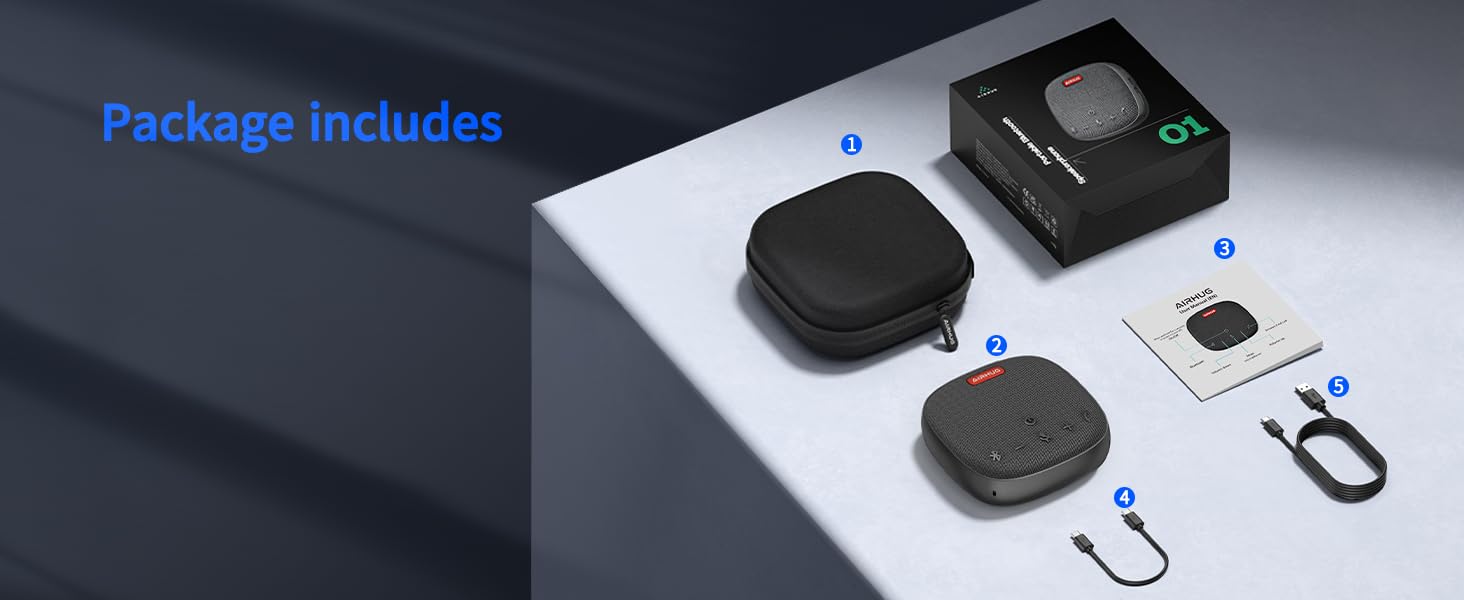
AIRHUG 01 Speakerphone*1, Carry Bag*1, USB C Cable*1, USB C to USB A Cable *1, User Manual *1.

The other side of Conferencing attendees can not hear the echo when you use AIRHUG 01.
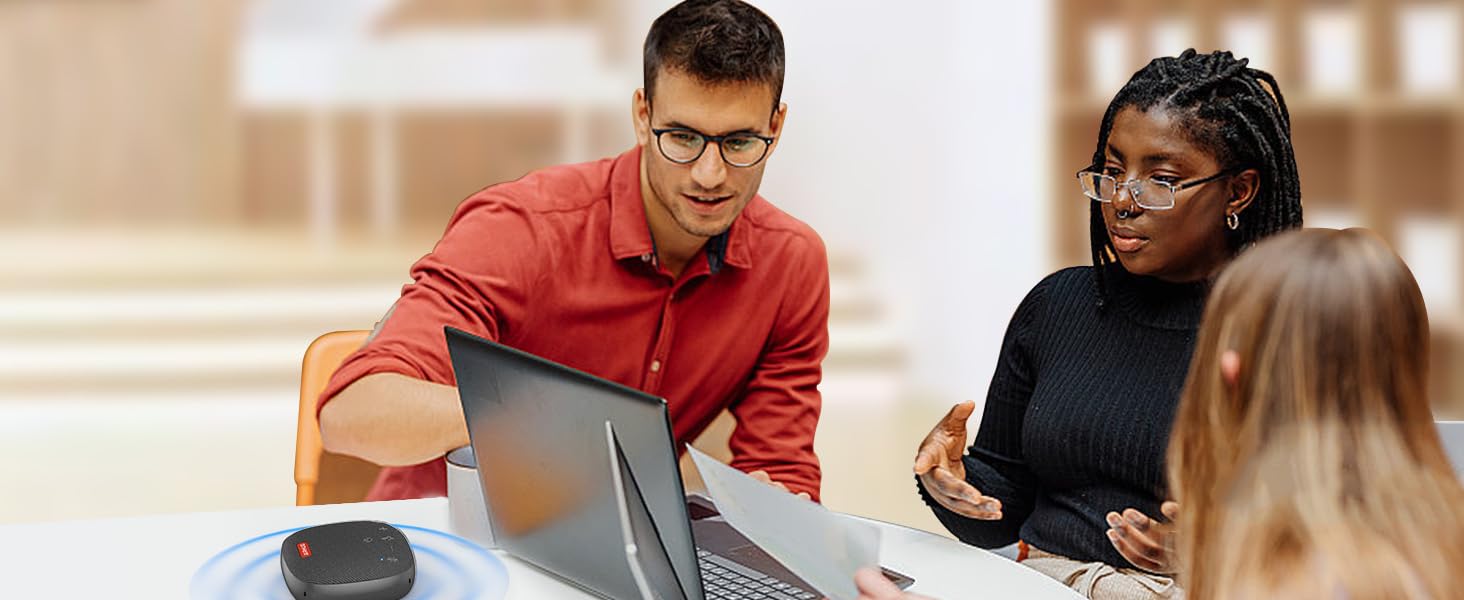
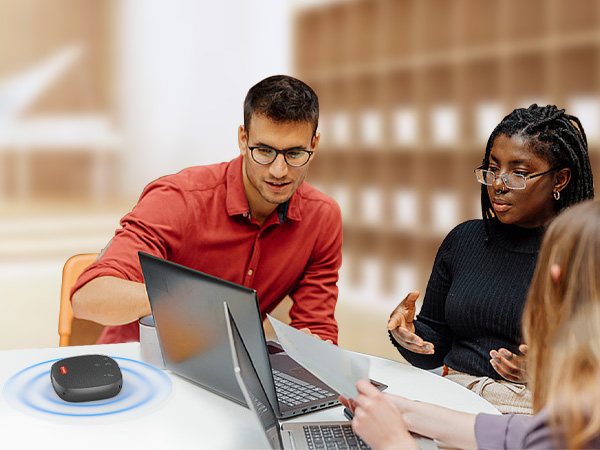
AIRHUG 01 easy to use at a small conferencing room.
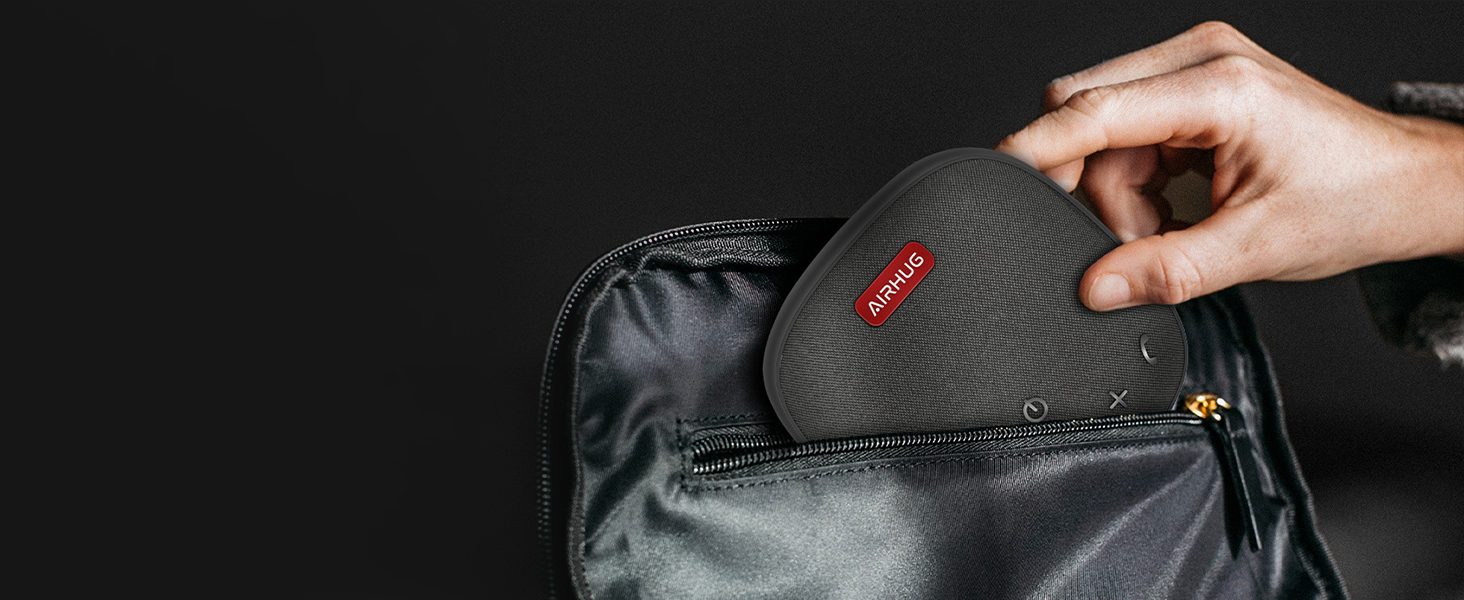
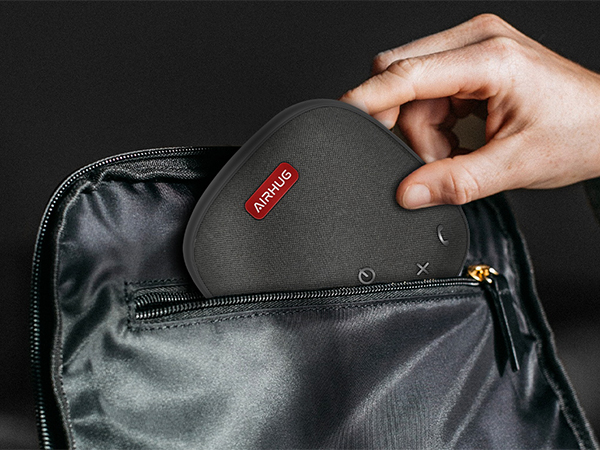
Up to 8 hours of Playtime is great for business trips.

Communicate with colleagues more clearly, effective, and simple.

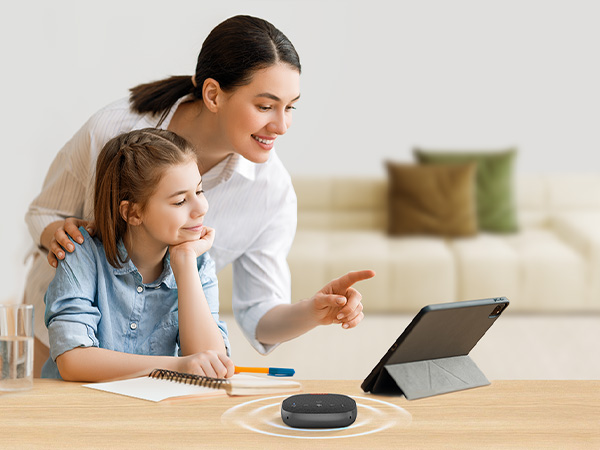
Ideal for Education
Making both sides of hearing and being heard easier, clearer, and more efficient.
Does the mute button sync with mute switch on MS Teams calls?
The mute button can not sync with mute switch on MS Teams calls.
How can I stop my AIRHUG 01 Speakerphone from turning on automatically when my computer starts up?
AIRHUG 01 power on with your computer because USB ports supply power at startup. To prevent this, simply unplug the mic when not in use, or switch to a Bluetooth connection if you don’t want it to auto start.
What should I do if my speaker and microphone are unresponsive?
Please let the microphone’s battery fully drain, then recharge to reset. To speed up draining, connect the mic to a Type-C phone. Once drained, recharge and restart.
AIRHUG Mic Comparation
| — | Price | — |
1 | Speaker | 0 |
1 | Microphone | 1 |
v | Noise reduction | v |
v | Echo cancellation | × |
Up to 6 people | Suitable for space | Up to 3 people |
USB / Bluetooth | Connection mode | USB |
| — | Price | — |
1 | Speaker | 0 |
1 | Microphone | 1 |
v | Noise reduction | v |
v | Echo cancellation | × |
Up to 6 people | Suitable for space | Up to 3 people |
USB / Bluetooth | Connection mode | USB |
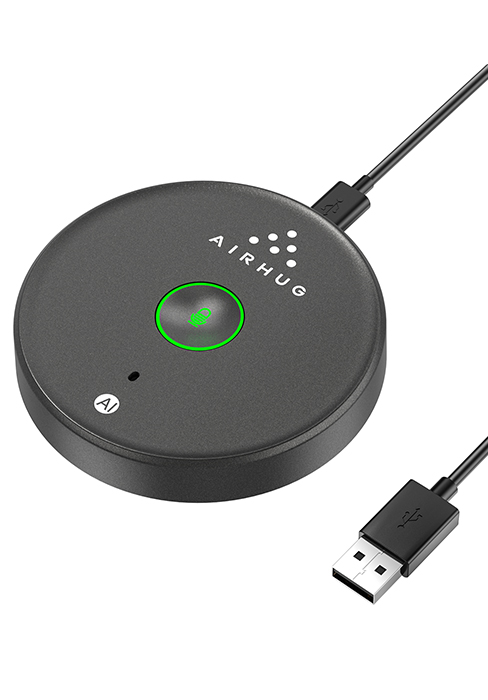
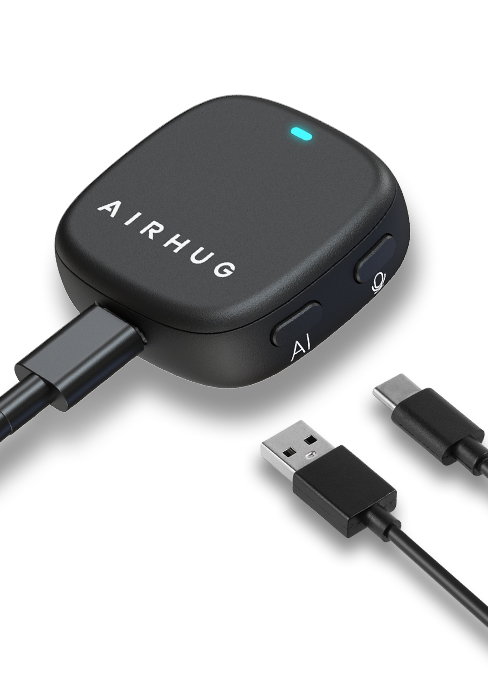
AIRHUG 01 Conference Speakerphone
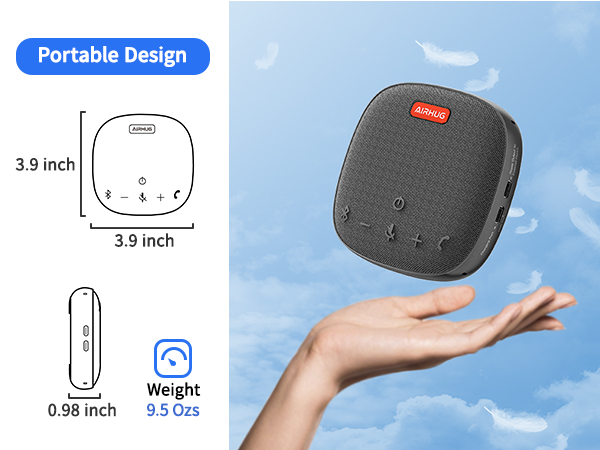
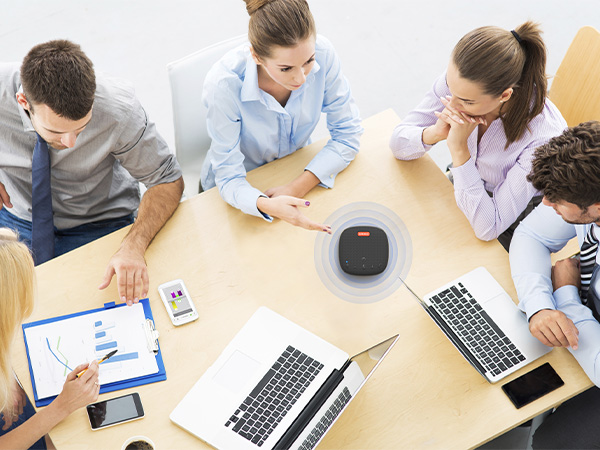
Merchant VideoAIRHUG 01 picks up your voice within 9 ft and is suitable for 4-6 people conference.
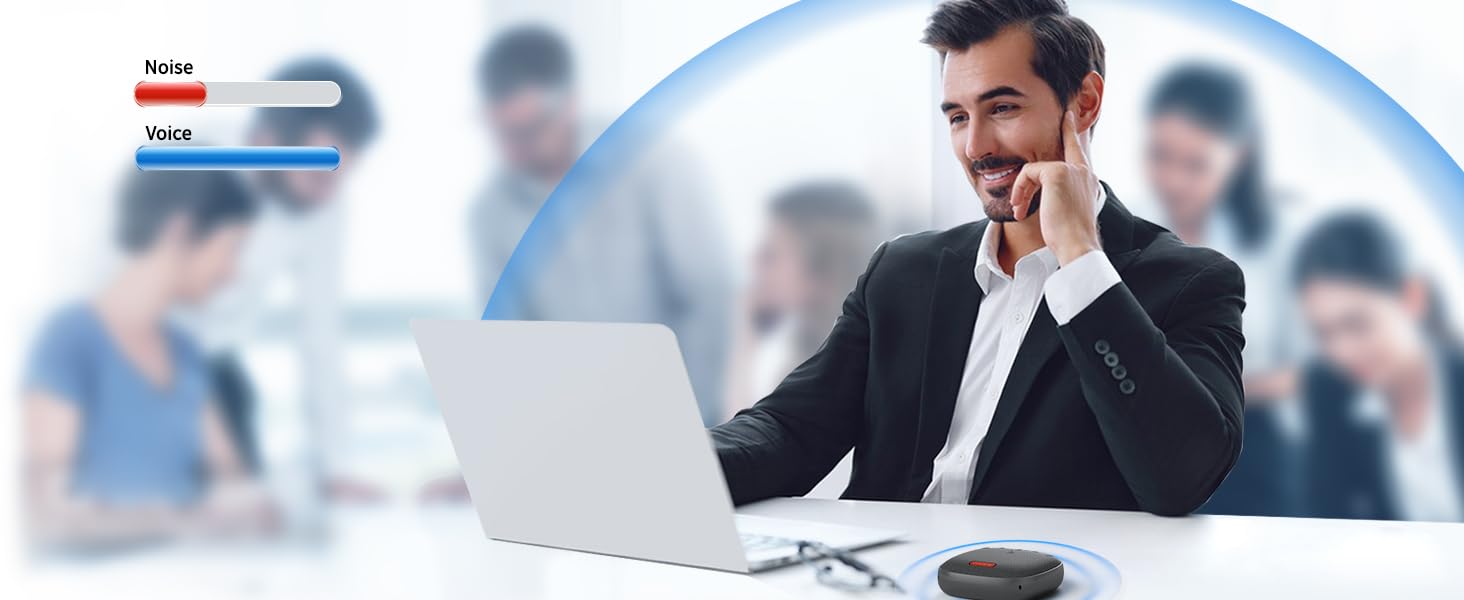
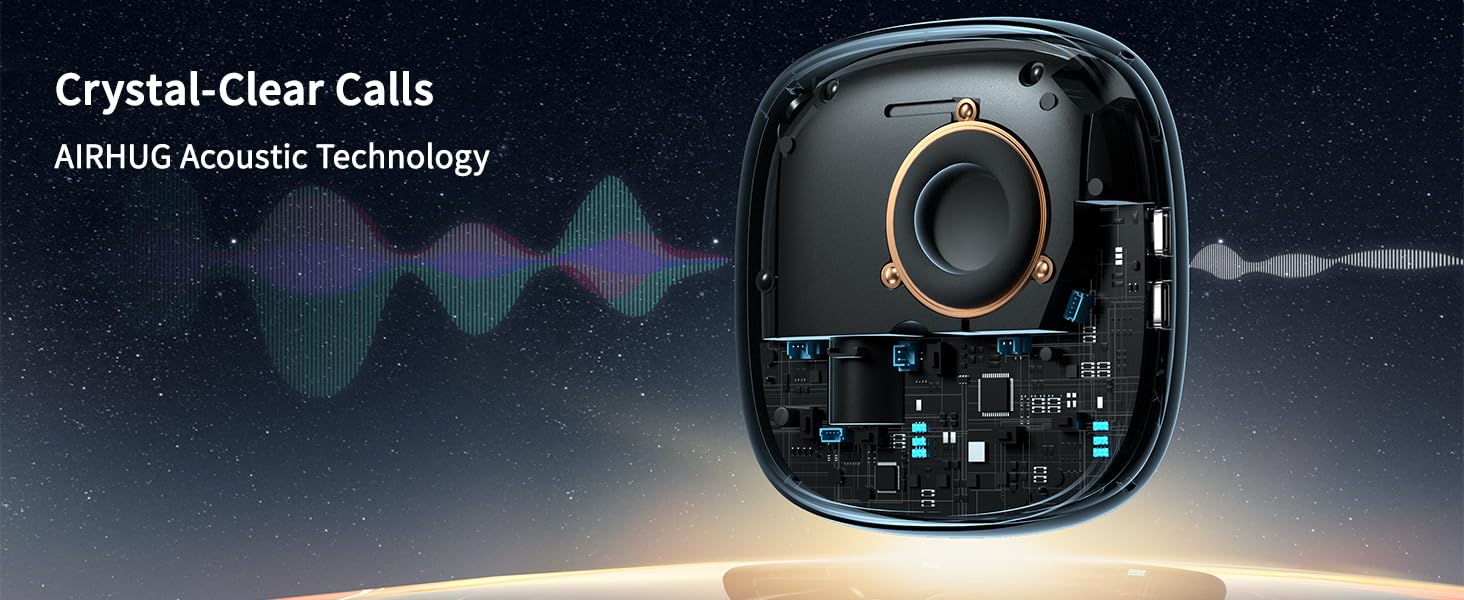
Noise Reduction will eliminate various background noise such as engine, howling, babble etc.
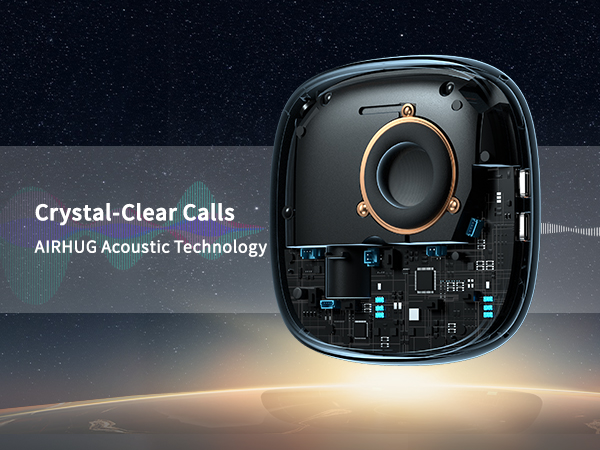
AIRHUG acoustic technology improve your conference quality, provide crystal clear sound quality.
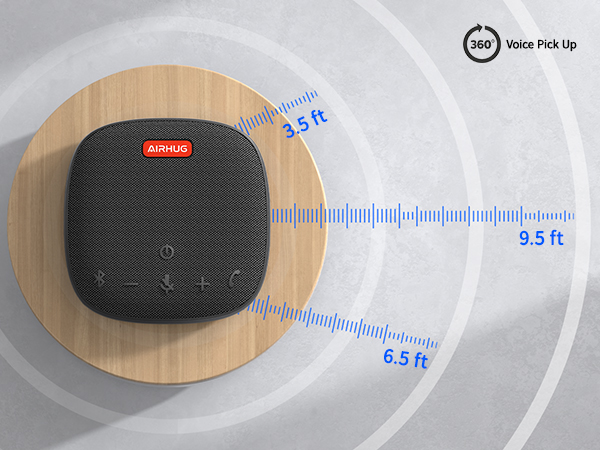

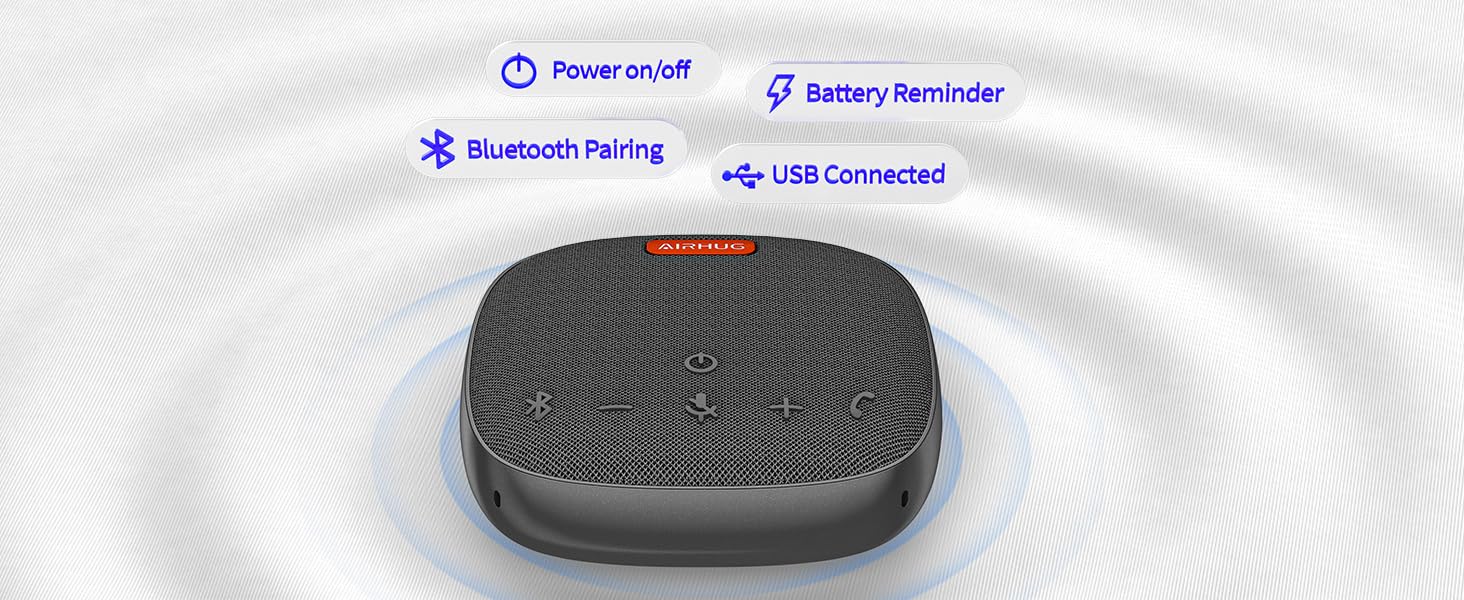
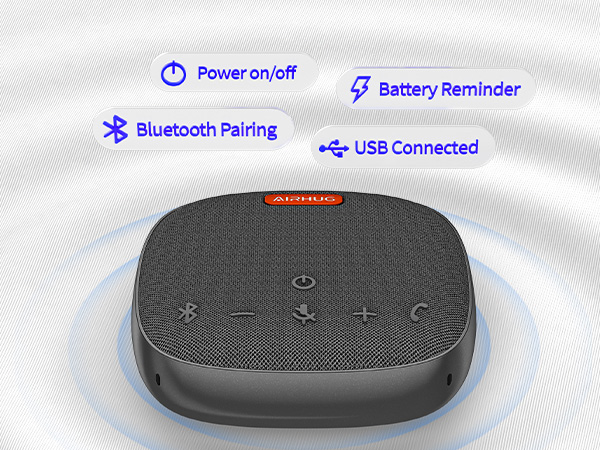
It provides the acoustic signal reminder when you operate power on/off, bluetooth or USB connection.
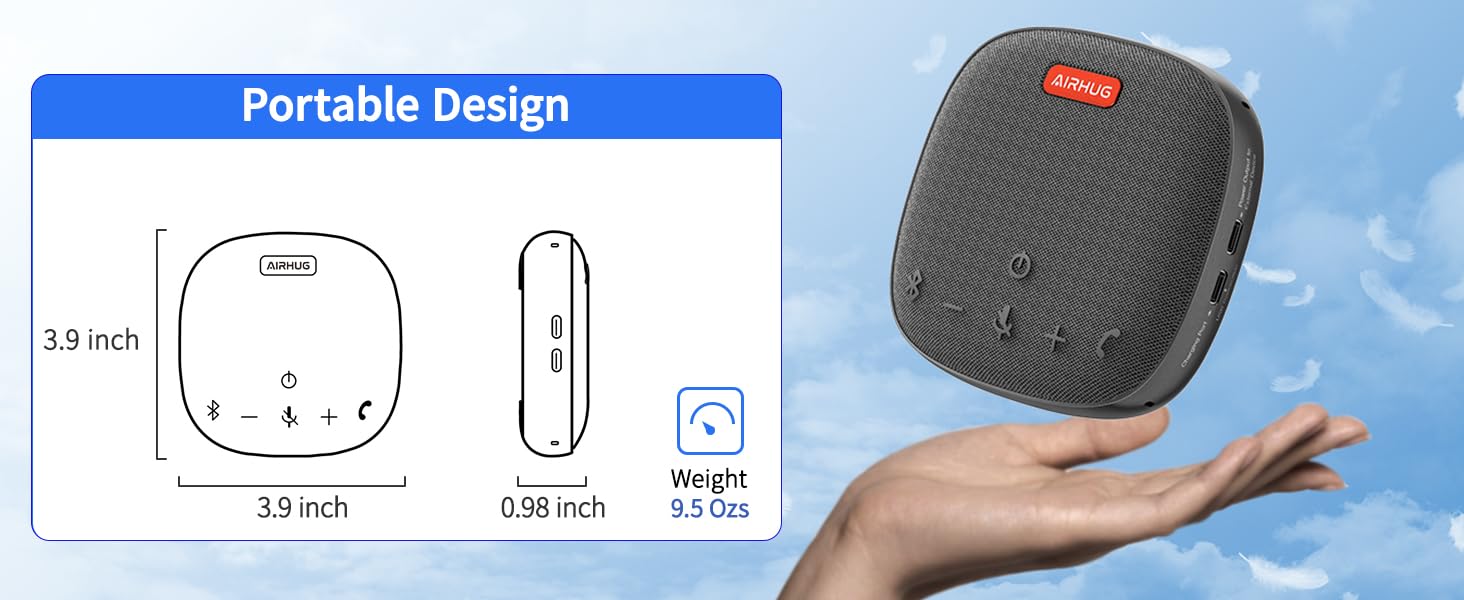
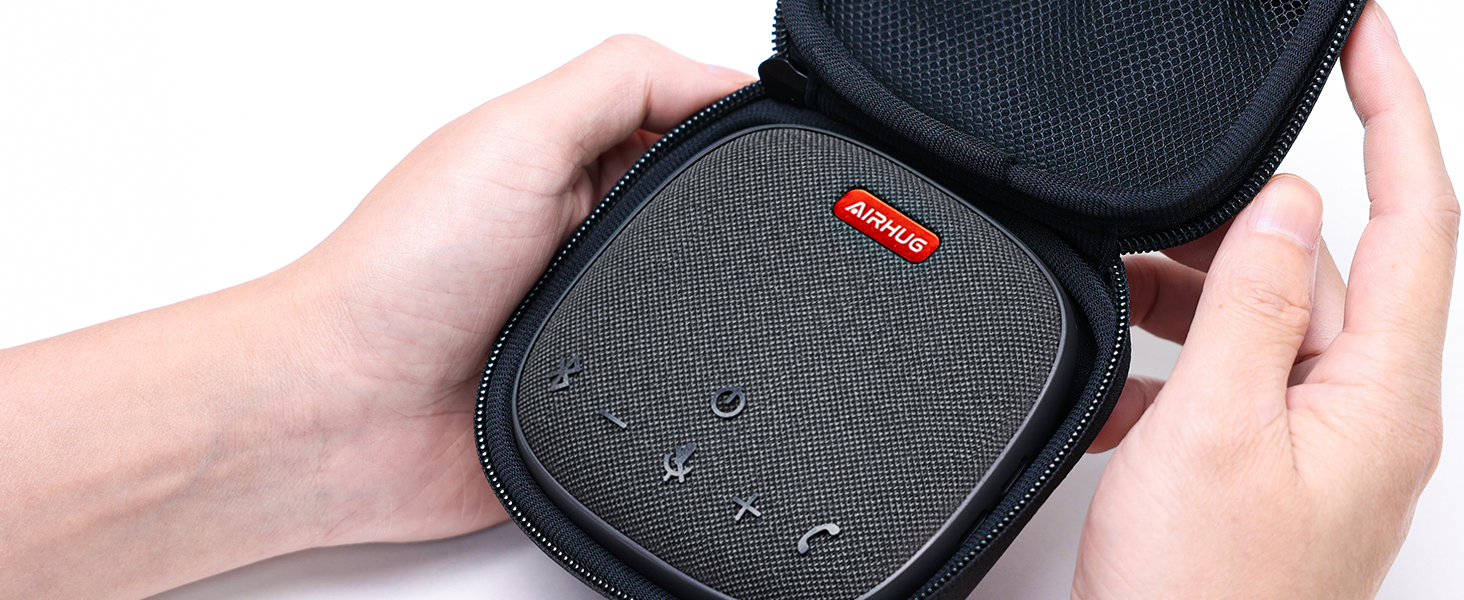
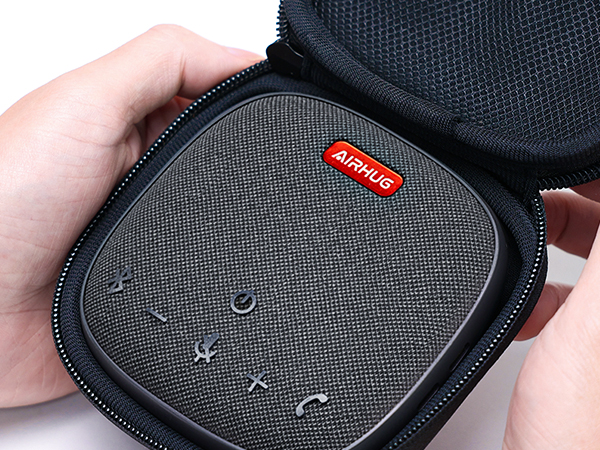
With a carry bag that makes it easy to fit into any spot of your bag or suitcase.
Connected Simultaneously
AIRHUG 01 makes 2 devices to be connected via bluetooth and usb-c cable at the same time.
Compatible most of the online apps
Supports USB-C plug & play for Windows,Mac,Linux
Connects mobile phone/tablet/desktop via Bluetooth.
Checklist
AIRHUG 01 Speakerphone*1, Carry Bag*1, USB C Cable*1, USB C to USB A Cable *1, User Manual *1.
The other side of Conferencing attendees can not hear the echo when you use AIRHUG 01.
AIRHUG 01 easy to use at a small conferencing room.
Up to 8 hours of Playtime is great for business trips.
Communicate with colleagues more clearly, effective, and simple.
Ideal for Education
Making both sides of hearing and being heard easier, clearer, and more efficient.
Does the mute button sync with mute switch on MS Teams calls?
The mute button can not sync with mute switch on MS Teams calls.
How can I stop my AIRHUG 01 Speakerphone from turning on automatically when my computer starts up?
AIRHUG 01 power on with your computer because USB ports supply power at startup. To prevent this, simply unplug the mic when not in use, or switch to a Bluetooth connection if you don’t want it to auto start.
What should I do if my speaker and microphone are unresponsive?
Please let the microphone’s battery fully drain, then recharge to reset. To speed up draining, connect the mic to a Type-C phone. Once drained, recharge and restart.
AIRHUG Mic Comparation
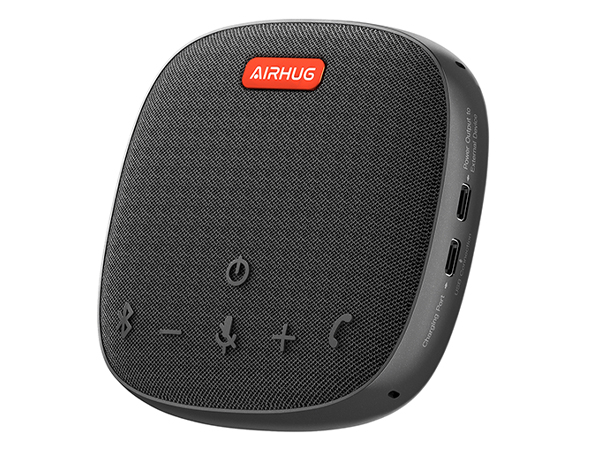
AIRHUG 01 Speakerphone
Price
— Speaker
1
Microphone
1
Noise reduction
v
Echo cancellation
v
Suitable for space
Up to 6 people
Connection mode
USB / Bluetooth
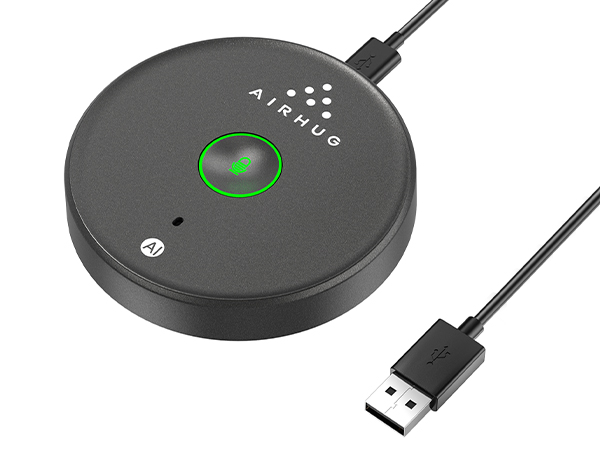
AIRHUG 21 USB Microphone
Price
— Speaker
0
Microphone
1
Noise reduction
v
Echo cancellation
×
Suitable for space
Up to 3 people
Connection mode
USB
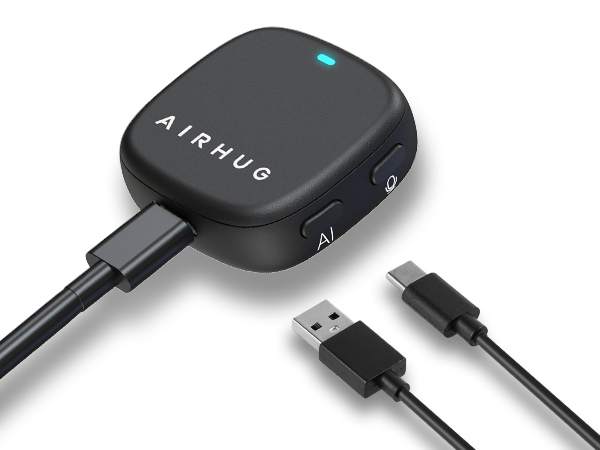
AIRHUG 28 Magnetic Mic
Price
— Speaker
0
Microphone
1
Noise reduction
v
Echo cancellation
×
Suitable for space
Up to 3 people
Connection mode
USB
AIRHUG specializes in audio,online video calls gear and live streaming. Aims to provide participants with a stable, smooth and clear audio and video conferencing and streaming equipment through continuous innovation, and is committed to creating a "senseless" space.
Top Recommended
Speakerphone & USB Microphone
2K &3 in 1 Webcam&Lapel mic





