


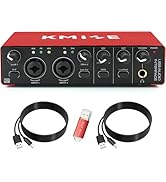



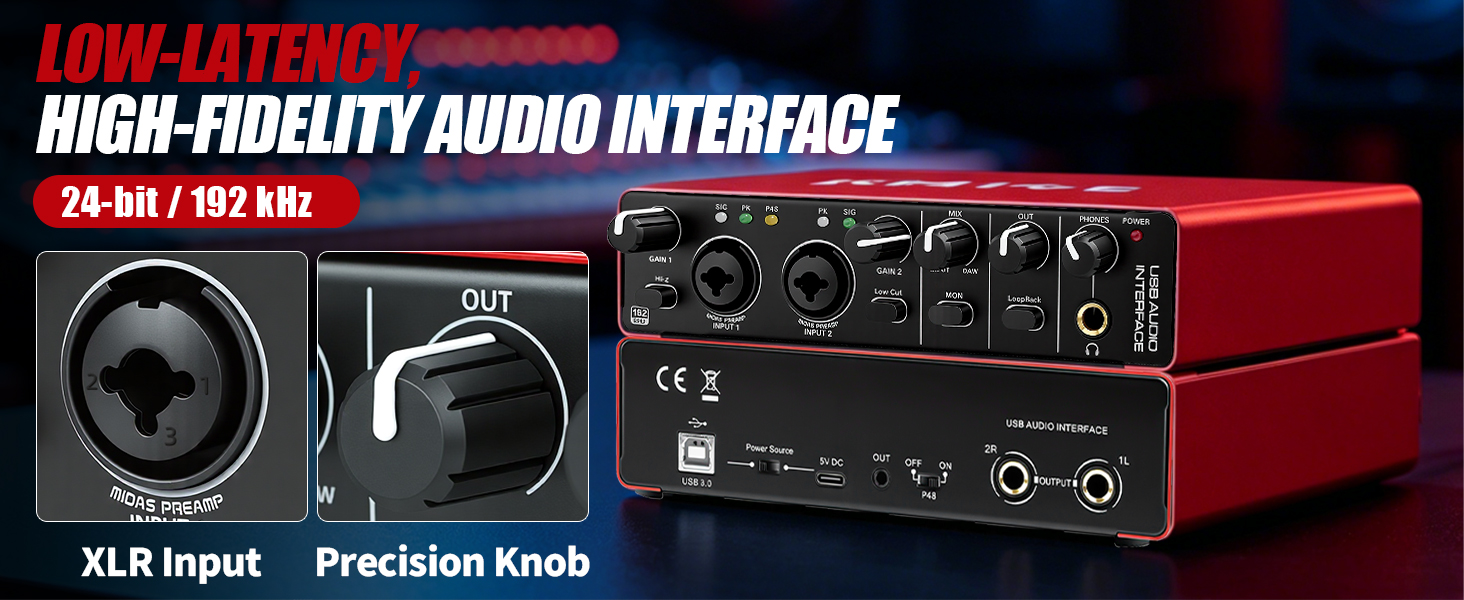
Does this Kmise audio interface require complex driver installation?
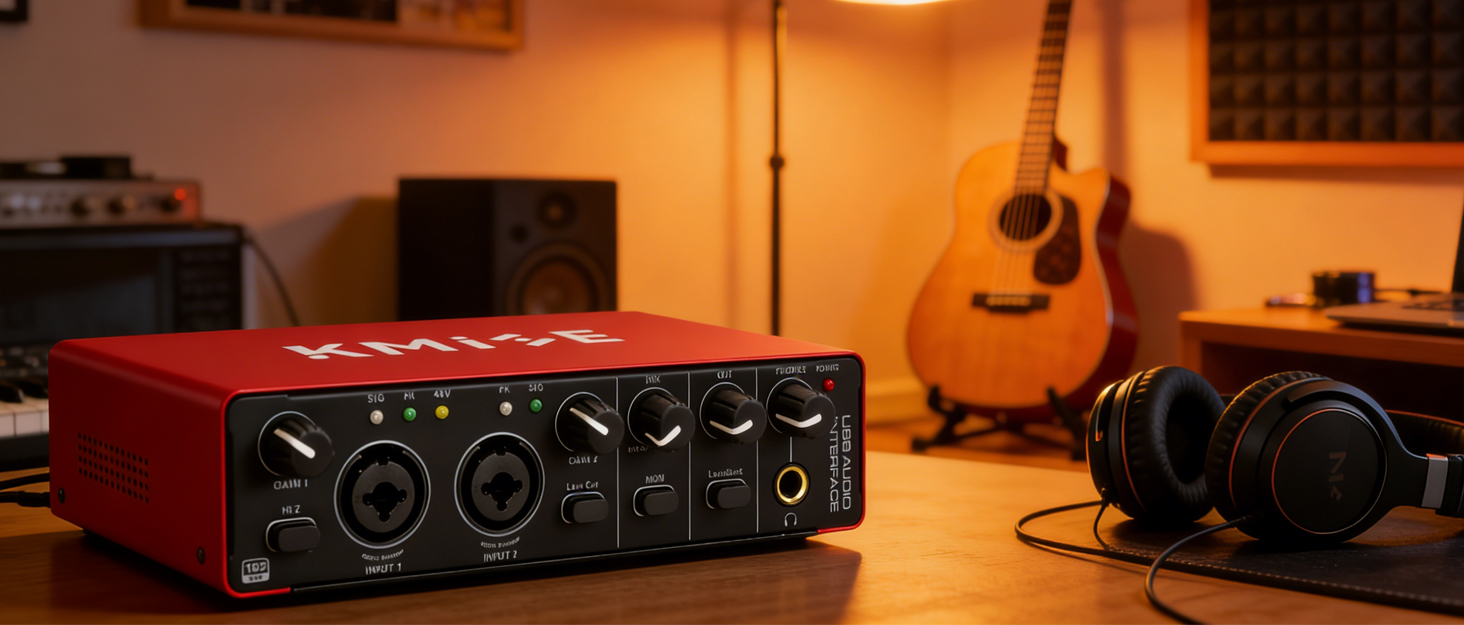
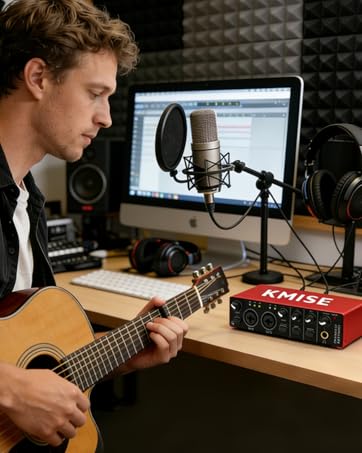
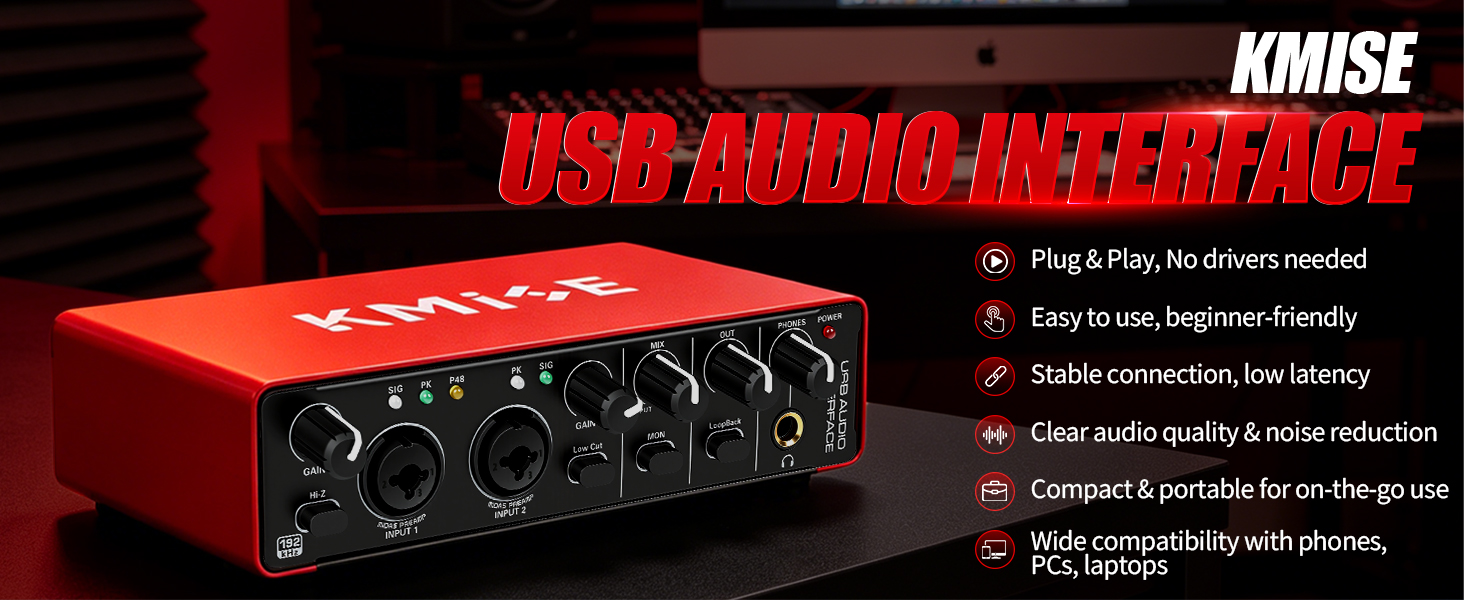
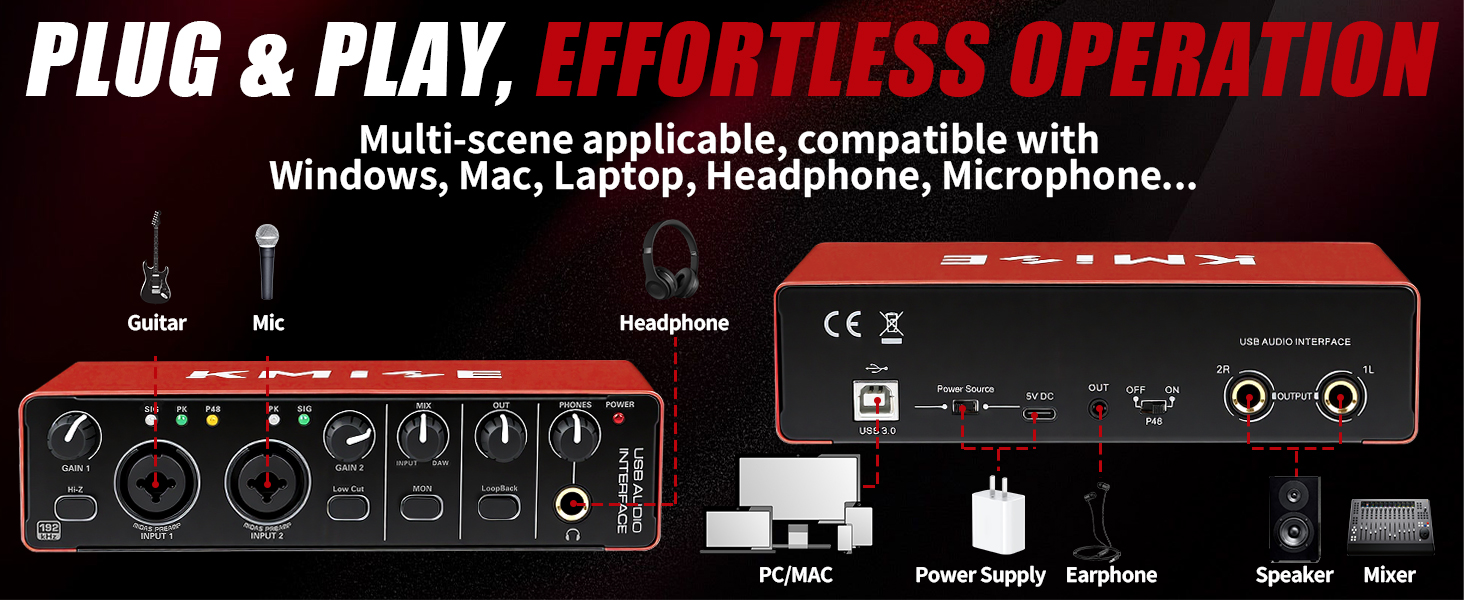
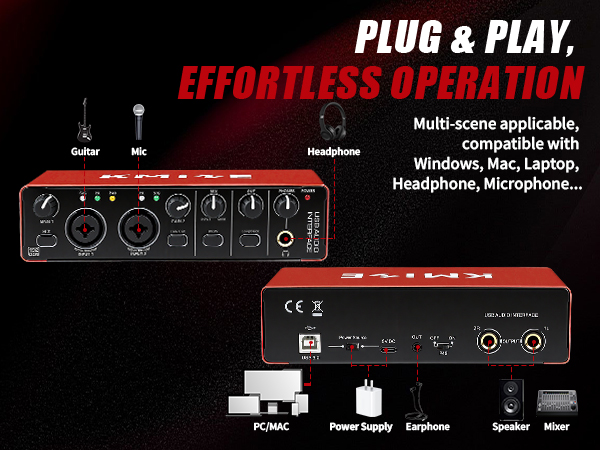
No. It features a plug-and-play design, eliminating the need for complicated proprietary drivers. Simply connect it to your Mac, PC, or mobile device using the included USB cable, and you're ready to start working. Very beginner-friendly.
Do dynamic microphones require 48V phantom power from the audio interface?
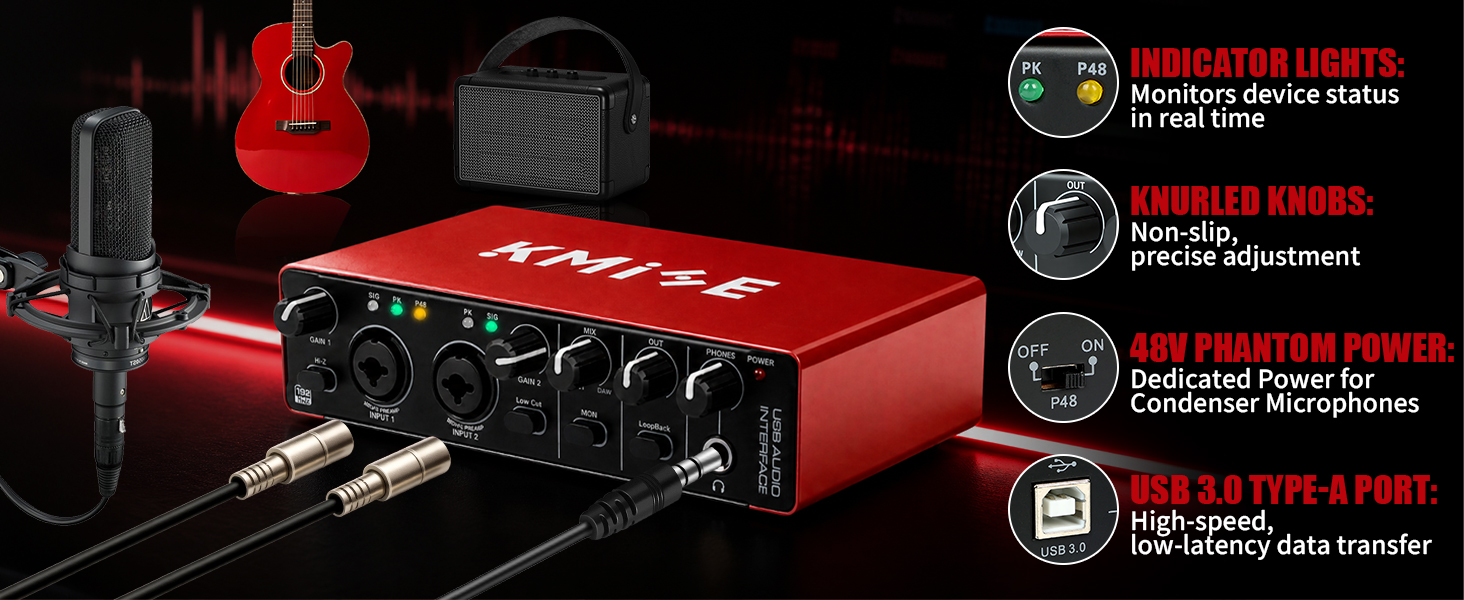
No, they do not. Dynamic microphones are plug-and-play. Condenser microphones, however, require 48V phantom power.
Tip: Before enabling 48V phantom power on your audio interface, lower the gain first to prevent popping sounds.
Does this audio interface work with a USB microphone?
No. This USB audio interface is designed for traditional XLR or phone-jack microphones. It does not work with USB microphones.
Why does my electric guitar sound off when recording?
• Wrong input selected: The guitar may be on Input 2, but your DAW track is set to Input 1.
• Audio interface Hi-Z switch off: Always engage the Hi-Z switch for electric guitars and basses. Without it, the tone will be muddy and lifeless.
What should I do if the output channel of my audio interface suddenly produces extremely loud static noise?
Unplug the USB cable (disconnect power), wait a moment to allow the capacitors inside the device to fully discharge, then reconnect the cable to restart the device.
Does this Kmise audio interface require complex driver installation?
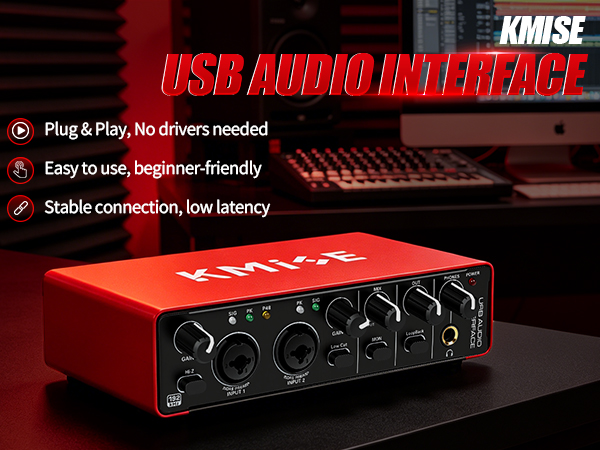
No. It features a plug-and-play design, eliminating the need for complicated proprietary drivers. Simply connect it to your Mac, PC, or mobile device using the included USB cable, and you're ready to start working. Very beginner-friendly.
Do dynamic microphones require 48V phantom power from the audio interface?
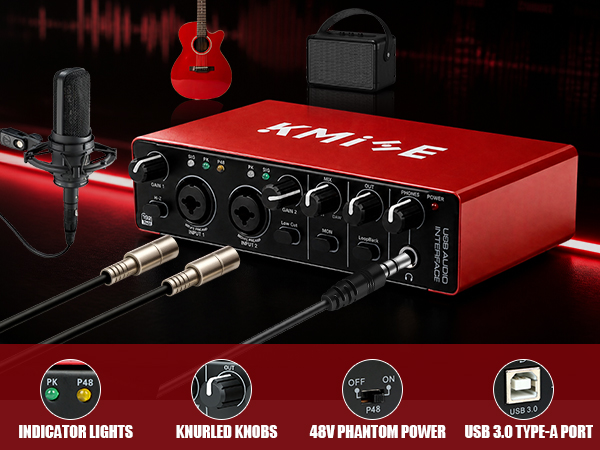
No, they do not. Dynamic microphones are plug-and-play. Condenser microphones, however, require 48V phantom power.
Tip: Before enabling 48V phantom power on your audio interface, lower the gain first to prevent popping sounds.
Does this audio interface work with a USB microphone?
No. This USB audio interface is designed for traditional XLR or phone-jack microphones. It does not work with USB microphones.
Why does my electric guitar sound off when recording?
• Wrong input selected: The guitar may be on Input 2, but your DAW track is set to Input 1.
• Audio interface Hi-Z switch off: Always engage the Hi-Z switch for electric guitars and basses. Without it, the tone will be muddy and lifeless.
What should I do if the output channel of my audio interface suddenly produces extremely loud static noise?
Unplug the USB cable (disconnect power), wait a moment to allow the capacitors inside the device to fully discharge, then reconnect the cable to restart the device.
Basic USB Audio Interface
Plug & Play Compatibility, Compact & Durable Design
Other Accessories
String Instruments
Wind Instruments





