


Moman Voice Amplifier & Wireless Mic
Pro-grade voice amplifier, No whistling, Save your voice, Teachers must have
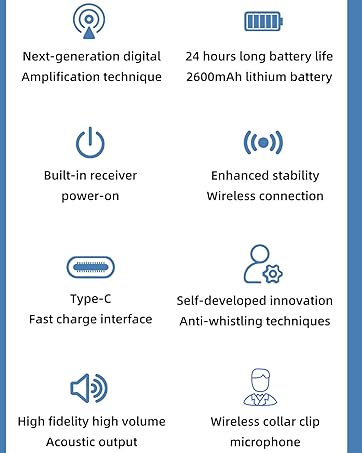
- Built-in noise reduction chip
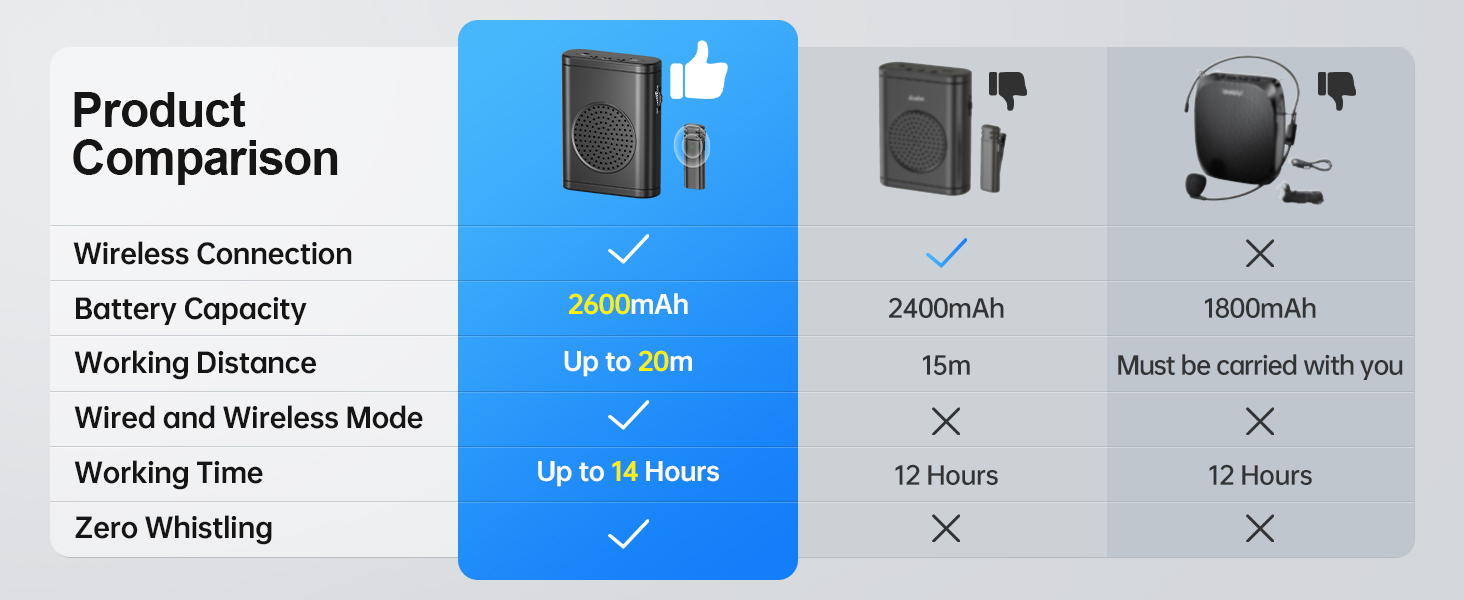
- High-quality sound Hwith zero whistling
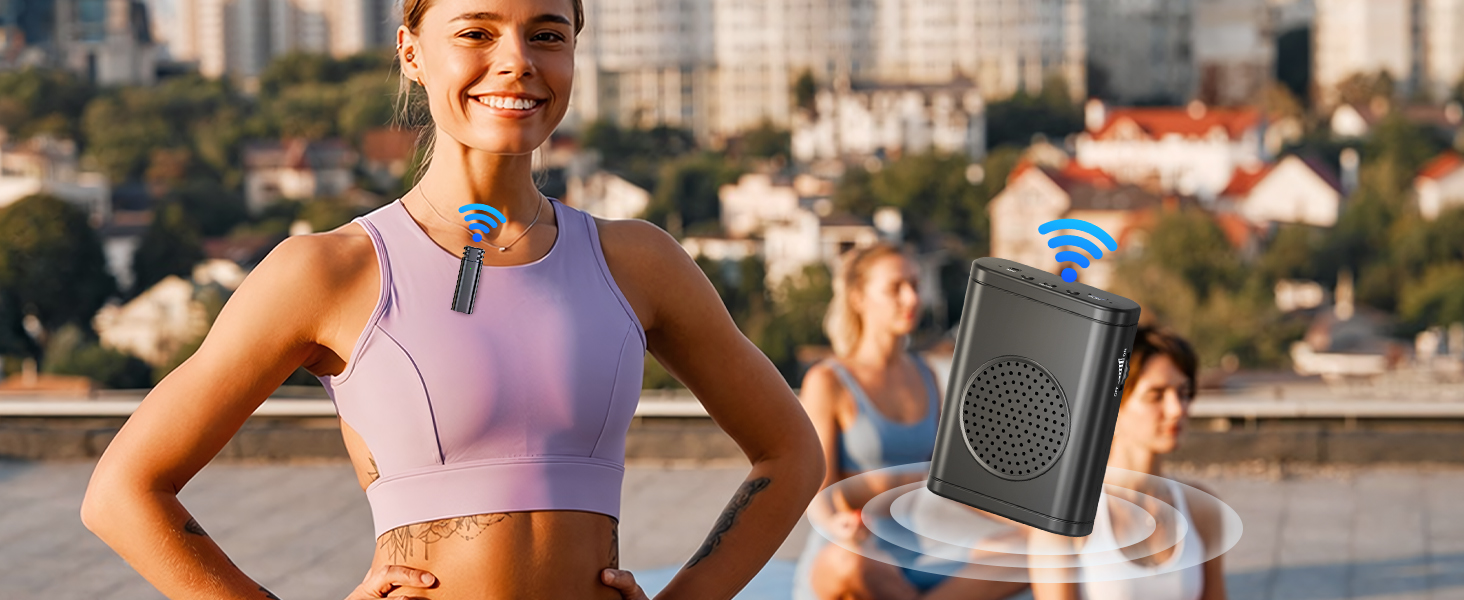
- Covering up to 66ft/20mC
- Up to 14 hours of continuous use
- Ideal and practicle gift for teachers, speakers, trainers, tour guides, supermarket, conferences, presentation, coaches and people who frequently address or instruct sizable audiences
Voice amplifier for teachers
Merchant Video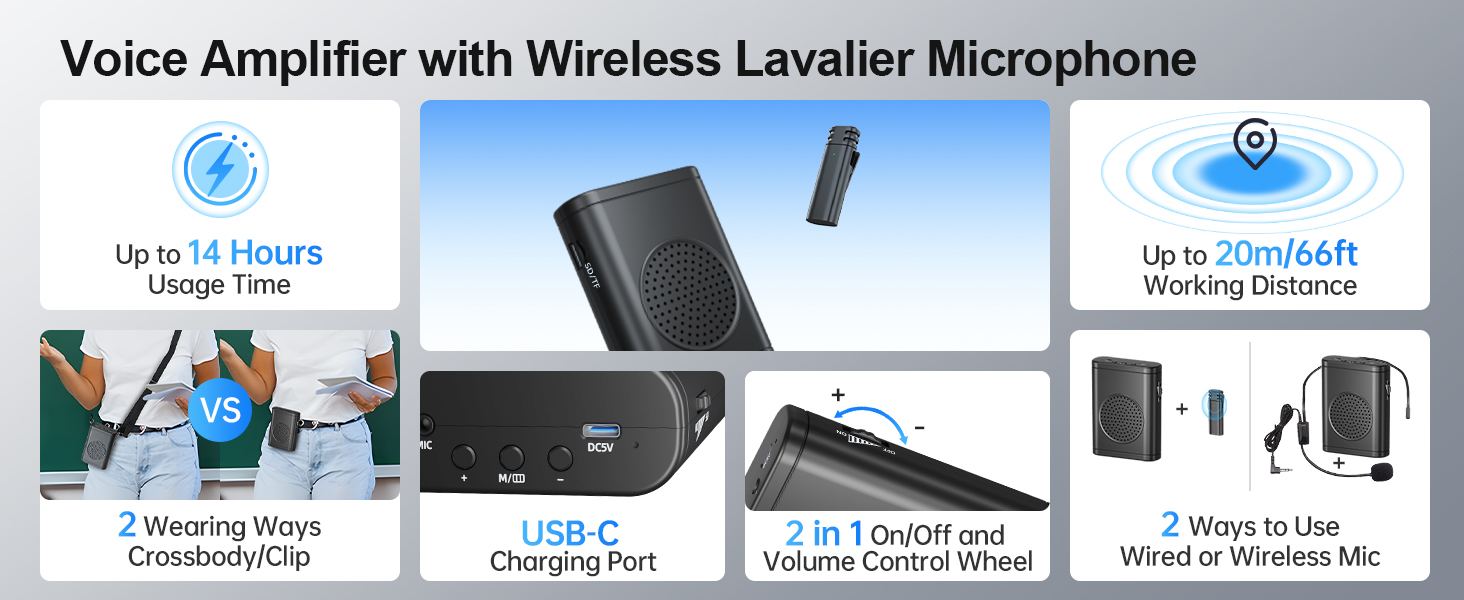
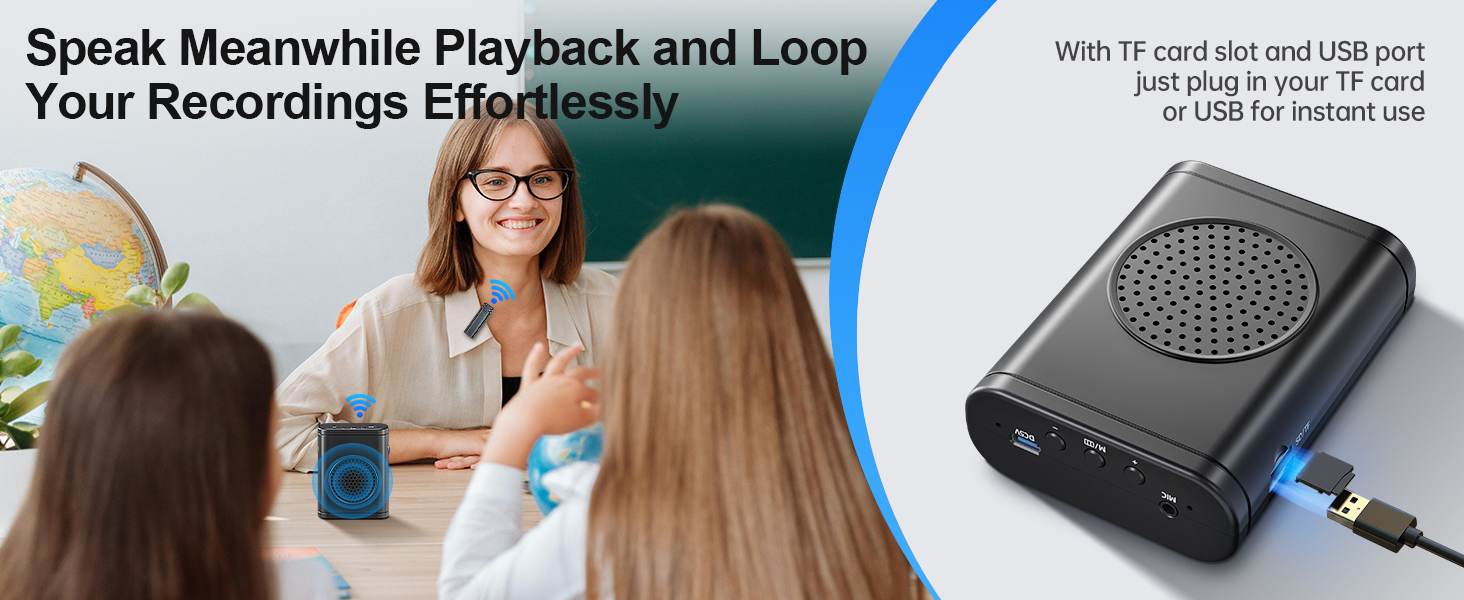




Is there any noise or whistling while using it?
No, the product features a built-in noise reduction chip, delivering loud, clear, and high-quality sound without any whistling.
Is there a delay between speaking and hearing the sound from the speaker?
The delay is negligible—less than 0.03 seconds—so it won’t affect normal use of the voice amplifier.
How do I connect the wireless microphone to the amplifier?
Please follow these steps:
1.Turn on the voice amplifier by sliding the wheel to the "ON" position.
2.Press and hold the button on the wireless microphone for 3 seconds.
3.A steady green light on the microphone indicates a successful connection.
What should I do if I encounter any technical problems?
If you encounter any technical issues, our support team is ready to assist you through ’s ‘Contact Seller’ channel.
Moman Voice Amplifier - Great Choice for Teacher
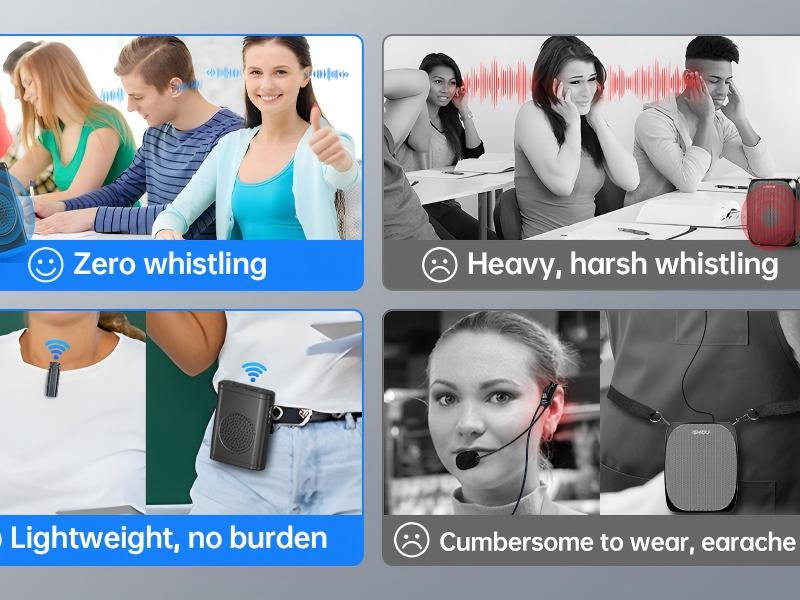
1. Zero Whistling
2. Lightweight & No burden
3. 2600mAh Battery Capacity for up to 14 hrs usage
We are there to help!
Troubleshooting Guide
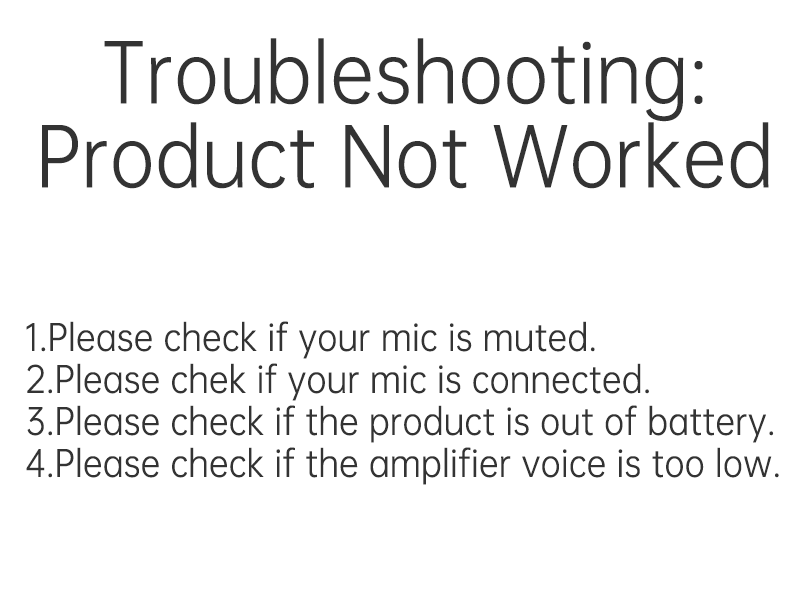
If you experience issues with your voice amplifier, please follow these steps to self-diagnose and resolve common problems:
1.Please check if your mic is muted. If the green light on the microphone is flashing, it indicates that the microphone is currently muted. Simply press the button on the microphone once more to unmute it.
2. Try to turn both the amplifier and microphone off, and turn them back on to reconnect.
3. If the amplifier or microphone does not respond, the battery may be low.
MOMAN Voice Amplifier
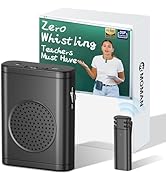

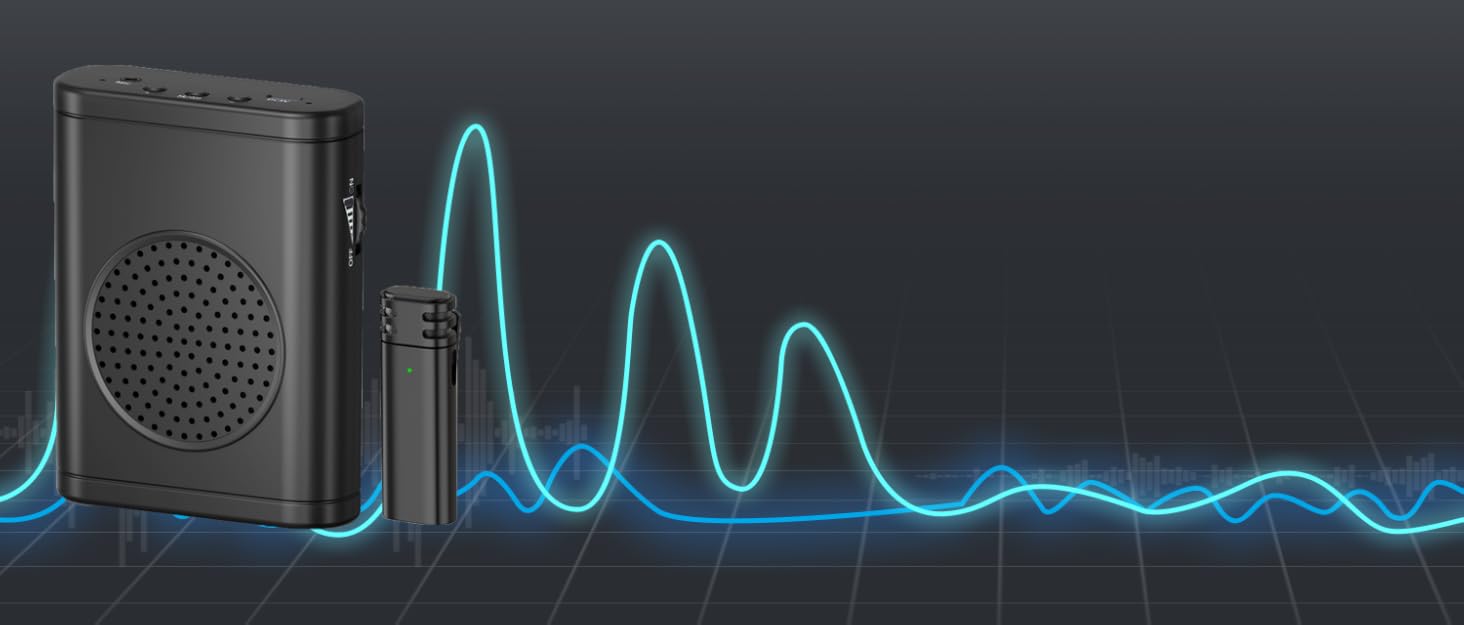
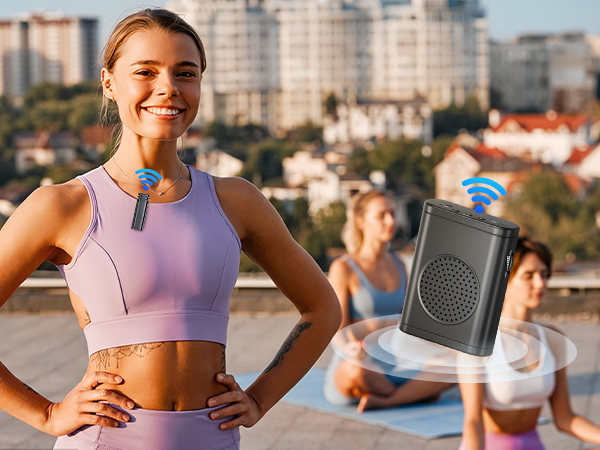
The MOMAN Voice Amplifier with wireless lavalier microphone is equipped with a built-in noise reduction chip, providing high-quality sound with zero whistling.
This product is a practicle gift for teachers, tour guides, conferences, coaches and people who frequently giving speech, saveing your voice from yelling or shouting out, ensuring your voice is heard effortlessly in any setting.
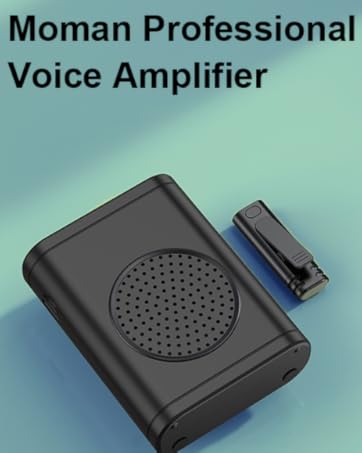
Voice amplifier for teachers
Merchant VideoMoman Voice Amplifier & Wireless Mic
Pro-grade voice amplifier, No whistling, Save your voice, Teachers must have
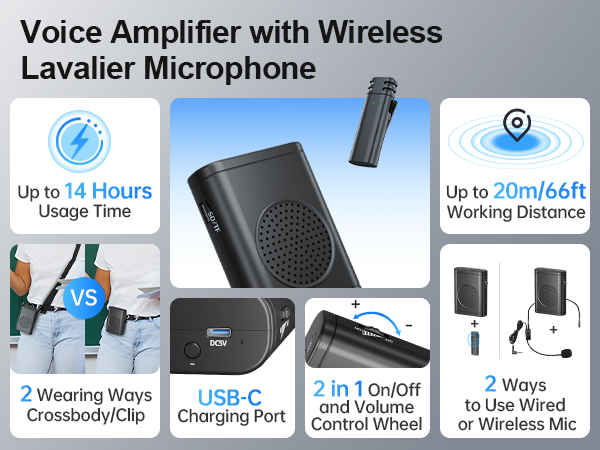
- Built-in noise reduction chip
- High-quality sound Hwith zero whistling
- Covering up to 66ft/20mC
- Up to 14 hours of continuous use
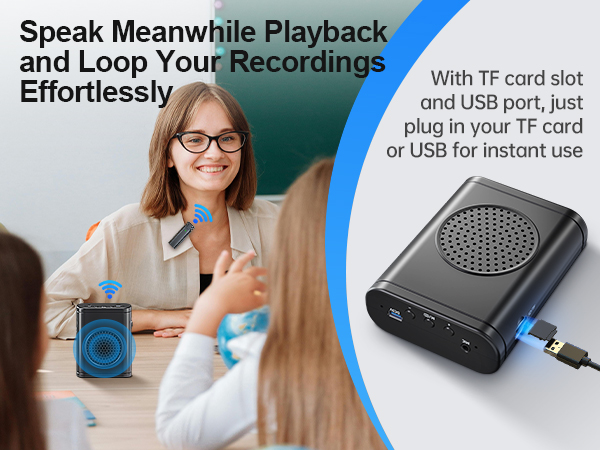
- Ideal and practicle gift for teachers, speakers, trainers, tour guides, supermarket, conferences, presentation, coaches and people who frequently address or instruct sizable audiences




Is there any noise or whistling while using it?
No, the product features a built-in noise reduction chip, delivering loud, clear, and high-quality sound without any whistling.
Is there a delay between speaking and hearing the sound from the speaker?
The delay is negligible—less than 0.03 seconds—so it won’t affect normal use of the voice amplifier.
How do I connect the wireless microphone to the amplifier?
Please follow these steps:
1.Turn on the voice amplifier by sliding the wheel to the "ON" position.
2.Press and hold the button on the wireless microphone for 3 seconds.
3.A steady green light on the microphone indicates a successful connection.
What should I do if I encounter any technical problems?
If you encounter any technical issues, our support team is ready to assist you through ’s ‘Contact Seller’ channel.
Moman Voice Amplifier - Great Choice for Teacher
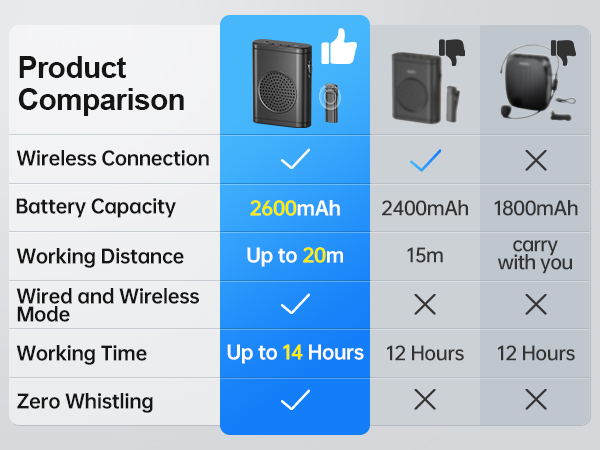
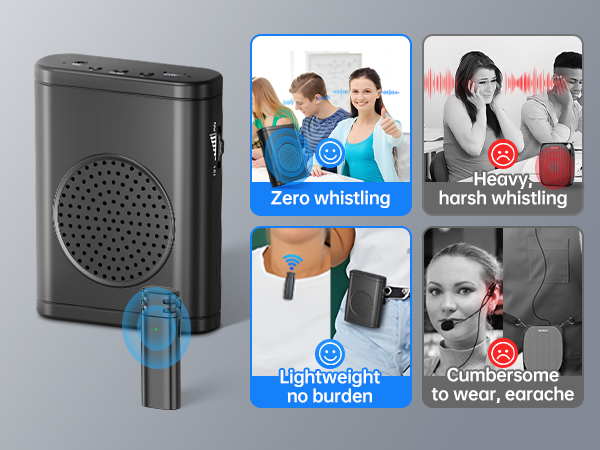
1. Zero Whistling
2. Lightweight & No burden
3. 2600mAh Battery Capacity for up to 14 hrs usage
We are there to help!
User Guidance
1. Turn on the receiver by rotating the knob to "ON". The green indicator light will begin flashing.
2. Alternatively, press and hold the microphone's power button for 2 seconds until the indicator lights up, indicating a successful startup.
3. Once the receiver's light stays solid, clip the microphone to a suitable position for listening.
Note: If you encounter any technical issues, our support team is ready to assist you through ’s 'Contact Seller' channel.
We are there to help!
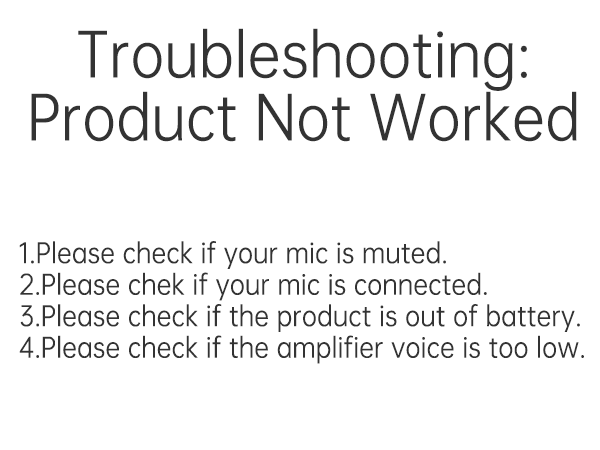
Troubleshooting Guide
If you experience issues with your voice amplifier, please follow these steps to self-diagnose and resolve common problems:
1.Please check if your mic is muted. If the green light on the microphone is flashing, it indicates that the microphone is currently muted. Simply press the button on the microphone once more to unmute it.
2. Try to turn both the amplifier and microphone off, and turn them back on to reconnect.
3. If the amplifier or microphone does not respond, the battery may be low.
MOMAN Voice Amplifier
The MOMAN Voice Amplifier with wireless lavalier microphone is equipped with a built-in noise reduction chip, providing high-quality sound with zero whistling.
This product is a practicle gift for teachers, tour guides, conferences, coaches and people who frequently giving speech, saveing your voice from yelling or shouting out, ensuring your voice is heard effortlessly in any setting.





