



Where can I download the M818-STD driver software?
1. Visit the official Redragon website (redragonzone.com )
2. Click the "Download" module, then click "Mice" ,search for model "M818-STD", and download the driver software.
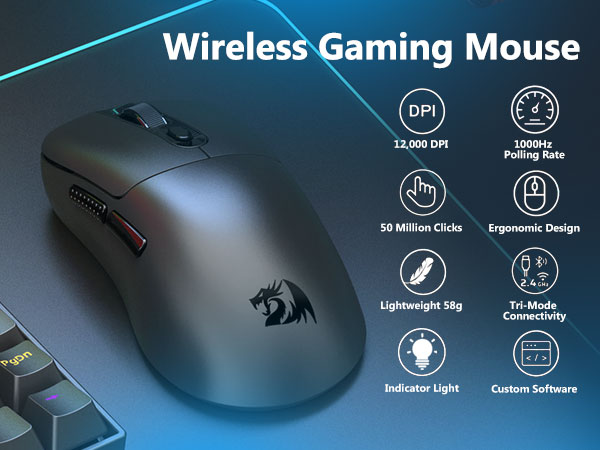
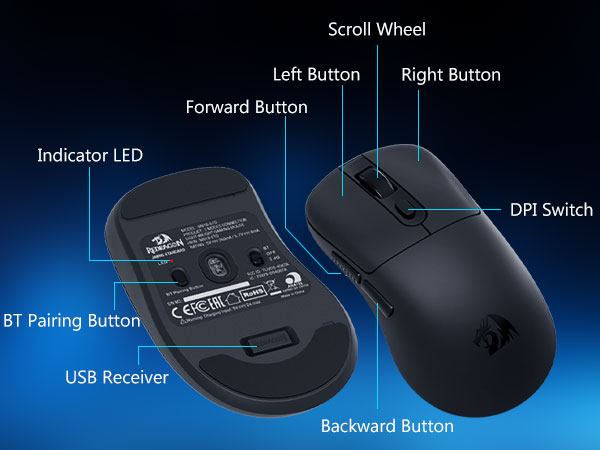
How to adjust mouse DPI to 12,000 DPl?
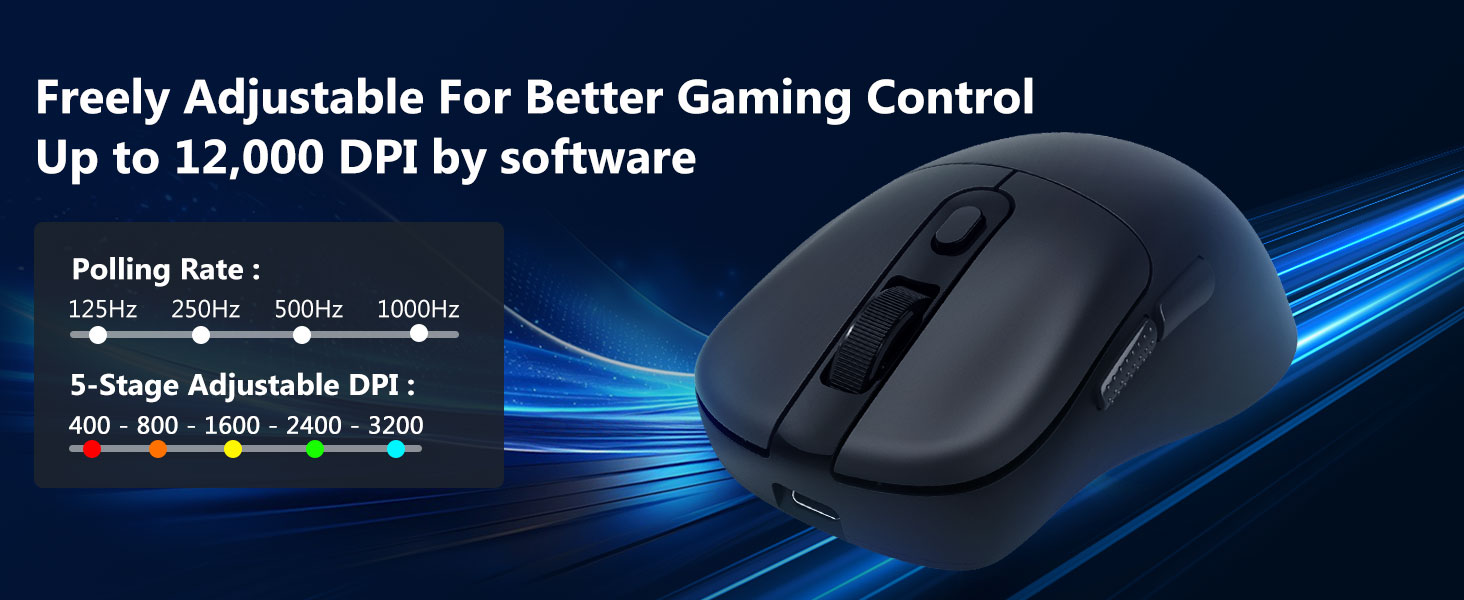
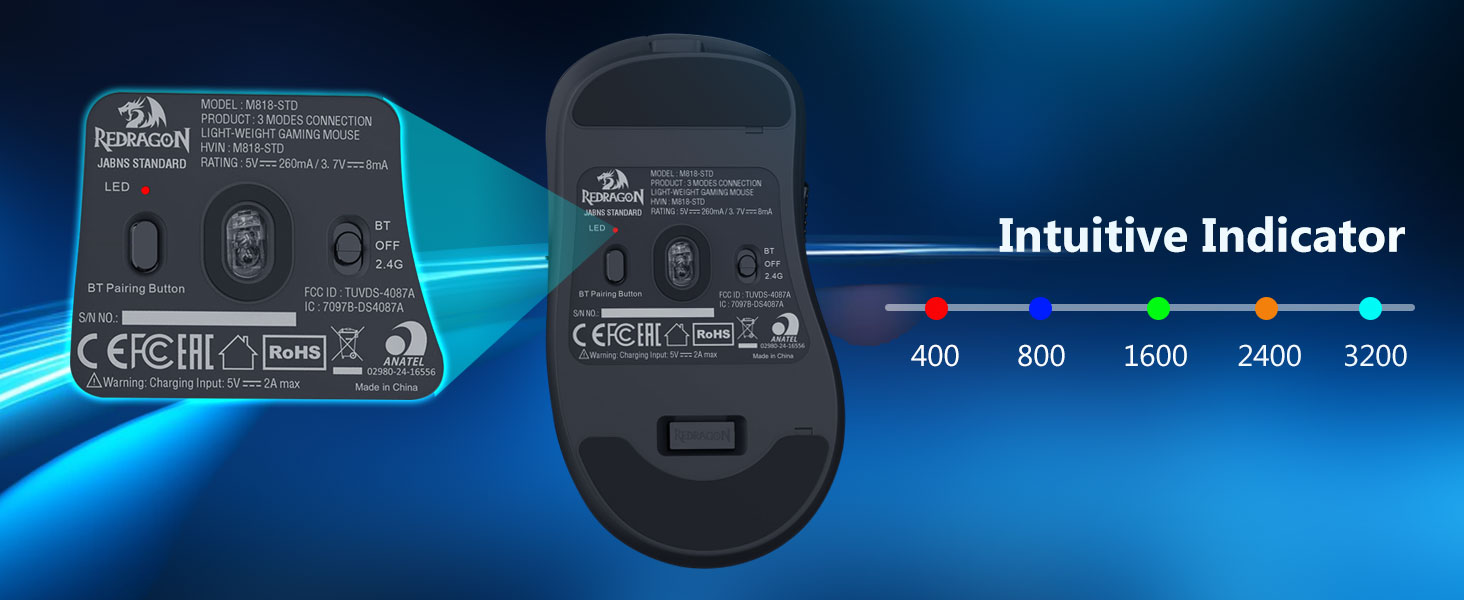
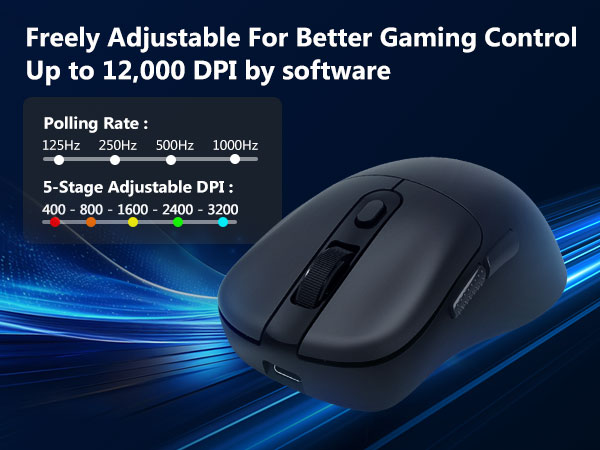
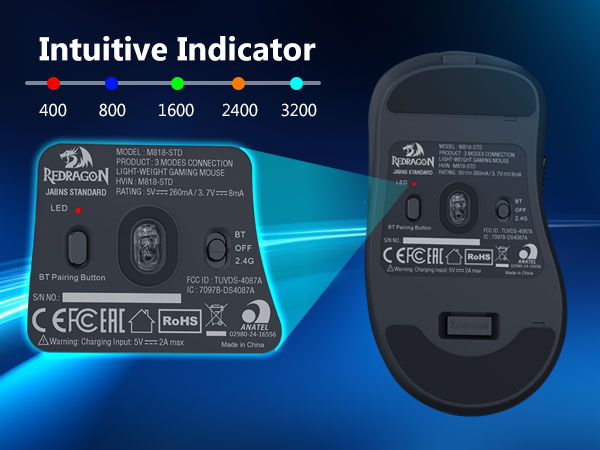
Adjusting DPI via the mouse's physical buttons only allows adjustment within the 400-3200 DPI range.
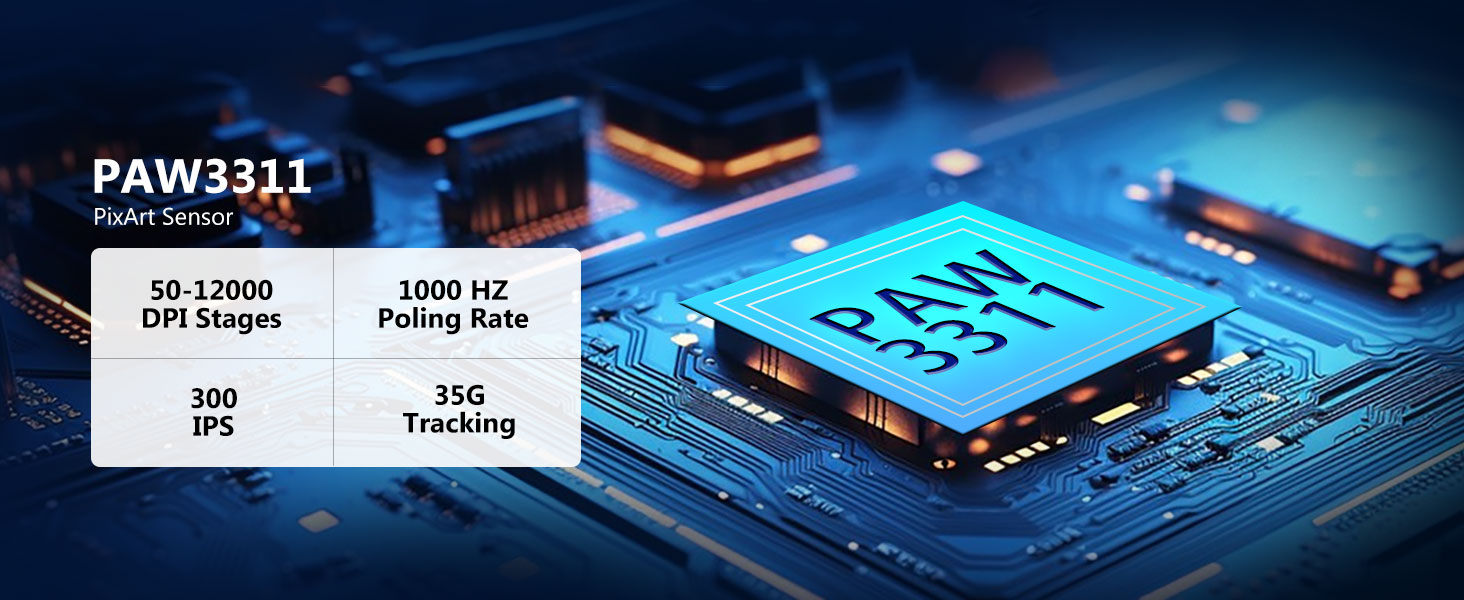
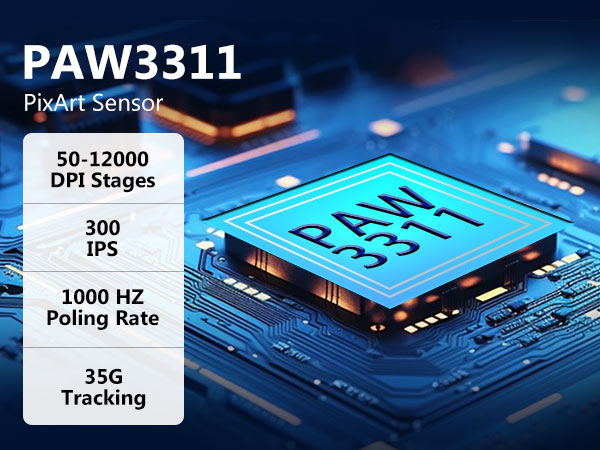
By downloading the mouse driver software, you can freely adjust the mouse DPI up to a maximum of 12000 DPI.




Where can I download the M818-STD driver software?
1. Visit the official Redragon website (redragonzone.com )
2. Click the "Download" module, then click "Mice" ,search for model "M818-STD", and download the driver software.
How to adjust mouse DPI to 12,000 DPl?
Adjusting DPI via the mouse's physical buttons only allows adjustment within the 400-3200 DPI range.
By downloading the mouse driver software, you can freely adjust the mouse DPI up to a maximum of 12000 DPI.
Typewriter Keyboard Wireless
Wireless Gaming Keyboard
Wireless Gaming Keyboard
Wired Gaming Keyobard
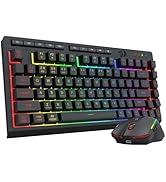
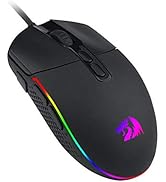
Redragon Gaming Mouse





