


2025 Wireless Charger iPhone Charging Station
Merchant Video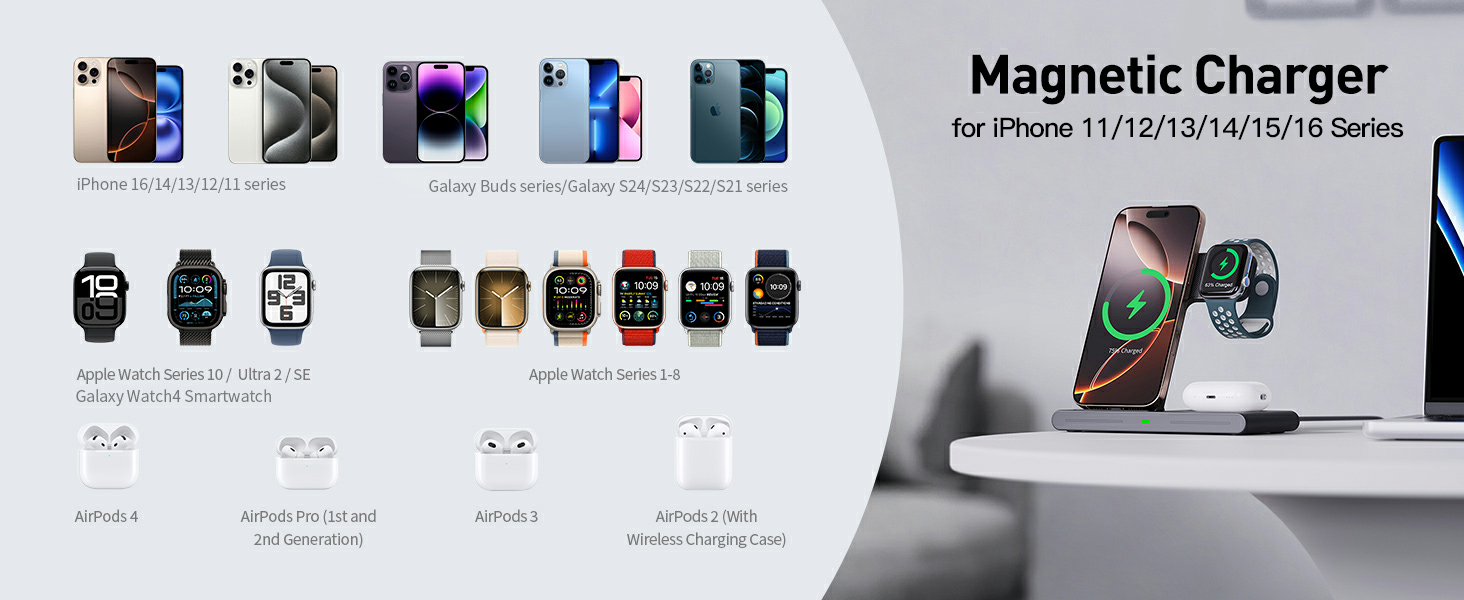
My phone’s magnetic attraction is weak and it won’t stick to the charger. What should I do?
-Use a phone case that supports magnetic attachment.
-If your phone case does not support magnetic attachment, please remove it before charging.
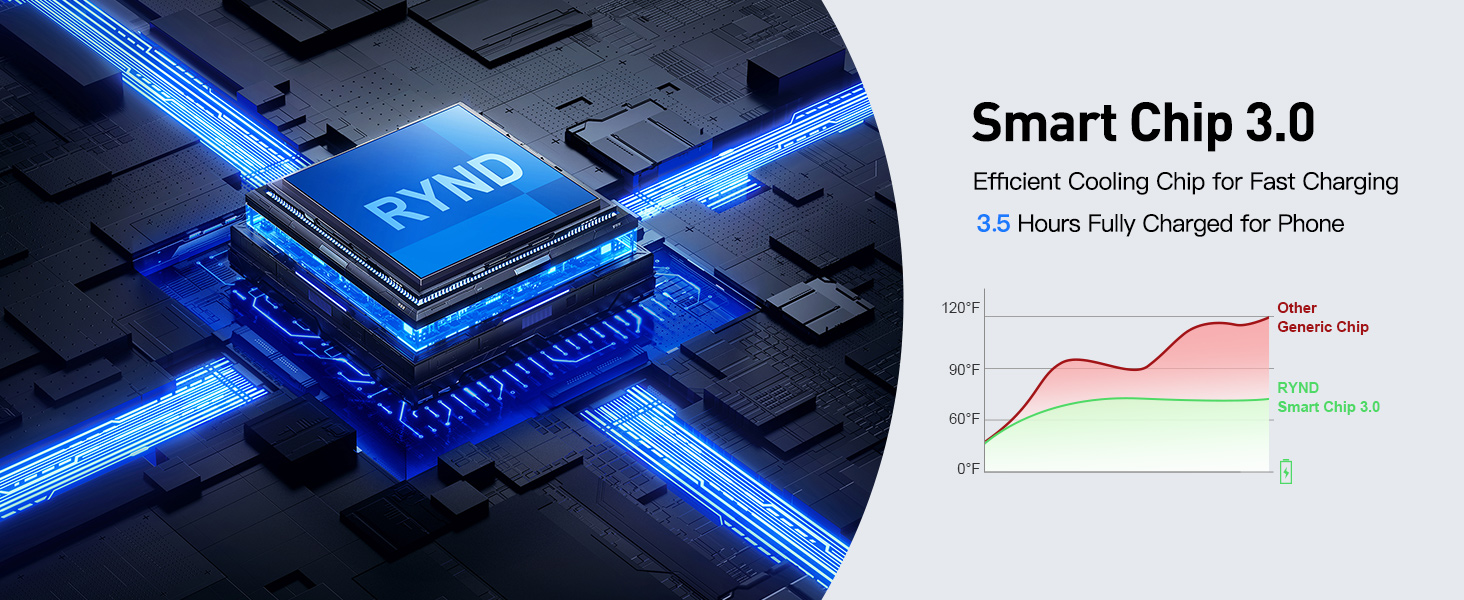
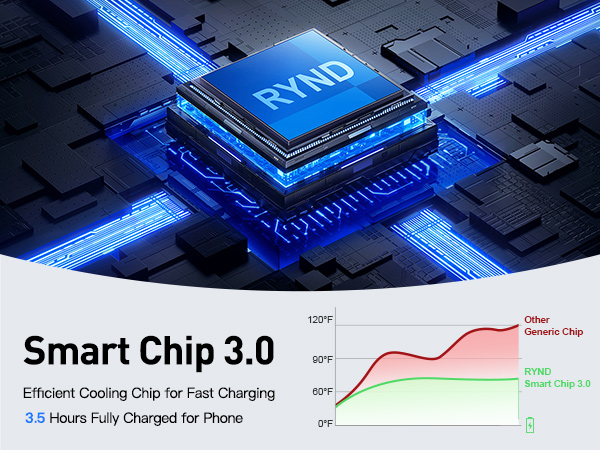
What if my phone charges slowly and gets hot?
-Please use the original charging head and cable that came with the packaging.
-Use a charging head with a power output of 18W or higher and a fast-charging cable.
What if my phone is not charging at all?
-Ensure your phone is an iPhone 16/15/14/13/12/11,13/12Mini/Pro Max/XS/XR/XS/MAX/X/8/8/Plus model.
-Update your phone’s operating system to the latest version.
-Unplug the charger’s power source, wait a few seconds, and then plug it back in.
What if my earbuds are not charging?
-Please check and confirm that your earbuds are compatible with wireless charging.
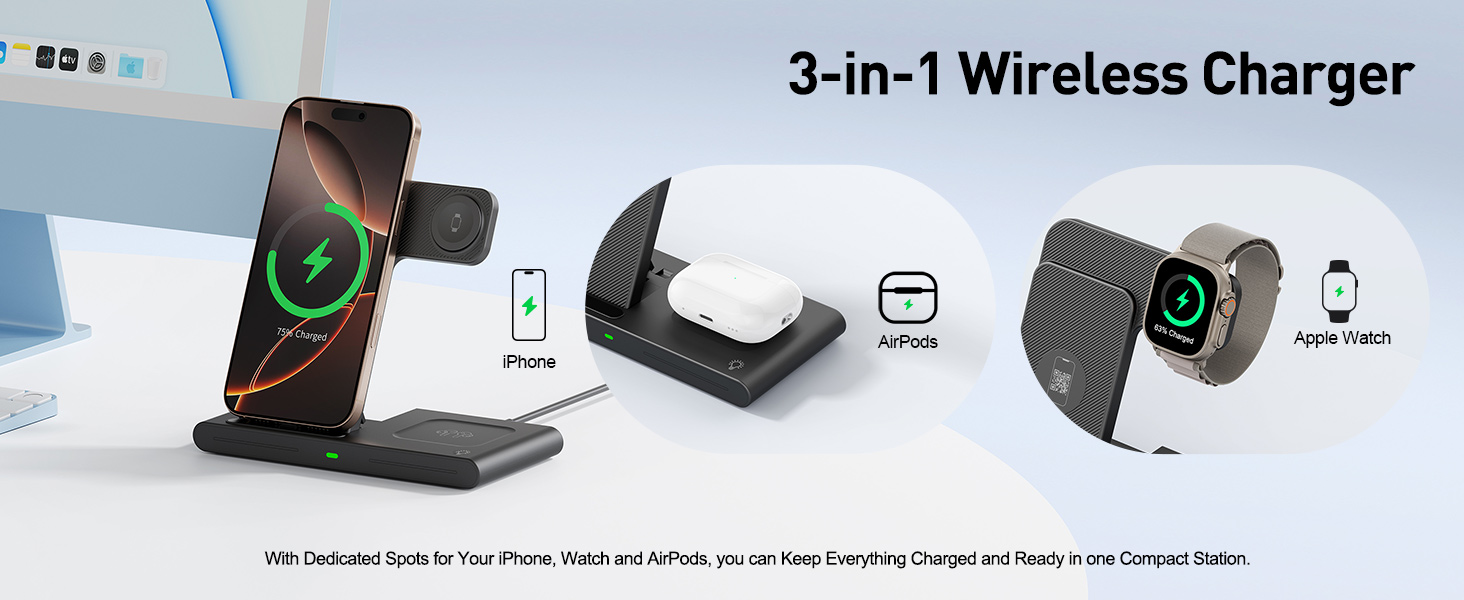
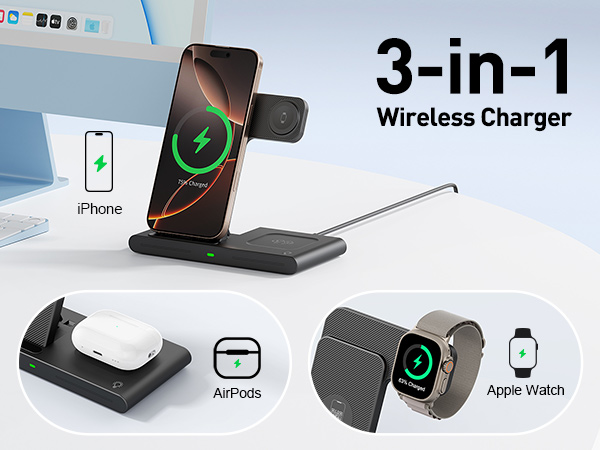
-AirPods 3/Pro designed with the MagSafe Wireless Charging Case can be charged with this product.
-AirPods 1/2/3/4 with the Lightning Charging Case can not be charged.
What if my smartwatch is not charging?
-Please update your smartwatch’s system to the latest version.
-Unplug the charger’s power source, wait a few seconds, and then plug it back in.
-If your watch is completely out of power, you may need to wait 10-30 minutes after starting charging.


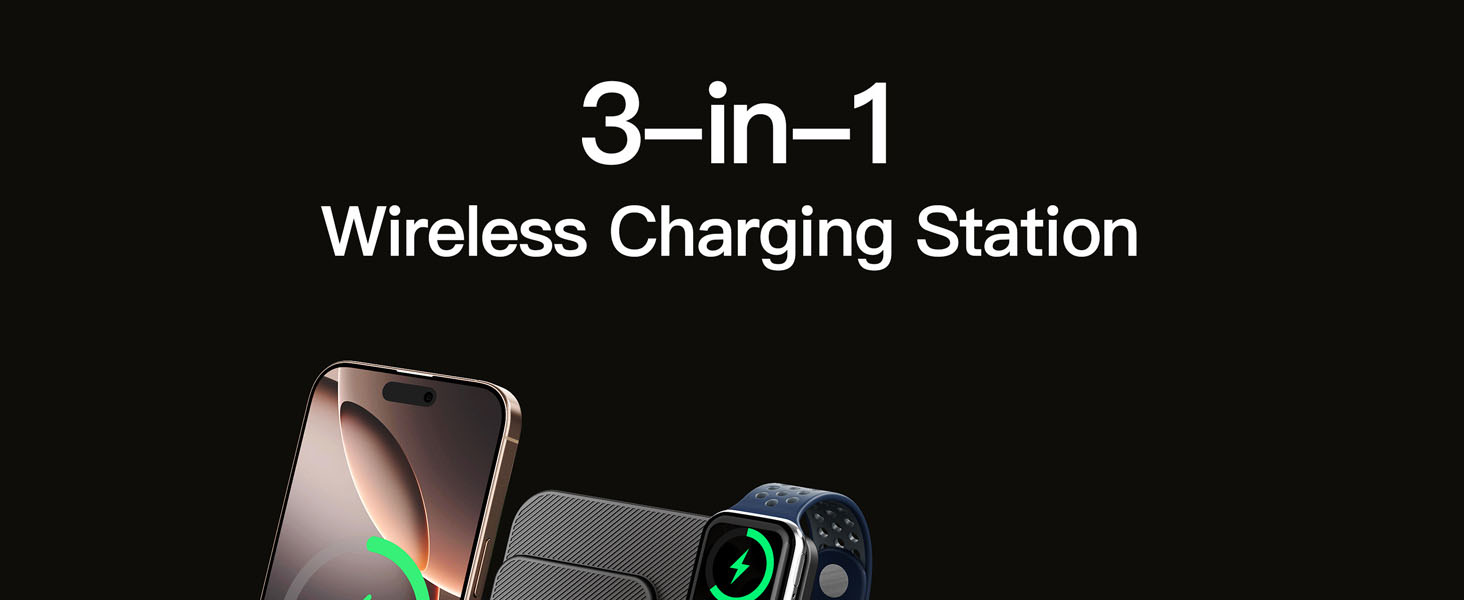
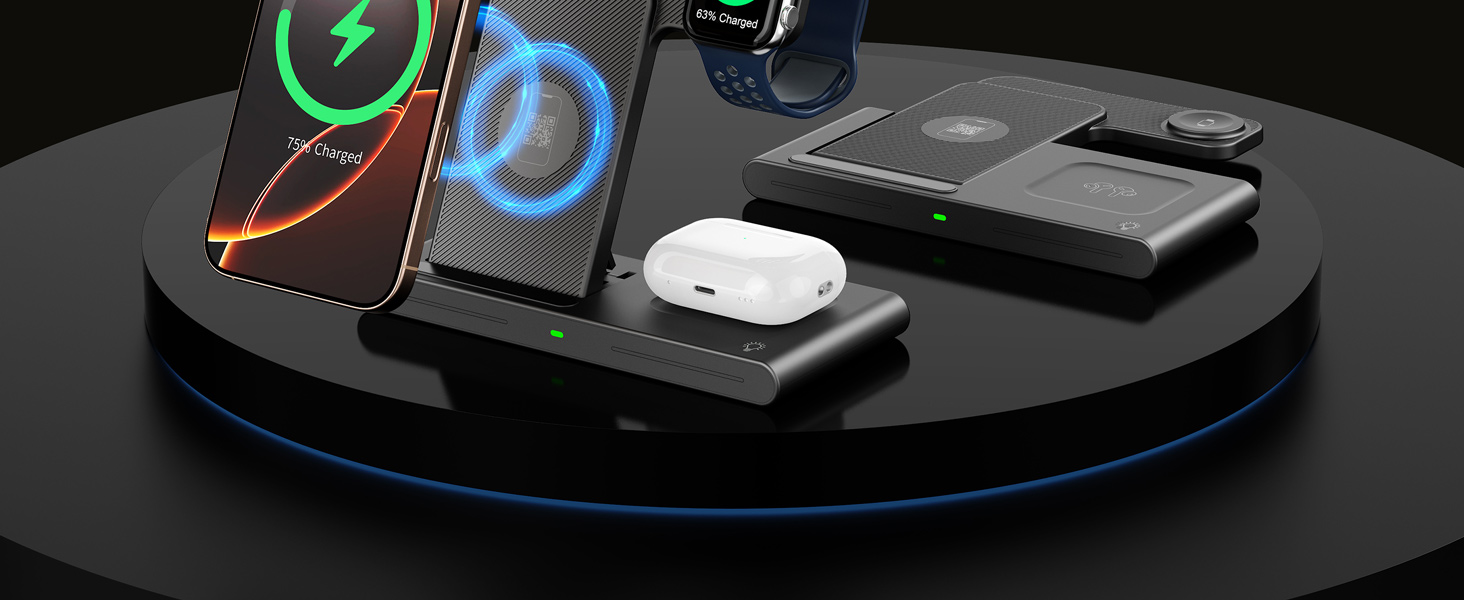
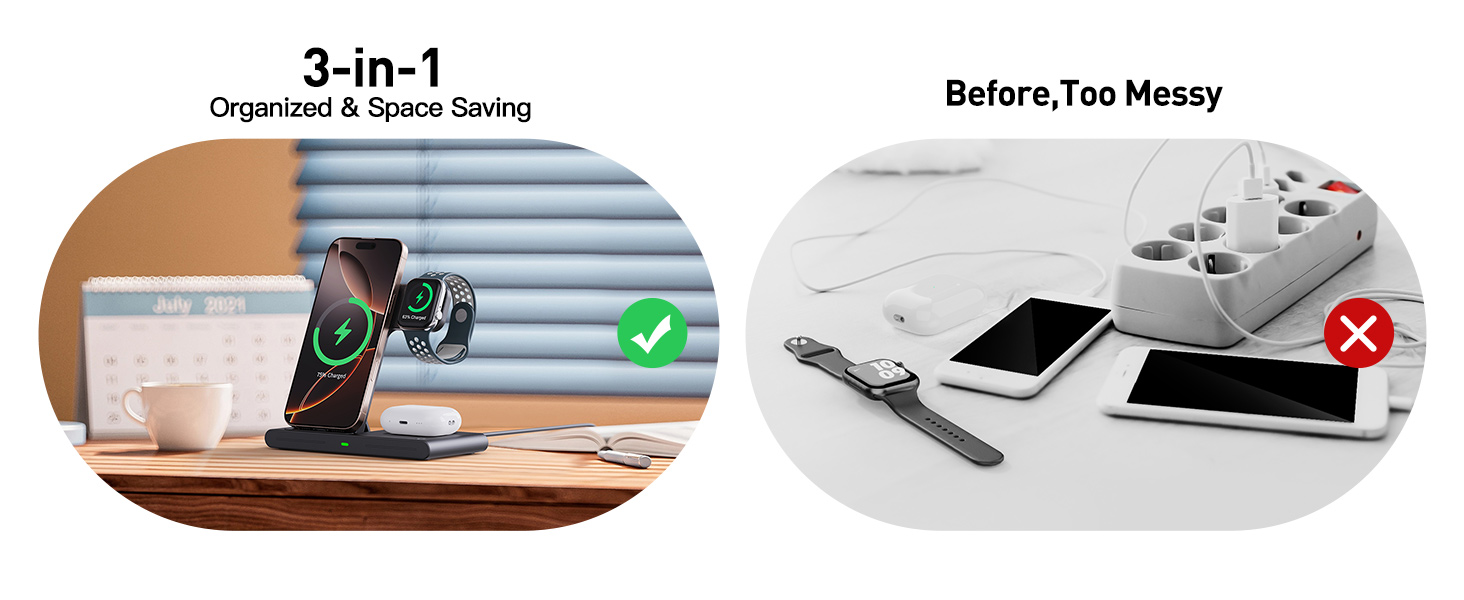
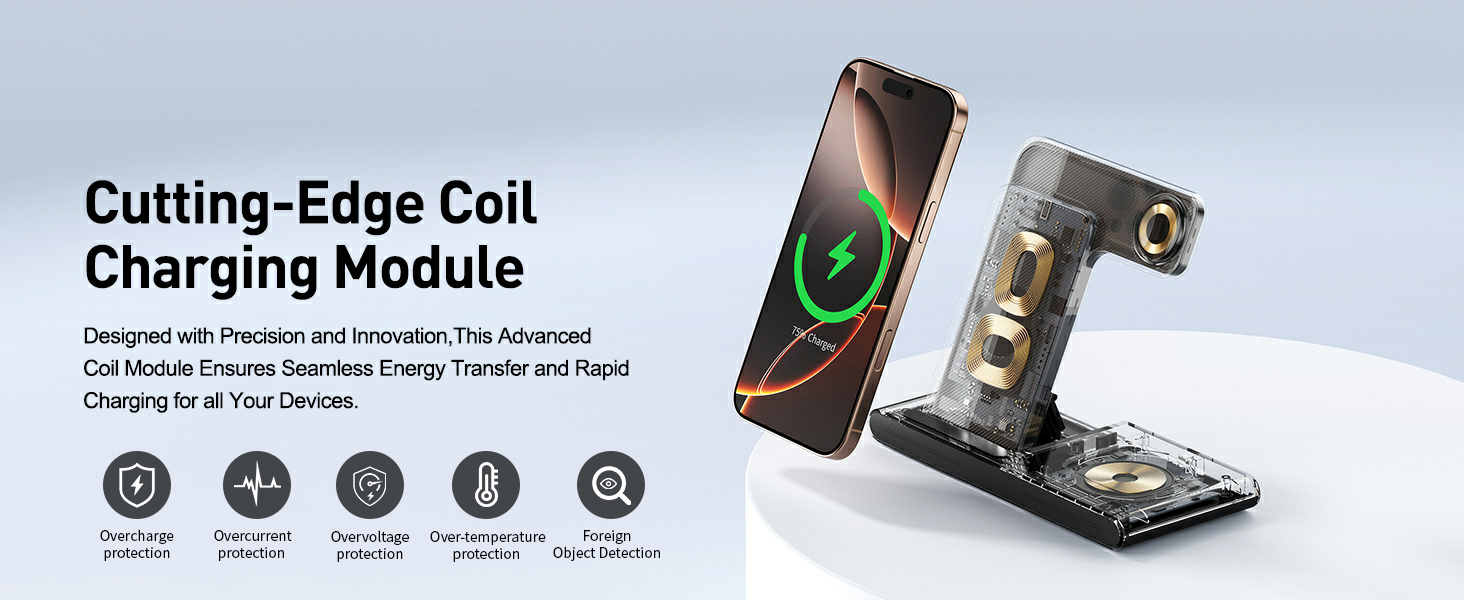
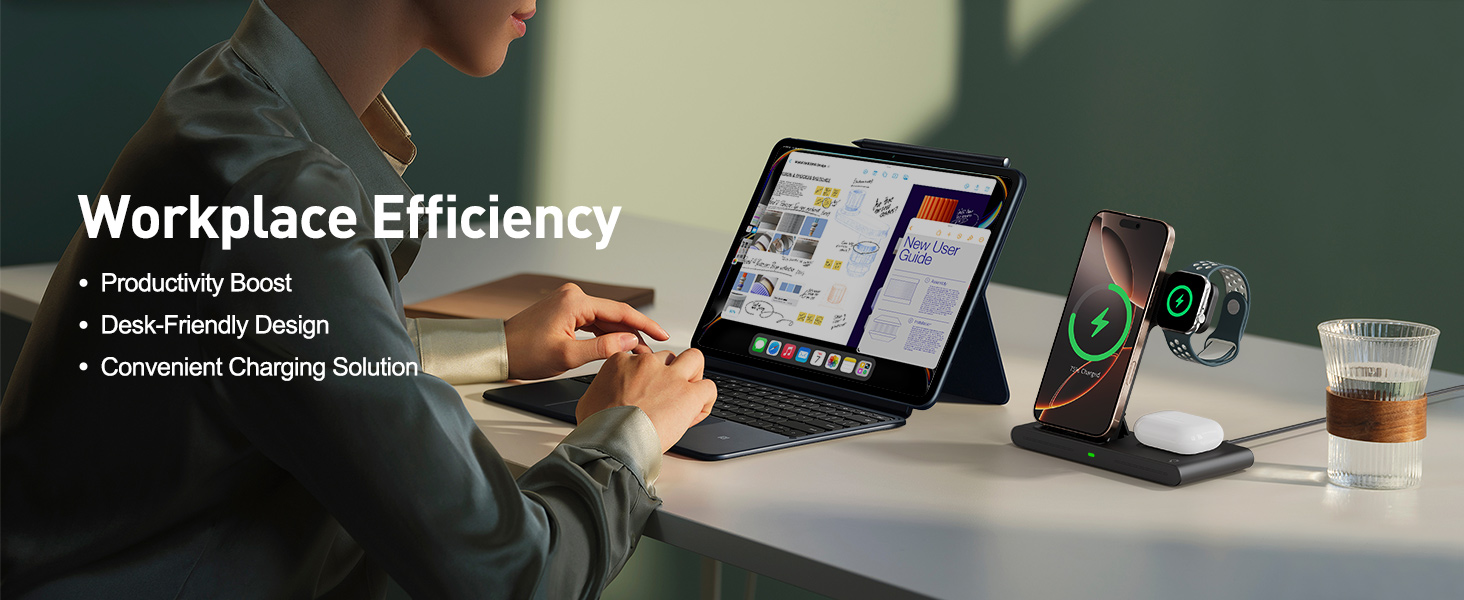
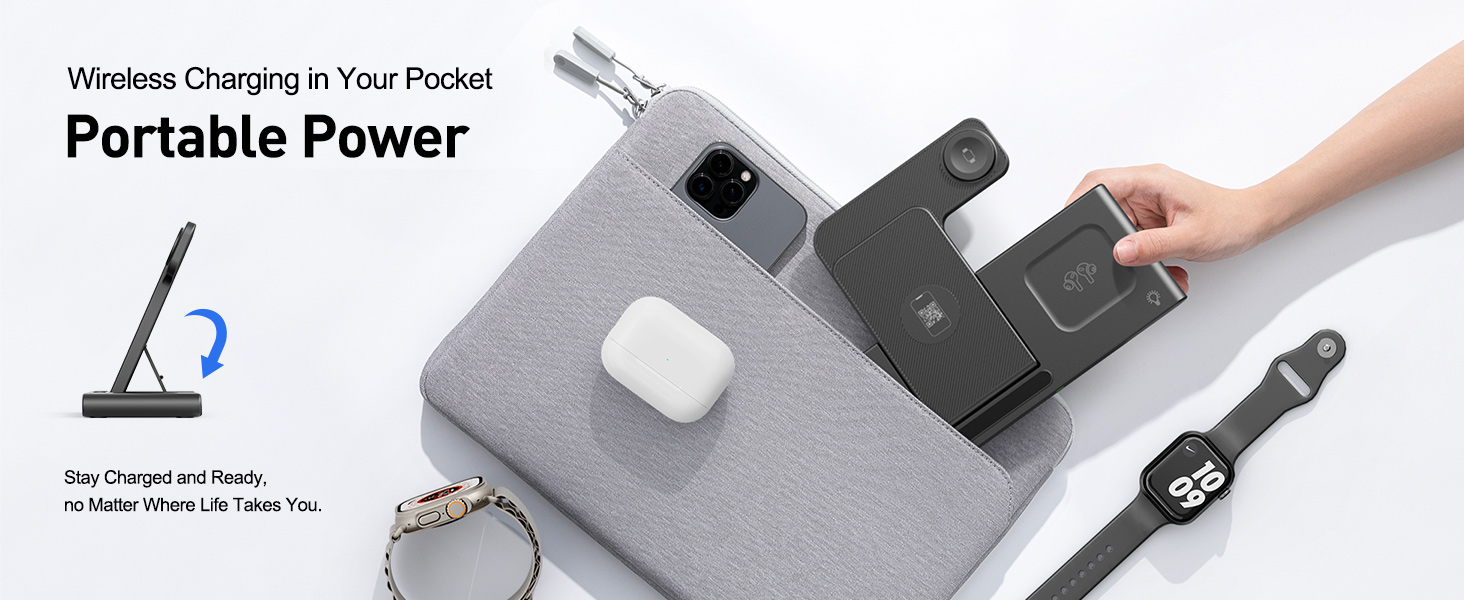
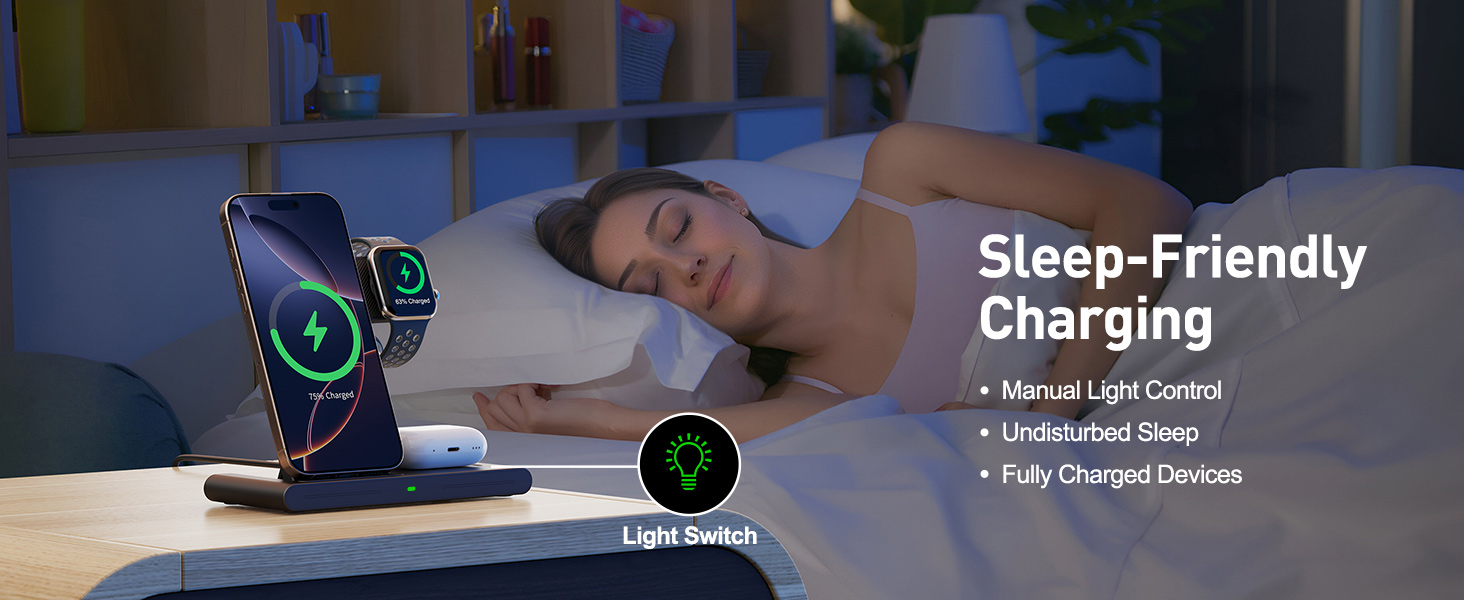
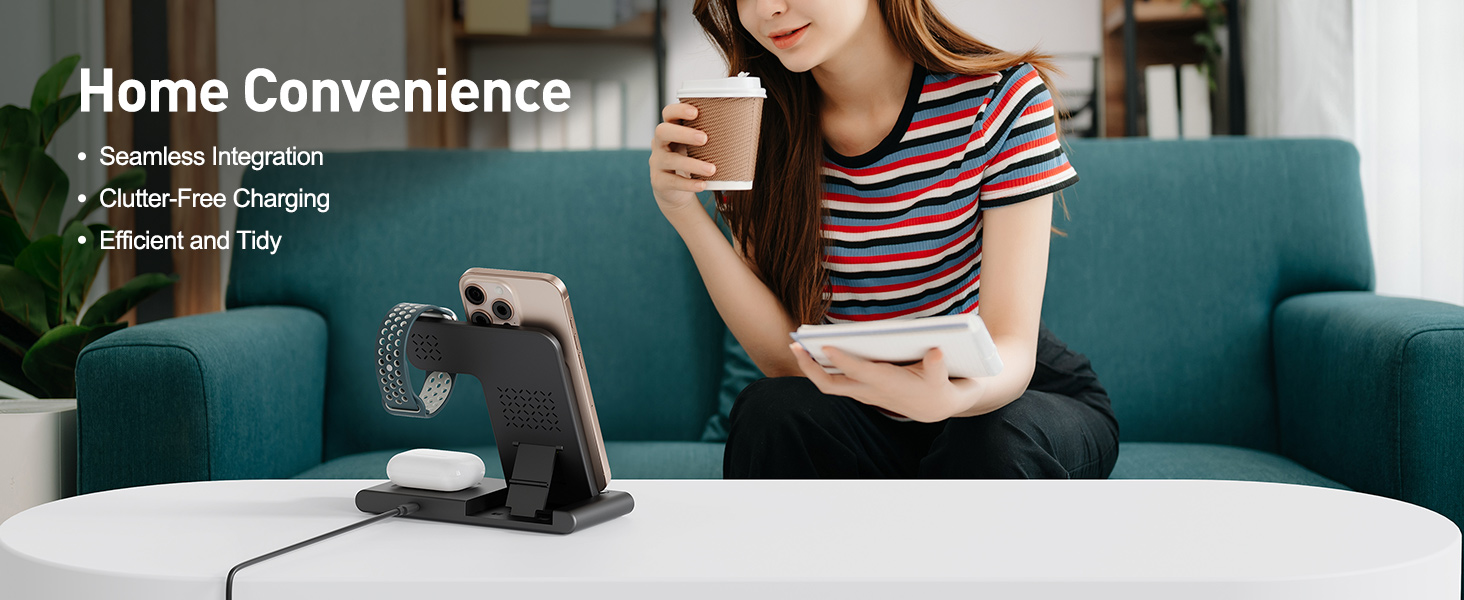
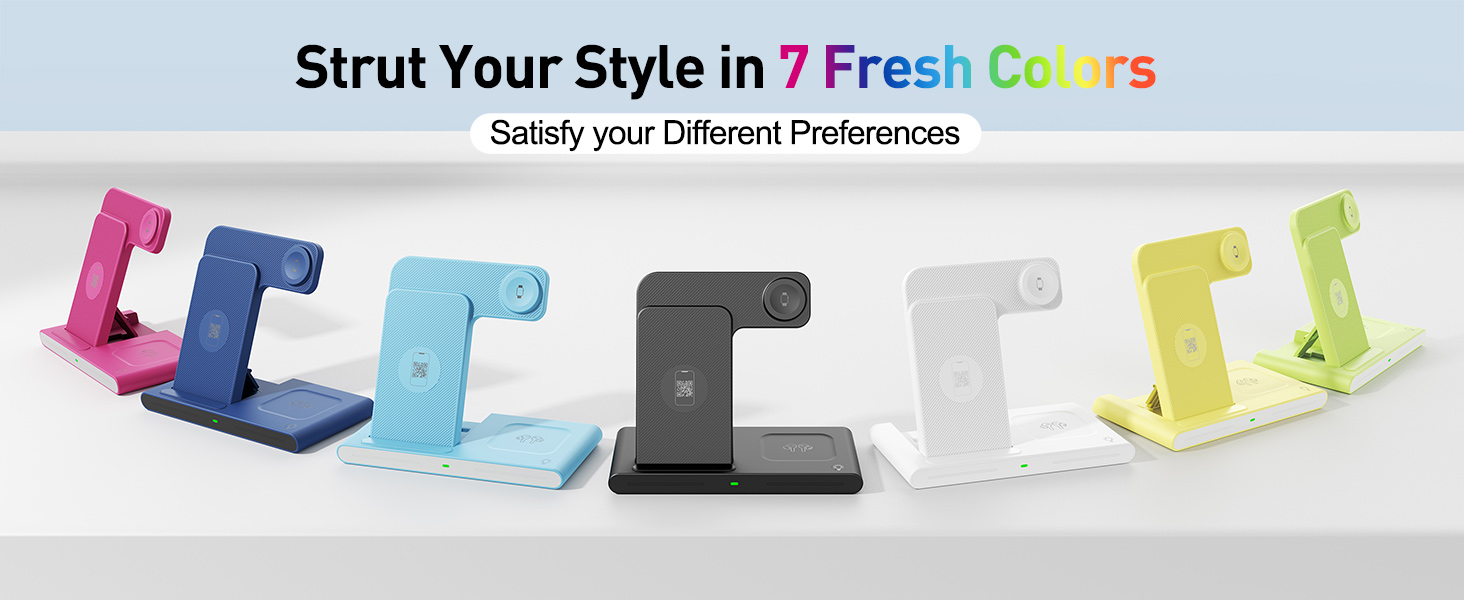
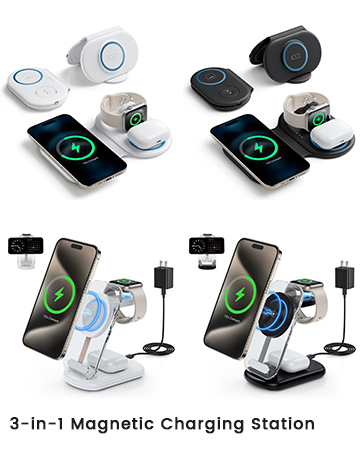
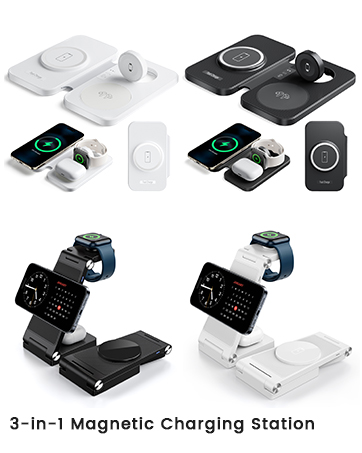
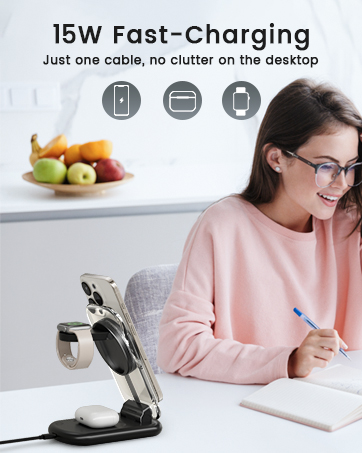
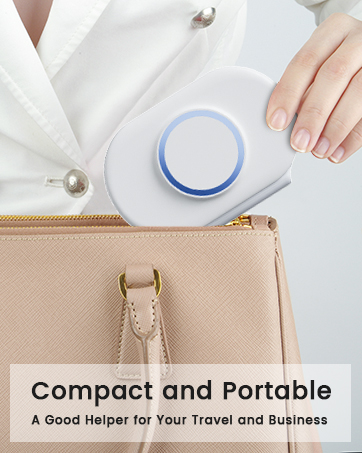
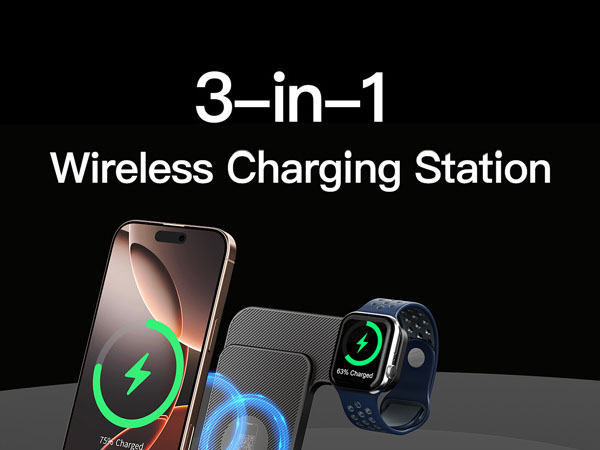
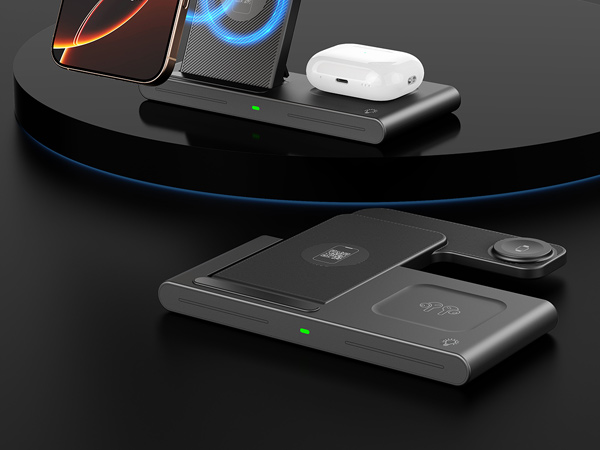
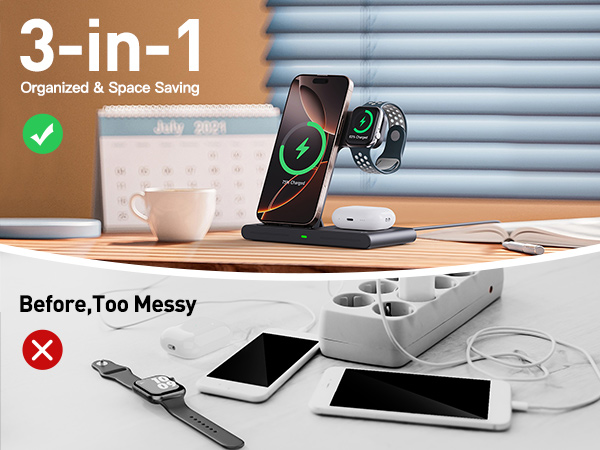
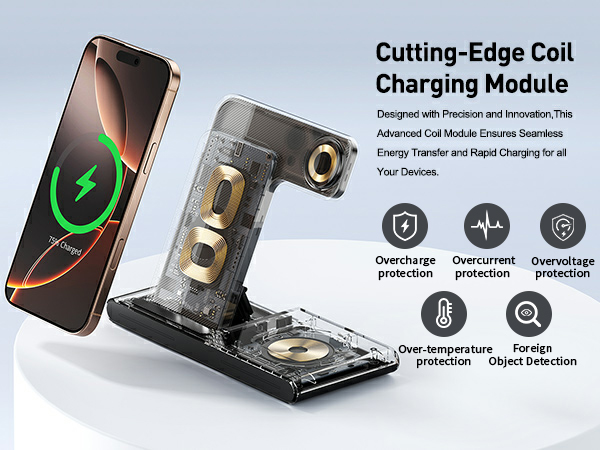
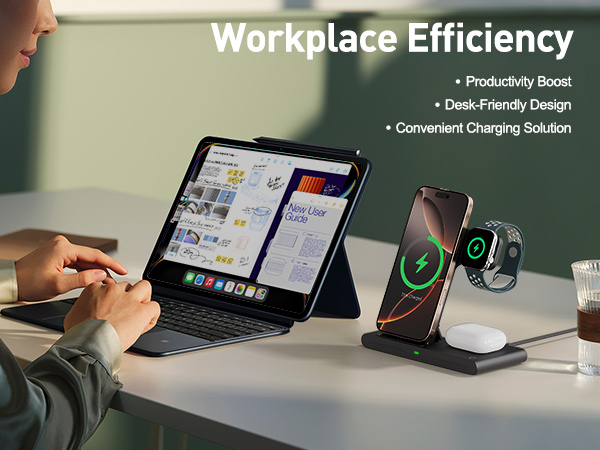
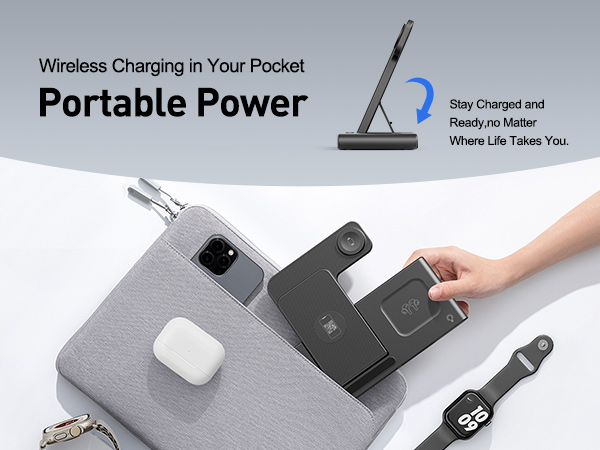
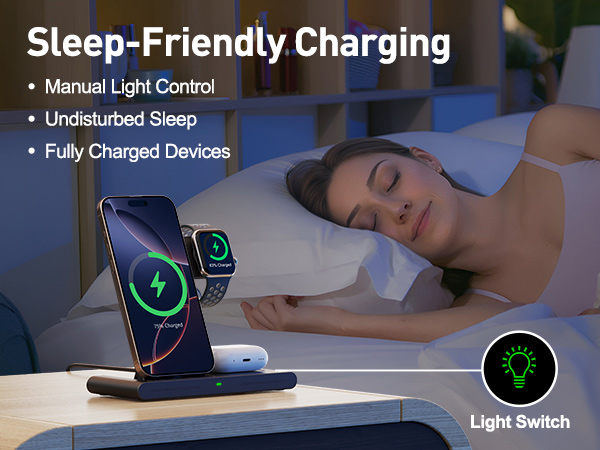
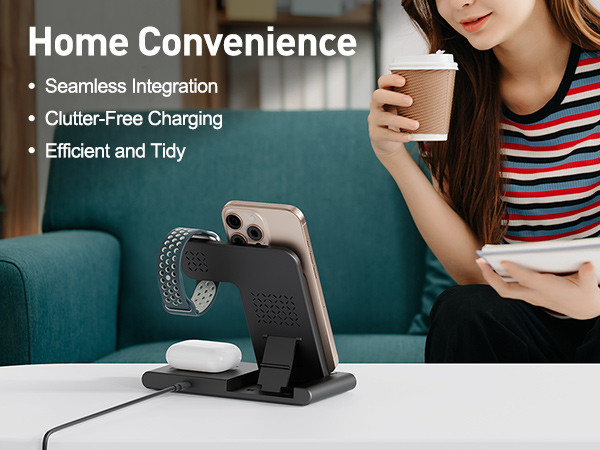
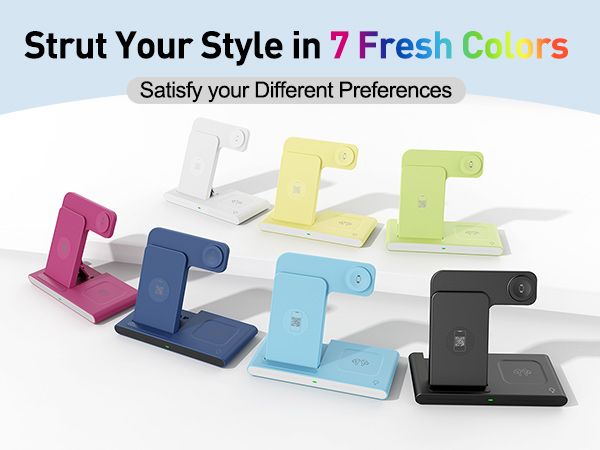
RYND 3-in-1 Charging Station is a great complement for your Apple devices, offering a sleek, efficient charging solution. Enjoy effortless charging at home, office, or on-the-go.
With continuous product improvement, RYND is dedicated to enhancing your Apple experience. Simplify, charge, and thrive with RYND!
2025 Wireless Charger iPhone Charging Station
Merchant Video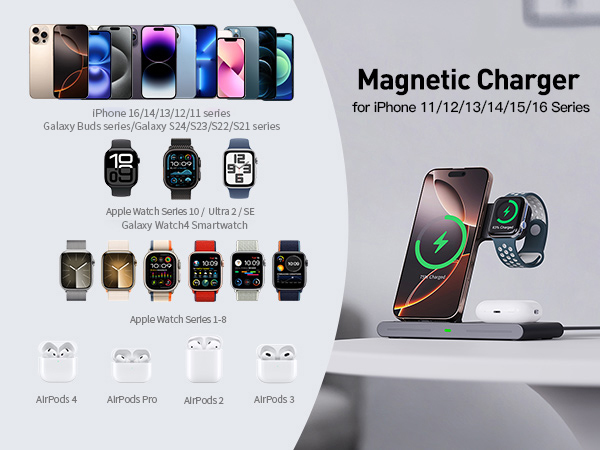
My phone’s magnetic attraction is weak and it won’t stick to the charger. What should I do?
-Use a phone case that supports magnetic attachment.
-If your phone case does not support magnetic attachment, please remove it before charging.
What if my phone charges slowly and gets hot?
-Please use the original charging head and cable that came with the packaging.
-Use a charging head with a power output of 18W or higher and a fast-charging cable.
What if my phone is not charging at all?
-Ensure your phone is an iPhone 16/15/14/13/12/11,13/12Mini/Pro Max/XS/XR/XS/MAX/X/8/8/Plus model.
-Update your phone’s operating system to the latest version.
-Unplug the charger’s power source, wait a few seconds, and then plug it back in.
What if my earbuds are not charging?
-Please check and confirm that your earbuds are compatible with wireless charging.
-AirPods 3/Pro designed with the MagSafe Wireless Charging Case can be charged with this product.
-AirPods 1/2/3/4 with the Lightning Charging Case can not be charged.
What if my smartwatch is not charging?
-Please update your smartwatch’s system to the latest version.
-Unplug the charger’s power source, wait a few seconds, and then plug it back in.
-If your watch is completely out of power, you may need to wait 10-30 minutes after starting charging.
RYND 3-in-1 Charging Station is a great complement for your Apple devices, offering a sleek, efficient charging solution. Enjoy effortless charging at home, office, or on-the-go.
With continuous product improvement, RYND is dedicated to enhancing your Apple experience. Simplify, charge, and thrive with RYND!





